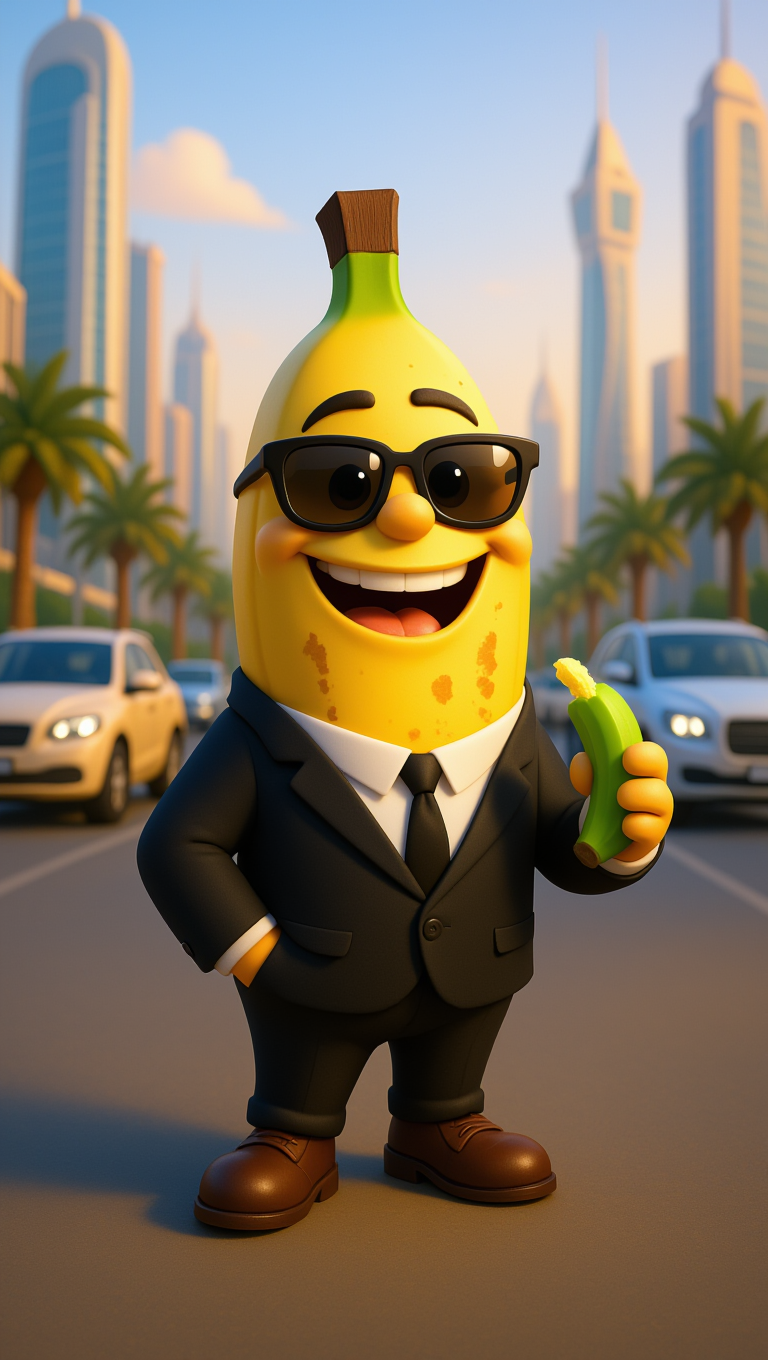
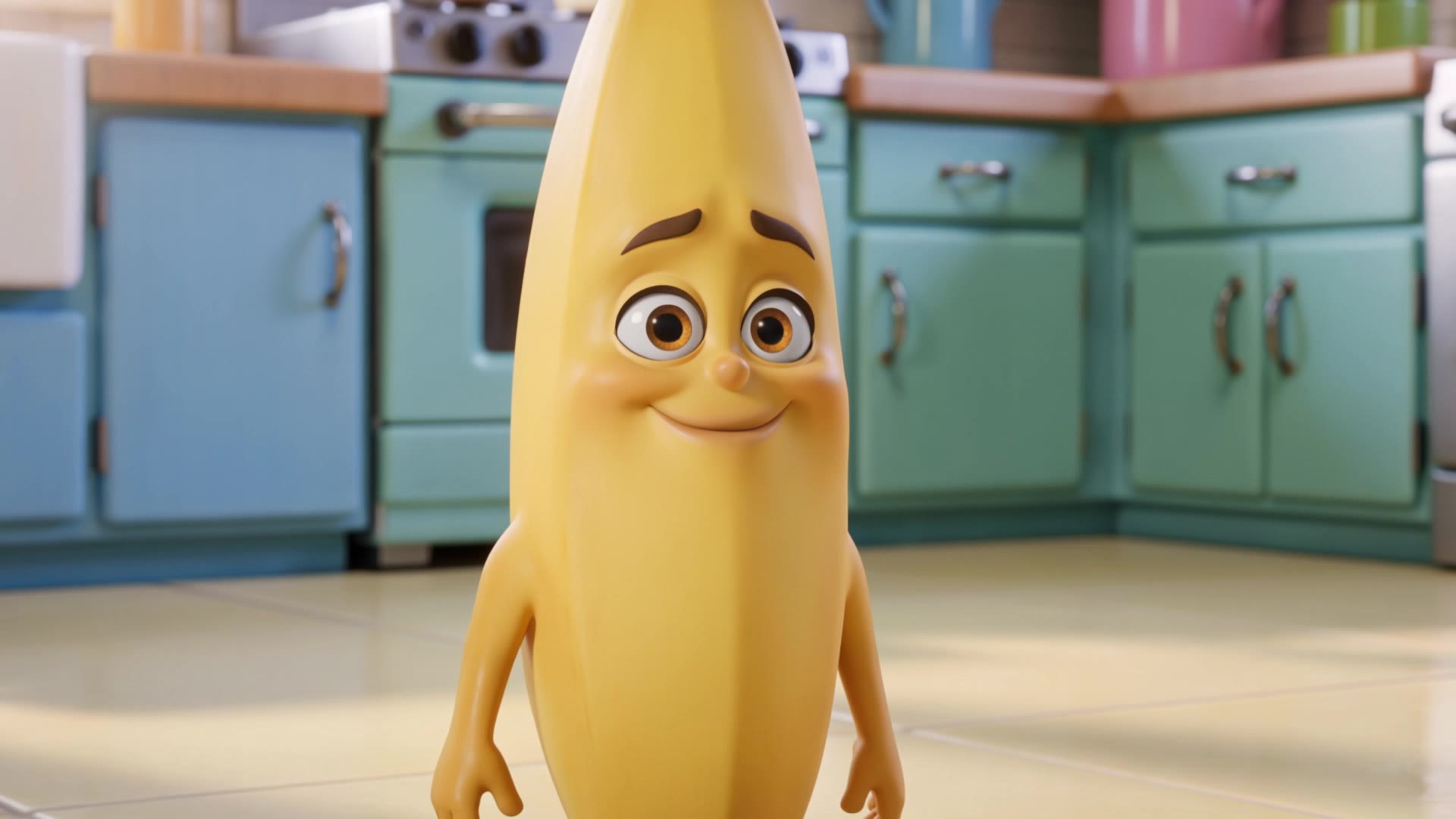
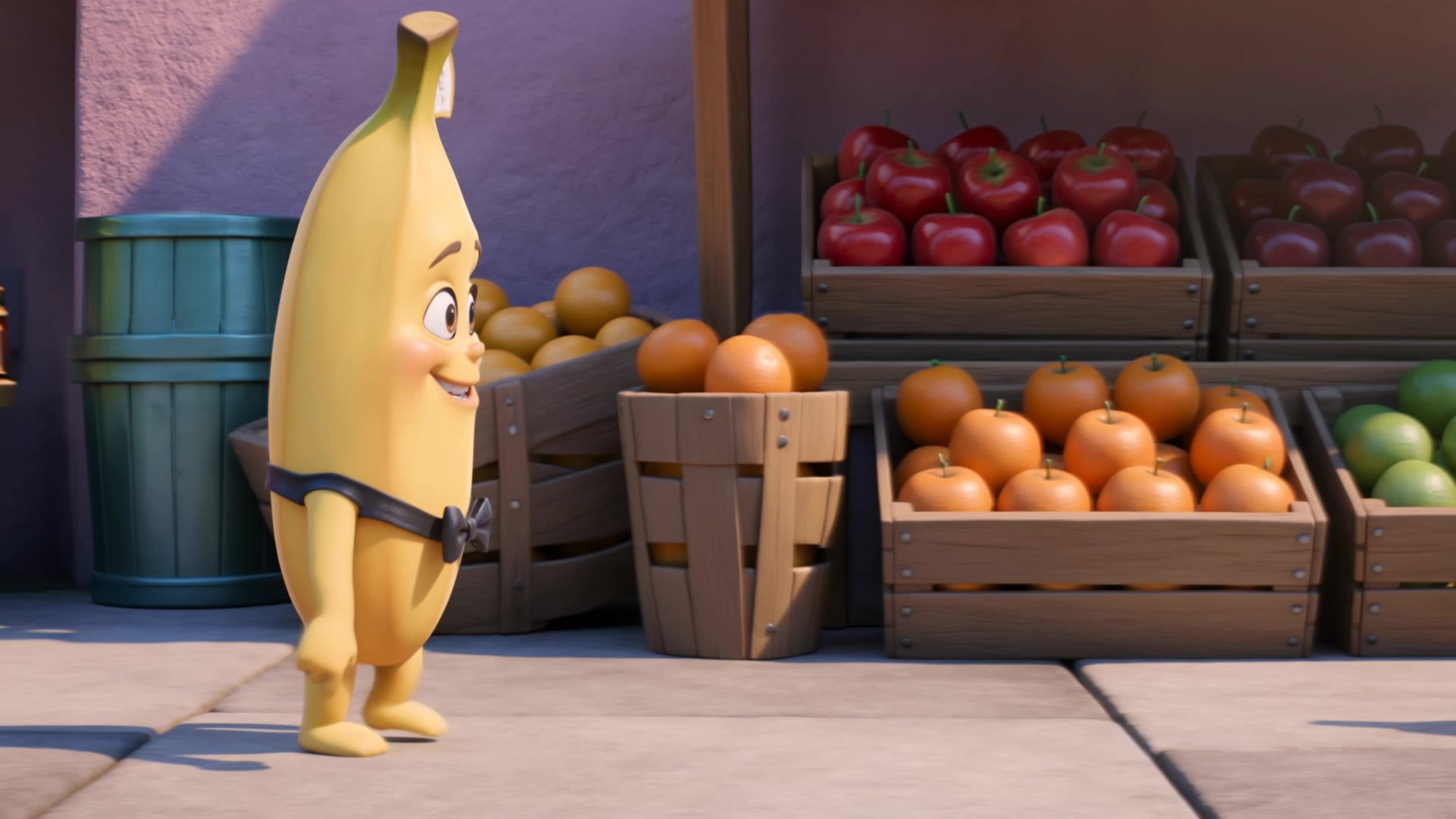
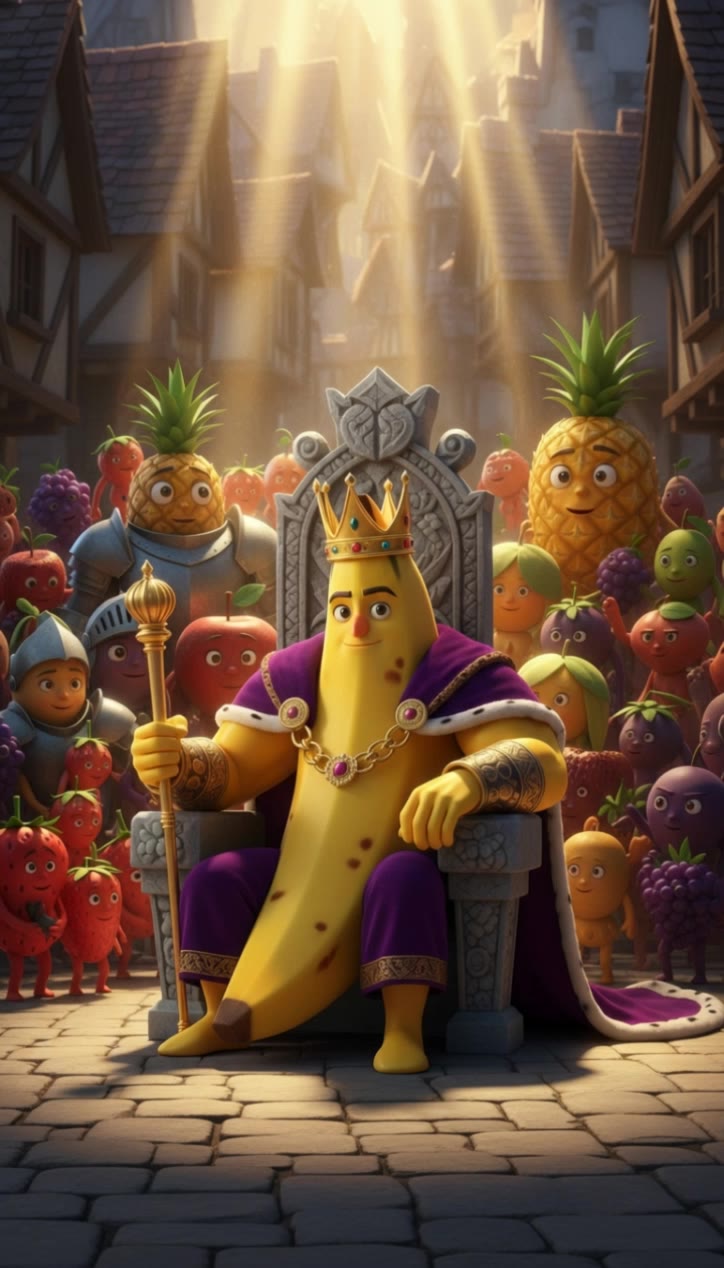
naono banana - ASMR cutting & chicken fusion

Dive into unique visual themes like hyperrealistic banana artistry and whimsical banana-chicken hybrids. Start exploring naono banana ideas and generate your own content with AI.

naono banana - ASMR cutting & chicken fusion

Recommended

Kling AI work 316640878611242 - naono banana AI image
UPgPodDA avatar
UPgPodDA
banana - naono banana AI video
00:12
wagCFeUd avatar
wagCFeUd
Sheddy’s Funny Banana Surprise  - naono banana AI video
jgBOkxdL avatar
jgBOkxdL
Bananaman - naono banana AI image
aTXRxOUV avatar
aTXRxOUV
Kling AI work 318833175520226 - naono banana AI video
uYdTXXMW avatar
uYdTXXMW
Kling AI work 312382589667331 - naono banana AI image
clgVtMUD avatar
clgVtMUD
Kling AI work 314801723665502 - naono banana AI video
OPYXOMGD avatar
OPYXOMGD
Kling AI work 310641620522508 - naono banana AI image
YZVxOoYM avatar
YZVxOoYM
Kling AI work 316069357523896 - naono banana AI video
QiEWPVWO avatar
QiEWPVWO
Kling AI work 312677367616655 - naono banana AI image
mtx_houssem avatar
mtx_houssem
A human peels a banana - naono banana AI video
qltYLFaL avatar
qltYLFaL
Cute Banana Stand - naono banana AI video
KLING4808 avatar
KLING4808
Kling AI work 315216982611207 - naono banana AI video
dzlhhJKq avatar
dzlhhJKq
Grumpy banana - naono banana AI video
gAcGTmMH avatar
gAcGTmMH
Strawberry eating a Banana - naono banana AI video
xOoSBNee avatar
xOoSBNee
Banana - naono banana AI video
LBMlKLBV avatar
LBMlKLBV
banana - naono banana AI video
laozhpZQ avatar
laozhpZQ
Ai slop banana - naono banana AI video
lLFmZndt avatar
lLFmZndt
Kling AI work 317448774661167 - naono banana AI video
vzpuPRcU avatar
vzpuPRcU

A Complete AI Video Editing Workflow

Create Videos with AI

Create Videos with AI

Start with a prompt, image, or visual reference. Animate a still, build a new scene, or recreate a popular effect with Kling’s AI video tools.

Edit Videos with AI

Edit Videos with AI

Upload existing footage and tell Kling what to change. Use Kling VIDEO 3.0 Omni to replace subjects, rebuild backgrounds, restyle footage, or reframe a shot. When you need more time, continue the clip with Video Extension without tedious frame-by-frame work.

Make Avatar or Talking Videos

Make Avatar or Talking Videos

Create presenter-led videos for ads, explainers, product demos, and social content with Kling AI Avatar tool. Use Lip Sync to add dialogue, dubbing, or narration from text or uploaded audio.

Edit Any Part with Kling AI

Add, Remove, or Replace Image Content

Add, Remove, or Replace Image Content

Tell Kling what you want to change in text prompts. Replace a person, remove an object, or fine-tune details such as color, material, pose, and expression. Even detailed edits take fewer and easier steps because you can change the photo with AI instead of with traditional photo editing tools. IMAGE 3.0 follows your instruction while keeping the photo’s original style, lighting, and texture in place, so the edited area still belongs in the same shot.

Change the Color, Lighting, or Style

Change the Color, Lighting, or Style

Give an existing photo a different mood effortlessly. Lift a dim scene, soften harsh light, warm or cool the colors, or bring color to a black-and-white photo or line drawing. A short prompt replaces the usual round of manual adjustments. Looking for a bigger shift? Add a style reference or spell out the visual direction. IMAGE 3.0 carries the palette, texture, and atmosphere across the whole image, so the new look feels cohesive rather than pasted on. Use it for studio-style professional headshots, distinctive portrait treatments, cinematic scene design, or a visual style that feels entirely your own.

Rework the Shot or Camera Angle

Rework the Shot or Camera Angle

Tell Kling how you want the shot to look in a text prompt. Turn a front-facing photo into a side view, move the camera higher or lower, or change a wide shot into a close-up. You can explore a new composition around the same subject without setting up another shoot. IMAGE 3.0 rebuilds the scene from the angle you request, adjusting the perspective, camera height, shot size, focal length, and depth of field along with it. The result is a newly generated view based on the source photo, rather than hidden details recovered from outside the original frame.

Apps

Image to Video
Image to Video

Image to Video

Text to Video
Text to Video

Text to Video

Omni
Omni

Omni

Digital Human
Digital Human

Digital Human

Restyle
Restyle

Restyle

Text to Image
Text to Image

Text to Image

60M+
60M+
Users
600M+
600M+
AI Videos Generated
4.7 ★
4.7 ★
App Store
Industry-Leading
Industry-Leading
Cinematic 4K

Reviews

Halim Alrasihi

Halim Alrasihi

★★★★★

I use AI daily and Kling AI is a crucial part of my workflow, whether for client work or personal projects. What I love most about using Kling AI is that it provides all the tools I need in one place, from keyframes to character references, elements and special effects.

Samuele Poggi (@visualsk2)

Samuele Poggi (@visualsk2)

★★★★★

I use Kling AI daily to push the limits of AI filmmaking. It allows me to create highly cinematic content, blending AI and VFX to develop innovative projects. It has significantly impacted my creative process, enabling me to achieve complex animations that would otherwise require high production budgets.

KakuDrop

KakuDrop

★★★★★

I have successfully collaborated with world-renowned artists and well-known companies that are recognized globally

FAQ

Q1Can I use AI-generated videos for commercial use?
Q2How long can AI-generated videos be?
Q3Can I generate AI videos from text prompts?

Start Creating AI Videos with Kling

Turn your text or images into a stunning, high-quality video in seconds. No watermarks, No complicated setup.

Free tier includes watermark (Memberships are watermark-free) | 1080p export (Pro unlocks 4K) | Instant results