Creative Studio
API
Resources
About Us
Download

Naruto KlingAI Wallpaper – AI-Generated Art

Check out Naruto-themed wallpapers created with AI. These artworks provide quick design ideas and can be personalized. AI makes it easy to find the perfect wallpaper.

Naruto KlingAI Wallpaper – AI-Generated Art

Recommended

wallpaper - naruto kling ai wallpaper AI video
EDCxWRhK avatar
EDCxWRhK
knight wallpaper - naruto kling ai wallpaper AI video
cristian prado avatar
cristian prado
wallpaper - naruto kling ai wallpaper AI video
EDCxWRhK avatar
EDCxWRhK
Naruto Tired - naruto kling ai wallpaper AI video
SyONmRGV avatar
SyONmRGV
wallpaper - naruto kling ai wallpaper AI video
EDCxWRhK avatar
EDCxWRhK
wallpaper - naruto kling ai wallpaper AI video
EDCxWRhK avatar
EDCxWRhK
Naruto - naruto kling ai wallpaper AI video
BoldlyWithAi avatar
BoldlyWithAi
Elite Creator
Naruto - naruto kling ai wallpaper AI image
Demini Art avatar
Demini Art
wallpaper - naruto kling ai wallpaper AI video
EDCxWRhK avatar
EDCxWRhK
wallpaper - naruto kling ai wallpaper AI video
EDCxWRhK avatar
EDCxWRhK
wallpaper - naruto kling ai wallpaper AI video
EDCxWRhK avatar
EDCxWRhK
Cat Wallpaper - naruto kling ai wallpaper AI image
aBgQkBke avatar
aBgQkBke
wallpaper - naruto kling ai wallpaper AI video
EDCxWRhK avatar
EDCxWRhK
Thank you, Kling AI! - naruto kling ai wallpaper AI video
Alla_nov avatar
Alla_nov
Elite Creator
Naruto in sage mode 🐸 - naruto kling ai wallpaper AI video
hwkpcXIg avatar
hwkpcXIg
Naruto - naruto kling ai wallpaper AI video
BoldlyWithAi avatar
BoldlyWithAi
Elite Creator
wallpaper - naruto kling ai wallpaper AI video
EDCxWRhK avatar
EDCxWRhK
wallpaper - naruto kling ai wallpaper AI video
EDCxWRhK avatar
EDCxWRhK
Naruto at the World Cup - naruto kling ai wallpaper AI video
YUjMAefQ avatar
YUjMAefQ

How To Create AI Video From Text

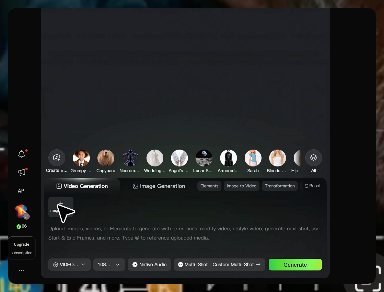
Write Your Prompt

Write Your Prompt

Choose a model and describe the video you want to create in natural language. You can include scenes, characters, actions, or style references.

Customize Your Video

Customize Your Video

Use prompts to guide multiple scenes, actions, and styles within a single generation. Kling AI also supports native multilingual voiceovers and sound effects, so you can shape dialogue and audio direction directly through your prompt.

Generate & Export

Generate & Export

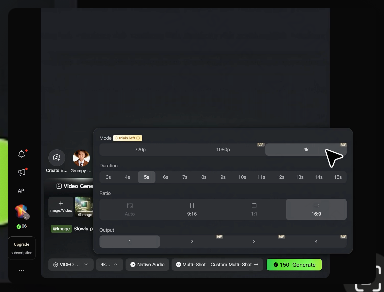
Select your format, including resolution (720p, 1080p, or 4K), duration (3 - 15 seconds), and aspect ratio (16:9, 9:16, or 1:1). Then download your video or keep iterating with new variations for your project.

Key Features of Kling AI Text-to-Video Generator

Precise Text-to-video Generation

Precise Text-to-video Generation

Turn your ideas into videos that closely match your prompt. Kling AI understands detailed descriptions and keeps recurring characters consistent across scenes, preserving their appearance, expressions, and movement throughout the video. Videos support up to 4K resolution, 15 seconds in length, and 60fps playback, depending on your plan.
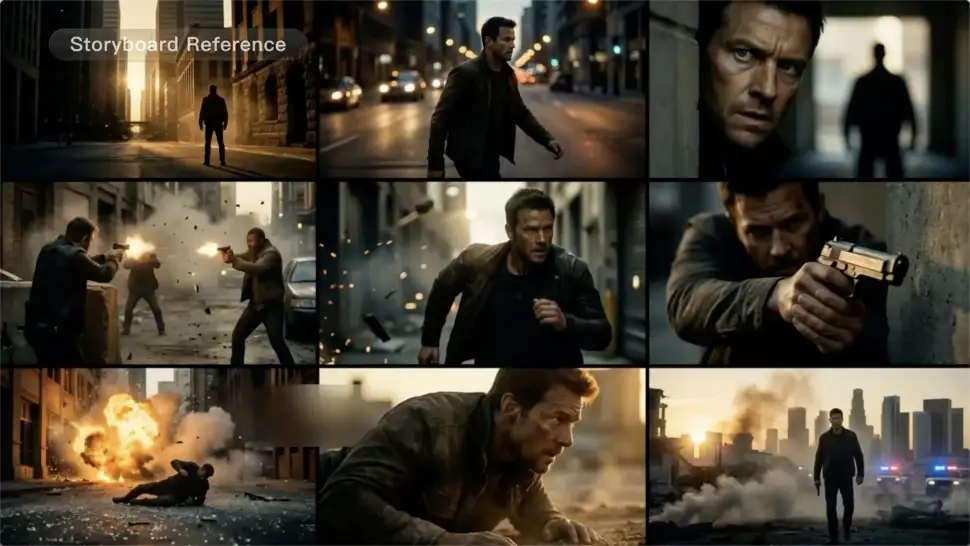
Multi-shot Storyboarding

Multi-shot Storyboarding

Create more complete stories from a single prompt. When your prompt includes multiple scenes, Kling 3.0 can organize them into up to five connected shots with smooth scene transitions, reducing the need for manual editing.
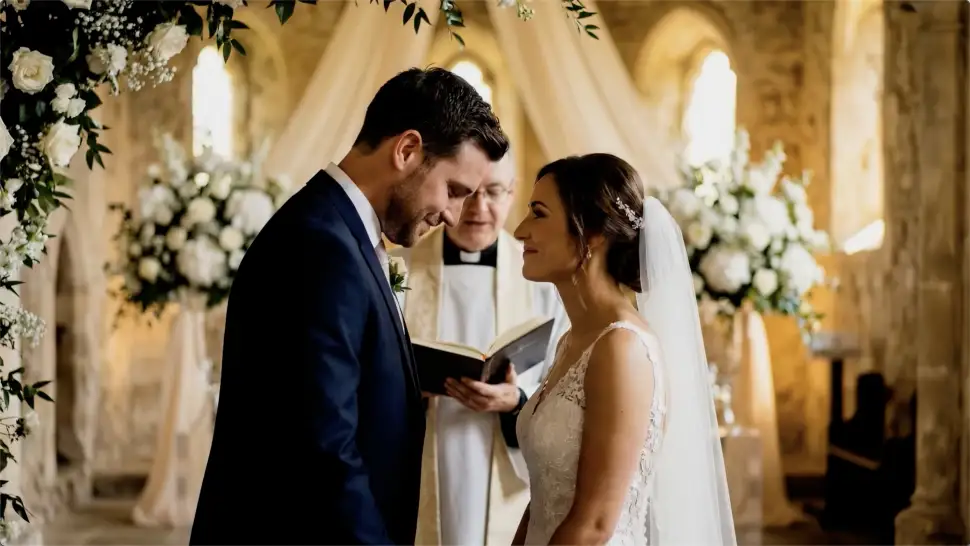
Native Multilingual Audio

Native Multilingual Audio

Create videos with built-in dialogue, sound effects, and ambient audio in five languages: English, Chinese, Japanese, Korean, and Spanish. Regional accent variations are also available, including American, British, and Indian English, to make voices sound more natural.

Apps

Image to Video
Image to Video

Image to Video

Text to Video
Text to Video

Text to Video

Omni
Omni

Omni

Digital Human
Digital Human

Digital Human

Restyle
Restyle

Restyle

Text to Image
Text to Image

Text to Image

60M+
60M+
Users
600M+
600M+
AI Videos Generated
4.7 ★
4.7 ★
App Store
Industry-Leading
Industry-Leading
Cinematic 4K

Reviews

Halim Alrasihi

Halim Alrasihi

★★★★★

I use AI daily and Kling AI is a crucial part of my workflow, whether for client work or personal projects. What I love most about using Kling AI is that it provides all the tools I need in one place, from keyframes to character references, elements and special effects.

Déborah

Déborah

★★★★★

I use Kling AI every day. It's amazing to see the almost daily progress it makes. I used AI for fun at first, and I now find that Kling AI's animations allow me to gain professional visibility, with three times more views on my animated posts than on my static posts.

Huang Lu (Elson)

Huang Lu (Elson)

★★★★★

I’ve been using Kling AI since its initial release, and it’s remained one of the leading AI media generators ever since. With Kling AI, I’ve created hundreds of videos, collectively amassing millions of views.

FAQ

Q1Can I use the audio from the reference video?
Q2What is the difference between Kling 2.6 and 3.0 Motion Control?
Q3Can I use multiple people in one Motion Control video?

Start Controlling Character Motion

Stop accepting distorted AI movements. Upload your reference and let Kling replicate it precisely.

Works on humans, anime & 3D | High-precision motion | Zero distortion