
Creative Studio
API
Resources
Features
About Us
Download

AI-generated natal scene ideas

Find AI-made natal scene visuals. Quickly generate and customize natal scene ideas with AI for your projects.

AI-generated natal scene ideas

Recommended

Kling AI work 300359720523484 - natal scene AI video
EtOkDJDz avatar
EtOkDJDz
Kling AI work 298545895612559 - natal scene AI video
MXfNLqHP avatar
MXfNLqHP
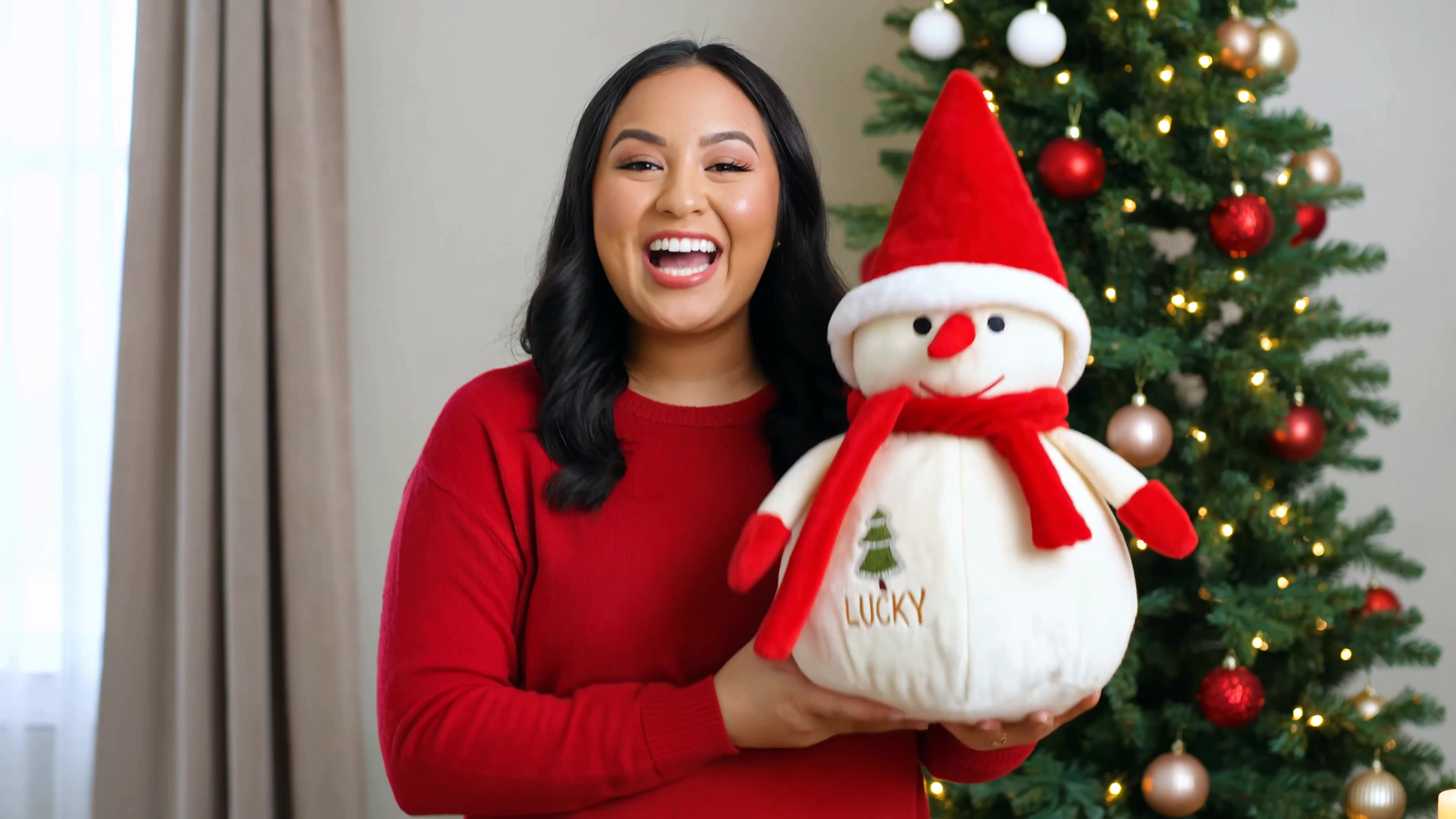
boneco de neve 22cm - natal scene AI video
NzWOBYQX avatar
NzWOBYQX
Kling AI work 297461754668637 - natal scene AI video
GGqxzGHk avatar
GGqxzGHk
Natal em Biz - natal scene AI video
Lúcinha avatar
Lúcinha
Kling AI work 298418376611864 - natal scene AI video
XHVLZnUW avatar
XHVLZnUW
Kling AI work 298142485506907 - natal scene AI image
KhnFwkCQ avatar
KhnFwkCQ
Scene 6. The captain strikes bac - natal scene AI image
pyWqbsSk avatar
pyWqbsSk
Papai noel visitando nossa casa - natal scene AI video
kmkBTihd avatar
kmkBTihd
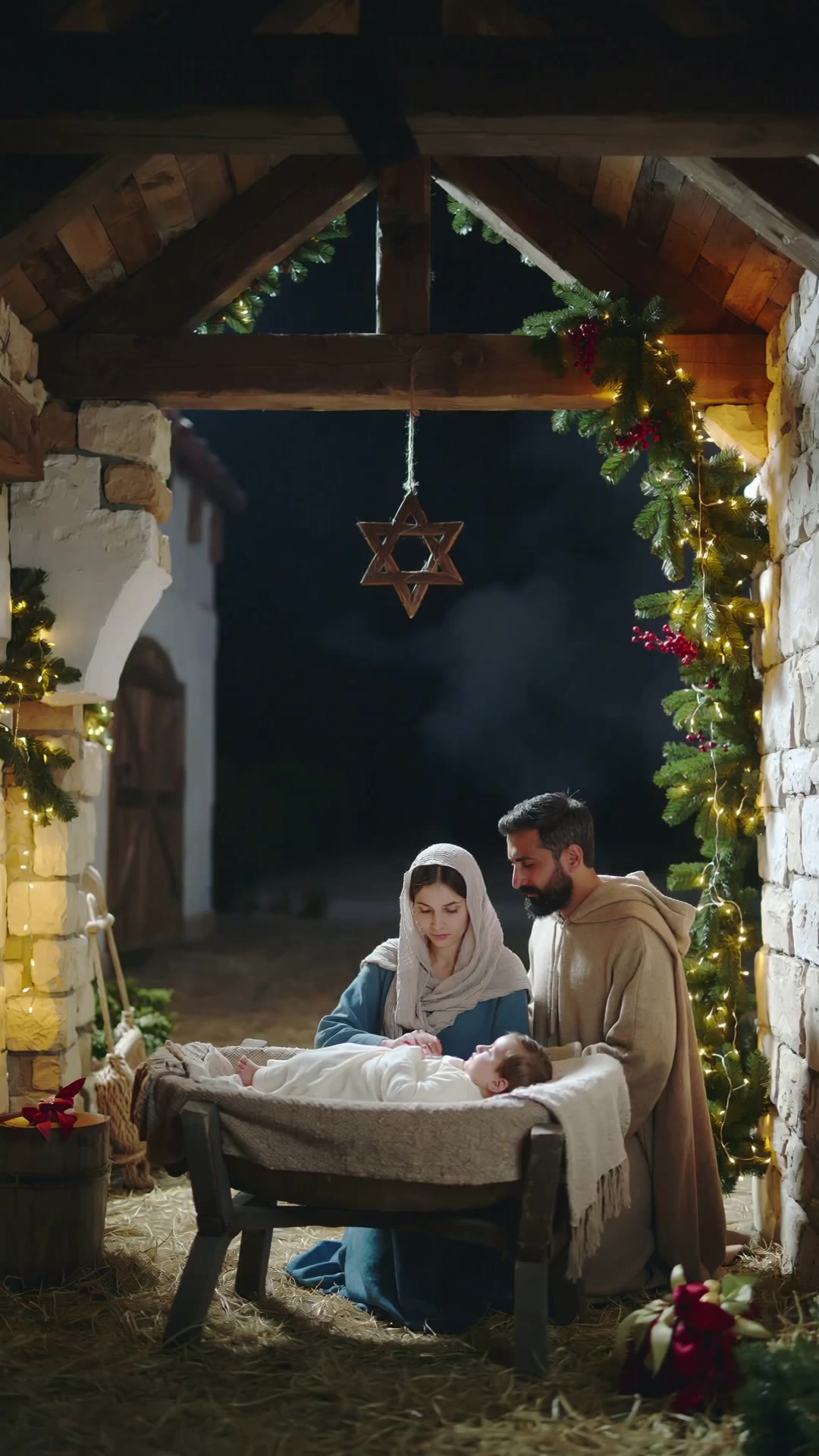
The Saviour King is born - natal scene AI video
bolotas avatar
bolotas
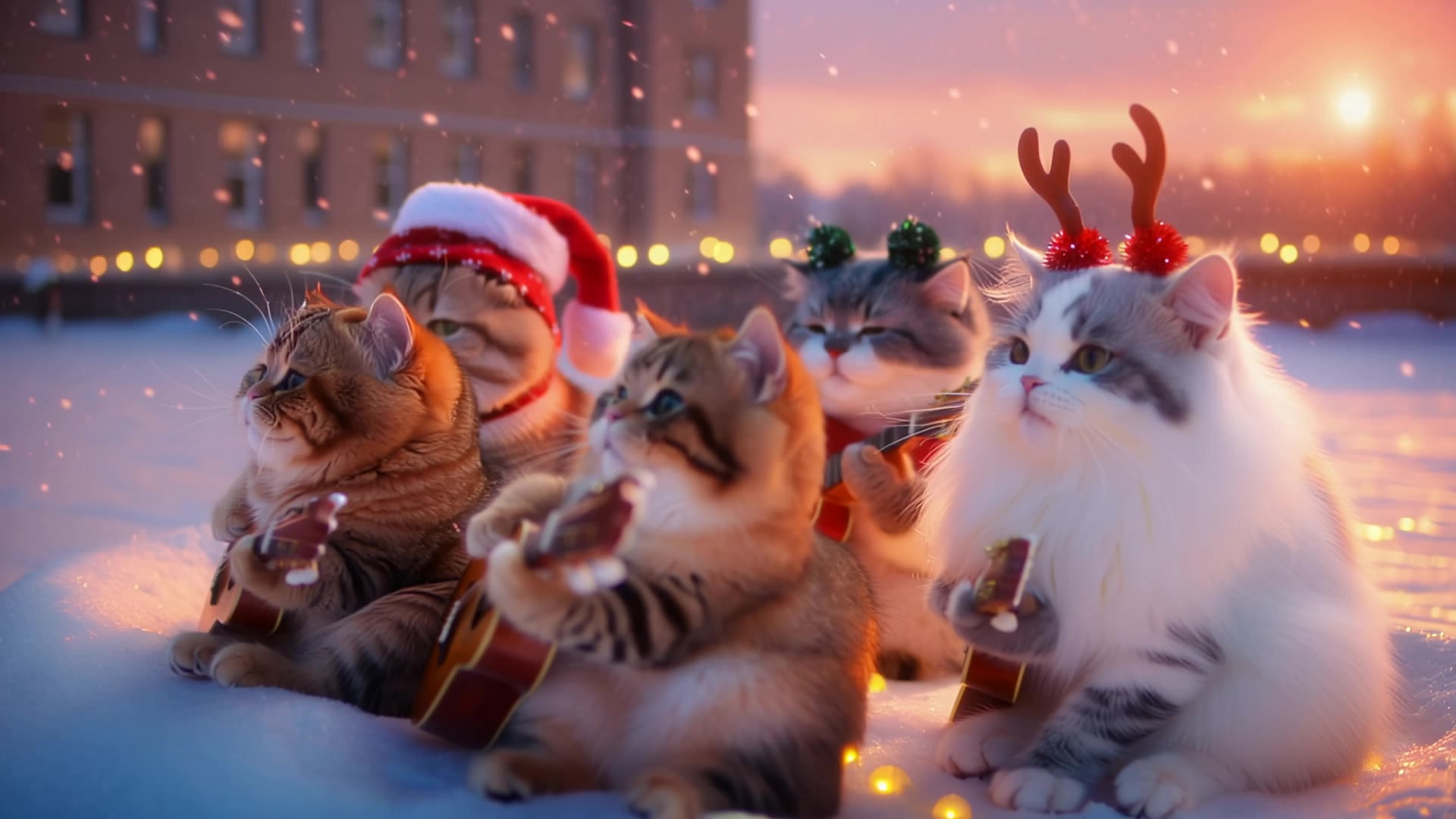
Cat Christmas lights - natal scene AI video
RamZ avatar
RamZ
Elite Creator
Kling AI work 320107004618734 - natal scene AI video
GalUaryo avatar
GalUaryo
Kling AI work 296410508505002 - natal scene AI image
RDKrTMSd avatar
RDKrTMSd
Kling AI work 296961172612195 - natal scene AI image
RchgIWiv avatar
RchgIWiv
Kling AI work 297729210528058 - natal scene AI video
CARAMELO JACK avatar
CARAMELO JACK
fantasy scene - natal scene AI image
MOMO -KLING avatar
MOMO -KLING
Kling AI work 298683294615392 - natal scene AI video
fkJbLlzp avatar
fkJbLlzp
Kling AI work 298036046502161 - natal scene AI video
QidFlaSf avatar
QidFlaSf
Skit Scene 1 - natal scene AI video
TpFWYKGs avatar
TpFWYKGs

How To Create AI Video From Text

Write Your Prompt

Write Your Prompt

Choose a model and describe the video you want to create in natural language. You can include scenes, characters, actions, or style references.

Customize Your Video

Customize Your Video

Use prompts to guide multiple scenes, actions, and styles within a single generation. Kling AI also supports native multilingual voiceovers and sound effects, so you can shape dialogue and audio direction directly through your prompt.

Generate & Export

Generate & Export

Select your format, including resolution (720p, 1080p, or 4K), duration (3 - 15 seconds), and aspect ratio (16:9, 9:16, or 1:1). Then download your video or keep iterating with new variations for your project.

Create More Realistic Looks with Kling AI

Use Different References for Specific Outfit Details

Use Different References for Specific Outfit Details

Mix and match details from multiple reference images instead of relying on just one. Assign each reference to a different part of the look, from clothing and footwear to smaller accessories, while IMAGE 3.0 Omni combines them into a single outfit. The result is a more controlled styling process and a final look that stays closer to your creative direction.

Change the Outfit, Keep the Person

Change the Outfit, Keep the Person

Changing the clothes should not make the person look like someone else. IMAGE 3.0 Omni helps keep key details such as the face, hairstyle, pose, and overall appearance familiar and recognizable, making it easier to try casual looks, formalwear, or completely different styles while keeping the same person consistent.

Make New Clothes Look Like Part of the Photo

Make New Clothes Look Like Part of the Photo

A convincing AI clothes swap should look like the outfit belongs in the original image. IMAGE 3.0 Omni works with the existing lighting, perspective, textures, and surroundings so the new outfit blends more naturally with the scene, helping fabric, folds, accessories, and other details feel less edited and more like part of a real fashion photo.

Apps

Image to Video
Image to Video

Image to Video

Text to Video
Text to Video

Text to Video

Omni
Omni

Omni

Digital Human
Digital Human

Digital Human

Restyle
Restyle

Restyle

Text to Image
Text to Image

Text to Image

60M+
60M+
Users
600M+
600M+
AI Videos Generated
4.7 ★
4.7 ★
App Store
Industry-Leading
Industry-Leading
Cinematic 4K

Reviews

Maria Rubtsova

Maria Rubtsova

★★★★★

I’m Maria Rubtsova, an AIGC digital artist passionate about creating stunning visuals in the worlds of fashion, aesthetics, and fantasy. I use KlingAi to bring imagination to life through video. My work is all about exploring beauty, emotion, and the limitless possibilities of digital art.

Samuele Poggi (@visualsk2)

Samuele Poggi (@visualsk2)

★★★★★

I use Kling AI daily to push the limits of AI filmmaking. It allows me to create highly cinematic content, blending AI and VFX to develop innovative projects. It has significantly impacted my creative process, enabling me to achieve complex animations that would otherwise require high production budgets.


Jyo John Mulloor

Jyo John Mulloor

★★★★★

Kling AI has been instrumental in transforming my creative workflow, unlocking new dimensions of artistic expression that were once unimaginable. I use Kling AI extensively to develop high-concept visuals, animate surreal dreamscapes, and create AI-assisted films that blur the line between reality and fantasy. Kling AI’s deep learning capabilities have not only enhanced my creative efficiency but also inspired me to explore storytelling in ways I never thought possible.

FAQ

Q1What happens to the area after an object is removed?
Q2Can I use Kling AI to remove a person from a photo?
Q3Do I need to mark the object before removing it?

Create an Avatar That Feels Like Yours

Start with a photo or a prompt, explore different styles, and keep shaping the details until the character fits the look you want.