
Creative Studio
API
Resources
Features
About Us
Download

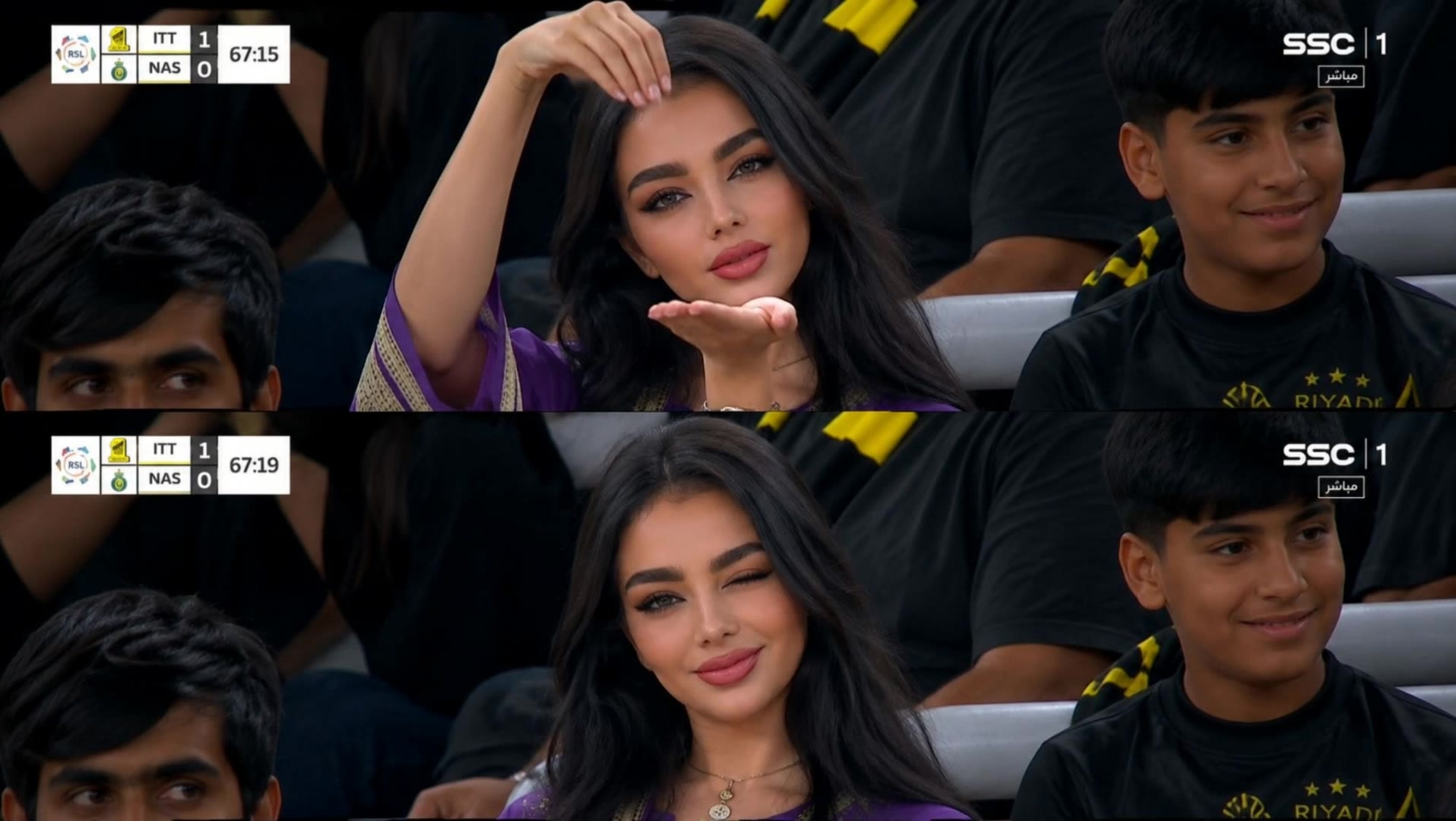
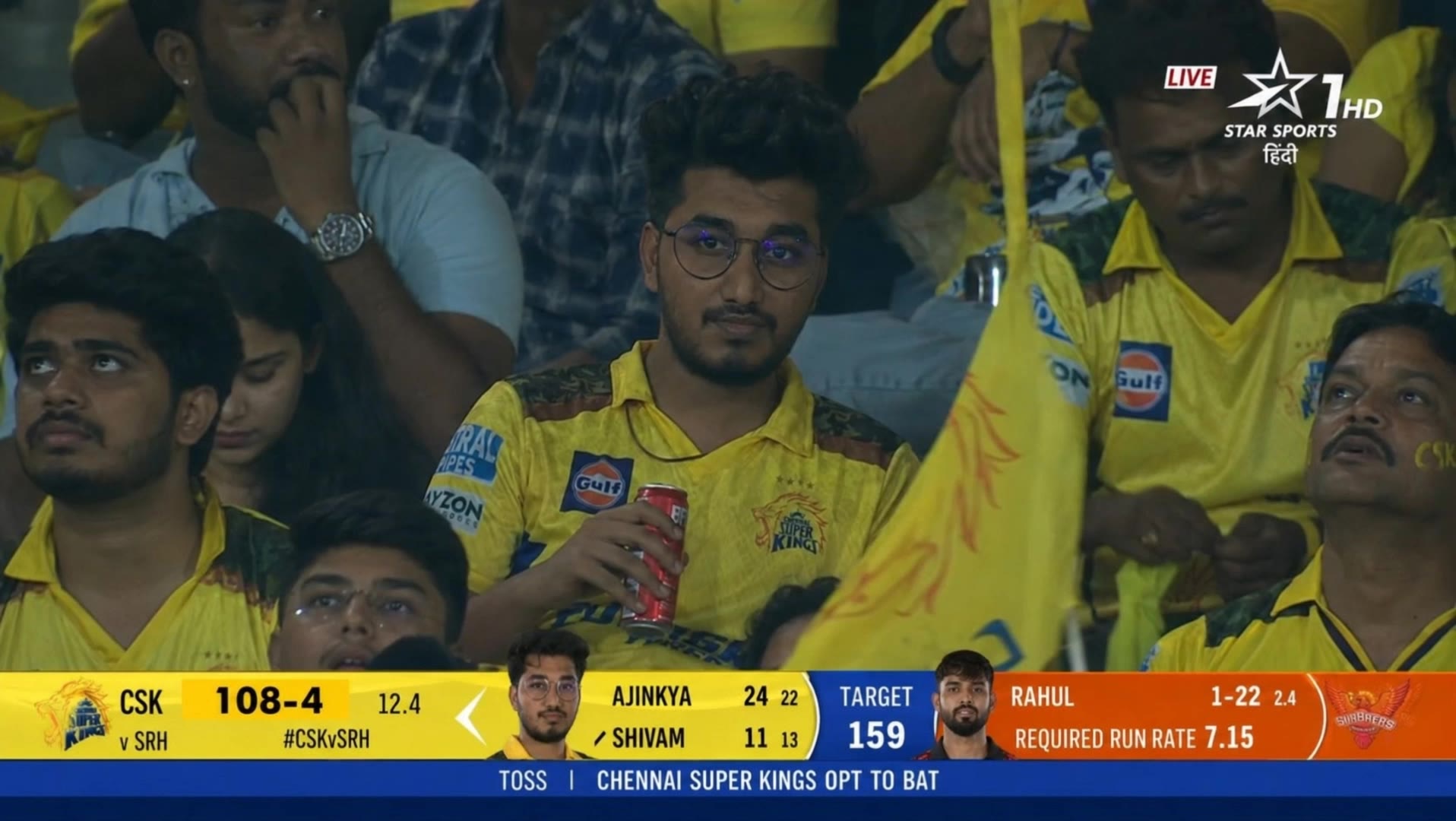
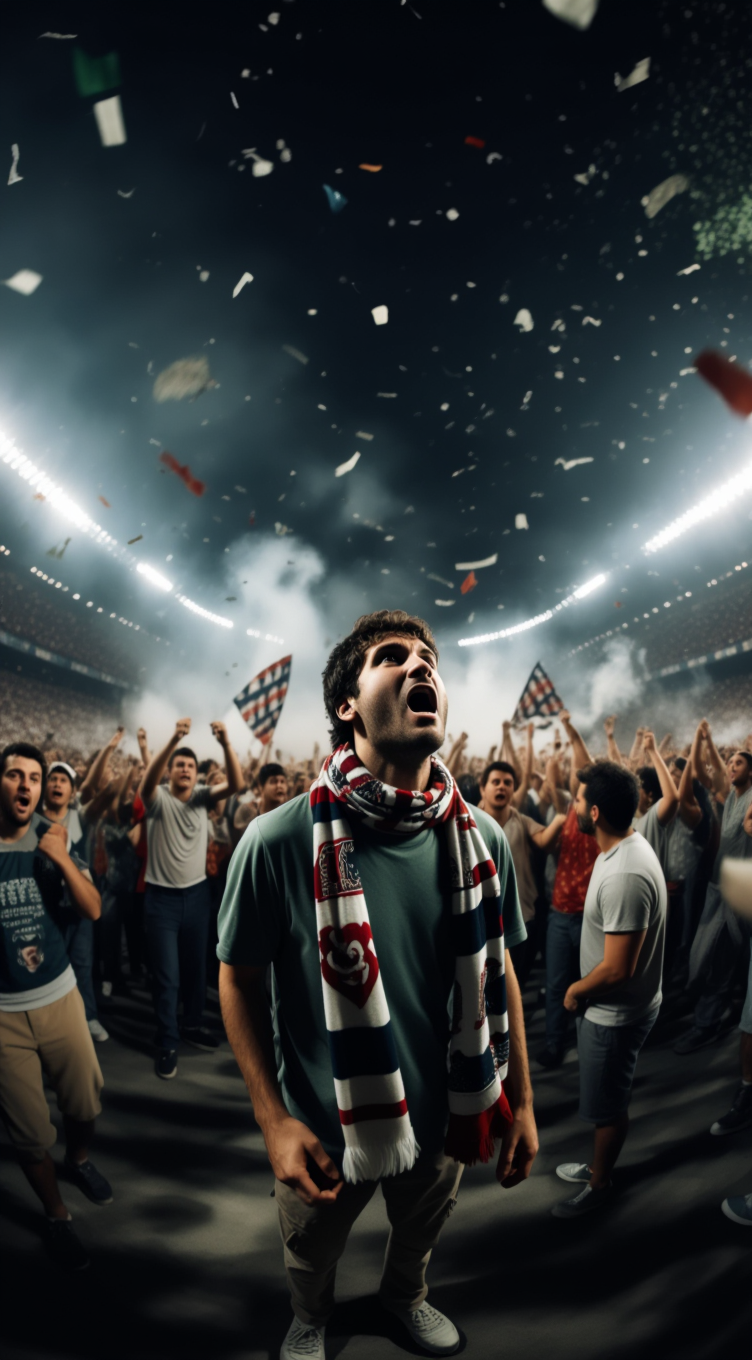
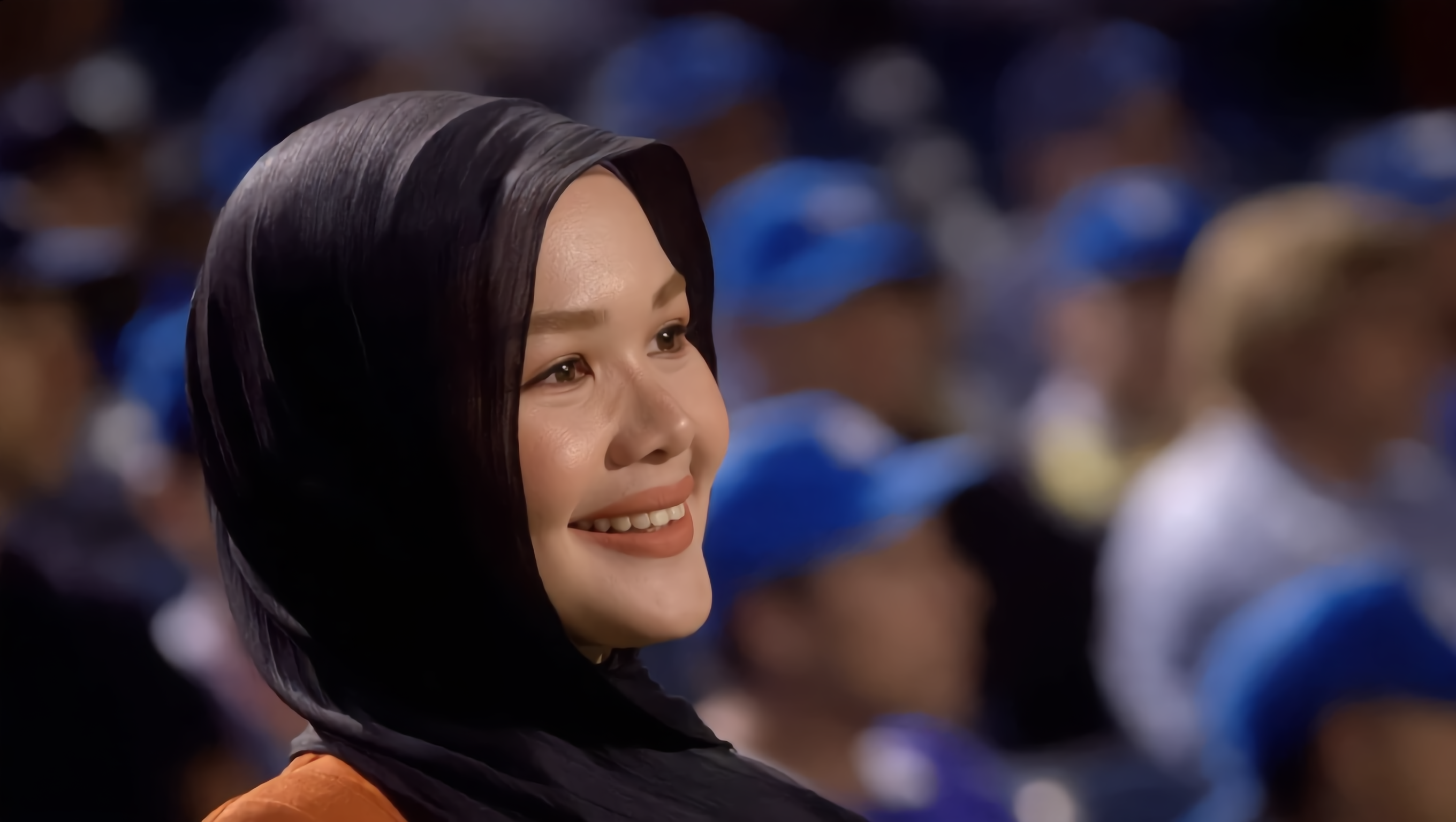
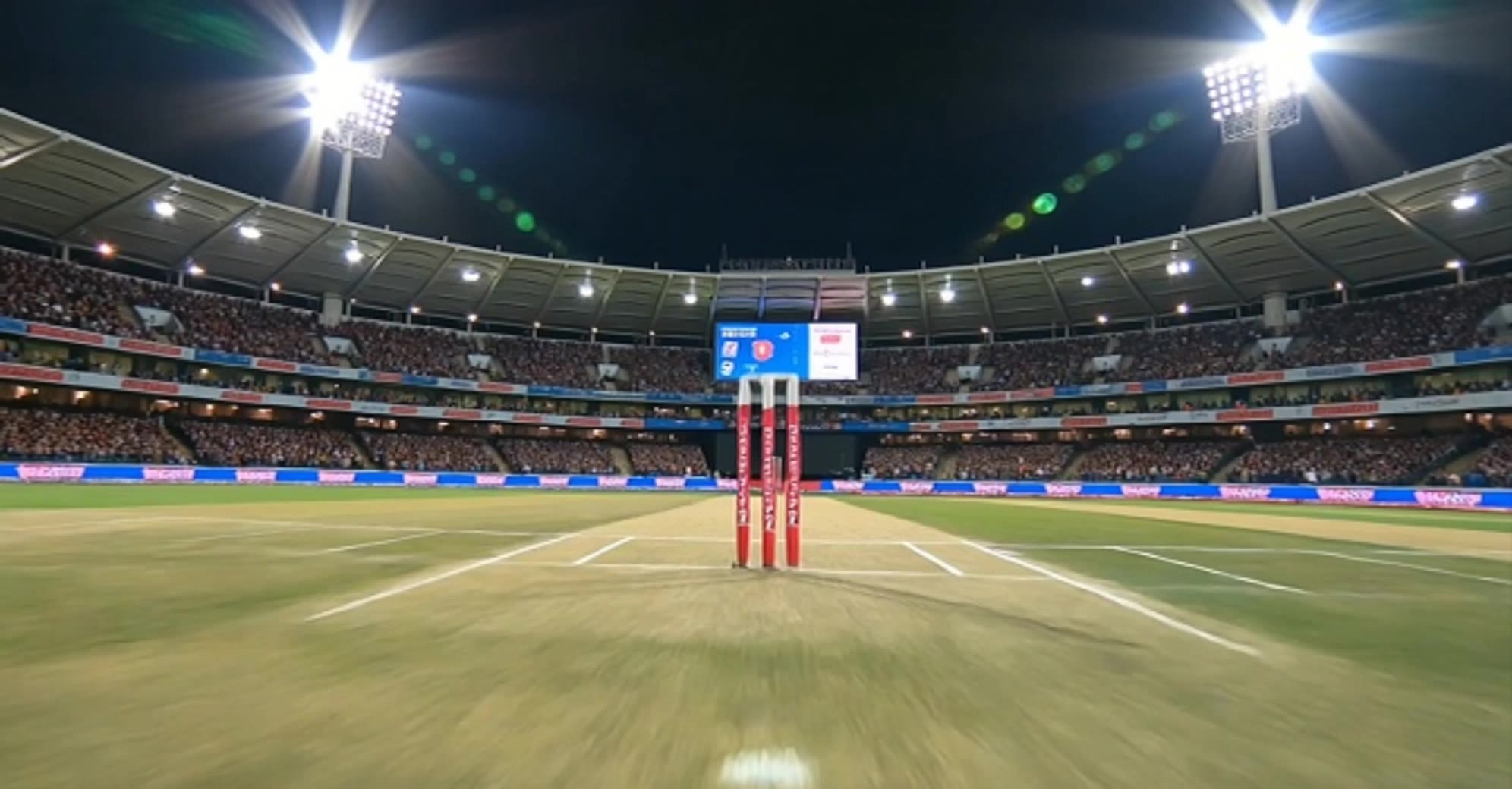
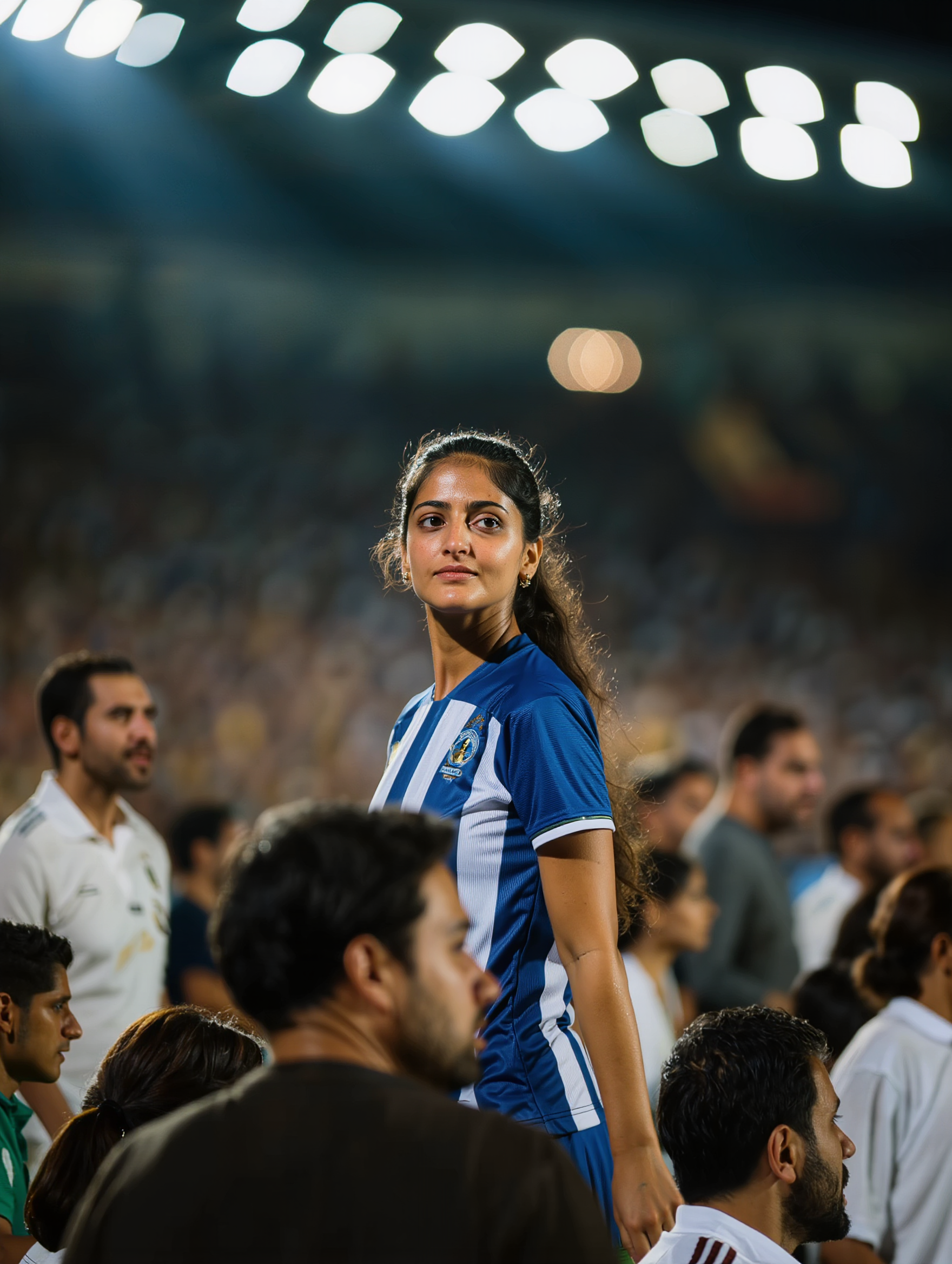
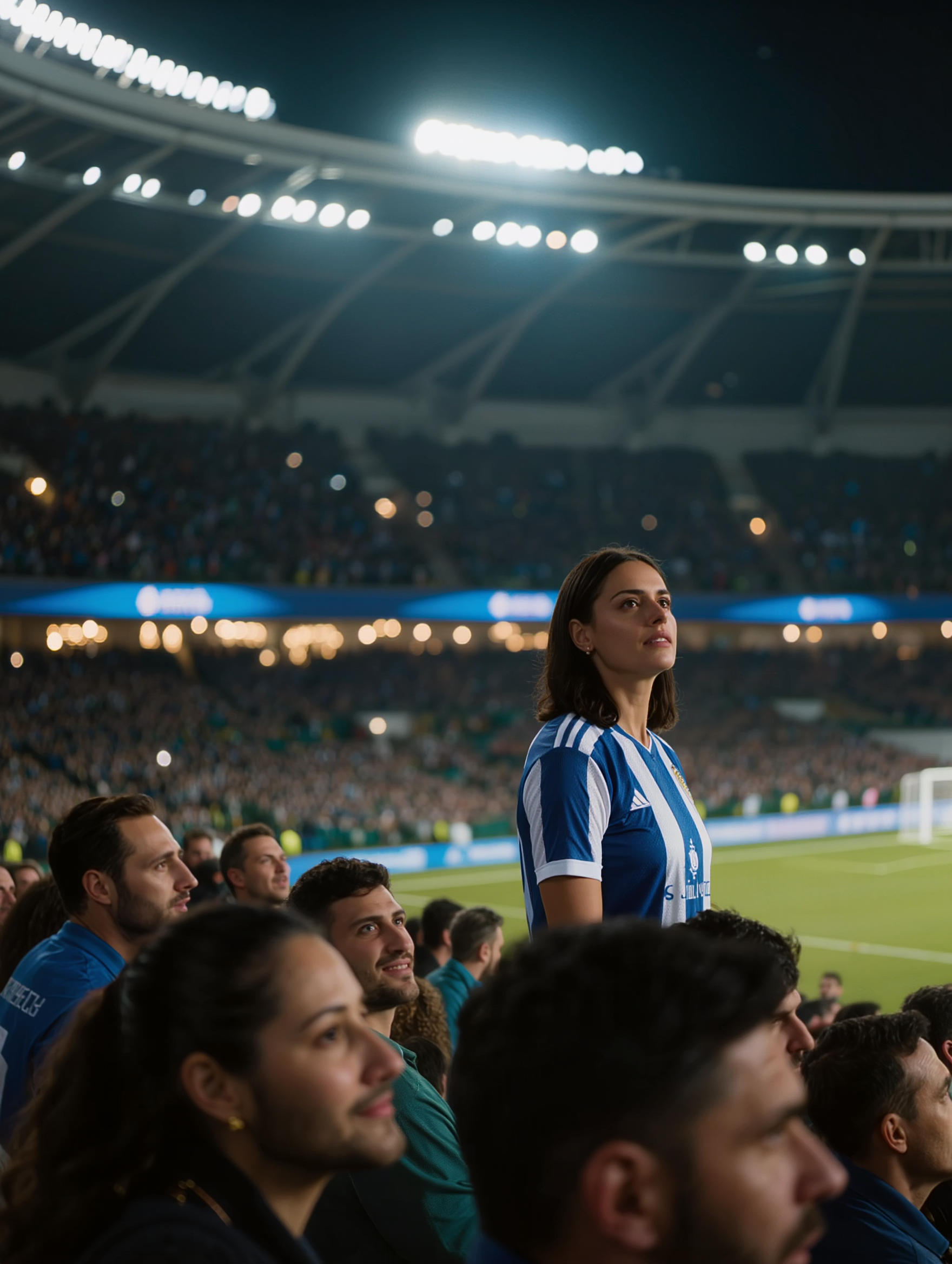
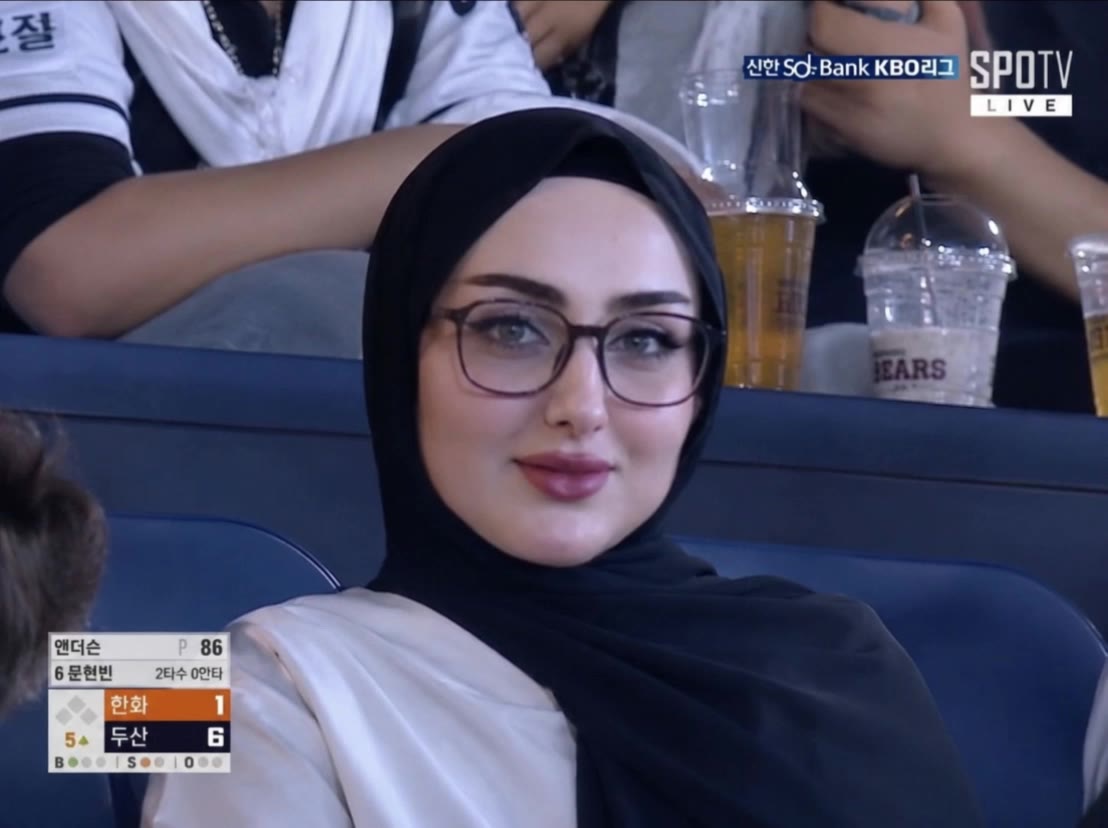
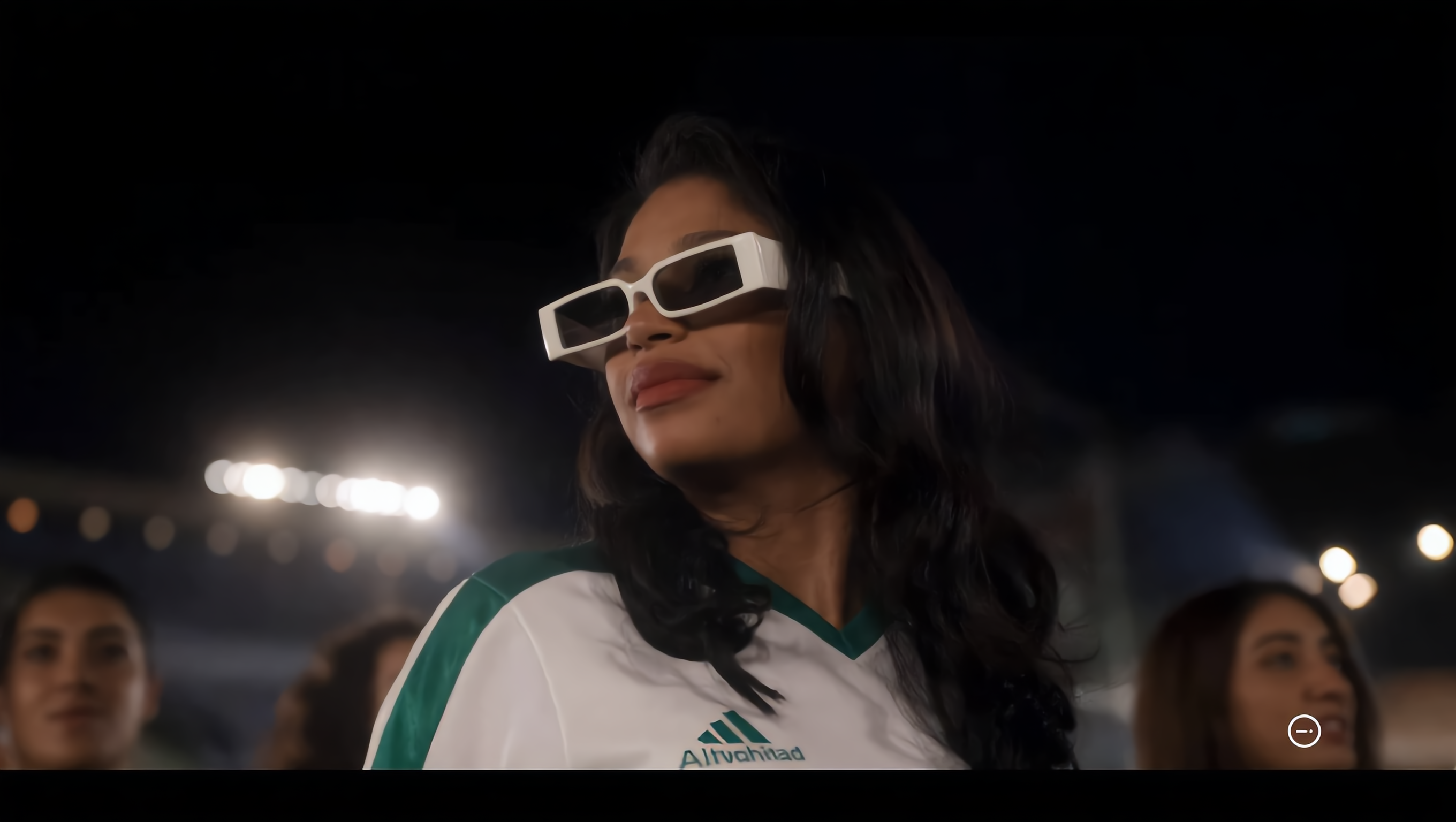
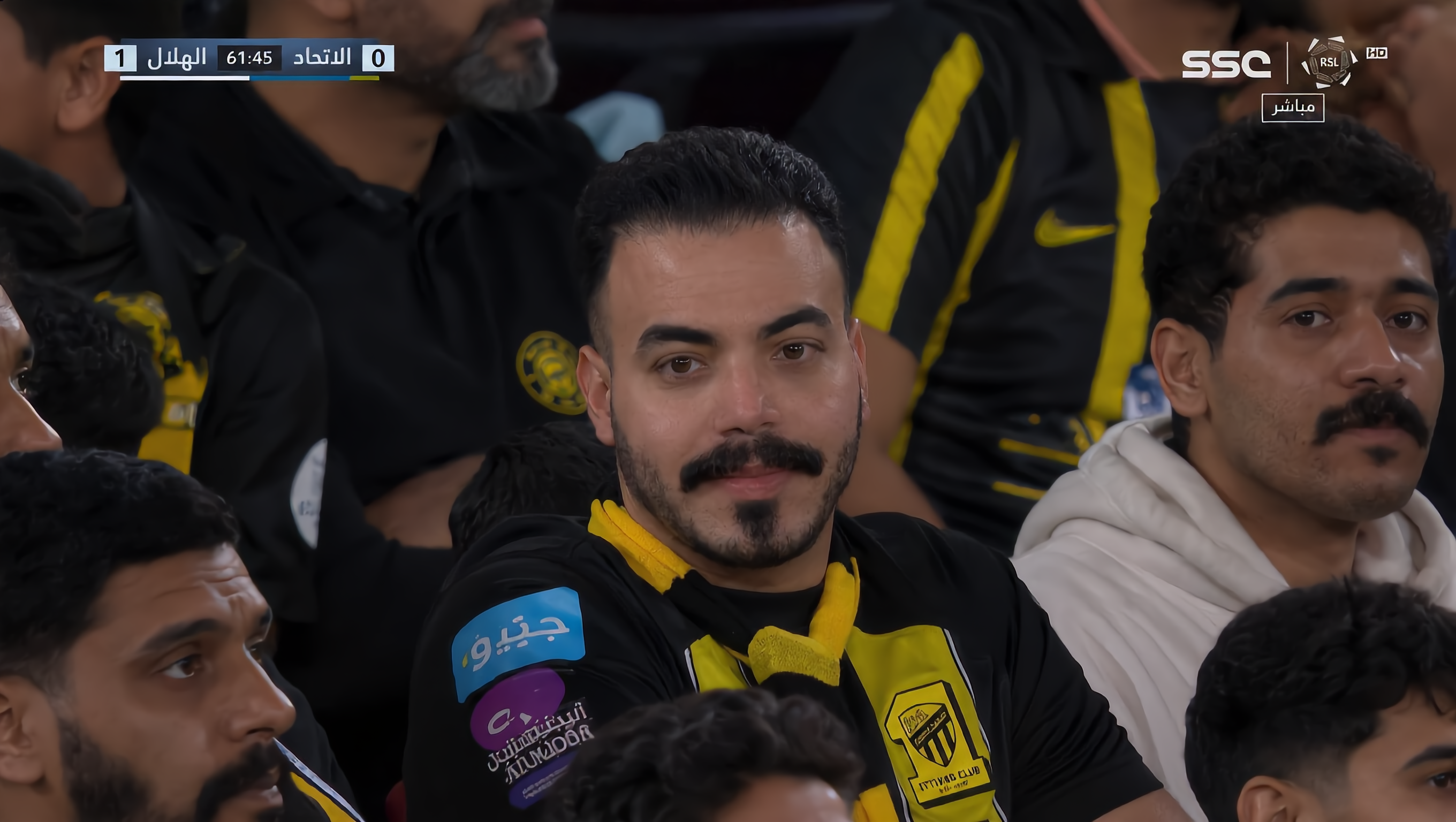
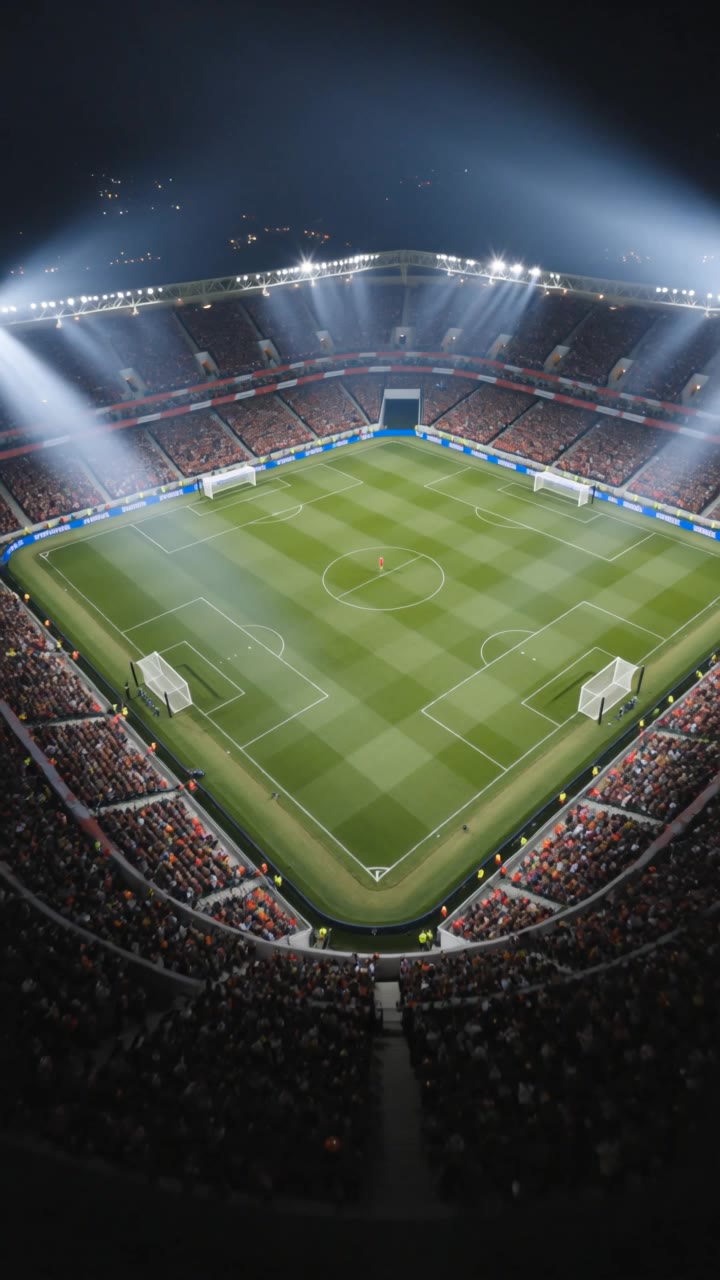
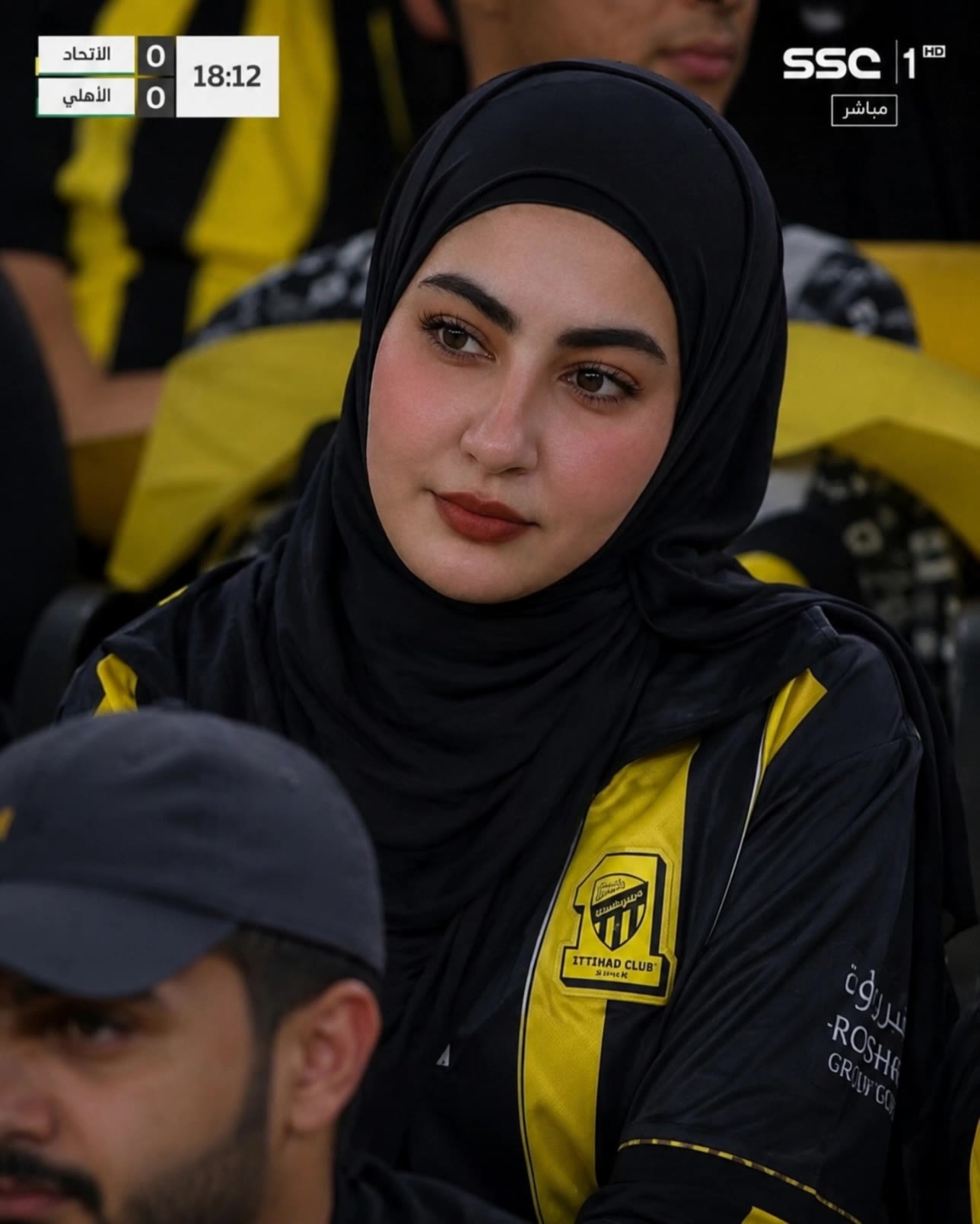
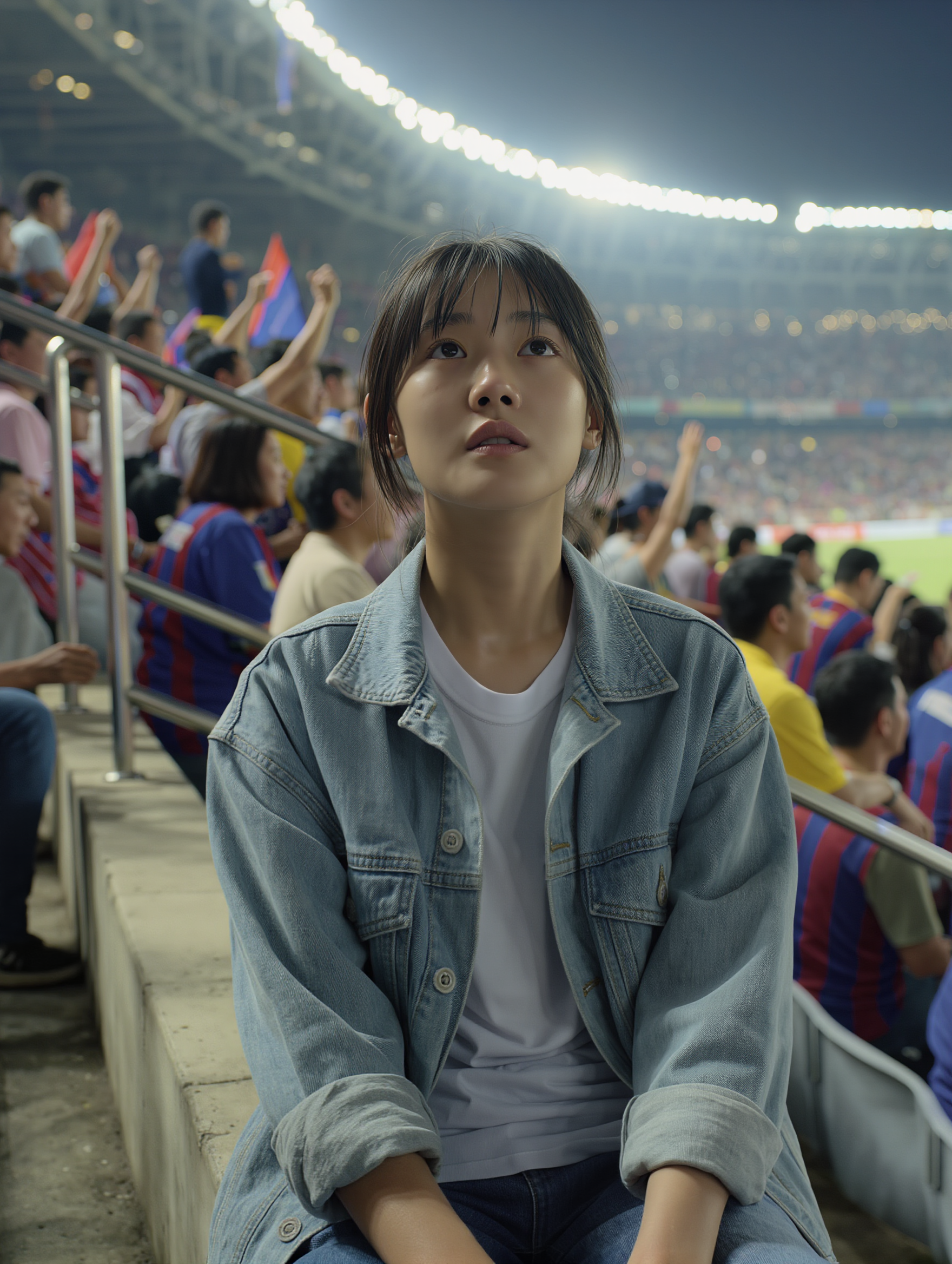
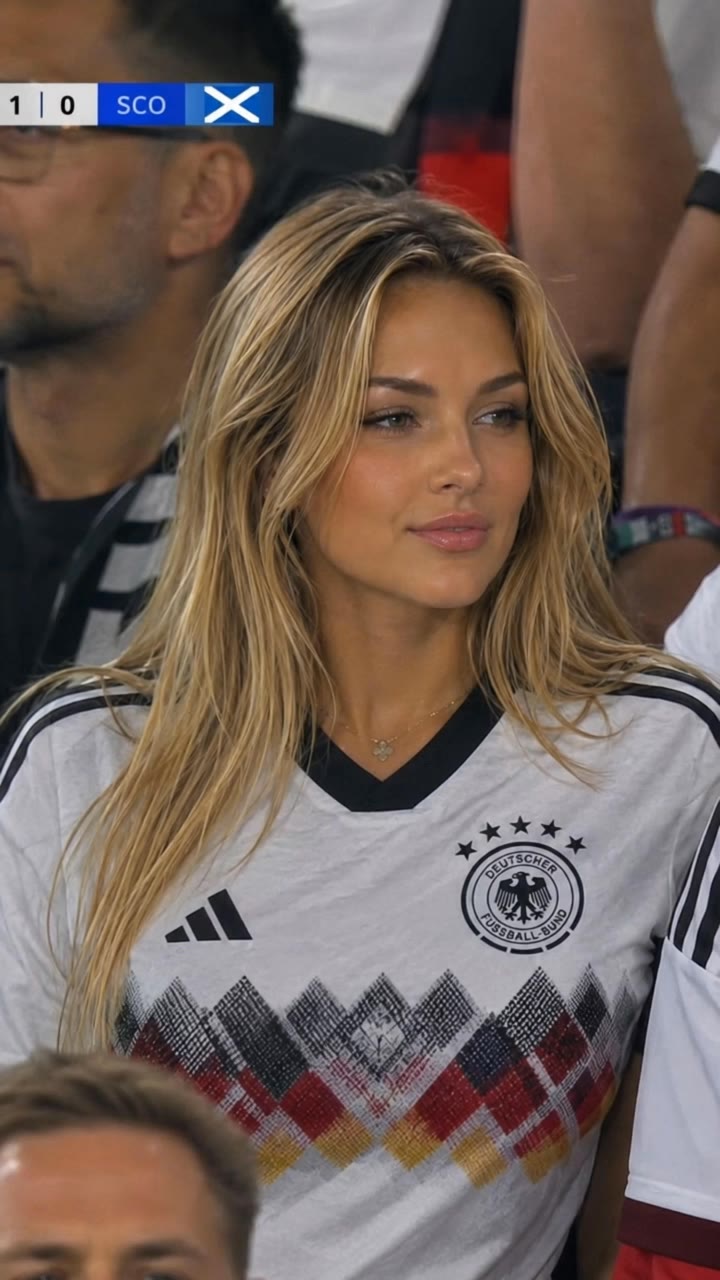
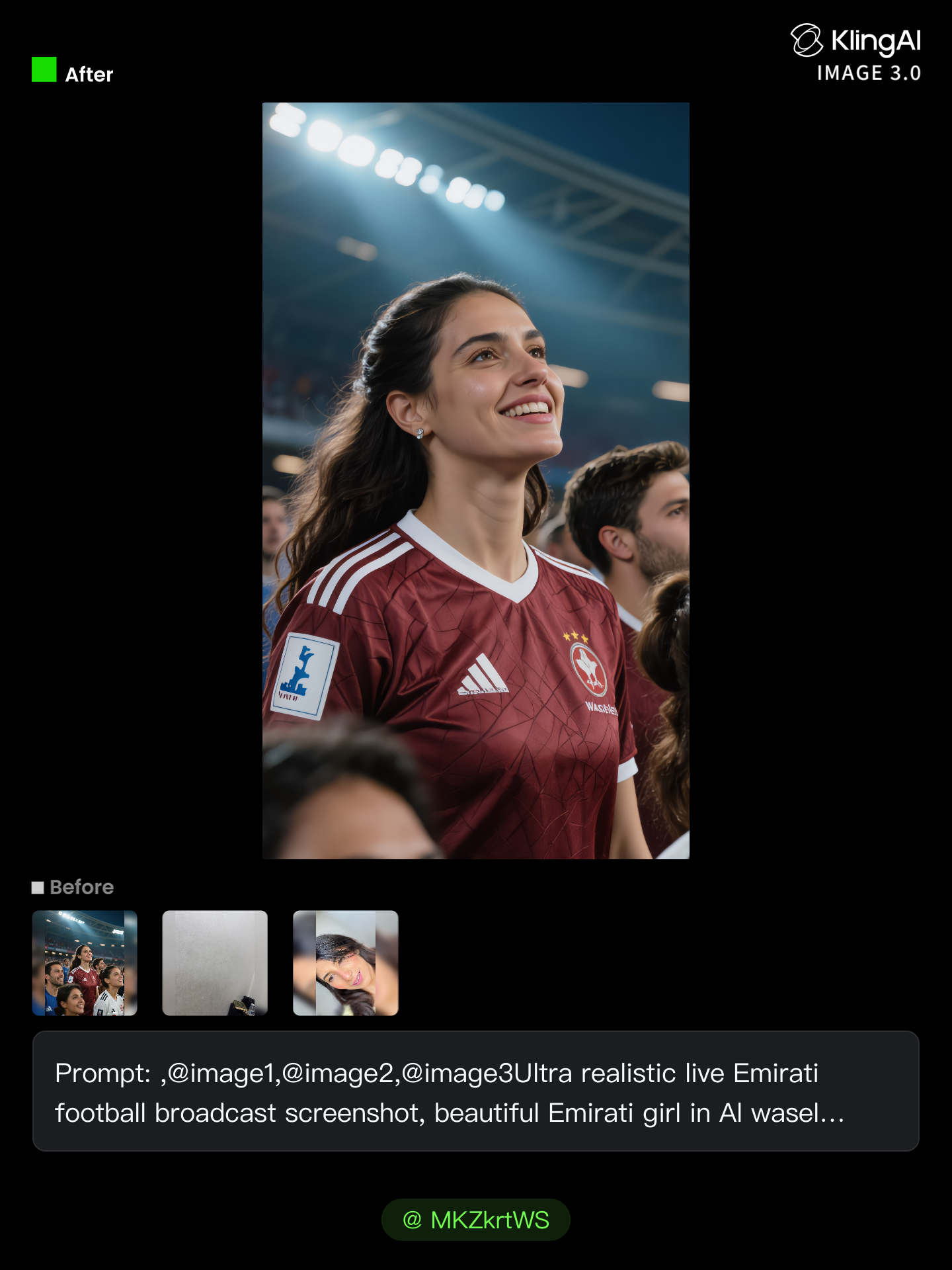
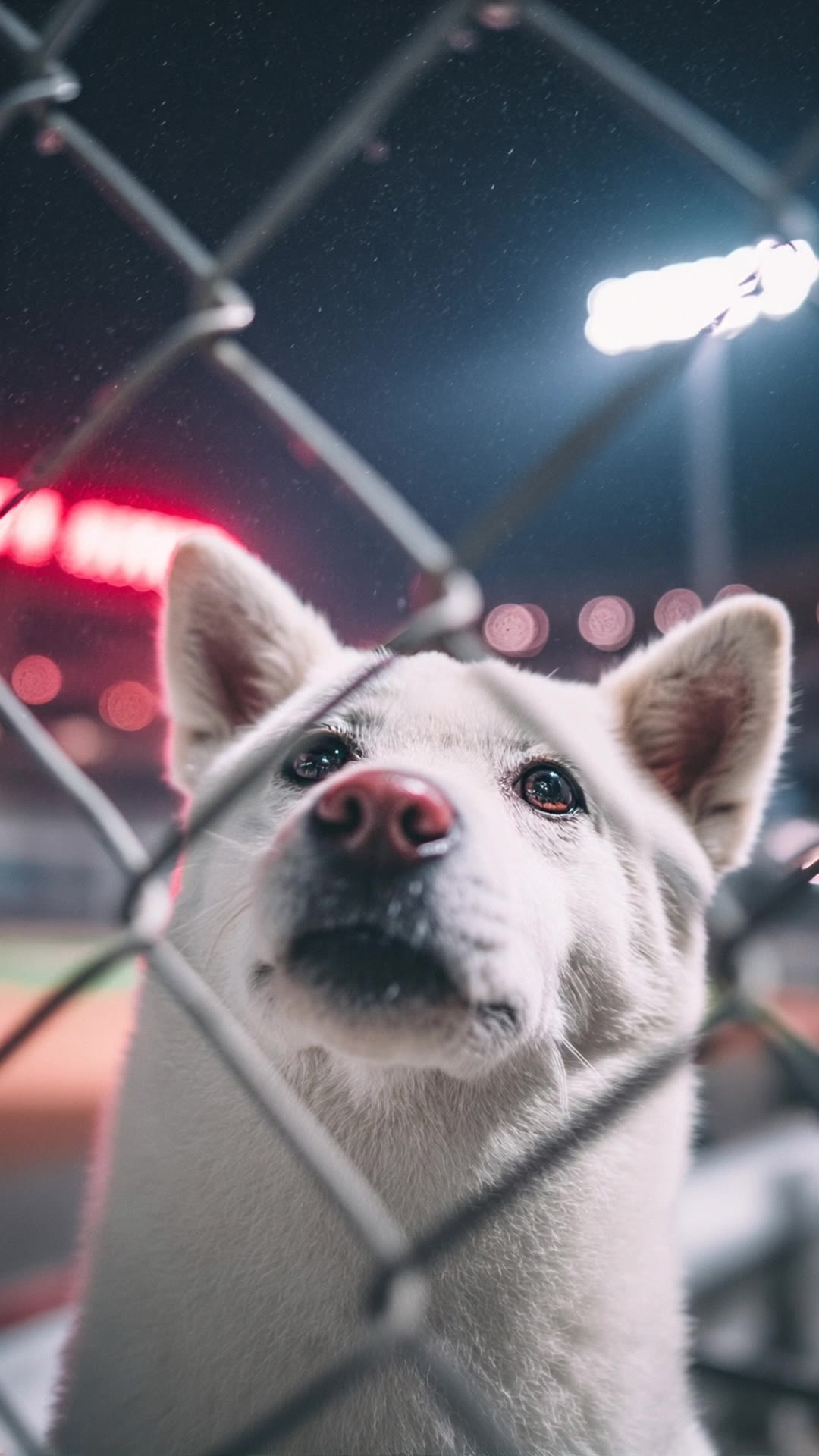
night stadium - broadcast moments & candid crowd reactions

Experience the thrill of ultra-realistic night stadium moments, from candid jumbotron reactions to cinematic crowd shots under bright stadium lights. Start exploring night stadium ideas and generate your own content with AI.

night stadium - broadcast moments & candid crowd reactions

Recommended

Kling AI work 310497157528721 - night stadium AI image
MKZkrtWS avatar
MKZkrtWS
Night Stadium Dog Behind the Fen - night stadium AI video
Yucheol avatar
Yucheol
Kling AI work 314884593521876 - night stadium AI image
AHwzuYCP avatar
AHwzuYCP
Kling AI work 310559003505929 - night stadium AI video
mvXpHMPe avatar
mvXpHMPe
Kling AI work 311167030523100 - night stadium AI video
TgQIiEdi avatar
TgQIiEdi
Kling AI work 311225494667699 - night stadium AI image
Nazz avatar
Nazz
Kling AI work 310839063614976 - night stadium AI image
yGnIgYKA avatar
yGnIgYKA
Stadium Flares - night stadium AI video
Kling GIT avatar
Kling GIT
Kling AI work 310527514664835 - night stadium AI image
ABJhVjIn avatar
ABJhVjIn
Kling AI work 310512910617182 - night stadium AI image
daaeYRsf avatar
daaeYRsf
Kling AI work 310383257660014 - night stadium AI video
NmwJYXes avatar
NmwJYXes
Kling AI work 310510162667251 - night stadium AI image
MTcHGdJw avatar
MTcHGdJw
Kling AI work 310514058613357 - night stadium AI image
cRyFhFpF avatar
cRyFhFpF
Stadium  - night stadium AI video
LZFJIiZX avatar
LZFJIiZX
Stadium - night stadium AI video
Qqpjoffy avatar
Qqpjoffy
Kling AI work 310576099660699 - night stadium AI video
FBZDYjsO avatar
FBZDYjsO
Kling AI work 310524417528065 - night stadium AI image
GtkvFORj avatar
GtkvFORj
Kling AI work 310554857666545 - night stadium AI image
trHgdxyN avatar
trHgdxyN
Stadium - night stadium AI video
blondie_ katharina avatar
blondie_ katharina

How to Edit a Photo with Kling AI

Upload Your Photo

Upload Your Photo

Start with a clear photo. Add a reference image when you have a particular replacement, background, or style in mind.

Tell Kling What to Change

Tell Kling What to Change

Enter a clear text prompt, explaining what should change and what should stay the same. Kling applies the edit to the photo with AI directly, without layers or complex manual steps.

Review and Fine-Tune

Review and Fine-Tune

Check the result and the areas that matter most. When one detail needs more work, update the prompt for that area instead of starting over. Download the finished image and share it.

Create Better Backgrounds with AI

Keep the Subject When Changing Backgrounds

Keep the Subject When Changing Backgrounds

Put a person or product somewhere new without intentionally redesigning what is already working. Tell Kling IMAGE 3.0 which facial details, clothing, product shapes, materials, colors, or other features should stay familiar, then focus your prompt on the world around them.

Bring Your Art Direction into the Background

Bring Your Art Direction into the Background

When you already have a look in mind, show Kling instead of trying to describe every detail from scratch. IMAGE 3.0 supports up to 10 reference images, so you can bring in visuals for the setting, composition, color palette, props, or overall style and explain how you want each reference to influence the result.

Change the Whole Scene or Just One Detail

Change the Whole Scene or Just One Detail

A new background does not always mean starting over with the entire setting. Replace the full scene, or make a smaller change such as adding an object, removing a distraction, changing a surface, or reworking one part of the environment while leaving the rest closer to the original image.

Apps

Image to Video
Image to Video

Image to Video

Text to Video
Text to Video

Text to Video

Omni
Omni

Omni

Digital Human
Digital Human

Digital Human

Restyle
Restyle

Restyle

Text to Image
Text to Image

Text to Image

60M+
60M+
Users
600M+
600M+
AI Videos Generated
4.7 ★
4.7 ★
App Store
Industry-Leading
Industry-Leading
Cinematic 4K

Reviews

Maria Rubtsova

Maria Rubtsova

★★★★★

I’m Maria Rubtsova, an AIGC digital artist passionate about creating stunning visuals in the worlds of fashion, aesthetics, and fantasy. I use KlingAi to bring imagination to life through video. My work is all about exploring beauty, emotion, and the limitless possibilities of digital art.

Halim Alrasihi

Halim Alrasihi

★★★★★

I use AI daily and Kling AI is a crucial part of my workflow, whether for client work or personal projects. What I love most about using Kling AI is that it provides all the tools I need in one place, from keyframes to character references, elements and special effects.

Samuele Poggi (@visualsk2)

Samuele Poggi (@visualsk2)

★★★★★

I use Kling AI daily to push the limits of AI filmmaking. It allows me to create highly cinematic content, blending AI and VFX to develop innovative projects. It has significantly impacted my creative process, enabling me to achieve complex animations that would otherwise require high production budgets.

FAQ

Q1Can I generate multiple variations or a connected image series?
Q2Is Kling AI’s image to image AI free to try?
Q3Does Kling AI support 2K or 4K image-to-image generation?

Bring Your Character to Life

Add a voice or script to turn your character video into a polished lip-sync performance.

Voiceover | Text to Speech | Audio trimming | Realistic, 3D & 2D character