Creative Studio
API
Resources
Features
About Us
Download

oc ideas generator - glowing ideas & abstract background

Unleash your creativity with glowing ideas and brainstorm sessions visualized as yarn, transforming thoughts into stunning masterpieces. Start exploring oc ideas generator ideas and generate your own content with AI.

oc ideas generator - glowing ideas & abstract background

Recommended

Kling AI work 311829364618336 - oc ideas generator AI image
SjaNmqwy avatar
SjaNmqwy
Kling AI work 316651542507708 - oc ideas generator AI video
integrity avatar
integrity
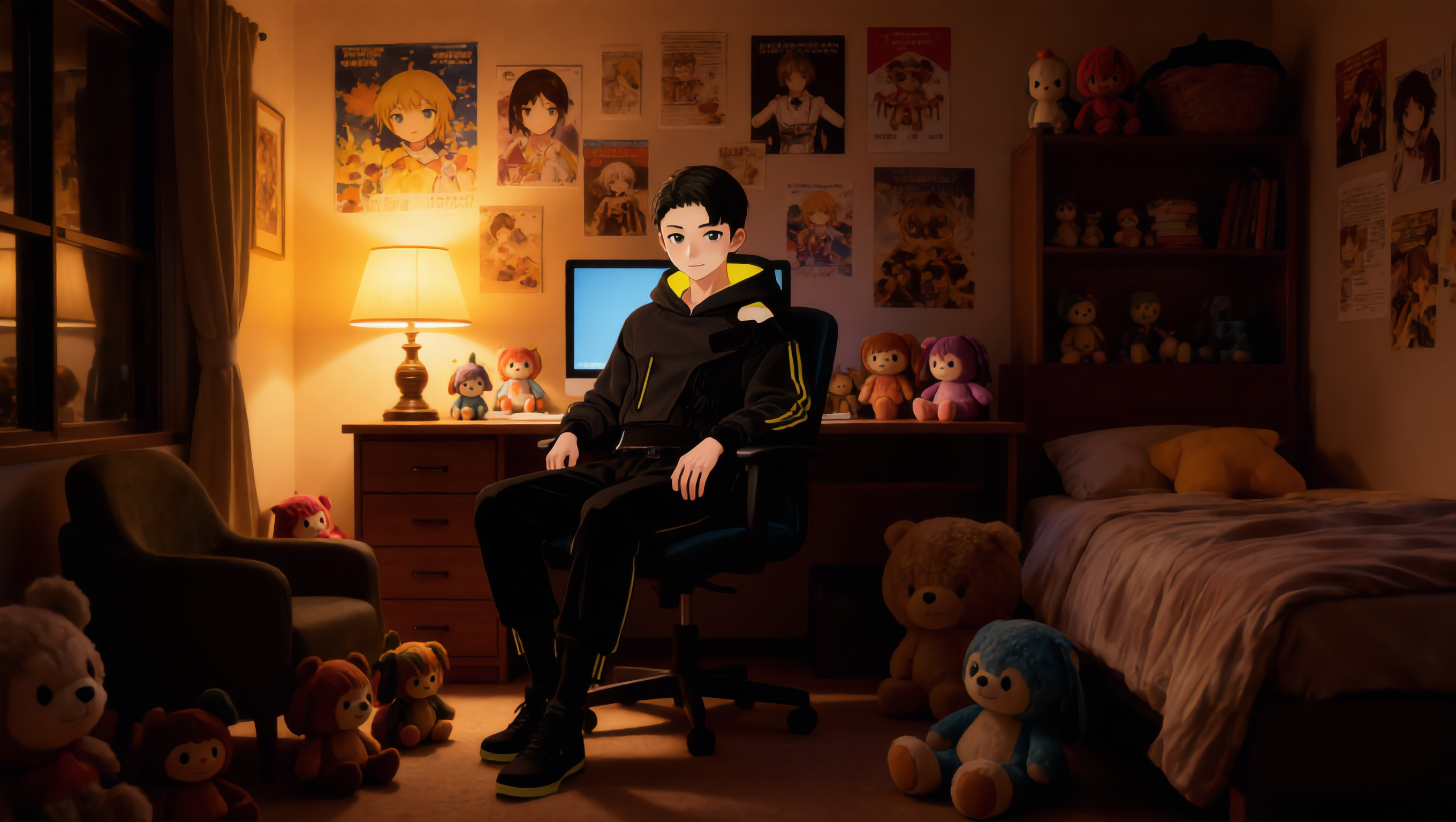
My OC sits in his room - oc ideas generator AI image
yeGuMUpO avatar
yeGuMUpO
Kling AI work 314426337526199 - oc ideas generator AI video
Derrick Mercer avatar
Derrick Mercer
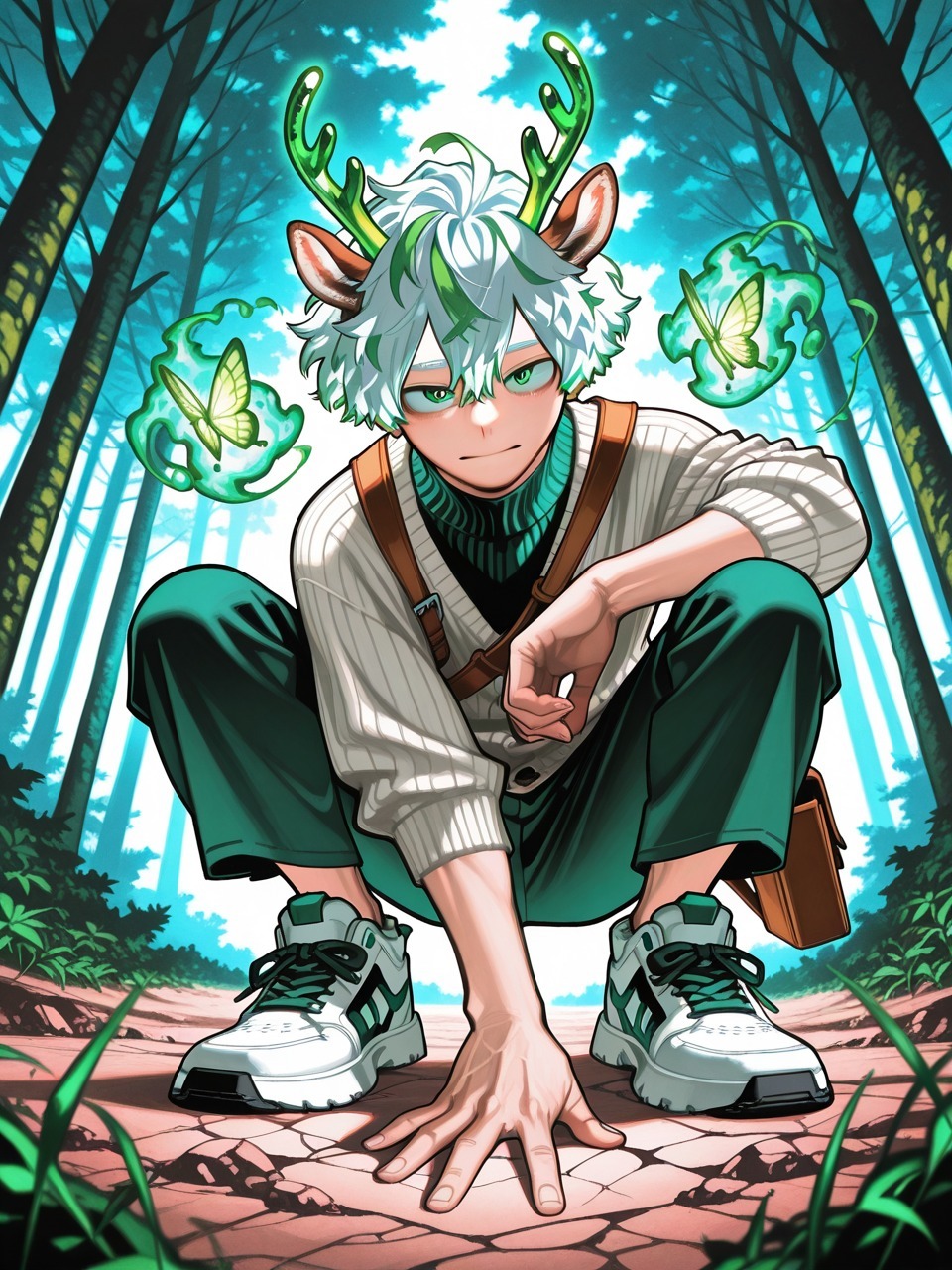
BNHA Hero OC - oc ideas generator AI video
00:05
kwmMoGVj avatar
kwmMoGVj
Kling AI work 311829217525434 - oc ideas generator AI image
SjaNmqwy avatar
SjaNmqwy
Kling AI work 309833949521726 - oc ideas generator AI video
joe avatar
joe
Kling AI work 318748569617222 - oc ideas generator AI image
yNfQTDmO avatar
yNfQTDmO
Kling AI work 312044710500207 - oc ideas generator AI image
Victor avatar
Victor
Kling AI work 309073593616374 - oc ideas generator AI image
yLIXScPO avatar
yLIXScPO
Pretty Manola🥰 - oc ideas generator AI image
silenceboy🥺 avatar
silenceboy🥺
Kling AI work 293799663317560 - oc ideas generator AI image
fXiHaZbP avatar
fXiHaZbP
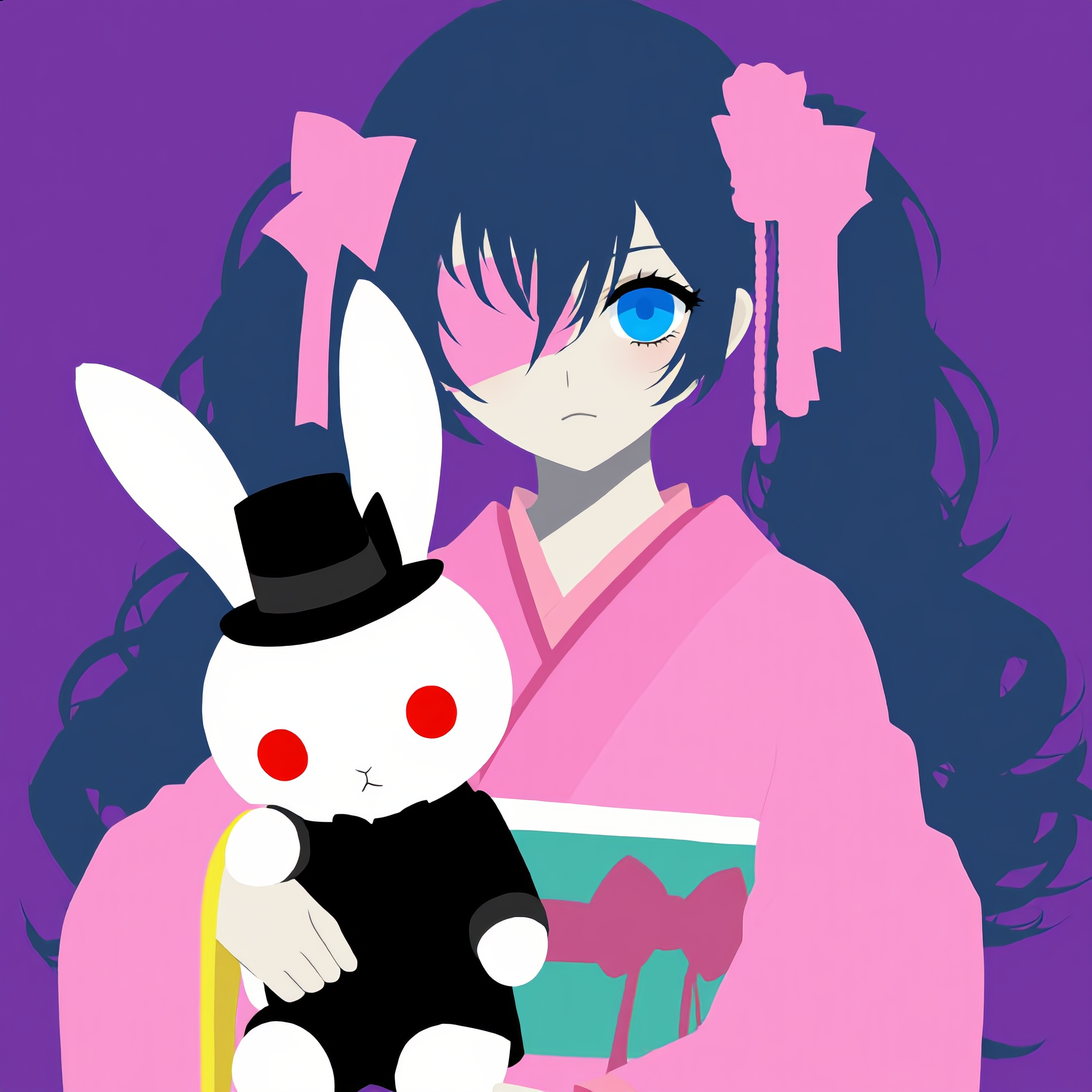
my OC with her bunny!!!! - oc ideas generator AI image
CFYGdzxW avatar
CFYGdzxW
Kling AI work 296660725527217 - oc ideas generator AI video
BkFOjSrZ avatar
BkFOjSrZ
oc nova - oc ideas generator AI video
REDnova avatar
REDnova
Kling AI work 274228360508817 - oc ideas generator AI video
PINDI avatar
PINDI
Ghost Rider oc  - oc ideas generator AI video
00:08
Khain Blackheart avatar
Khain Blackheart
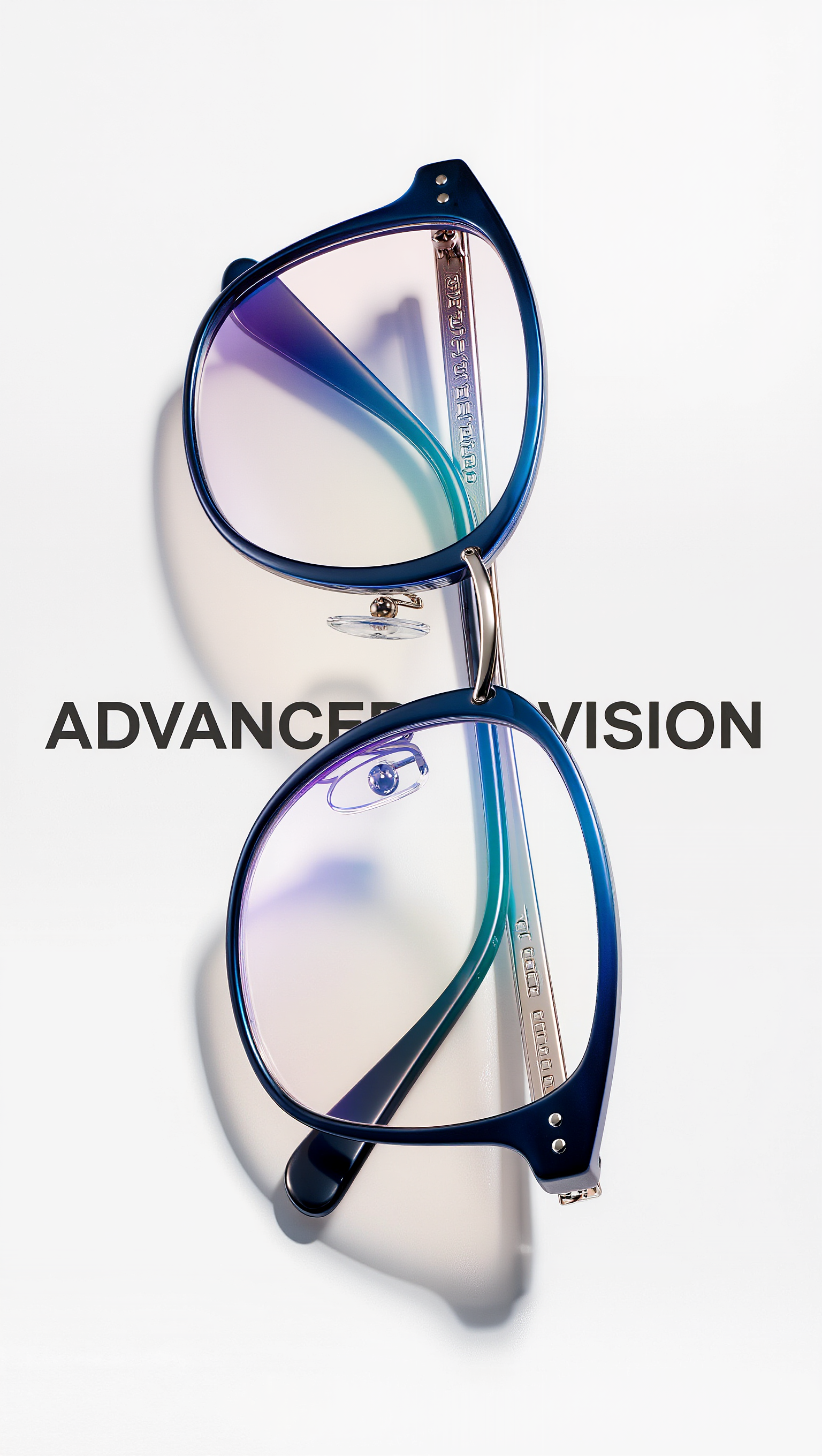
3D Eyeglass, advanced color sche - oc ideas generator AI image
FoNN avatar
FoNN
Kling AI work 316307295614149 - oc ideas generator AI video
xyowiKIi avatar
xyowiKIi

How to Remove Background from Video

Upload Your Video

Upload Your Video

Start with the footage you already have in VIDEO 3.0 Omni. Your clip does not need to be recorded against a green screen before you change the background.

Delete or Replace Video Background

Delete or Replace Video Background

Tell Kling which subject should stay and which background you want removed. If a new setting is your real goal, skip the separate removal step: describe the background you want or add a reference image for Kling to follow.

Generate and Review

Generate and Review

Generate the edit and check the subject and background throughout the clip. If something needs adjusting, refine the instruction and try another version, then save the result or continue editing in Kling AI.

Natural Face Swaps Without the Editing Hassle

Image Face Swap Without the Busywork

Image Face Swap Without the Busywork

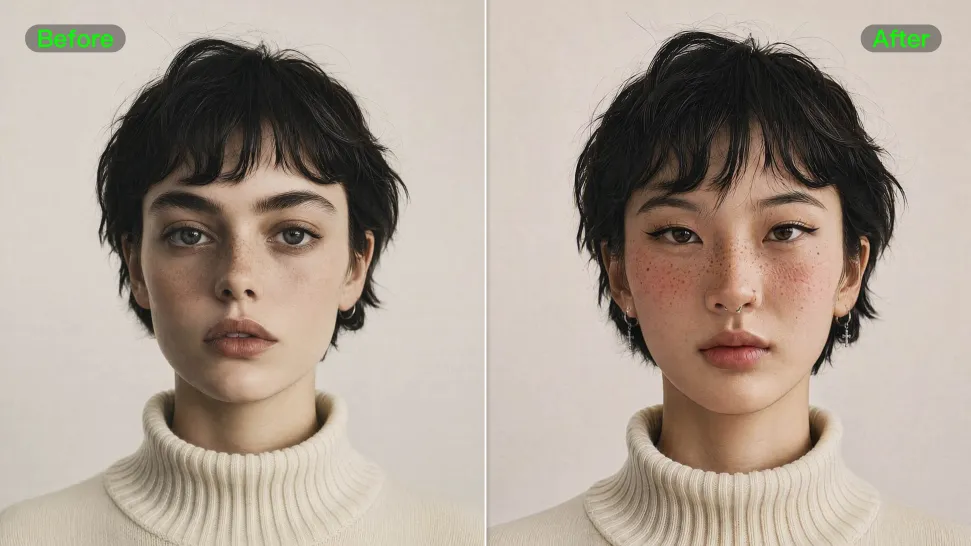
From portrait-style shots to playful creative images, Kling IMAGE 3.0 helps you create more natural and consistent face swaps. Add the photo you want to edit, provide a face reference, and tell Kling AI what you want to change. The edit can stay close to the original photo, helping the new face feel like part of the image rather than something added on top.
Keep the Same Face Across Angles and Shots

Keep the Same Face Across Angles and Shots

A single reference does not always show everything. Add multiple views or use a character element to give Kling AI more information about the person you want to preserve. Kling VIDEO 3.0 Omni uses those references to help maintain key identity features as the subject changes pose, the camera moves, or the scene shifts—especially useful for moving footage and multi-shot videos where consistency matters.
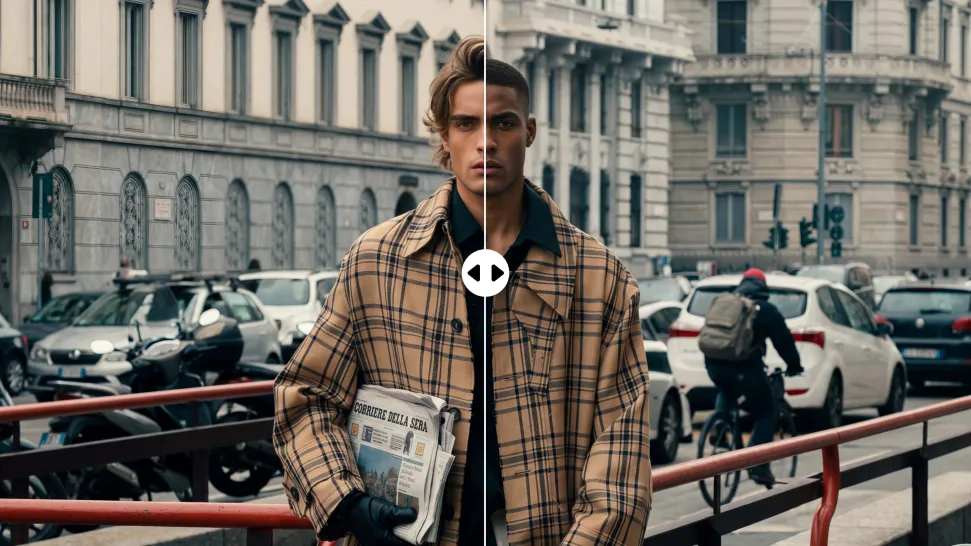
Change the Face, Keep the Scene

Change the Face, Keep the Scene

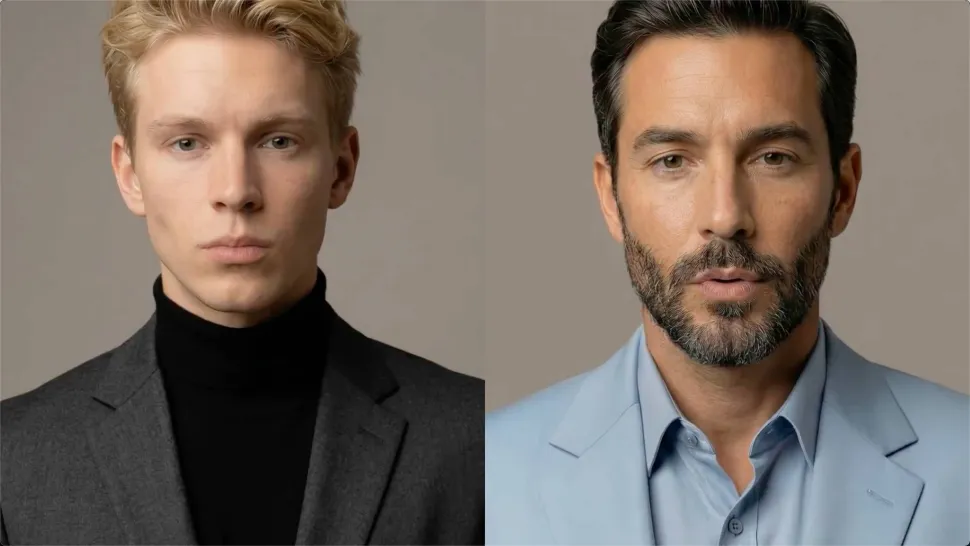
Swap the face, not the whole scene. Kling AI keeps the original lighting, mood, and overall look in place, helping the new face blend naturally into the shot while the setting and visual feel stay true to the original.

Apps

Image to Video
Image to Video

Image to Video

Text to Video
Text to Video

Text to Video

Omni
Omni

Omni

Digital Human
Digital Human

Digital Human

Restyle
Restyle

Restyle

Text to Image
Text to Image

Text to Image

60M+
60M+
Users
600M+
600M+
AI Videos Generated
4.7 ★
4.7 ★
App Store
Industry-Leading
Industry-Leading
Cinematic 4K

Reviews

James Phillips

James Phillips

★★★★★

Kling AI has transformed my workflow by collapsing timelines and democratizing production. It’s shifted my mindset from resource-dependent filmmaking to a boundless creative sandbox, where experimentation yields unexpected beauty.

Maria Rubtsova

Maria Rubtsova

★★★★★

I’m Maria Rubtsova, an AIGC digital artist passionate about creating stunning visuals in the worlds of fashion, aesthetics, and fantasy. I use KlingAi to bring imagination to life through video. My work is all about exploring beauty, emotion, and the limitless possibilities of digital art.

KakuDrop

KakuDrop

★★★★★

I have successfully collaborated with world-renowned artists and well-known companies that are recognized globally

FAQ

Q1Can I continue editing an image after removing a watermark?
Q2Can AI remove watermarks without losing image quality?
Q3Can I remove text from an image with Kling AI?

Create More with Every Background Change

Turn every background change into a new creative direction with Kling AI. Explore new scenes, reshape your visuals, and create images that keep the details and style that make them unique.

AI Background Removal | Scene Transformation | 2K/4K Image Creation