
Creative Studio
API
Resources
Features
About Us
Download

Ocean Desktop Wallpaper Ideas – AI-Generated Concepts

Explore AI-generated ocean desktop wallpaper ideas. Enhance your screen with serene, AI-created visuals.

Ocean Desktop Wallpaper Ideas – AI-Generated Concepts

Recommended

Kling AI work 318382586502403 - ocean desktop wallpaper AI video
YeHBOAfm avatar
YeHBOAfm
Desktop Oled wallpaper - ocean desktop wallpaper AI video
00:10
vaDUEQlW avatar
vaDUEQlW
the pastel-hued ocean - ocean desktop wallpaper AI video
POPONE avatar
POPONE
Elite Creator
Sparkling Ocean - ocean desktop wallpaper AI video
VENNILA avatar
VENNILA
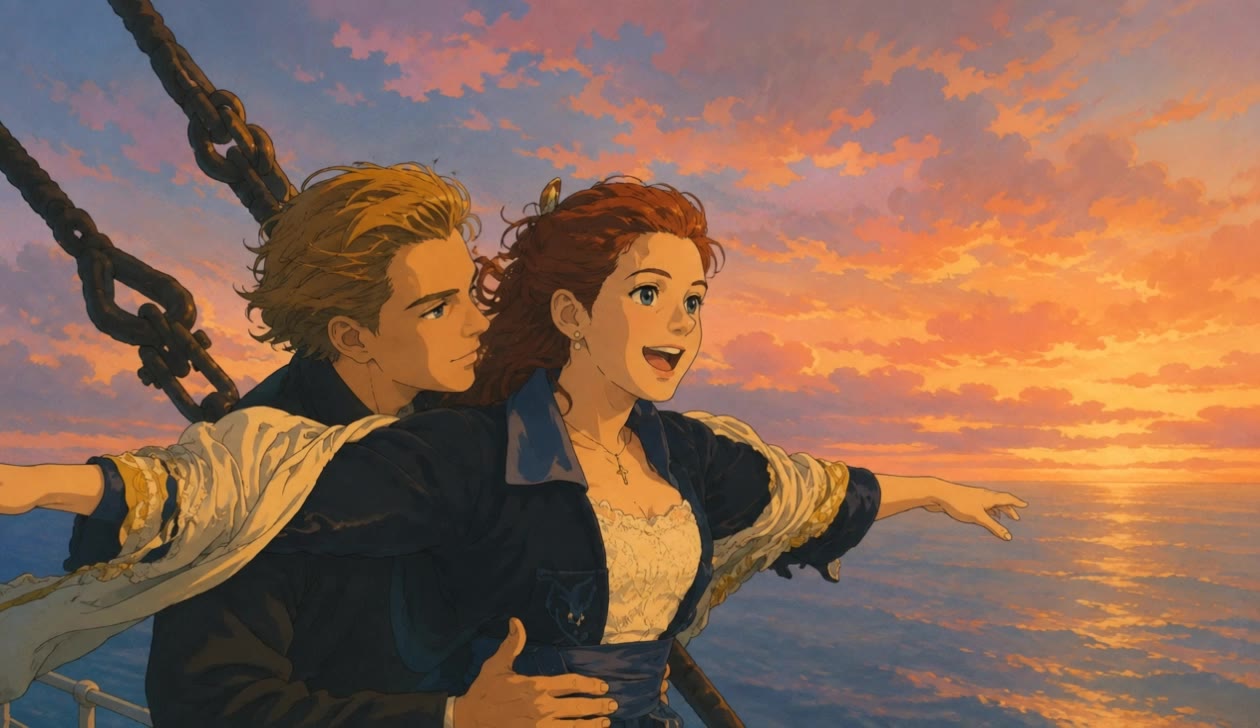
Titanic Movie Ghibli wallpaper - ocean desktop wallpaper AI video
rZBDdJrY avatar
rZBDdJrY
Kling AI work 309155892611817 - ocean desktop wallpaper AI image
Dreaming avatar
Dreaming
Elite Creator
Kling AI work 310701529505781 - ocean desktop wallpaper AI image
Free wallpaper HD avatar
Free wallpaper HD
Kling AI work 314265054527114 - ocean desktop wallpaper AI video
Buyo avatar
Buyo
Kling AI work 313711244667554 - ocean desktop wallpaper AI video
GMuIQbUT avatar
GMuIQbUT
ocean - ocean desktop wallpaper AI video
00:07
XRVmDCNO avatar
XRVmDCNO
Where the Cosmos Meets the Ocean - ocean desktop wallpaper AI video
iNwqQpMS avatar
iNwqQpMS
Kling AI work 310335821661328 - ocean desktop wallpaper AI image
Dreaming avatar
Dreaming
Elite Creator
ocean  - ocean desktop wallpaper AI video
00:05
aDenlzPb avatar
aDenlzPb
Kling AI work 309755336502052 - ocean desktop wallpaper AI image
Rakesh avatar
Rakesh
Ocean in the sky - ocean desktop wallpaper AI video
National Gods avatar
National Gods
Kling AI work 317745348610862 - ocean desktop wallpaper AI video
yosKizda avatar
yosKizda
Kling AI work 317581797663735 - ocean desktop wallpaper AI video
obVZVXqQ avatar
obVZVXqQ
Live Wallpaper - ocean desktop wallpaper AI video
Louis avatar
Louis
Elite Creator
Born From the Ocean - ocean desktop wallpaper AI video
Asrori avatar
Asrori
Elite Creator

How to Extend an Image with AI

Step 1: Upload and Describe

Step 1: Upload and Describe

Upload the image you want to expand, such as a portrait, product photo, landscape, or social media visual. Use a text prompt to specify which side to extend and what should appear in the new area, such as more sky, scenery, or background details, while keeping the main subject unchanged.

Step 2: Choose the Output Settings and Generate

Step 2: Choose the Output Settings and Generate

Choose the image ratio, number of outputs, and resolution, then generate your extended image. Creating multiple versions makes it easier to compare the results and choose your favorite.

Step 3: Expand Your Image with Image Expansion

Step 3: Expand Your Image with Image Expansion

Open the Image Expansion workflow when you want a dedicated way to extend an existing image. Upload your source image, describe what should appear beyond the original frame, choose from the available output settings, and generate the expanded result.

Choose the Right Voice Workflow

Add New Audio to an Existing Video

Add New Audio to an Existing Video

Use the dedicated Lip Sync tool when your character video is already created. Upload a voiceover or song, or generate speech from text, then match the new audio to the character’s mouth movements.

Generate Dialogue with the Scene

Generate Dialogue with the Scene

Starting from scratch? Kling VIDEO 3.0 and VIDEO 3.0 Omni create dialogue, lip movement, visuals, sound effects, and ambience together. Native Audio supports Chinese, English, Japanese, Korean, and Spanish.

Keep Character and Voice Consistent

Keep Character and Voice Consistent

Create a reusable Character Element from images or a video, bind a voice tone, and carry the same appearance and voice into new scenes with VIDEO 3.0 Omni.

Apps

Image to Video
Image to Video

Image to Video

Text to Video
Text to Video

Text to Video

Omni
Omni

Omni

Digital Human
Digital Human

Digital Human

Restyle
Restyle

Restyle

Text to Image
Text to Image

Text to Image

60M+
60M+
Users
600M+
600M+
AI Videos Generated
4.7 ★
4.7 ★
App Store
Industry-Leading
Industry-Leading
Cinematic 4K

Reviews

KakuDrop

KakuDrop

★★★★★

I have successfully collaborated with world-renowned artists and well-known companies that are recognized globally

Samuele Poggi (@visualsk2)

Samuele Poggi (@visualsk2)

★★★★★

I use Kling AI daily to push the limits of AI filmmaking. It allows me to create highly cinematic content, blending AI and VFX to develop innovative projects. It has significantly impacted my creative process, enabling me to achieve complex animations that would otherwise require high production budgets.

Jyo John Mulloor

Jyo John Mulloor

★★★★★

Kling AI has been instrumental in transforming my creative workflow, unlocking new dimensions of artistic expression that were once unimaginable. I use Kling AI extensively to develop high-concept visuals, animate surreal dreamscapes, and create AI-assisted films that blur the line between reality and fantasy. Kling AI’s deep learning capabilities have not only enhanced my creative efficiency but also inspired me to explore storytelling in ways I never thought possible.

FAQ

Q1Is Kling AI only for editing existing videos?
Q2Do I need professional video editing experience when using AI video editor?
Q3Can an AI video editor remove or replace objects?

Take Your Photo in a New Direction

Start with the image you have and rework it for the look, message, or moment you have in mind.

Object removal | Background changes | Portrait retouching | Photo restyling