
Creative Studio
API
Resources
Features
About Us
Download

Ocean Style Ideas – AI-Generated Concepts

Discover AI-generated ocean style ideas. Easily explore and adapt these concepts to create unique and appealing designs.

Ocean Style Ideas – AI-Generated Concepts

Recommended

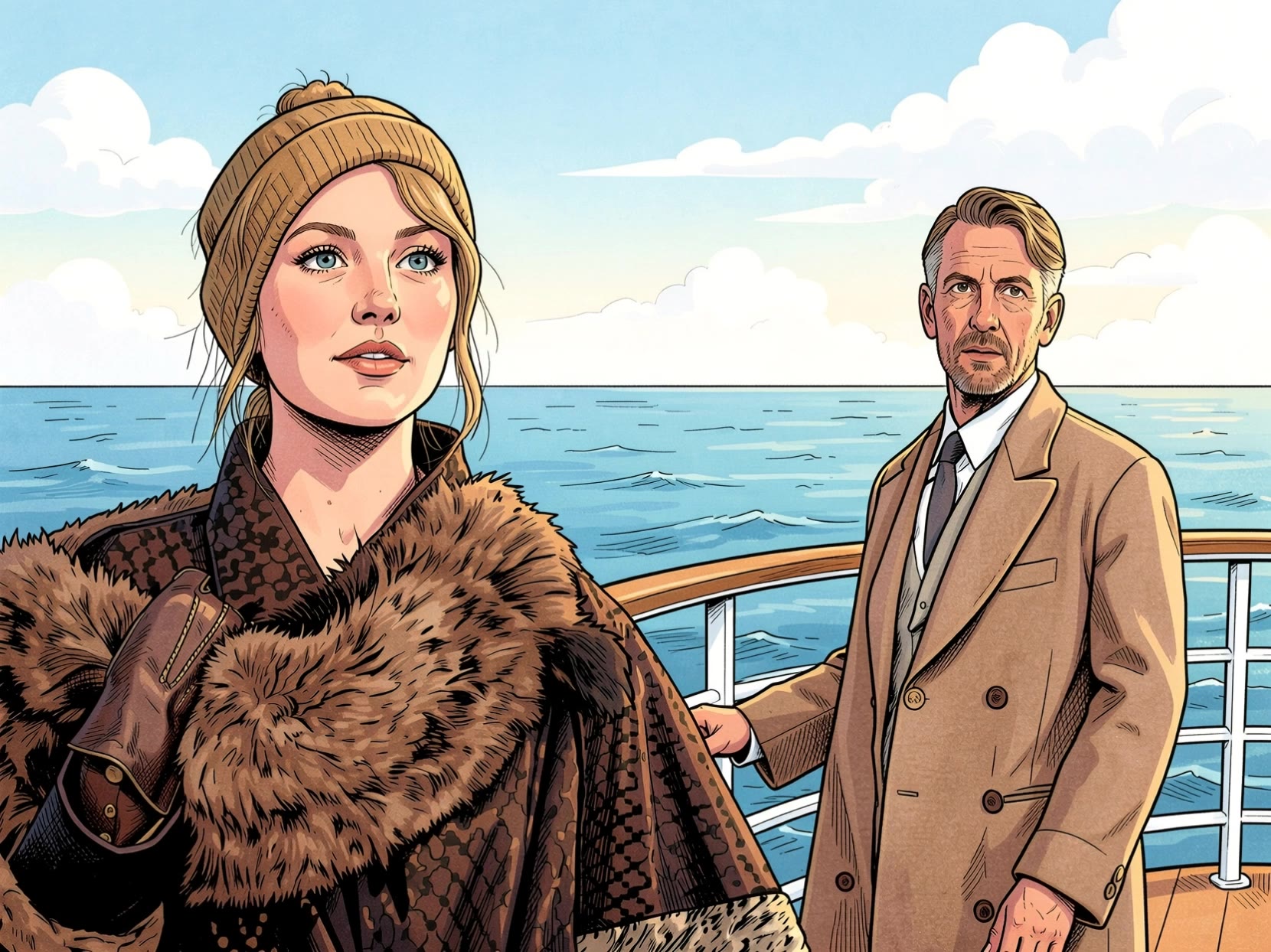
Horizon -Ocean liner deck - ocean style AI video
MoHxCxmZ avatar
MoHxCxmZ
Ocean of Floating Dreams. ✨💖 - ocean style AI image
QHSSdJDp avatar
QHSSdJDp
Kling AI work 316468723502874 - ocean style AI image
buzzdrop avatar
buzzdrop
Kling AI work 312886159501475 - ocean style AI image
veUUCEiI avatar
veUUCEiI
Kling AI work 313840634523276 - ocean style AI video
nfqaHbOQ avatar
nfqaHbOQ
Ancient Ocean - ocean style AI video
kDNFlfQB avatar
kDNFlfQB
the ocean surface - ocean style AI video
RamZ avatar
RamZ
Elite Creator
a woman  with open arms ocean - ocean style AI video
IA_Esoterica_Tarot avatar
IA_Esoterica_Tarot
Kling AI work 314205428616018 - ocean style AI video
JD avatar
JD
Sparkling Ocean - ocean style AI video
VENNILA avatar
VENNILA
Kling AI work 316679577613892 - ocean style AI video
vrLYAPOb avatar
vrLYAPOb
Kling AI work 316151871617811 - ocean style AI video
vrLYAPOb avatar
vrLYAPOb
Massive Floating Ocean City - ocean style AI image
Ady Media Design avatar
Ady Media Design
Elite Creator
Sailing in the ocean - ocean style AI video
Mert Yavasca avatar
Mert Yavasca
A dreamy night over the ocean - ocean style AI image
Jredd69 avatar
Jredd69
Woman Contemplates Ocean - ocean style AI image
Kahkmah Bahm avatar
Kahkmah Bahm

How to Create Images with Kling AI

Write Down You Ideas

Write Down You Ideas

Open the AI Image Generator and choose the model that fits your project. Describe the subject and scene, then add details such as lighting, color, and visual style to shape the result.

Add References Or Not

Add References Or Not

Upload reference images for a character, product, composition, or style. References are optional, but they give Kling AI a clearer visual foundation when specific features, colors, or design details need to carry into the final image.

Generate Your Image

Generate Your Image

Choose your preferred format and output settings, then hit Generate. Once the result is ready, download it directly or open it in the image-to-video workflow to bring it to life with motion.

Remove Objects from Images with More Control

Remove Objects with Simple Text Prompts

Remove Objects with Simple Text Prompts

Skip complex masks and manual retouching. Tell Kling IMAGE 3.0 what you want gone in a text prompt, and it interprets your instruction as a targeted image edit. It gives you a faster way to clean up photos without a complicated editing workflow.

Target the Exact Object You Want Gone

Target the Exact Object You Want Gone

When several similar people or objects appear in the same image, describe the target by its position, appearance, or nearby context. Clearer instructions give you more control over which element is removed while helping reduce unintended changes to unrelated parts of the scene.

Keep the Edited Area Visually Consistent

Keep the Edited Area Visually Consistent

Removing an object also means recreating the area it once covered. Kling IMAGE 3.0 is designed to preserve surrounding style, lighting, and texture during targeted edits, helping the cleared area feel more connected to the rest of the image instead of standing out as an obvious edit.

Apps

Image to Video
Image to Video

Image to Video

Text to Video
Text to Video

Text to Video

Omni
Omni

Omni

Digital Human
Digital Human

Digital Human

Restyle
Restyle

Restyle

Text to Image
Text to Image

Text to Image

60M+
60M+
Users
600M+
600M+
AI Videos Generated
4.7 ★
4.7 ★
App Store
Industry-Leading
Industry-Leading
Cinematic 4K

Reviews

Vincent Smadja

Vincent Smadja

★★★★★

Kling AI seamlessly integrates into my creative workflow, playing a key role in transforming my images. After generating and upscaling an image, Kling becomes a crucial element, bringing my creations to life with movement and depth.

Huang Lu (Elson)

Huang Lu (Elson)

★★★★★

I’ve been using Kling AI since its initial release, and it’s remained one of the leading AI media generators ever since. With Kling AI, I’ve created hundreds of videos, collectively amassing millions of views.

Ozan Sihay

Ozan Sihay

★★★★★

Kling AI allows me to rapidly prototype ideas, refine storytelling elements, and produce visually compelling content efficiently. It has not only accelerated my creative processes, but also deepened my understanding of how AI can enrich visual storytelling.

FAQ

Q1Can I adjust my image after enhancement?
Q2What types of images can I enhance with Kling AI?
Q3Can I improve image quality without changing the original style?

Remove Watermarks, Create Clean Visuals

Remove unwanted watermarks, logos, and distractions with Kling AI. Create cleaner visuals while keeping the important elements, style, and character that make your images unique.

Watermark Removal | Logo & Text Removal | 2K/4K output