Creative Studio
API
Resources
Features
About Us
Download

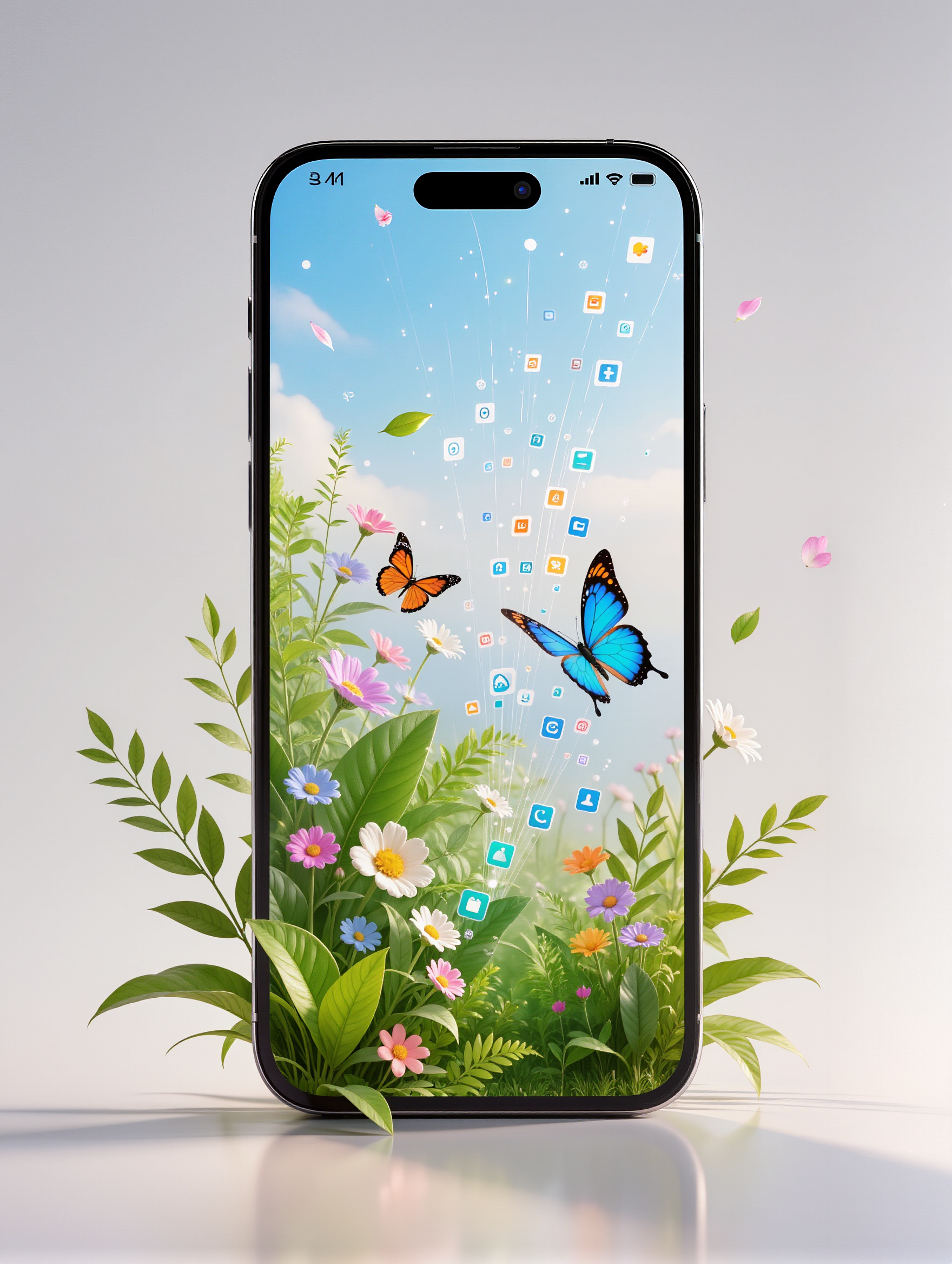
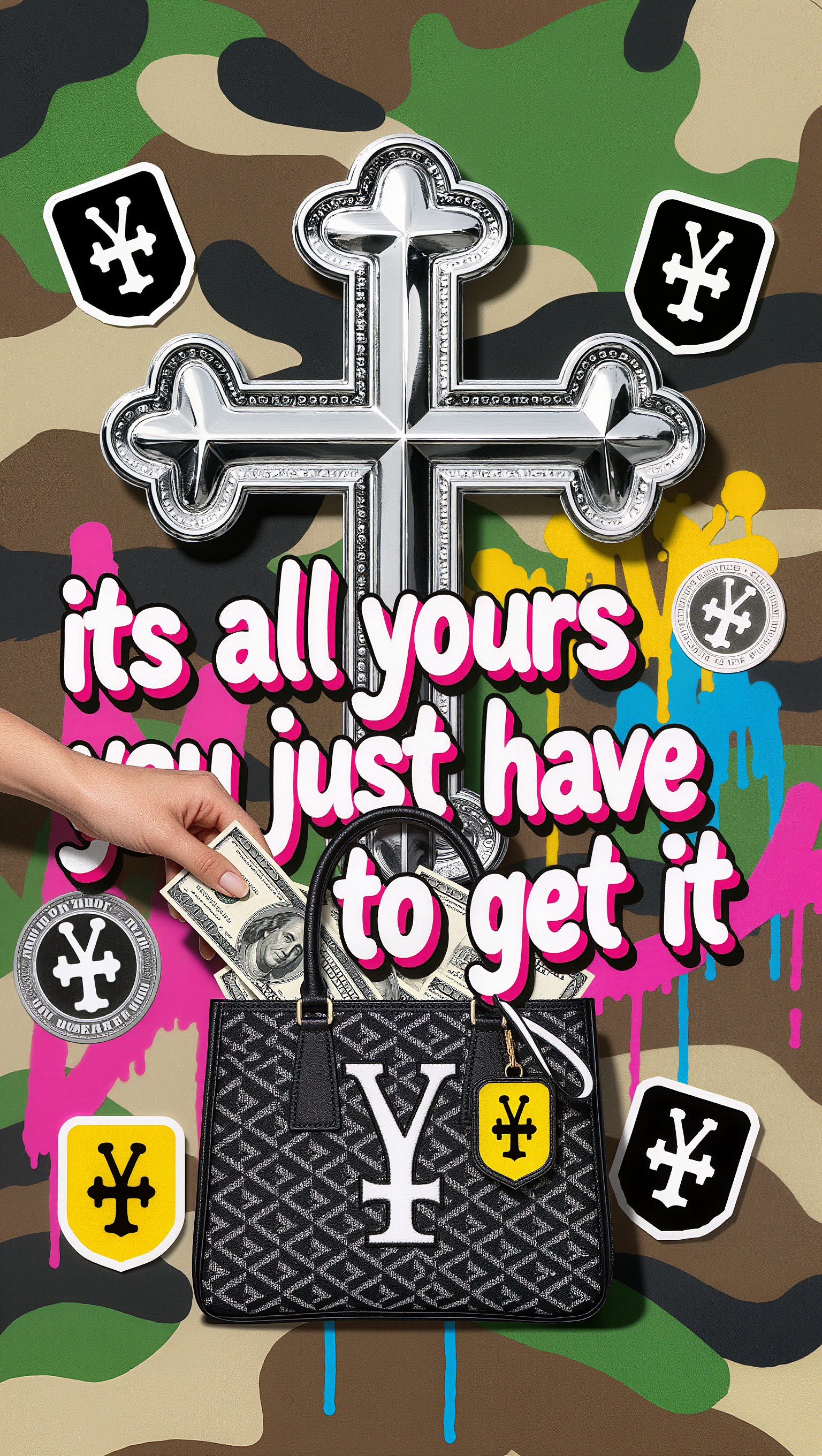
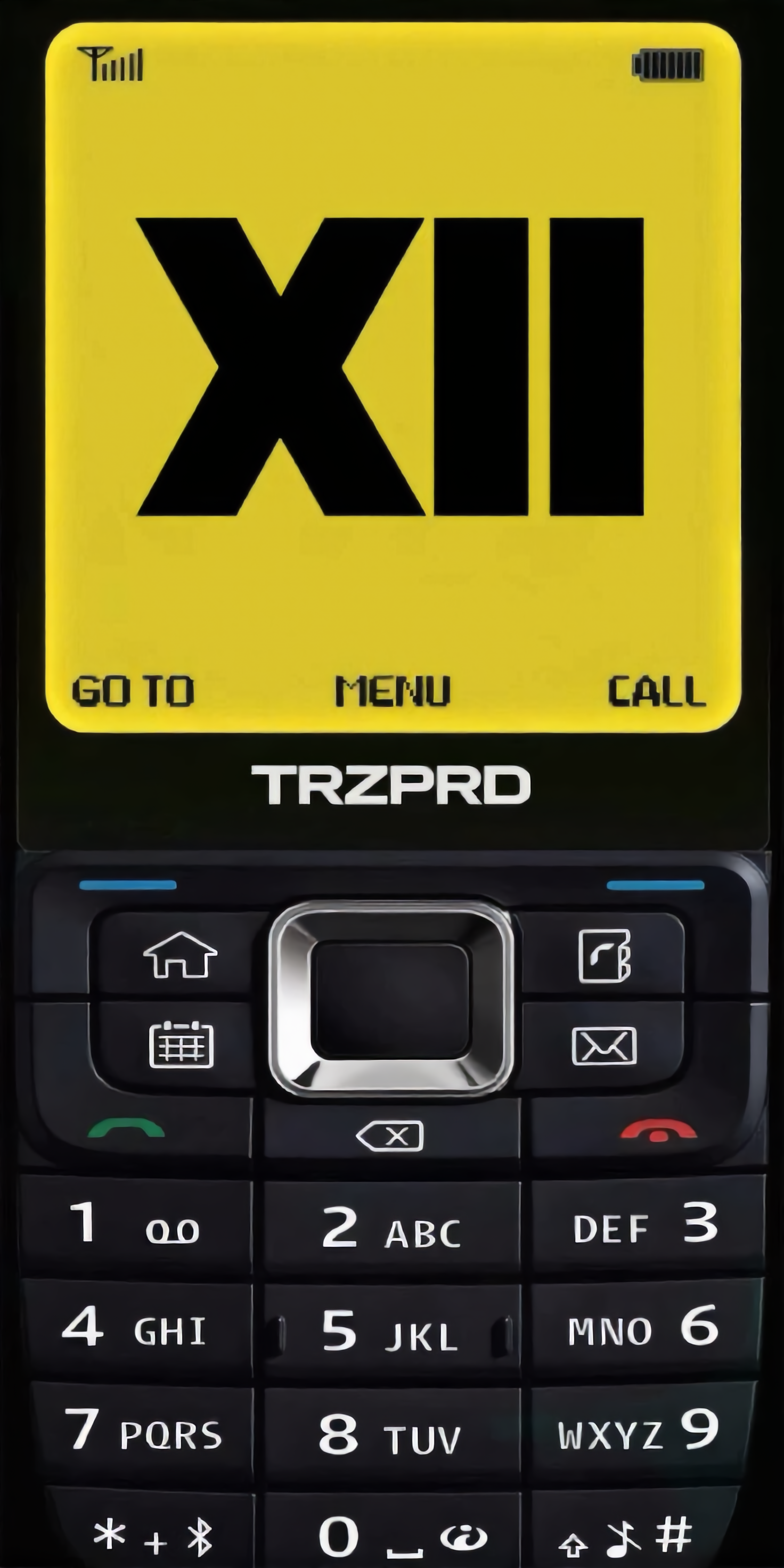
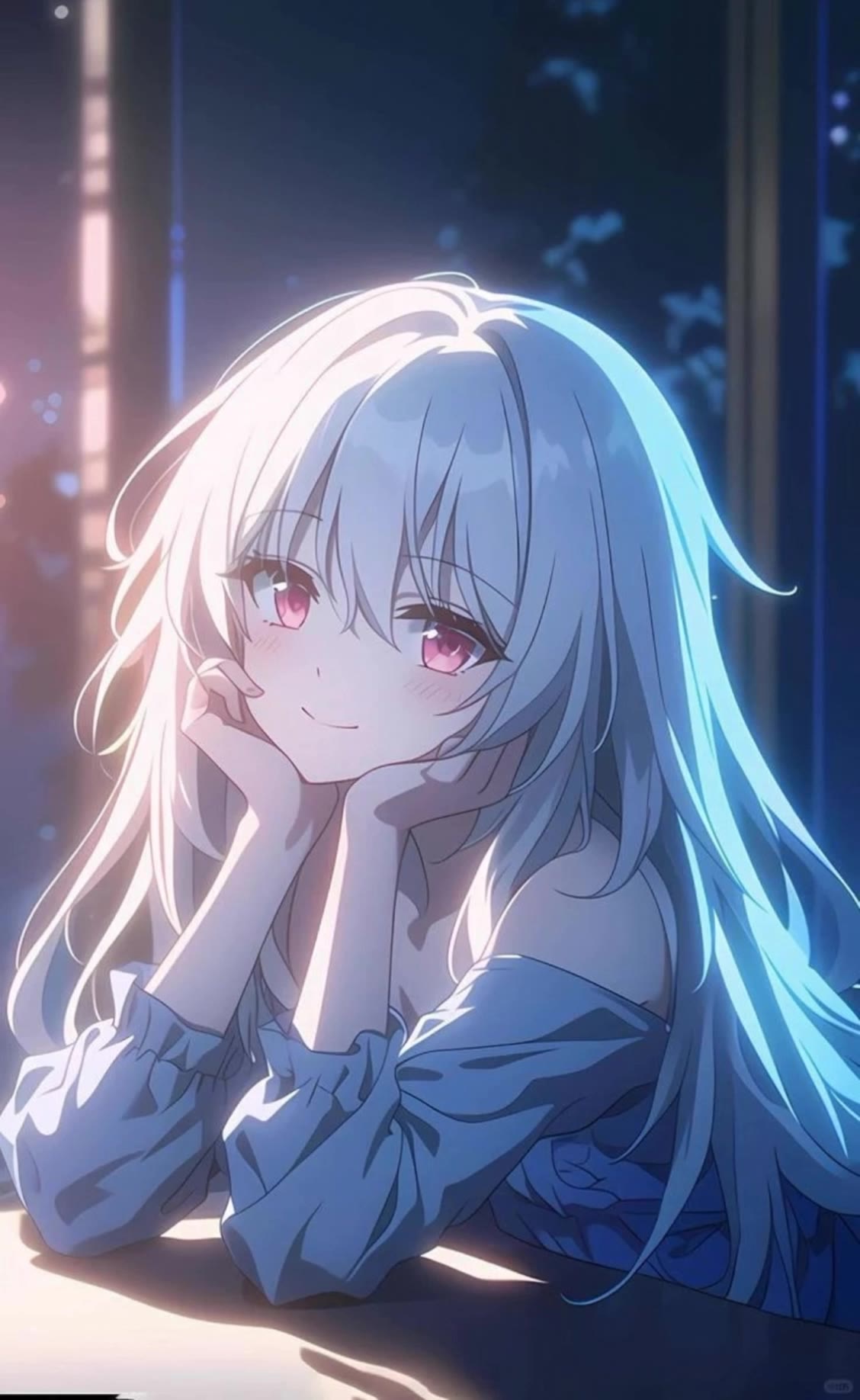
Office Phone Wallpaper – AI Image Inspiration

Discover AI-generated office phone wallpaper designs. Customize and use these unique visuals for your device. Quick and easy to adapt.

Office Phone Wallpaper – AI Image Inspiration

Recommended

Kling AI work 321905149667035 - office phone wallpaper AI video
gJOjmUib avatar
gJOjmUib
Kling AI work 310749546665555 - office phone wallpaper AI image
sn00pz avatar
sn00pz
Kling AI work 314539786508991 - office phone wallpaper AI image
jEPavyfA avatar
jEPavyfA
Friend: “Give me your phone, I w - office phone wallpaper AI image
gSnEnbyH avatar
gSnEnbyH
Kling AI work 316055105665953 - office phone wallpaper AI image
Dreaming avatar
Dreaming
Elite Creator
Kling AI work 309379297616914 - office phone wallpaper AI image
KgSMpvBe avatar
KgSMpvBe
Kling AI work 310299137616417 - office phone wallpaper AI video
CayOOxjo avatar
CayOOxjo
At the phone - office phone wallpaper AI video
Julietteuniverse avatar
Julietteuniverse
Kling AI work 310972006522352 - office phone wallpaper AI image
QpOULOuw avatar
QpOULOuw
Kling AI work 310749683503972 - office phone wallpaper AI image
sn00pz avatar
sn00pz
Cold Calling - office phone wallpaper AI video
WvUiCwkM avatar
WvUiCwkM
"Smartphone wallpaper format" - office phone wallpaper AI image
CENCgEKU avatar
CENCgEKU
Kling AI work 308855324505863 - office phone wallpaper AI image
YAEDnkOg avatar
YAEDnkOg
Kling AI work 312154842663009 - office phone wallpaper AI image
TrizOprOd avatar
TrizOprOd
Kling AI work 312474589508797 - office phone wallpaper AI video
sFdauqPG avatar
sFdauqPG
Office - office phone wallpaper AI image
YrGxdPED avatar
YrGxdPED
Kling AI work 306590643665630 - office phone wallpaper AI image
Mic avatar
Mic
Kling AI work 315812335521470 - office phone wallpaper AI image
fzYJBRcb avatar
fzYJBRcb
MODERN FRONT OFFICE WOMAN - office phone wallpaper AI image
GbfCcbJH avatar
GbfCcbJH

How to Restore Old Photos with Kling AI

Upload Your Old Photo

Upload Your Old Photo

Upload a scanned photo, faded print, damaged portrait, or black-and-white image. Your original photo gives Kling the visual reference for the people, objects, composition, and details you want to keep.

Describe the Restoration You Want

Describe the Restoration You Want

Use a prompt to describe the improvements you want, such as removing scratches, reducing stains, restoring faded colors, enhancing facial details, or repairing damaged areas. You can also mention what should stay consistent, like expressions, clothing, or the overall look of the original photo.

Generate Your Restored Photo

Generate Your Restored Photo

Generate your restored version and compare it with the original. If an important detail changes, update your prompt or add another reference and try again.

Make Images Clearer, Sharper, and More Detailed

Make Soft or Blurry-Looking Images Clearer

Make Soft or Blurry-Looking Images Clearer

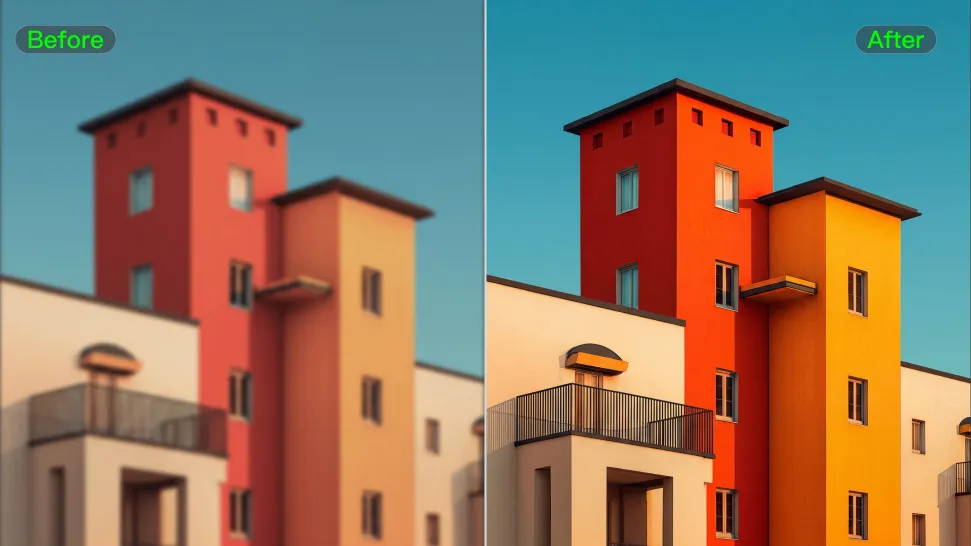
Improve images that look soft, blurry, or short on detail so important subjects appear clearer and easier to recognize. Kling IMAGE 3.0 Omni can refine facial features, object edges, textures, and other key areas while preserving the overall look and character of the original image.
Enhance Low-Resolution Images in 2K/4K

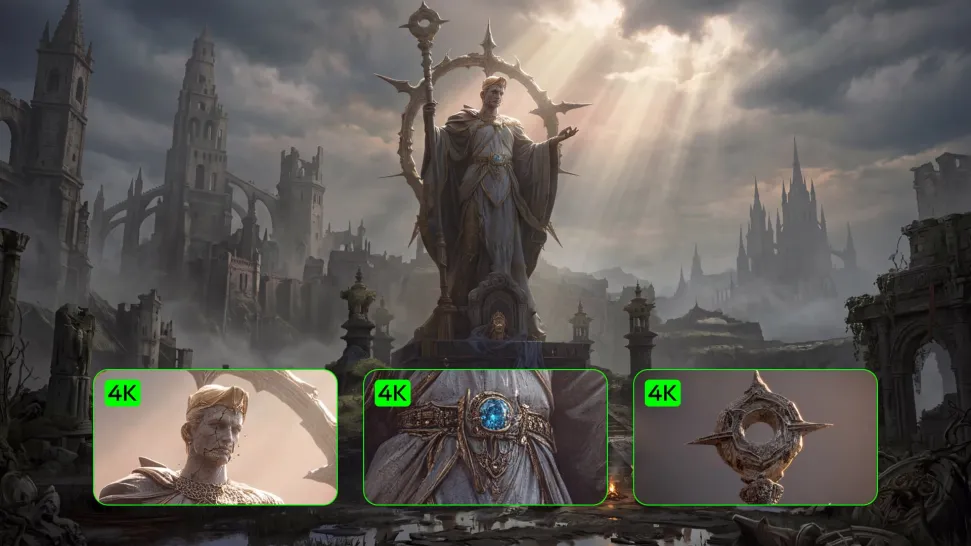
Enhance Low-Resolution Images in 2K/4K

Need more resolution for a larger screen, campaign visual, product image, or creative project? Use your existing image as the starting point and generate a higher-resolution version in native 2K or 4K. You get more room for fine textures and visual detail to come through, making your result better suited to larger displays, print, presentations, and other high-resolution uses.

Improve Color and Lighting Your Way

Improve Color and Lighting Your Way

If your image feels too dark, flat, or visually uneven, describe the look you want and guide changes to lighting, shadows, contrast, color tone, or saturation. You can create softer light, richer color, or a more balanced finish while keeping control over the overall visual direction.

Apps

Image to Video
Image to Video

Image to Video

Text to Video
Text to Video

Text to Video

Omni
Omni

Omni

Digital Human
Digital Human

Digital Human

Restyle
Restyle

Restyle

Text to Image
Text to Image

Text to Image

60M+
60M+
Users
600M+
600M+
AI Videos Generated
4.7 ★
4.7 ★
App Store
Industry-Leading
Industry-Leading
Cinematic 4K

Reviews

James Phillips

James Phillips

★★★★★

Kling AI has transformed my workflow by collapsing timelines and democratizing production. It’s shifted my mindset from resource-dependent filmmaking to a boundless creative sandbox, where experimentation yields unexpected beauty.

Vincent Smadja

Vincent Smadja

★★★★★

Kling AI seamlessly integrates into my creative workflow, playing a key role in transforming my images. After generating and upscaling an image, Kling becomes a crucial element, bringing my creations to life with movement and depth.

Jyo John Mulloor

Jyo John Mulloor

★★★★★

Kling AI has been instrumental in transforming my creative workflow, unlocking new dimensions of artistic expression that were once unimaginable. I use Kling AI extensively to develop high-concept visuals, animate surreal dreamscapes, and create AI-assisted films that blur the line between reality and fantasy. Kling AI’s deep learning capabilities have not only enhanced my creative efficiency but also inspired me to explore storytelling in ways I never thought possible.

FAQ

Q1How can I customize my AI character?
Q2How does an AI Character Generator work?
Q3What can I use AI-generated characters for?

Bring Your Characters to Life with AI Voices

Create natural voices from text with Kling AI. Turn character dialogue into expressive speech to create realistic character videos.

Native Audio | Multilingual Dialogue | Character Voice Control