Creative Studio
API
Resources
Features
About Us
Download

Office Poster Design – AI-Generated Ideas

Explore AI-generated ideas for designing office-themed posters. Created with AI, these visuals offer quick and customizable solutions for workplace and professional-themed posters, perfect for events and promotions.

Office Poster Design – AI-Generated Ideas

Recommended

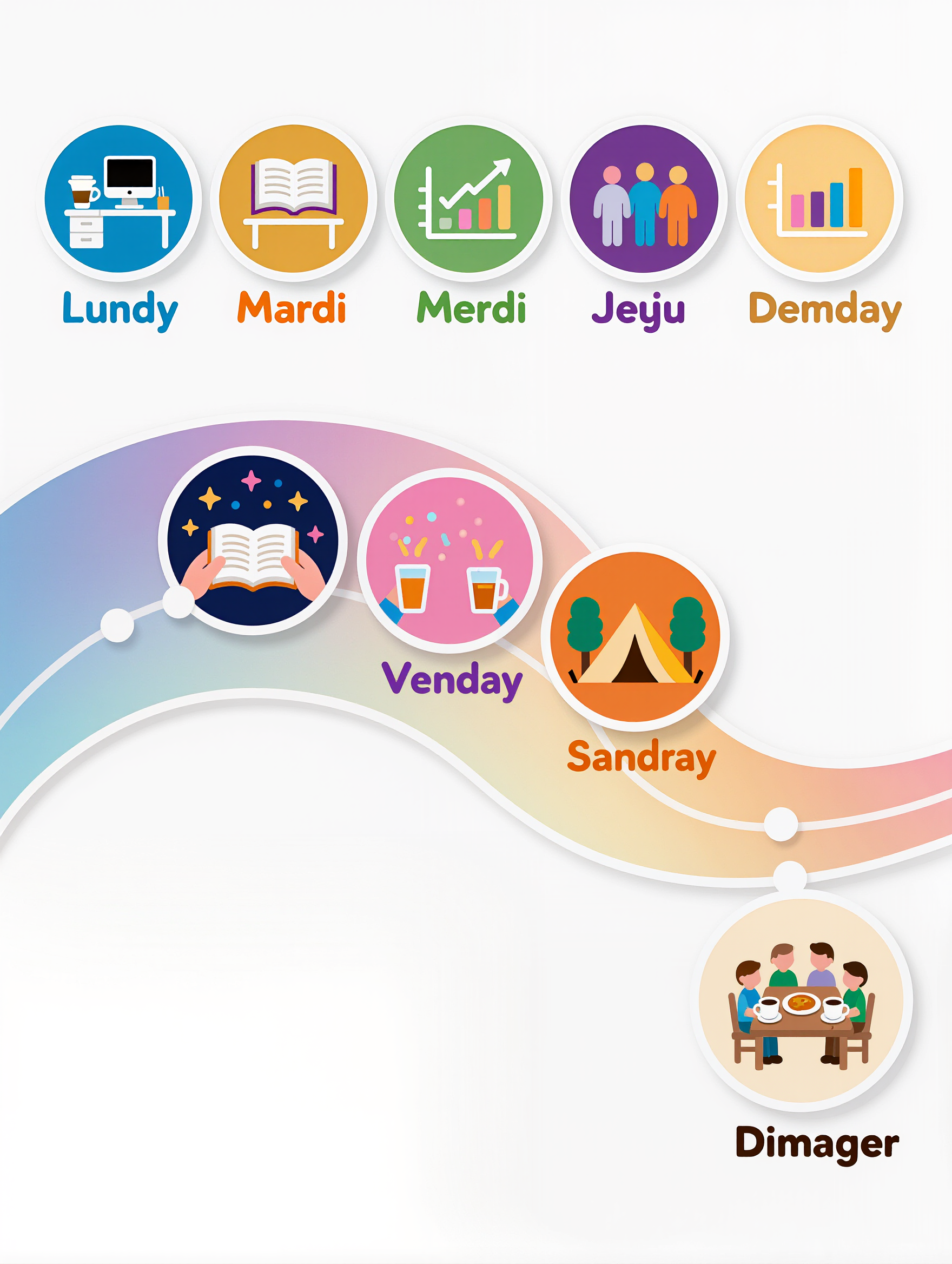
Business poster  - office poster design AI image
ZfcfMPty avatar
ZfcfMPty
Kling AI work 319111355525715 - office poster design AI video
RpMZrVgV avatar
RpMZrVgV
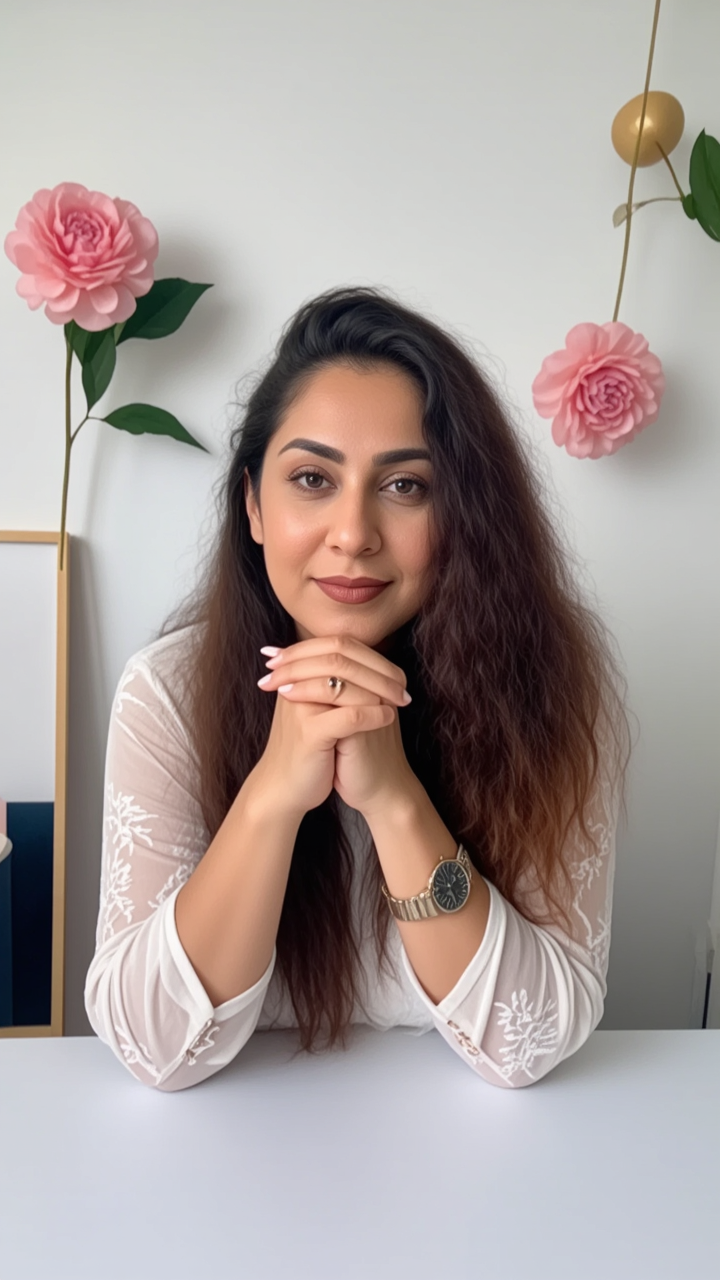
MODERN FRONT OFFICE WOMAN - office poster design AI image
GbfCcbJH avatar
GbfCcbJH
Kling AI work 315302720668248 - office poster design AI video
Houseman avatar
Houseman
Kling AI work 297843041523416 - office poster design AI image
wfeZWAsr avatar
wfeZWAsr
Kling AI work 318058005668879 - office poster design AI video
EEqbJioc avatar
EEqbJioc
Office  - office poster design AI image
wnkoTzFf avatar
wnkoTzFf
Kling AI work 298952356502869 - office poster design AI image
OTOymYEv avatar
OTOymYEv
Poster Design 4 - office poster design AI image
WeAI avatar
WeAI
Kling AI work 314776223502134 - office poster design AI image
Expecto Patronum avatar
Expecto Patronum
Kling AI work 315812335521470 - office poster design AI image
fzYJBRcb avatar
fzYJBRcb
Kling AI work 311595461501130 - office poster design AI image
xgvKPBtZ avatar
xgvKPBtZ
poster - office poster design AI video
00:05
RGKtEBFl avatar
RGKtEBFl
Office - office poster design AI image
YrGxdPED avatar
YrGxdPED
in the office - office poster design AI image
artisticvideo avatar
artisticvideo
Elite Creator
Kling AI work 314818236523519 - office poster design AI image
*Fuji-Apple* avatar
*Fuji-Apple*
Office - office poster design AI video
00:02
uudwmCHL avatar
uudwmCHL
Kling AI work 317055528523898 - office poster design AI video
hZkfuPjy avatar
hZkfuPjy

How to Make an Avatar with Kling

Bring a Photo or an Idea

Bring a Photo or an Idea

Have an original photo to recreate? Upload it and use it as the visual starting point. If you would rather invent someone new, skip the photo and begin with a description.

Make the Look Your Own

Make the Look Your Own

Describe the avater you want to see, including the features, hairstyle, or outfit, or take the whole image into a different art style. The more specific the direction, the easier it is to shape the result around your idea.

Generate Your Avatar

Generate Your Avatar

Choose the available image settings and generate your avatar. Found one that feels close? Use it on other platforms right away.

Create Better Backgrounds with AI

Keep the Subject When Changing Backgrounds

Keep the Subject When Changing Backgrounds

Put a person or product somewhere new without intentionally redesigning what is already working. Tell Kling IMAGE 3.0 which facial details, clothing, product shapes, materials, colors, or other features should stay familiar, then focus your prompt on the world around them.

Bring Your Art Direction into the Background

Bring Your Art Direction into the Background

When you already have a look in mind, show Kling instead of trying to describe every detail from scratch. IMAGE 3.0 supports up to 10 reference images, so you can bring in visuals for the setting, composition, color palette, props, or overall style and explain how you want each reference to influence the result.

Change the Whole Scene or Just One Detail

Change the Whole Scene or Just One Detail

A new background does not always mean starting over with the entire setting. Replace the full scene, or make a smaller change such as adding an object, removing a distraction, changing a surface, or reworking one part of the environment while leaving the rest closer to the original image.

Apps

Image to Video
Image to Video

Image to Video

Text to Video
Text to Video

Text to Video

Omni
Omni

Omni

Digital Human
Digital Human

Digital Human

Restyle
Restyle

Restyle

Text to Image
Text to Image

Text to Image

60M+
60M+
Users
600M+
600M+
AI Videos Generated
4.7 ★
4.7 ★
App Store
Industry-Leading
Industry-Leading
Cinematic 4K

Reviews

Jyo John Mulloor

Jyo John Mulloor

★★★★★

Kling AI has been instrumental in transforming my creative workflow, unlocking new dimensions of artistic expression that were once unimaginable. I use Kling AI extensively to develop high-concept visuals, animate surreal dreamscapes, and create AI-assisted films that blur the line between reality and fantasy. Kling AI’s deep learning capabilities have not only enhanced my creative efficiency but also inspired me to explore storytelling in ways I never thought possible.

Vincent Smadja

Vincent Smadja

★★★★★

Kling AI seamlessly integrates into my creative workflow, playing a key role in transforming my images. After generating and upscaling an image, Kling becomes a crucial element, bringing my creations to life with movement and depth.

Ozan Sihay

Ozan Sihay

★★★★★

Kling AI allows me to rapidly prototype ideas, refine storytelling elements, and produce visually compelling content efficiently. It has not only accelerated my creative processes, but also deepened my understanding of how AI can enrich visual storytelling.

FAQ

Q1Can I use a reference image for a new background?
Q2Can AI remove backgrounds while preserving hair and fine details?
Q3Can I replace the background after removing it?

Create a Whole New Look from One Photo

Swap outfits, mix references, and explore new styles with IMAGE 3.0 Omni. Keep the person recognizable and let new clothing blend naturally into the original photo.