
Creative Studio
API
Resources
Features
About Us
Download

pan camera movement - character focus & rotational sequences

Uncover the art of smooth transitions and dynamic framing with detailed pan camera movements. Witness how precise prompting enhances complex character and object choreography, bringing life and realism to your visual narratives. Start exploring pan camera movement ideas and generate your own content with AI.

pan camera movement - character focus & rotational sequences

Recommended

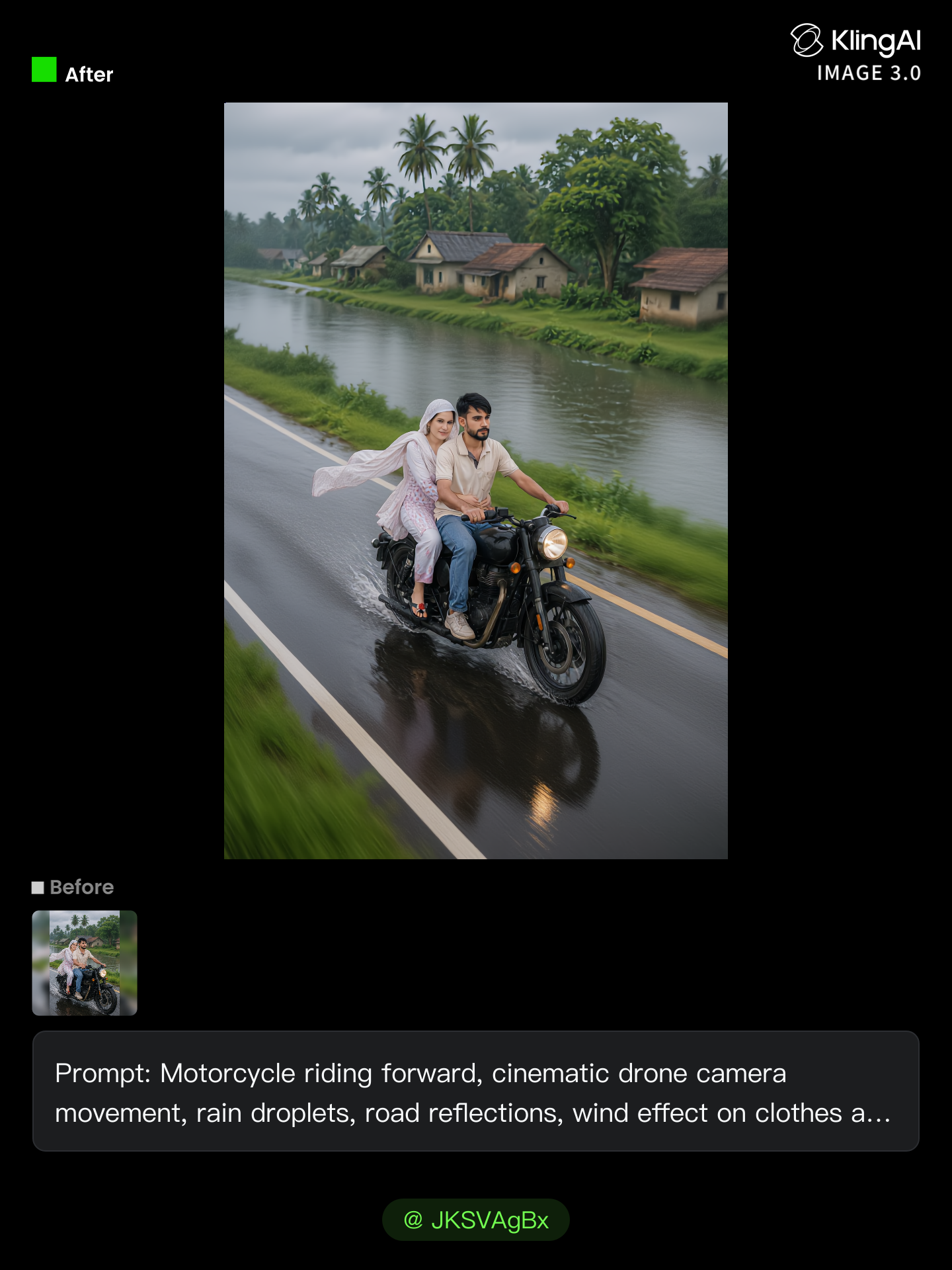
Kling AI work 312379936617480 - pan camera movement AI image
JKSVAgBx avatar
JKSVAgBx
Kling AI work 296113358301700 - pan camera movement AI video
gDoIRQuC avatar
gDoIRQuC
Kling AI work 297837211661866 - pan camera movement AI video
iFnhVJGQ avatar
iFnhVJGQ
Kling AI work 312087520522338 - pan camera movement AI video
oxPlcLnH avatar
oxPlcLnH
Kling AI work 309076352668736 - pan camera movement AI image
ldSAJzcf avatar
ldSAJzcf
Kling AI work 321316464505051 - pan camera movement AI image
wjwjwuLX avatar
wjwjwuLX
Kling AI work 297828597528200 - pan camera movement AI video
iFnhVJGQ avatar
iFnhVJGQ
Real estate video - Living room - pan camera movement AI video
ZXMiAPqq avatar
ZXMiAPqq
Kling AI work 312801942507915 - pan camera movement AI video
aTcvHdsU avatar
aTcvHdsU
Kling AI work 309950045310081 - pan camera movement AI video
Fucoso avatar
Fucoso
Kling AI work 312231168527586 - pan camera movement AI image
AbAjDzwe avatar
AbAjDzwe
It's awesome to use - pan camera movement AI video
JzdNNXQD avatar
JzdNNXQD
Kling AI work 312376198520488 - pan camera movement AI image
JKSVAgBx avatar
JKSVAgBx
Kling AI work 316679618306548 - pan camera movement AI video
Elite Gamer avatar
Elite Gamer
Kling AI work 297881421617361 - pan camera movement AI video
KLING2997 avatar
KLING2997
Kling AI work 81327774 - pan camera movement AI video
create.aiart avatar
create.aiart
Elite Creator
camera orbit around the man - pan camera movement AI video
3c1z avatar
3c1z
Kling AI work 297693037665155 - pan camera movement AI video
iFnhVJGQ avatar
iFnhVJGQ
Kling AI work 314259290611510 - pan camera movement AI video
mawar avatar
mawar

How to Create AI Video Dubbing with Kling

Step 1: Set Up Your Characters and Scene

Step 1: Set Up Your Characters and Scene

Describe the characters and scene you want to create, or add supported image or Character Element references when you already have a specific look in mind. Make each speaker easy to identify before adding dialogue.

Step 2: Add Dialogue and Set Each Voice

Step 2: Add Dialogue and Set Each Voice

Write each character’s lines and keep them clearly paired with the right speaker. Add the language, accent, tone, or delivery to your prompt when you want to shape how each line sounds, and mix supported languages within the same scene when needed.

Step 3: Generate with Native Audio

Step 3: Generate with Native Audio

Generate the video with Native Audio to create dialogue, lip movements, visuals, ambience, and supporting sound together. Enable Multi-Shot when you want the conversation to unfold across different shots, camera angles, or scene beats.

Key Features of Kling AI Image Generator

Turn Ideas into Images

Turn Ideas into Images

Describe the scene, character, product, or style you have in mind, and watch your idea come to life. Whether you're generating from scratch or fine-tuning an existing result, Kling IMAGE 3.0 follows your instructions, including tweaking the composition, shifting the lighting, and adjusting visual details until it looks right.

Bring References Into New Creations

Bring References Into New Creations

Bring in references for a character, product, color palette, material, composition, or visual style. IMAGE 3.0 draws on the defining qualities of up to 10 images and brings them together in one cohesive result, keeping the details that make each reference recognizable.

Produce Professional Image Series in 4K

Produce Professional Image Series in 4K

Plan and create a complete visual series as one cohesive project, rather than generating each image separately. IMAGE 3.0 Omni supports intentional shot progression, varied framing, and a unified creative direction across the set, with native 4K output for cinematic storyboards, product campaigns, character development, comics, and branded content.

Apps

Image to Video
Image to Video

Image to Video

Text to Video
Text to Video

Text to Video

Omni
Omni

Omni

Digital Human
Digital Human

Digital Human

Restyle
Restyle

Restyle

Text to Image
Text to Image

Text to Image

60M+
60M+
Users
600M+
600M+
AI Videos Generated
4.7 ★
4.7 ★
App Store
Industry-Leading
Industry-Leading
Cinematic 4K

Reviews

PJ Ace

PJ Ace

★★★★★

Kling AI has made it easy for us to generate world class visuals for Fortune 500 companies, TV shows and music for big artists. We love the easy of use of the platform and the quality of the generations. My first time using Kling AI, I got 22 million views on just one video. It's that good.

Vincent Smadja

Vincent Smadja

★★★★★

Kling AI seamlessly integrates into my creative workflow, playing a key role in transforming my images. After generating and upscaling an image, Kling becomes a crucial element, bringing my creations to life with movement and depth.

James Phillips

James Phillips

★★★★★

Kling AI has transformed my workflow by collapsing timelines and democratizing production. It’s shifted my mindset from resource-dependent filmmaking to a boundless creative sandbox, where experimentation yields unexpected beauty.

FAQ

Q1What languages does Kling AI native audio support?
Q2Why do AI-generated videos sometimes look inconsistent?
Q3May I use Kling AI videos for commercial projects?

Ready to See What Your Image Can Become?

Create a finished visual designed to stand out, tell your story, and take your idea further with Kling AI.

Free tier available | Image stylization | 2K/4K output