Creative Studio
API
Resources
Features
About Us
Download

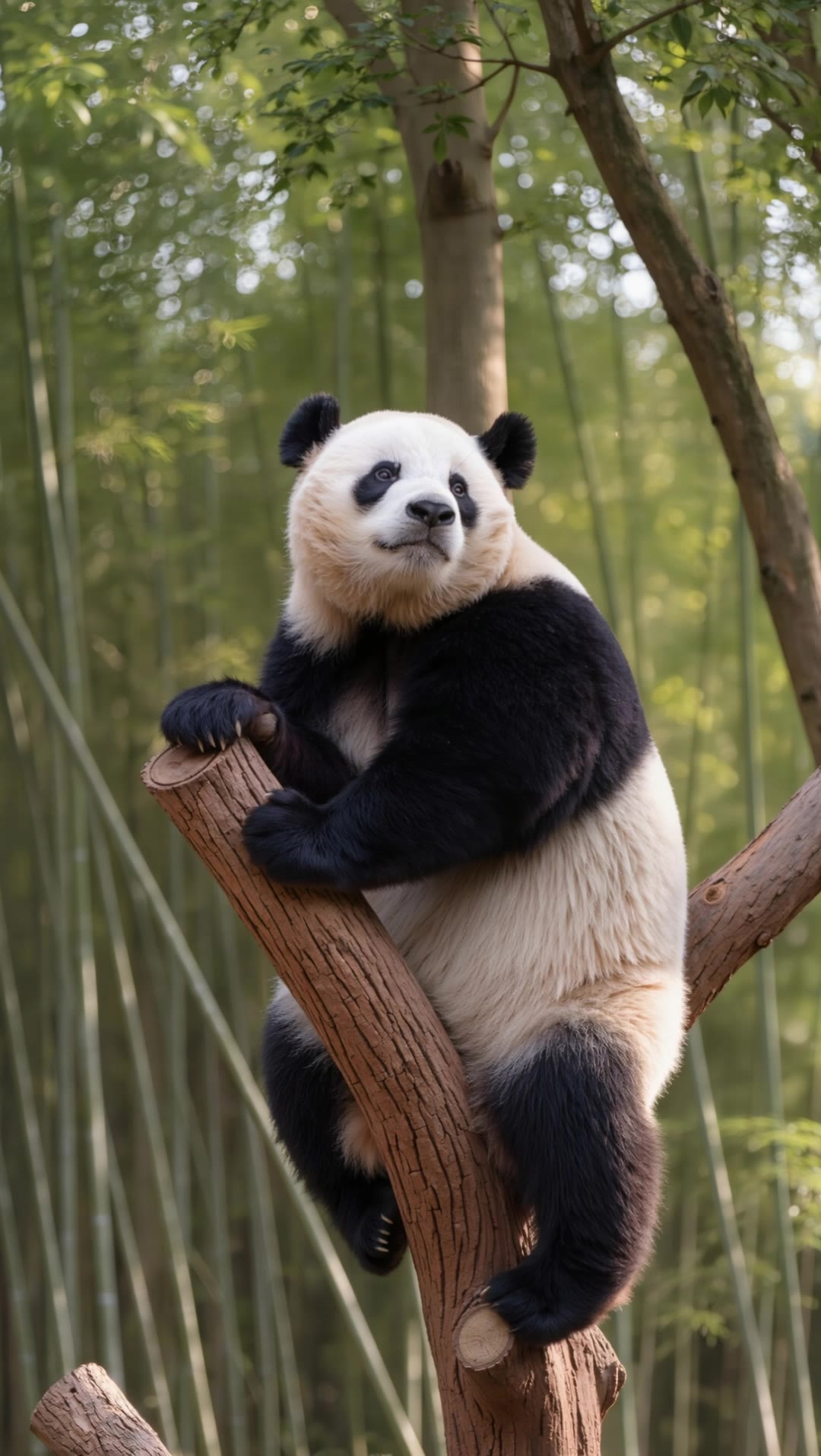
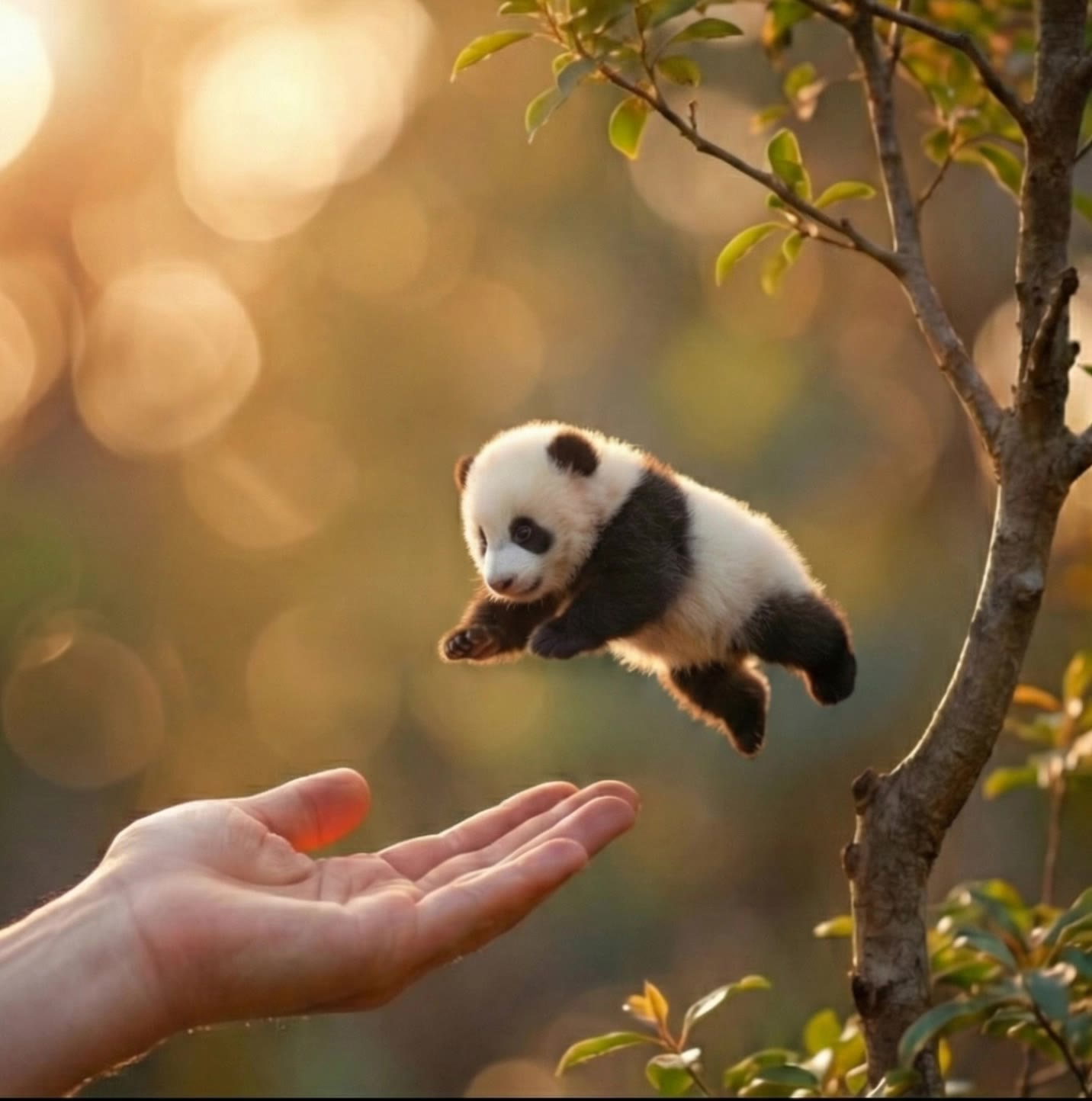
AI-generated panda image to video ideas

Find AI-made panda image to video concepts. Quickly generate and adapt ideas tailored to your preferences with no design skills required.

AI-generated panda image to video ideas

Recommended

its a cute story of panda anduck - panda image to video AI video
Nonu avatar
Nonu
Kling AI work 296161591503996 - panda image to video AI video
Hope-cute🥺🐾 avatar
Hope-cute🥺🐾
Kling AI work 297881584525432 - panda image to video AI image
Pafo avatar
Pafo
Kling AI work 296678460667990 - panda image to video AI video
A.i Project avatar
A.i Project
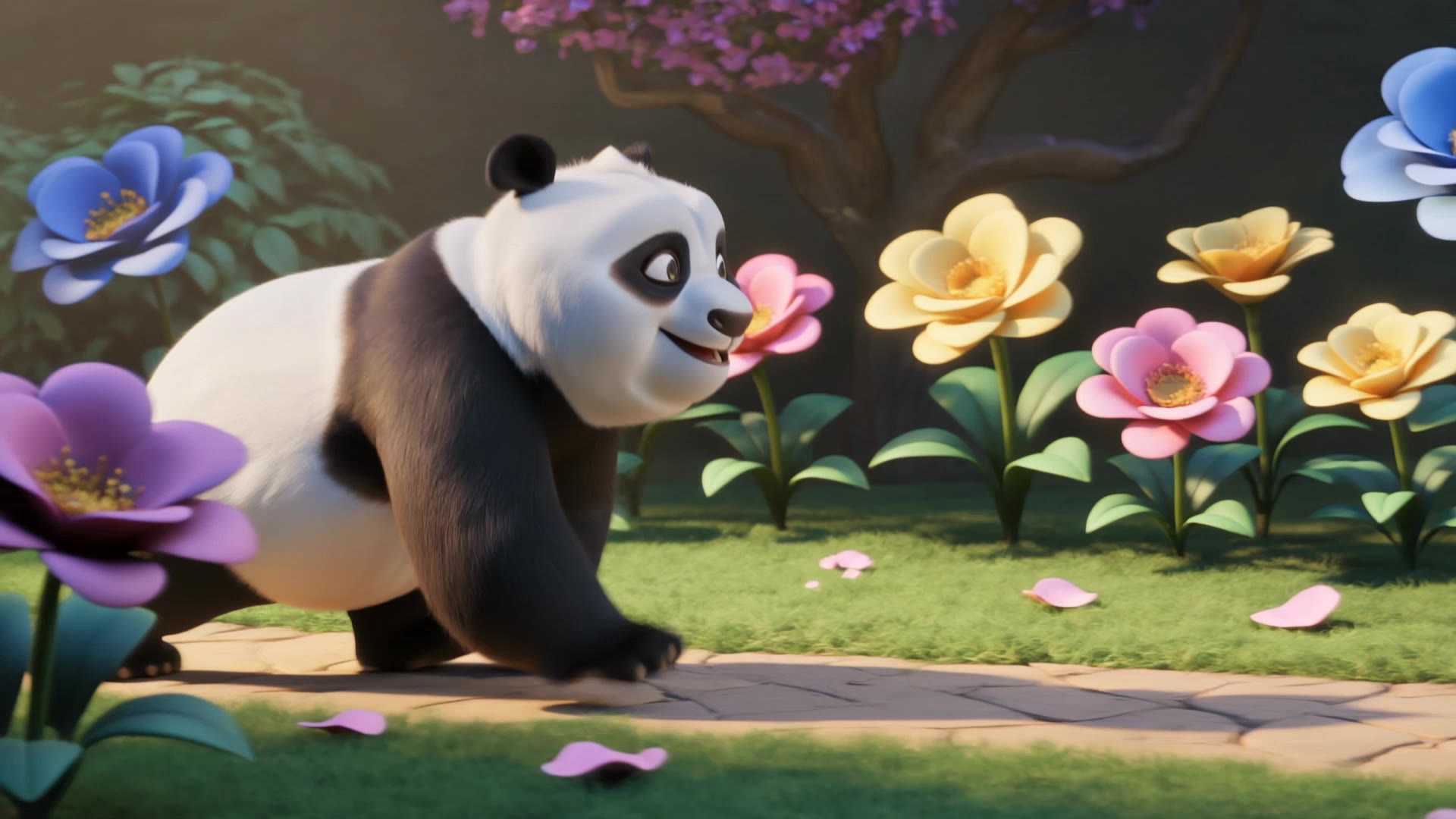
Cute Panda Walking in Magical Ga - panda image to video AI video
vVzdDMuV avatar
vVzdDMuV
Panda Hugs A Hop - panda image to video AI video
Tim Somers avatar
Tim Somers
Panda Bus 🐼🚌✨ - panda image to video AI video
Predmet_ai avatar
Predmet_ai
Creative Partner
A small panda character stands - panda image to video AI video
craftneed AI avatar
craftneed AI
Cute baby Red Panda - panda image to video AI video
GjclLifM avatar
GjclLifM
Meet the Cutest Dragon,Red panda - panda image to video AI video
SXsCFylQ avatar
SXsCFylQ
Panda - panda image to video AI video
KLING6799 avatar
KLING6799
Panda! - panda image to video AI video
AinomaSmile avatar
AinomaSmile
Satisfied Knitted Panda - panda image to video AI video
nao_aiart_047 avatar
nao_aiart_047
Kling AI work 299164037528606 - panda image to video AI video
rnrwxhwF avatar
rnrwxhwF
Tiny Chef Panda Makes pancakes - panda image to video AI video
bYGfcctK avatar
bYGfcctK
Panda bobo - panda image to video AI video
PRdKXFaD avatar
PRdKXFaD
Kling AI work 315244488524477 - panda image to video AI image
UbJFNheG avatar
UbJFNheG

How to Create AI Video Dubbing with Kling

Step 1: Set Up Your Characters and Scene

Step 1: Set Up Your Characters and Scene

Describe the characters and scene you want to create, or add supported image or Character Element references when you already have a specific look in mind. Make each speaker easy to identify before adding dialogue.

Step 2: Add Dialogue and Set Each Voice

Step 2: Add Dialogue and Set Each Voice

Write each character’s lines and keep them clearly paired with the right speaker. Add the language, accent, tone, or delivery to your prompt when you want to shape how each line sounds, and mix supported languages within the same scene when needed.

Step 3: Generate with Native Audio

Step 3: Generate with Native Audio

Generate the video with Native Audio to create dialogue, lip movements, visuals, ambience, and supporting sound together. Enable Multi-Shot when you want the conversation to unfold across different shots, camera angles, or scene beats.

Key Features of Kling AI Image Generator

Turn Ideas into Images

Turn Ideas into Images

Describe the scene, character, product, or style you have in mind, and watch your idea come to life. Whether you're generating from scratch or fine-tuning an existing result, Kling IMAGE 3.0 follows your instructions, including tweaking the composition, shifting the lighting, and adjusting visual details until it looks right.

Bring References Into New Creations

Bring References Into New Creations

Bring in references for a character, product, color palette, material, composition, or visual style. IMAGE 3.0 draws on the defining qualities of up to 10 images and brings them together in one cohesive result, keeping the details that make each reference recognizable.

Produce Professional Image Series in 4K

Produce Professional Image Series in 4K

Plan and create a complete visual series as one cohesive project, rather than generating each image separately. IMAGE 3.0 Omni supports intentional shot progression, varied framing, and a unified creative direction across the set, with native 4K output for cinematic storyboards, product campaigns, character development, comics, and branded content.

Apps

Image to Video
Image to Video

Image to Video

Text to Video
Text to Video

Text to Video

Omni
Omni

Omni

Digital Human
Digital Human

Digital Human

Restyle
Restyle

Restyle

Text to Image
Text to Image

Text to Image

60M+
60M+
Users
600M+
600M+
AI Videos Generated
4.7 ★
4.7 ★
App Store
Industry-Leading
Industry-Leading
Cinematic 4K

Reviews

Vincent Smadja

Vincent Smadja

★★★★★

Kling AI seamlessly integrates into my creative workflow, playing a key role in transforming my images. After generating and upscaling an image, Kling becomes a crucial element, bringing my creations to life with movement and depth.

Jyo John Mulloor

Jyo John Mulloor

★★★★★

Kling AI has been instrumental in transforming my creative workflow, unlocking new dimensions of artistic expression that were once unimaginable. I use Kling AI extensively to develop high-concept visuals, animate surreal dreamscapes, and create AI-assisted films that blur the line between reality and fantasy. Kling AI’s deep learning capabilities have not only enhanced my creative efficiency but also inspired me to explore storytelling in ways I never thought possible.

KakuDrop

KakuDrop

★★★★★

I have successfully collaborated with world-renowned artists and well-known companies that are recognized globally

FAQ

Q1Does AI image extension work with complex backgrounds?
Q2What kind of prompt works best for AI image expansion?
Q3What is AI outpainting?

Make Your Profile Picture Stand Out

Start with the photo you already have and turn it into something you feel better putting your name next to. Keep it professional, make it more personal, or give it a completely different mood—the final look is yours to shape.