Creative Studio
API Platform
Resources
About Us

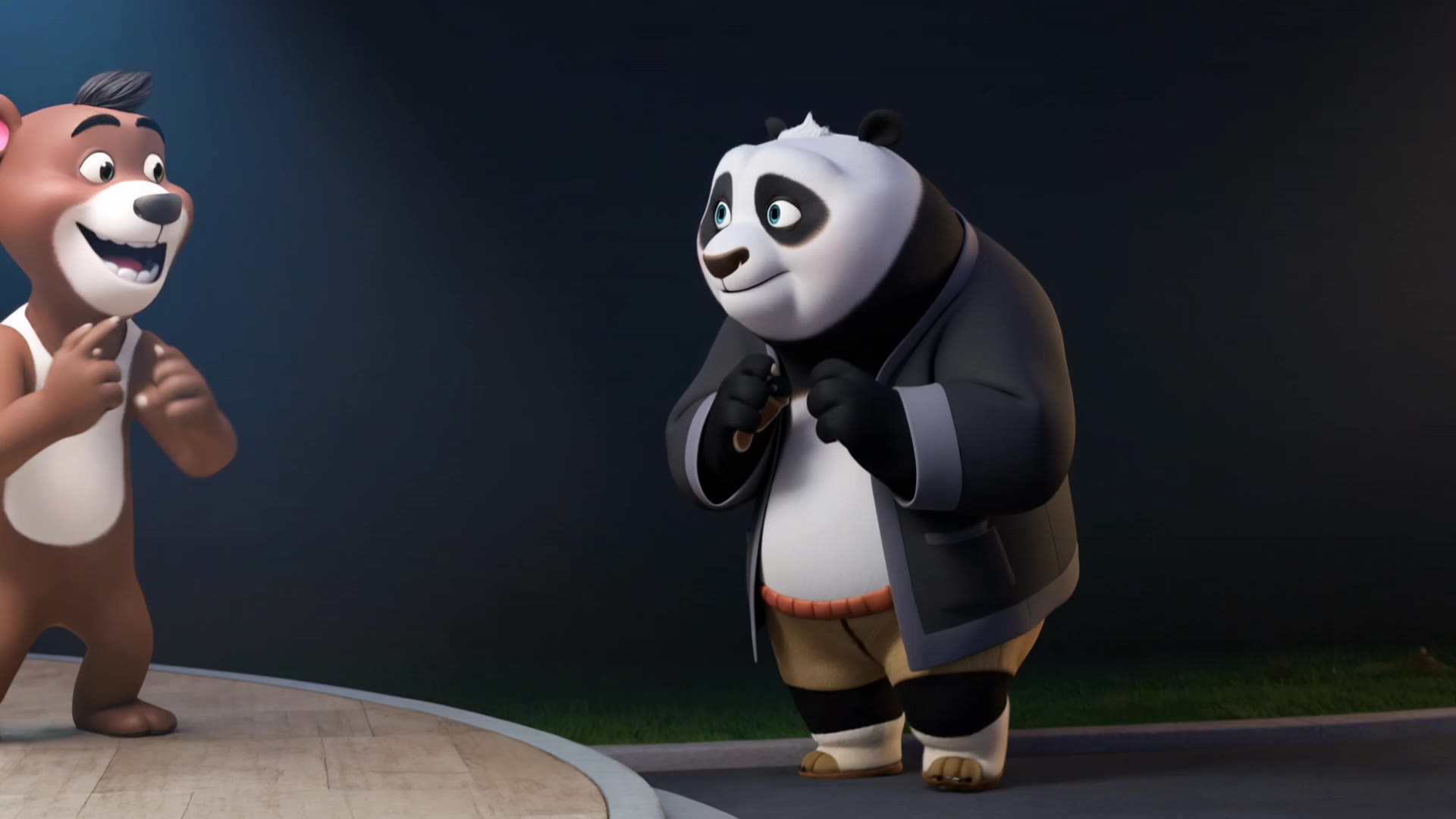
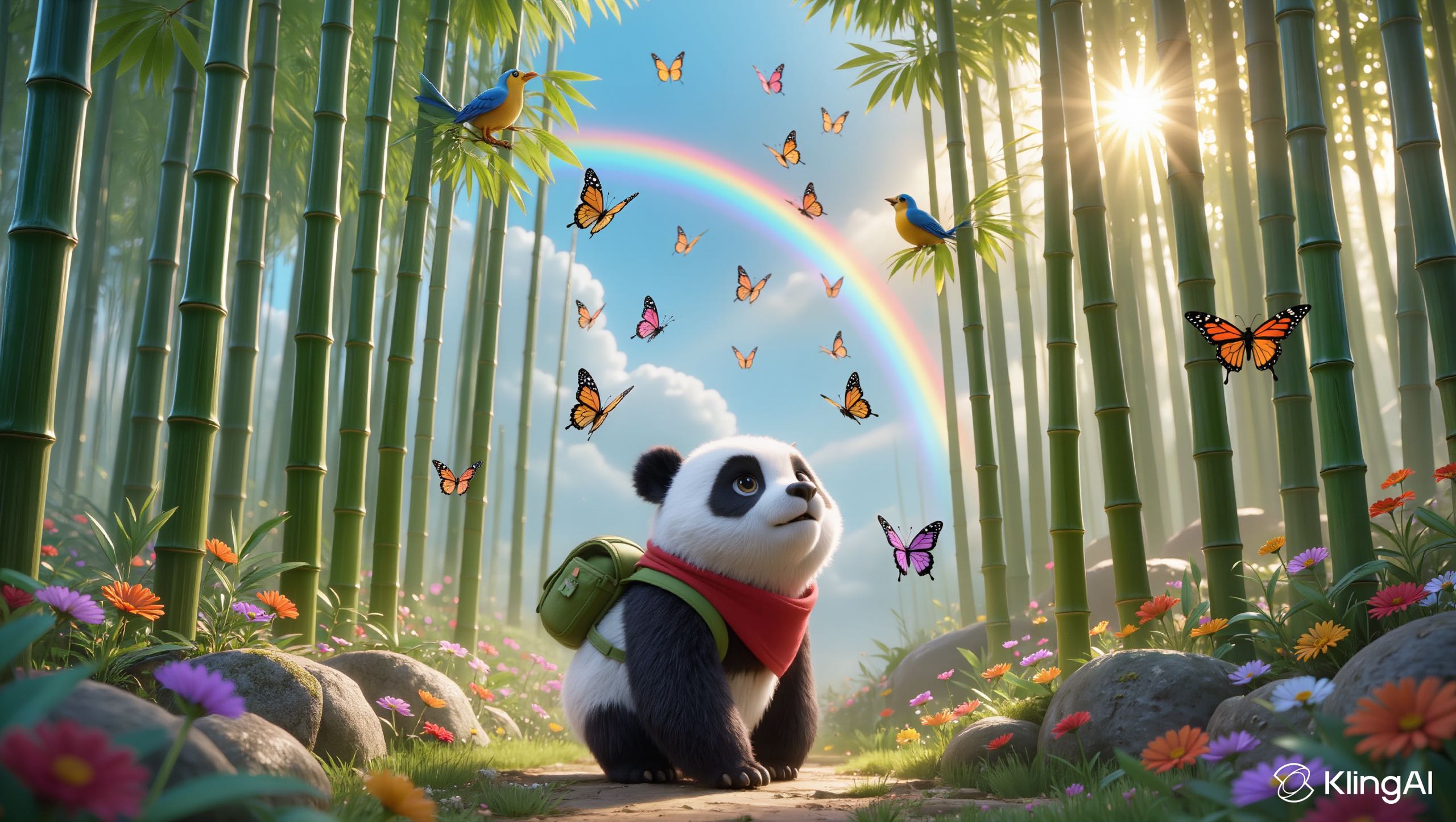
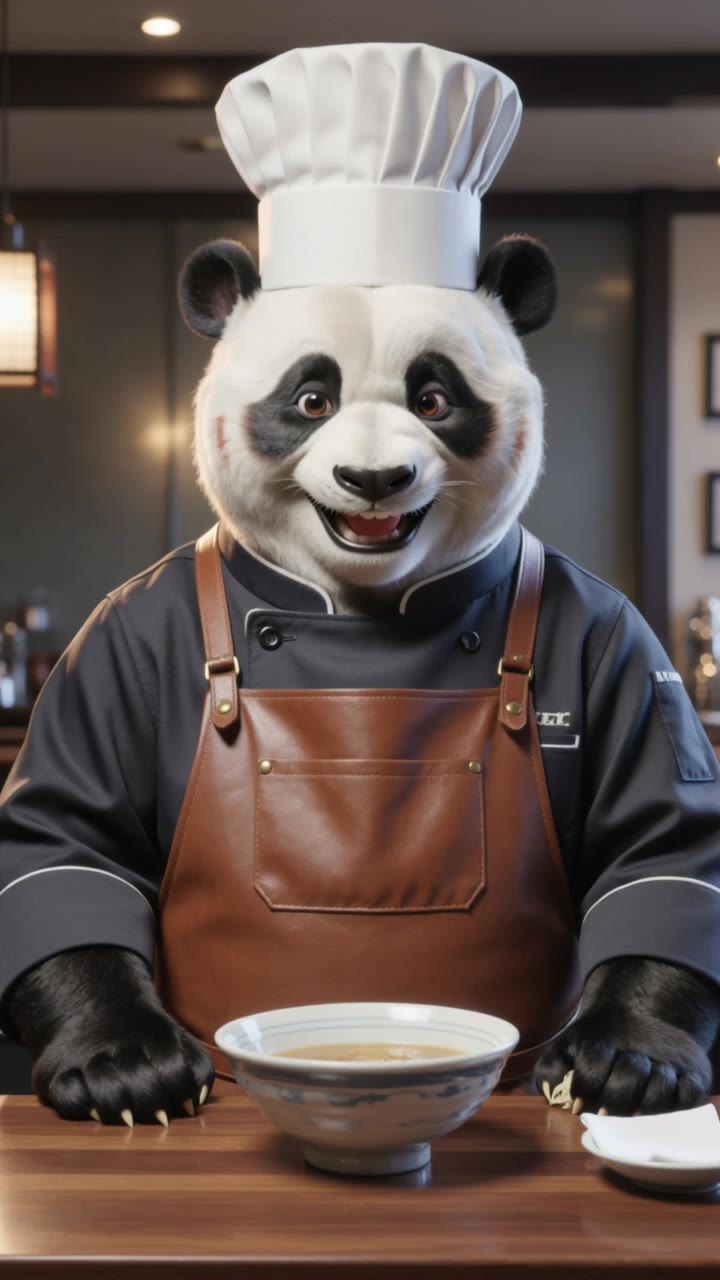
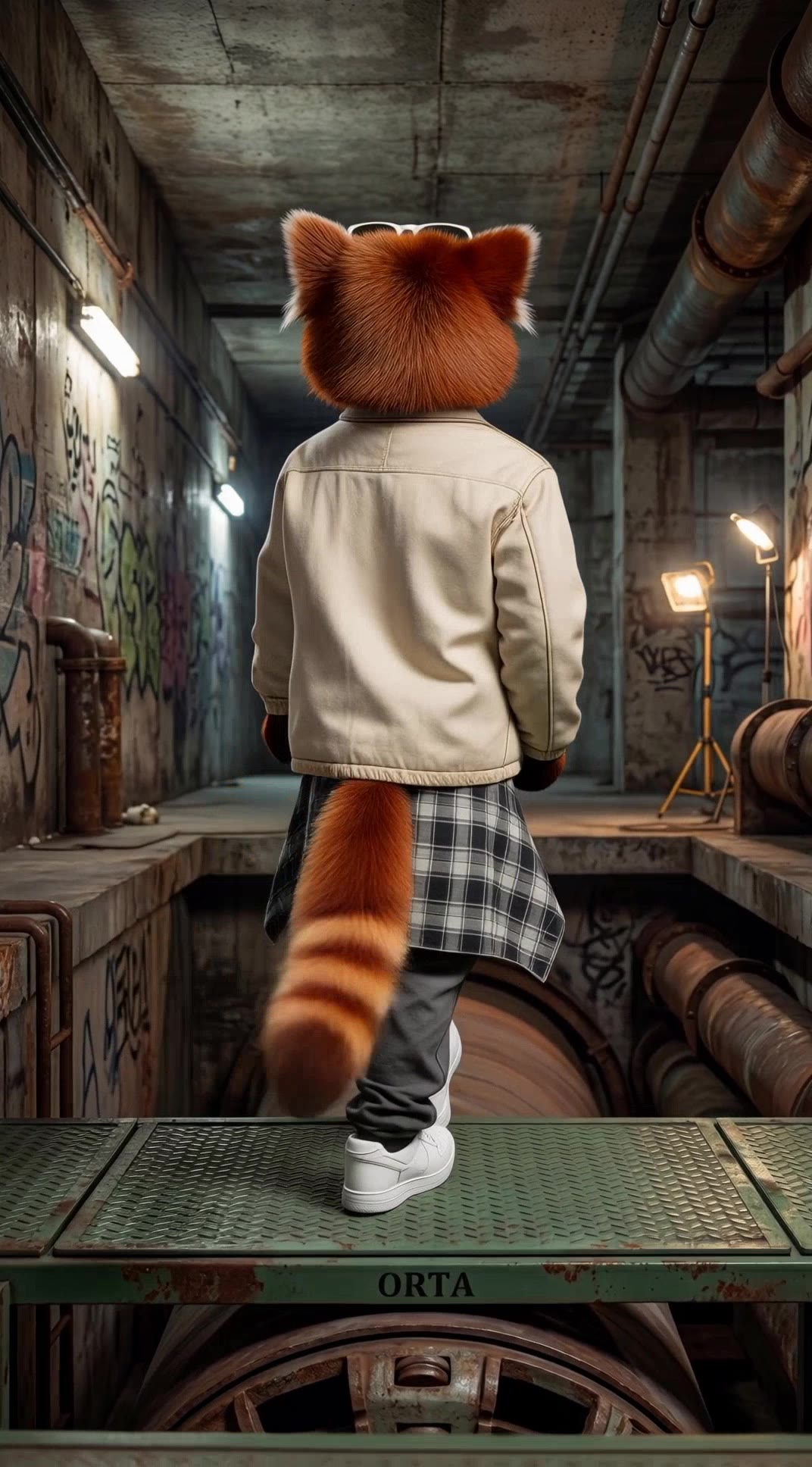
AI-generated panda lipsync ideas – Explore cute concepts

Panda lipsync ideas created with AI. Explore cute and customizable concepts that can be adapted to your needs. AI helps you quickly explore different themes and styles.


AI-generated panda lipsync ideas – Explore cute concepts

Recommended

work cover
video-play
mxYPcxVs
work cover
video-play
RcSxqtvl
work cover
video-play
phoprom03
work cover
video-play
Farida Beauty
work cover
video-play
inararit
work cover
video-play
KLING6799
work cover
video-play
craftneed AI
work cover
video-play
RcSxqtvl
work cover
video-play
AinomaSmile
work cover
video-play
Inna
work cover
video-play
HyperZenStudio
work cover
video-play
Creator
work cover
video-play
ZARKO
work cover
video-play
Elly
work cover
video-play
KLING3945
work cover
Svetsun
work cover
video-play
RcSxqtvl
work cover
video-play
rQQkWxiL
work cover
video-play
Emre kalkan

How to Create Cinematic AI Videos with Kling

Upload or Describe Your Vision

Upload or Describe Your Vision

Start by uploading a reference photo or entering a text prompt to define your character, style, and scene.

Adjust Settings & Motion

Adjust Settings & Motion

Refine your video by locking character consistency, adjusting motion intensity, or adding native AI audio and lip-sync.

Generate & Export in 4K

Generate & Export in 4K

Click generate to produce your high-fidelity video. Preview the results and export your masterpiece in stunning 4K resolution.

Why Kling Sets the Standard for Video Creation

Flawless Character Consistency for High-Quality Videos

Flawless Character Consistency for High-Quality Videos

Unlike standard tools that distort faces when moving, Kling Video 3.0 lets you strictly lock a character’s appearance. Upload a single photo, or use a short video/multiple angles as a reference to completely eliminate the “AI morphing” effect.

All-in-One Native Audio & Lip-Sync

All-in-One Native Audio & Lip-Sync

Your video isn’t just silent footage; it speaks. Generate perfectly matched voices and realistic lip movements in multiple languages or regional accents. Even in multi-character scenes, you can precisely assign who speaks—no third-party tools required.

Up to 15s Multi-Shot Cinematic Output

Up to 15s Multi-Shot Cinematic Output

Go beyond a basic 3-second clip. Kling 3.0 extends generation to 15 seconds of smooth, uninterrupted narrative. You can even use native storyboard controls to direct multi-shot sequences in a single click—outputting in crystal-clear 4K for professional use.

Apps

Image to Video
Image to Video

Image to Video

Text to Video
Text to Video

Text to Video

Omni
Omni

Omni

Digital Human
Digital Human

Digital Human

Restyle
Restyle

Restyle

Text to Image
Text to Image

Text to Image

60M+
60M+
Users
600M+
600M+
AI Videos Generated
4.7 ★
4.7 ★
App Store
Industry-Leading
Industry-Leading
Cinematic 4K

Reviews

James Phillips

James Phillips

★★★★★

Kling AI has transformed my workflow by collapsing timelines and democratizing production. It’s shifted my mindset from resource-dependent filmmaking to a boundless creative sandbox, where experimentation yields unexpected beauty.

KakuDrop

KakuDrop

★★★★★

I have successfully collaborated with world-renowned artists and well-known companies that are recognized globally

Halim Alrasihi

Halim Alrasihi

★★★★★

I use AI daily and Kling AI is a crucial part of my workflow, whether for client work or personal projects. What I love most about using Kling AI is that it provides all the tools I need in one place, from keyframes to character references, elements and special effects.

FAQ

Q1What is the difference between Kling 2.6 and 3.0 Motion Control?
Q2What makes a good reference video for Motion Control?
Q3What happens if the reference motion and image don’t match?

Start Creating AI Videos with Kling

Turn your image into a talking, high-quality video in seconds. No watermarks, no complicated setup.

Free tier available (Memberships are watermark-free) | 1080p export (Memberships unlock 4K) | Instant results