Creative Studio
API
Resources
Features
About Us
Download

Panda Phone Wallpaper Ideas – AI-Generated Concepts

Discover AI-generated panda phone wallpaper ideas. Quickly find inspiration and customize to fit your style. No design skills needed.

Panda Phone Wallpaper Ideas – AI-Generated Concepts

Recommended

Kling AI work 296998709618878 - panda phone wallpaper AI image
Momocha  avatar
Momocha
Cute panda - panda phone wallpaper AI image
MoussTV avatar
MoussTV
Elite Creator
Panda - panda phone wallpaper AI image
Svetsun avatar
Svetsun
Friend: “Give me your phone, I w - panda phone wallpaper AI image
gSnEnbyH avatar
gSnEnbyH
Kling AI work 310972006522352 - panda phone wallpaper AI image
QpOULOuw avatar
QpOULOuw
panda - panda phone wallpaper AI image
fluffyid avatar
fluffyid
Kling AI work 310749546665555 - panda phone wallpaper AI image
sn00pz avatar
sn00pz
Kling AI work 316055105665953 - panda phone wallpaper AI image
Dreaming avatar
Dreaming
Elite Creator
Panda bobo - panda phone wallpaper AI video
PRdKXFaD avatar
PRdKXFaD
Kling AI work 314539786508991 - panda phone wallpaper AI image
jEPavyfA avatar
jEPavyfA
cute panda in the street - panda phone wallpaper AI video
qTTJtjwp avatar
qTTJtjwp
Kling AI work 310299137616417 - panda phone wallpaper AI video
CayOOxjo avatar
CayOOxjo
At the phone - panda phone wallpaper AI video
Julietteuniverse avatar
Julietteuniverse
its a cute story of panda anduck - panda phone wallpaper AI video
Nonu avatar
Nonu
Panda! - panda phone wallpaper AI video
AinomaSmile avatar
AinomaSmile
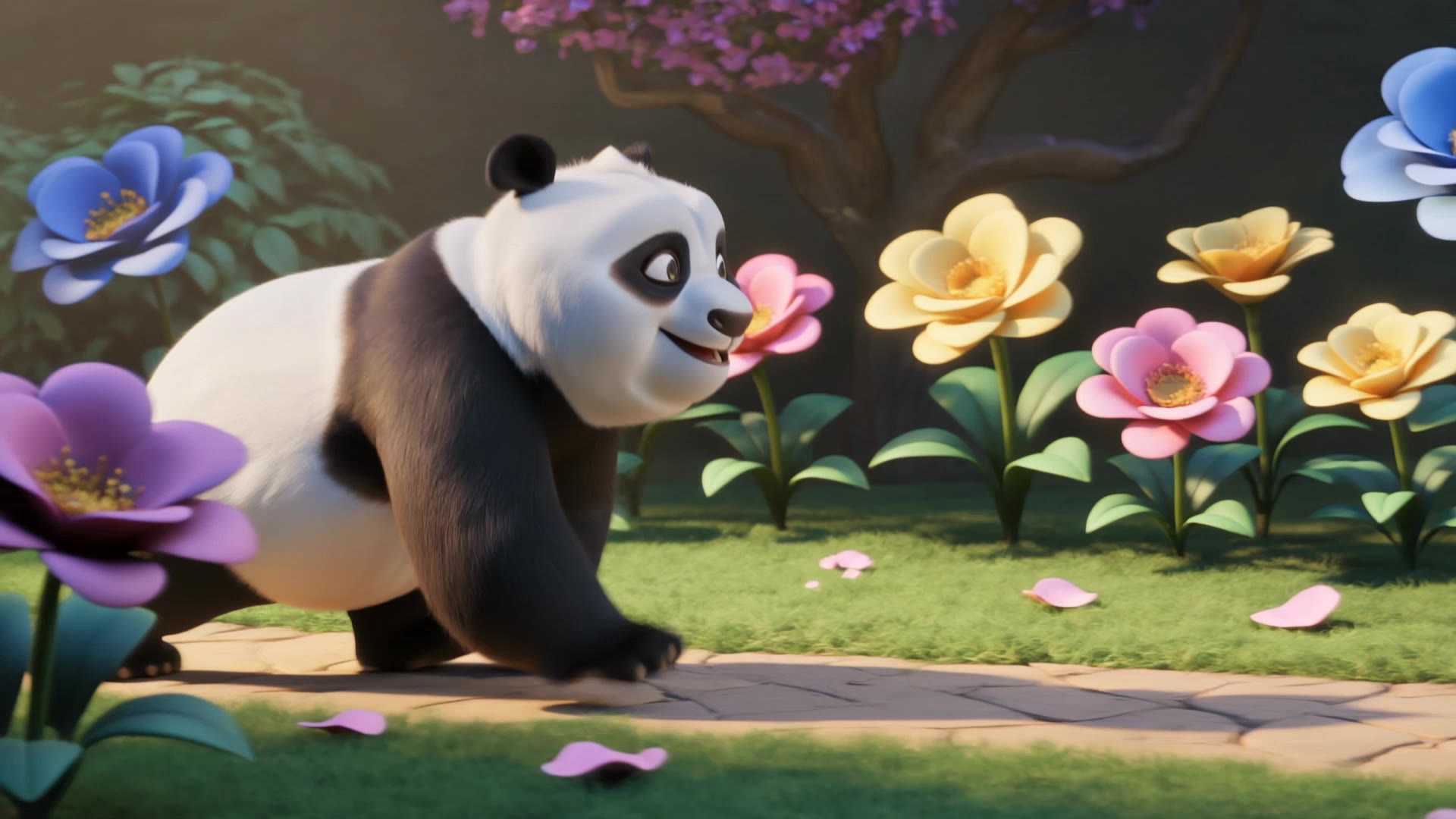
Cute Panda Walking in Magical Ga - panda phone wallpaper AI video
vVzdDMuV avatar
vVzdDMuV
Cute baby Red Panda - panda phone wallpaper AI video
GjclLifM avatar
GjclLifM
Kling AI work 312474589508797 - panda phone wallpaper AI video
sFdauqPG avatar
sFdauqPG

How to Lip Sync a Video in Kling AI

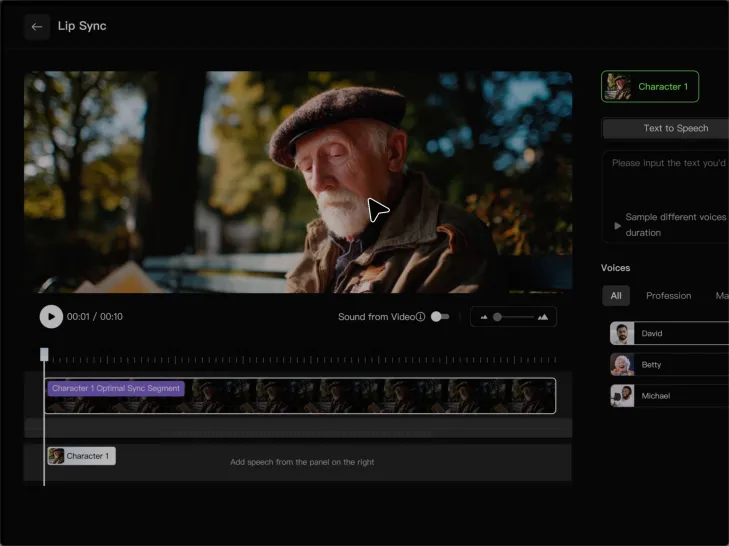
Choose a Clear Character Video

Choose a Clear Character Video

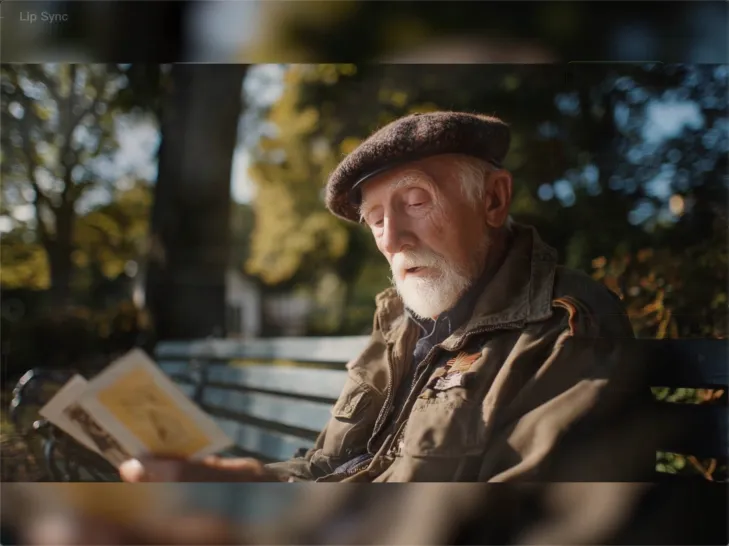
Choose a supported Kling AI clip with a full, clearly visible face. Lip Sync works with realistic, 3D, and 2D human characters.

Add Audio or Enter a Script

Add Audio or Enter a Script

Upload a voiceover or singing track, or use Text to Speech to generate a voice. Trim the audio if it runs longer than the video.

Generate and Review

Generate and Review

Generate the lip sync and preview the result. If the timing feels off, trim the audio or adjust the Text to Speech speed.

Make Avatars Perform, Not Just Speak

More Choice, Without Losing Consistency

More Choice, Without Losing Consistency

Start with a preset avatar, select a character from your Kling AI Assets, upload an image of your own, or create someone new with AI Image. Use a polished presenter for a product demo, a creator-style host for an ad, or a more stylized character when the idea calls for it. For recurring content, save the character with the voice and performance settings you use most. The same on-screen identity is ready for the next script, without putting the setup together again.

Give Each Script the Right Delivery

Give Each Script the Right Delivery

Use a finished voiceover when the delivery is already in place, or start with written copy and choose a text-to-speech voice. Adjust the pace and emotional tone so a product pitch feels confident, a lesson stays clear, and social content can take on more energy. You can write your own performance direction or use one of Kling AI’s suggestions for the selected character. The same avatar can also deliver content in English, Chinese, Japanese, or Korean while keeping a familiar appearance on screen.
Let Movement Carry the Message

Let Movement Carry the Message

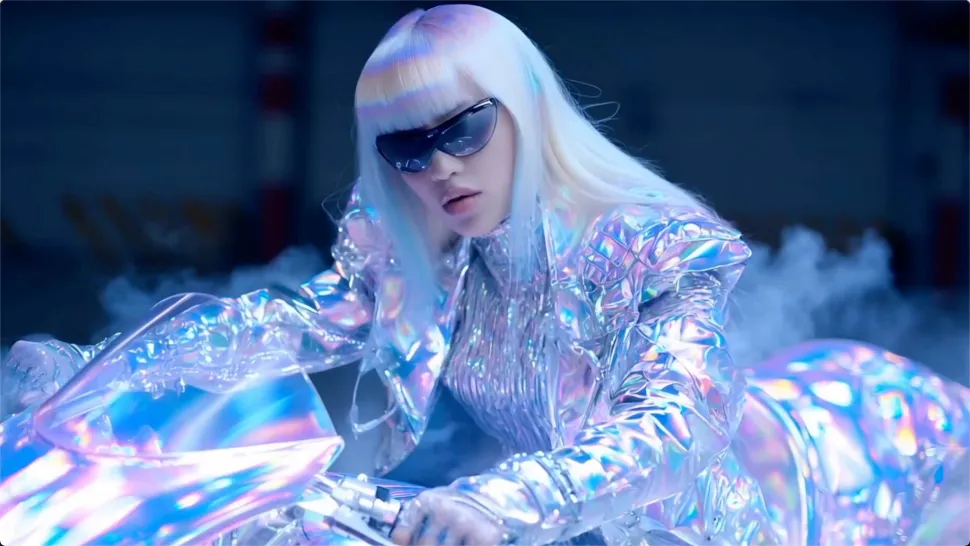
Natural lip sync is only part of the performance. An avatar can point to a product, handle an object, gesture through an explanation, react to the words, or move with the rhythm of a song. Avatar 2.0 improves hand stability and overall action quality, so the movement supports the scene instead of drawing attention away from it. Voice, expression, and body language come together as one performance—not a still image with audio layered over it.

Apps

Image to Video
Image to Video

Image to Video

Text to Video
Text to Video

Text to Video

Omni
Omni

Omni

Digital Human
Digital Human

Digital Human

Restyle
Restyle

Restyle

Text to Image
Text to Image

Text to Image

60M+
60M+
Users
600M+
600M+
AI Videos Generated
4.7 ★
4.7 ★
App Store
Industry-Leading
Industry-Leading
Cinematic 4K

Reviews

James Phillips

James Phillips

★★★★★

Kling AI has transformed my workflow by collapsing timelines and democratizing production. It’s shifted my mindset from resource-dependent filmmaking to a boundless creative sandbox, where experimentation yields unexpected beauty.

Huang Lu (Elson)

Huang Lu (Elson)

★★★★★

I’ve been using Kling AI since its initial release, and it’s remained one of the leading AI media generators ever since. With Kling AI, I’ve created hundreds of videos, collectively amassing millions of views.

Ozan Sihay

Ozan Sihay

★★★★★

Kling AI allows me to rapidly prototype ideas, refine storytelling elements, and produce visually compelling content efficiently. It has not only accelerated my creative processes, but also deepened my understanding of how AI can enrich visual storytelling.

FAQ

Q1Can Kling AI generate a standalone voice file without a video?
Q2Does Kling AI support multiple languages?
Q3Can I keep the same character voice across different videos?

Bring Every Voice Into the Story

Create character dialogue, multilingual voices, consistent voice identities, ambience, and sound effects with Kling VIDEO 3.0.

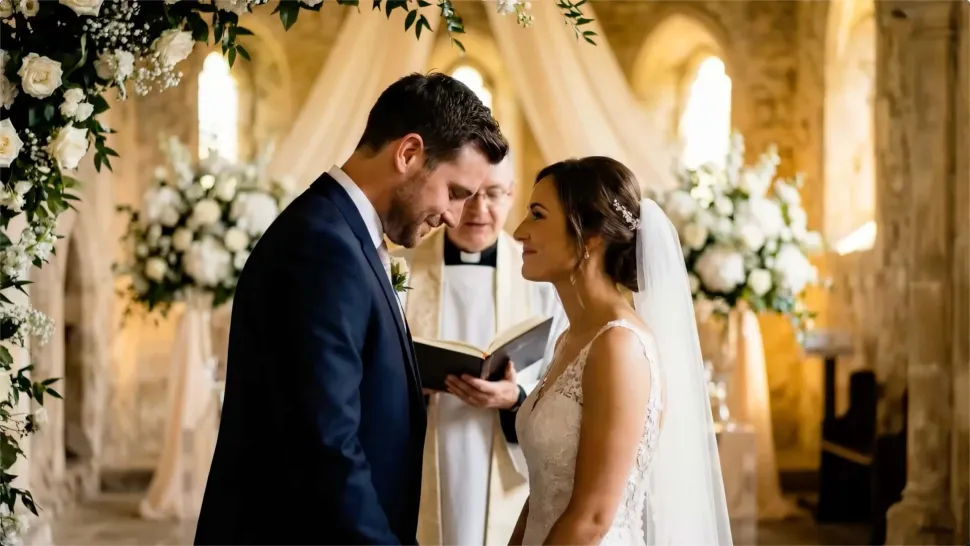
Multilingual Dialogue | Multi-Character Voices | Native Audio