Creative Studio
API
Resources
Features
About Us
Download

Panda Scene – Desktop Wallpaper Ideas

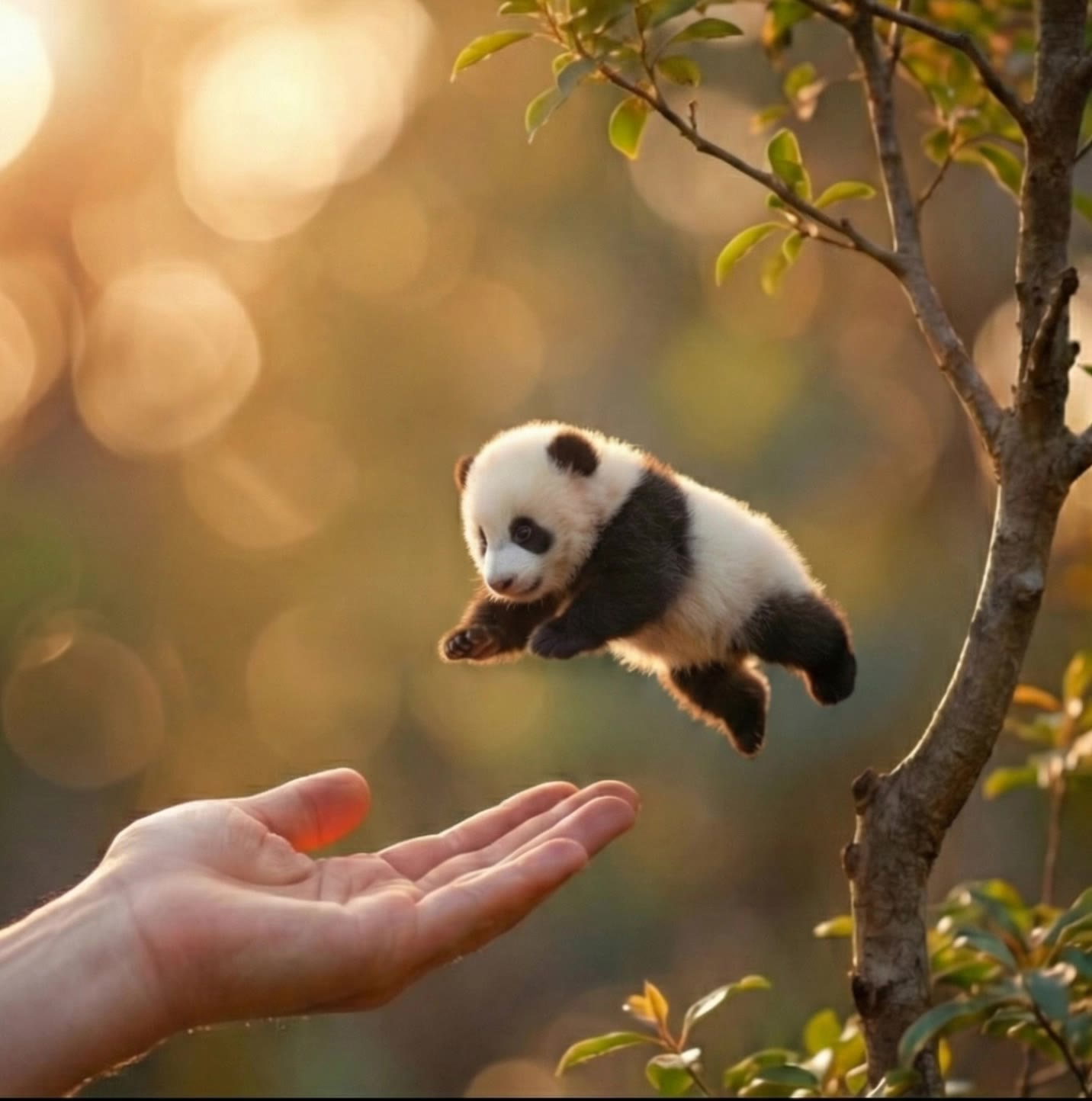
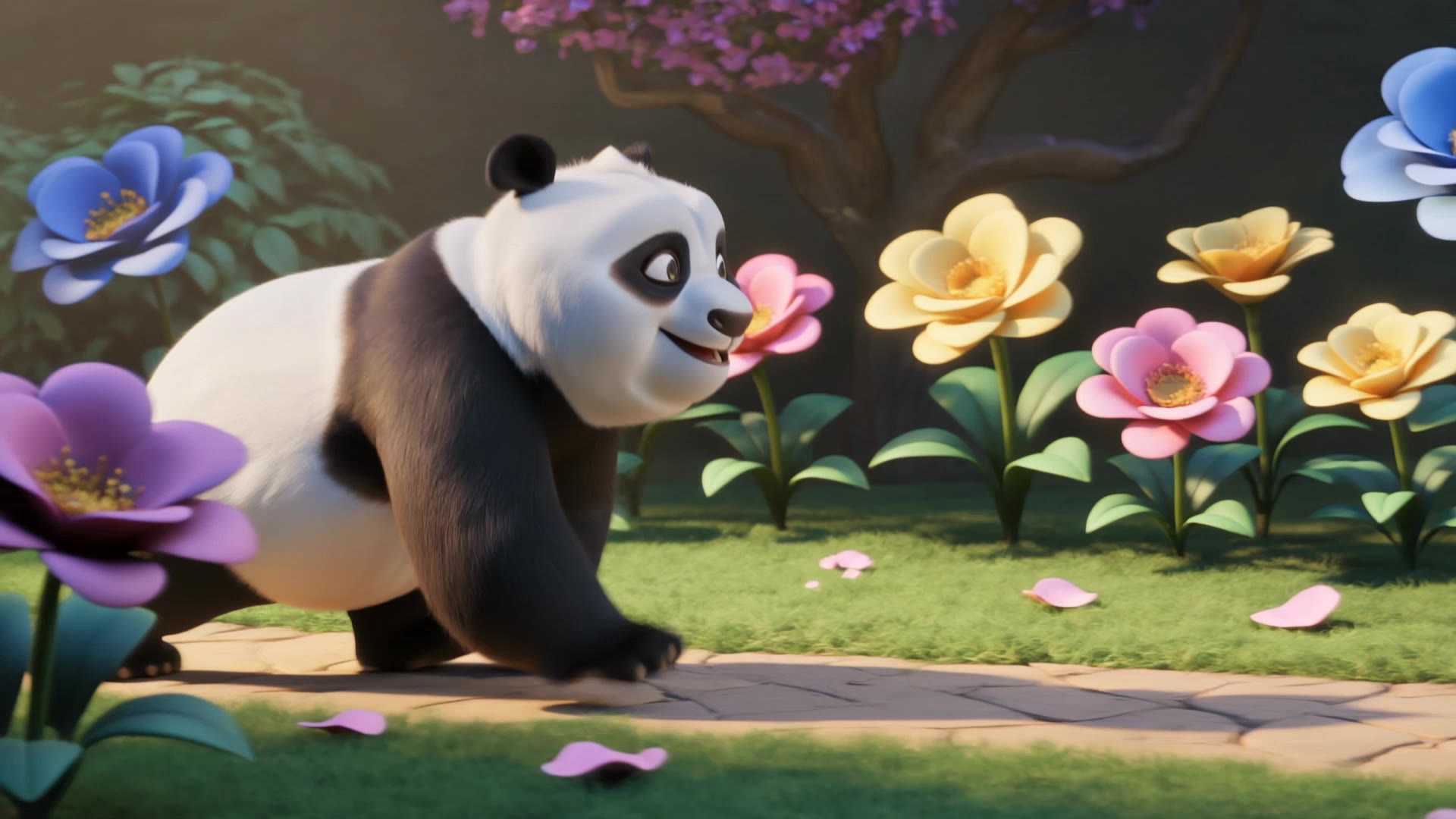
Discover AI-generated panda scene desktop wallpapers. Easily explore and adapt these AI-made visuals.

Panda Scene – Desktop Wallpaper Ideas

Recommended

its a cute story of panda anduck - panda scene AI video
Nonu avatar
Nonu
Kling AI work 316204052615440 - panda scene AI video
OXFvllGA avatar
OXFvllGA
Kling AI work 315256544507189 - panda scene AI video
HJmyIsdt avatar
HJmyIsdt
Panda Bus 🐼🚌✨ - panda scene AI video
Predmet_ai avatar
Predmet_ai
Creative Partner
panda - panda scene AI image
fluffyid avatar
fluffyid
Kling AI work 272550366525492 - panda scene AI video
hapelamoza avatar
hapelamoza
Kling AI work 310298120524898 - panda scene AI video
Dielle avatar
Dielle
Kling AI work 295781579522529 - panda scene AI video
AiVibe🪐 avatar
AiVibe🪐
Kling AI work 298426793615552 - panda scene AI video
aiartworldz avatar
aiartworldz
Meet the Cutest Dragon,Red panda - panda scene AI video
SXsCFylQ avatar
SXsCFylQ
Panda! - panda scene AI video
AinomaSmile avatar
AinomaSmile
Kling AI work 296161591503996 - panda scene AI video
Hope-cute🥺🐾 avatar
Hope-cute🥺🐾
Cute Panda Walking in Magical Ga - panda scene AI video
vVzdDMuV avatar
vVzdDMuV
Panda Hugs A Hop - panda scene AI video
Tim Somers avatar
Tim Somers
Panda - panda scene AI image
Svetsun avatar
Svetsun
Kling AI work 296361293507513 - panda scene AI image
AndalieArtworks avatar
AndalieArtworks
Rusty the Red Panda - panda scene AI image
RedPanda avatar
RedPanda
Cute baby Red Panda - panda scene AI video
GjclLifM avatar
GjclLifM

How to Create Cinematic AI Videos with Kling

Upload or Describe Your Vision

Upload or Describe Your Vision

Start by uploading a reference photo or entering a text prompt to define your character, style, and scene.

Adjust Settings & Motion

Adjust Settings & Motion

Refine your video by locking character consistency, adjusting motion intensity, or adding native AI audio and lip-sync.

Generate & Export in 4K

Generate & Export in 4K

Click generate to produce your high-fidelity video. Preview the results and export your masterpiece in stunning 4K resolution.

Remove Watermarks Without Rebuilding the Whole Image

Remove Watermarks with a Simple Prompt

Remove Watermarks with a Simple Prompt

Kling AI makes watermark removal easier with intuitive text-based editing. Simply describe what you want to remove, such as a watermark, logo, or unwanted text, and Kling IMAGE 3.0 analyzes your instructions to create a cleaner image. No complex editing skills are required, making professional-quality image cleanup accessible to everyone.

Keep the Original Look Familiar

Keep the Original Look Familiar

A small cleanup should not require changing the whole image. Kling IMAGE 3.0 supports localized editing while helping preserve surrounding style, lighting, texture, and composition. This makes it easier to remove a distracting mark while keeping the rest of the image close to the source.

Select the Area Yourself with the Eraser Pen

Select the Area Yourself with the Eraser Pen

When the unwanted mark is easy to identify visually, use Kling AI's separate Removel tool to mark the area directly. It gives you another way to start the cleanup when selecting the target yourself feels more straightforward than describing the edit in a prompt.

Apps

Image to Video
Image to Video

Image to Video

Text to Video
Text to Video

Text to Video

Omni
Omni

Omni

Digital Human
Digital Human

Digital Human

Restyle
Restyle

Restyle

Text to Image
Text to Image

Text to Image

60M+
60M+
Users
600M+
600M+
AI Videos Generated
4.7 ★
4.7 ★
App Store
Industry-Leading
Industry-Leading
Cinematic 4K

Reviews

KakuDrop

KakuDrop

★★★★★

I have successfully collaborated with world-renowned artists and well-known companies that are recognized globally

Maria Rubtsova

Maria Rubtsova

★★★★★

I’m Maria Rubtsova, an AIGC digital artist passionate about creating stunning visuals in the worlds of fashion, aesthetics, and fantasy. I use KlingAi to bring imagination to life through video. My work is all about exploring beauty, emotion, and the limitless possibilities of digital art.

Halim Alrasihi

Halim Alrasihi

★★★★★

I use AI daily and Kling AI is a crucial part of my workflow, whether for client work or personal projects. What I love most about using Kling AI is that it provides all the tools I need in one place, from keyframes to character references, elements and special effects.

FAQ

Q1Will recoloring preserve the original texture and shadows?
Q2How long does it take to recolor an image with AI?
Q3What is an AI image color changer?

Get More From Your Video in 4K

Keep the footage you already have and give it a higher-resolution finish. Upscale short videos to 4K, bring out more visible detail, and use prompts or references when you want more control over the final result.