
Creative Studio
API
Resources
Features
About Us
Download

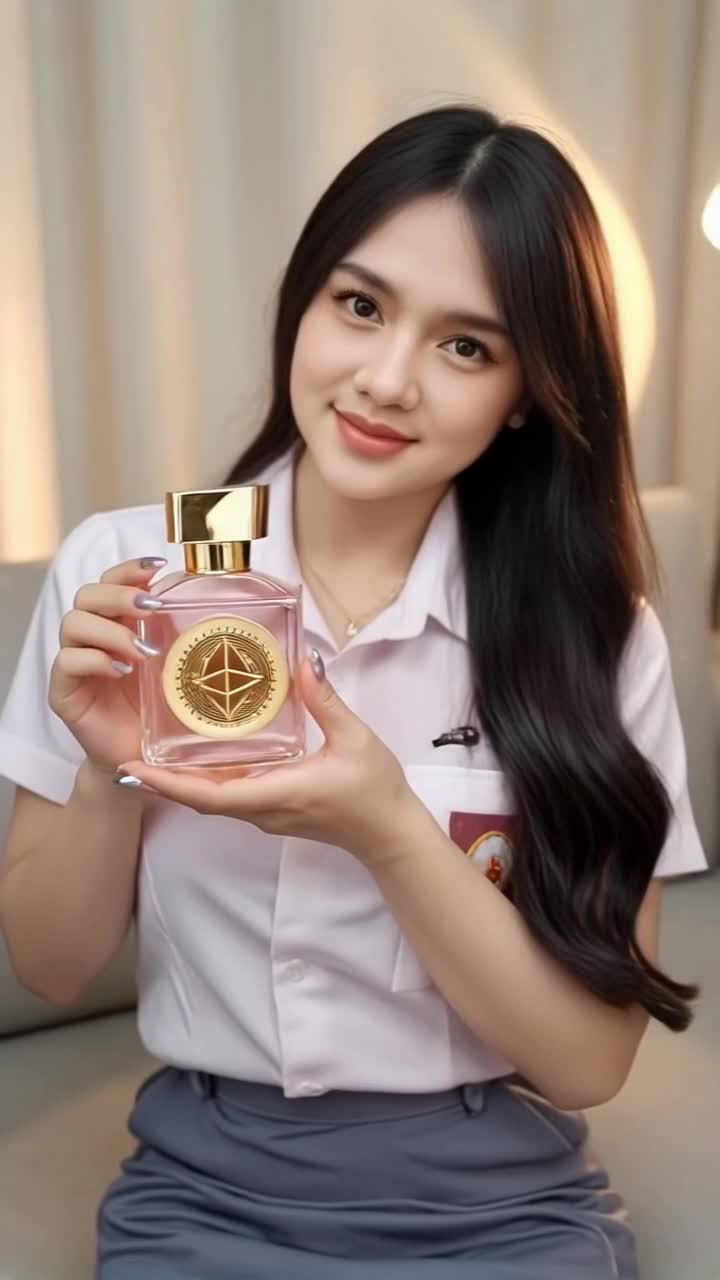
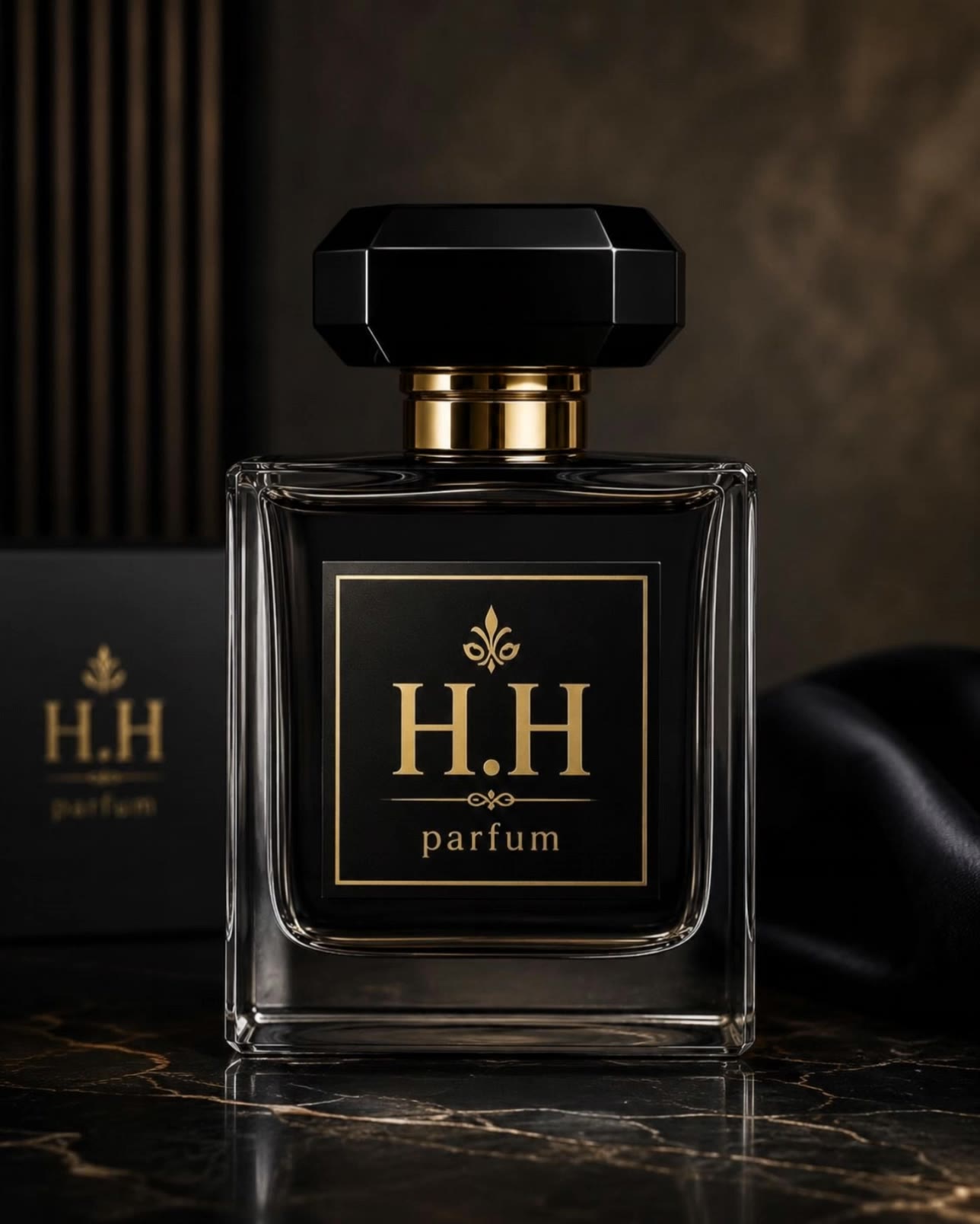
Parfum Desktop Wallpaper Ideas – AI-Generated Concepts

Explore AI-generated parfum desktop wallpaper ideas. Get inspired and create your own with AI help.

Parfum Desktop Wallpaper Ideas – AI-Generated Concepts

Recommended

Kling AI work 318875928663839 - parfum desktop wallpaper AI video
CBmxnvnw avatar
CBmxnvnw
Kling AI work 289237605618399 - parfum desktop wallpaper AI video
Tirta Suhenza avatar
Tirta Suhenza
La Roma Parfum - parfum desktop wallpaper AI video
omrfc avatar
omrfc
Kling AI work 309775300662583 - parfum desktop wallpaper AI video
rxDPUYgg avatar
rxDPUYgg
Kling AI work 296946834665829 - parfum desktop wallpaper AI video
Mochii.miuu avatar
Mochii.miuu
Kling AI work 311087793667560 - parfum desktop wallpaper AI video
qZNGfIiv avatar
qZNGfIiv
Kling AI work 310779484617465 - parfum desktop wallpaper AI image
KSvnXVgk avatar
KSvnXVgk
Kling AI work 293590295610706 - parfum desktop wallpaper AI image
Madalin avatar
Madalin
La Roma Parfum - parfum desktop wallpaper AI video
omrfc avatar
omrfc
Kling AI work 310398854501698 - parfum desktop wallpaper AI image
KzttKIFo avatar
KzttKIFo
Kling AI work 310744885521619 - parfum desktop wallpaper AI video
zpDmUVrz avatar
zpDmUVrz
Kling AI work 286127707656174 - parfum desktop wallpaper AI video
Tirta Suhenza avatar
Tirta Suhenza
Kling AI work 317581797663735 - parfum desktop wallpaper AI video
obVZVXqQ avatar
obVZVXqQ
Kling AI work 310335821661328 - parfum desktop wallpaper AI image
Dreaming avatar
Dreaming
Elite Creator
Kling AI work 314265054527114 - parfum desktop wallpaper AI video
Buyo avatar
Buyo
Desktop Oled wallpaper - parfum desktop wallpaper AI video
00:10
vaDUEQlW avatar
vaDUEQlW
Kling AI work 296402592664095 - parfum desktop wallpaper AI image
qoEgnFlF avatar
qoEgnFlF
best parfum  - parfum desktop wallpaper AI video
CineLapse
zZSAsipc avatar
zZSAsipc
Kling AI work 309155892611817 - parfum desktop wallpaper AI image
Dreaming avatar
Dreaming
Elite Creator

How to Remove Background from Video

Upload Your Video

Upload Your Video

Start with the footage you already have in VIDEO 3.0 Omni. Your clip does not need to be recorded against a green screen before you change the background.

Delete or Replace Video Background

Delete or Replace Video Background

Tell Kling which subject should stay and which background you want removed. If a new setting is your real goal, skip the separate removal step: describe the background you want or add a reference image for Kling to follow.

Generate and Review

Generate and Review

Generate the edit and check the subject and background throughout the clip. If something needs adjusting, refine the instruction and try another version, then save the result or continue editing in Kling AI.

Improve Video Resolution, Clarity, and Detail

Upscale Low-Resolution Video to 4K

Upscale Low-Resolution Video to 4K

Give footage with limited resolution more room to hold up on larger screens. Upload your clip, choose 4K output, and generate a higher-resolution version with clearer edges and more visible detail for viewing, editing, or final delivery.

Make Blurry or Soft Video Look Clearer

Make Blurry or Soft Video Look Clearer

Soft footage can lose definition in faces, objects, edges, and backgrounds. Use Kling AI to generate a clearer version with stronger visual definition, whether you are working with an older clip, compressed footage, or a shot that simply looks too soft.

Bring Out More Texture and Fine Detail

Bring Out More Texture and Fine Detail

See more definition in skin, fabric, product surfaces, landscapes, water, smoke, and other detailed parts of a scene. Instead of simply enlarging the existing pixels, VIDEO 3.0 Omni generates new visual detail as it creates the higher-resolution result.

Apps

Image to Video
Image to Video

Image to Video

Text to Video
Text to Video

Text to Video

Omni
Omni

Omni

Digital Human
Digital Human

Digital Human

Restyle
Restyle

Restyle

Text to Image
Text to Image

Text to Image

60M+
60M+
Users
600M+
600M+
AI Videos Generated
4.7 ★
4.7 ★
App Store
Industry-Leading
Industry-Leading
Cinematic 4K

Reviews

Halim Alrasihi

Halim Alrasihi

★★★★★

I use AI daily and Kling AI is a crucial part of my workflow, whether for client work or personal projects. What I love most about using Kling AI is that it provides all the tools I need in one place, from keyframes to character references, elements and special effects.

Déborah

Déborah

★★★★★

I use Kling AI every day. It's amazing to see the almost daily progress it makes. I used AI for fun at first, and I now find that Kling AI's animations allow me to gain professional visibility, with three times more views on my animated posts than on my static posts.

Ozan Sihay

Ozan Sihay

★★★★★

Kling AI allows me to rapidly prototype ideas, refine storytelling elements, and produce visually compelling content efficiently. It has not only accelerated my creative processes, but also deepened my understanding of how AI can enrich visual storytelling.

FAQ

Q1What is AI photo restoration?
Q2How does AI photo restoration work?
Q3Can AI colorize black-and-white photos?

Start Creating AI Videos with Kling

Turn your text or images into a stunning, high-quality video in seconds. No watermarks, No complicated setup.

Free tier includes watermark (Memberships are watermark-free) | 1080p export (Pro unlocks 4K) | Instant results