Creative Studio
API
Resources
Features
About Us
Download

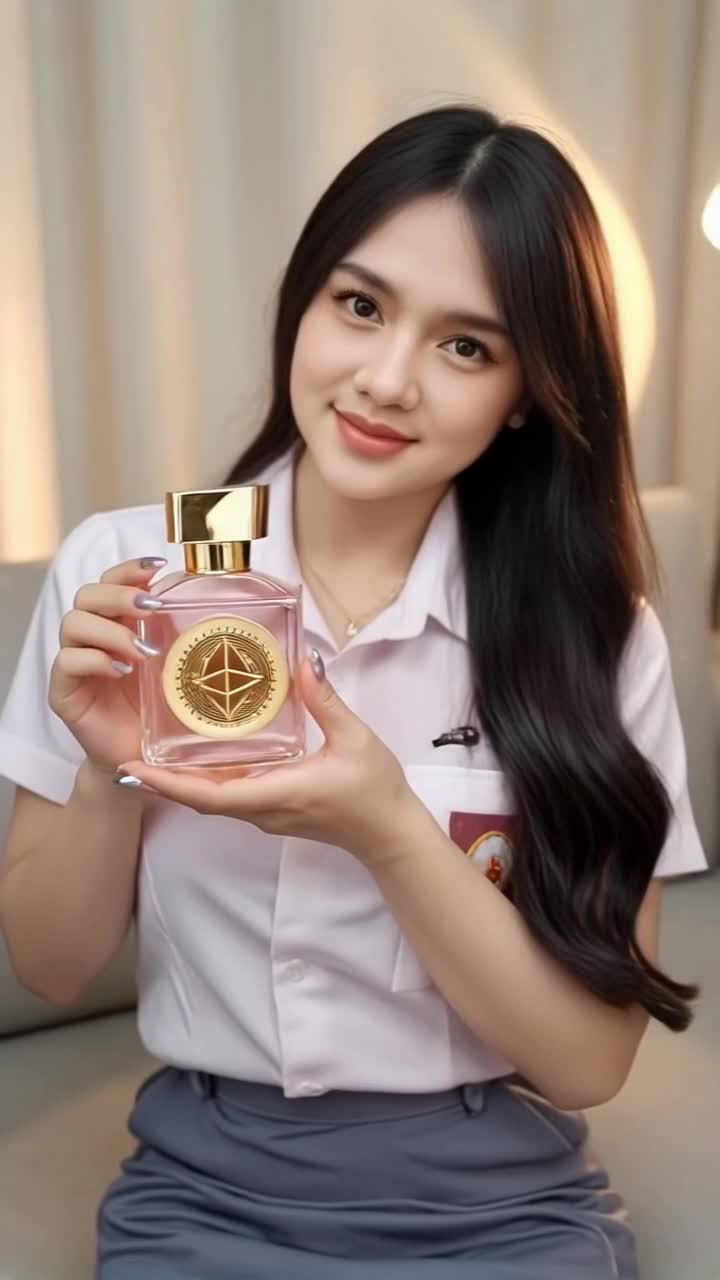
Parfum Art with KlingAI – AI-Generated Designs

Discover parfum-themed art ideas generated by AI. Get quick, customizable designs to fit your creative projects, no design expertise needed.


Parfum Art with KlingAI – AI-Generated Designs

Recommended

Kling AI work 286127707656174 - parfum kling ai AI video
Tirta Suhenza avatar
Tirta Suhenza
La Roma Parfum - parfum kling ai AI video
omrfc avatar
omrfc
Kling AI work 291979595535058 - parfum kling ai AI video
KLING7444 avatar
KLING7444
Kling AI work 293590295610706 - parfum kling ai AI image
Madalin avatar
Madalin
Kling Ai is the best - parfum kling ai AI video
00:33
oRsWyRYw avatar
oRsWyRYw
Kling AI work 310779484617465 - parfum kling ai AI image
KSvnXVgk avatar
KSvnXVgk
kling ai  - parfum kling ai AI video
00:10
dTZLcdZw avatar
dTZLcdZw
Kling AI work 310398854501698 - parfum kling ai AI image
KzttKIFo avatar
KzttKIFo
Kling AI work 287702738653206 - parfum kling ai AI video
Tirta Suhenza avatar
Tirta Suhenza
Kling AI work 309775300662583 - parfum kling ai AI video
rxDPUYgg avatar
rxDPUYgg
Kling AI - parfum kling ai AI video
00:07
yXbwTWYR avatar
yXbwTWYR
Kling AI work 289237605618399 - parfum kling ai AI video
Tirta Suhenza avatar
Tirta Suhenza
Kling ai is good
 - parfum kling ai AI video
sPomeRcP avatar
sPomeRcP
Kling AI work 306323638613445 - parfum kling ai AI video
koSzCcSF avatar
koSzCcSF
Kling AI work 298335639508116 - parfum kling ai AI image
uaFqUpzR avatar
uaFqUpzR
super hero kling ai - parfum kling ai AI video
medtkr avatar
medtkr
created with Kling AI - parfum kling ai AI video
00:17
VwppnZLs avatar
VwppnZLs
kling saves humanity - parfum kling ai AI video
medtkr avatar
medtkr
Kling AI work 318986574616657 - parfum kling ai AI video
Blakkonwhite avatar
Blakkonwhite

How to Change Clothes with Kling AI

Step 1: Upload the Model Photo and Outfit References

Step 1: Upload the Model Photo and Outfit References

Upload the model's photo you want to edit, then add references for the clothing, shoes, hats, bags, or accessories you want to use. You can combine multiple references when different parts of the final look come from different images.

Step 2: Describe the Outfit Change

Step 2: Describe the Outfit Change

Tell Kling AI how each reference should be used. For example, use Image 1 as the base person, then apply the shirt from Image 2, jacket from Image 3, skirt from Image 4, and shoes from Image 5.

Step 3: Generate Your Outfit Change

Step 3: Generate Your Outfit Change

Choose your preferred aspect ratio and 2K or 4K resolution, then generate your new look. Preview the final composite and download your favorite result.

One Image-to-Image Generator, More Ways to Create

Refine With Precision

Refine With Precision

Bring in up to 10 reference images to keep the subject, color, shape, and visual details that matter, then update only what needs to change. Whether you’re reworking a background, adjusting lighting, or refining a product or character, IMAGE 3.0 helps the new image stay true to the original while making the edit feel clean, natural, and intentional.

Restyle With Freedom

Restyle With Freedom

Give any image a fresh look in more than one way. Start with the built-in style library to recreate a look in one click, or upload your original image with a reference to follow a specific visual direction. Kling AI image-to-image model carries over the qualities that define the style while keeping the subject clear and the composition intact.

Generate Image Series in 4K

Generate Image Series in 4K

Start with one image or several references and generate a connected set in one pass. IMAGE 3.0 Omni keeps characters, products, style, and tone consistent from image to image, while still allowing new actions, framing, camera angles, and shot types. Native 4K output makes it well suited to cinematic multi-shot storyboards, product image sets, and character design.

Apps

Image to Video
Image to Video

Image to Video

Text to Video
Text to Video

Text to Video

Omni
Omni

Omni

Digital Human
Digital Human

Digital Human

Restyle
Restyle

Restyle

Text to Image
Text to Image

Text to Image

60M+
60M+
Users
600M+
600M+
AI Videos Generated
4.7 ★
4.7 ★
App Store
Industry-Leading
Industry-Leading
Cinematic 4K

Reviews

Huang Lu (Elson)

Huang Lu (Elson)

★★★★★

I’ve been using Kling AI since its initial release, and it’s remained one of the leading AI media generators ever since. With Kling AI, I’ve created hundreds of videos, collectively amassing millions of views.

Halim Alrasihi

Halim Alrasihi

★★★★★

I use AI daily and Kling AI is a crucial part of my workflow, whether for client work or personal projects. What I love most about using Kling AI is that it provides all the tools I need in one place, from keyframes to character references, elements and special effects.

Ozan Sihay

Ozan Sihay

★★★★★

Kling AI allows me to rapidly prototype ideas, refine storytelling elements, and produce visually compelling content efficiently. It has not only accelerated my creative processes, but also deepened my understanding of how AI can enrich visual storytelling.

FAQ

Q1Will recoloring preserve the original texture and shadows?
Q2How long does it take to recolor an image with AI?
Q3Does changing image color reduce resolution?

Get More From Your Video in 4K

Keep the footage you already have and give it a higher-resolution finish. Upscale short videos to 4K, bring out more visible detail, and use prompts or references when you want more control over the final result.