Creative Studio
API
Resources
Features
About Us
Download

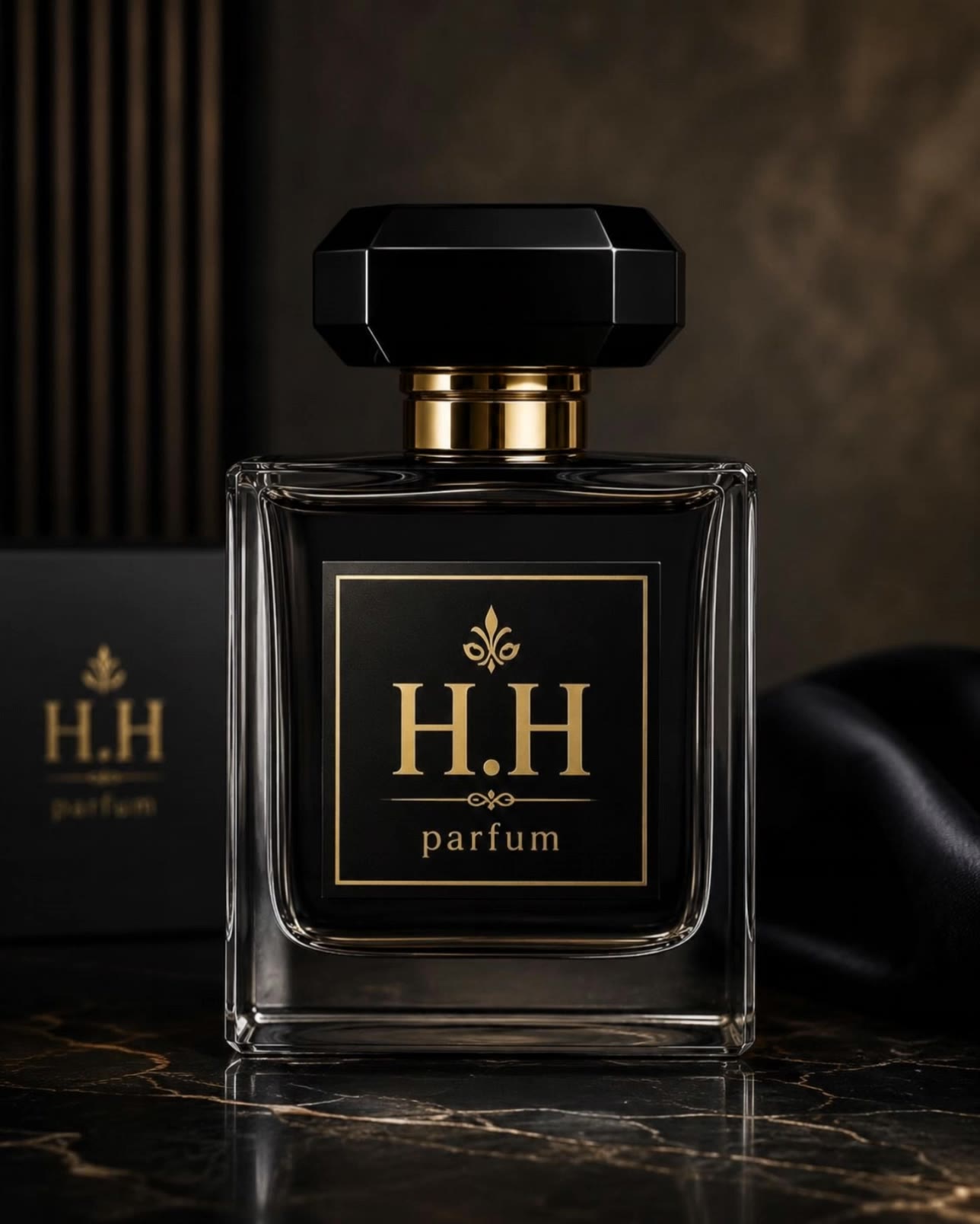
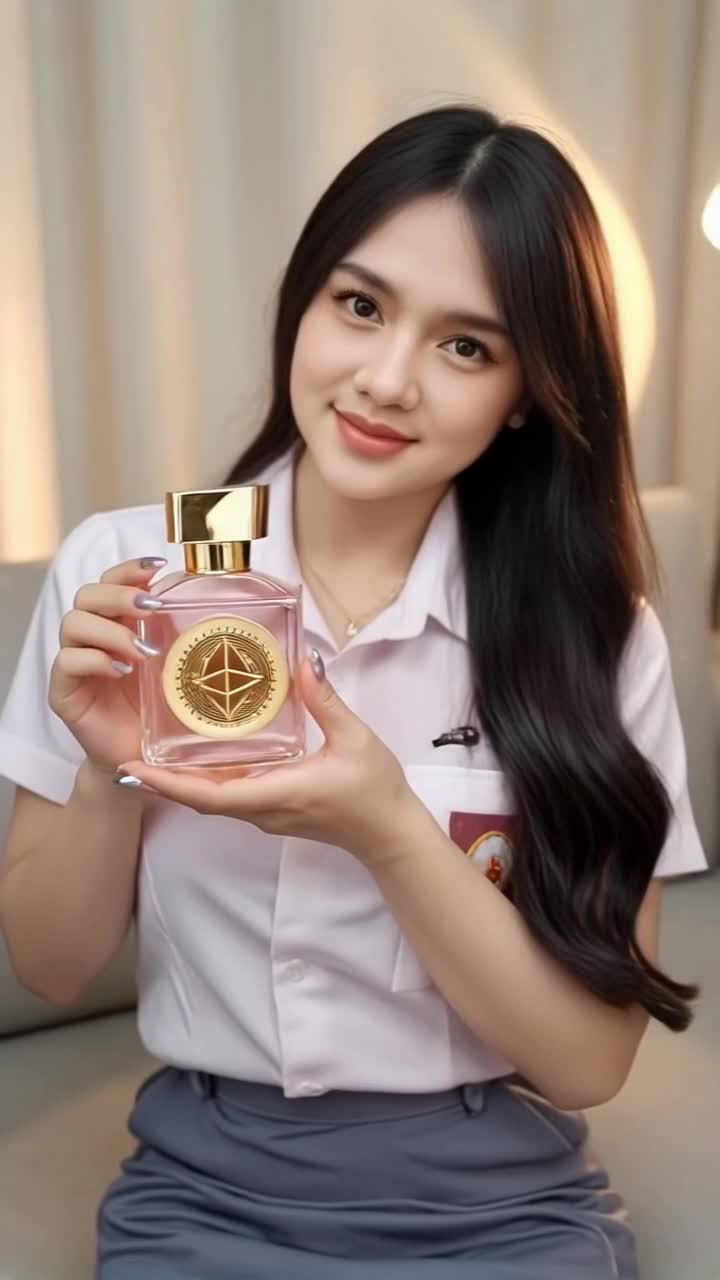
Parfum Poster Design – AI-Generated Concepts

Discover AI-generated concepts for designing parfum-themed posters. These AI results can be adapted to various fragrance and luxury themes, offering a fast and easy way to create engaging parfum-themed content.

Parfum Poster Design – AI-Generated Concepts

Recommended

Kling AI work 286127707656174 - parfum poster design AI video
Tirta Suhenza avatar
Tirta Suhenza
Kling AI work 309775300662583 - parfum poster design AI video
rxDPUYgg avatar
rxDPUYgg
Kling AI work 310398854501698 - parfum poster design AI image
KzttKIFo avatar
KzttKIFo
La Roma Parfum - parfum poster design AI video
omrfc avatar
omrfc
Kling AI work 287702738653206 - parfum poster design AI video
Tirta Suhenza avatar
Tirta Suhenza
Kling AI work 310779484617465 - parfum poster design AI image
KSvnXVgk avatar
KSvnXVgk
Kling AI work 307896438617571 - parfum poster design AI video
BMNeqLwD avatar
BMNeqLwD
Kling AI work 310397418667378 - parfum poster design AI video
mKBwDilV avatar
mKBwDilV
La Roma Parfum - parfum poster design AI video
omrfc avatar
omrfc
Kling AI work 318875928663839 - parfum poster design AI video
CBmxnvnw avatar
CBmxnvnw
La Roma Parfum - parfum poster design AI video
omrfc avatar
omrfc
Kling AI work 316008646503005 - parfum poster design AI video
IcsBZqVP avatar
IcsBZqVP
La Roma Parfum - parfum poster design AI video
omrfc avatar
omrfc
Kling AI work 296946834665829 - parfum poster design AI video
Mochii.miuu avatar
Mochii.miuu
Kling AI work 289237605618399 - parfum poster design AI video
Tirta Suhenza avatar
Tirta Suhenza
Kling AI work 310999396508828 - parfum poster design AI image
JNYqBGOA avatar
JNYqBGOA
Kling AI work 293590295610706 - parfum poster design AI image
Madalin avatar
Madalin
Kling AI work 296402592664095 - parfum poster design AI image
qoEgnFlF avatar
qoEgnFlF
Kling AI work 311087793667560 - parfum poster design AI video
qZNGfIiv avatar
qZNGfIiv

How to Use Kling AI Art Generator

Start with a Prompt

Start with a Prompt

Open IMAGE 3.0 Omni. Write what you want to make, upload an existing image, or add references that show the character, object, composition, or style you want Kling to follow.

Set the Art Direction

Set the Art Direction

Add the details that matter to the piece: medium, palette, mood, lighting, framing, perspective, or another visual cue. When you use several references, tell Kling what each one contributes instead of leaving the relationship between them ambiguous.

Generate and Keep Working

Generate and Keep Working

Generate the artwork, review the result, and adjust the prompt or creative direction if needed. For connected images, continue the idea with Image Series.

Create Richer Text to Speech Experiences with Kling AI

Generate Video with Native Audio

Generate Video with Native Audio

Create the visuals, dialogue, and sound together, with the voice included from the start. Add your script or character lines to the prompt, and Kling VIDEO 3.0 Omni generates spoken dialogue as part of the same video. This brings AI text to speech directly into the video generation process for conversations, narrated scenes, character stories, and more.

Match Every Voice to the Right Character

Match Every Voice to the Right Character

Create conversations with several characters and keep each line connected to the intended speaker. Multi-Character Coreference helps Kling VIDEO 3.0 keep each line with the intended speaker, even when three or more characters appear in the same scene. Use it for interviews, group conversations, and story scenes where several characters need to speak.

Reach More Audiences in More Languages

Reach More Audiences in More Languages

Create dialogue in Chinese, English, Japanese, Korean, and Spanish with Multilingual Content Generation. Kling VIDEO 3.0 can switch between languages within the same video and supports a range of dialects and accents for more natural character speech. This makes it easier to adapt characters and dialogue for different regions and audiences.

Apps

Image to Video
Image to Video

Image to Video

Text to Video
Text to Video

Text to Video

Omni
Omni

Omni

Digital Human
Digital Human

Digital Human

Restyle
Restyle

Restyle

Text to Image
Text to Image

Text to Image

60M+
60M+
Users
600M+
600M+
AI Videos Generated
4.7 ★
4.7 ★
App Store
Industry-Leading
Industry-Leading
Cinematic 4K

Reviews

KakuDrop

KakuDrop

★★★★★

I have successfully collaborated with world-renowned artists and well-known companies that are recognized globally

Huang Lu (Elson)

Huang Lu (Elson)

★★★★★

I’ve been using Kling AI since its initial release, and it’s remained one of the leading AI media generators ever since. With Kling AI, I’ve created hundreds of videos, collectively amassing millions of views.

James Phillips

James Phillips

★★★★★

Kling AI has transformed my workflow by collapsing timelines and democratizing production. It’s shifted my mindset from resource-dependent filmmaking to a boundless creative sandbox, where experimentation yields unexpected beauty.

FAQ

Q1Can I create images from reference photos?
Q2Can I turn an image created with Kling AI into a video?
Q3What is an AI image generator?

Change the Shot Without Reshooting It

Upload your footage, describe the result, and let Kling rebuild the scene around your direction.

Free tier available | Simple prompt editing | Up to 4K output | Fast generation