Creative Studio
API
Resources
Features
About Us
Download

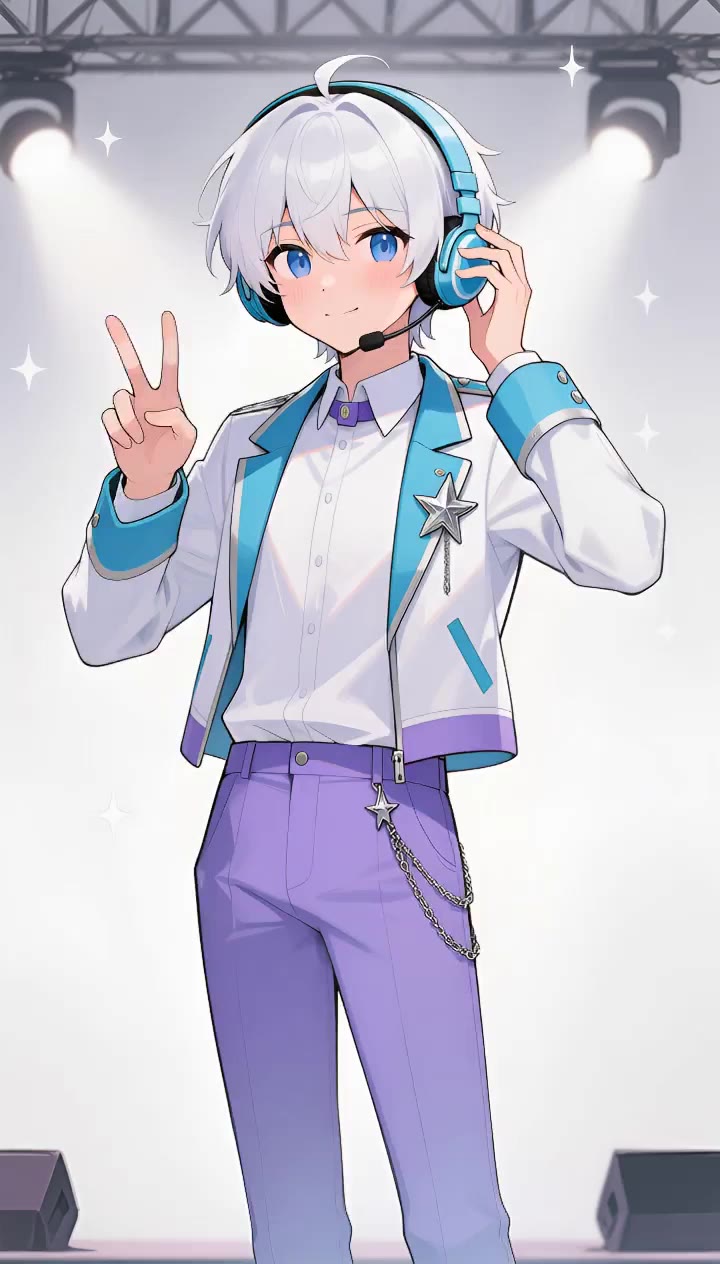
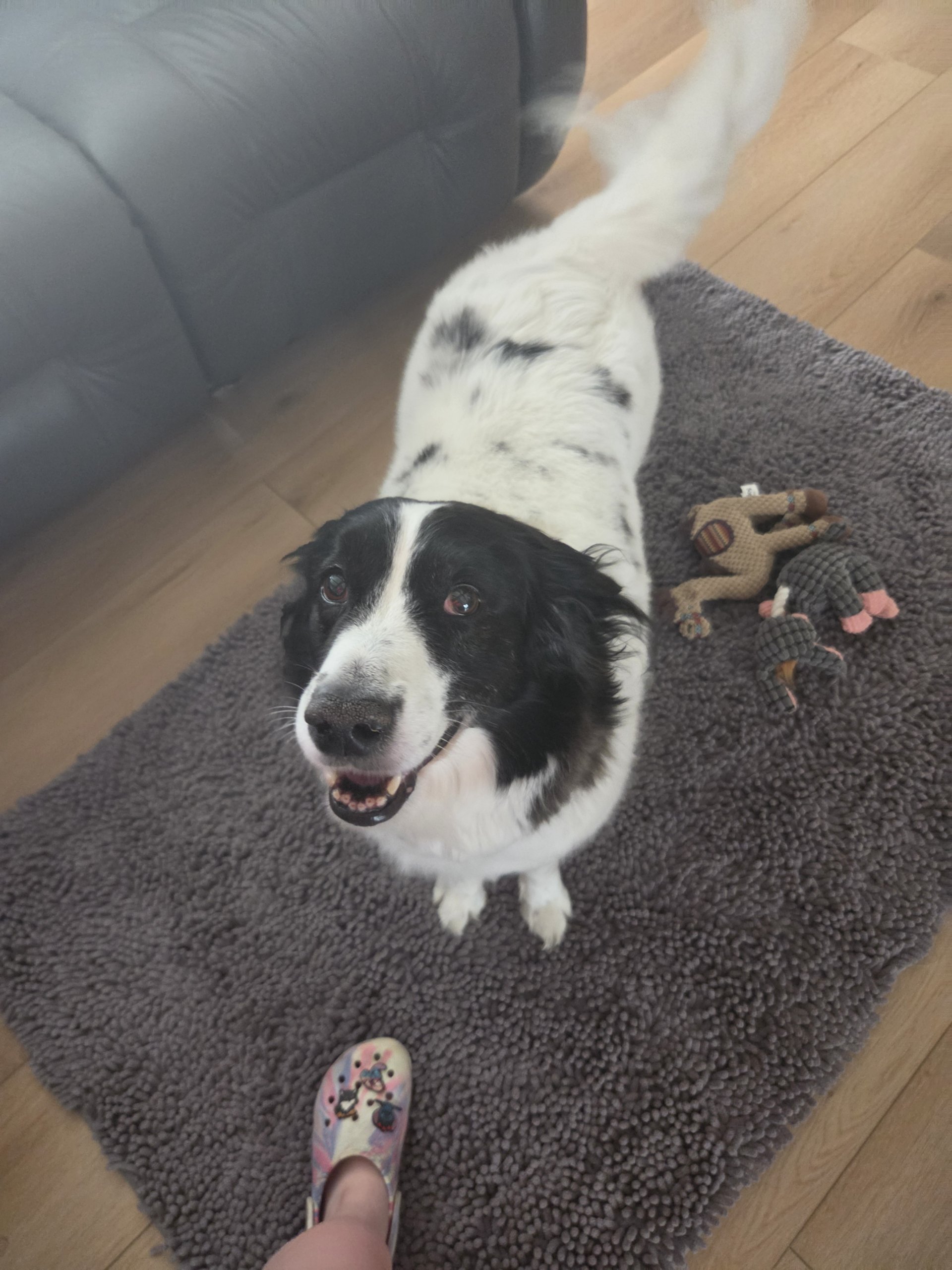
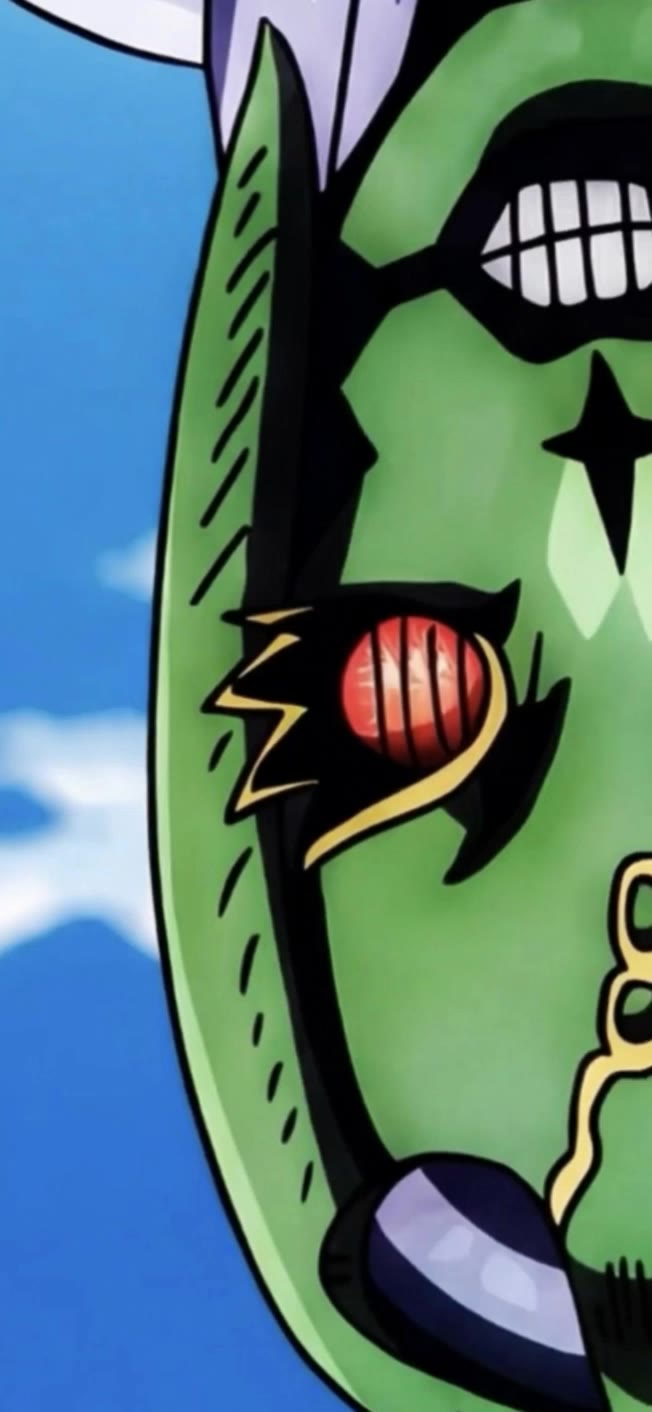
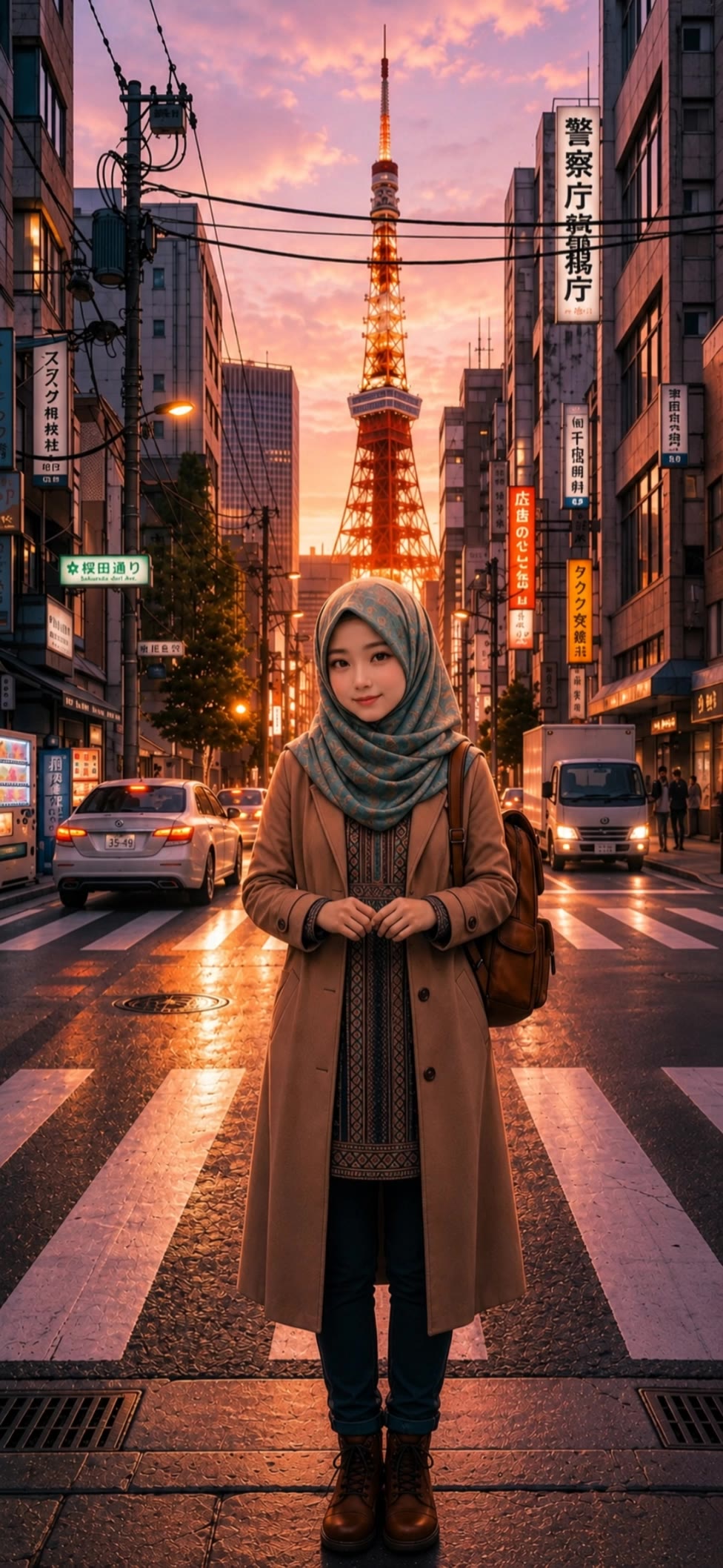
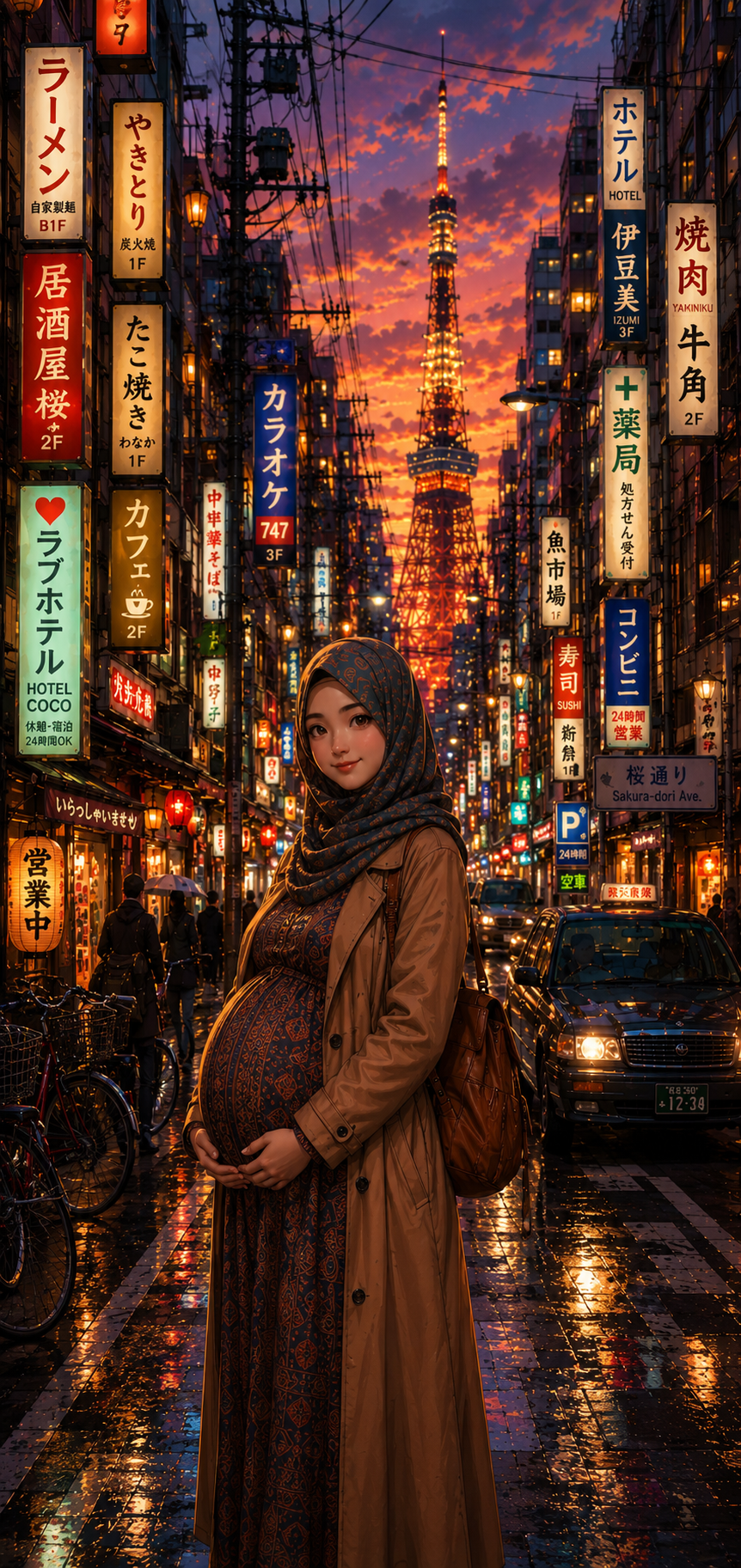
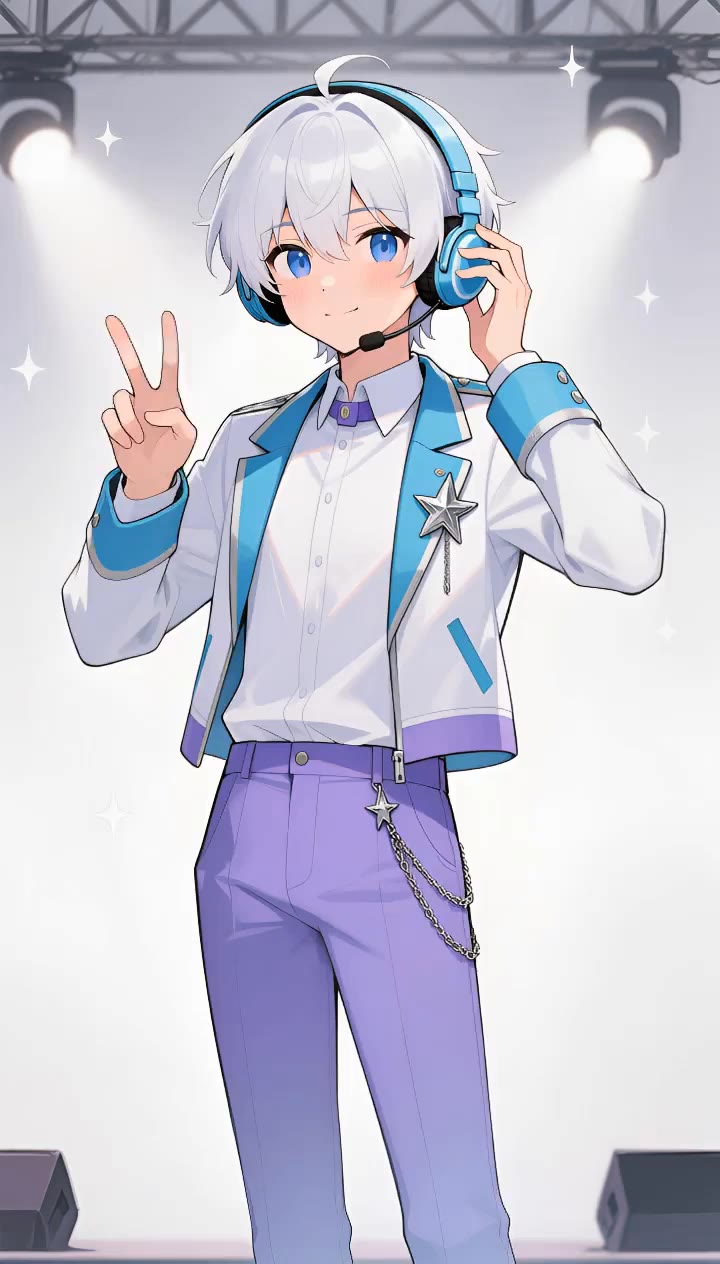
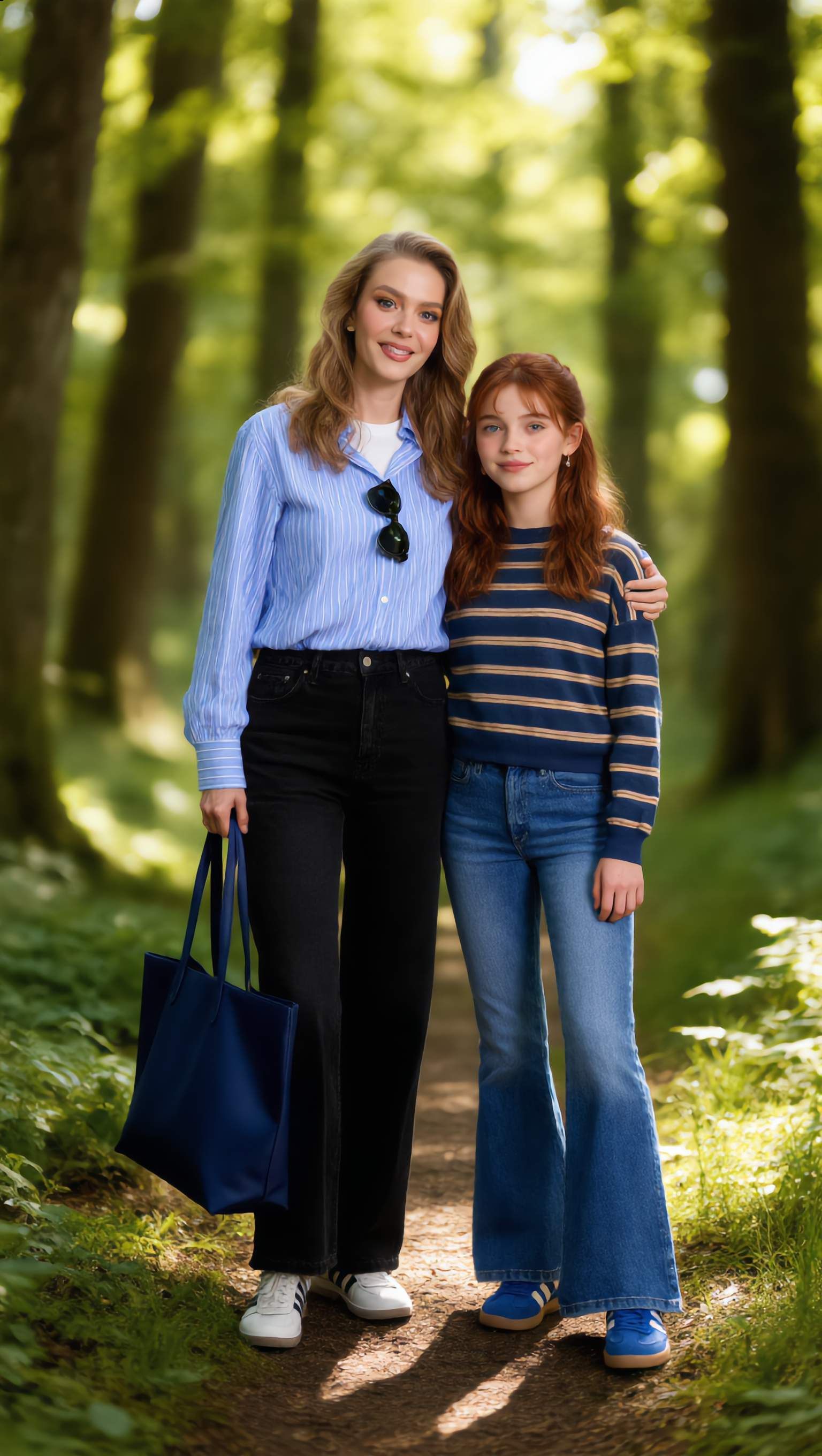
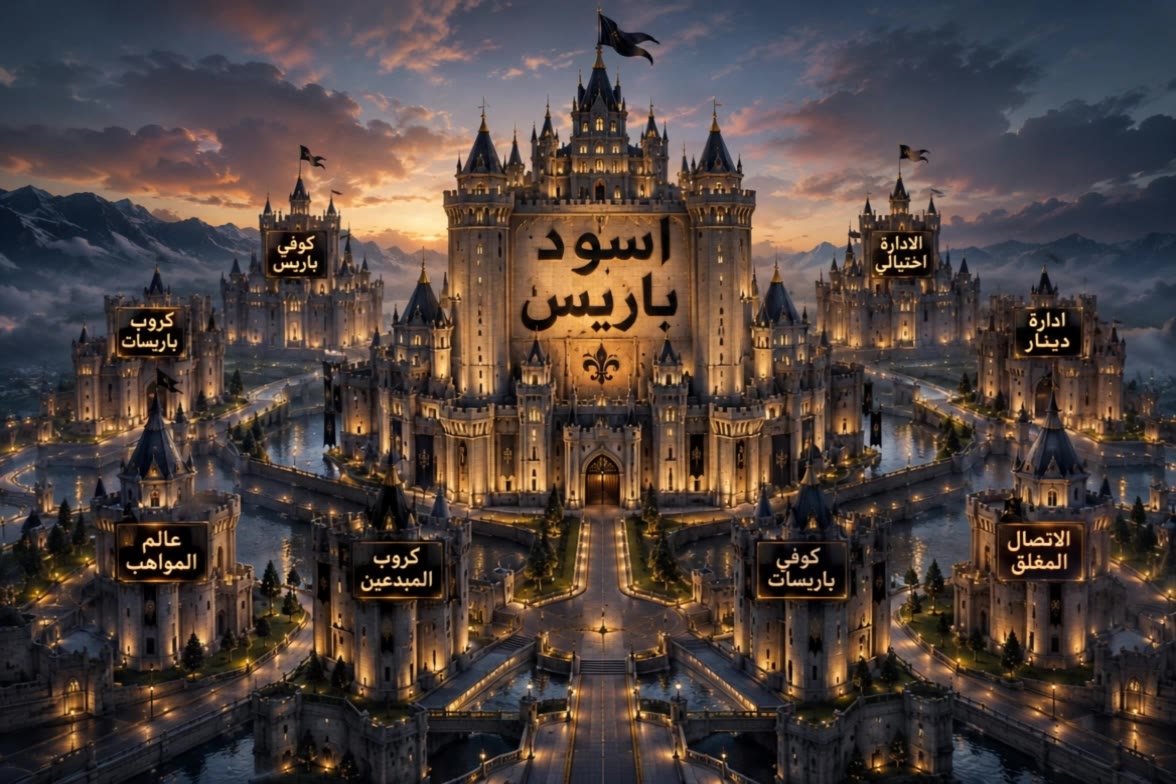
picture perspective - first-person horror & whimsical miniature city

Uncover the art of shifting perspectives and the magic of images coming to life through unique visual narratives and creative transformations. Start exploring picture perspective ideas and generate your own content with AI.

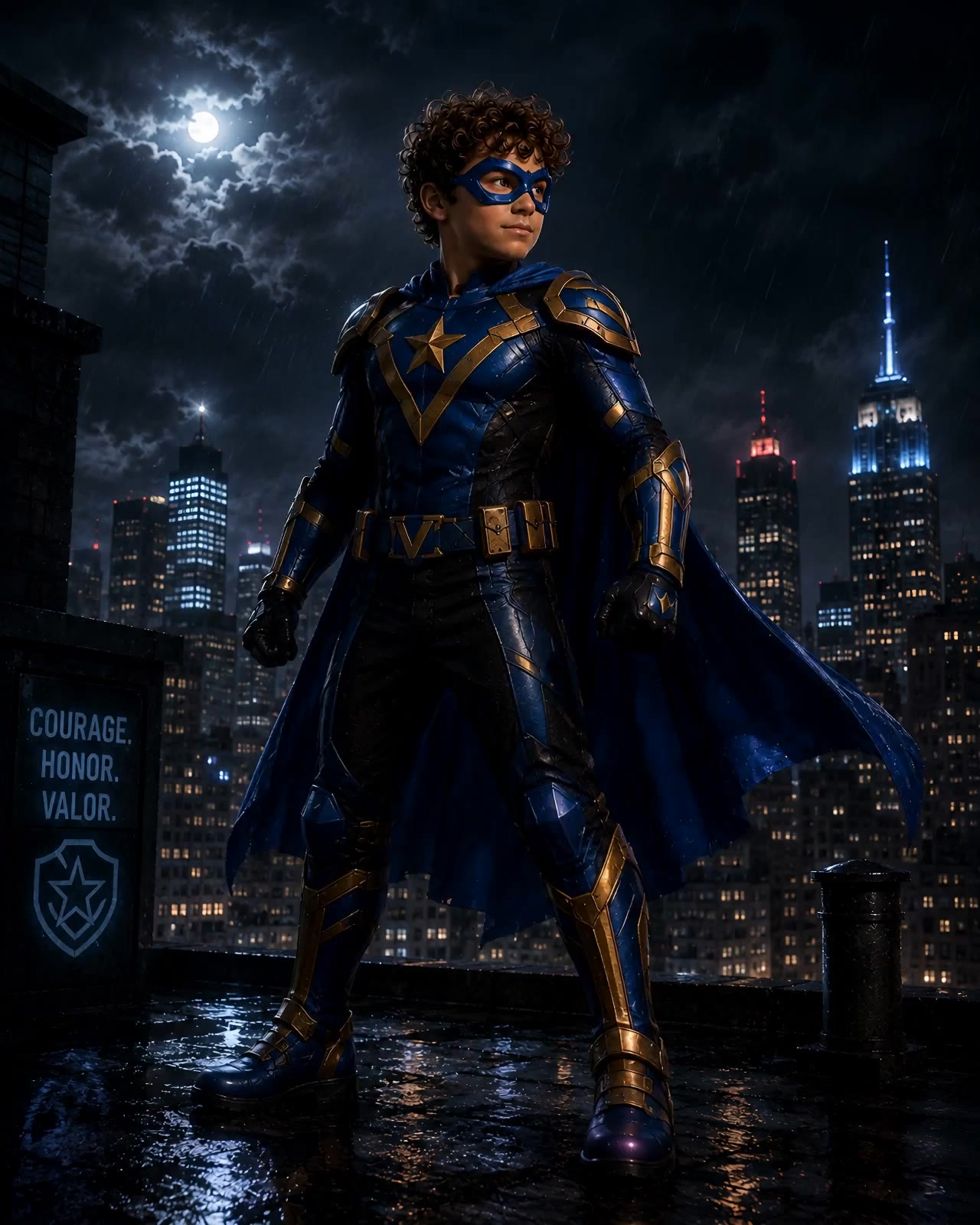
picture perspective - first-person horror & whimsical miniature city

Recommended

Kling AI work 316230157521255 - picture perspective AI image
Nene avatar
Nene
Kling AI work 318726809321988 - picture perspective AI video
Deep Deaf Cinema avatar
Deep Deaf Cinema
vietnam - picture perspective AI video
UfwmLbSx avatar
UfwmLbSx
Kling AI work 309802847504263 - picture perspective AI video
KwrBJHMD avatar
KwrBJHMD
Kling AI work 307394321504220 - picture perspective AI video
pdRbUipP avatar
pdRbUipP
Couple Side by side face picture - picture perspective AI image
sCrJEkuU avatar
sCrJEkuU
Kling AI work 312531295527382 - picture perspective AI video
tWhQHAiX avatar
tWhQHAiX
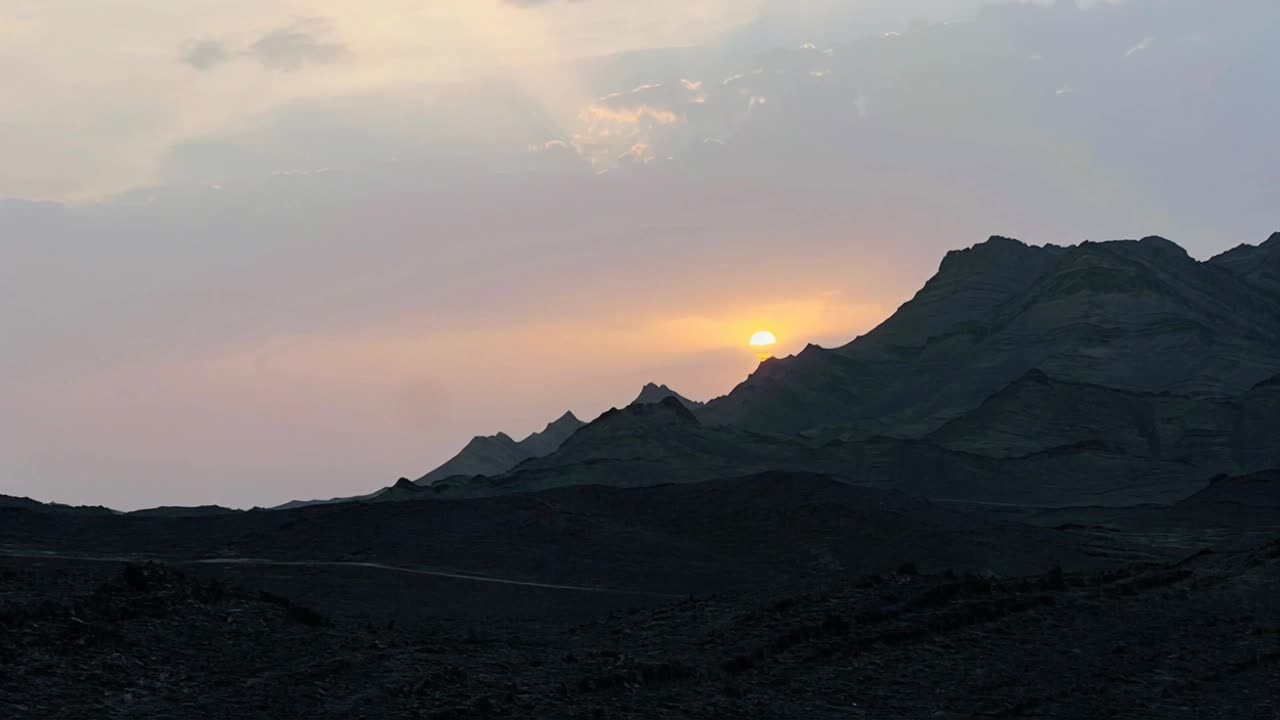
Timelapes motion in real picture - picture perspective AI video
YYRqIMJD avatar
YYRqIMJD
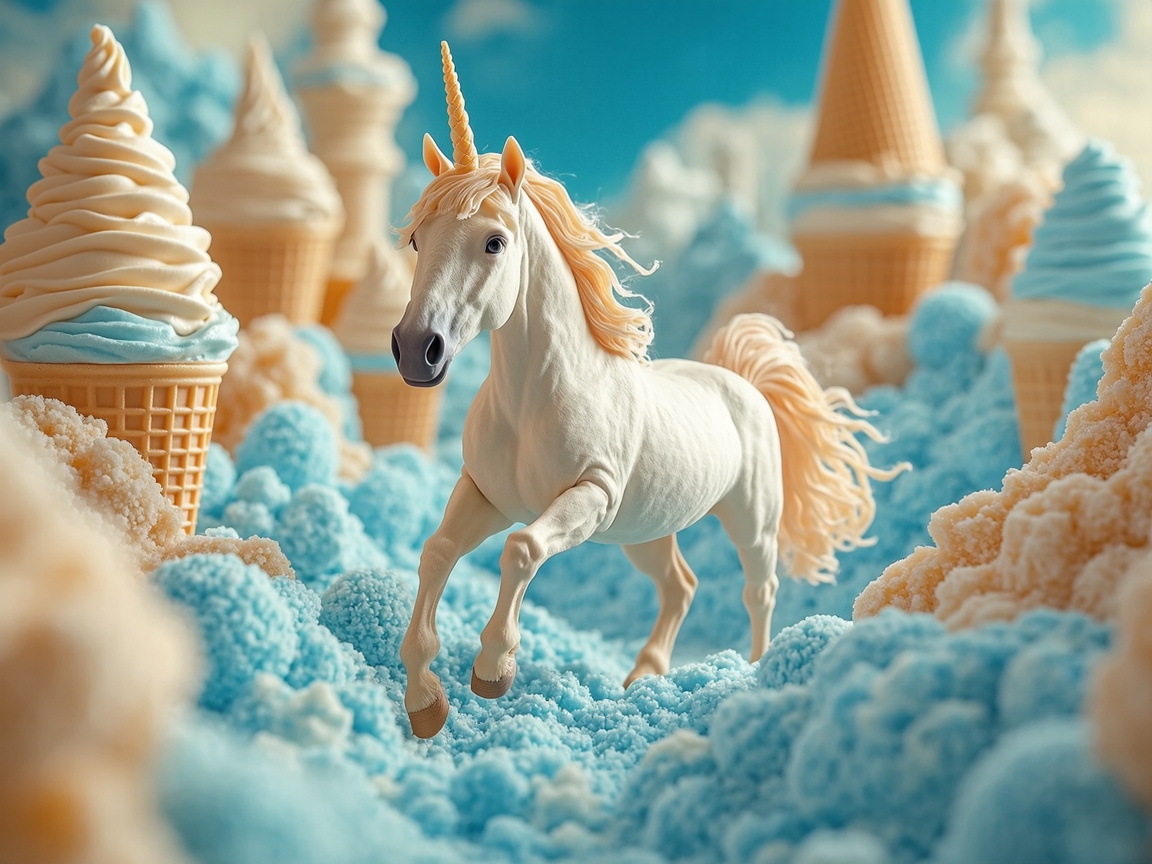
Unicorn in Ice Cream Land - picture perspective AI image
KLING5548 avatar
KLING5548
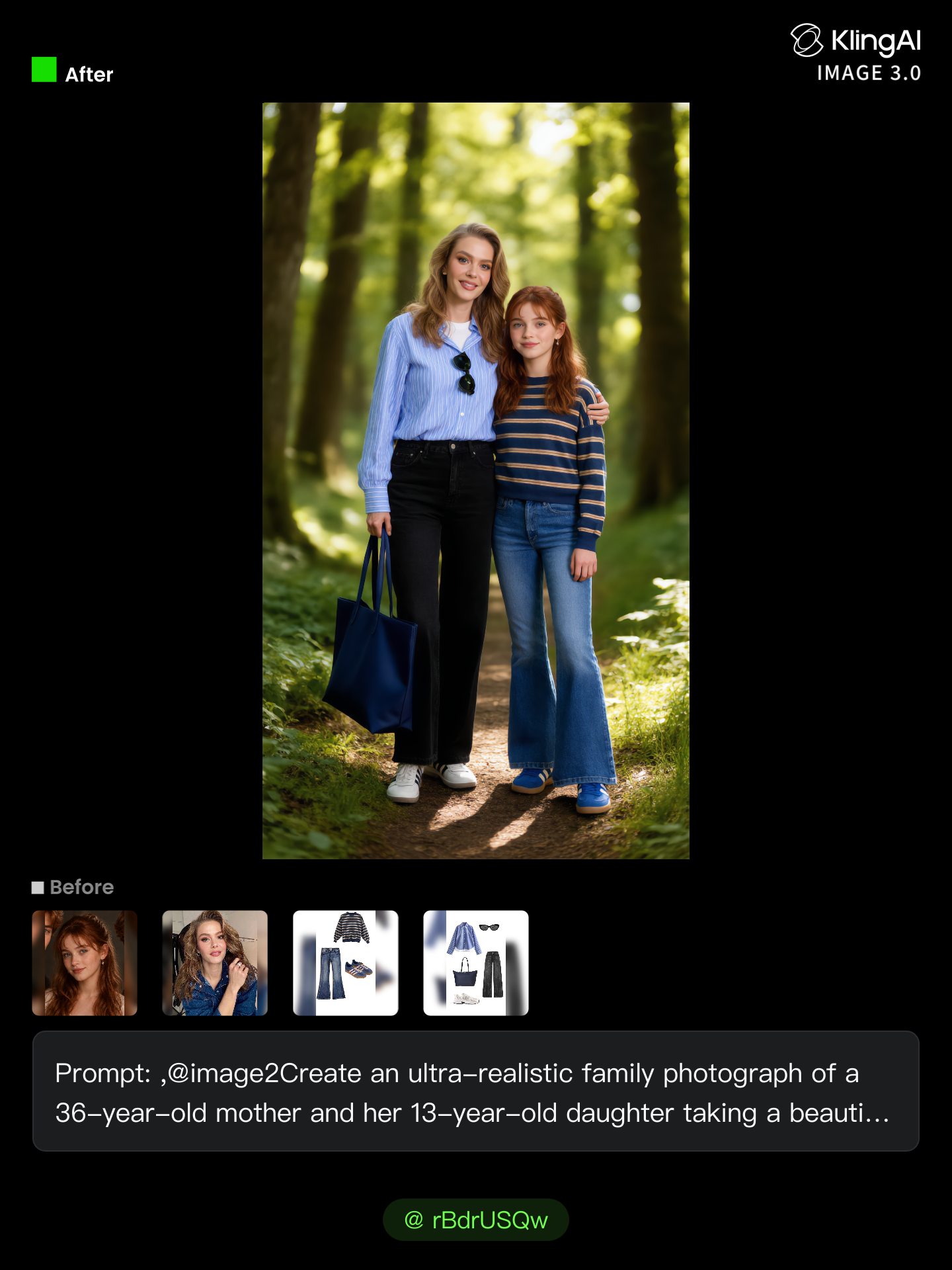
Kling AI work 318389090500059 - picture perspective AI image
rBdrUSQw avatar
rBdrUSQw
Kling AI work 313418576612777 - picture perspective AI video
tinykittys avatar
tinykittys
Kling AI work 312568050618193 - picture perspective AI video
PpSKWFzV avatar
PpSKWFzV
Kling AI work 314776043611211 - picture perspective AI video
sgawYDnY avatar
sgawYDnY
Kling AI work 320099613322672 - picture perspective AI video
xGfMAbOH avatar
xGfMAbOH
sad perspective - picture perspective AI image
iam.jilly avatar
iam.jilly
Elite Creator
Kling AI work 318387690613027 - picture perspective AI image
rBdrUSQw avatar
rBdrUSQw
Kling AI work 317105952508332 - picture perspective AI video
LcPFMvQr avatar
LcPFMvQr
We create realistic picture  - picture perspective AI image
TsPmBrKC avatar
TsPmBrKC
Kling AI work 309314331526868 - picture perspective AI video
CjSuFNYz avatar
CjSuFNYz

How to Create an AI Video from a Script

Start with a Scene or Story Beat

Start with a Scene or Story Beat

Paste in the part of your script you want to see on screen. Include the setting, characters, action, and dialogue that matter to the scene. Camera direction and visual style can stay simple at first, you can get more specific when you start shaping the shots.

Turn the Scene into a Shot Sequence

Turn the Scene into a Shot Sequence

Switch on Multi-Shot and let Kling work out the scene transitions and camera coverage from your prompt. Already have the sequence in your head? Open Custom Multi-Shot and lay out the individual shots yourself, including how long they last and what happens in each one.

Generate with Native Audio

Generate with Native Audio

Set the duration and available output options, then generate your sequence. Native Audio can bring dialogue, ambience, and sound effects into the same generation, so the result does not have to begin as a silent set of shots. Kling VIDEO 3.0 supports scenes up to 15 seconds in a single generation.

Create AI Art with More Creative Control

Bring More Than a Prompt to Your Art

Bring More Than a Prompt to Your Art

Start with words, a sketch, a photo, or the references that already capture part of your idea. IMAGE 3.0 can use up to 10 reference images, so you can bring a character from one image, an outfit from another, and a different setting or art style into the same creation. Use references for the details you want to keep, then use your prompt to decide what changes.

Find the Look That Fits Your Idea

Find the Look That Fits Your Idea

Create pencil drawings, watercolor paintings, anime art, comics, concept art, 3D-inspired images, and more. Try a completely different style, or fine-tune the one you already have. Kling AI also gives you control beyond the art style. Reframe the scene, shift the viewing angle, change the lighting or color palette, and keep refining the image until the whole piece comes together

Create a Series, Not Just a Single Image

Create a Series, Not Just a Single Image

Keep a character, setting, or visual style recognizable across multiple pieces of artwork with IMAGE 3.0 Omni. Generate new poses, scenes, and compositions while keeping the details that tie the series together. It works especially well for character concepts, comics, storyboards, and other ideas that need to develop across several images. Generate in native 2K or 4K when you want more detail in the finished artwork.

Apps

Image to Video
Image to Video

Image to Video

Text to Video
Text to Video

Text to Video

Omni
Omni

Omni

Digital Human
Digital Human

Digital Human

Restyle
Restyle

Restyle

Text to Image
Text to Image

Text to Image

60M+
60M+
Users
600M+
600M+
AI Videos Generated
4.7 ★
4.7 ★
App Store
Industry-Leading
Industry-Leading
Cinematic 4K

Reviews

KakuDrop

KakuDrop

★★★★★

I have successfully collaborated with world-renowned artists and well-known companies that are recognized globally

PJ Ace

PJ Ace

★★★★★

Kling AI has made it easy for us to generate world class visuals for Fortune 500 companies, TV shows and music for big artists. We love the easy of use of the platform and the quality of the generations. My first time using Kling AI, I got 22 million views on just one video. It's that good.

James Phillips

James Phillips

★★★★★

Kling AI has transformed my workflow by collapsing timelines and democratizing production. It’s shifted my mindset from resource-dependent filmmaking to a boundless creative sandbox, where experimentation yields unexpected beauty.

FAQ

Q1How does an AI voice generator work?
Q2Can AI generate voices for characters?
Q3Does Kling AI support multiple languages?

Bring Every Voice Into the Story

Create character dialogue, multilingual voices, consistent voice identities, ambience, and sound effects with Kling VIDEO 3.0.

Multilingual Dialogue | Multi-Character Voices | Native Audio