Creative Studio
API
Resources
Features
About Us
Download

pig silhouette - cooking & magical forest

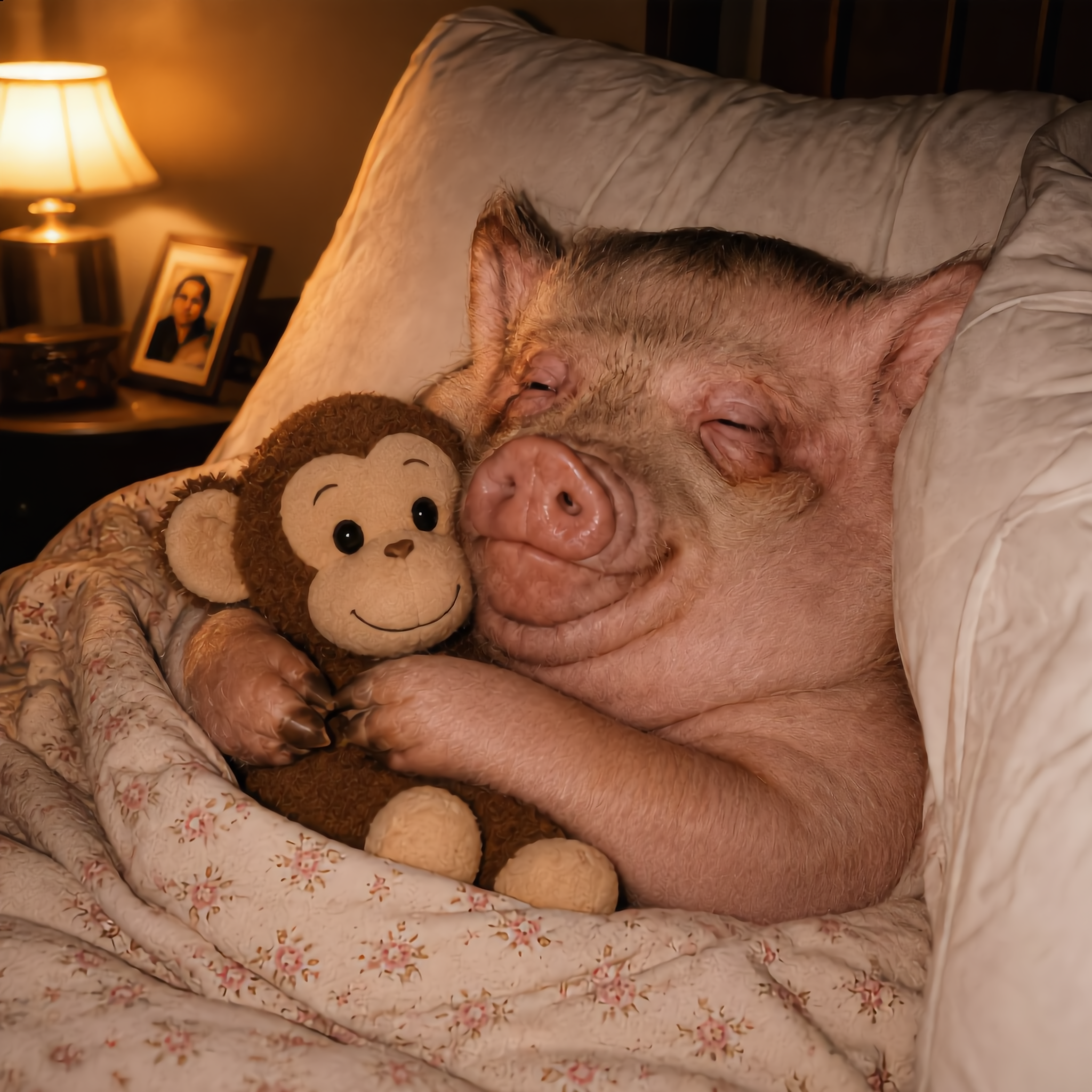
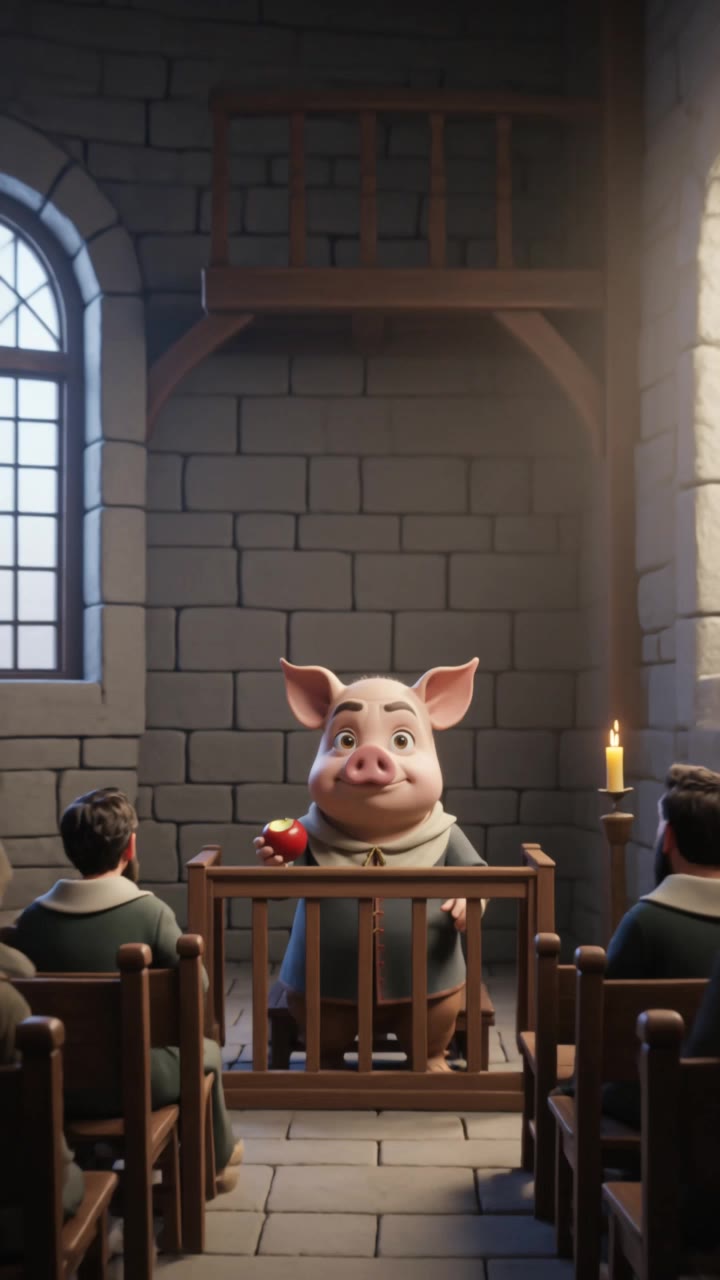
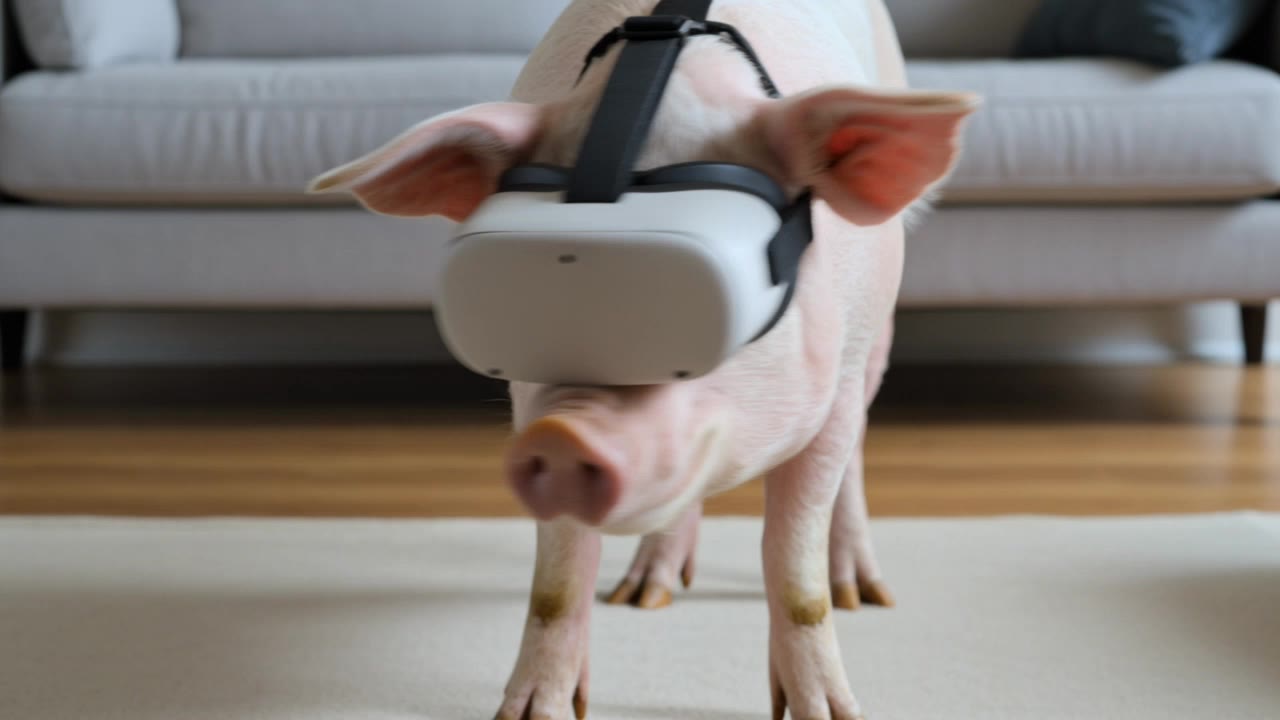
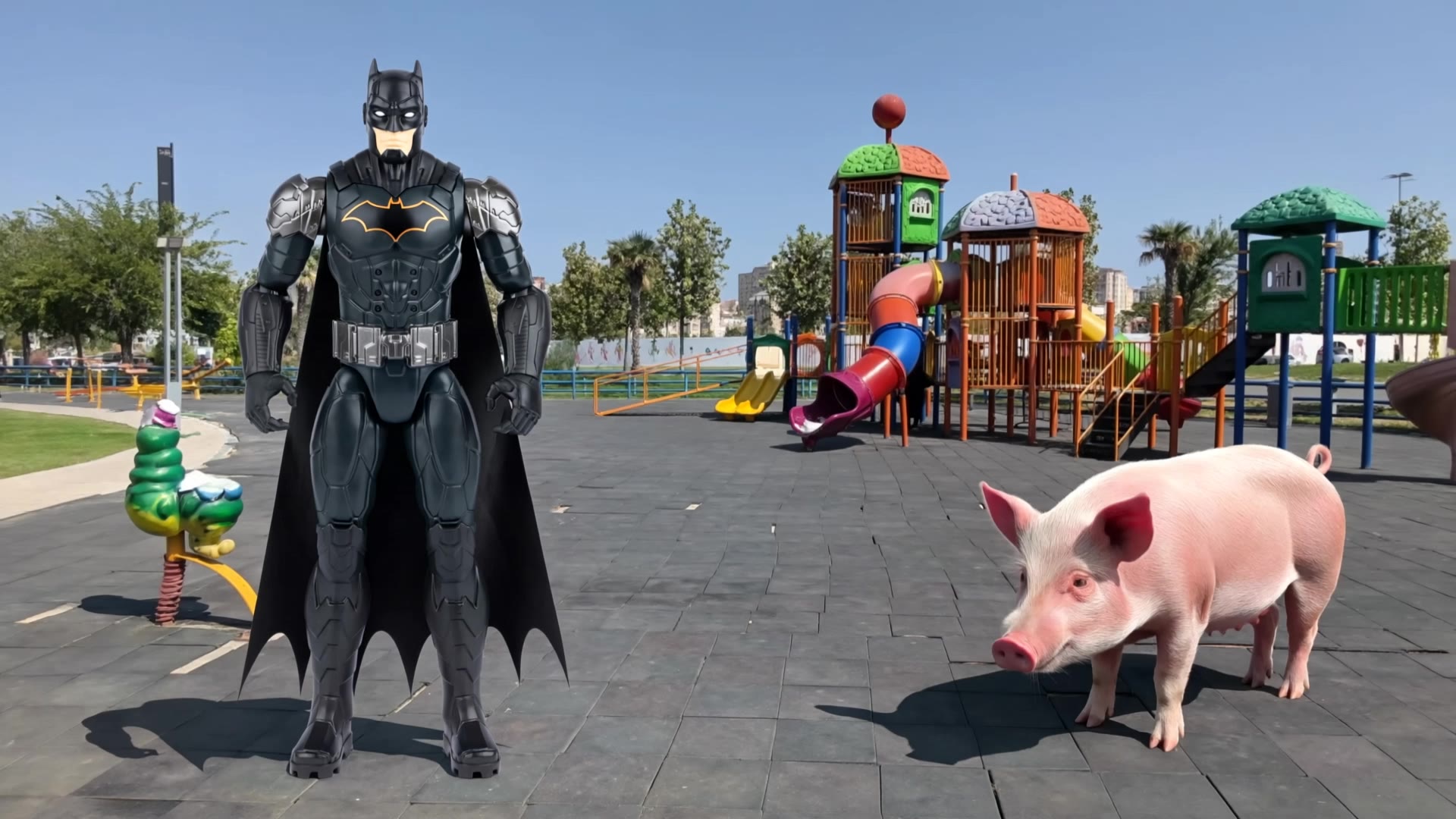
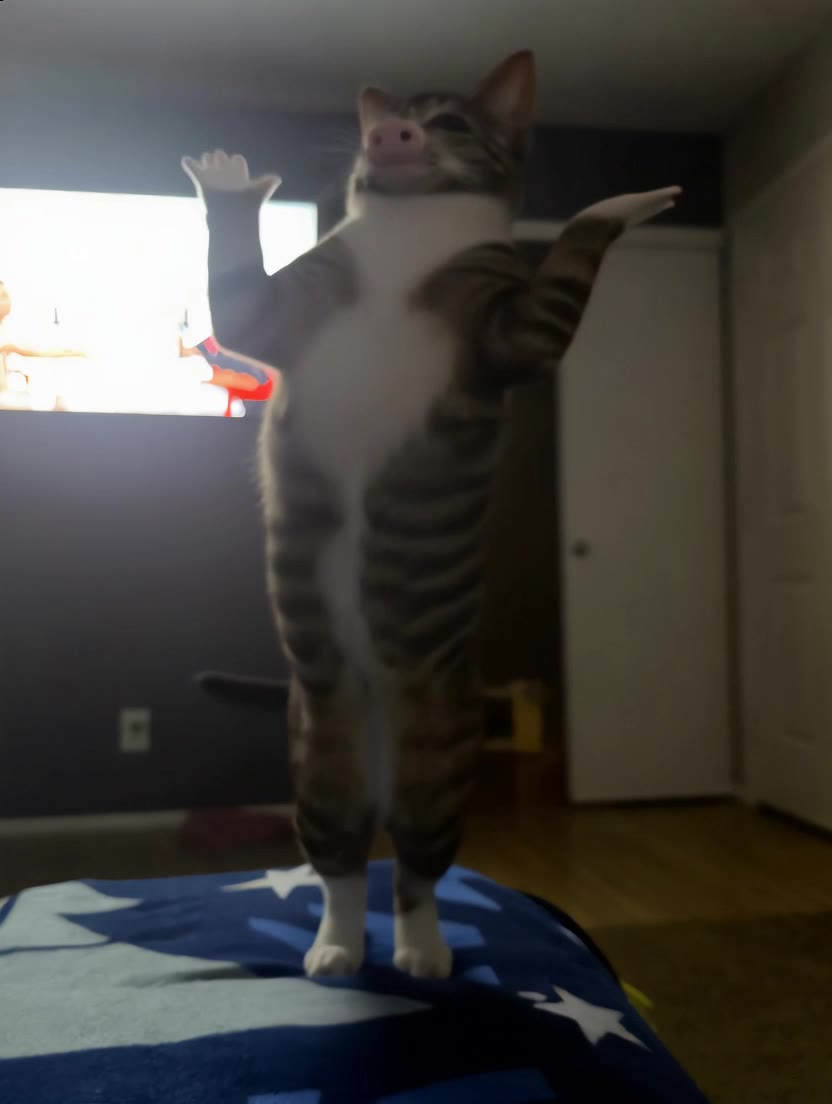
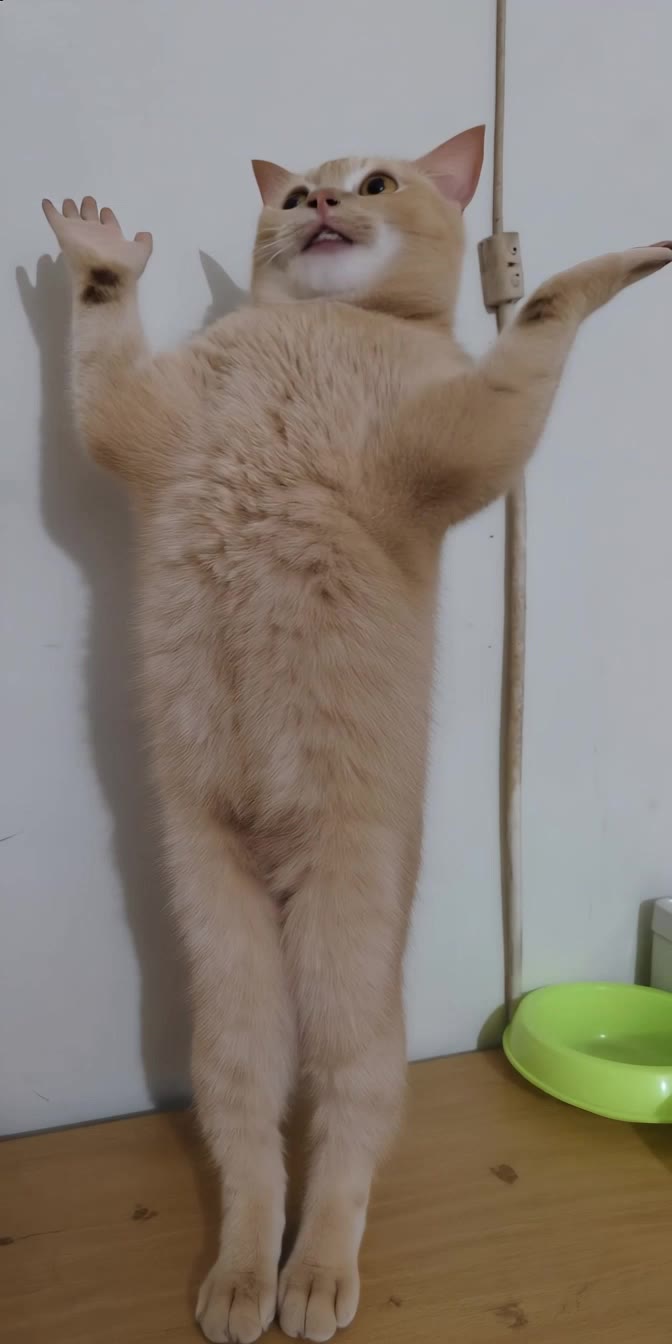
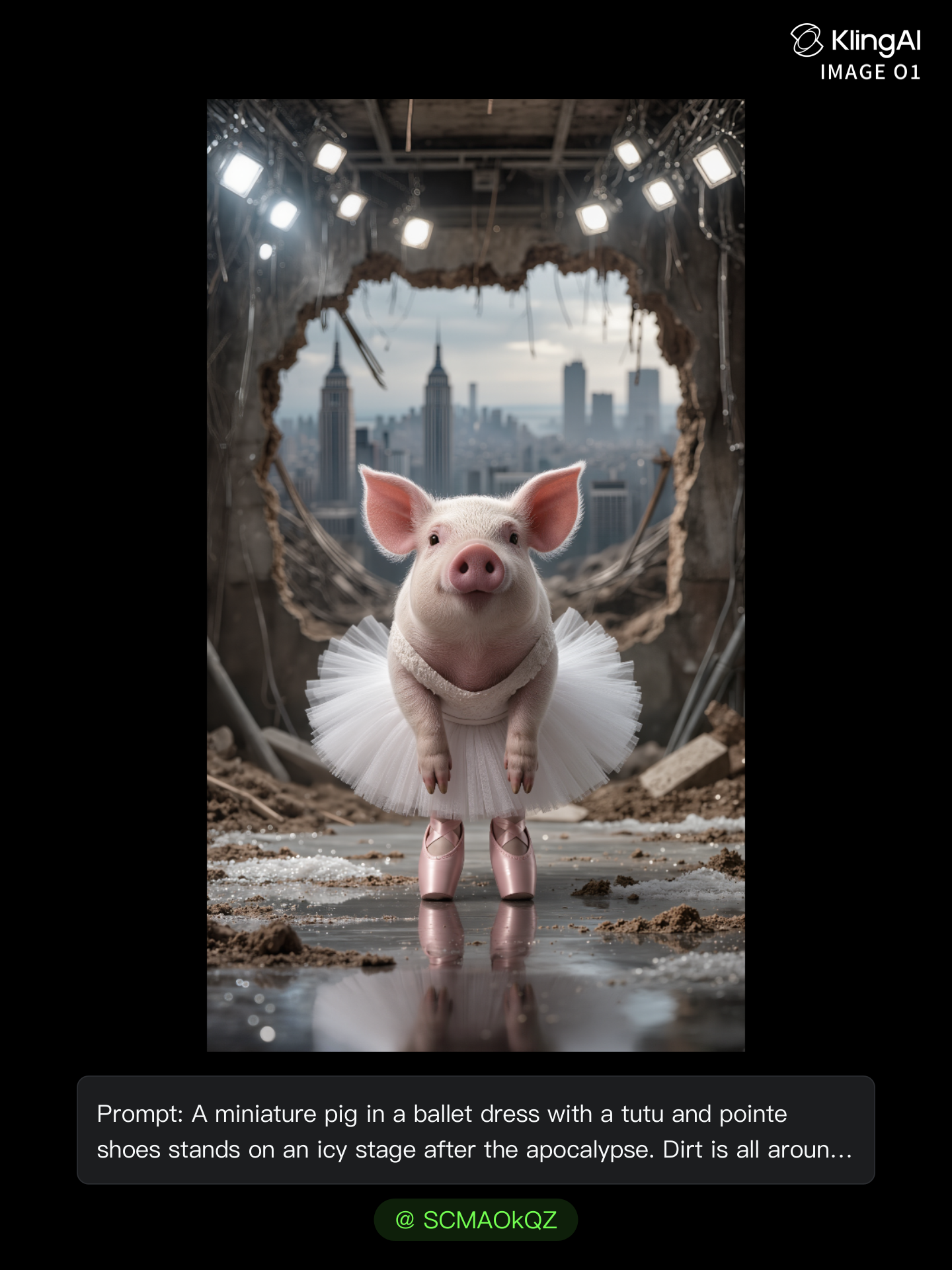
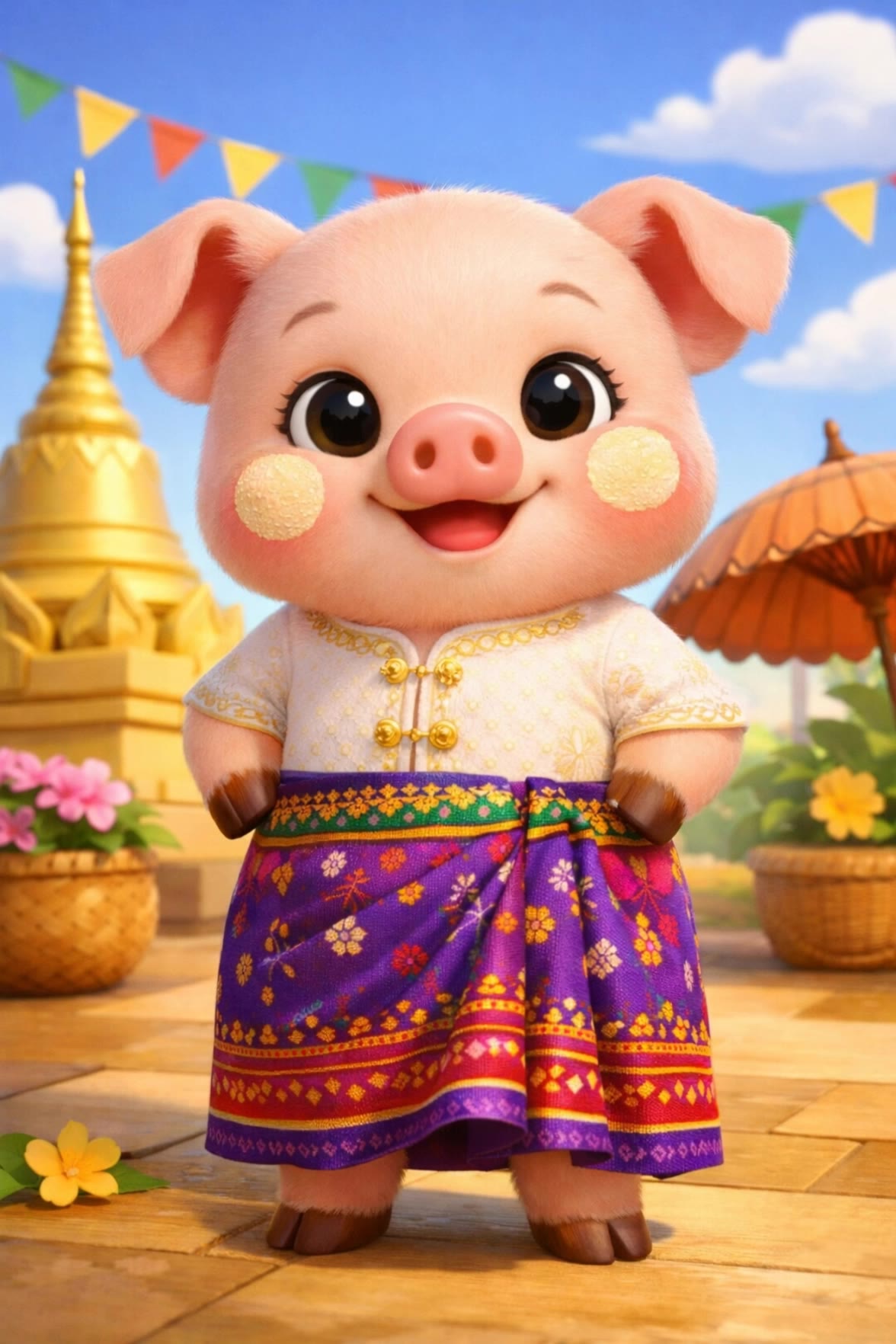
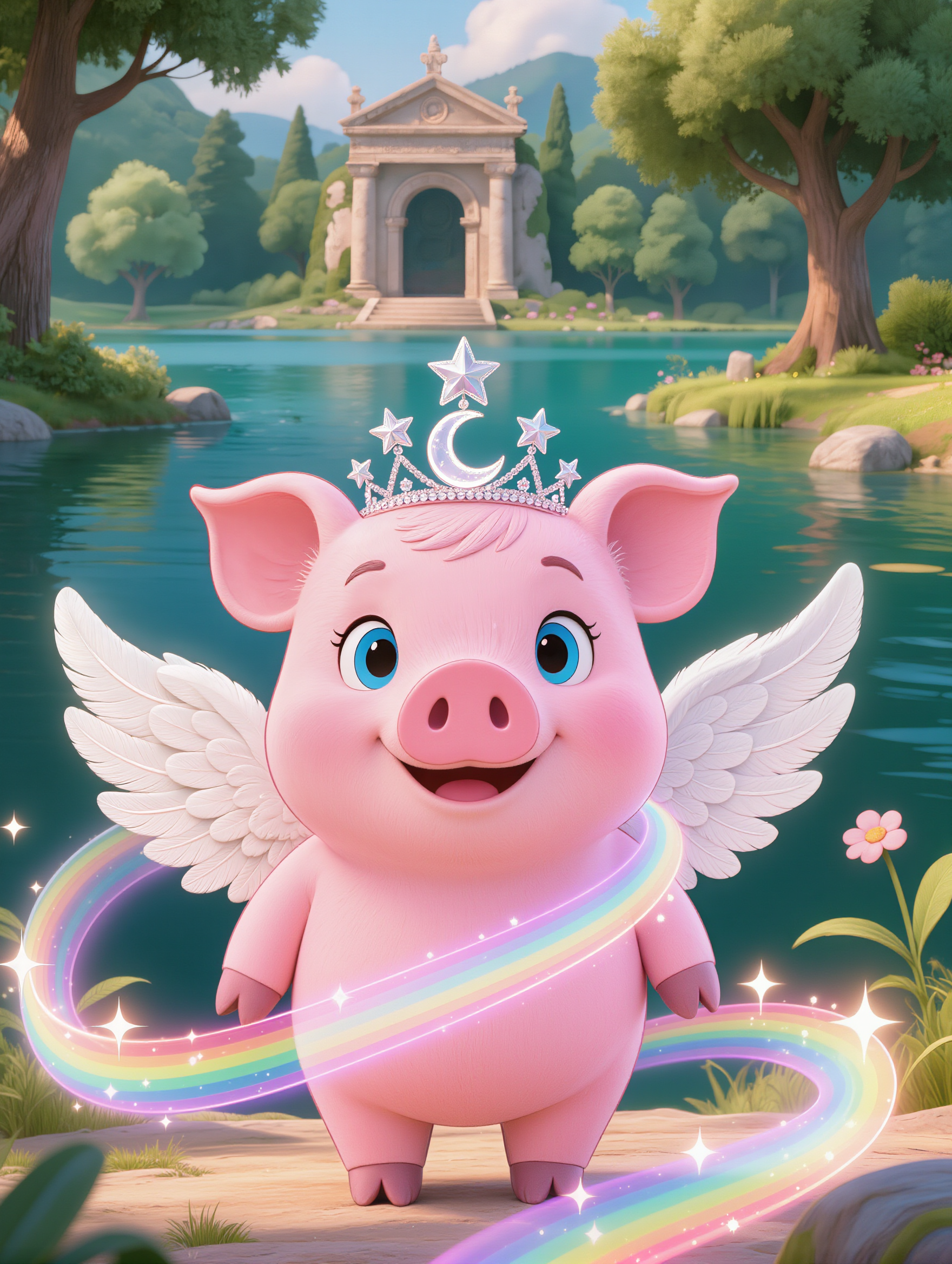
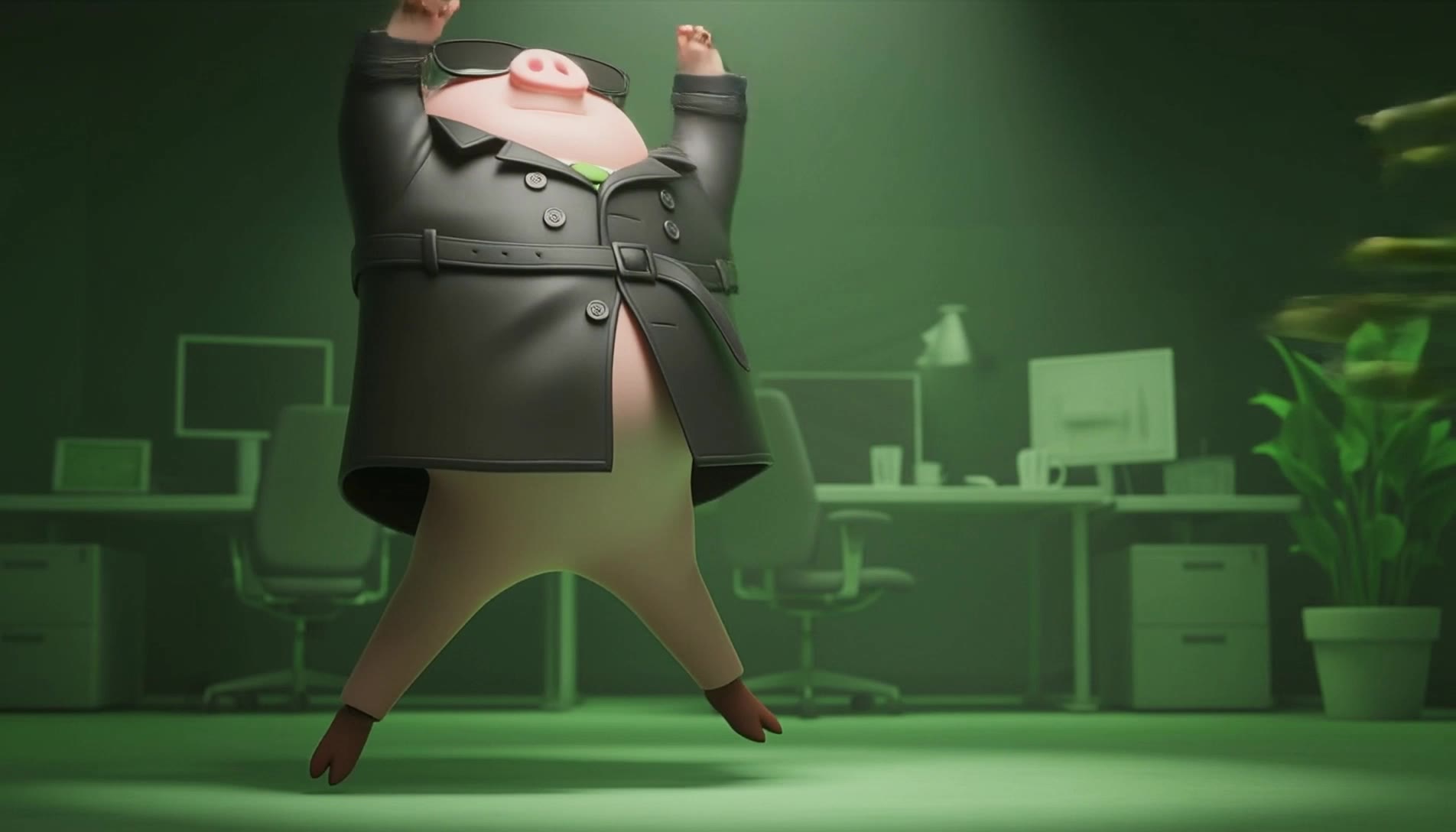
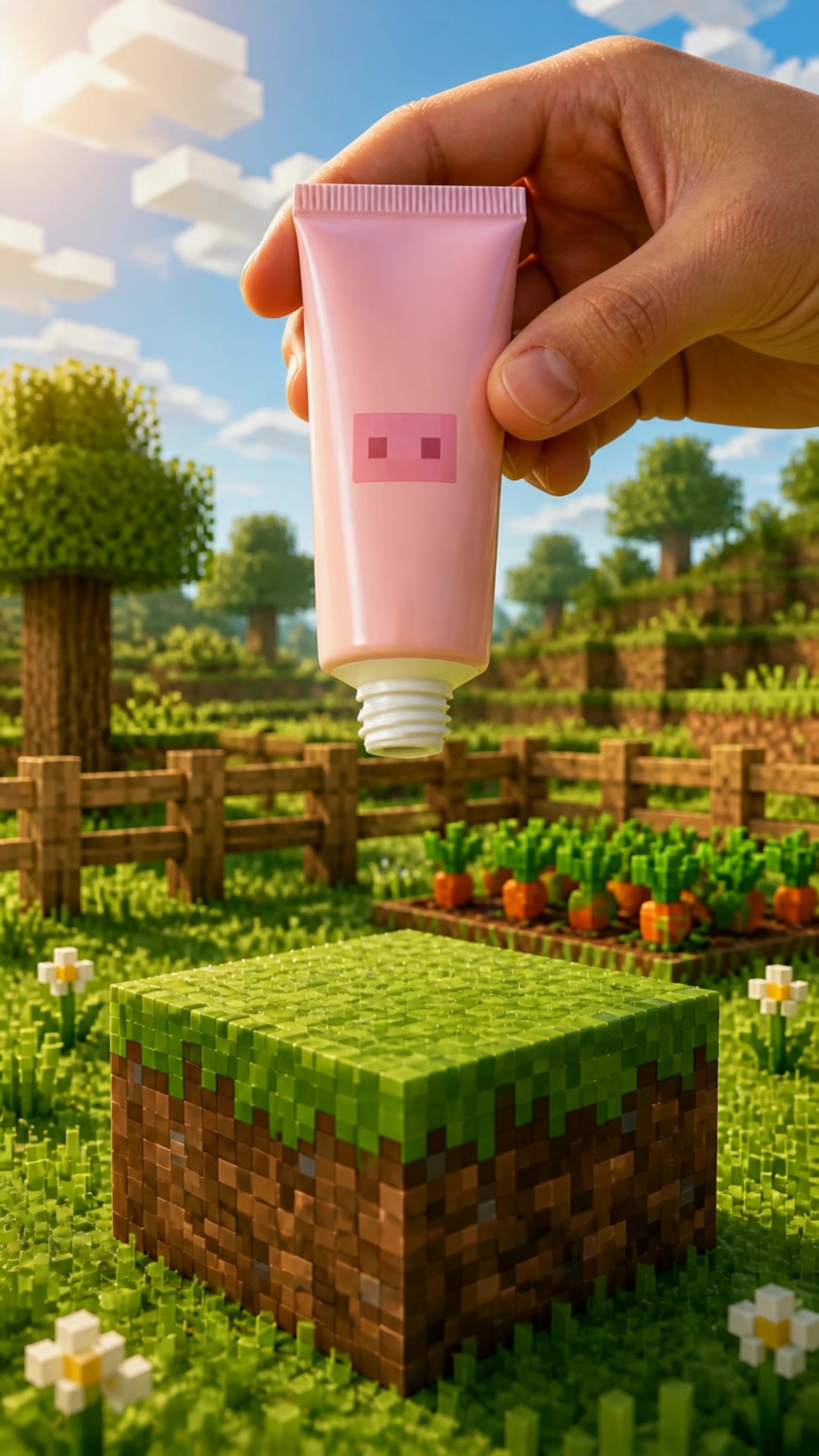
Capture the charm of pig silhouettes in various enchanting scenarios-from magical forests and Matrix-inspired battles to serene lakeside gardens and Parisian adventures. Start exploring pig silhouette ideas and generate your own content with AI.

pig silhouette - cooking & magical forest

Recommended

Kling AI work 300902041615157 - pig silhouette AI video
Ïcosculp avatar
Ïcosculp
Elite Creator
Kling AI work 317975914321809 - pig silhouette AI video
Visionaire avatar
Visionaire
Kling AI work 319637076616524 - pig silhouette AI video
TKKkBuQo avatar
TKKkBuQo
Kling AI work 296165129611853 - pig silhouette AI image
потужнєц України avatar
потужнєц України
IL RAGAZZO DI CAMPAGNA  - pig silhouette AI video
GOATMAN avatar
GOATMAN
Kling AI work 315821302527243 - pig silhouette AI video
SvS avatar
SvS
Kling AI work 317743099662156 - pig silhouette AI image
bXvnyKFf avatar
bXvnyKFf
Kling AI work 313177044526793 - pig silhouette AI video
ioflypmilions avatar
ioflypmilions
Kling AI work 311337231617563 - pig silhouette AI video
mzONLjZU avatar
mzONLjZU
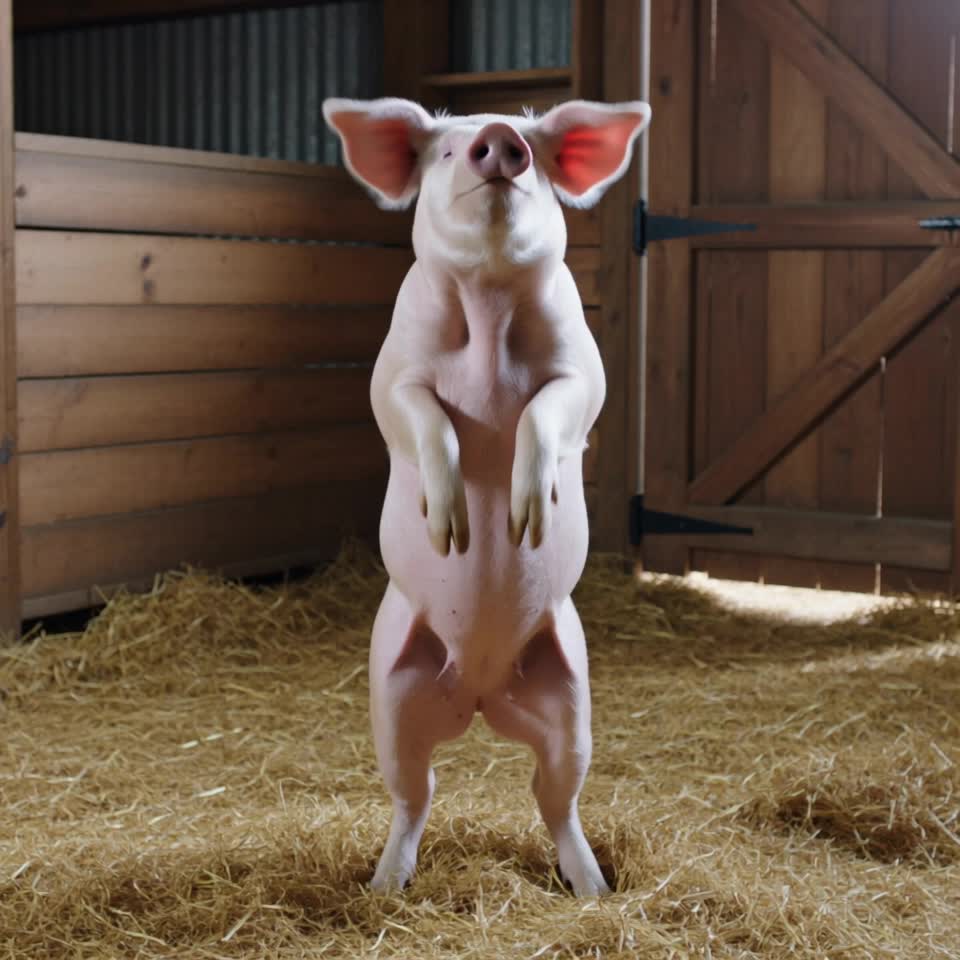
dancing pig - pig silhouette AI video
00:03
cevWDBkI avatar
cevWDBkI
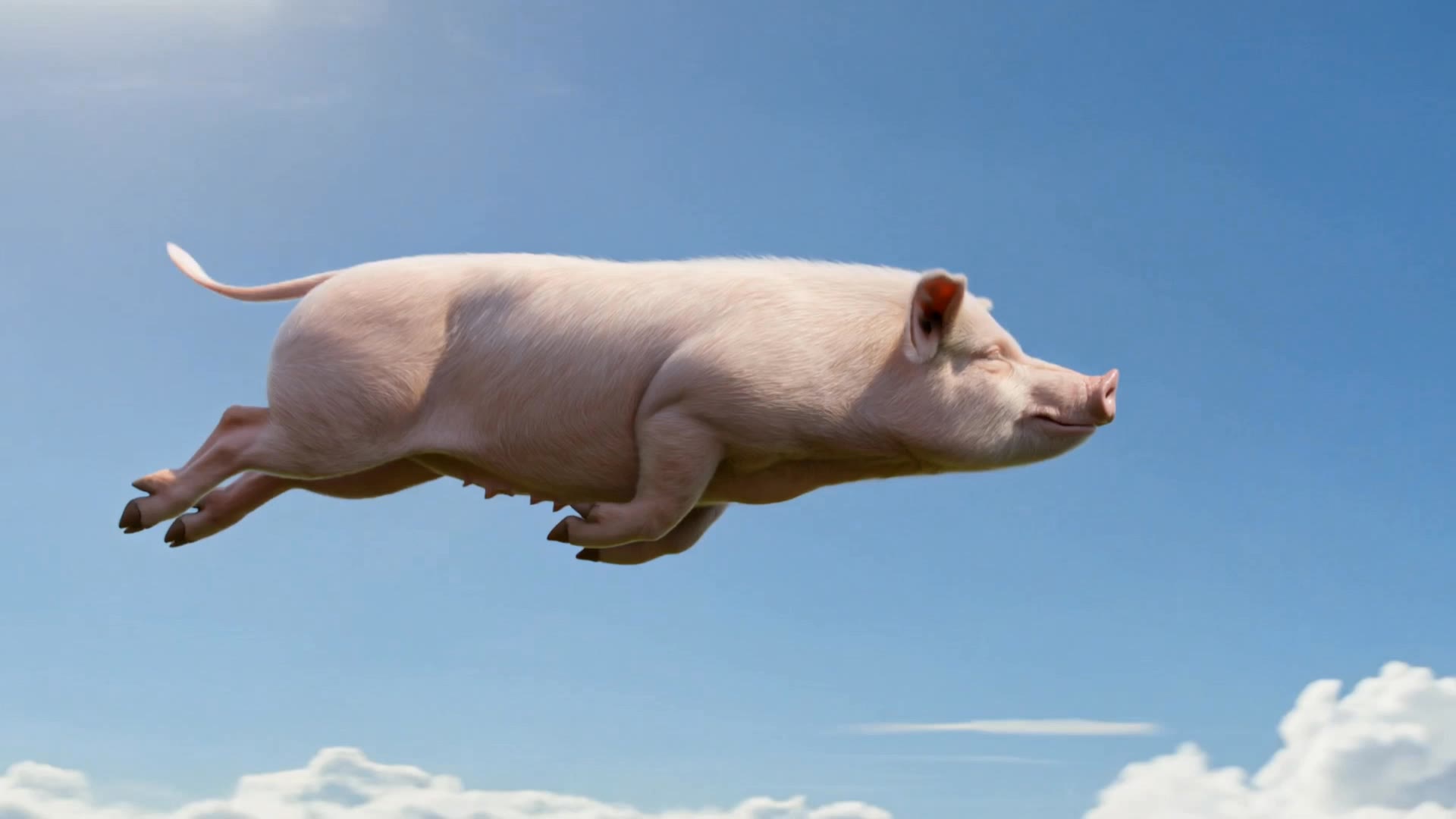
When Pigs Fly - pig silhouette AI video
xUJUtIcQ avatar
xUJUtIcQ
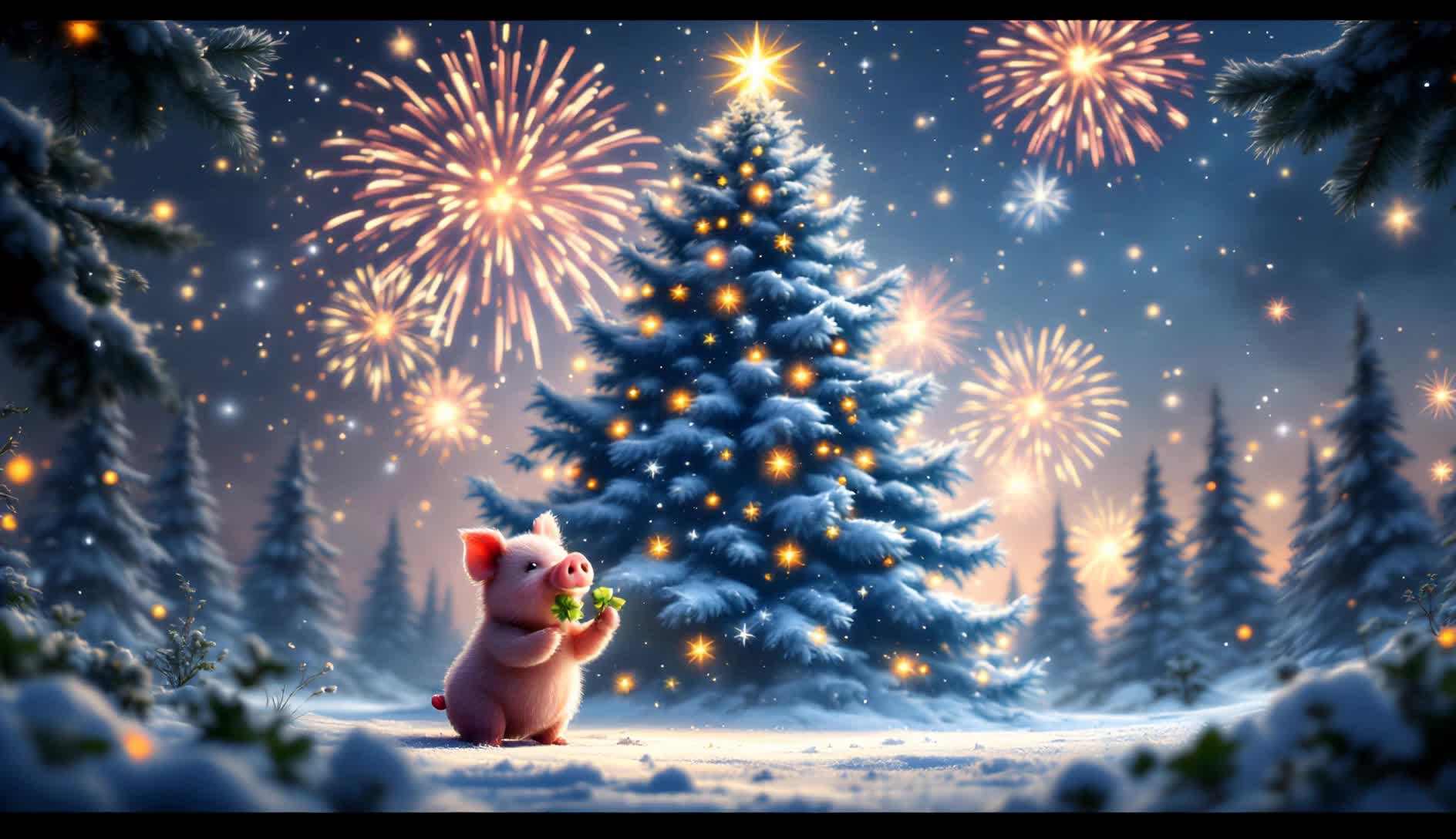
Forest Xmas Tree With Fireworks - pig silhouette AI video
KLING5921 avatar
KLING5921
Kling AI work 306518201668490 - pig silhouette AI image
qQvBRrnI avatar
qQvBRrnI
Kling AI work 308597157532639 - pig silhouette AI video
Nott.heirworld avatar
Nott.heirworld
Kling AI work 308021532667629 - pig silhouette AI video
vgVLFjaH avatar
vgVLFjaH
Kling AI work 308571657663496 - pig silhouette AI video
rJKjOXZv avatar
rJKjOXZv
Kling AI work 298398227523232 - pig silhouette AI image
SVETACIBA avatar
SVETACIBA
Kling AI work 298122484311320 - pig silhouette AI video
wQMiArEB avatar
wQMiArEB
Kling AI work 315093717668376 - pig silhouette AI image
WoBuhEHx avatar
WoBuhEHx

How to Change Clothes with Kling AI

Step 1: Upload the Model Photo and Outfit References

Step 1: Upload the Model Photo and Outfit References

Upload the model's photo you want to edit, then add references for the clothing, shoes, hats, bags, or accessories you want to use. You can combine multiple references when different parts of the final look come from different images.

Step 2: Describe the Outfit Change

Step 2: Describe the Outfit Change

Tell Kling AI how each reference should be used. For example, use Image 1 as the base person, then apply the shirt from Image 2, jacket from Image 3, skirt from Image 4, and shoes from Image 5.

Step 3: Generate Your Outfit Change

Step 3: Generate Your Outfit Change

Choose your preferred aspect ratio and 2K or 4K resolution, then generate your new look. Preview the final composite and download your favorite result.

One Image-to-Image Generator, More Ways to Create

Refine With Precision

Refine With Precision

Bring in up to 10 reference images to keep the subject, color, shape, and visual details that matter, then update only what needs to change. Whether you’re reworking a background, adjusting lighting, or refining a product or character, IMAGE 3.0 helps the new image stay true to the original while making the edit feel clean, natural, and intentional.

Restyle With Freedom

Restyle With Freedom

Give any image a fresh look in more than one way. Start with the built-in style library to recreate a look in one click, or upload your original image with a reference to follow a specific visual direction. Kling AI image-to-image model carries over the qualities that define the style while keeping the subject clear and the composition intact.

Generate Image Series in 4K

Generate Image Series in 4K

Start with one image or several references and generate a connected set in one pass. IMAGE 3.0 Omni keeps characters, products, style, and tone consistent from image to image, while still allowing new actions, framing, camera angles, and shot types. Native 4K output makes it well suited to cinematic multi-shot storyboards, product image sets, and character design.

Apps

Image to Video
Image to Video

Image to Video

Text to Video
Text to Video

Text to Video

Omni
Omni

Omni

Digital Human
Digital Human

Digital Human

Restyle
Restyle

Restyle

Text to Image
Text to Image

Text to Image

60M+
60M+
Users
600M+
600M+
AI Videos Generated
4.7 ★
4.7 ★
App Store
Industry-Leading
Industry-Leading
Cinematic 4K

Reviews

James Phillips

James Phillips

★★★★★

Kling AI has transformed my workflow by collapsing timelines and democratizing production. It’s shifted my mindset from resource-dependent filmmaking to a boundless creative sandbox, where experimentation yields unexpected beauty.

Huang Lu (Elson)

Huang Lu (Elson)

★★★★★

I’ve been using Kling AI since its initial release, and it’s remained one of the leading AI media generators ever since. With Kling AI, I’ve created hundreds of videos, collectively amassing millions of views.

Maria Rubtsova

Maria Rubtsova

★★★★★

I’m Maria Rubtsova, an AIGC digital artist passionate about creating stunning visuals in the worlds of fashion, aesthetics, and fantasy. I use KlingAi to bring imagination to life through video. My work is all about exploring beauty, emotion, and the limitless possibilities of digital art.

FAQ

Q1What kind of photo works best for creating an avatar?
Q2Can I change my avatar’s hairstyle, clothes, or accessories?
Q3Can I edit my avatar after creating it?

Give the Subject a Better Setting

Create a new setting while keeping your subject recognizable. Use prompts and visual references to shape backgrounds for portraits, product visuals, and campaign creative.