Creative Studio
API
Resources
Features
About Us
Download

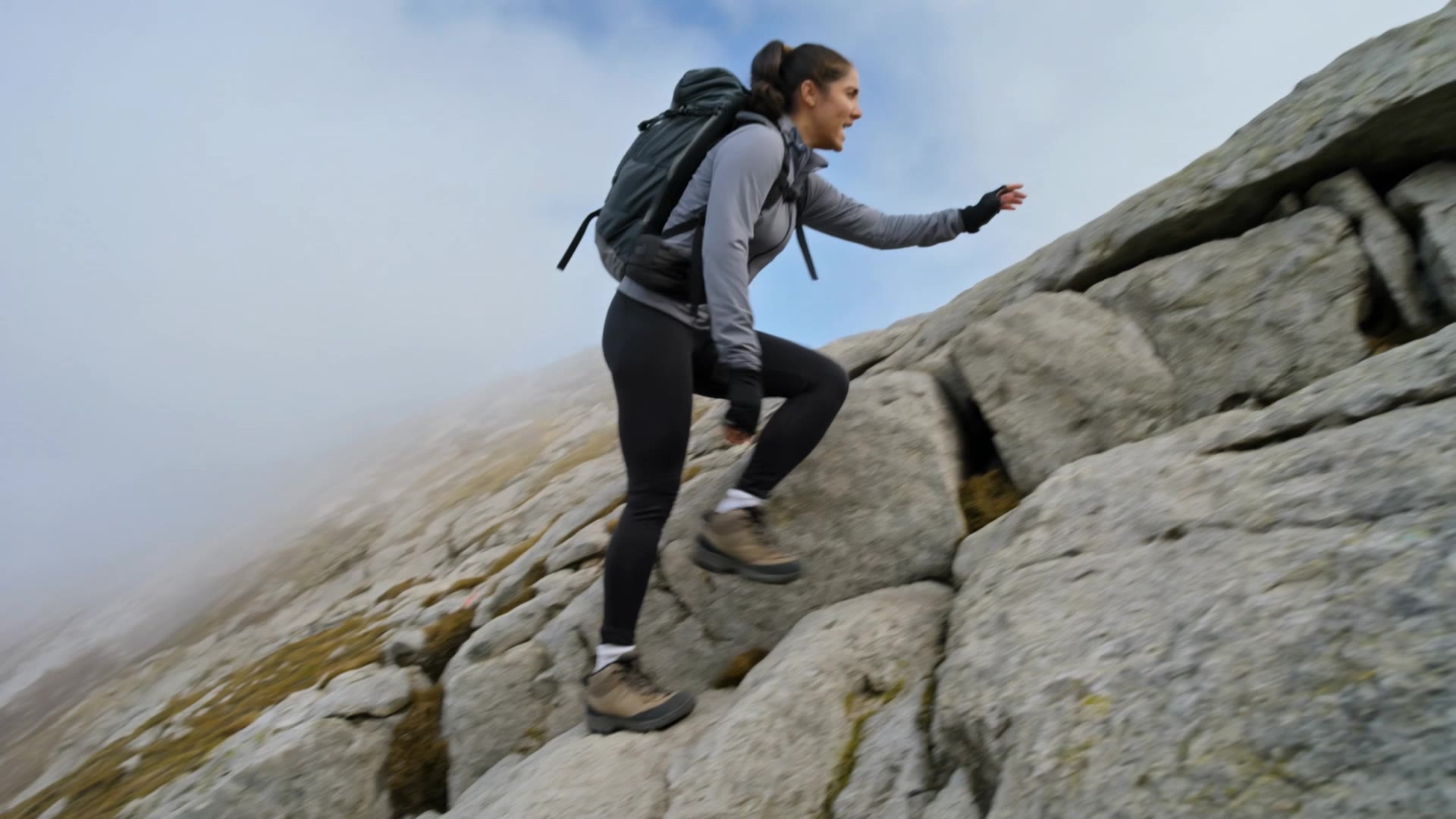
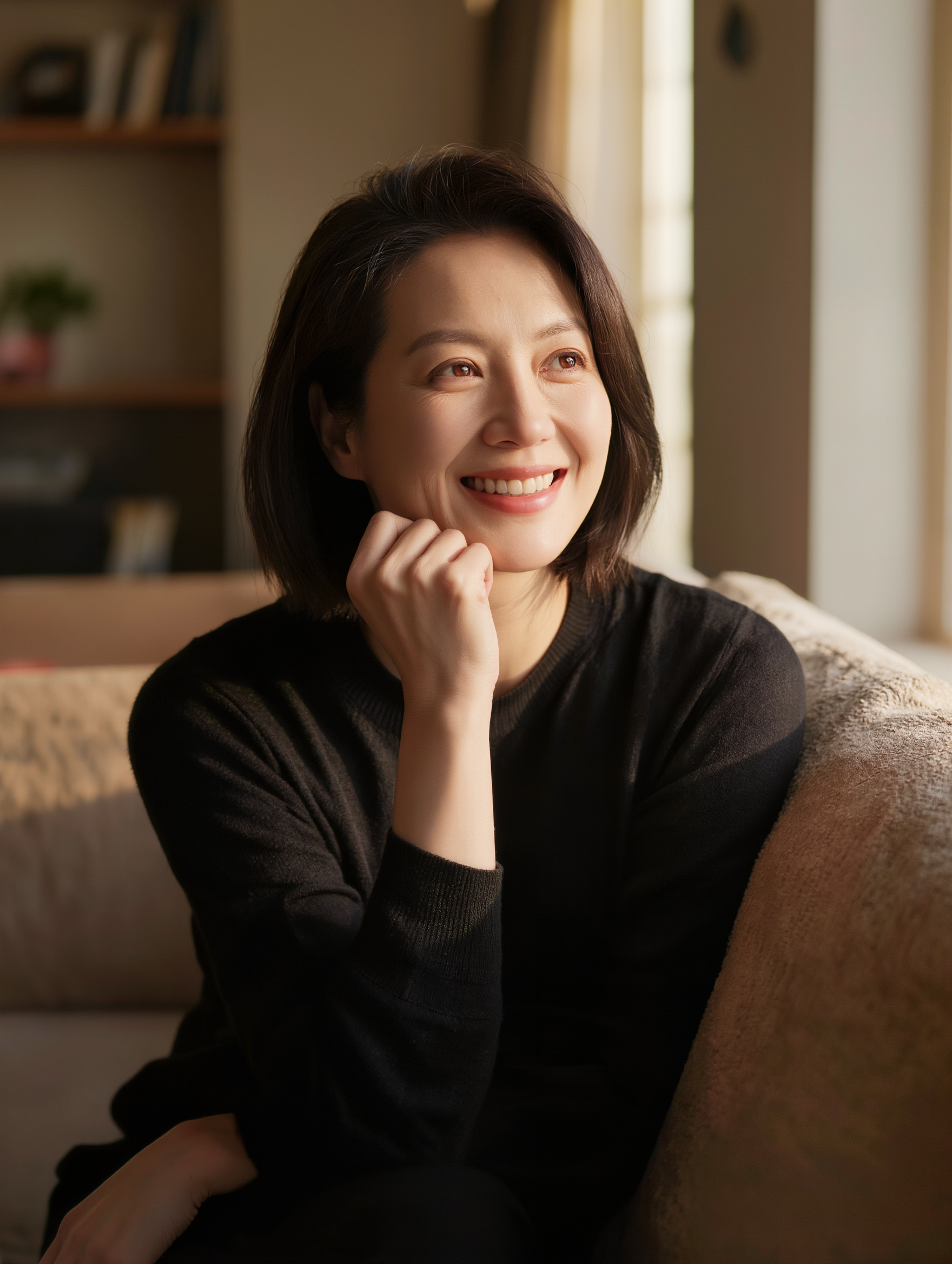
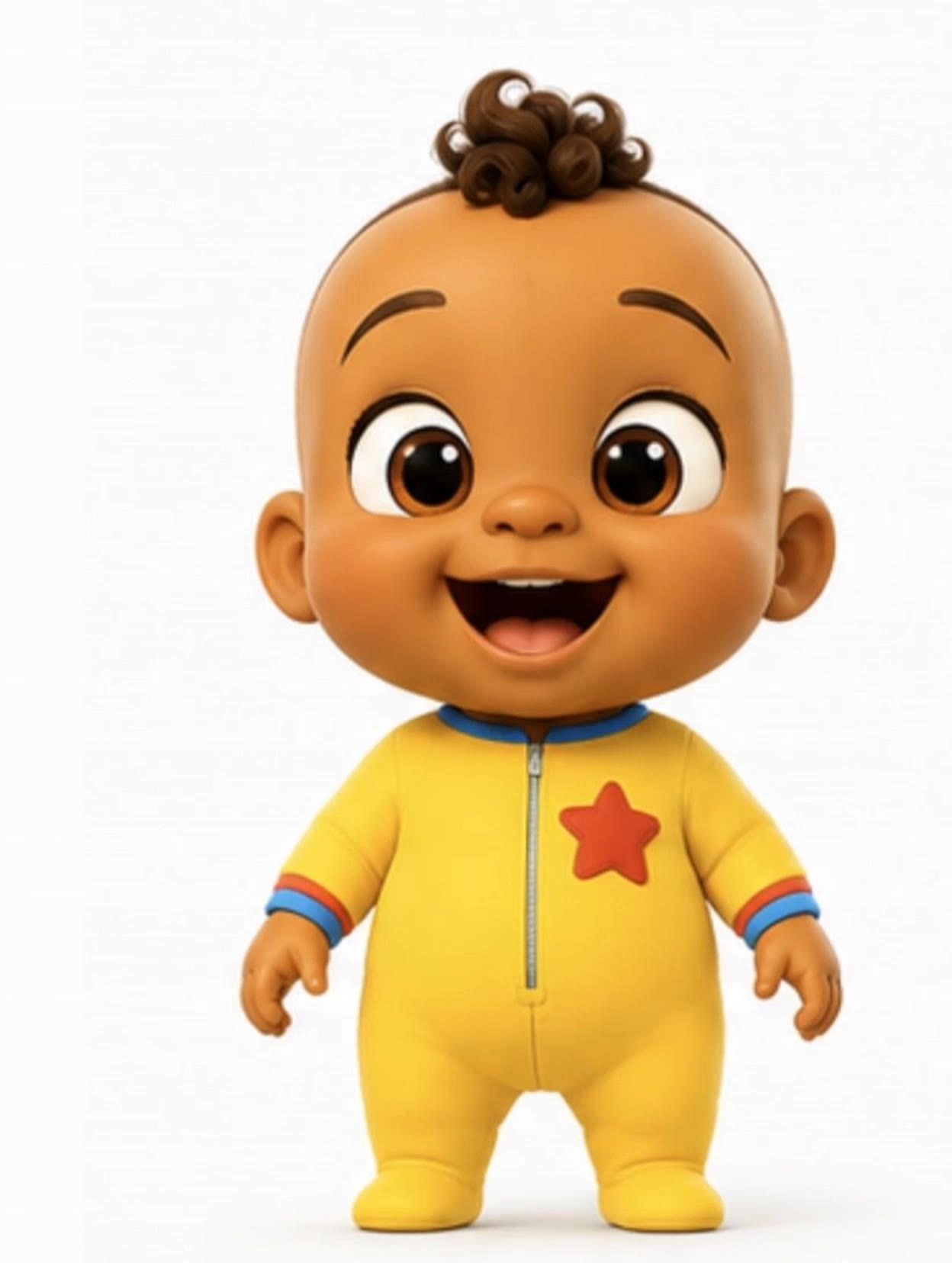
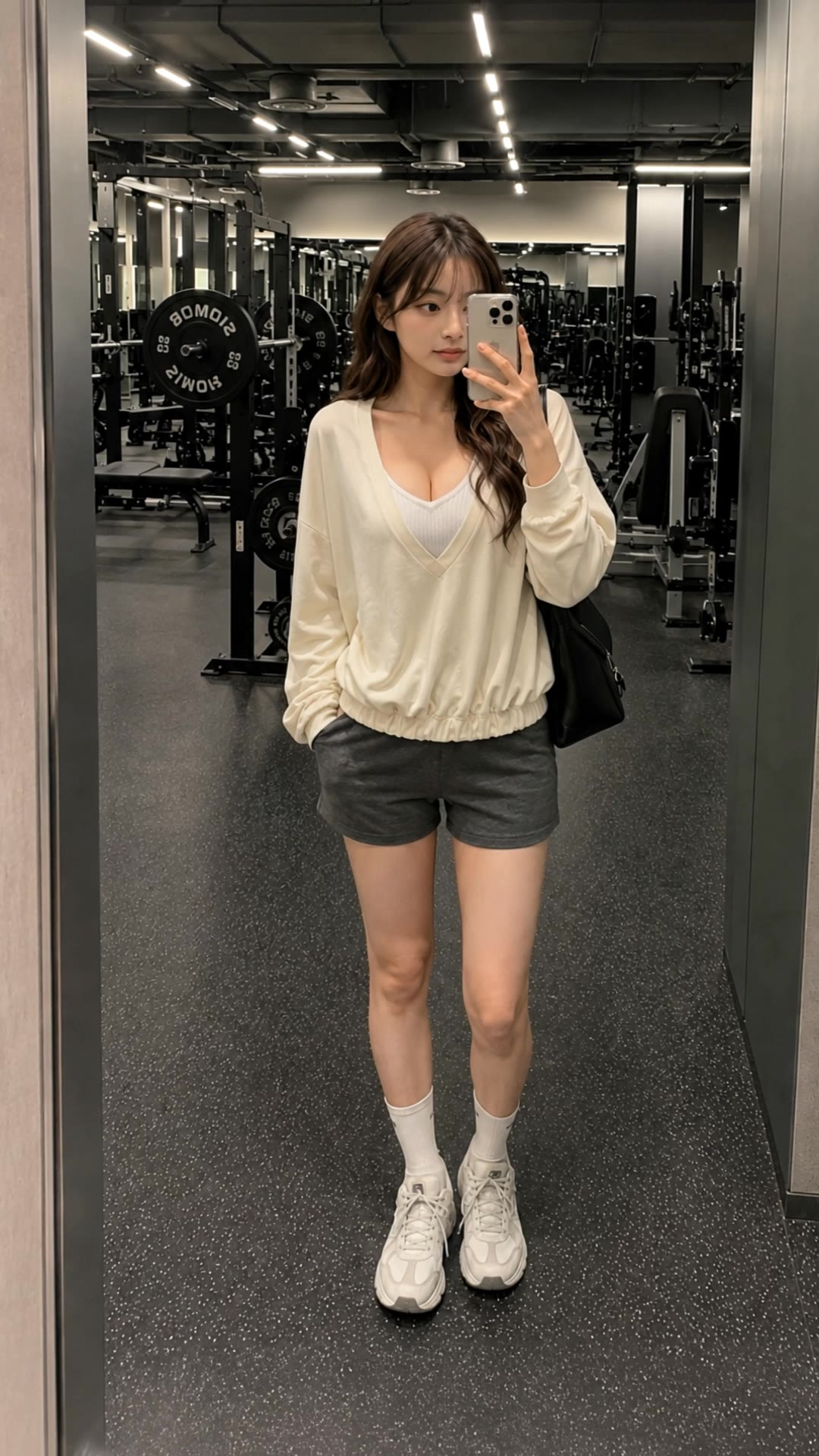
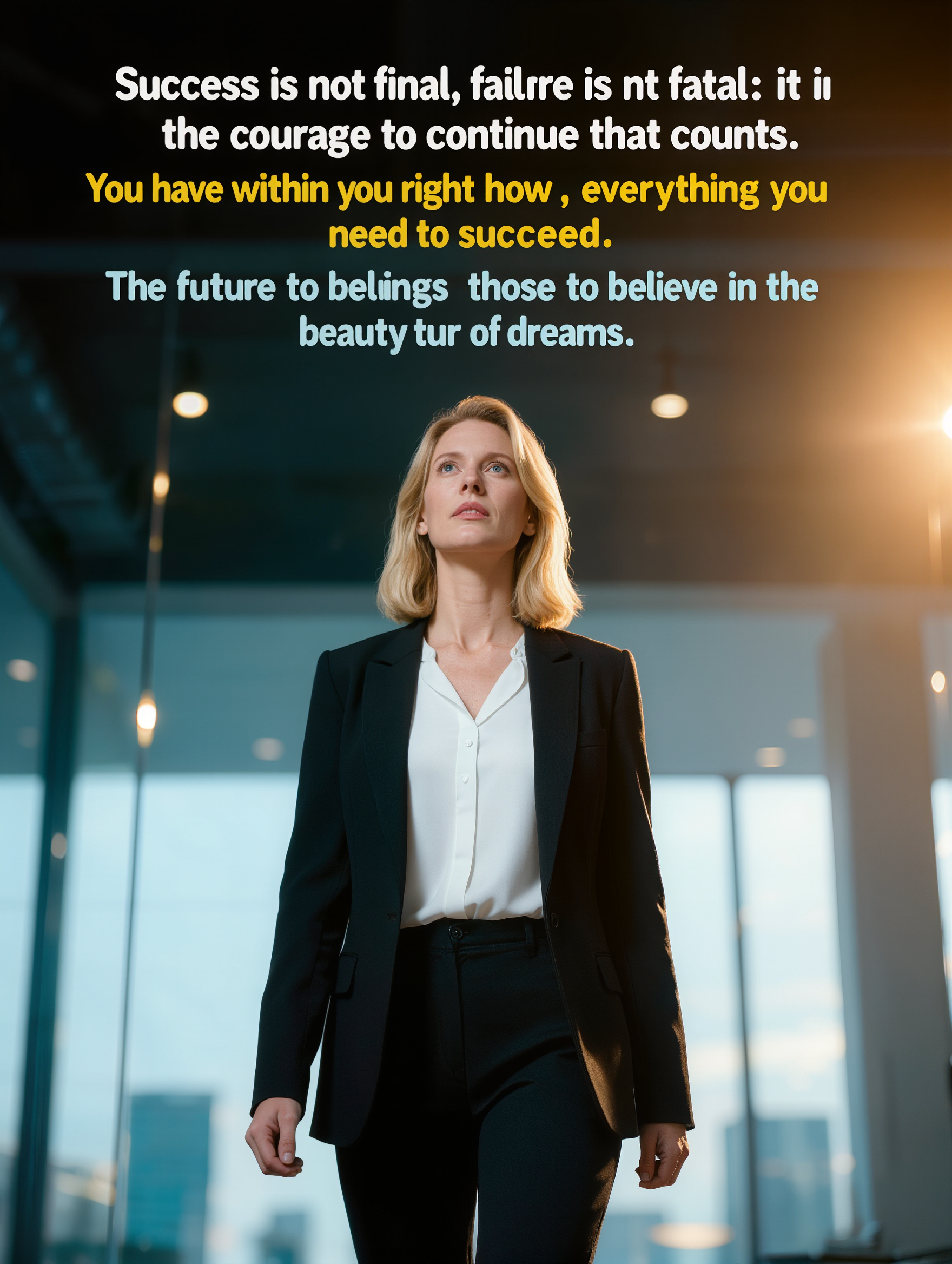
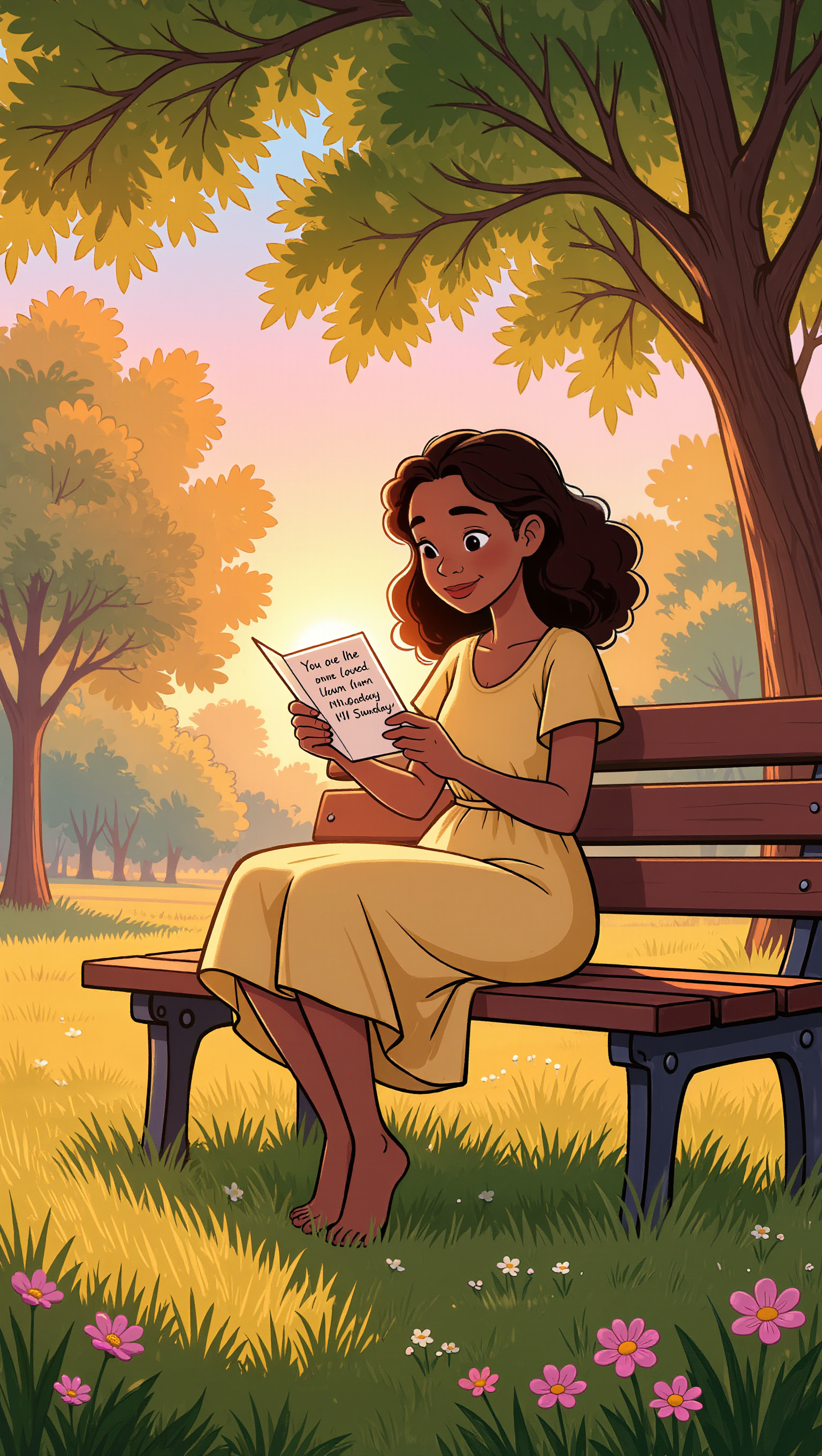
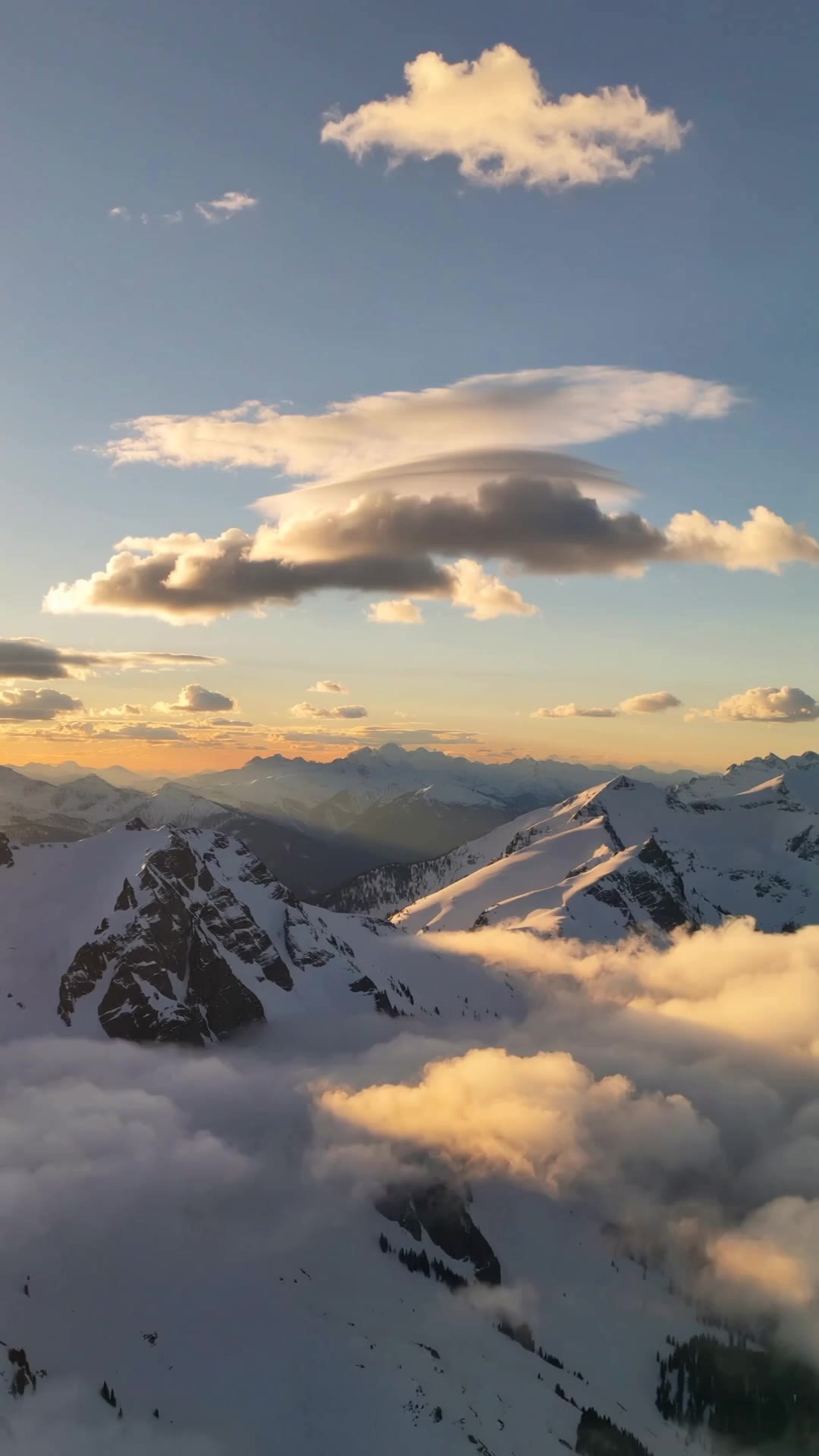
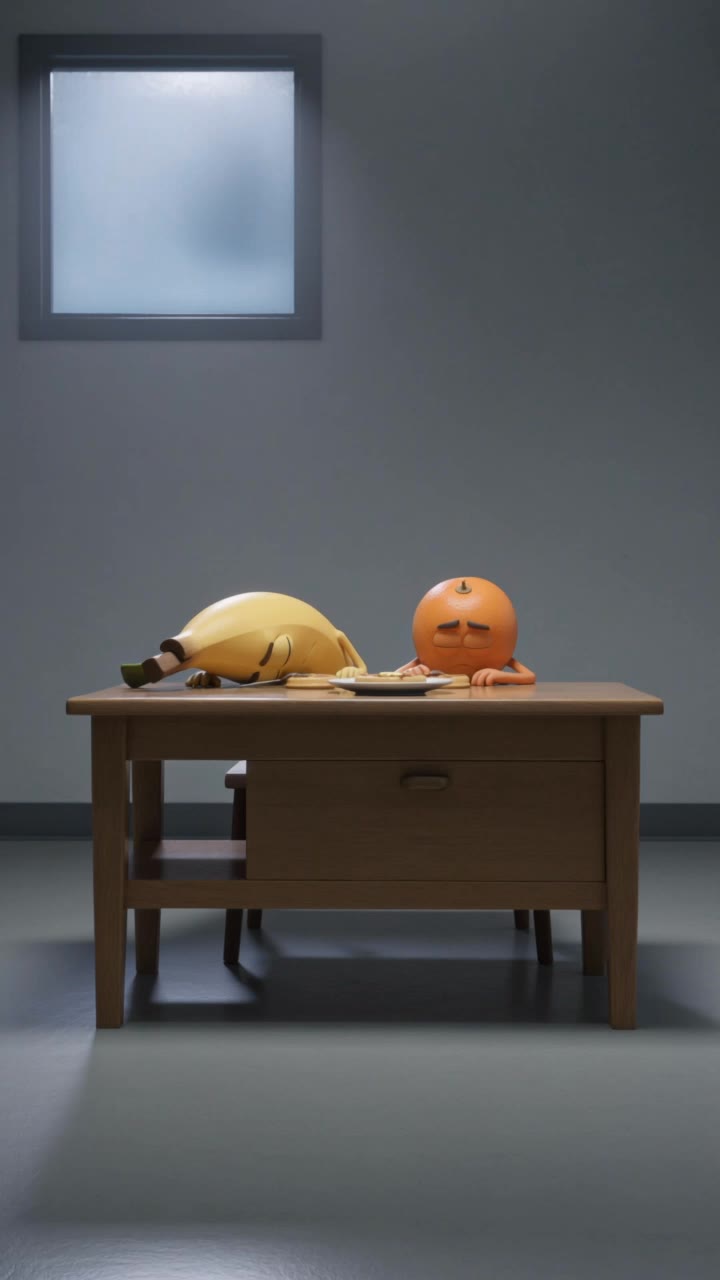
positive monday quotes - coffee vibes & whimsical dioramas

Embrace the week with whimsical "Monday Vibes" and uplifting quotes to transform your Monday Mornings. Dive into a collection of humorous and inspiring quotes that catch the positive energy, perfect for combating Monday syndrome. Start exploring positive monday quotes ideas and generate your own content with AI.

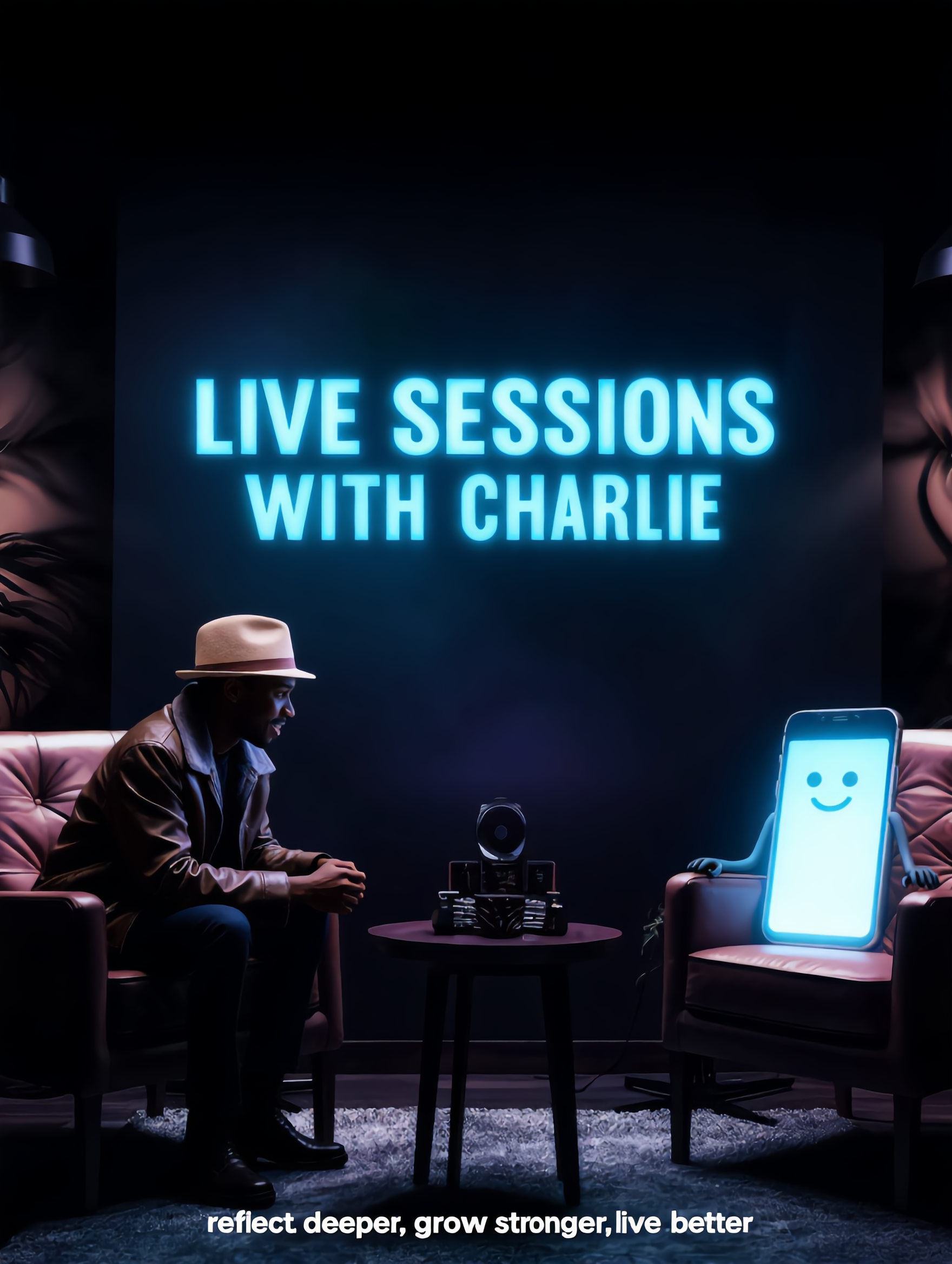
positive monday quotes - coffee vibes & whimsical dioramas

Recommended

Kling AI work 316748567525589 - positive monday quotes AI video
RadiantKreations avatar
RadiantKreations
Kling AI work 311010174663229 - positive monday quotes AI image
Elitelina Chi avatar
Elitelina Chi
Kling AI work 295964306617566 - positive monday quotes AI video
kxyffieb avatar
kxyffieb
Kling AI work 316489831667646 - positive monday quotes AI video
CwOBqCUW avatar
CwOBqCUW
Kling AI work 311694523528766 - positive monday quotes AI video
ChrisCrypto213 avatar
ChrisCrypto213
Kling AI work 307684878618284 - positive monday quotes AI image
CCKmWudC avatar
CCKmWudC
Look from Sunday to Monday - positive monday quotes AI video
Turing2026 avatar
Turing2026
MONDAY - positive monday quotes AI video
Mokstory Studio avatar
Mokstory Studio
Kling AI work 300819775507264 - positive monday quotes AI image
Life's Journey avatar
Life's Journey
Kling AI work 314911196304165 - positive monday quotes AI video
bzHipfVh avatar
bzHipfVh
Kling AI work 314696669505540 - positive monday quotes AI video
vvctgmEA avatar
vvctgmEA
Kling AI work 293892961664262 - positive monday quotes AI video
Aryan Singh avatar
Aryan Singh
Kling AI work 306861149502155 - positive monday quotes AI image
BEaokaJH avatar
BEaokaJH
Kling AI work 295926744612959 - positive monday quotes AI video
dKALThwh avatar
dKALThwh
Let's start on monday🔥🔥 - positive monday quotes AI video
Daeun avatar
Daeun
Kling AI work 309287434660604 - positive monday quotes AI image
zSxBbEYG avatar
zSxBbEYG
It is Monday again! - positive monday quotes AI video
Tsumuji_ai avatar
Tsumuji_ai
Creative Partner
Kling AI work 315939062610739 - positive monday quotes AI image
Aintelligencer avatar
Aintelligencer
Kling AI work 318316756618059 - positive monday quotes AI image
eausmwQm avatar
eausmwQm

How to Remove Background from Image

Step 1: Upload Your Image

Step 1: Upload Your Image

Upload the image you want to edit and choose the subject you want to keep. A clear source image makes it easier to separate the subject from the surrounding background.

Step 2: Remove or Replace the Background

Step 2: Remove or Replace the Background

Use a simple prompt to remove the existing background while keeping the main subject intact. Keep the result transparent when you need a clean cutout, or describe a new setting if you want to replace the original background directly.

Step 3: Generate and Download

Step 3: Generate and Download

Generate your edited image and review the result. Download the background-free image, or continue refining the new setting, subject details, and overall look with Kling AI.

Make Images Clearer, Sharper, and More Detailed

Make Soft or Blurry-Looking Images Clearer

Make Soft or Blurry-Looking Images Clearer

Improve images that look soft, blurry, or short on detail so important subjects appear clearer and easier to recognize. Kling IMAGE 3.0 Omni can refine facial features, object edges, textures, and other key areas while preserving the overall look and character of the original image.

Enhance Low-Resolution Images in 2K/4K

Enhance Low-Resolution Images in 2K/4K

Need more resolution for a larger screen, campaign visual, product image, or creative project? Use your existing image as the starting point and generate a higher-resolution version in native 2K or 4K. You get more room for fine textures and visual detail to come through, making your result better suited to larger displays, print, presentations, and other high-resolution uses.

Improve Color and Lighting Your Way

Improve Color and Lighting Your Way

If your image feels too dark, flat, or visually uneven, describe the look you want and guide changes to lighting, shadows, contrast, color tone, or saturation. You can create softer light, richer color, or a more balanced finish while keeping control over the overall visual direction.

Apps

Image to Video
Image to Video

Image to Video

Text to Video
Text to Video

Text to Video

Omni
Omni

Omni

Digital Human
Digital Human

Digital Human

Restyle
Restyle

Restyle

Text to Image
Text to Image

Text to Image

60M+
60M+
Users
600M+
600M+
AI Videos Generated
4.7 ★
4.7 ★
App Store
Industry-Leading
Industry-Leading
Cinematic 4K

Reviews

James Phillips

James Phillips

★★★★★

Kling AI has transformed my workflow by collapsing timelines and democratizing production. It’s shifted my mindset from resource-dependent filmmaking to a boundless creative sandbox, where experimentation yields unexpected beauty.

Halim Alrasihi

Halim Alrasihi

★★★★★

I use AI daily and Kling AI is a crucial part of my workflow, whether for client work or personal projects. What I love most about using Kling AI is that it provides all the tools I need in one place, from keyframes to character references, elements and special effects.

Jyo John Mulloor

Jyo John Mulloor

★★★★★

Kling AI has been instrumental in transforming my creative workflow, unlocking new dimensions of artistic expression that were once unimaginable. I use Kling AI extensively to develop high-concept visuals, animate surreal dreamscapes, and create AI-assisted films that blur the line between reality and fantasy. Kling AI’s deep learning capabilities have not only enhanced my creative efficiency but also inspired me to explore storytelling in ways I never thought possible.

FAQ

Q1How does Kling AI text-to-image work?
Q2Can Kling AI edit existing images?
Q3Can I use reference images with Kling AI?

Change the Shot Without Reshooting It

Upload your footage, describe the result, and let Kling rebuild the scene around your direction.

Free tier available | Simple prompt editing | Up to 4K output | Fast generation