Creative Studio
API
Resources
Features
About Us
Download

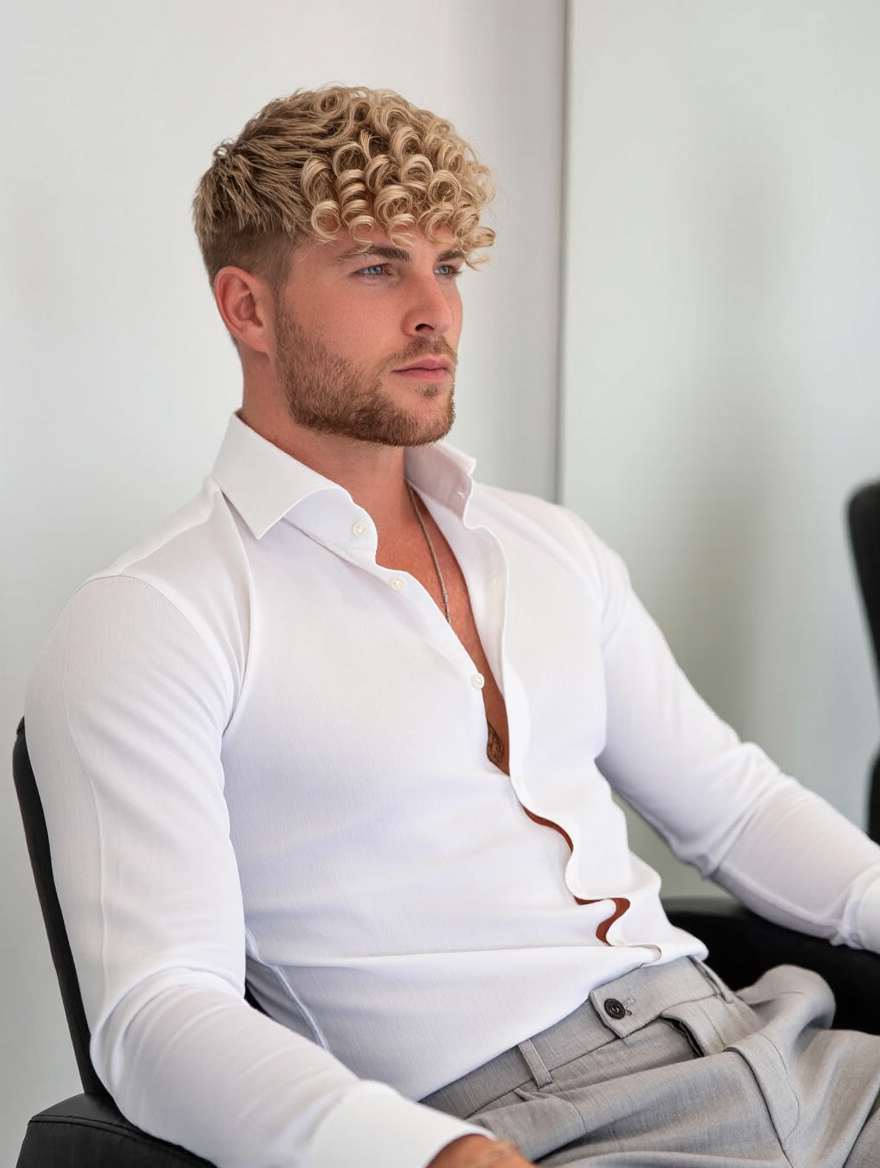
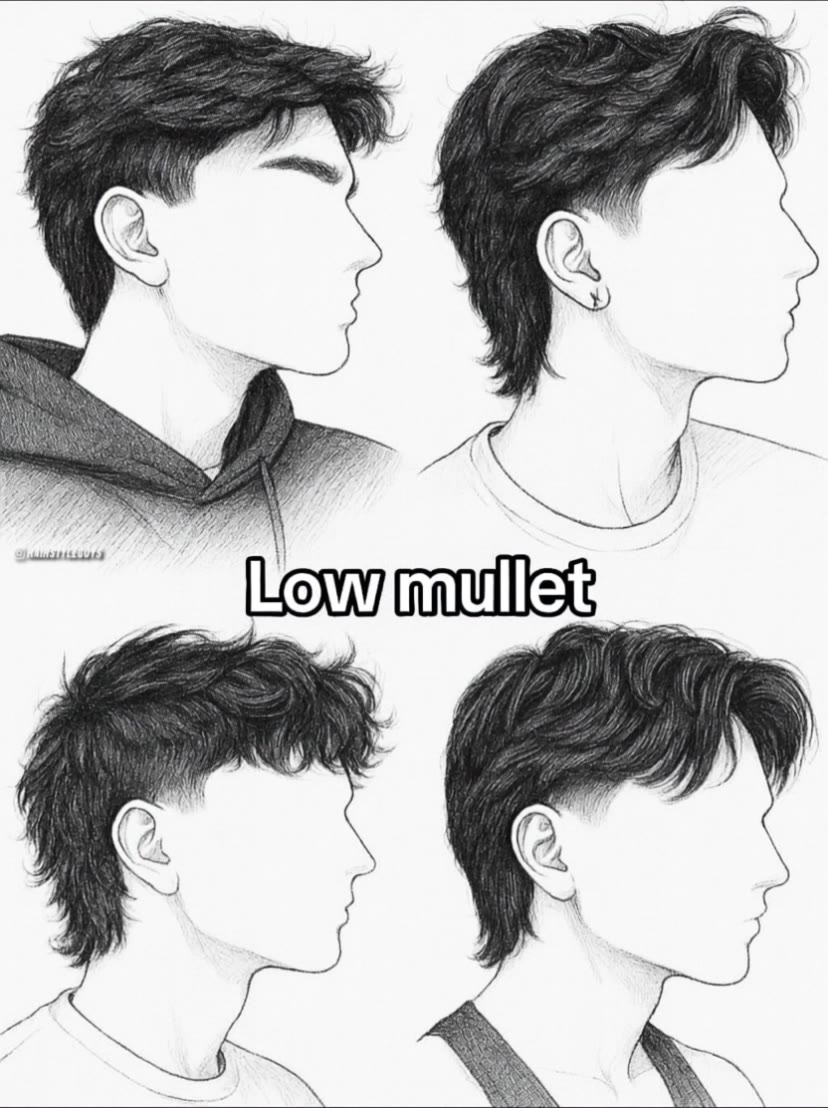
queue haircut - ceremonial events & animal grooming

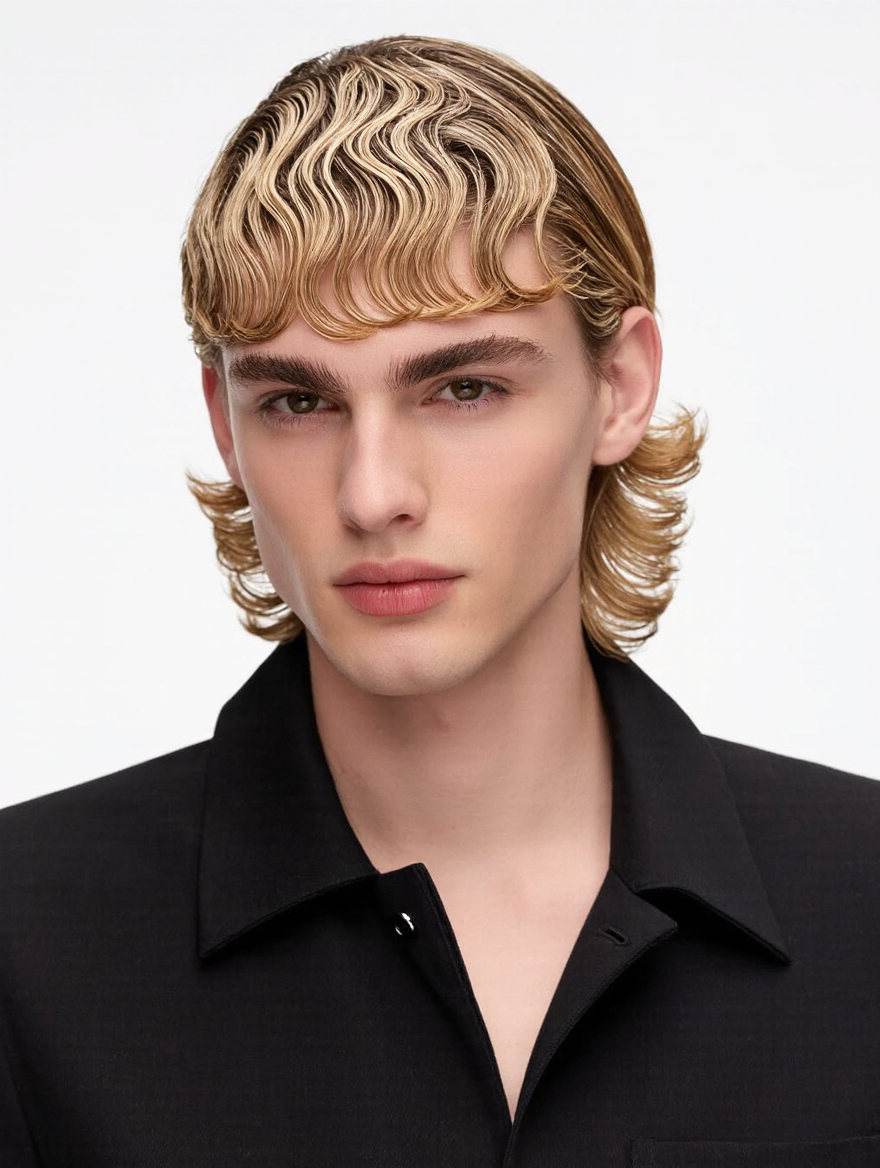
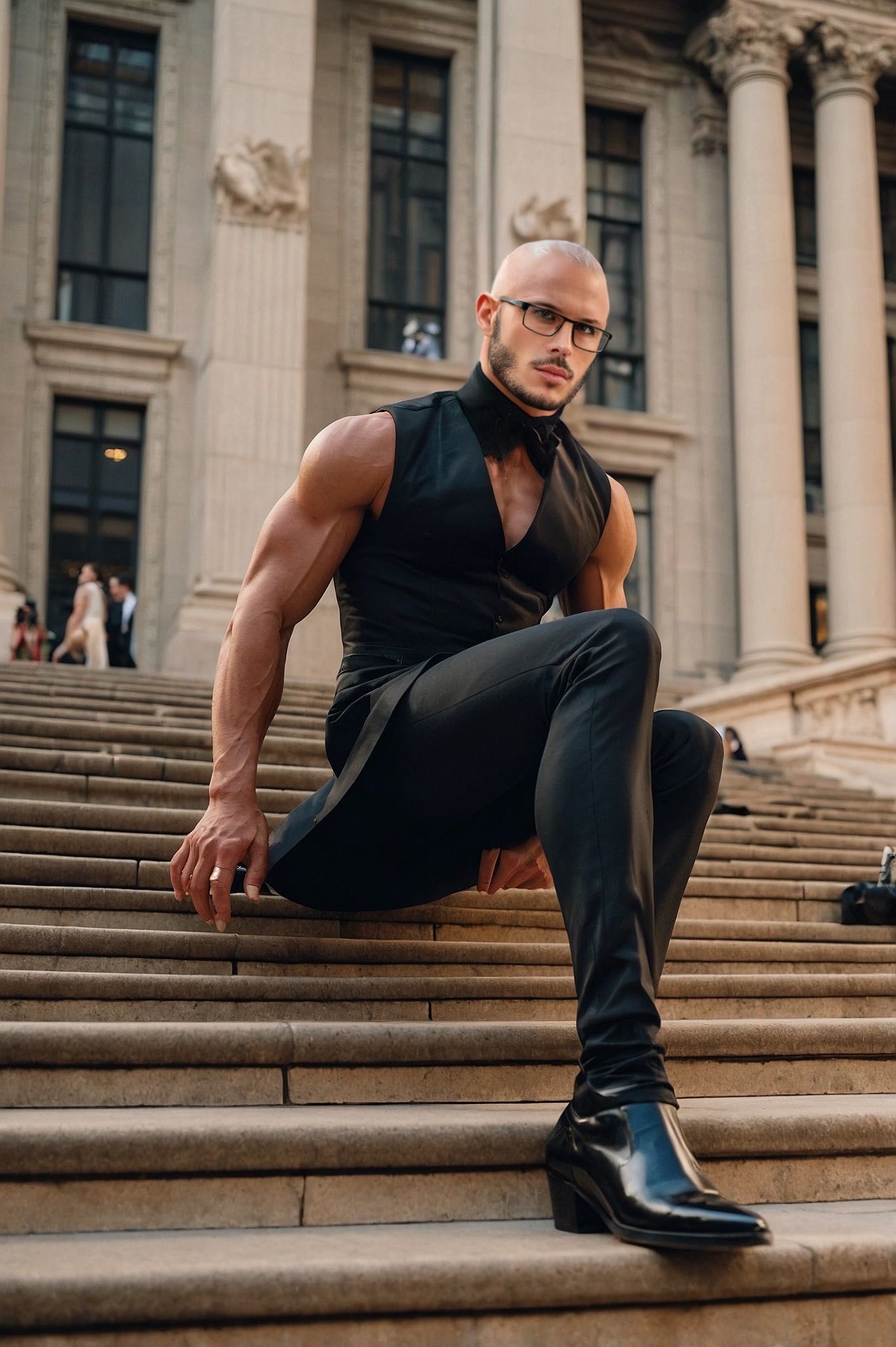
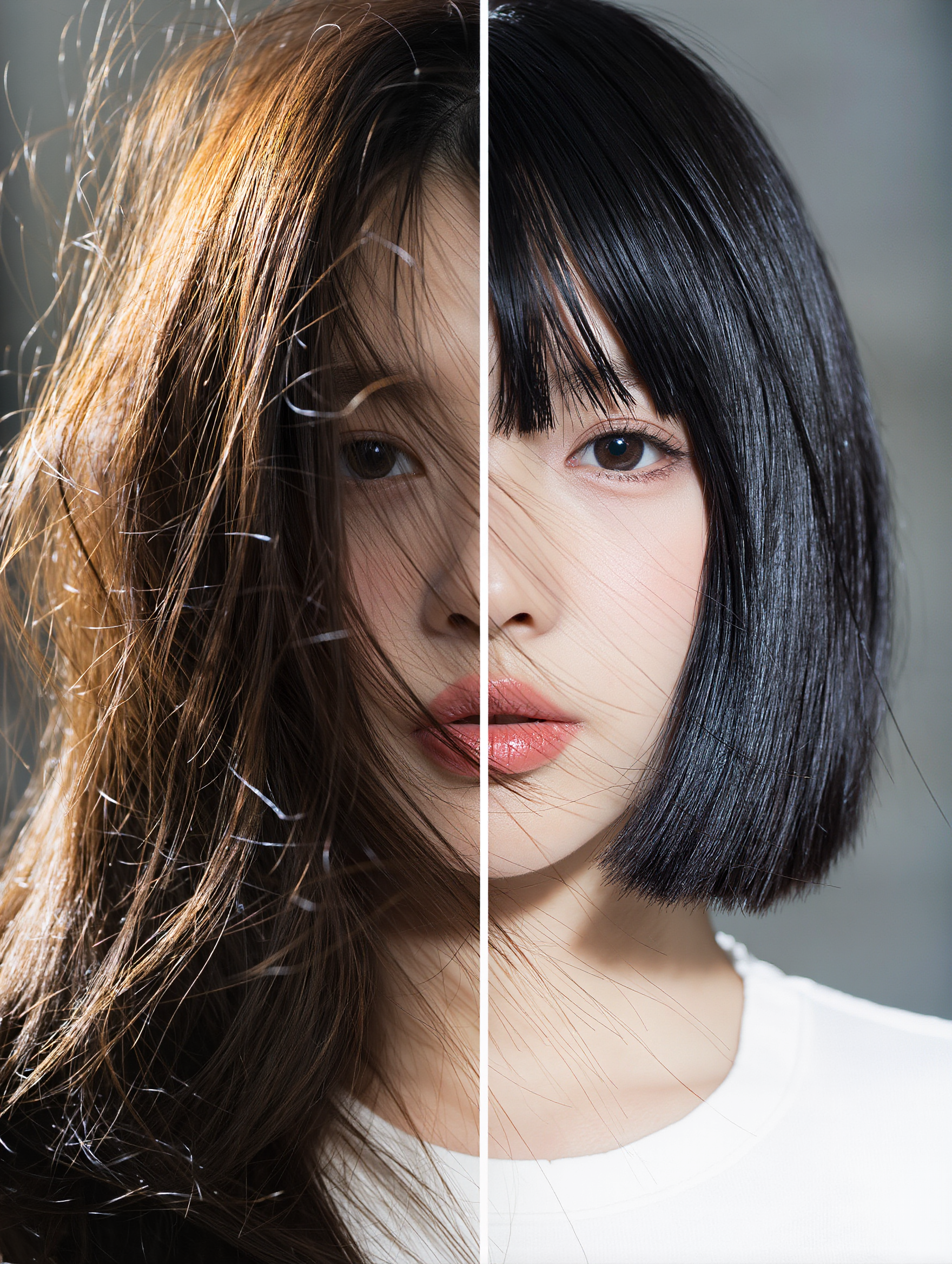
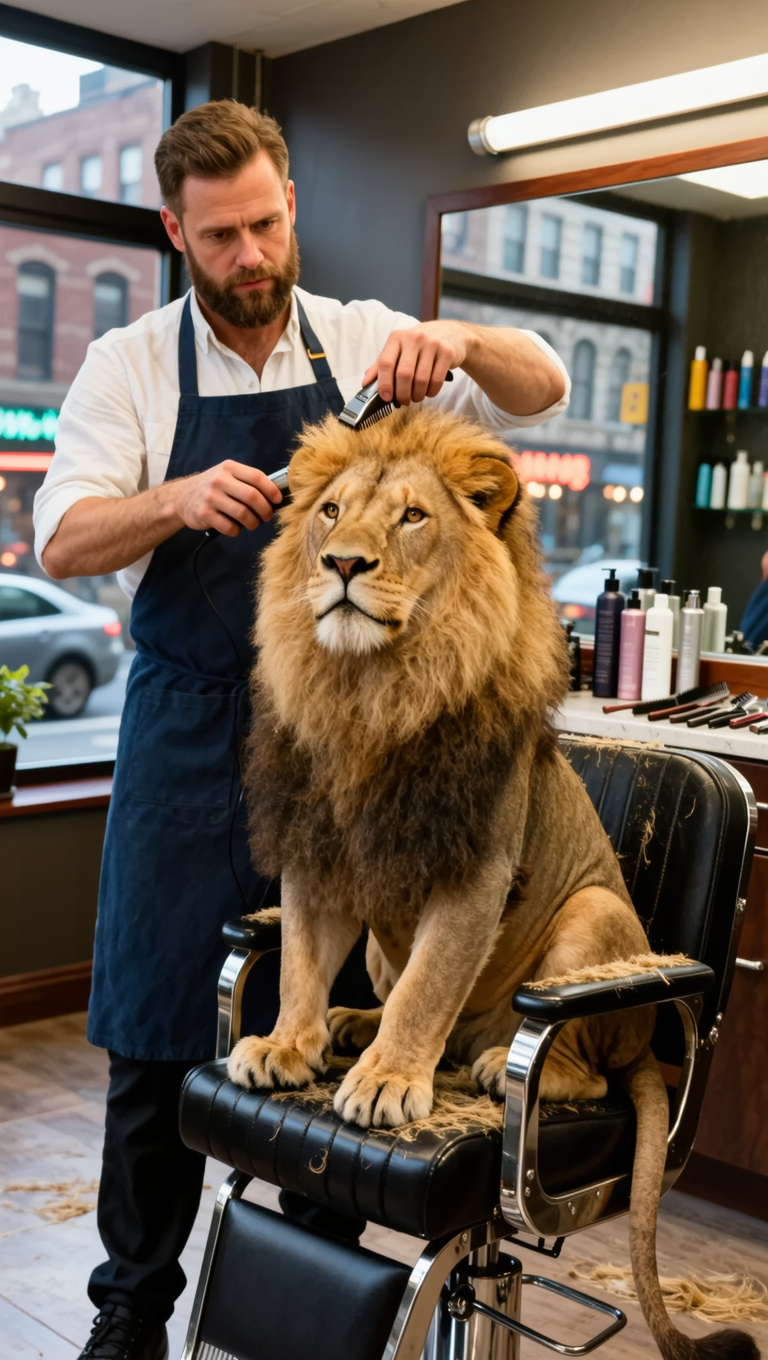
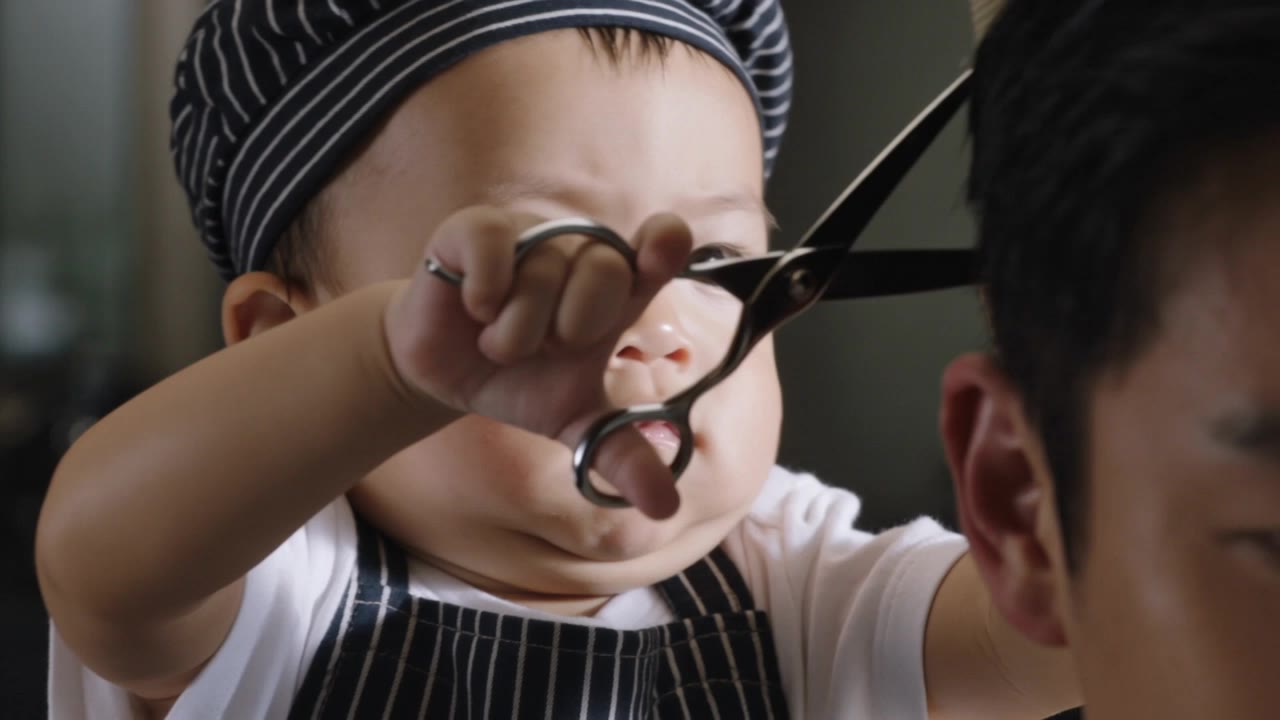
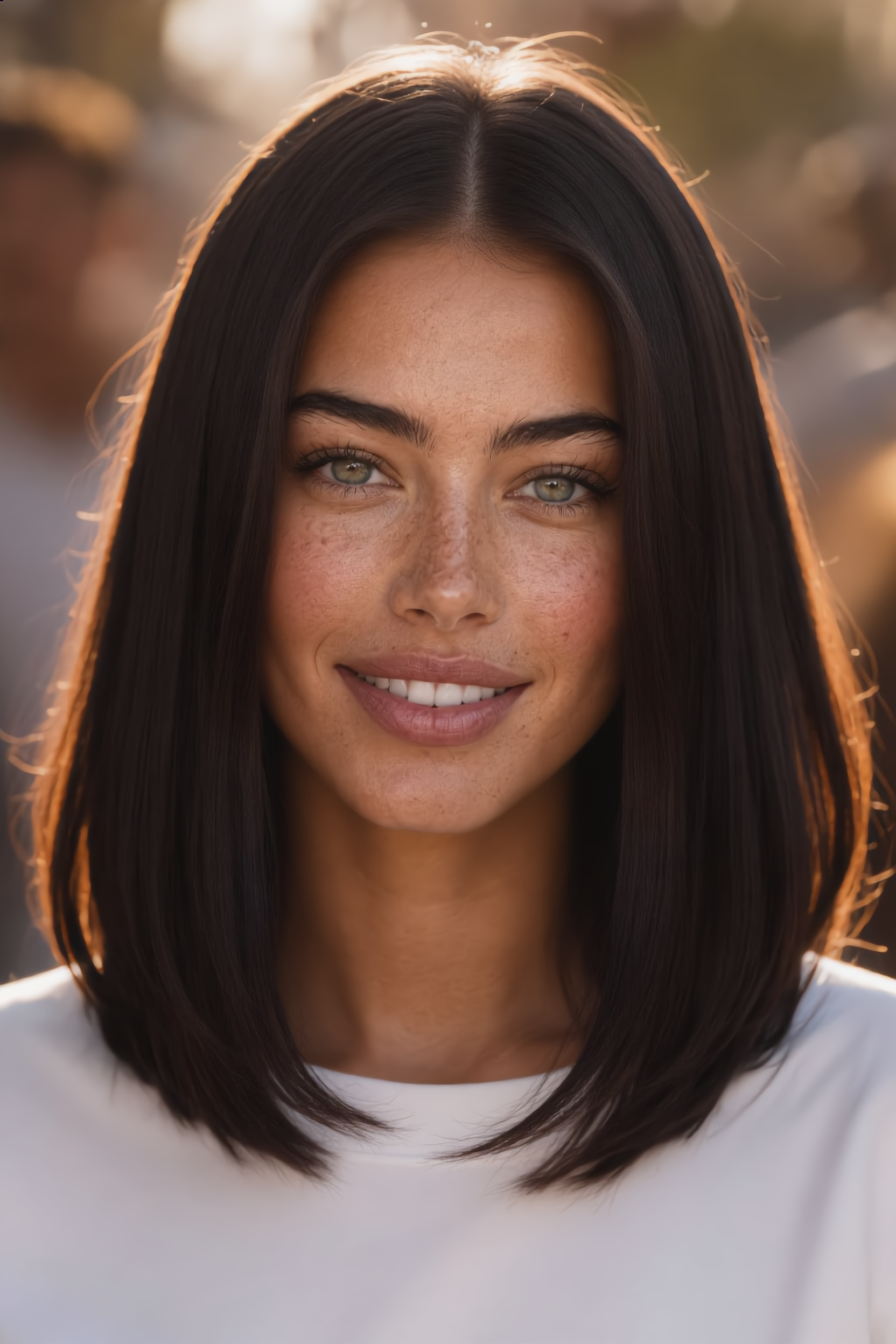
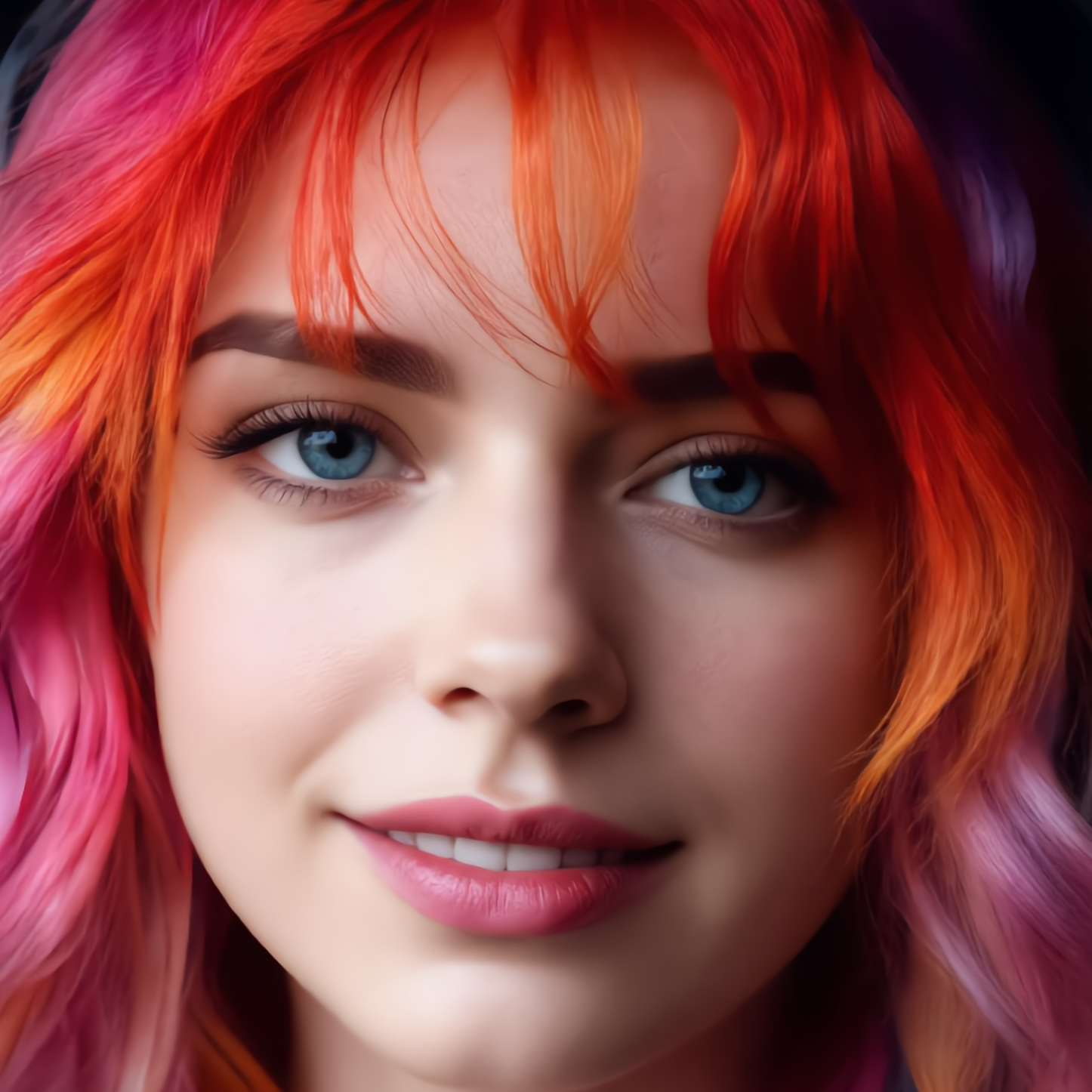
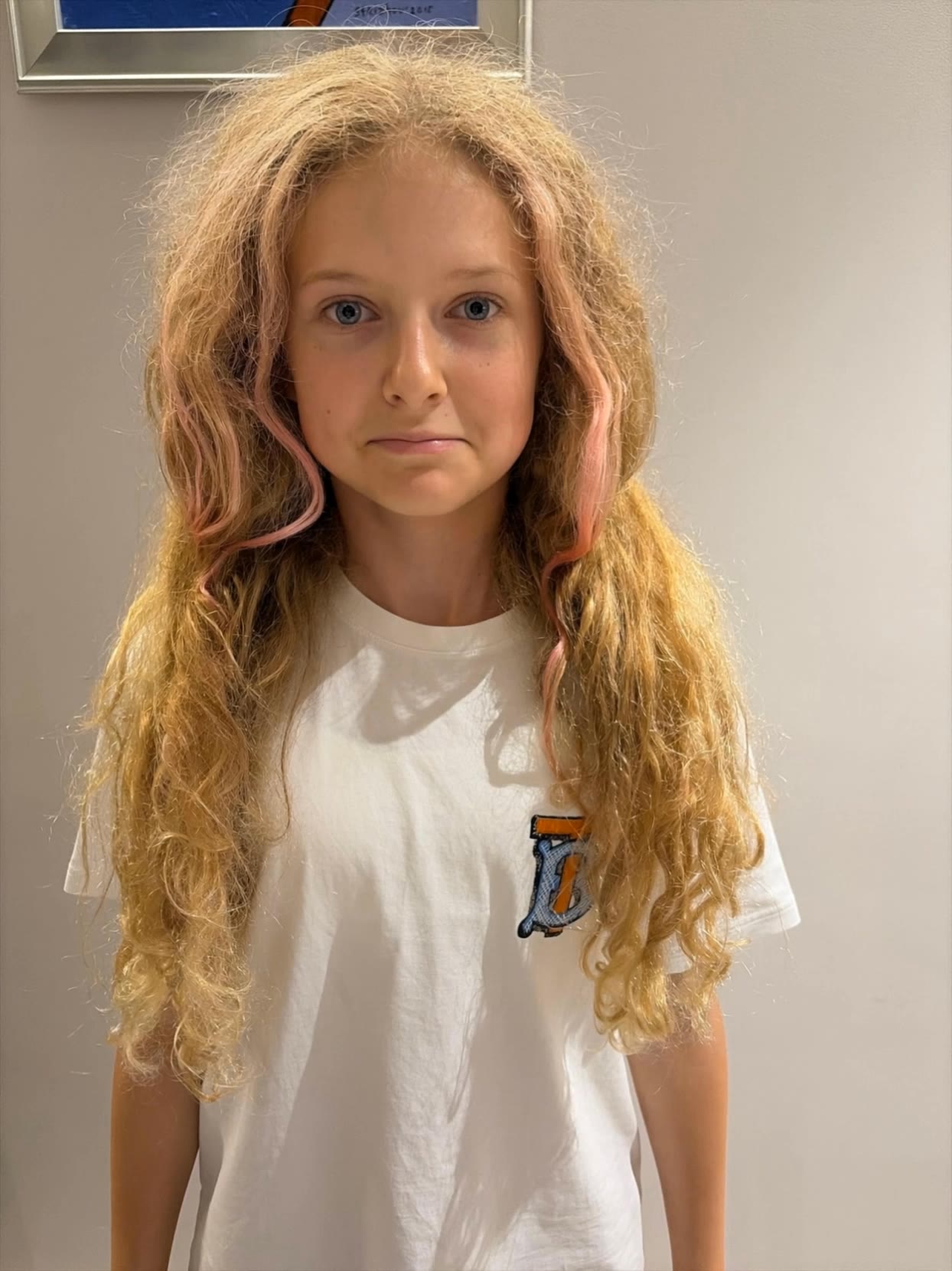
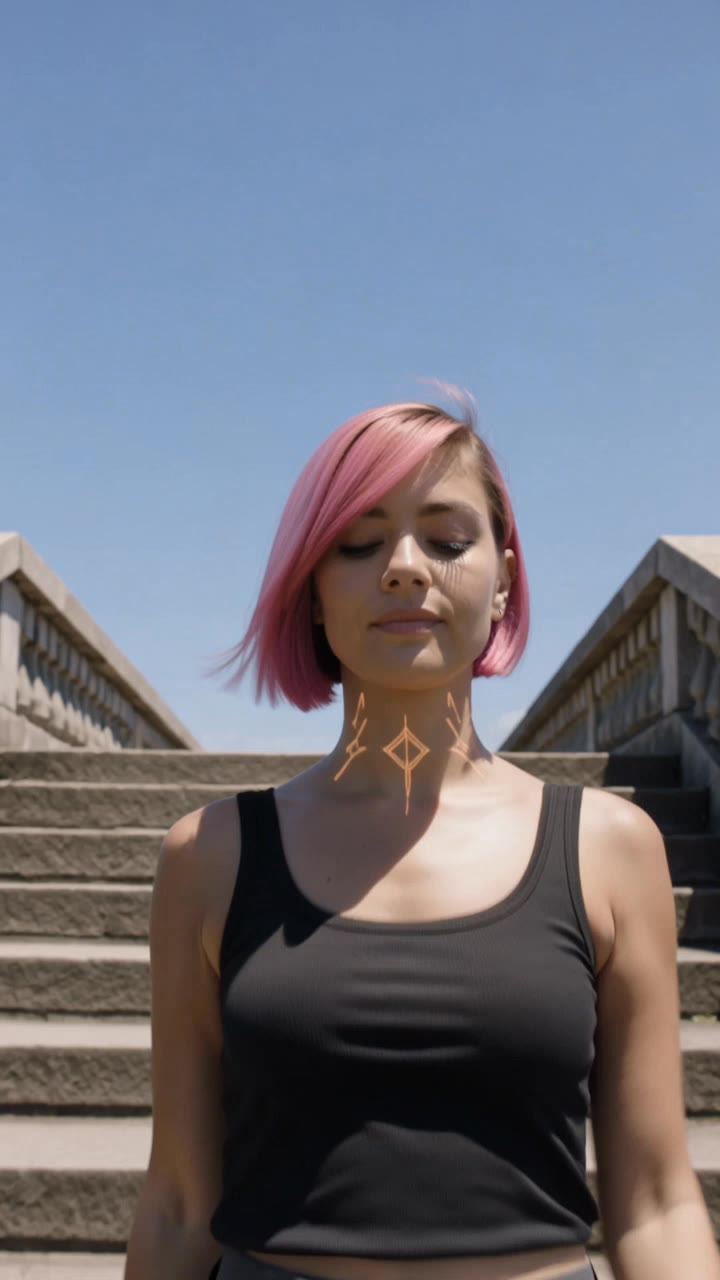
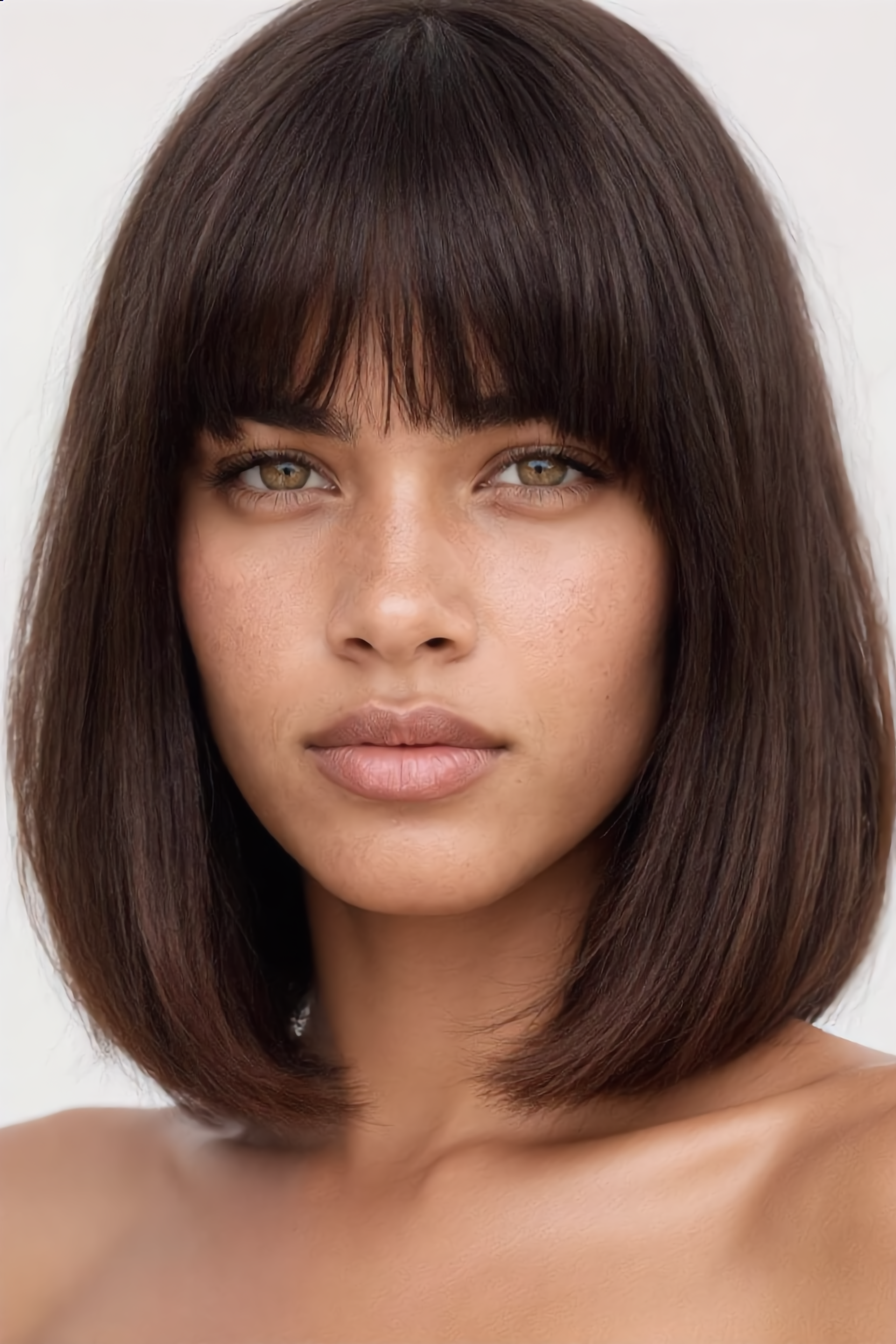
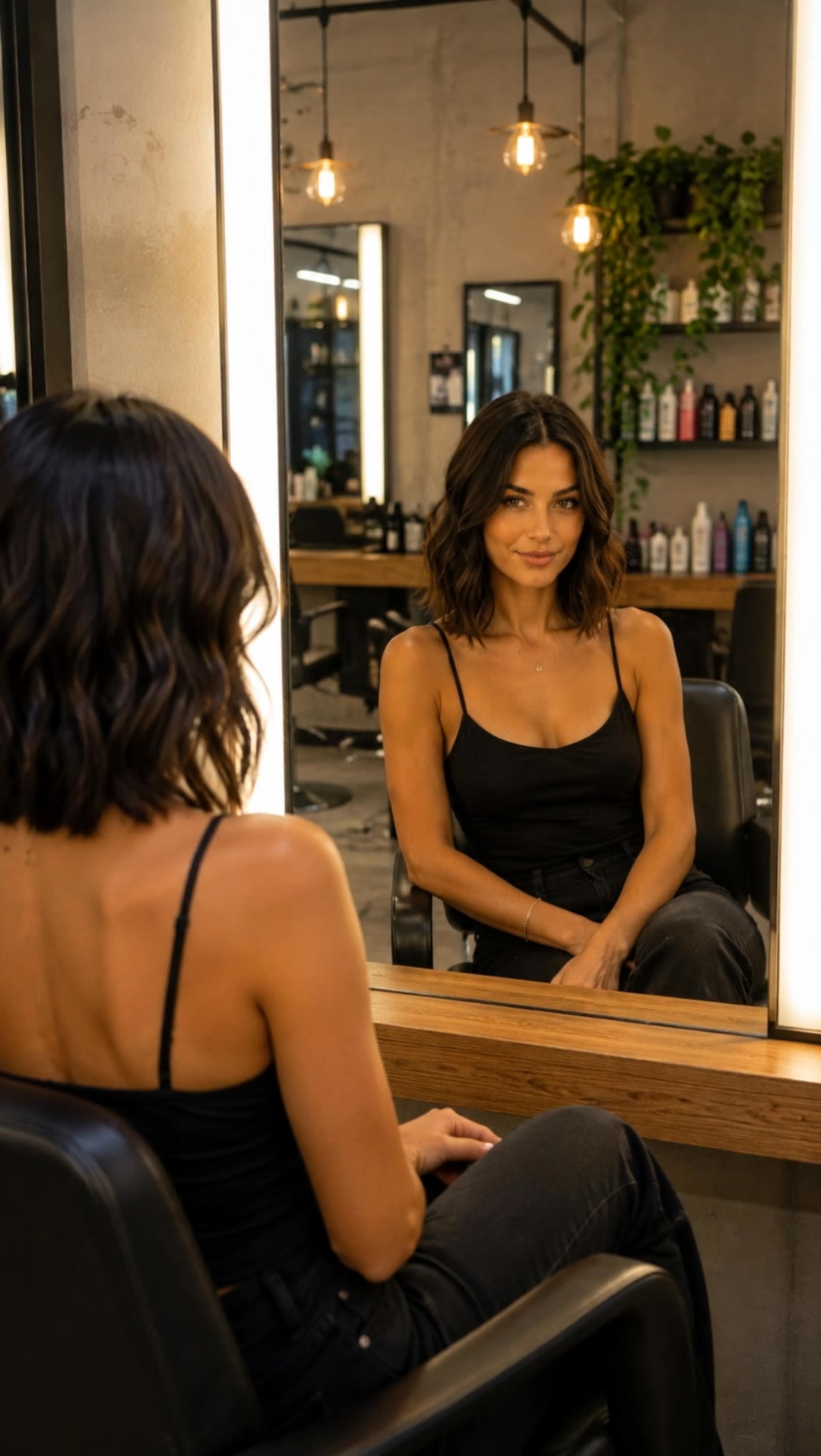
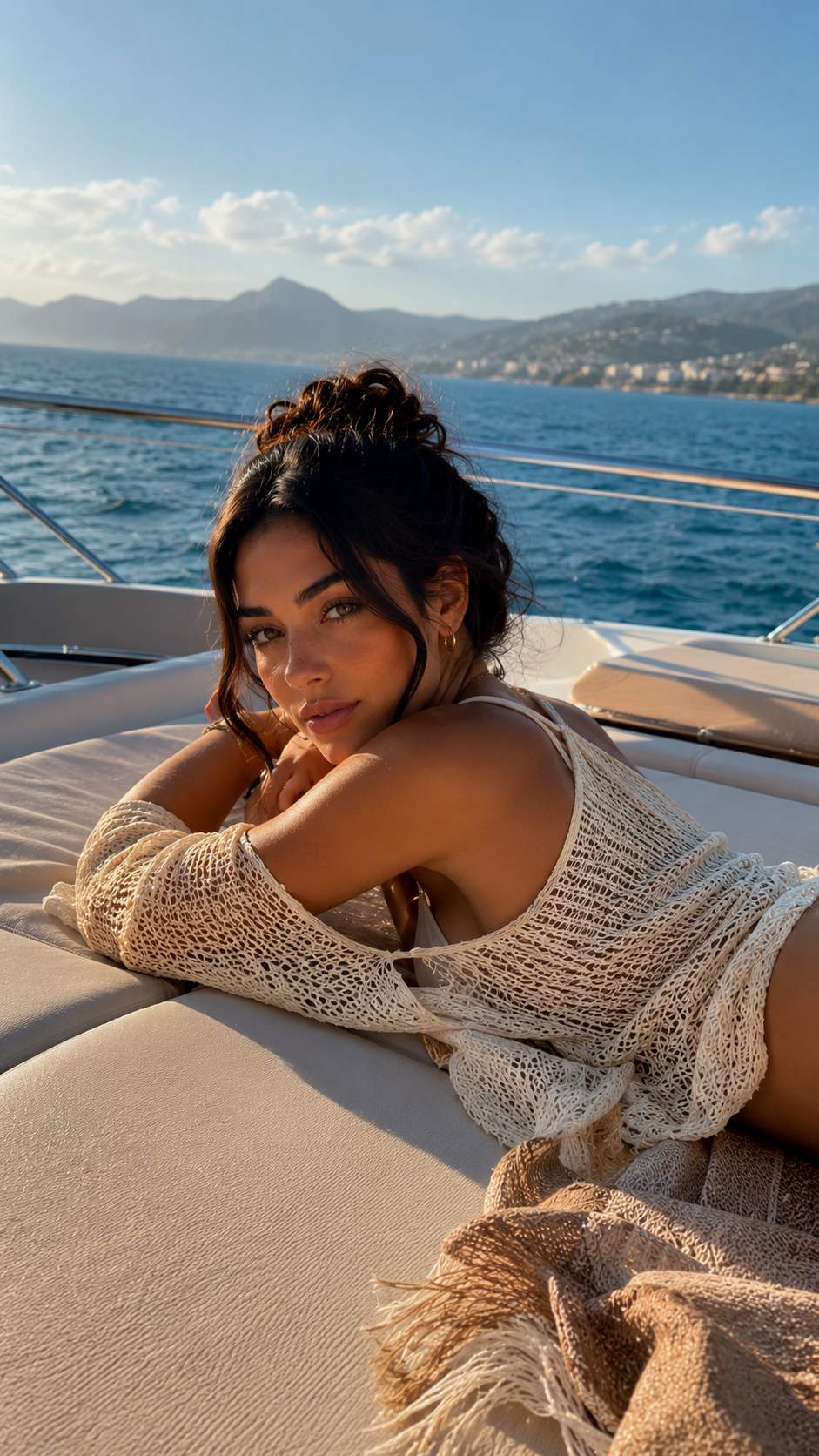
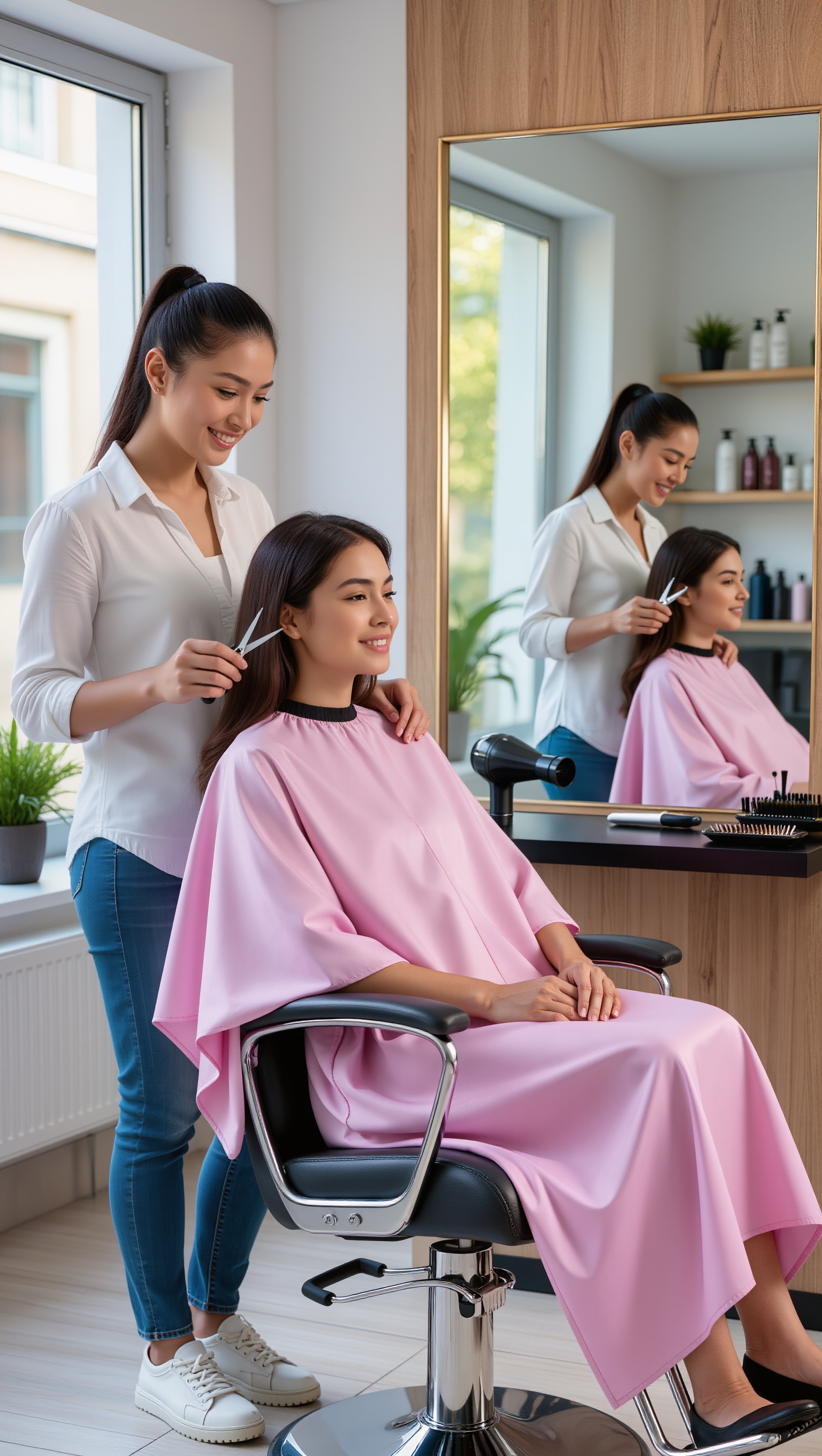
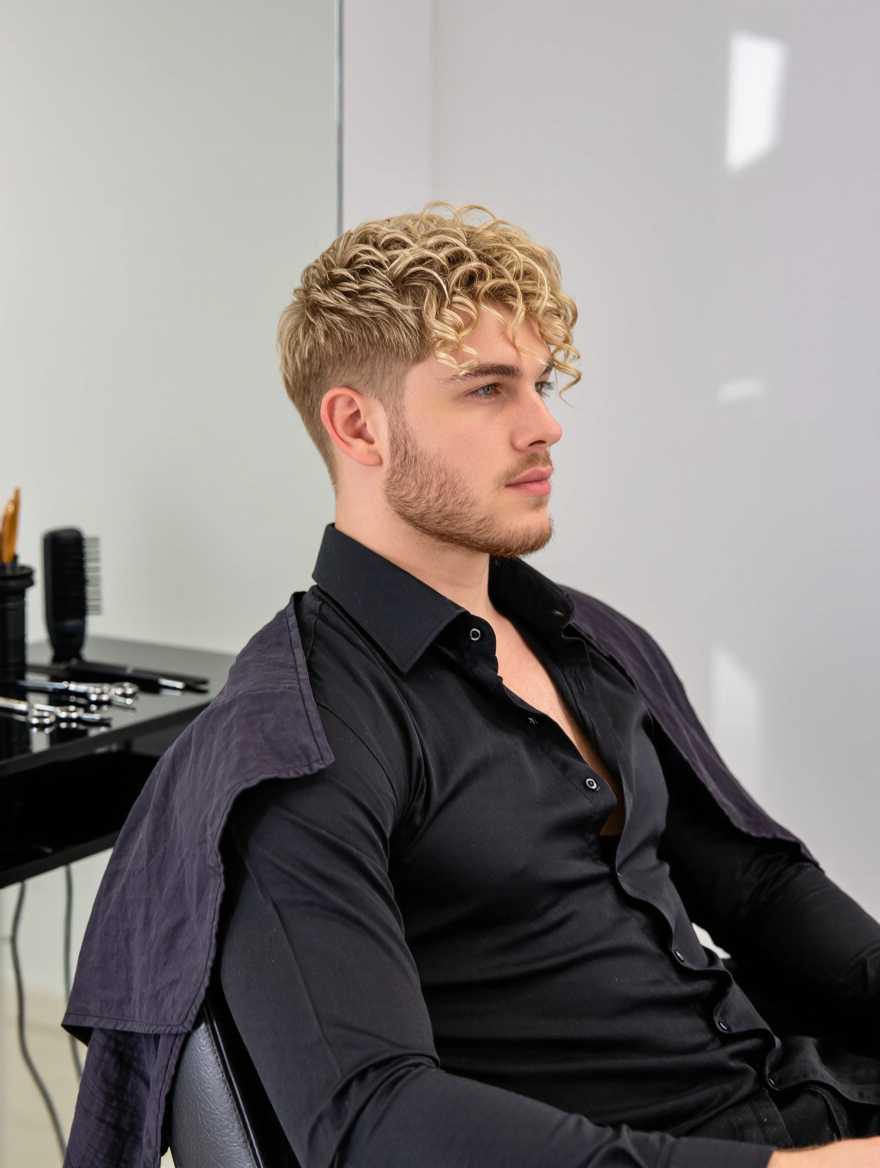
Witness the classic queue haircut transformation in unique scenarios like a lion's majestic grooming and a suave lady-catcher style. Start exploring queue haircut ideas and generate your own content with AI.

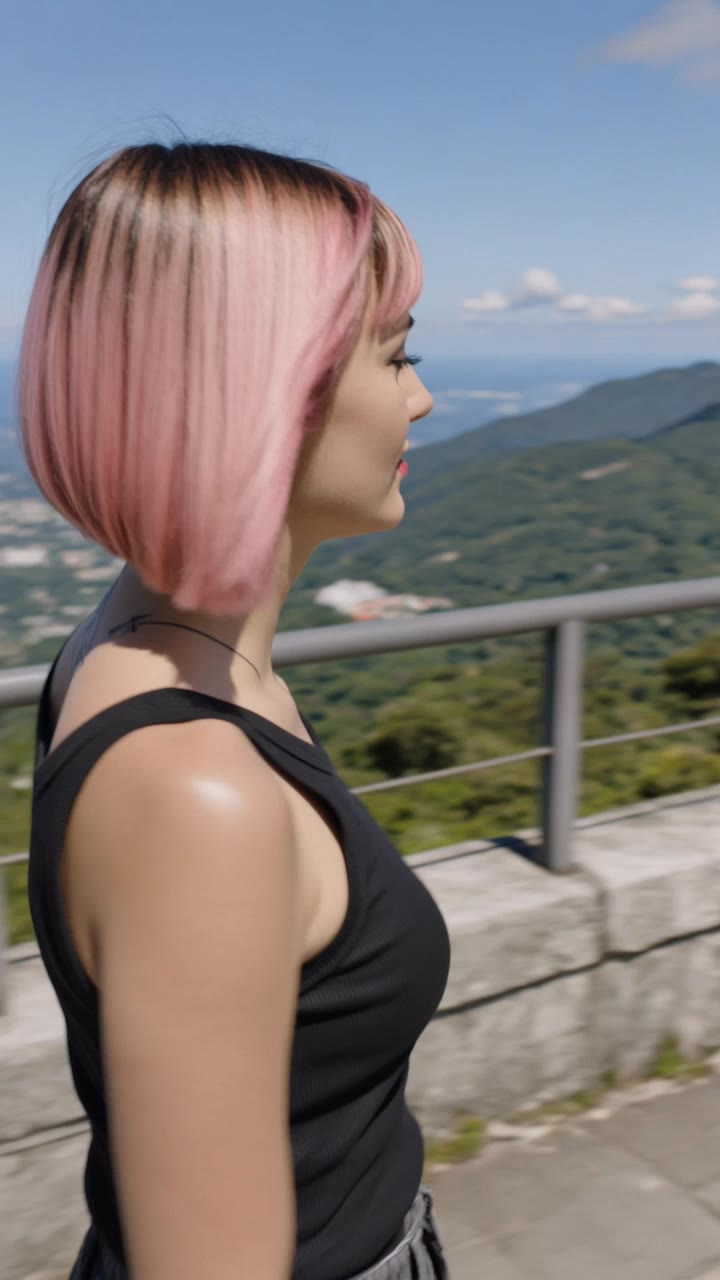
queue haircut - ceremonial events & animal grooming

Recommended

Kling AI work 315425715616472 - queue haircut AI video
kUavbmBl avatar
kUavbmBl
Kling AI work 319904584616049 - queue haircut AI video
ovBAIOZR avatar
ovBAIOZR
Kling AI work 315647399507600 - queue haircut AI image
fTsRlidc avatar
fTsRlidc
Kling AI work 318174869501597 - queue haircut AI image
FLXynHZT avatar
FLXynHZT
Kling AI work 313485722524569 - queue haircut AI image
NoorPixels avatar
NoorPixels
Kling AI work 310612948611081 - queue haircut AI image
Hridz avatar
Hridz
Kling AI work 308646843664223 - queue haircut AI video
FRySdMEp avatar
FRySdMEp
Kling AI work 315878668661760 - queue haircut AI video
BaNMZwxO avatar
BaNMZwxO
Kling AI work 318525633614476 - queue haircut AI image
ZOC41 avatar
ZOC41
Kling AI work 310713559507274 - queue haircut AI image
OrionaMuzUA avatar
OrionaMuzUA
Kling AI work 319220585500468 - queue haircut AI video
cdTWmJdz avatar
cdTWmJdz
Rio de Janeiro  - queue haircut AI video
ovBAIOZR avatar
ovBAIOZR
Kling AI work 318951489502816 - queue haircut AI image
ZOC41 avatar
ZOC41
New Hair, New Look - queue haircut AI video
Freya Sage avatar
Freya Sage
haircut music 🎶  - queue haircut AI video
01:13
Kayetan avatar
Kayetan
Kling AI work 287301674303027 - queue haircut AI image
Guyuerik avatar
Guyuerik
Kling AI work 300901909528125 - queue haircut AI image
IoFrxDtG avatar
IoFrxDtG
Kling AI work 318174869503602 - queue haircut AI image
FLXynHZT avatar
FLXynHZT
Kling AI work 318174869505608 - queue haircut AI image
FLXynHZT avatar
FLXynHZT

How to Create Images with Kling AI

Write Down You Ideas

Write Down You Ideas

Open the AI Image Generator and choose the model that fits your project. Describe the subject and scene, then add details such as lighting, color, and visual style to shape the result.

Add References Or Not

Add References Or Not

Upload reference images for a character, product, composition, or style. References are optional, but they give Kling AI a clearer visual foundation when specific features, colors, or design details need to carry into the final image.

Generate Your Image

Generate Your Image

Choose your preferred format and output settings, then hit Generate. Once the result is ready, download it directly or open it in the image-to-video workflow to bring it to life with motion.

Edit the Parts That Matter

Change Subjects, Backgrounds, and Style

Change Subjects, Backgrounds, and Style

Keep what works and change what does not. Replace a character or product, update an outfit, remove a distraction, or move the action into a different setting. You can also change the weather, lighting, time of day, or overall look. With Kling VIDEO 3.0 Omni, you can start with a prompt and add a reference image when a face, product, or branded detail needs a closer match.

Reframe the Shot

Reframe the Shot

Keep the original action, then change how the moment is framed. Move in for a close-up, open to a wider view, shift the angle, or rebalance the composition around the subject. The source footage keeps the motion and scene context in place while your prompt sets the new framing.

Extend the Video

Extend the Video

Continue a clip beyond its current ending without building the next scene from scratch. Kling carries the subject, motion, and setting into the new footage; add a prompt when you want to steer what happens next. Use Video Extension when a clip ends too soon, an action needs more time, or the next beat is still missing.

Apps

Image to Video
Image to Video

Image to Video

Text to Video
Text to Video

Text to Video

Omni
Omni

Omni

Digital Human
Digital Human

Digital Human

Restyle
Restyle

Restyle

Text to Image
Text to Image

Text to Image

60M+
60M+
Users
600M+
600M+
AI Videos Generated
4.7 ★
4.7 ★
App Store
Industry-Leading
Industry-Leading
Cinematic 4K

Reviews

Déborah

Déborah

★★★★★

I use Kling AI every day. It's amazing to see the almost daily progress it makes. I used AI for fun at first, and I now find that Kling AI's animations allow me to gain professional visibility, with three times more views on my animated posts than on my static posts.

Ozan Sihay

Ozan Sihay

★★★★★

Kling AI allows me to rapidly prototype ideas, refine storytelling elements, and produce visually compelling content efficiently. It has not only accelerated my creative processes, but also deepened my understanding of how AI can enrich visual storytelling.

PJ Ace

PJ Ace

★★★★★

Kling AI has made it easy for us to generate world class visuals for Fortune 500 companies, TV shows and music for big artists. We love the easy of use of the platform and the quality of the generations. My first time using Kling AI, I got 22 million views on just one video. It's that good.

FAQ

Q1Can I change clothes using text prompts or reference images?
Q2What type of photo works best for changing clothes with AI?
Q3How does an AI clothes changer work?

Go Beyond the Original Frame

Turn tightly framed images into fuller scenes with Kling IMAGE 3.0. Extend the scene, guide what appears beyond the edges, and keep key subjects and visual style consistent.