


IAVWDbrf
7
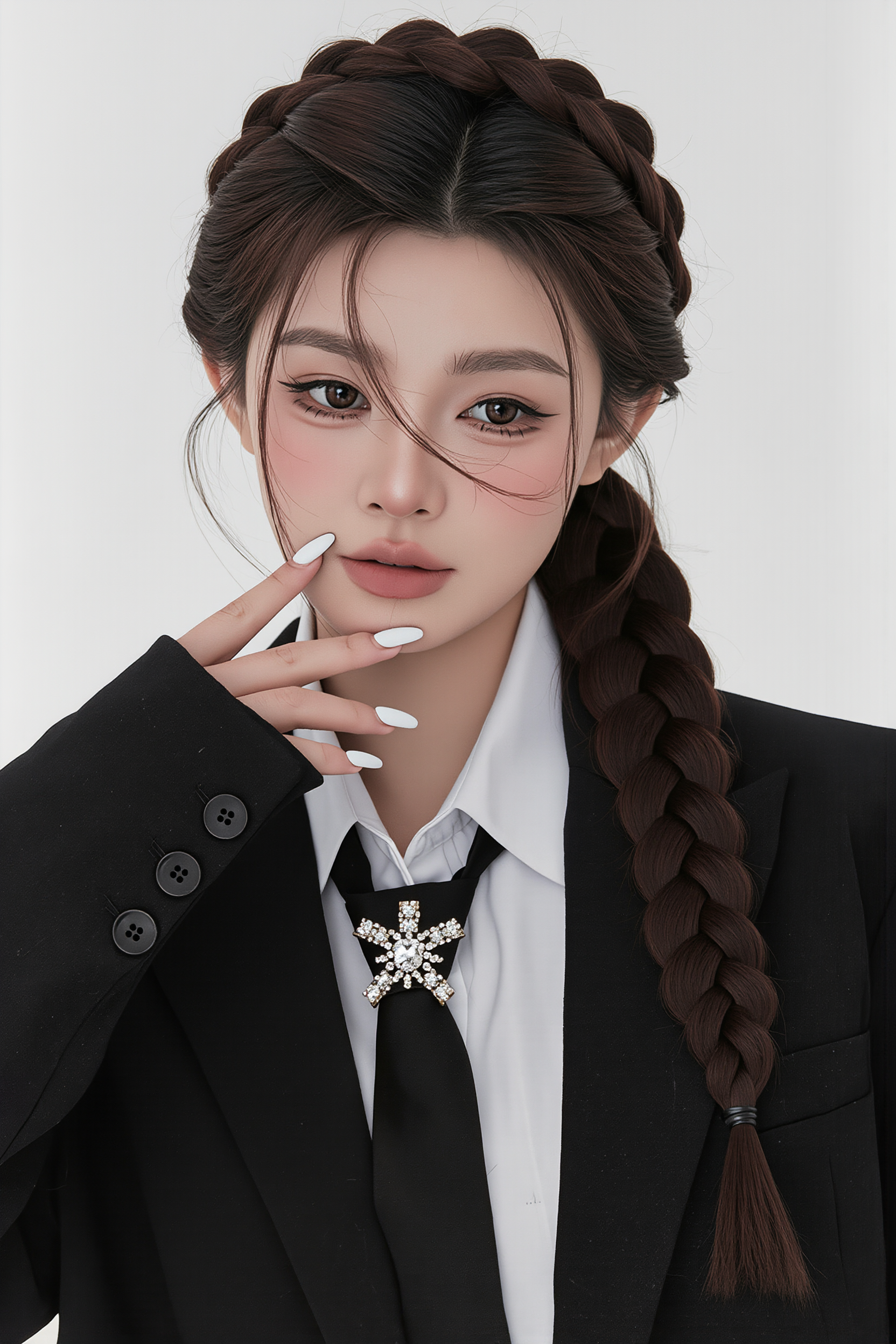
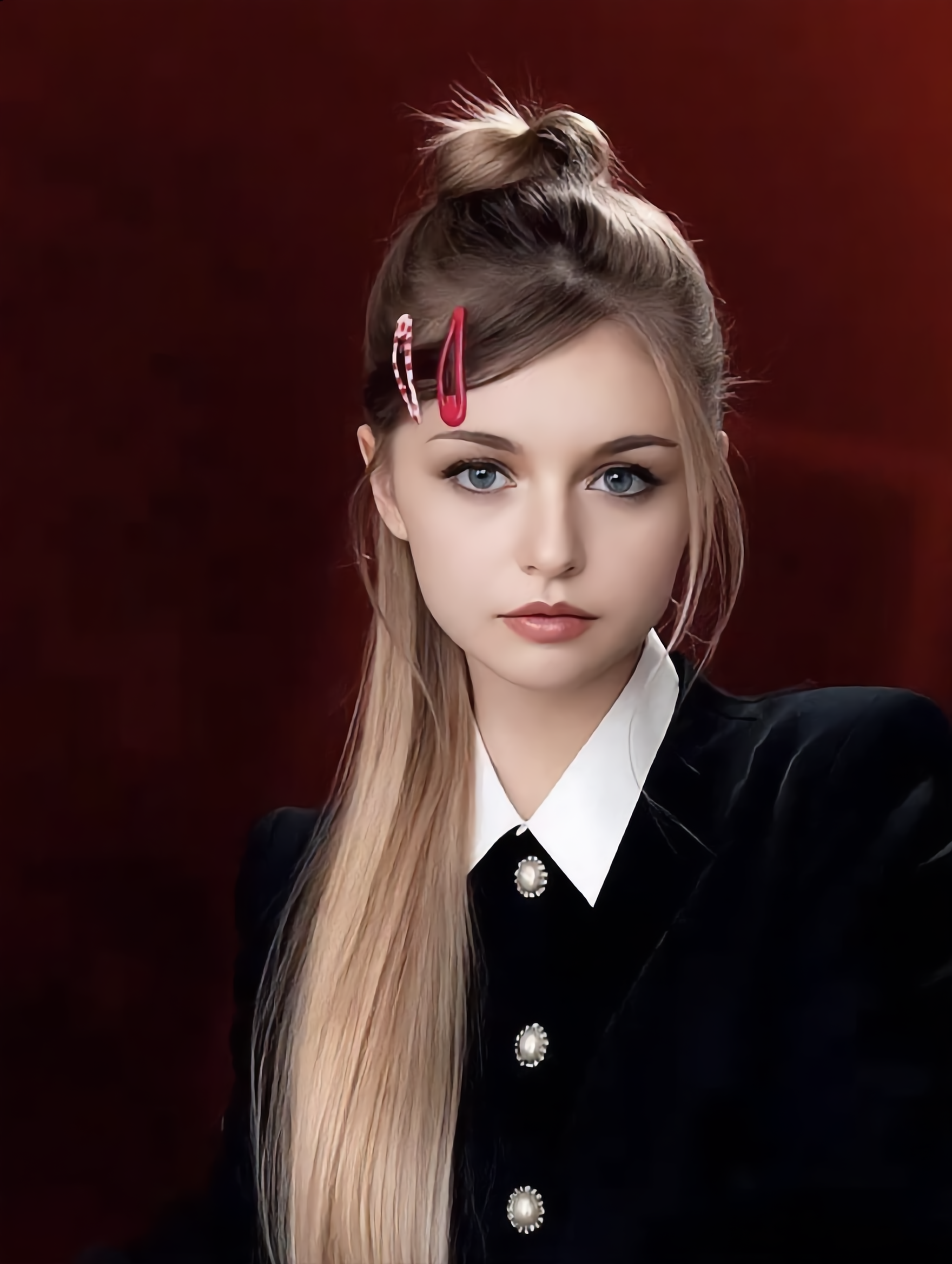
Embrace the elegance of traditional and retro-inspired queue hairstyles, highlighted by transformation techniques and timeless charm. Start exploring queue hairstyle ideas and generate your own content with AI.

















Create the visuals, dialogue, and sound together, with the voice included from the start. Add your script or character lines to the prompt, and Kling VIDEO 3.0 Omni generates spoken dialogue as part of the same video. This brings AI text to speech directly into the video generation process for conversations, narrated scenes, character stories, and more.

Create conversations with several characters and keep each line connected to the intended speaker. Multi-Character Coreference helps Kling VIDEO 3.0 keep each line with the intended speaker, even when three or more characters appear in the same scene. Use it for interviews, group conversations, and story scenes where several characters need to speak.

Create dialogue in Chinese, English, Japanese, Korean, and Spanish with Multilingual Content Generation. Kling VIDEO 3.0 can switch between languages within the same video and supports a range of dialects and accents for more natural character speech. This makes it easier to adapt characters and dialogue for different regions and audiences.

















Kling AI has transformed my workflow by collapsing timelines and democratizing production. It’s shifted my mindset from resource-dependent filmmaking to a boundless creative sandbox, where experimentation yields unexpected beauty.

I use Kling AI daily to push the limits of AI filmmaking. It allows me to create highly cinematic content, blending AI and VFX to develop innovative projects. It has significantly impacted my creative process, enabling me to achieve complex animations that would otherwise require high production budgets.

Kling AI has made it easy for us to generate world class visuals for Fortune 500 companies, TV shows and music for big artists. We love the easy of use of the platform and the quality of the generations. My first time using Kling AI, I got 22 million views on just one video. It's that good.
Upload your photo or video, add the face you want to swap in, and let Kling AI recreate the scene while keeping the look, motion, and surroundings feeling natural.
Effortless Face Swaps | Facial Detail Control | Natural Blending