
Creative Studio
API
Resources
Features
About Us
Download

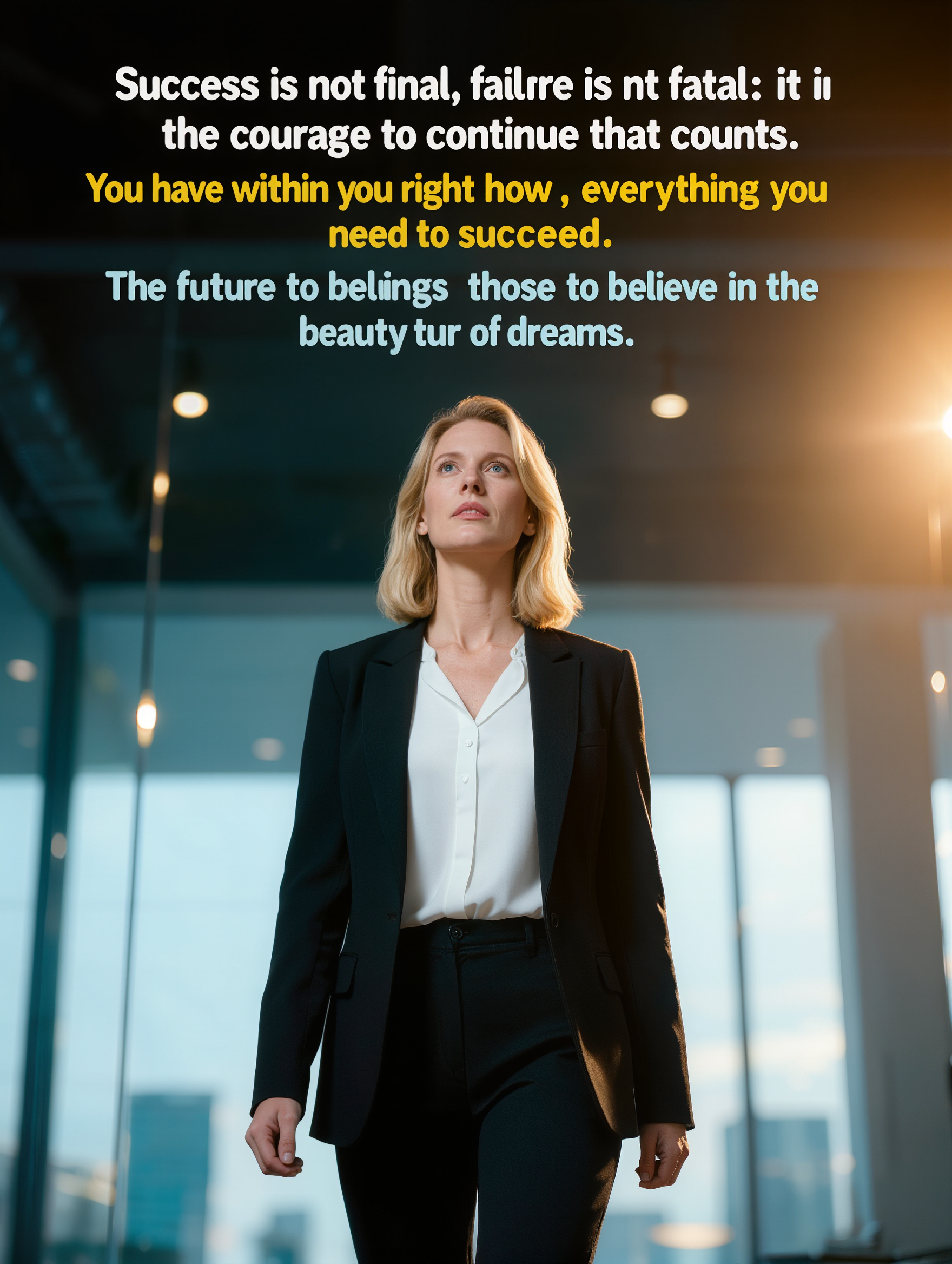
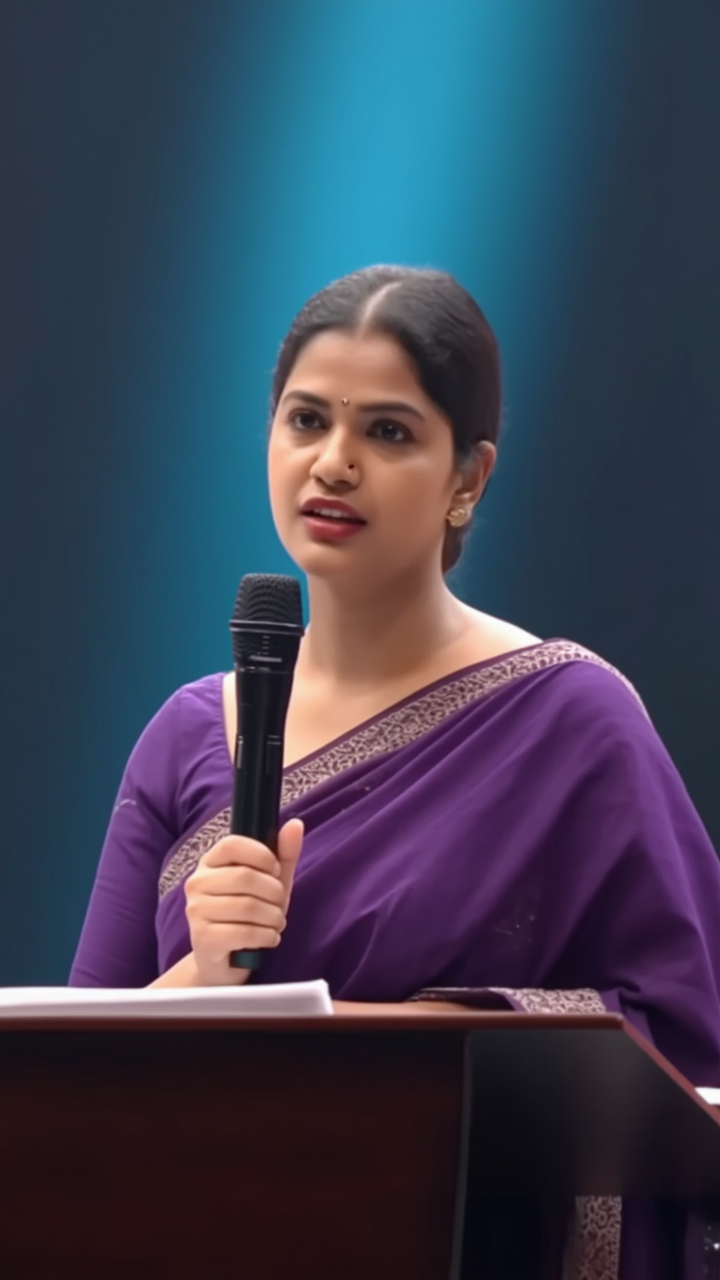
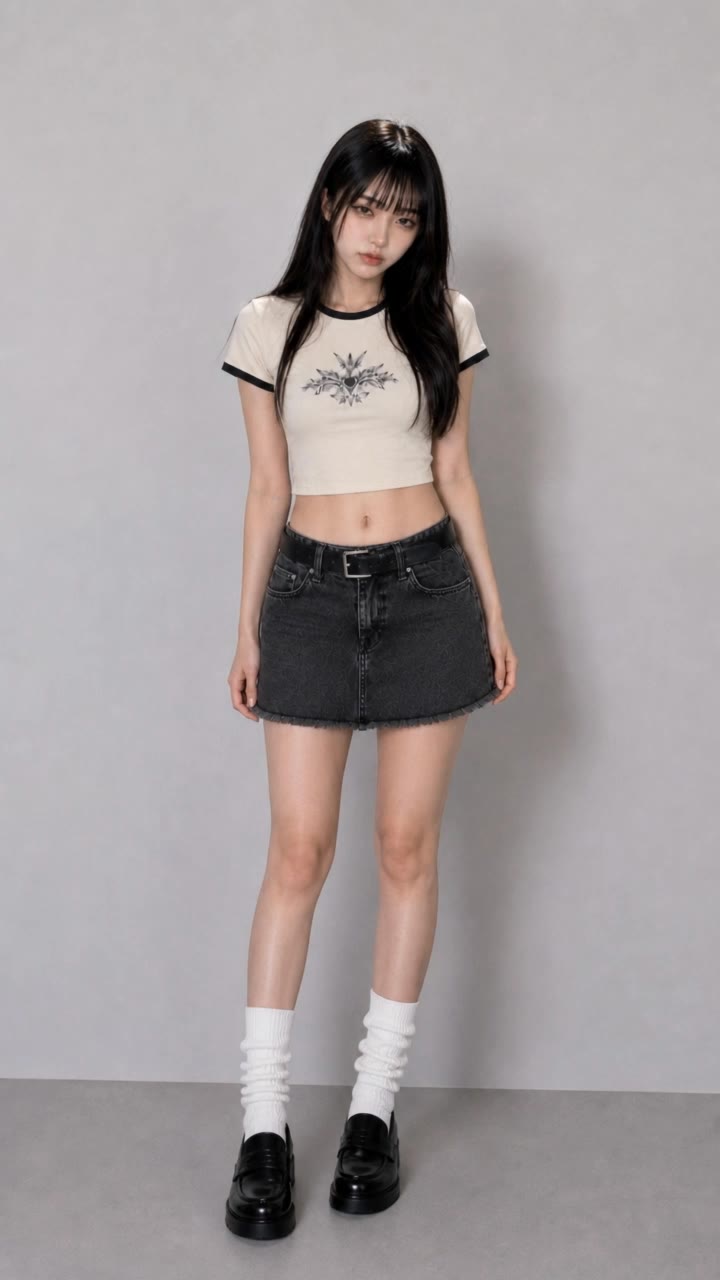
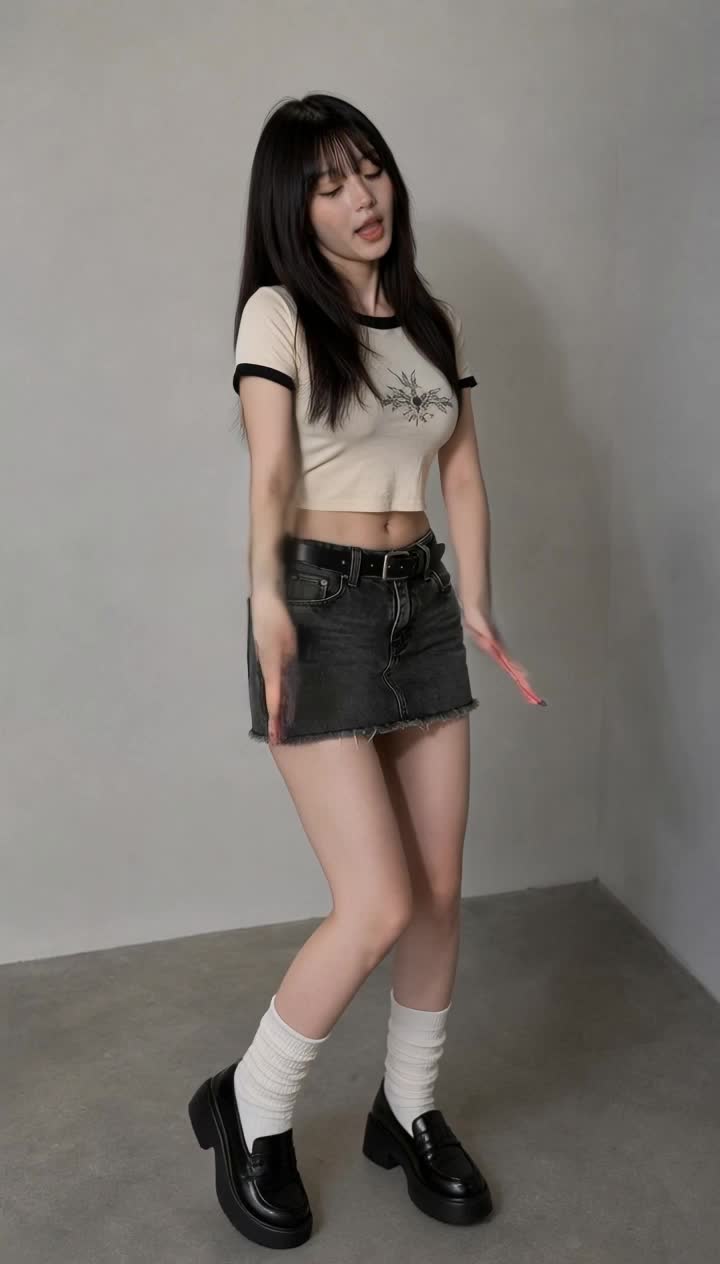
quotes for tiktok - dance challenges & viral trends

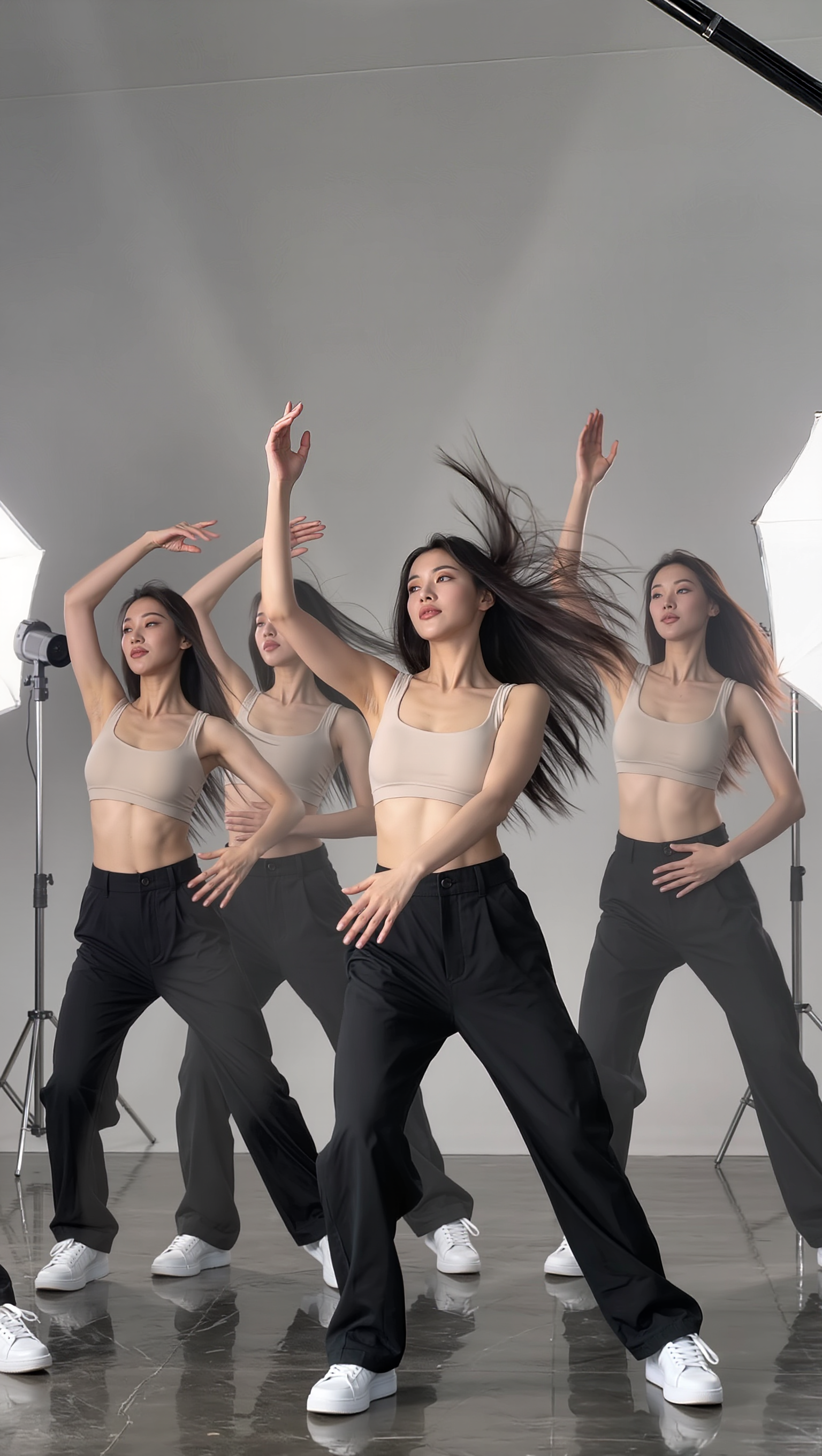
Engage with trending TikTok dances and humorous AI moments for inspiring quotes. Capture the fun of motion control videos and the quirky side of technology. Start exploring quotes for tiktok ideas and generate your own content with AI.

quotes for tiktok - dance challenges & viral trends

Recommended

Kling AI work 315007730508916 - quotes for tiktok AI image
EwUHcNAE avatar
EwUHcNAE
tiktok  - quotes for tiktok AI video
00:19
SahJrBlt avatar
SahJrBlt
Kling AI work 309850923665440 - quotes for tiktok AI image
iNEzWOyL avatar
iNEzWOyL
tiktok - quotes for tiktok AI video
00:10
APufAHqB avatar
APufAHqB
Kling AI work 314773308521596 - quotes for tiktok AI image
WordsThatMatter avatar
WordsThatMatter
Kling AI work 309287434660604 - quotes for tiktok AI image
zSxBbEYG avatar
zSxBbEYG
Kling AI work 314880964664096 - quotes for tiktok AI image
lWMvnMGq avatar
lWMvnMGq
Kling AI work 314445955524979 - quotes for tiktok AI video
DYGwvtgL avatar
DYGwvtgL
Kling AI work 306861149502155 - quotes for tiktok AI image
BEaokaJH avatar
BEaokaJH
Quiéreme Tiktok  - quotes for tiktok AI video
WRDxsqfU avatar
WRDxsqfU
tiktok template  - quotes for tiktok AI video
00:27
RESwXJYa avatar
RESwXJYa
tiktok before - quotes for tiktok AI video
EOhFgwoW avatar
EOhFgwoW
Kling AI work 314773308522598 - quotes for tiktok AI image
WordsThatMatter avatar
WordsThatMatter
tiktok - quotes for tiktok AI video
02:29
pceefznY avatar
pceefznY
tiktok - quotes for tiktok AI video
KLING3516 avatar
KLING3516
tiktok dance - quotes for tiktok AI video
00:14
EOhFgwoW avatar
EOhFgwoW
Kling AI work 312523612614917 - quotes for tiktok AI image
nKPoKDZQ avatar
nKPoKDZQ
Kling AI work 317605331611116 - quotes for tiktok AI video
kSZhdJFF avatar
kSZhdJFF
Kling AI work 318852926662728 - quotes for tiktok AI image
UAqOJJIZ avatar
UAqOJJIZ

How to Use Kling AI Image to Image

Upload Your Images

Upload Your Images

Open Image Generation, select IMAGE 3.0 Omni, and upload the image you want to transform and add reference images to carry into the result.

Set the Creative Direction

Set the Creative Direction

You can combine elements from several references, change the style, adjust the camera angle, or enable Image Series mode to create multiple connected visuals in one generation.

Generate and Create More

Generate and Create More

Select the aspect ratio, number of images, and 2K or 4K resolution, then generate and review your results. Download or share the finished image, or use it for your new AI video.

Expand Images Beyond the Frame with More Control

Extend the Scene Naturally Beyond the Frame

Extend the Scene Naturally Beyond the Frame

Add new visual space around your existing image while keeping the expansion connected to the original scene. Kling IMAGE 3.0 can follow visual details such as scenery, color, lighting, and texture, helping newly generated content feel consistent with the source image.

Keep Key Subjects Consistent as the Scene Expands

Keep Key Subjects Consistent as the Scene Expands

Expanding the frame should not change the subject that anchors the image. Kling IMAGE 3.0 automatically preserves your key subjects during extension. Simply specify the person, product, or central element in your prompt to keep them consistent with the original image.

Choose What Appears in the Expanded Area

Choose What Appears in the Expanded Area

The new space does not have to be left entirely to the model. Describe what you want outside the original frame, from a wider room or distant landscape to more sky, architecture, plants, or decorative details, and let Kling IMAGE 3.0 continue the scene around your idea.

Apps

Image to Video
Image to Video

Image to Video

Text to Video
Text to Video

Text to Video

Omni
Omni

Omni

Digital Human
Digital Human

Digital Human

Restyle
Restyle

Restyle

Text to Image
Text to Image

Text to Image

60M+
60M+
Users
600M+
600M+
AI Videos Generated
4.7 ★
4.7 ★
App Store
Industry-Leading
Industry-Leading
Cinematic 4K

Reviews

Vincent Smadja

Vincent Smadja

★★★★★

Kling AI seamlessly integrates into my creative workflow, playing a key role in transforming my images. After generating and upscaling an image, Kling becomes a crucial element, bringing my creations to life with movement and depth.

PJ Ace

PJ Ace

★★★★★

Kling AI has made it easy for us to generate world class visuals for Fortune 500 companies, TV shows and music for big artists. We love the easy of use of the platform and the quality of the generations. My first time using Kling AI, I got 22 million views on just one video. It's that good.

Samuele Poggi (@visualsk2)

Samuele Poggi (@visualsk2)

★★★★★

I use Kling AI daily to push the limits of AI filmmaking. It allows me to create highly cinematic content, blending AI and VFX to develop innovative projects. It has significantly impacted my creative process, enabling me to achieve complex animations that would otherwise require high production budgets.

FAQ

Q1Can I refine the color after the first AI edit?
Q2Will recoloring preserve the original texture and shadows?
Q3Does changing image color reduce resolution?

Get More From Your Video in 4K

Keep the footage you already have and give it a higher-resolution finish. Upscale short videos to 4K, bring out more visible detail, and use prompts or references when you want more control over the final result.