Creative Studio
API
Resources
Features
About Us
Download

AI rain lip sync concepts – Unique inspirations

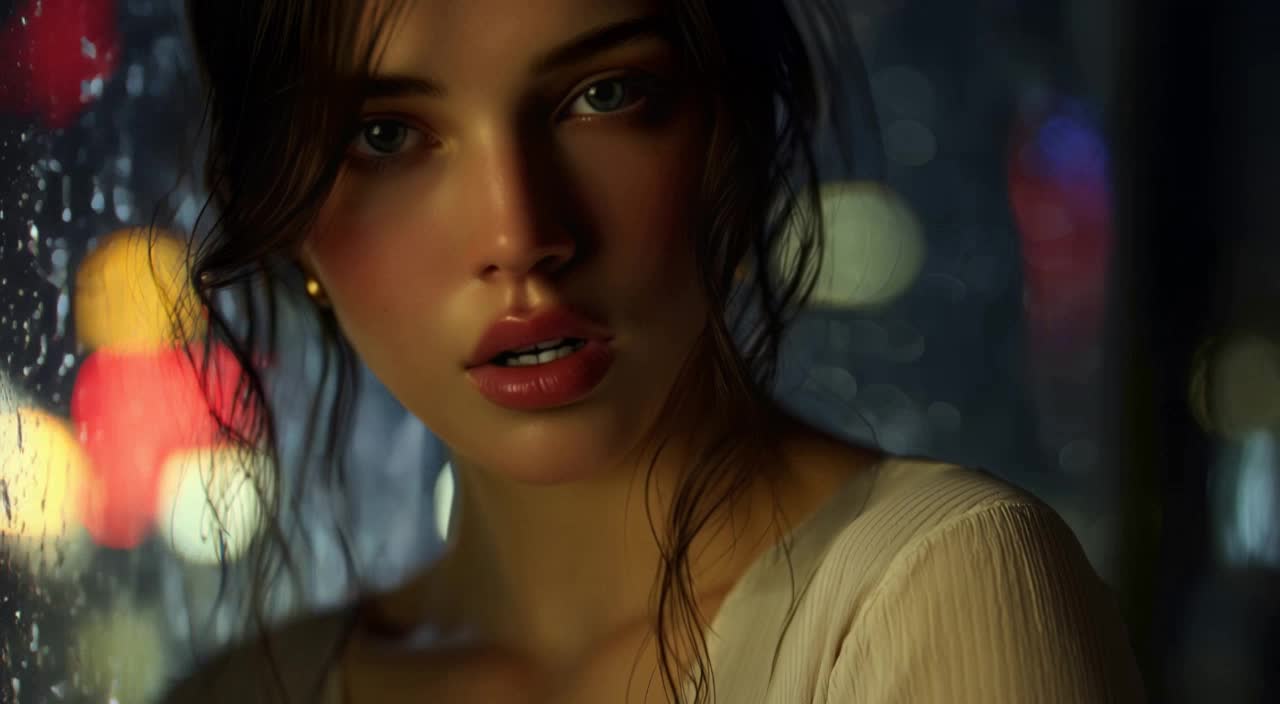
Discover unique AI rain lip sync concepts. Get quick inspiration and customize themes and styles for your projects. Create stunning visuals with ease.

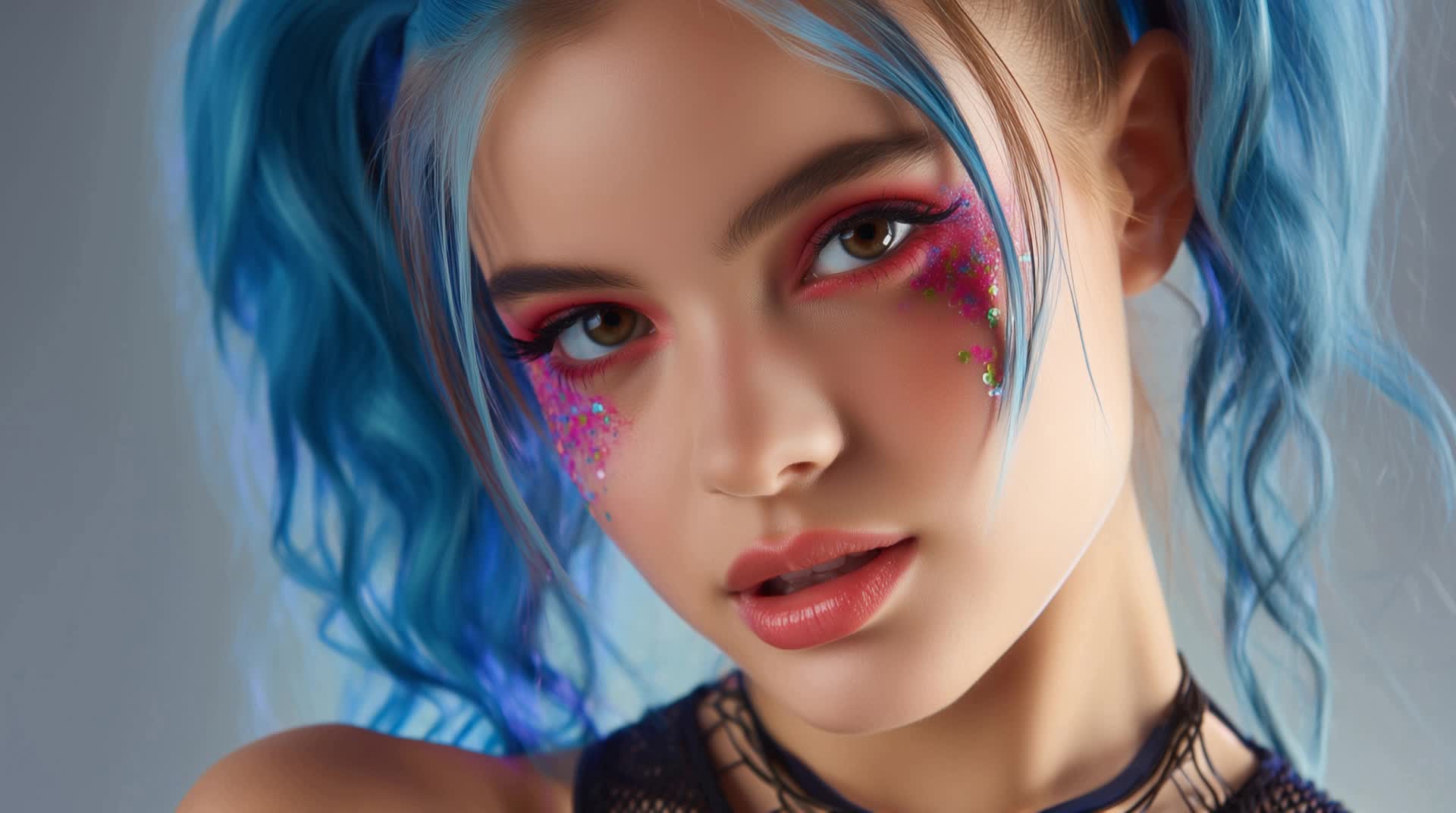
AI rain lip sync concepts – Unique inspirations

Recommended

Kling AI work 316931517303671 - rain lip sync AI image
KLING8346 avatar
KLING8346
lip sync - rain lip sync AI video
POPONE avatar
POPONE
Elite Creator
lip sync attempt - rain lip sync AI video
fseaPIOM avatar
fseaPIOM
Kling AI work 315992467501642 - rain lip sync AI video
BANVJCuc avatar
BANVJCuc
lip sync - rain lip sync AI video
POPONE avatar
POPONE
Elite Creator
Sunny summer rain - rain lip sync AI video
wKaWGuqZ avatar
wKaWGuqZ
Lip sync test - rain lip sync AI video
oXNHFyaz avatar
oXNHFyaz
lip sync - rain lip sync AI video
POPONE avatar
POPONE
Elite Creator
Singing in the Rain - rain lip sync AI video
TPJ Vision avatar
TPJ Vision
Elite Creator
Kling AI work 320091911661187 - rain lip sync AI video
oLJQcbpr avatar
oLJQcbpr
Kling AI work 310414580664532 - rain lip sync AI video
vFQxxOiE avatar
vFQxxOiE
Pls follow  - rain lip sync AI video
MAX_TT avatar
MAX_TT
Lip sync - rain lip sync AI video
POPONE avatar
POPONE
Elite Creator
Motion Control + Lip Sync - rain lip sync AI video
KEETY avatar
KEETY
Elite Creator
AI CSI SHOW - rain lip sync AI video
zOCdOFmf avatar
zOCdOFmf
Lip sync - rain lip sync AI video
00:25
CKNazrIw avatar
CKNazrIw
lip sync - rain lip sync AI video
POPONE avatar
POPONE
Elite Creator
Kling AI work 307733273535954 - rain lip sync AI video
CTVBkYmK avatar
CTVBkYmK

How to Extend an Image with AI

Step 1: Upload and Describe

Step 1: Upload and Describe

Upload the image you want to expand, such as a portrait, product photo, landscape, or social media visual. Use a text prompt to specify which side to extend and what should appear in the new area, such as more sky, scenery, or background details, while keeping the main subject unchanged.

Step 2: Choose the Output Settings and Generate

Step 2: Choose the Output Settings and Generate

Choose the image ratio, number of outputs, and resolution, then generate your extended image. Creating multiple versions makes it easier to compare the results and choose your favorite.

Step 3: Expand Your Image with Image Expansion

Step 3: Expand Your Image with Image Expansion

Open the Image Expansion workflow when you want a dedicated way to extend an existing image. Upload your source image, describe what should appear beyond the original frame, choose from the available output settings, and generate the expanded result.

Choose the Right Voice Workflow

Add New Audio to an Existing Video

Add New Audio to an Existing Video

Use the dedicated Lip Sync tool when your character video is already created. Upload a voiceover or song, or generate speech from text, then match the new audio to the character’s mouth movements.

Generate Dialogue with the Scene

Generate Dialogue with the Scene

Starting from scratch? Kling VIDEO 3.0 and VIDEO 3.0 Omni create dialogue, lip movement, visuals, sound effects, and ambience together. Native Audio supports Chinese, English, Japanese, Korean, and Spanish.

Keep Character and Voice Consistent

Keep Character and Voice Consistent

Create a reusable Character Element from images or a video, bind a voice tone, and carry the same appearance and voice into new scenes with VIDEO 3.0 Omni.

Apps

Image to Video
Image to Video

Image to Video

Text to Video
Text to Video

Text to Video

Omni
Omni

Omni

Digital Human
Digital Human

Digital Human

Restyle
Restyle

Restyle

Text to Image
Text to Image

Text to Image

60M+
60M+
Users
600M+
600M+
AI Videos Generated
4.7 ★
4.7 ★
App Store
Industry-Leading
Industry-Leading
Cinematic 4K

Reviews

Vincent Smadja

Vincent Smadja

★★★★★

Kling AI seamlessly integrates into my creative workflow, playing a key role in transforming my images. After generating and upscaling an image, Kling becomes a crucial element, bringing my creations to life with movement and depth.

Jyo John Mulloor

Jyo John Mulloor

★★★★★

Kling AI has been instrumental in transforming my creative workflow, unlocking new dimensions of artistic expression that were once unimaginable. I use Kling AI extensively to develop high-concept visuals, animate surreal dreamscapes, and create AI-assisted films that blur the line between reality and fantasy. Kling AI’s deep learning capabilities have not only enhanced my creative efficiency but also inspired me to explore storytelling in ways I never thought possible.

KakuDrop

KakuDrop

★★★★★

I have successfully collaborated with world-renowned artists and well-known companies that are recognized globally

FAQ

Q1Is Kling AI text-to-image free to use?
Q2Can I use Kling AI-generated images commercially?
Q3Can I use reference images with Kling AI?

Your Next Visual Starts Here

Start with a sentence, a sketch, or a reference photo. Shape the composition, dial in the details, and keep iterating in Kling AI.

Free tier available | Text-to-image | Image-to-image | Fast generation