Creative Studio
API
Resources
Features
About Us
Download

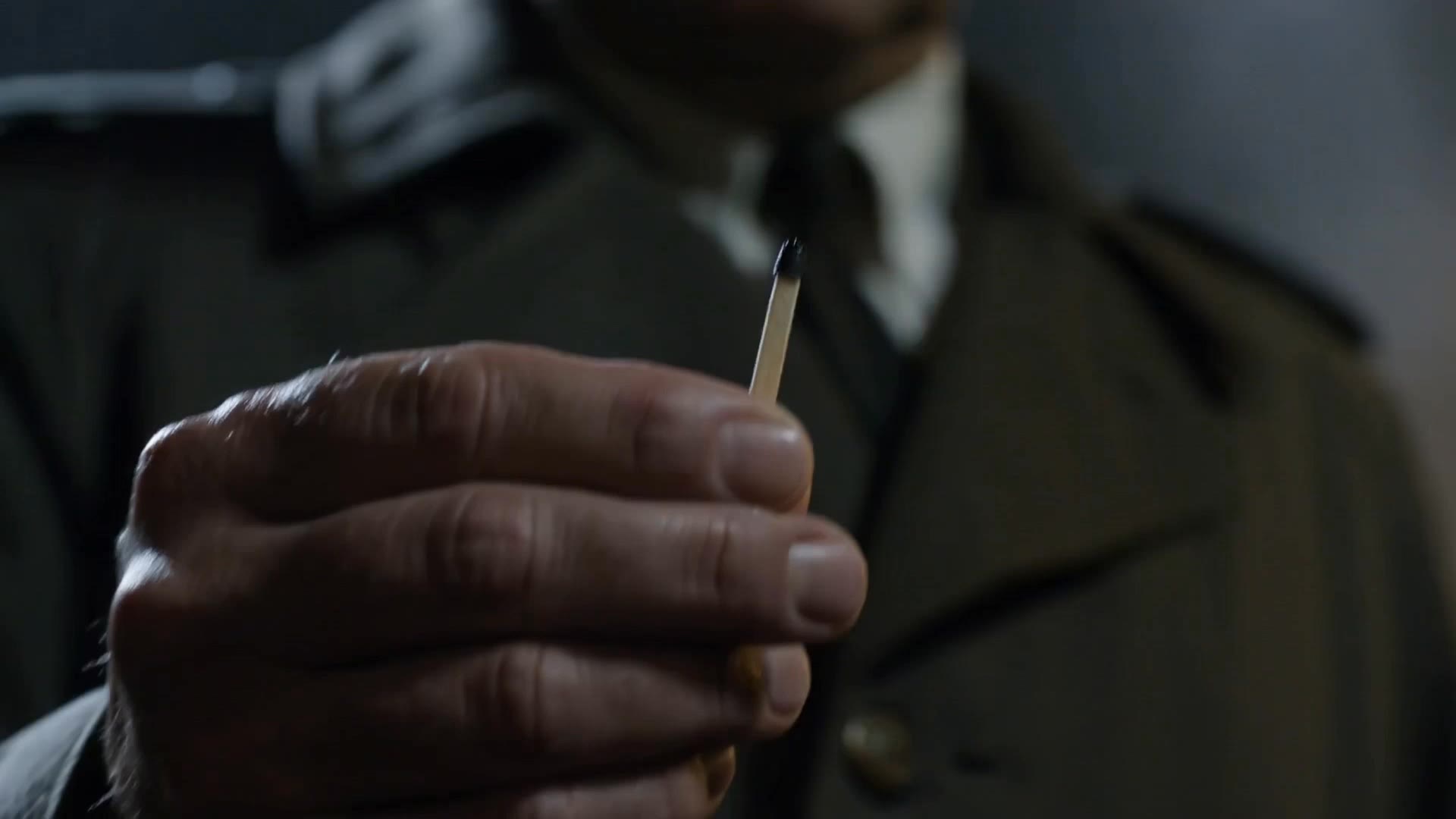
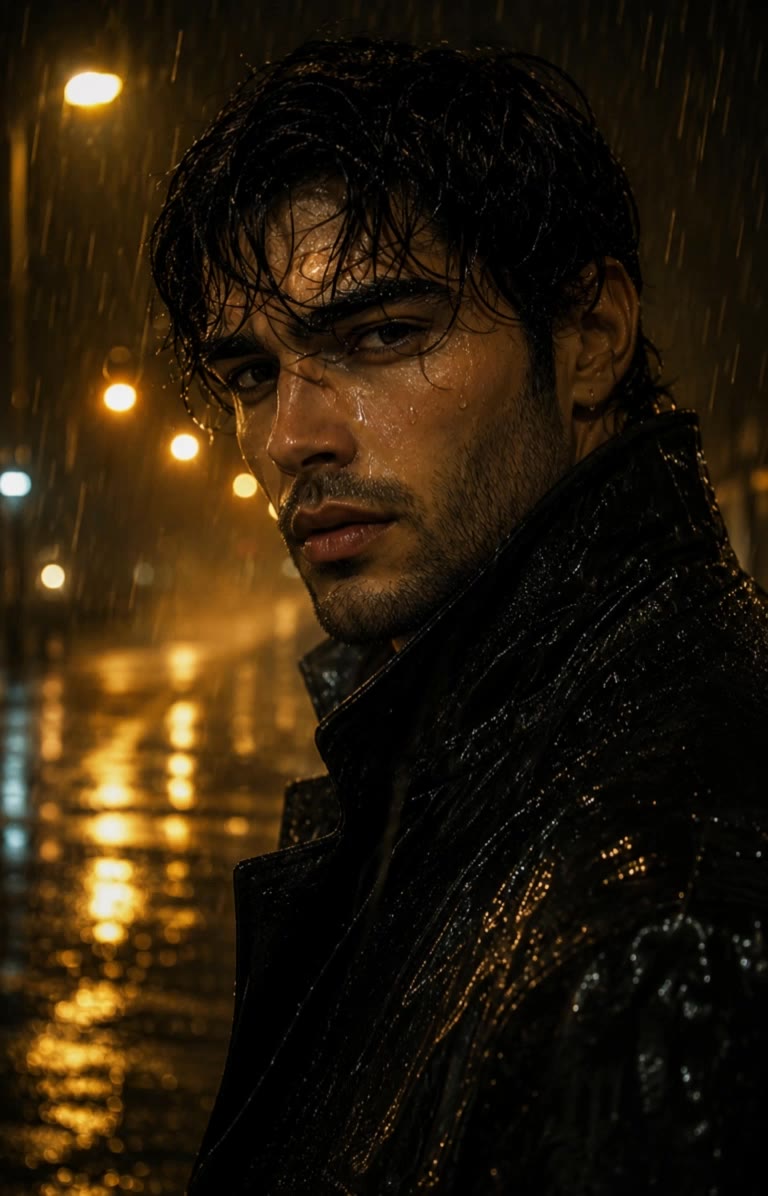
rain match - neon reflections & tiny creatures

Immerse in cinematic rain scenes blending neon-lit noir aesthetics with serene nature moments and emotional storytelling. Start exploring rain match ideas and generate your own content with AI.

rain match - neon reflections & tiny creatures

Recommended

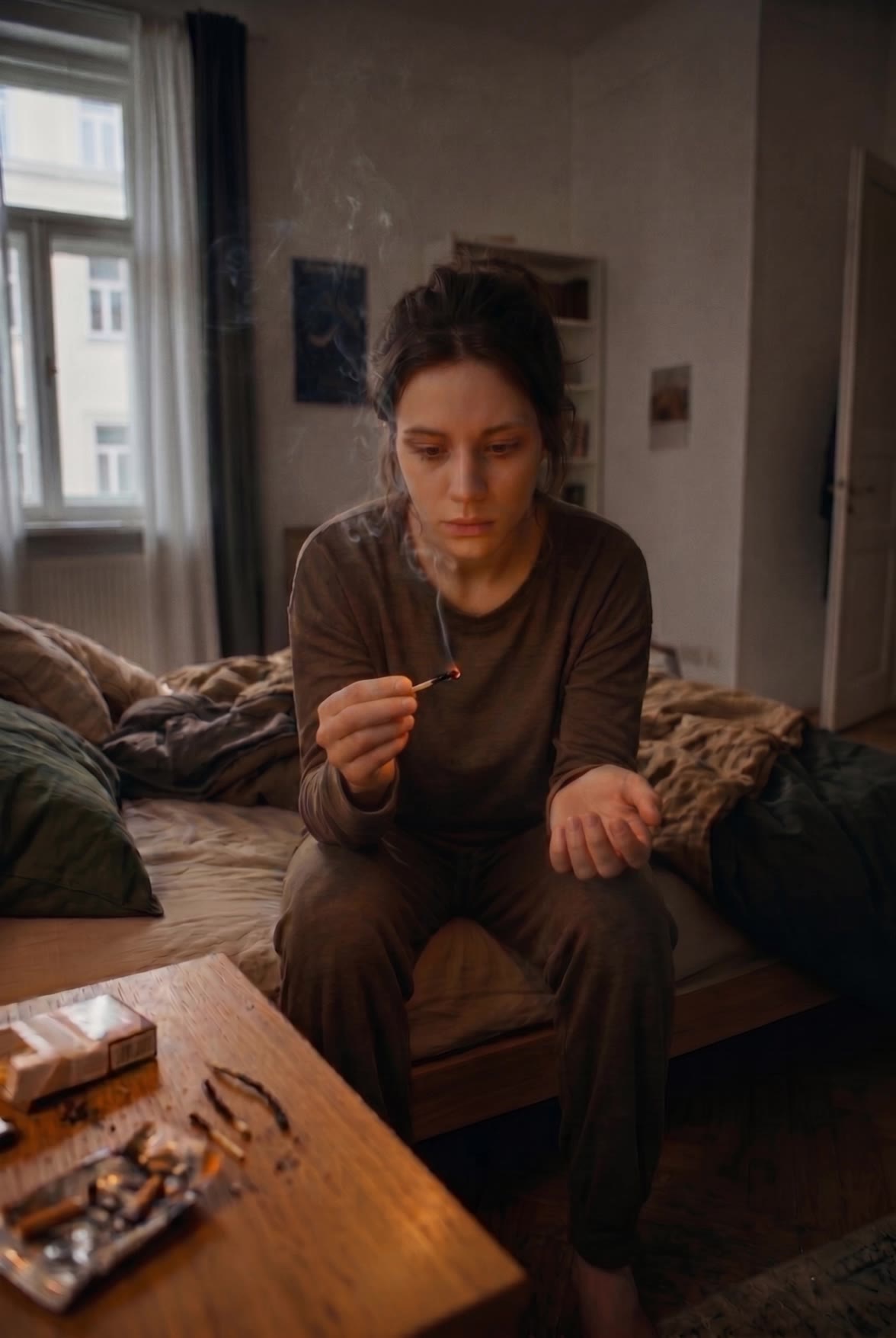
Kling AI work 310648943614310 - rain match AI image
TFUuijCs avatar
TFUuijCs
Courtyard in the Rain - rain match AI video
Shortyville avatar
Shortyville
RAIN - rain match AI video
pSVpPPar avatar
pSVpPPar
Kling AI work 315516777504477 - rain match AI video
jhsUbHfR avatar
jhsUbHfR
The match - rain match AI video
poetic wave avatar
poetic wave
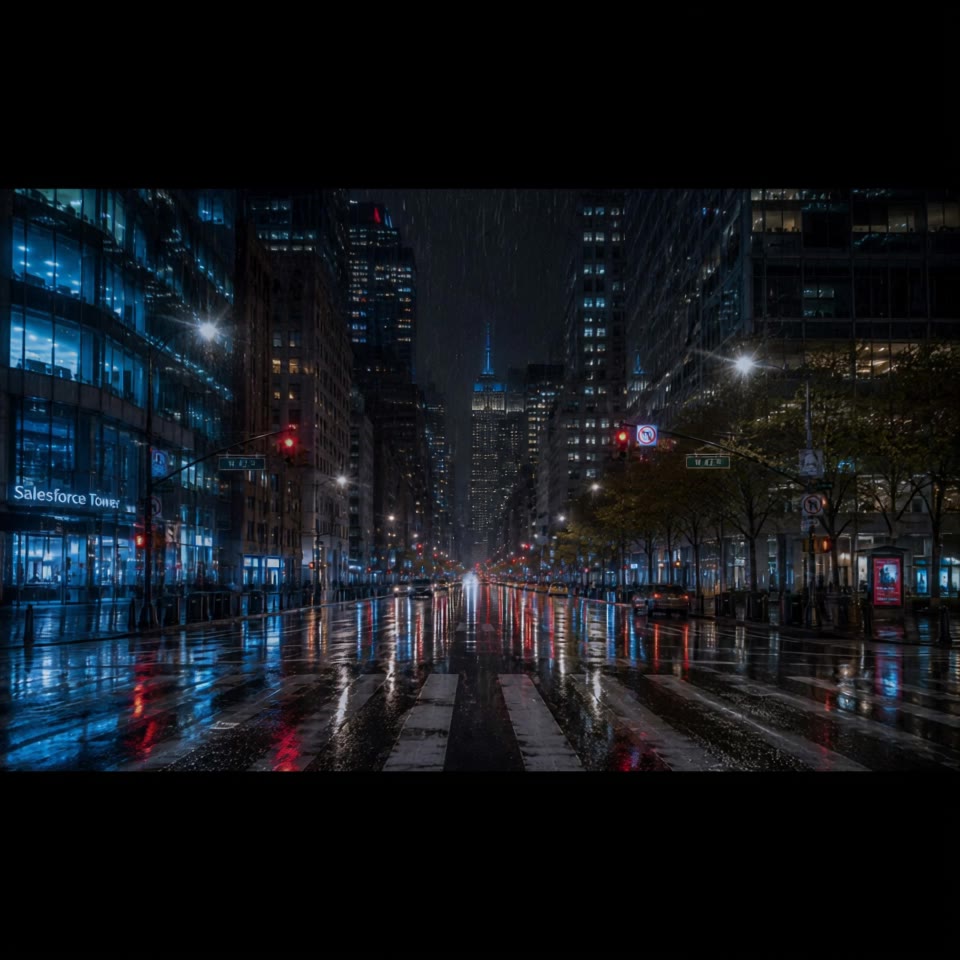
Rain in NYC! - rain match AI video
Oufwbphx avatar
Oufwbphx
match day/rainy day - rain match AI video
Abdul sami avatar
Abdul sami
Sunny summer rain - rain match AI video
wKaWGuqZ avatar
wKaWGuqZ
Running through the rain - rain match AI video
neco avatar
neco
Elite Creator
Kling AI work 307813737538383 - rain match AI video
RwCTGyYz avatar
RwCTGyYz
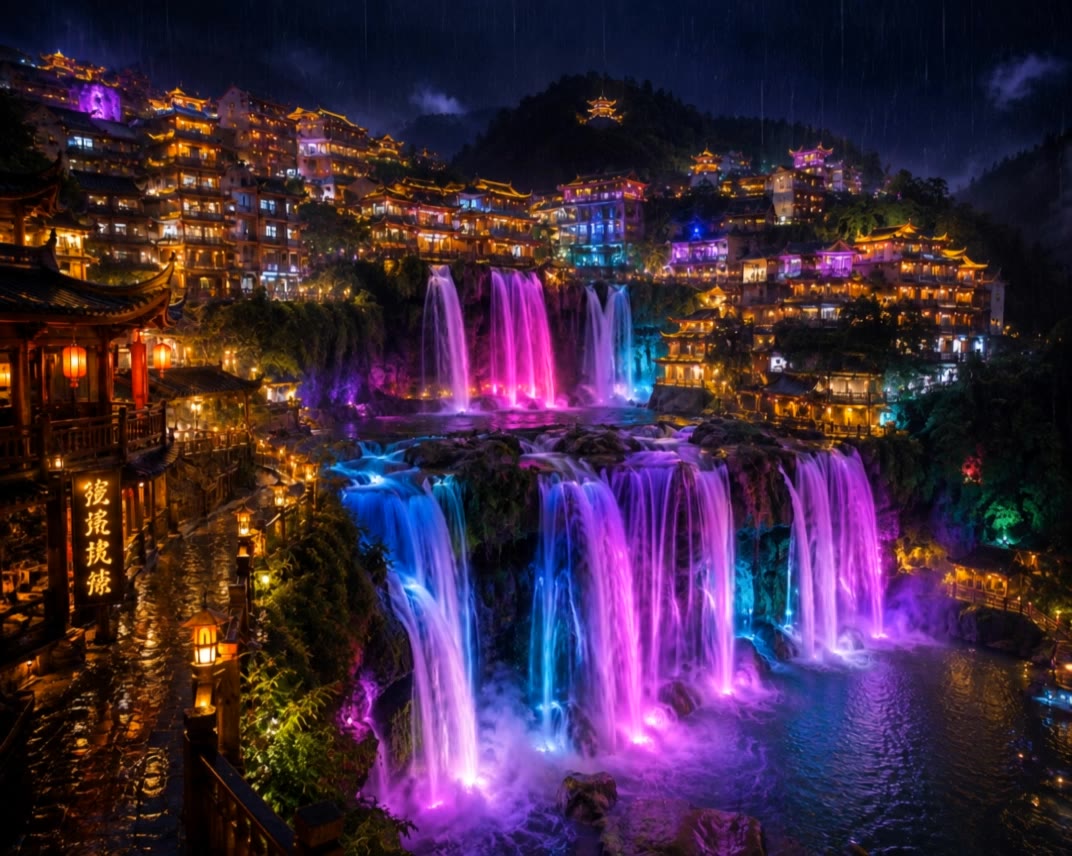
Rain In Furong,China - rain match AI video
lOViFXyd avatar
lOViFXyd
Silent Rain Match - rain match AI video
00:18
nao_aiart_047 avatar
nao_aiart_047
Match - rain match AI video
Ben_Ayberk avatar
Ben_Ayberk
Elite Creator
Heavy Rain  - rain match AI video
Joeeey13 avatar
Joeeey13
under the rain beauty - rain match AI image
Eman Daman avatar
Eman Daman
Rain Man - rain match AI video
AshR avatar
AshR
Elite Creator
The Flickering Truth in the Rain - rain match AI video
ai_AI_ai avatar
ai_AI_ai
Rain Rabbit - rain match AI video
lFELmfxg avatar
lFELmfxg

A Complete AI Video Editing Workflow

Create Videos with AI

Create Videos with AI

Start with a prompt, image, or visual reference. Animate a still, build a new scene, or recreate a popular effect with Kling’s AI video tools.

Edit Videos with AI

Edit Videos with AI

Upload existing footage and tell Kling what to change. Use Kling VIDEO 3.0 Omni to replace subjects, rebuild backgrounds, restyle footage, or reframe a shot. When you need more time, continue the clip with Video Extension without tedious frame-by-frame work.

Make Avatar or Talking Videos

Make Avatar or Talking Videos

Create presenter-led videos for ads, explainers, product demos, and social content with Kling AI Avatar tool. Use Lip Sync to add dialogue, dubbing, or narration from text or uploaded audio.

Edit Any Part with Kling AI

Add, Remove, or Replace Image Content

Add, Remove, or Replace Image Content

Tell Kling what you want to change in text prompts. Replace a person, remove an object, or fine-tune details such as color, material, pose, and expression. Even detailed edits take fewer and easier steps because you can change the photo with AI instead of with traditional photo editing tools. IMAGE 3.0 follows your instruction while keeping the photo’s original style, lighting, and texture in place, so the edited area still belongs in the same shot.

Change the Color, Lighting, or Style

Change the Color, Lighting, or Style

Give an existing photo a different mood effortlessly. Lift a dim scene, soften harsh light, warm or cool the colors, or bring color to a black-and-white photo or line drawing. A short prompt replaces the usual round of manual adjustments. Looking for a bigger shift? Add a style reference or spell out the visual direction. IMAGE 3.0 carries the palette, texture, and atmosphere across the whole image, so the new look feels cohesive rather than pasted on. Use it for studio-style professional headshots, distinctive portrait treatments, cinematic scene design, or a visual style that feels entirely your own.

Rework the Shot or Camera Angle

Rework the Shot or Camera Angle

Tell Kling how you want the shot to look in a text prompt. Turn a front-facing photo into a side view, move the camera higher or lower, or change a wide shot into a close-up. You can explore a new composition around the same subject without setting up another shoot. IMAGE 3.0 rebuilds the scene from the angle you request, adjusting the perspective, camera height, shot size, focal length, and depth of field along with it. The result is a newly generated view based on the source photo, rather than hidden details recovered from outside the original frame.

Apps

Image to Video
Image to Video

Image to Video

Text to Video
Text to Video

Text to Video

Omni
Omni

Omni

Digital Human
Digital Human

Digital Human

Restyle
Restyle

Restyle

Text to Image
Text to Image

Text to Image

60M+
60M+
Users
600M+
600M+
AI Videos Generated
4.7 ★
4.7 ★
App Store
Industry-Leading
Industry-Leading
Cinematic 4K

Reviews

KakuDrop

KakuDrop

★★★★★

I have successfully collaborated with world-renowned artists and well-known companies that are recognized globally

James Phillips

James Phillips

★★★★★

Kling AI has transformed my workflow by collapsing timelines and democratizing production. It’s shifted my mindset from resource-dependent filmmaking to a boundless creative sandbox, where experimentation yields unexpected beauty.

Samuele Poggi (@visualsk2)

Samuele Poggi (@visualsk2)

★★★★★

I use Kling AI daily to push the limits of AI filmmaking. It allows me to create highly cinematic content, blending AI and VFX to develop innovative projects. It has significantly impacted my creative process, enabling me to achieve complex animations that would otherwise require high production budgets.

FAQ

Q1Is a video enhancer the same as a video upscaler?
Q2What can I change with text prompts?
Q3How can I enhance video quality online?

Bring Your Old Photos Back to Life

Use the photo you already have as the starting point. Repair visible damage, improve faded areas, guide familiar faces with references, and create a higher-resolution version when you need it.