Creative Studio
API Platform
Resources
About Us

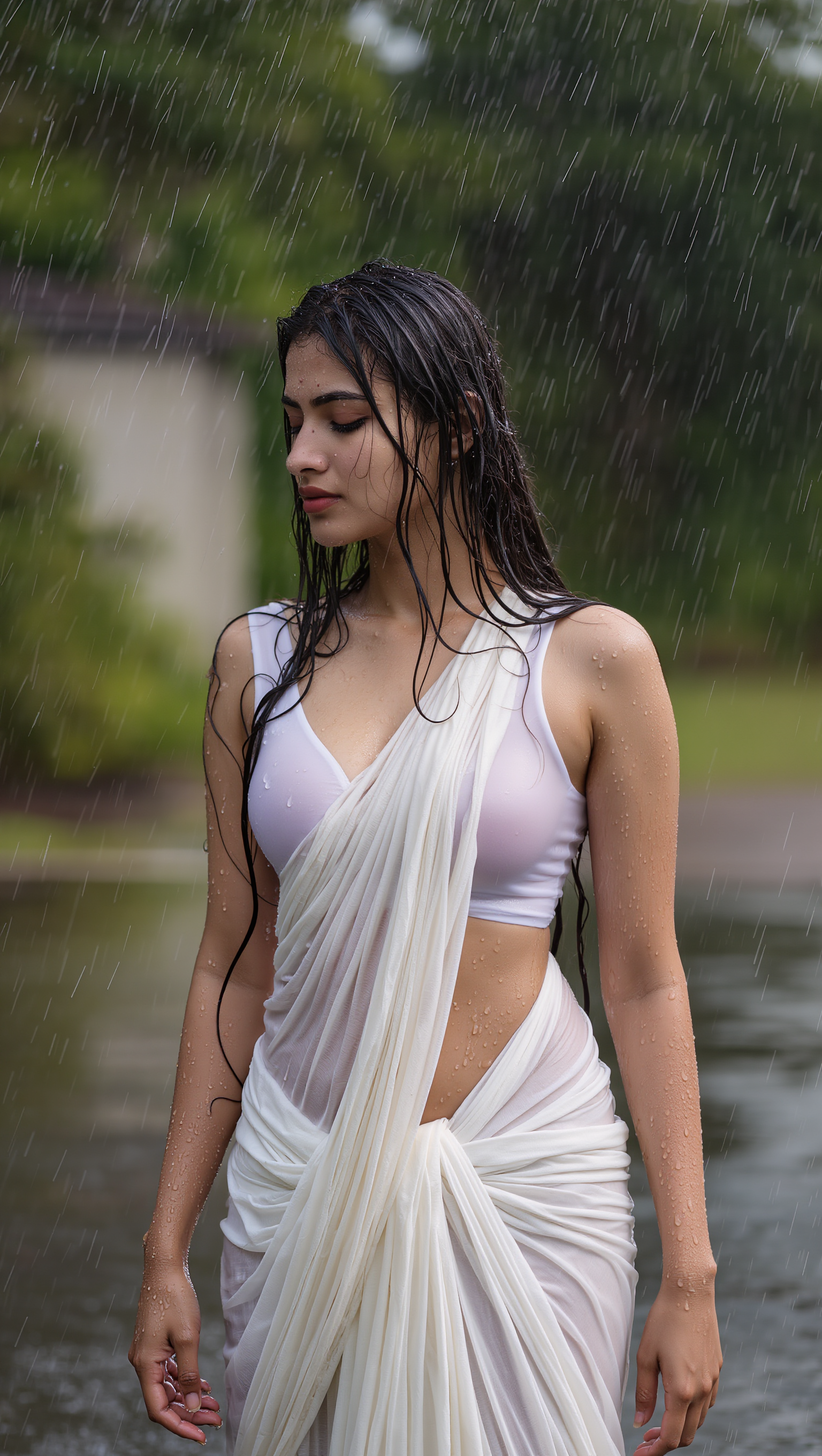
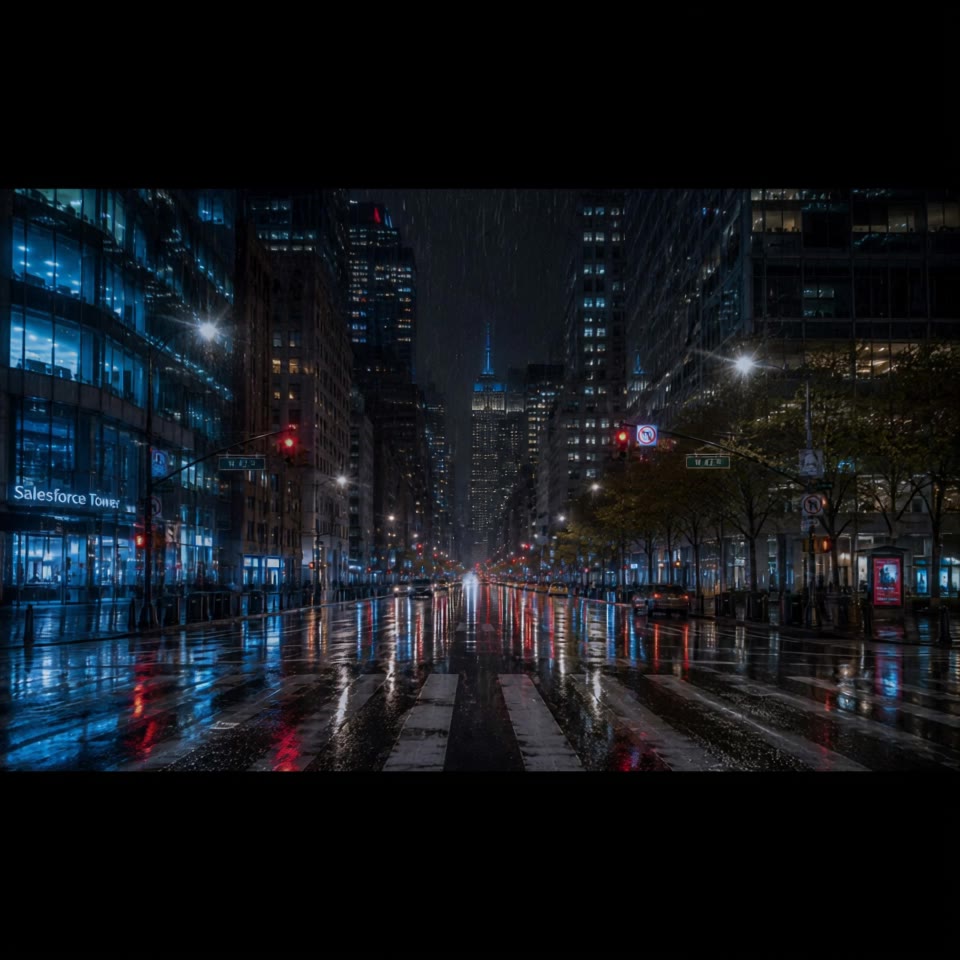
AI rain poster designs – Fast and atmospheric

Discover AI-generated rain poster designs. Get fast, atmospheric ideas to create captivating posters with ease.

AI rain poster designs – Fast and atmospheric

Recommended

work cover
video-play
pSVpPPar
work cover
Mark_5678
work cover
LSPJ
work cover
LSPJ
work cover
video-play
Alicia13
work cover
LSPJ
work cover
Predrag Petrovic
work cover
LSPJ
work cover
video-play
AiBite1
work cover
Predrag Petrovic
work cover
LSPJ
work cover
LSPJ
work cover
7A7PI
work cover
LSPJ
work cover
mUYpZuHV
work cover
evvallo_motion
work cover
video-play
pSVpPPar
work cover
Predrag Petrovic
work cover
Predrag Petrovic

How to Animate an Image

Upload Your Image

Upload Your Image

Upload any image—drag and drop a portrait, product photo, or illustration. Kling supports various formats and brings images to life while maintaining consistent, high-quality results.

Describe the Motion

Describe the Motion

Type what you want to see, like “she turns, smiles, and starts talking to the camera.” For advanced control, you can also upload a start and end frame to define the exact transition.

Generate & Export

Generate & Export

Hit generate, wait a few seconds, and download your animated video. Free image to video generation is available in 1080p, while Pro users can unlock stunning native 4K resolution.

Why Kling Sets the Standard for Video Creation

Flawless Character Consistency

Flawless Character Consistency

Unlike standard tools that distort faces when moving, Kling Video 3.0 lets you strictly lock a character’s appearance. Upload a single photo, or use a short video/multiple angles as a reference to completely eliminate the “AI morphing” effect.

Native Audio & Perfect Lip-Sync

Native Audio & Perfect Lip-Sync

Your image doesn’t just move; it speaks. Generate perfectly matched voices and realistic lip movements in multiple languages or regional accents. Even in multi-character scenes, you can precisely assign who speaks—no third-party tools required.

15s Duration & Motion Control

15s Duration & Motion Control

Go beyond simple loops with up to 15 seconds of smooth narrative. Use advanced Motion Control to direct camera pans, tilts, and zooms, or define exact transitions with start and end frame references.

Apps

Image to Video
Image to Video

Image to Video

Text to Video
Text to Video

Text to Video

Omni
Omni

Omni

Digital Human
Digital Human

Digital Human

Restyle
Restyle

Restyle

Text to Image
Text to Image

Text to Image

60M+
60M+
Users
600M+
600M+
AI Videos Generated
4.7 ★
4.7 ★
App Store
Industry-Leading
Industry-Leading
Cinematic 4K

Reviews

PJ Ace

PJ Ace

★★★★★

Kling AI has made it easy for us to generate world class visuals for Fortune 500 companies, TV shows and music for big artists. We love the easy of use of the platform and the quality of the generations. My first time using Kling AI, I got 22 million views on just one video. It's that good.

Halim Alrasihi

Halim Alrasihi

★★★★★

I use AI daily and Kling AI is a crucial part of my workflow, whether for client work or personal projects. What I love most about using Kling AI is that it provides all the tools I need in one place, from keyframes to character references, elements and special effects.

Maria Rubtsova

Maria Rubtsova

★★★★★

I’m Maria Rubtsova, an AIGC digital artist passionate about creating stunning visuals in the worlds of fashion, aesthetics, and fantasy. I use KlingAi to bring imagination to life through video. My work is all about exploring beauty, emotion, and the limitless possibilities of digital art.

FAQ

Q1How long can videos be in Video 3.0?
Q2Is it suitable for product demo videos?
Q3What is Kling Video 3.0?

Start Creating AI Videos with Kling

Turn your text or images into a stunning, high-quality video in seconds. No watermarks, No complicated setup.

Free tier includes watermark (Memberships are watermark-free) | 1080p export (Pro unlocks 4K) | Instant results