Creative Studio
API
Resources
Features
About Us
Download

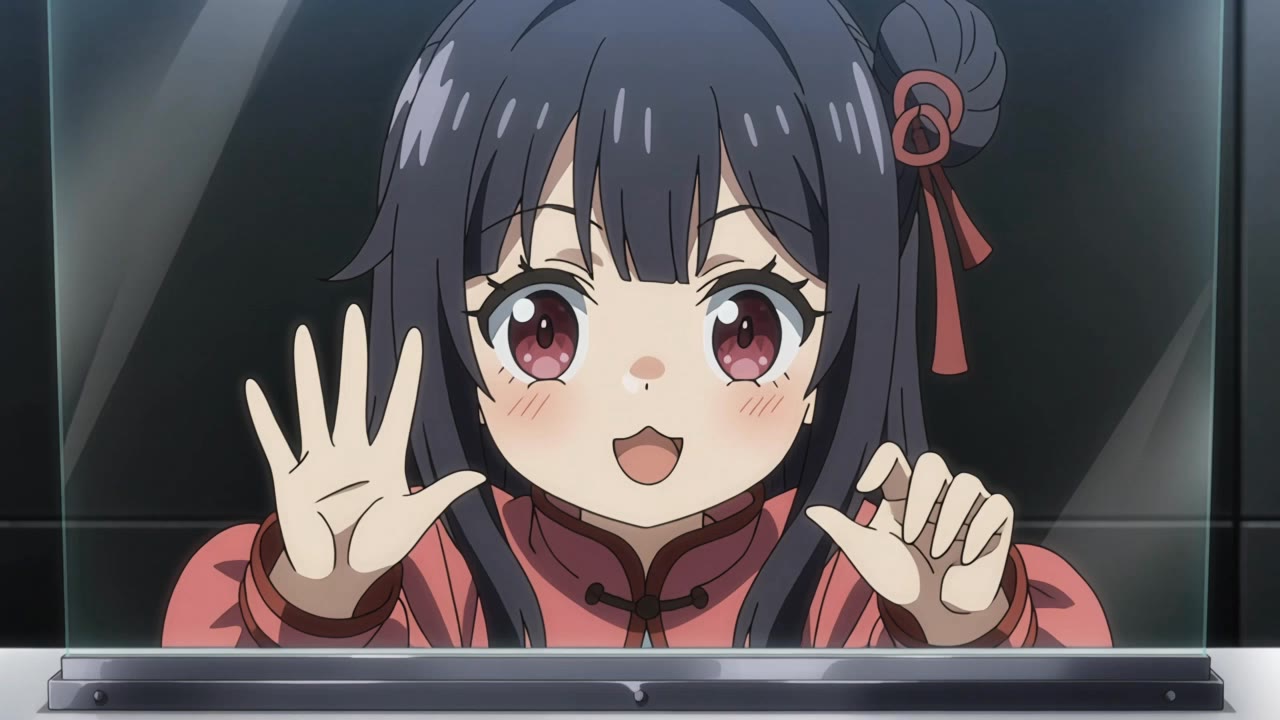
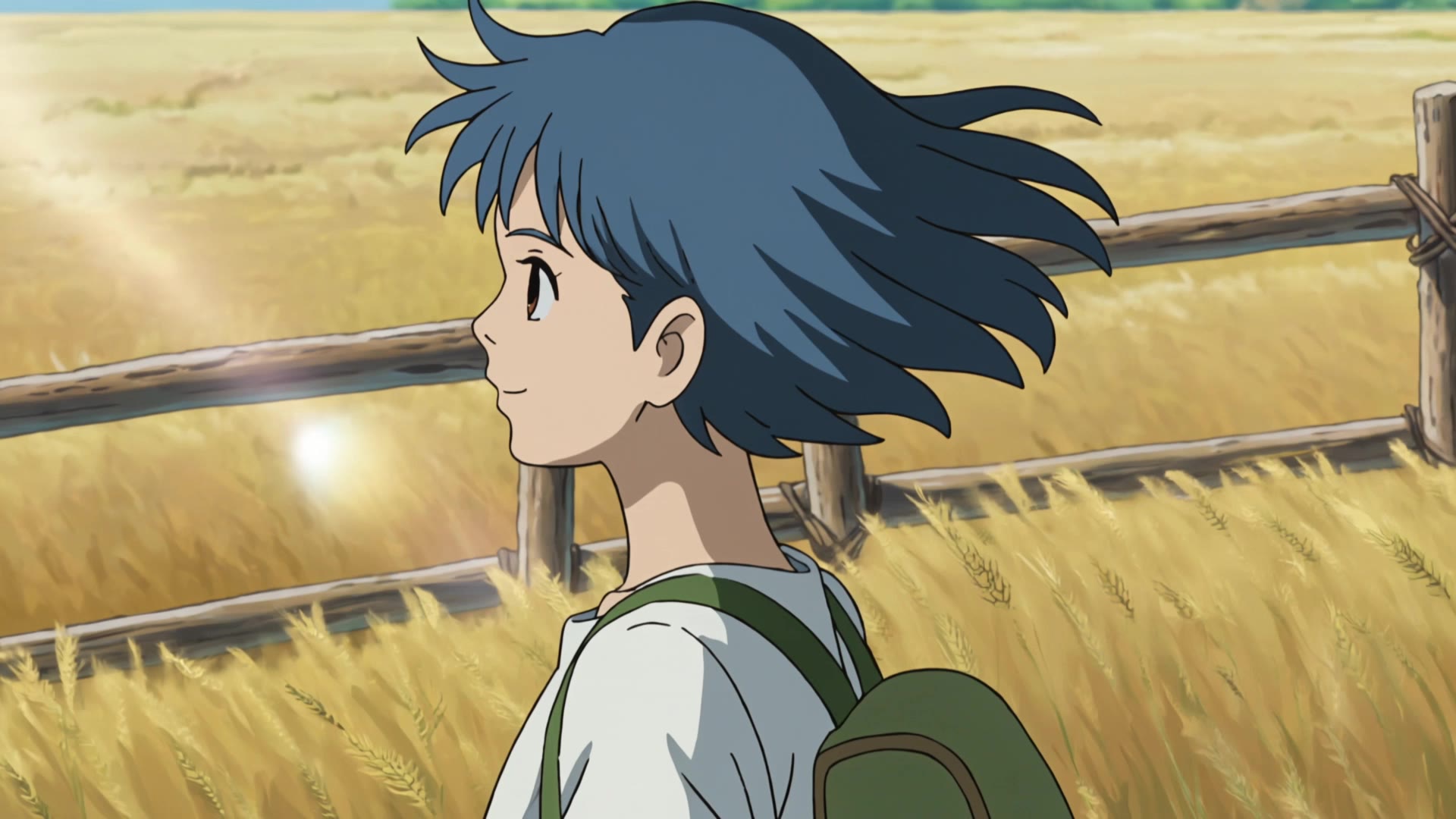
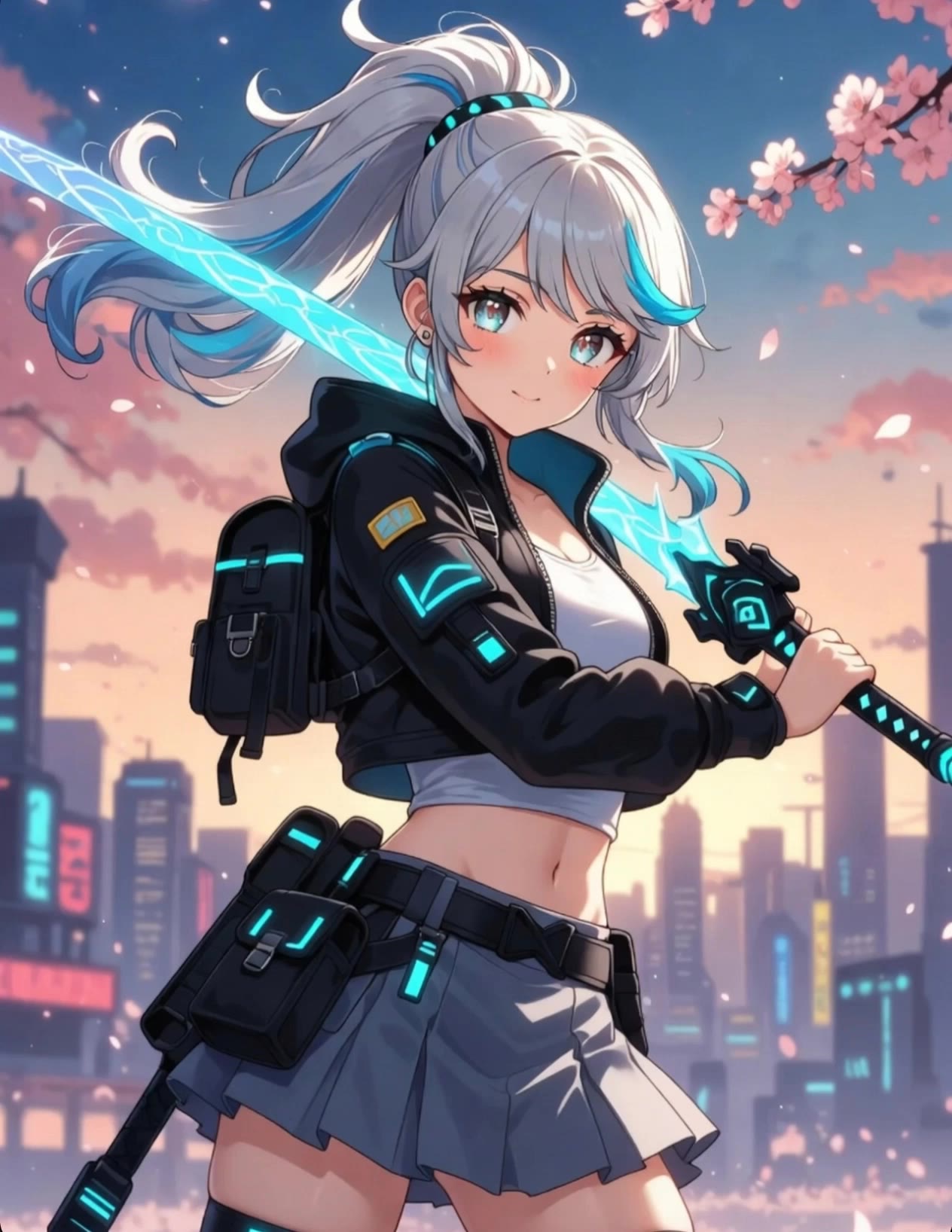
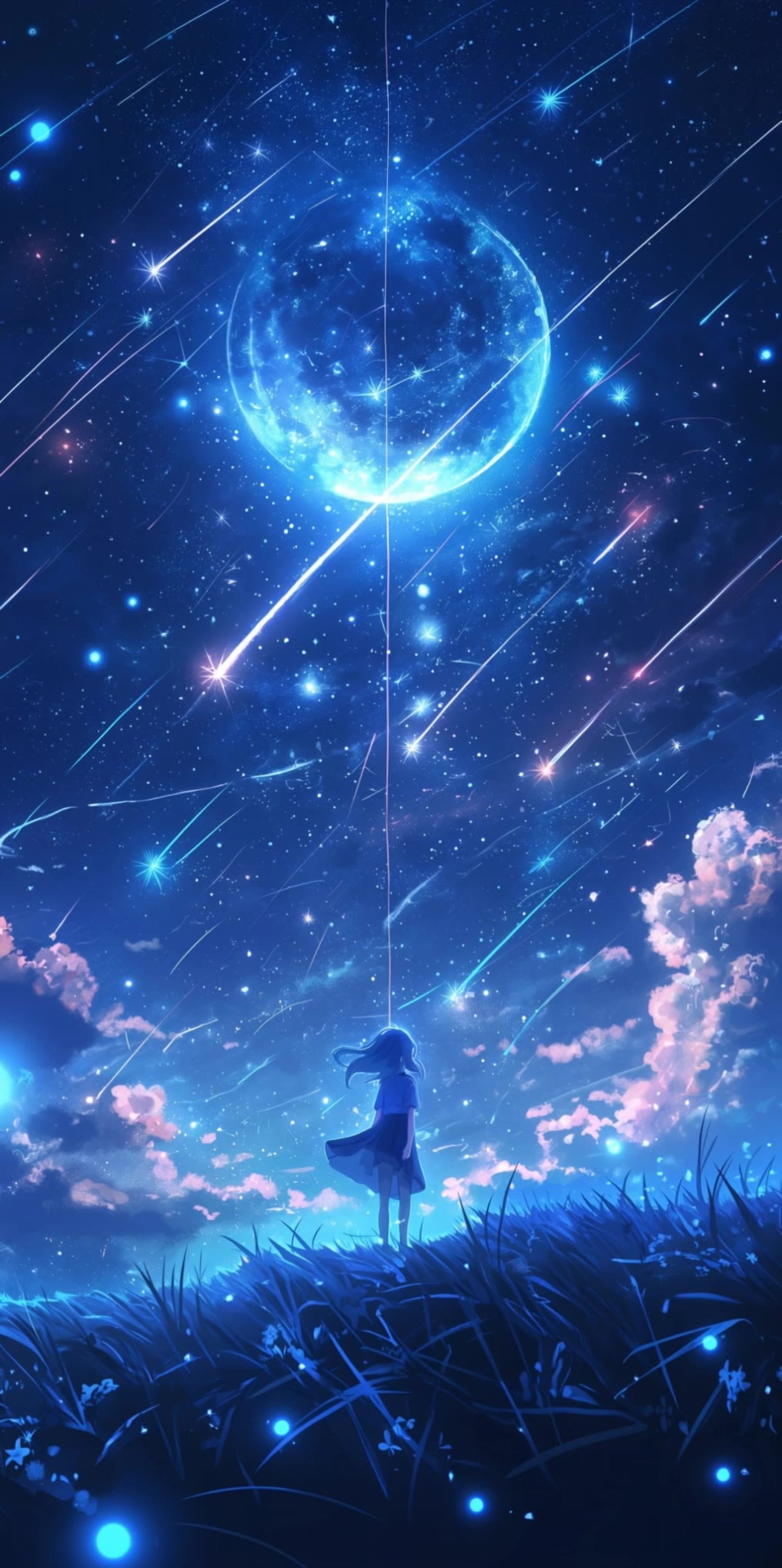
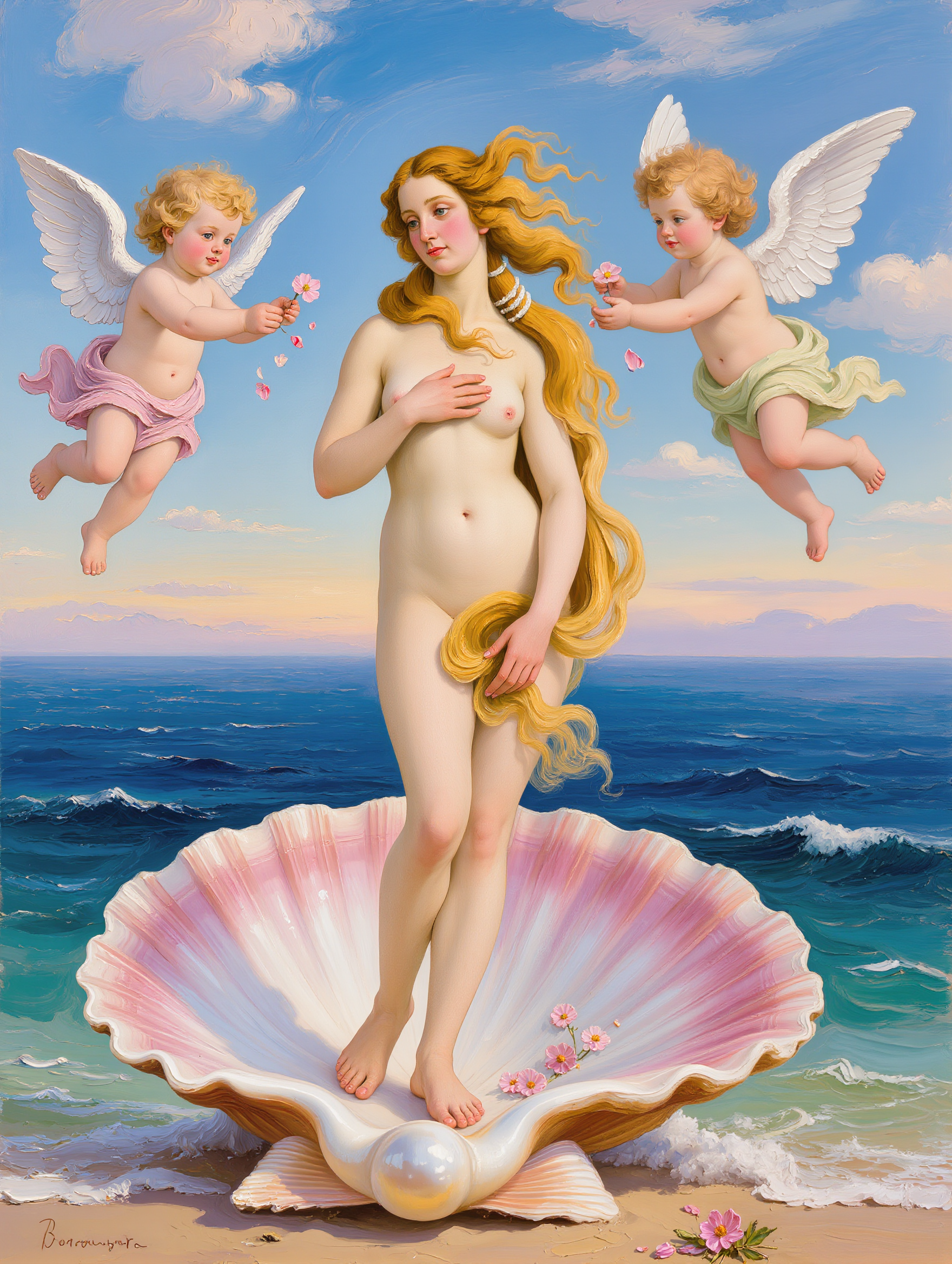
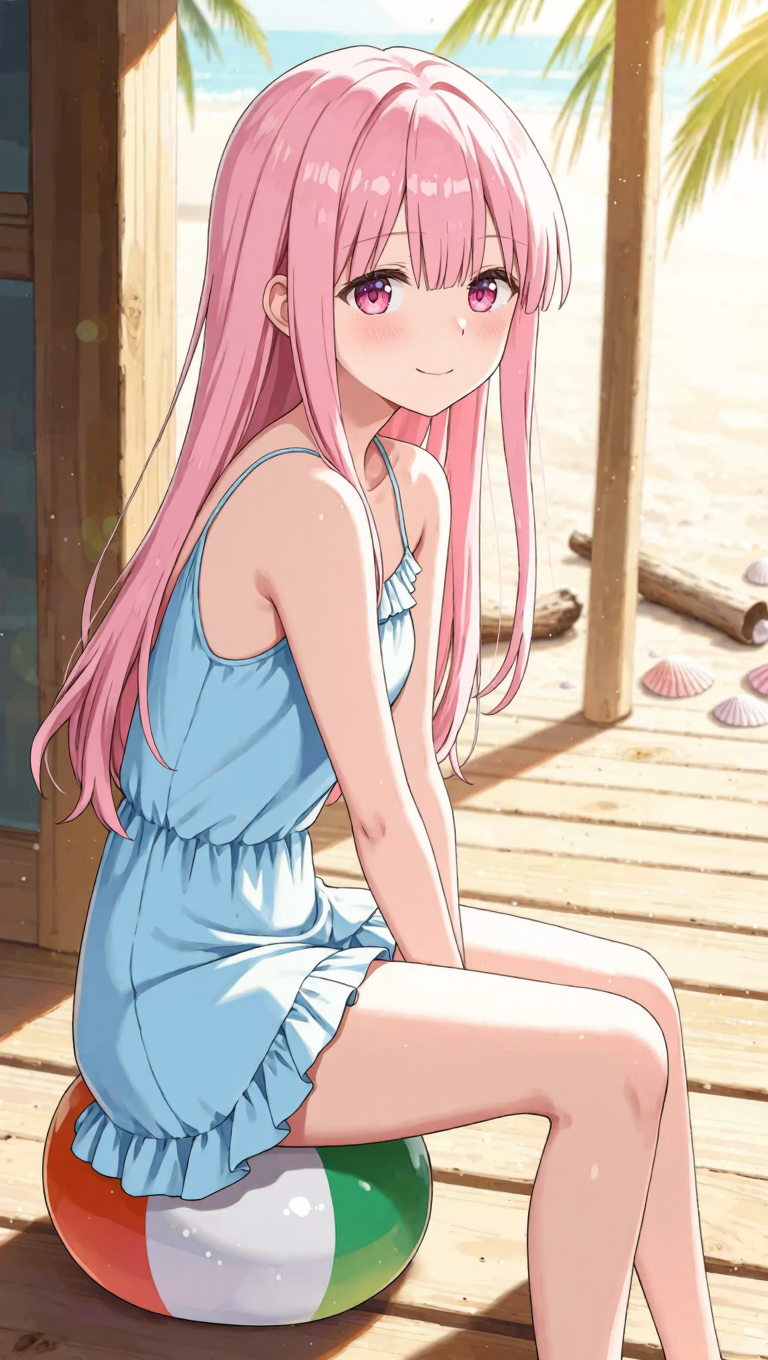
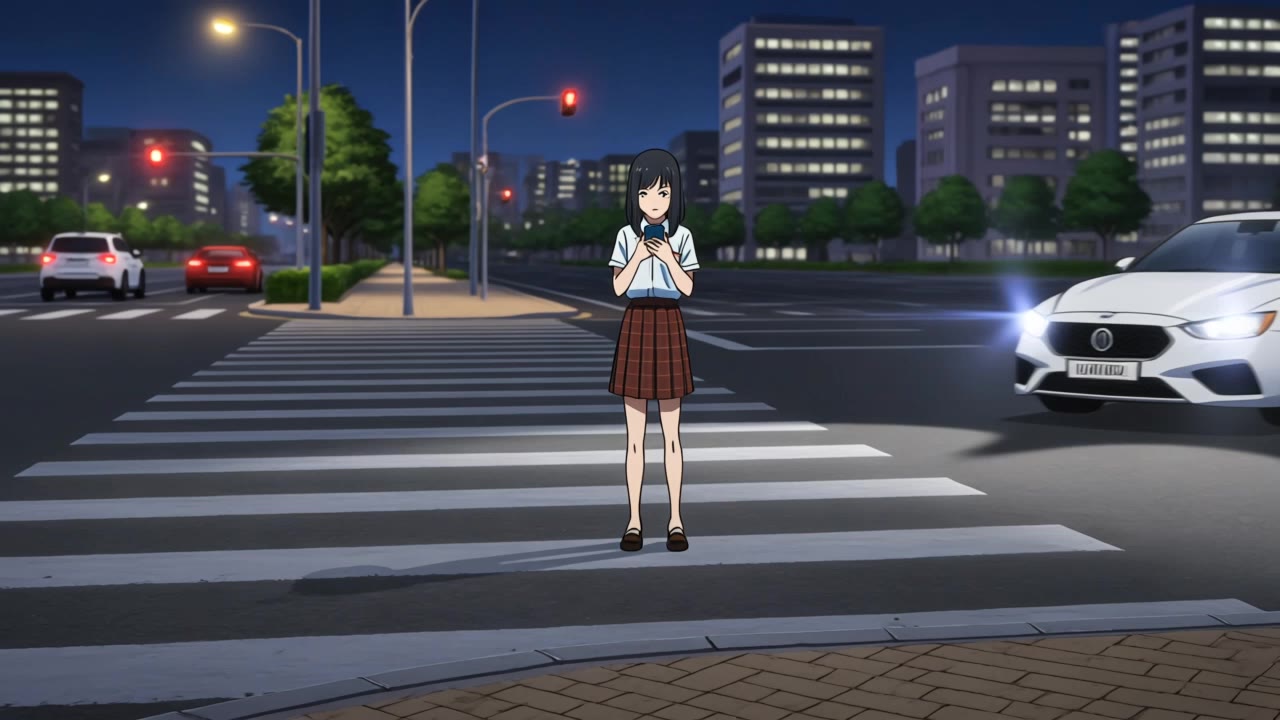
random anime girl generator - KawaiiChaos & GothicAnime

Immerse in vibrant kawaii chaos with unique, hand-drawn anime girl designs and explore diverse styles from doodle animations to painted aesthetics. Start exploring random anime girl generator ideas and generate your own content with AI.

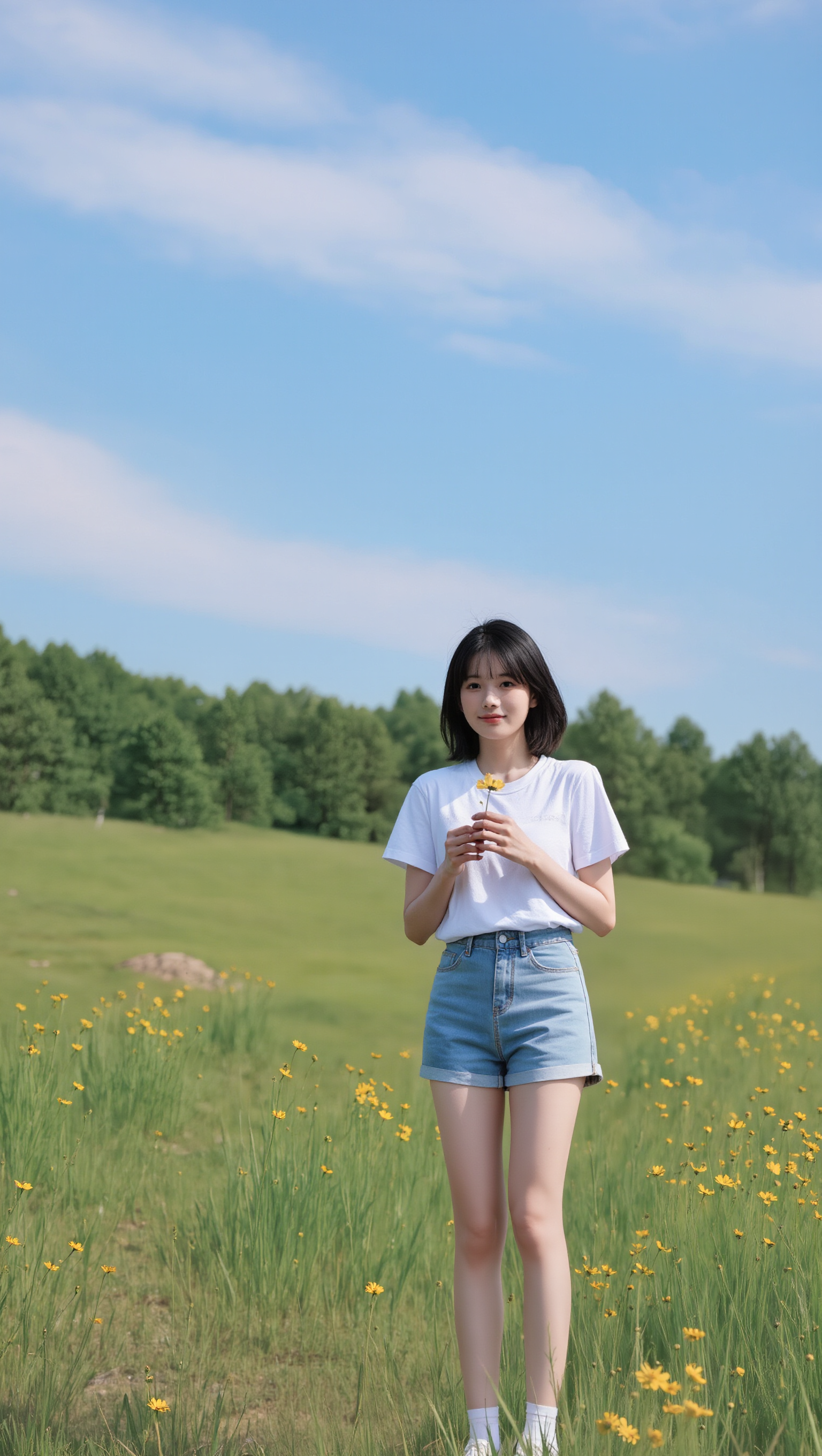
random anime girl generator - KawaiiChaos & GothicAnime

Recommended

Kling AI work 308864038618626 - random anime girl generator AI image
rMYQemKu avatar
rMYQemKu
यसरी बनाउने हो 👇
1. पहिले anime - random anime girl generator AI image
Jiban lama avatar
Jiban lama
anime test
 - random anime girl generator AI video
YqniNlAI avatar
YqniNlAI
The tall girl - random anime girl generator AI image
RXIvaZGE avatar
RXIvaZGE
Kling AI work 308864222616501 - random anime girl generator AI video
rMYQemKu avatar
rMYQemKu
Anime  - random anime girl generator AI image
DreamForgeAI avatar
DreamForgeAI
Kling AI work 318775871525062 - random anime girl generator AI image
hqrCNKbh avatar
hqrCNKbh
Anime  - random anime girl generator AI image
DreamForgeAI avatar
DreamForgeAI
Kling AI work 317188254618254 - random anime girl generator AI video
kuIYWEDx avatar
kuIYWEDx
random robot and random girl - random anime girl generator AI video
00:07
themonkey avatar
themonkey
Kling AI work 315283308668427 - random anime girl generator AI image
BaKsQxEu avatar
BaKsQxEu
Anime Girl - random anime girl generator AI video
00:05
KeKs avatar
KeKs
Taste it! - random anime girl generator AI video
Mike Log avatar
Mike Log
Kling AI work 312225357504537 - random anime girl generator AI image
レクニカル avatar
レクニカル
Random - random anime girl generator AI image
Ron119 avatar
Ron119
Kling AI work 311044924503293 - random anime girl generator AI image
zZLdUqhI avatar
zZLdUqhI
Chill japan anime night - random anime girl generator AI video
Epic Live Wallpaper  avatar
Epic Live Wallpaper
girl who used to be a patient  - random anime girl generator AI image
KLING6485 avatar
KLING6485
Anime Figure - random anime girl generator AI video
Anime Figure
venus avatar
venus

How to Animate an Image

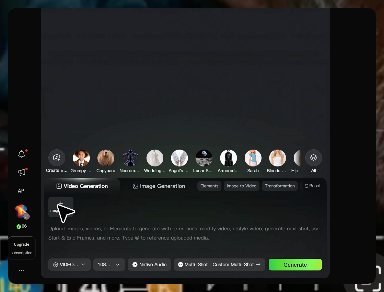
Upload Your Image

Upload Your Image

Upload any image—drag and drop a portrait, product photo, or illustration. Kling supports various formats and brings images to life while maintaining consistent, high-quality results.

Describe the Motion

Describe the Motion

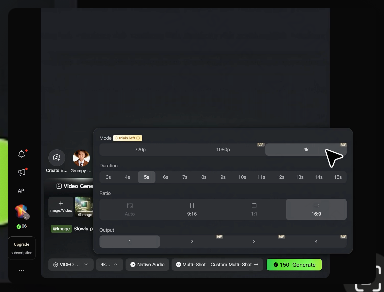
Type what you want to see, like “she turns, smiles, and starts talking to the camera.” For advanced control, you can also upload a start and end frame to define the exact transition.

Generate & Export

Generate & Export

Hit generate, wait a few seconds, and download your animated video. Free image to video generation is available in 1080p, while Pro users can unlock stunning native 4K resolution.

Edit the Parts That Matter

Change Subjects, Backgrounds, and Style

Change Subjects, Backgrounds, and Style

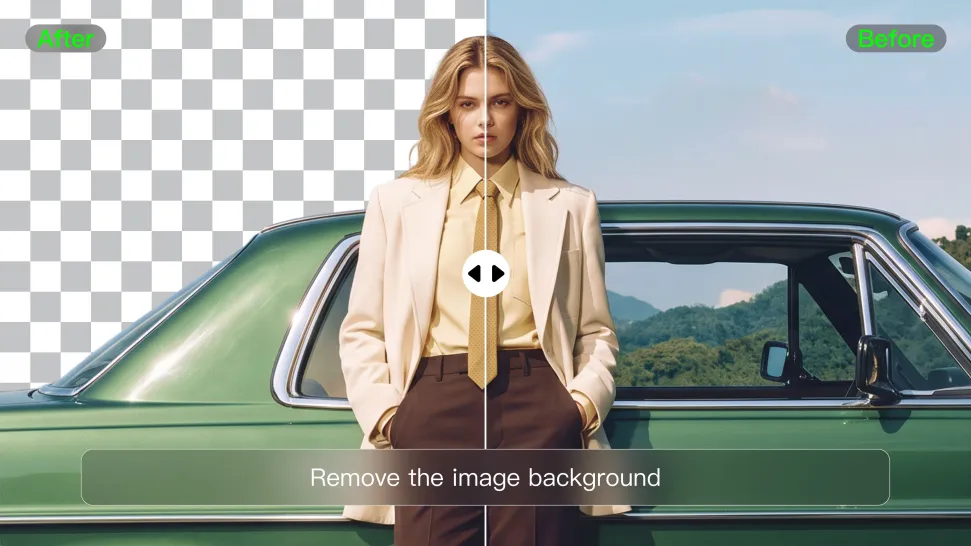
Keep what works and change what does not. Replace a character or product, update an outfit, remove a distraction, or move the action into a different setting. You can also change the weather, lighting, time of day, or overall look. With Kling VIDEO 3.0 Omni, you can start with a prompt and add a reference image when a face, product, or branded detail needs a closer match.

Reframe the Shot

Reframe the Shot

Keep the original action, then change how the moment is framed. Move in for a close-up, open to a wider view, shift the angle, or rebalance the composition around the subject. The source footage keeps the motion and scene context in place while your prompt sets the new framing.

Extend the Video

Extend the Video

Continue a clip beyond its current ending without building the next scene from scratch. Kling carries the subject, motion, and setting into the new footage; add a prompt when you want to steer what happens next. Use Video Extension when a clip ends too soon, an action needs more time, or the next beat is still missing.

Apps

Image to Video
Image to Video

Image to Video

Text to Video
Text to Video

Text to Video

Omni
Omni

Omni

Digital Human
Digital Human

Digital Human

Restyle
Restyle

Restyle

Text to Image
Text to Image

Text to Image

60M+
60M+
Users
600M+
600M+
AI Videos Generated
4.7 ★
4.7 ★
App Store
Industry-Leading
Industry-Leading
Cinematic 4K

Reviews

Ozan Sihay

Ozan Sihay

★★★★★

Kling AI allows me to rapidly prototype ideas, refine storytelling elements, and produce visually compelling content efficiently. It has not only accelerated my creative processes, but also deepened my understanding of how AI can enrich visual storytelling.

Jyo John Mulloor

Jyo John Mulloor

★★★★★

Kling AI has been instrumental in transforming my creative workflow, unlocking new dimensions of artistic expression that were once unimaginable. I use Kling AI extensively to develop high-concept visuals, animate surreal dreamscapes, and create AI-assisted films that blur the line between reality and fantasy. Kling AI’s deep learning capabilities have not only enhanced my creative efficiency but also inspired me to explore storytelling in ways I never thought possible.

Samuele Poggi (@visualsk2)

Samuele Poggi (@visualsk2)

★★★★★

I use Kling AI daily to push the limits of AI filmmaking. It allows me to create highly cinematic content, blending AI and VFX to develop innovative projects. It has significantly impacted my creative process, enabling me to achieve complex animations that would otherwise require high production budgets.

FAQ

Q1Can I generate AI videos from text prompts?
Q2What is the best AI video generator?
Q3How do I generate an AI video?

Start Creating AI Videos with Kling

Turn your text or images into a stunning, high-quality video in seconds. No watermarks, No complicated setup.

Free tier includes watermark (Memberships are watermark-free) | 1080p export (Pro unlocks 4K) | Instant results