Creative Studio
API
Resources
Features
About Us
Download

random rapper generator - KawaiiChaos & StudioVibes

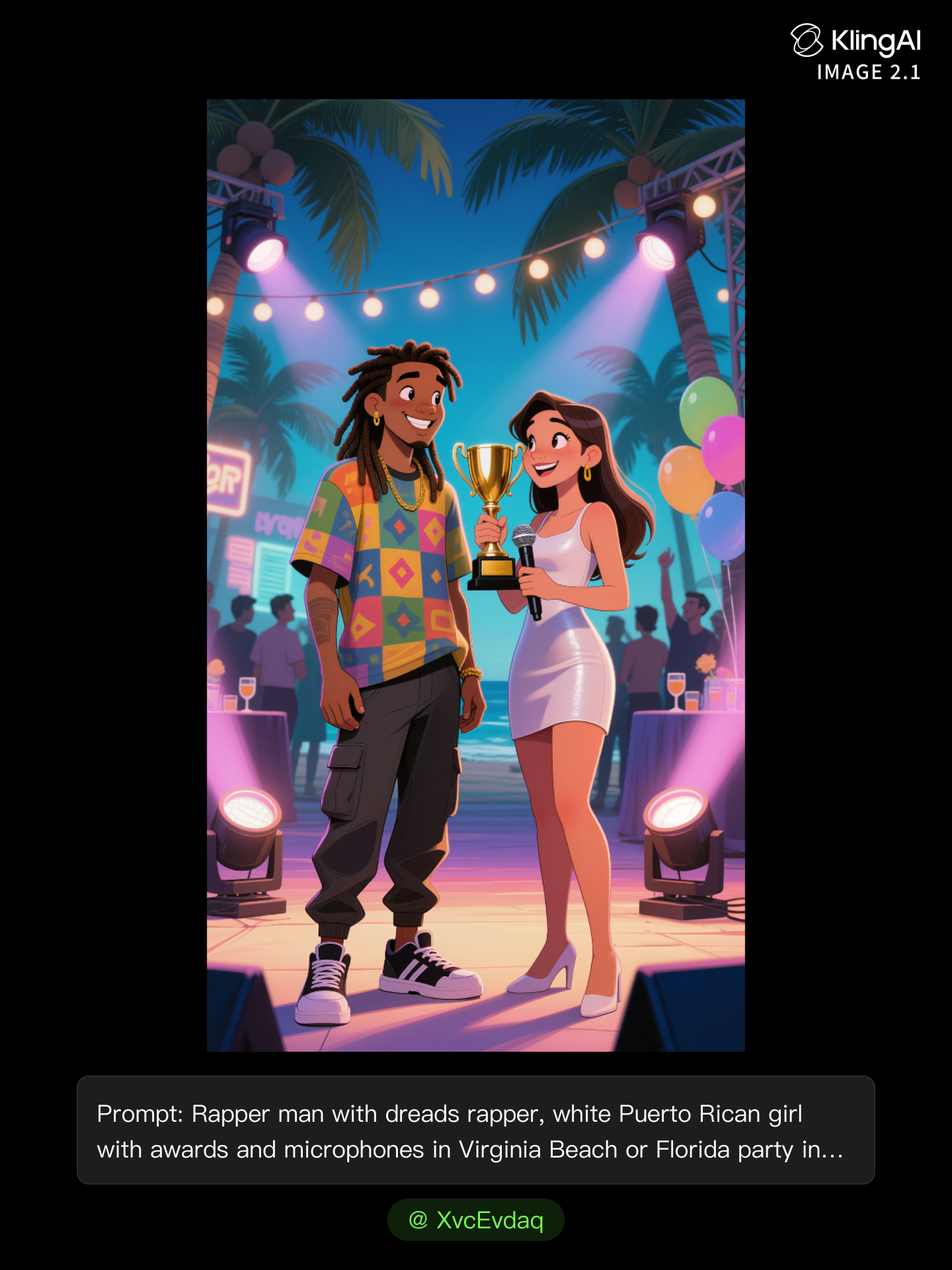
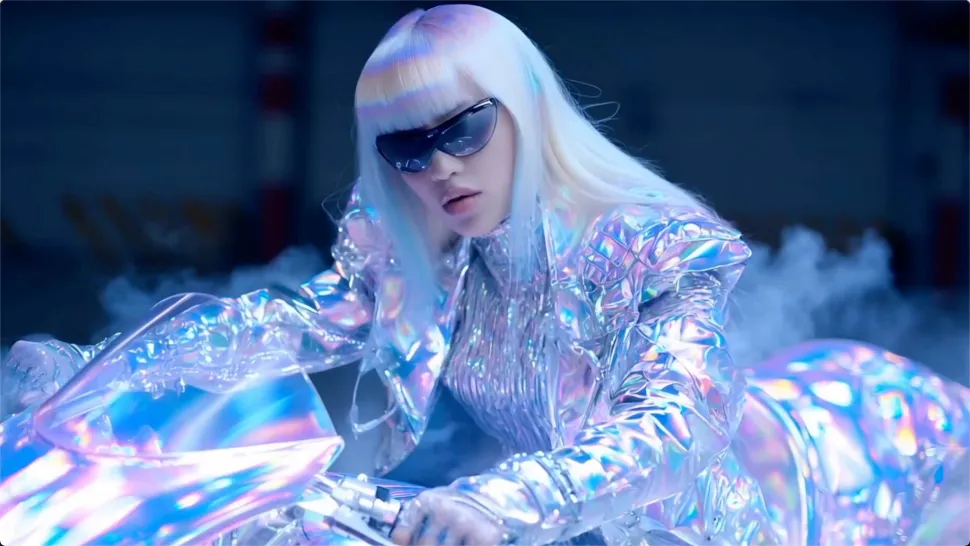
Immerse in the vibrant chaos of kawaii doodles and the high-energy vibes of a modern recording studio with moody lighting. Unleash your creativity with unique rapper personas and styles. Start exploring random rapper generator ideas and generate your own content with AI.

random rapper generator - KawaiiChaos & StudioVibes

Recommended

Kling AI work 308685525617995 - random rapper generator AI image
Pace avatar
Pace
Kling AI work 320878759665056 - random rapper generator AI image
nfHZzdjA avatar
nfHZzdjA
Kling AI work 317120965613320 - random rapper generator AI video
BPovRVJE avatar
BPovRVJE
live at a concert  - random rapper generator AI image
cPPdbaOy avatar
cPPdbaOy
Kling AI work 308685525663986 - random rapper generator AI image
Pace avatar
Pace
Rapper boy - random rapper generator AI video
KLING5969 avatar
KLING5969
dammmm - random rapper generator AI video
cvSJdwaP avatar
cvSJdwaP
Kling AI work 300735959503455 - random rapper generator AI image
XvcEvdaq avatar
XvcEvdaq
Kling AI work 306990214614302 - random rapper generator AI video
Lealacezfilm avatar
Lealacezfilm
rapper - random rapper generator AI video
POPONE avatar
POPONE
Elite Creator
Kling AI work 309073593616374 - random rapper generator AI image
yLIXScPO avatar
yLIXScPO
Kling AI work 296989979612421 - random rapper generator AI image
@Bros AI Studio avatar
@Bros AI Studio
Elite Creator
rapper - random rapper generator AI video
POPONE avatar
POPONE
Elite Creator
Random - random rapper generator AI image
Ron119 avatar
Ron119
Rapper boy - random rapper generator AI video
KLING5969 avatar
KLING5969
2Pac Hologram - random rapper generator AI video
TPCQ avatar
TPCQ
Elite Creator
Kling AI work 316262511660757 - random rapper generator AI image
hEYAhNet avatar
hEYAhNet
Rapper boy - random rapper generator AI video
KLING5969 avatar
KLING5969
Kling AI work 297021838618305 - random rapper generator AI video
VRcreativ avatar
VRcreativ
Elite Creator

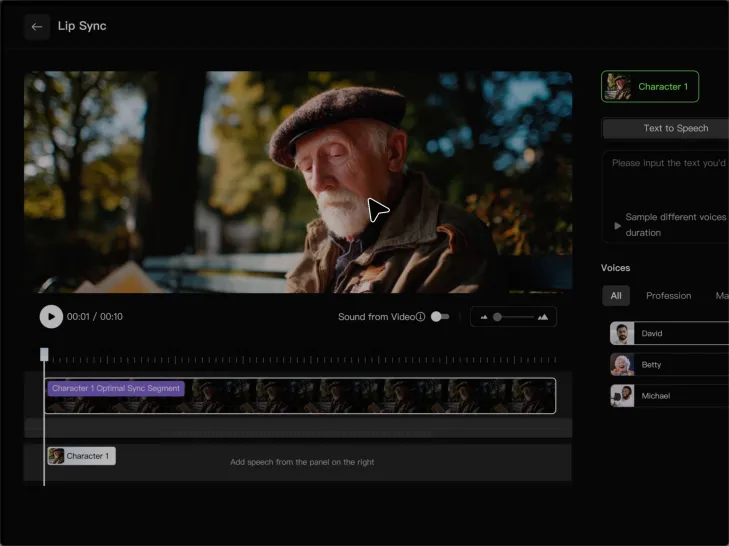
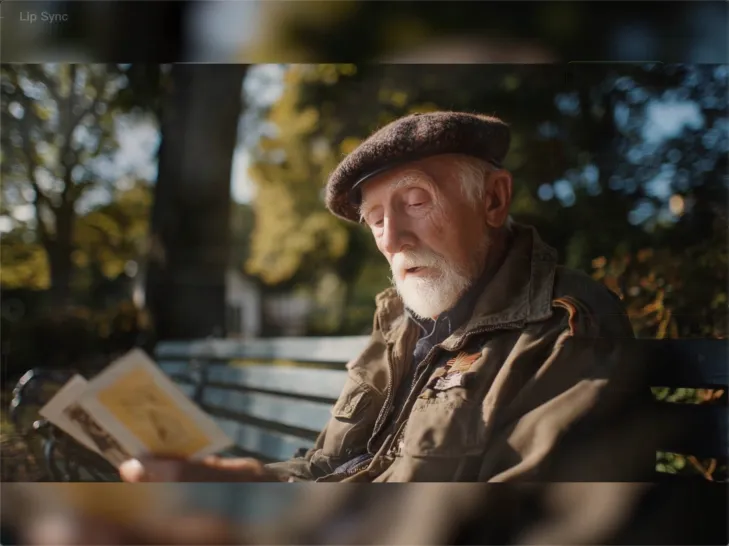
How to Lip Sync a Video in Kling AI

Choose a Clear Character Video

Choose a Clear Character Video

Choose a supported Kling AI clip with a full, clearly visible face. Lip Sync works with realistic, 3D, and 2D human characters.

Add Audio or Enter a Script

Add Audio or Enter a Script

Upload a voiceover or singing track, or use Text to Speech to generate a voice. Trim the audio if it runs longer than the video.

Generate and Review

Generate and Review

Generate the lip sync and preview the result. If the timing feels off, trim the audio or adjust the Text to Speech speed.

Make Avatars Perform, Not Just Speak

More Choice, Without Losing Consistency

More Choice, Without Losing Consistency

Start with a preset avatar, select a character from your Kling AI Assets, upload an image of your own, or create someone new with AI Image. Use a polished presenter for a product demo, a creator-style host for an ad, or a more stylized character when the idea calls for it. For recurring content, save the character with the voice and performance settings you use most. The same on-screen identity is ready for the next script, without putting the setup together again.
Give Each Script the Right Delivery

Give Each Script the Right Delivery

Use a finished voiceover when the delivery is already in place, or start with written copy and choose a text-to-speech voice. Adjust the pace and emotional tone so a product pitch feels confident, a lesson stays clear, and social content can take on more energy. You can write your own performance direction or use one of Kling AI’s suggestions for the selected character. The same avatar can also deliver content in English, Chinese, Japanese, or Korean while keeping a familiar appearance on screen.
Let Movement Carry the Message

Let Movement Carry the Message

Natural lip sync is only part of the performance. An avatar can point to a product, handle an object, gesture through an explanation, react to the words, or move with the rhythm of a song. Avatar 2.0 improves hand stability and overall action quality, so the movement supports the scene instead of drawing attention away from it. Voice, expression, and body language come together as one performance—not a still image with audio layered over it.

Apps

Image to Video
Image to Video

Image to Video

Text to Video
Text to Video

Text to Video

Omni
Omni

Omni

Digital Human
Digital Human

Digital Human

Restyle
Restyle

Restyle

Text to Image
Text to Image

Text to Image

60M+
60M+
Users
600M+
600M+
AI Videos Generated
4.7 ★
4.7 ★
App Store
Industry-Leading
Industry-Leading
Cinematic 4K

Reviews

Vincent Smadja

Vincent Smadja

★★★★★

Kling AI seamlessly integrates into my creative workflow, playing a key role in transforming my images. After generating and upscaling an image, Kling becomes a crucial element, bringing my creations to life with movement and depth.

James Phillips

James Phillips

★★★★★

Kling AI has transformed my workflow by collapsing timelines and democratizing production. It’s shifted my mindset from resource-dependent filmmaking to a boundless creative sandbox, where experimentation yields unexpected beauty.

Huang Lu (Elson)

Huang Lu (Elson)

★★★★★

I’ve been using Kling AI since its initial release, and it’s remained one of the leading AI media generators ever since. With Kling AI, I’ve created hundreds of videos, collectively amassing millions of views.

FAQ

Q1Can I use an image to change a video background?
Q2Can I remove a video background without a green screen?
Q3Can Kling AI make a video background transparent?

Give Photos and Videos a Whole New Face

Upload your photo or video, add the face you want to swap in, and let Kling AI recreate the scene while keeping the look, motion, and surroundings feeling natural.

Effortless Face Swaps | Facial Detail Control | Natural Blending