
Creative Studio
API
Resources
Features
About Us
Download

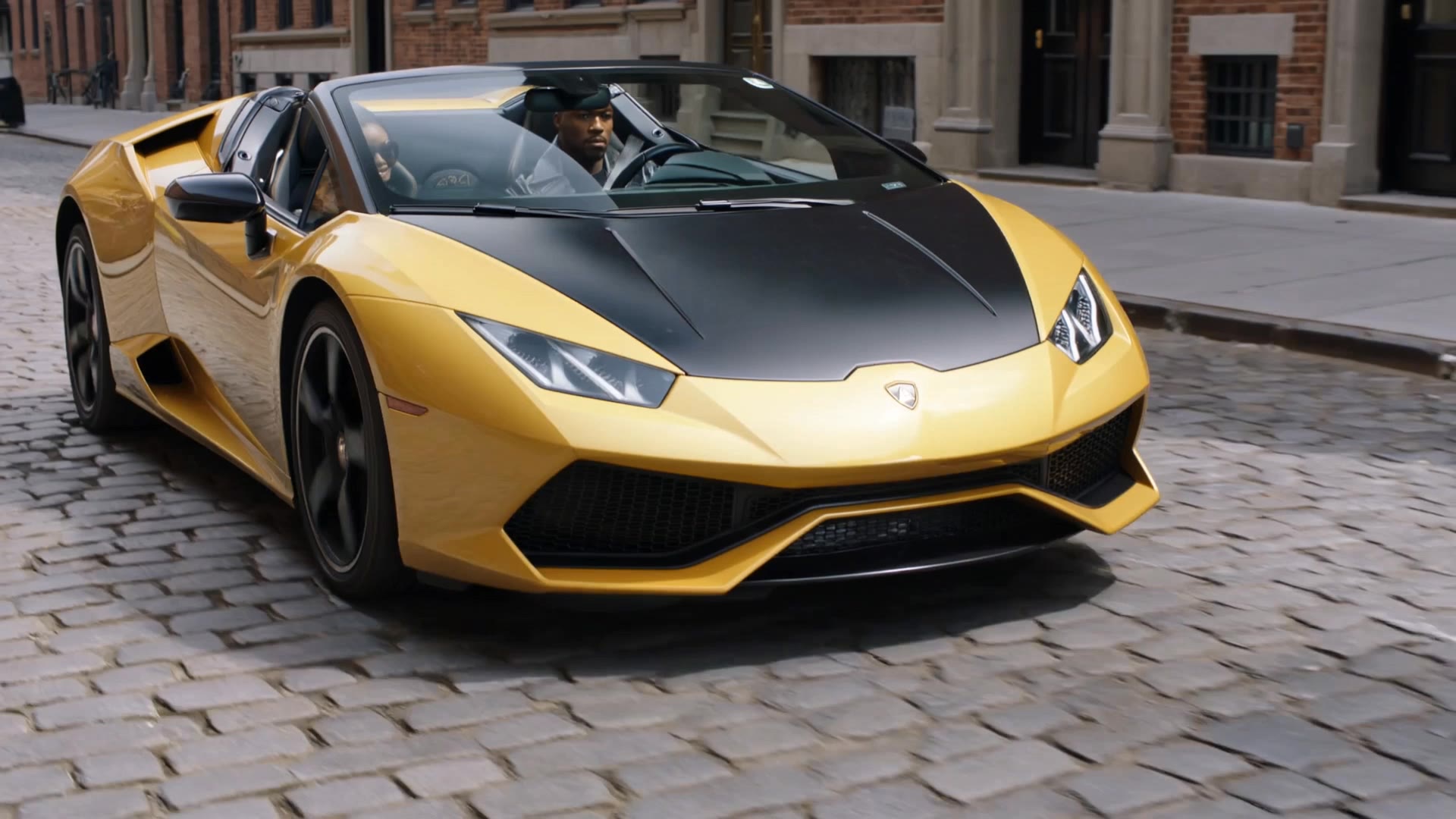
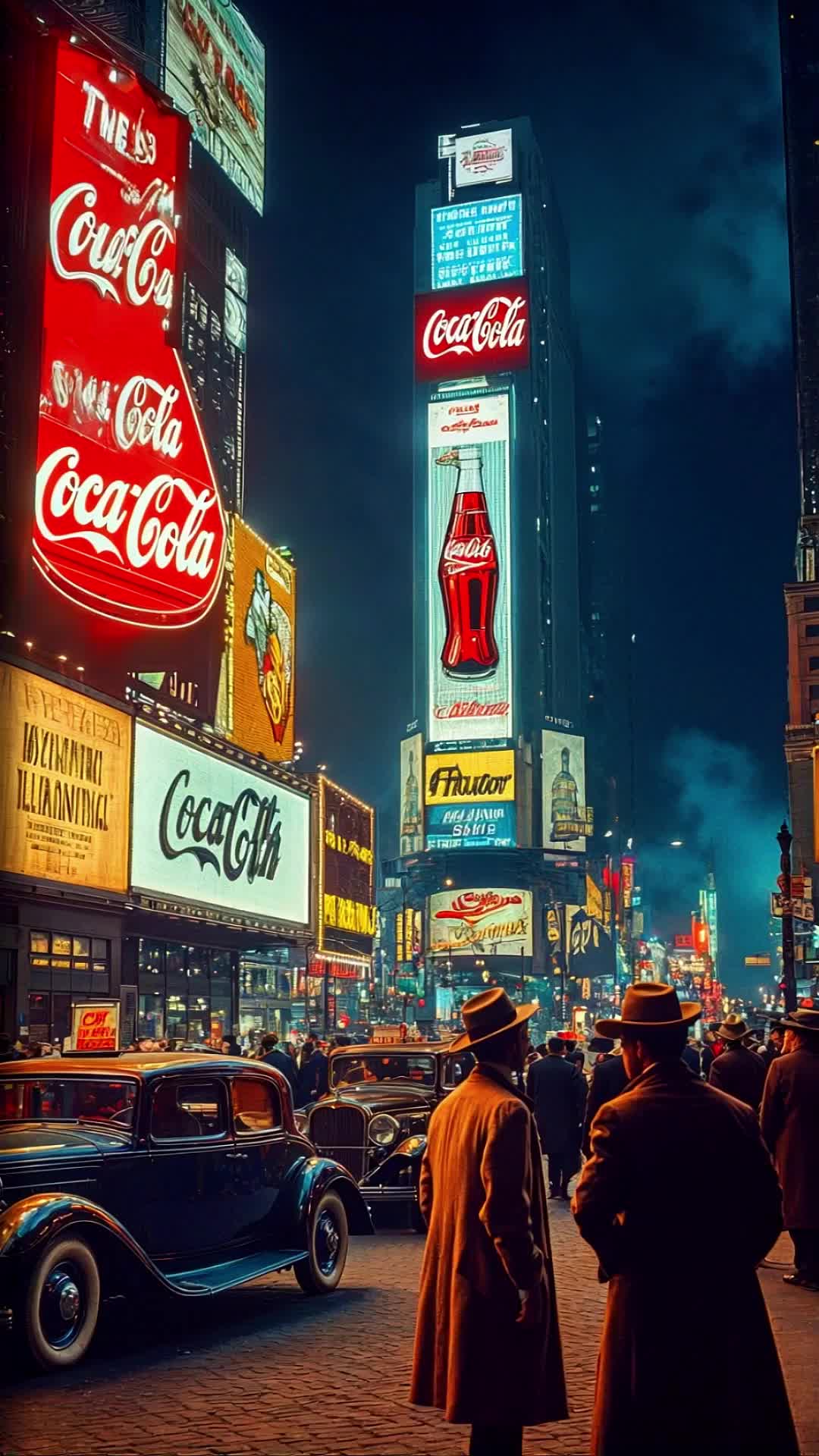
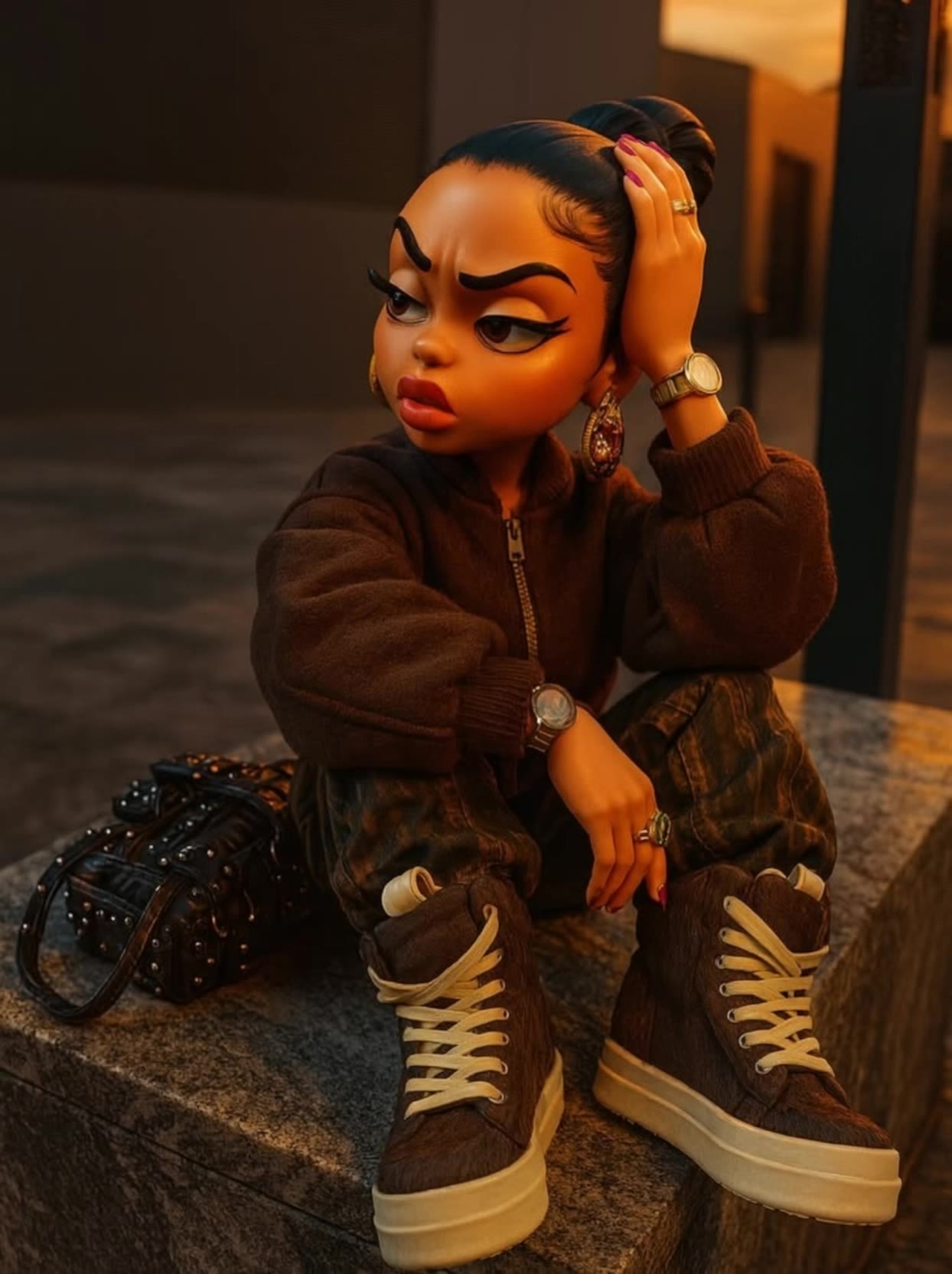
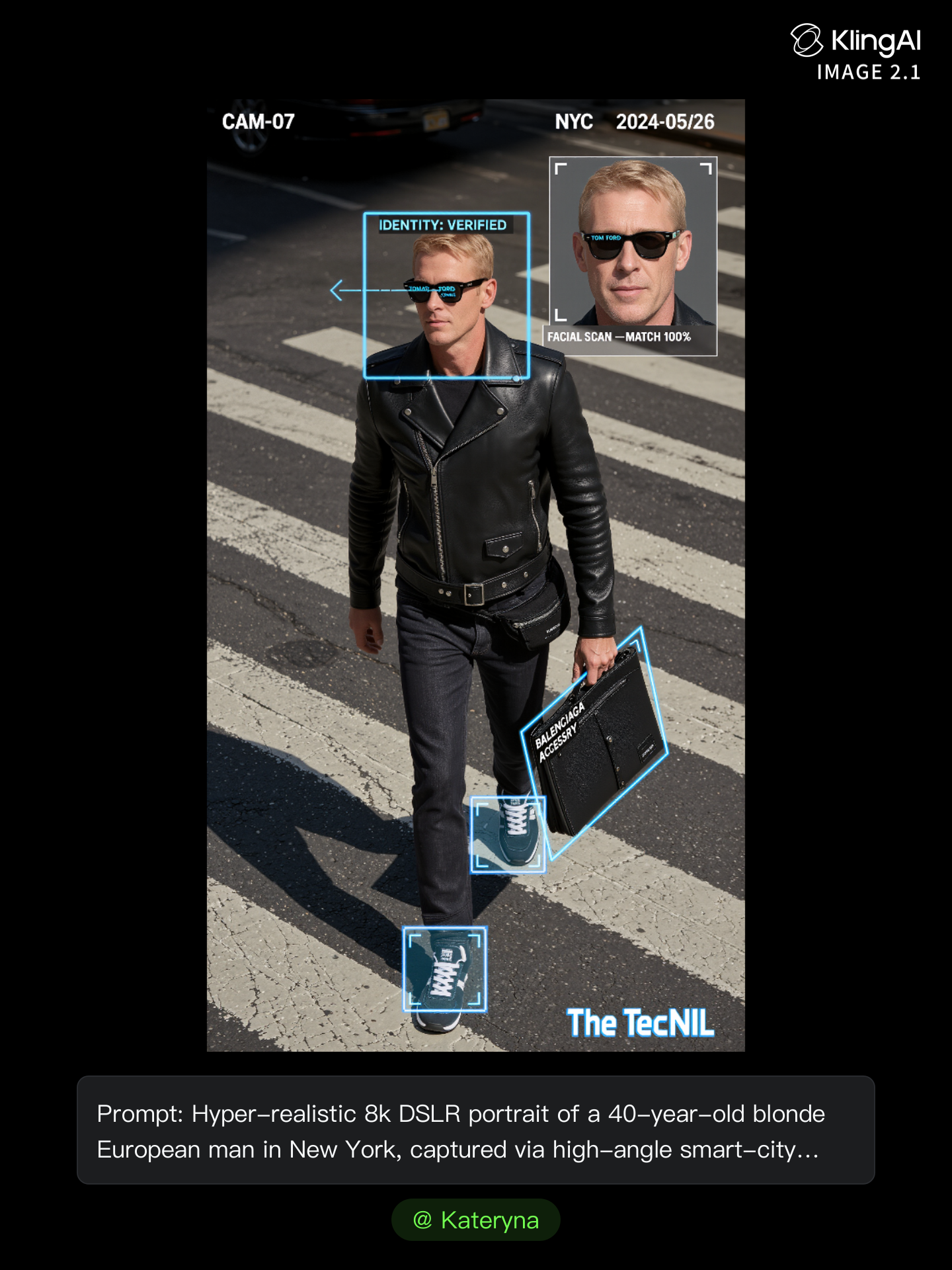
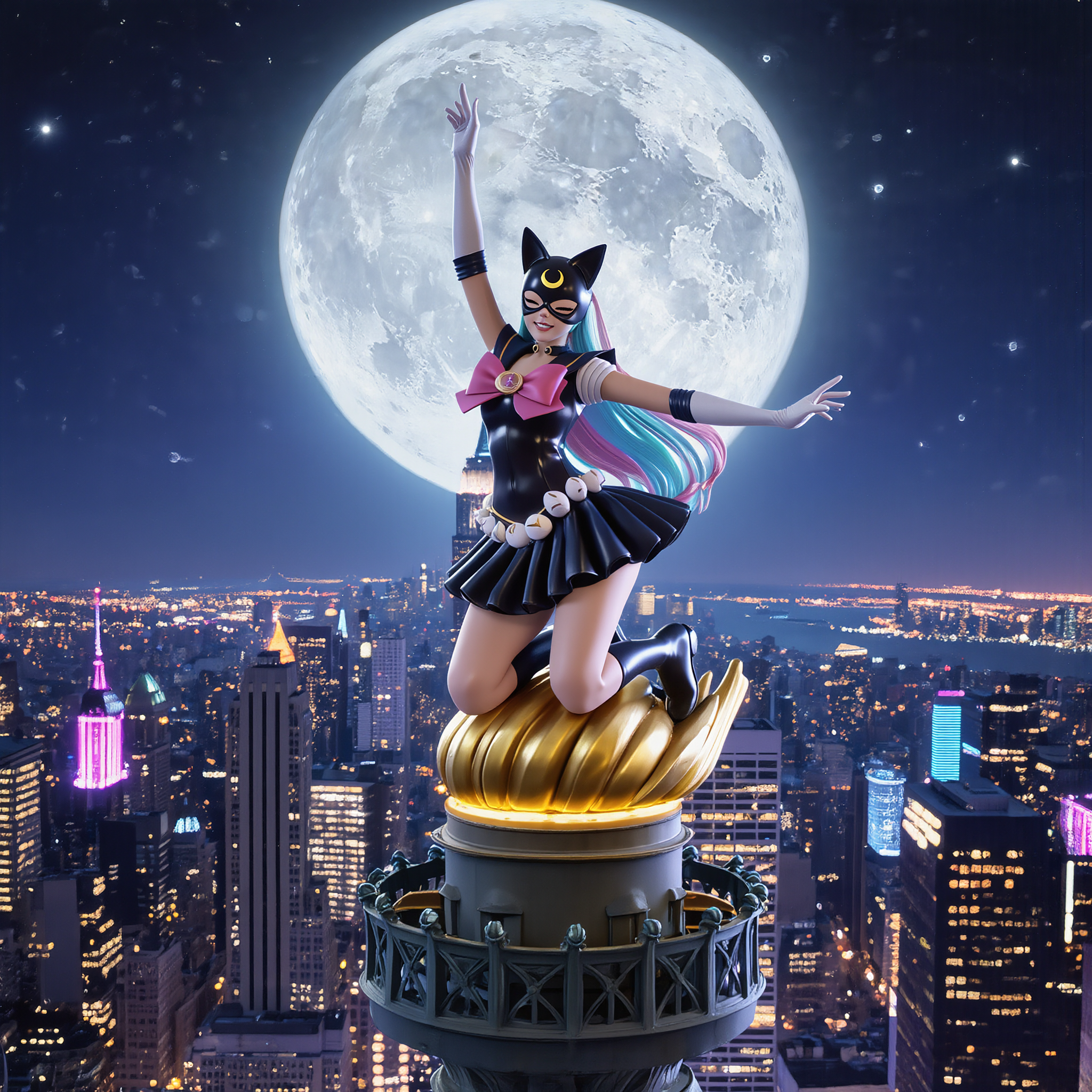
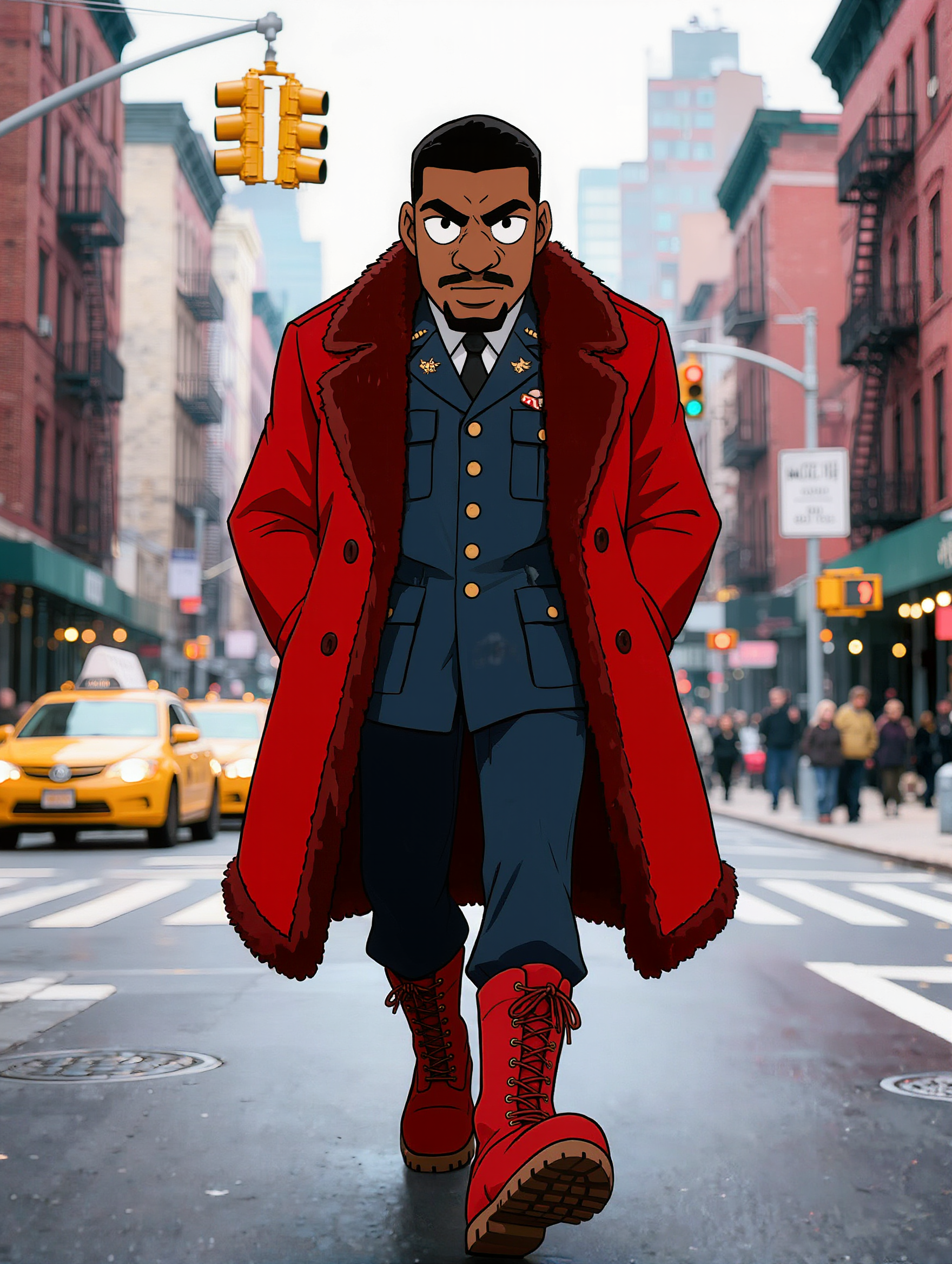
raon nyc - Helicopter Over Luminous NYC & Raining Money

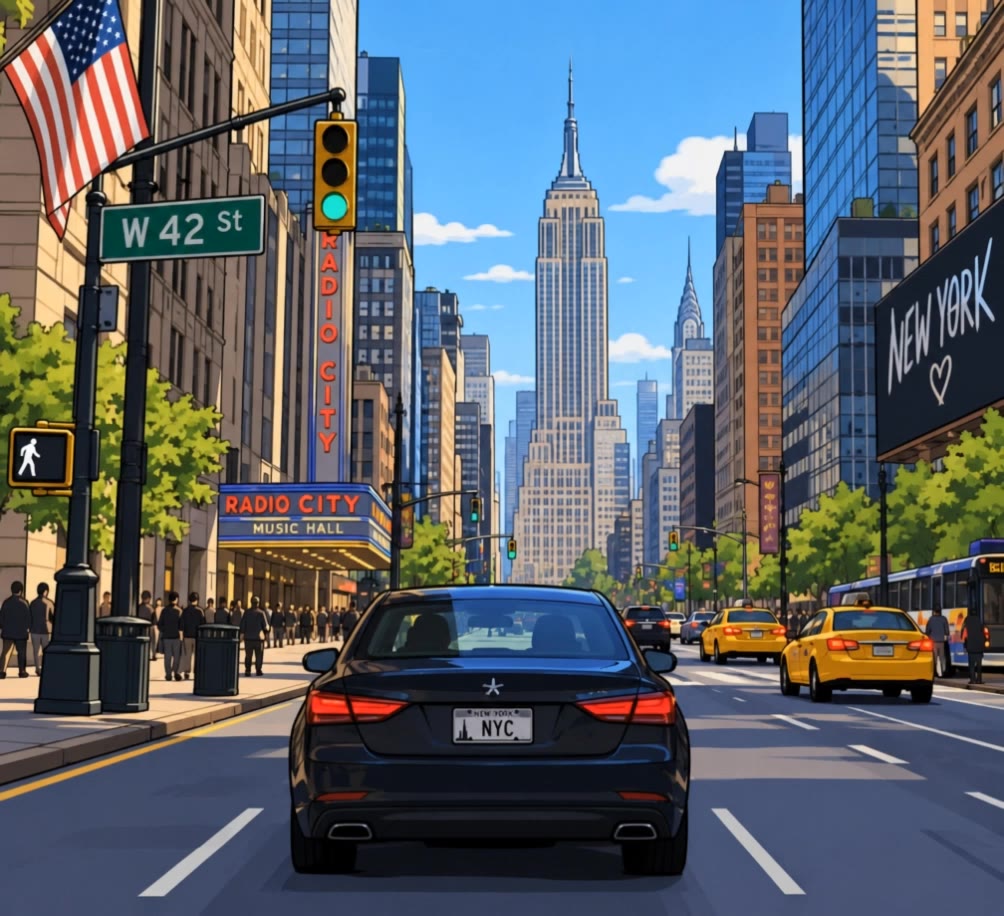
Immerse in the magic of luminous NYC with helicopter views and the whimsical superpower of raining money. Capture the essence of New York's vibrant streets and iconic landmarks. Start exploring raon nyc ideas and generate your own content with AI.

raon nyc - Helicopter Over Luminous NYC & Raining Money

Recommended

Kling AI work 311452641617340 - raon nyc AI video
Raquelashanti.tv avatar
Raquelashanti.tv
Kling AI work 312596548612765 - raon nyc AI image
Oasis Imagine avatar
Oasis Imagine
Kling AI work 313351448616342 - raon nyc AI video
Super-girl studios avatar
Super-girl studios
Kling AI work 305583036612916 - raon nyc AI image
DbpNkGHQ avatar
DbpNkGHQ
Kling AI work 318694081612203 - raon nyc AI video
vclDTNis avatar
vclDTNis
Fame & Glory  - raon nyc AI image
hcsGTXPS avatar
hcsGTXPS
Kling AI work 319223546527672 - raon nyc AI video
TheGoldSailor avatar
TheGoldSailor
What Snow - raon nyc AI video
Phillippo avatar
Phillippo
Kling AI work 311213341508988 - raon nyc AI image
The Velvet Dose avatar
The Velvet Dose
Kling AI work 306396559304129 - raon nyc AI image
David Williams avatar
David Williams
Kling AI work 312596335501210 - raon nyc AI image
Oasis Imagine avatar
Oasis Imagine
Kling AI work 312596548668773 - raon nyc AI image
Oasis Imagine avatar
Oasis Imagine
Kling AI work 305637316508998 - raon nyc AI video
Luca avatar
Luca
Kling AI work 314404723520133 - raon nyc AI video
TheGoldSailor avatar
TheGoldSailor
Kling AI work 307848124536602 - raon nyc AI image
Morris mastrantuono avatar
Morris mastrantuono
Kling AI work 314680055523267 - raon nyc AI video
ecJaIrQy avatar
ecJaIrQy
Kling AI work 314768223663219 - raon nyc AI video
MsC avatar
MsC
Kling AI work 306846967534654 - raon nyc AI video
FBDGmRYG avatar
FBDGmRYG
Kling AI work 315887294528866 - raon nyc AI image
Dante Studio avatar
Dante Studio

How to Use Kling AI Text to Speech

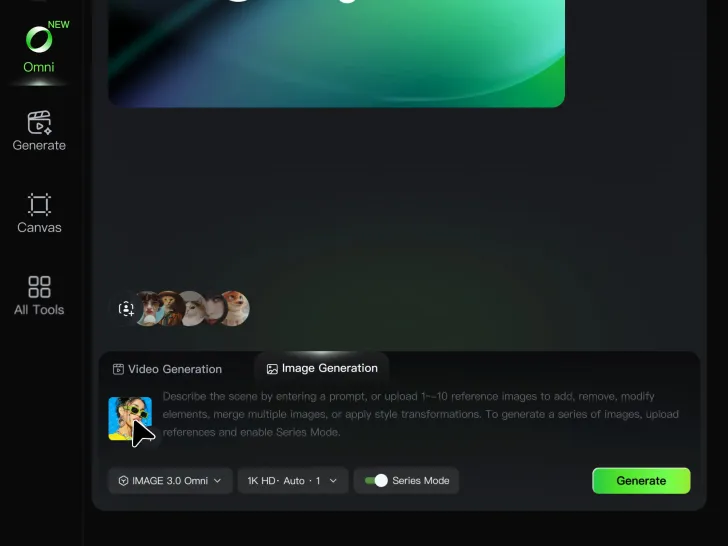
Step 1: Enter the Video Generation Workspace

Step 1: Enter the Video Generation Workspace

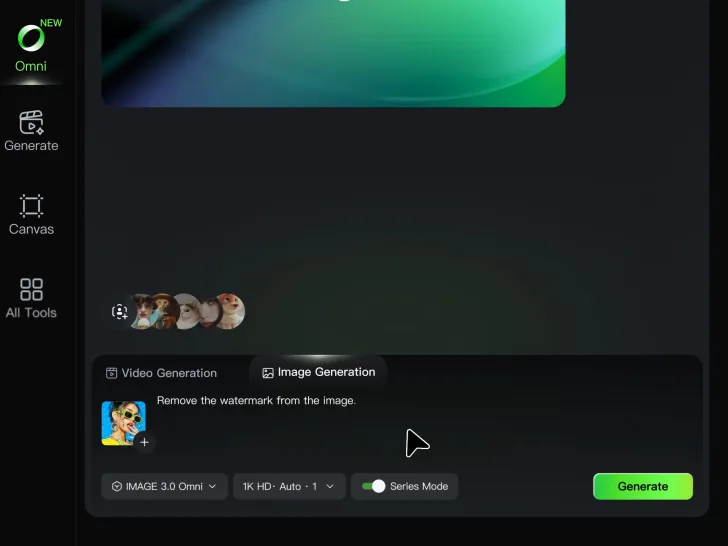
Edit your prompt to set the scene, characters, and style, or upload a reference image to shape the look of your video.

Step 2: Add Dialogue and Speech Instructions

Step 2: Add Dialogue and Speech Instructions

Add dialogue to your prompt and clearly specify which character speaks each line. You can also describe the language or dialect, speaking pace, tone, and delivery style in the prompt to guide how each character sounds.

Step 3: Choose Your Settings and Generate

Step 3: Choose Your Settings and Generate

Choose your resolution (720p, 1080p, or 4K), video length (3–15 seconds), and aspect ratio (16:9, 9:16, or 1:1). Then click Generate to create your video.

Create Voices That Match Your Characters

Generate Character Voices Directly with the Video

Generate Character Voices Directly with the Video

Write the dialogue into your video prompt and let Kling generate the spoken performance together with the scene. Because voice, facial performance, mouth movement, visuals, ambience, and supporting sound are created in the same workflow, the dialogue feels connected to what the character is doing on screen rather than added as a separate layer afterward.

Create Dialogue Across Languages and Accents

Create Dialogue Across Languages and Accents

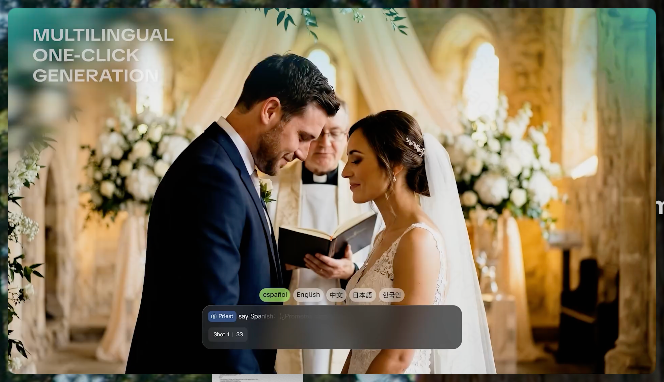
Create character voices in multiple languages, including English, Chinese, Japanese, Korean, and Spanish. You can also customize accents, dialects, and speaking styles to make characters sound more authentic for different regions, cultures, and story settings.

Keep a Character's Voice Consistent Across Scenes

Keep a Character's Voice Consistent Across Scenes

For recurring characters, Kling VIDEO 3.0 Omni lets you add voice to reusable Character Elements. A character can carry both recognizable visual traits and a connected voice into supported future generations. This makes it easier to build recurring presenters, fictional characters, or story leads that not only look familiar across scenes, but also keep a more consistent vocal identity.

Apps

Image to Video
Image to Video

Image to Video

Text to Video
Text to Video

Text to Video

Omni
Omni

Omni

Digital Human
Digital Human

Digital Human

Restyle
Restyle

Restyle

Text to Image
Text to Image

Text to Image

60M+
60M+
Users
600M+
600M+
AI Videos Generated
4.7 ★
4.7 ★
App Store
Industry-Leading
Industry-Leading
Cinematic 4K

Reviews

James Phillips

James Phillips

★★★★★

Kling AI has transformed my workflow by collapsing timelines and democratizing production. It’s shifted my mindset from resource-dependent filmmaking to a boundless creative sandbox, where experimentation yields unexpected beauty.

PJ Ace

PJ Ace

★★★★★

Kling AI has made it easy for us to generate world class visuals for Fortune 500 companies, TV shows and music for big artists. We love the easy of use of the platform and the quality of the generations. My first time using Kling AI, I got 22 million views on just one video. It's that good.

Maria Rubtsova

Maria Rubtsova

★★★★★

I’m Maria Rubtsova, an AIGC digital artist passionate about creating stunning visuals in the worlds of fashion, aesthetics, and fantasy. I use KlingAi to bring imagination to life through video. My work is all about exploring beauty, emotion, and the limitless possibilities of digital art.

FAQ

Q1Is Kling AI Lip Sync free?
Q2What kinds of characters can I lip sync?
Q3Can Kling AI make a character sing?

Bring Your Character to Life

Add a voice or script to turn your character video into a polished lip-sync performance.

Voiceover | Text to Speech | Audio trimming | Realistic, 3D & 2D character