
ZUwTVMUb
0
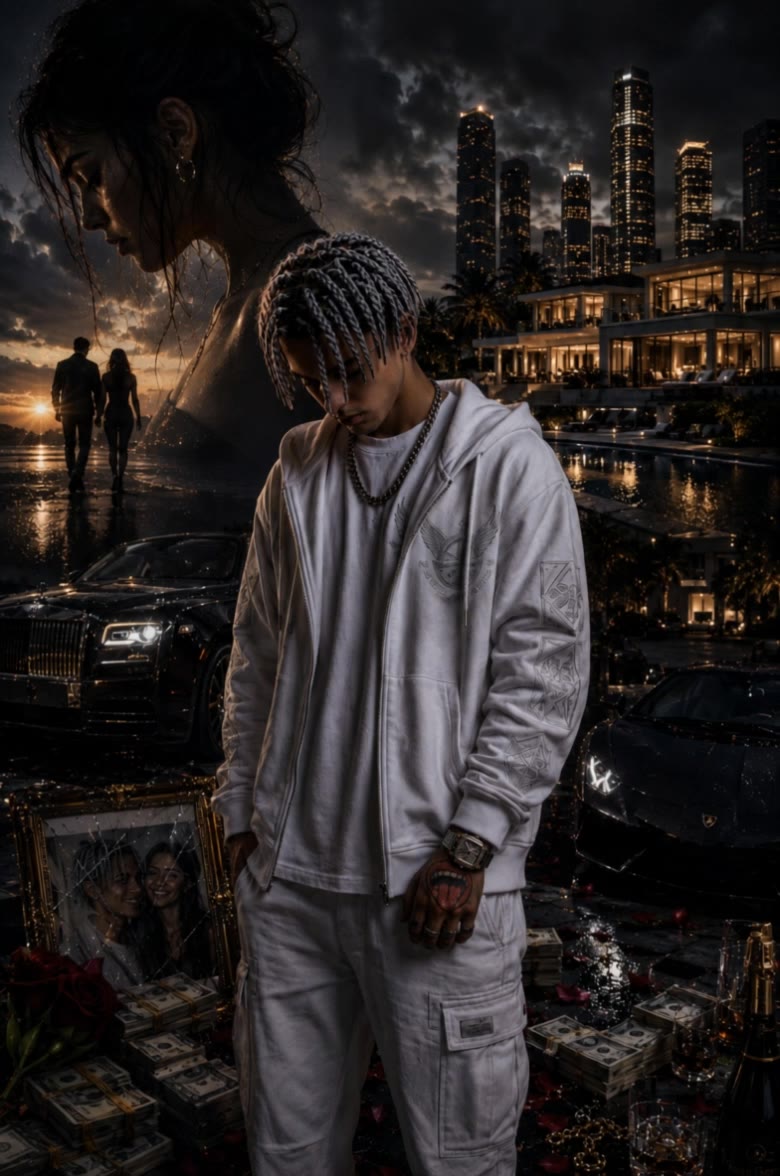
Explore rap wallpaper concepts created with AI. Browse through various themes and styles. Customize these AI-made visuals to suit your preferences. Enjoy quick and easy design solutions without needing professional skills.





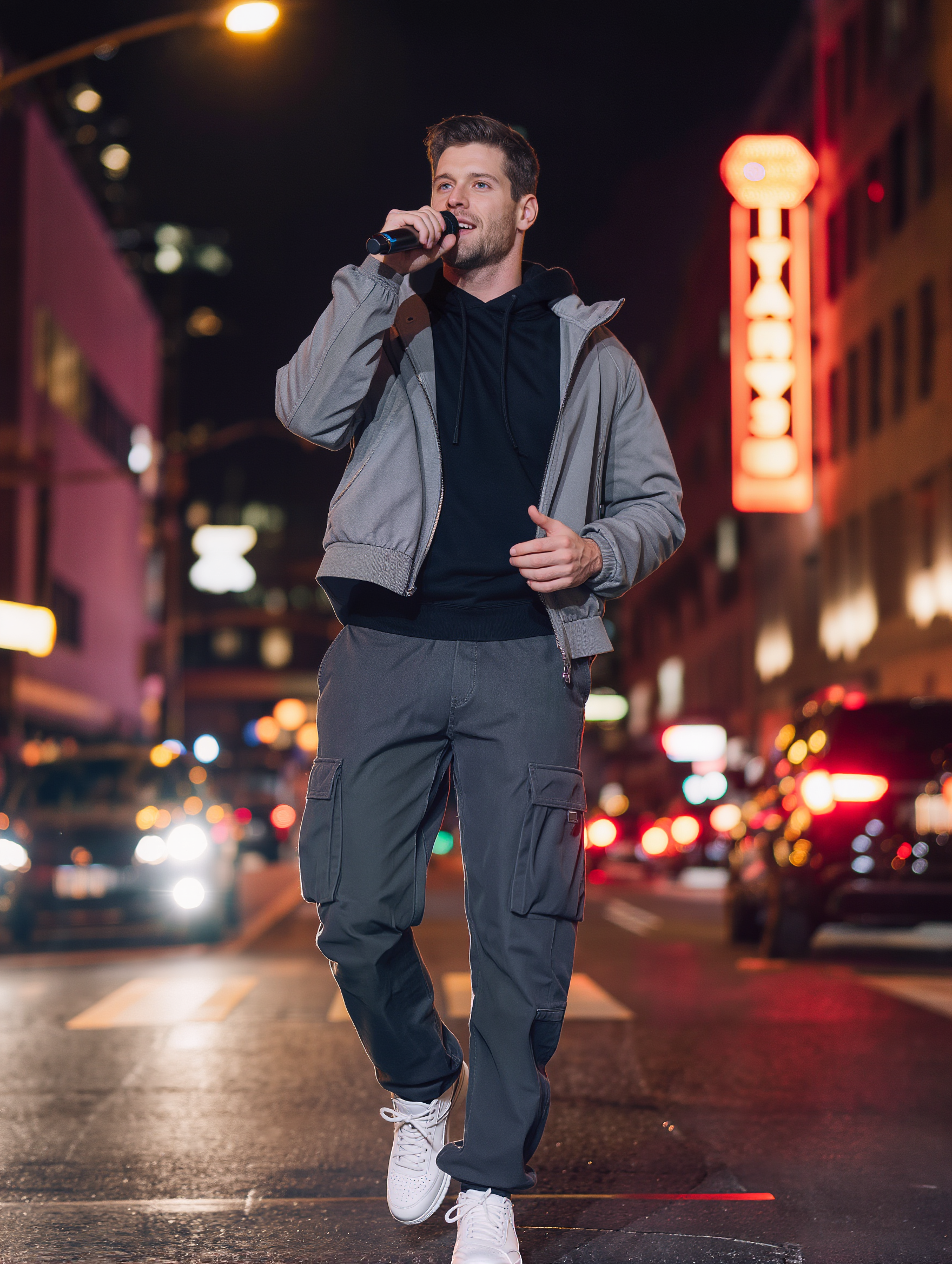



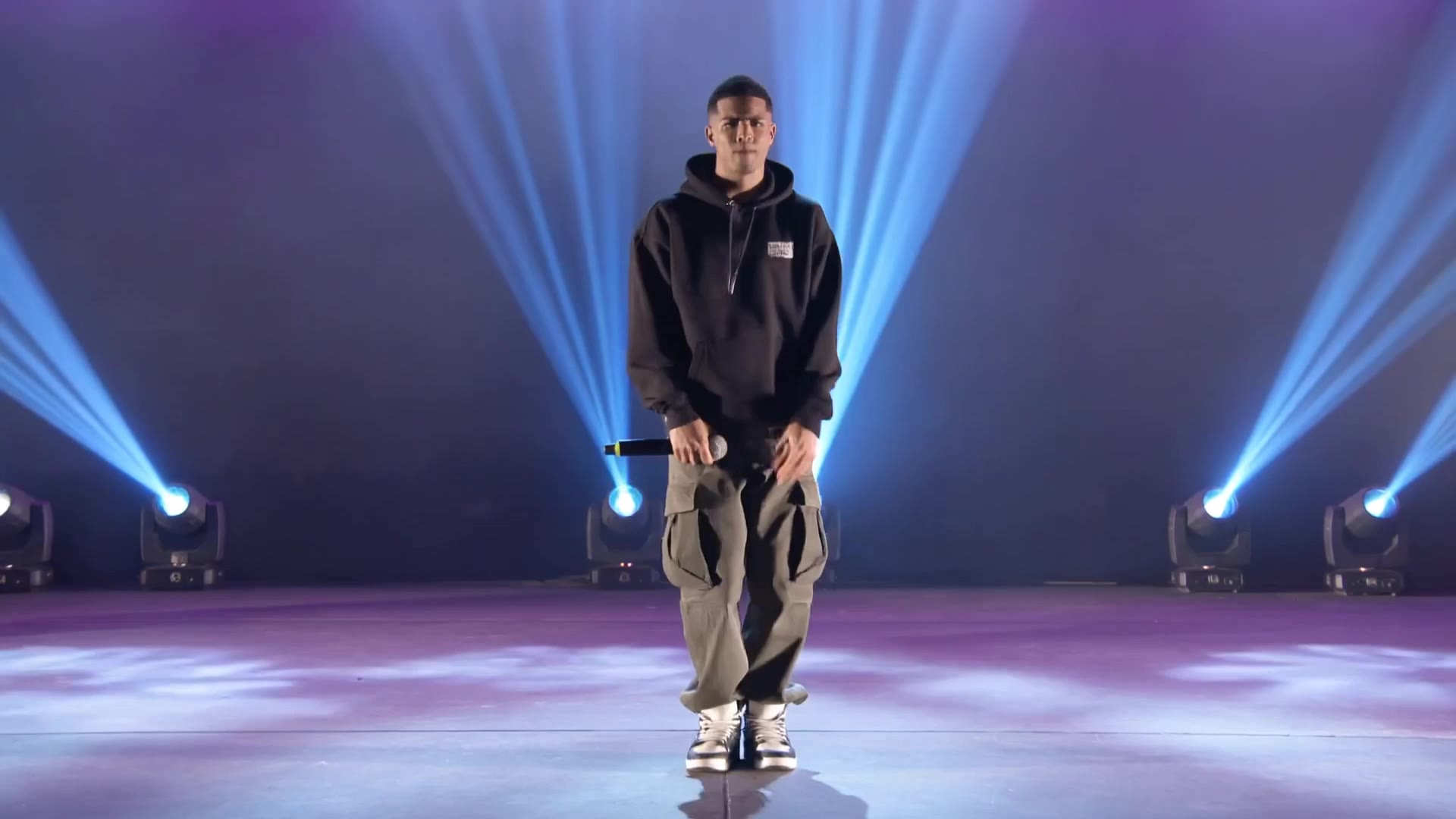
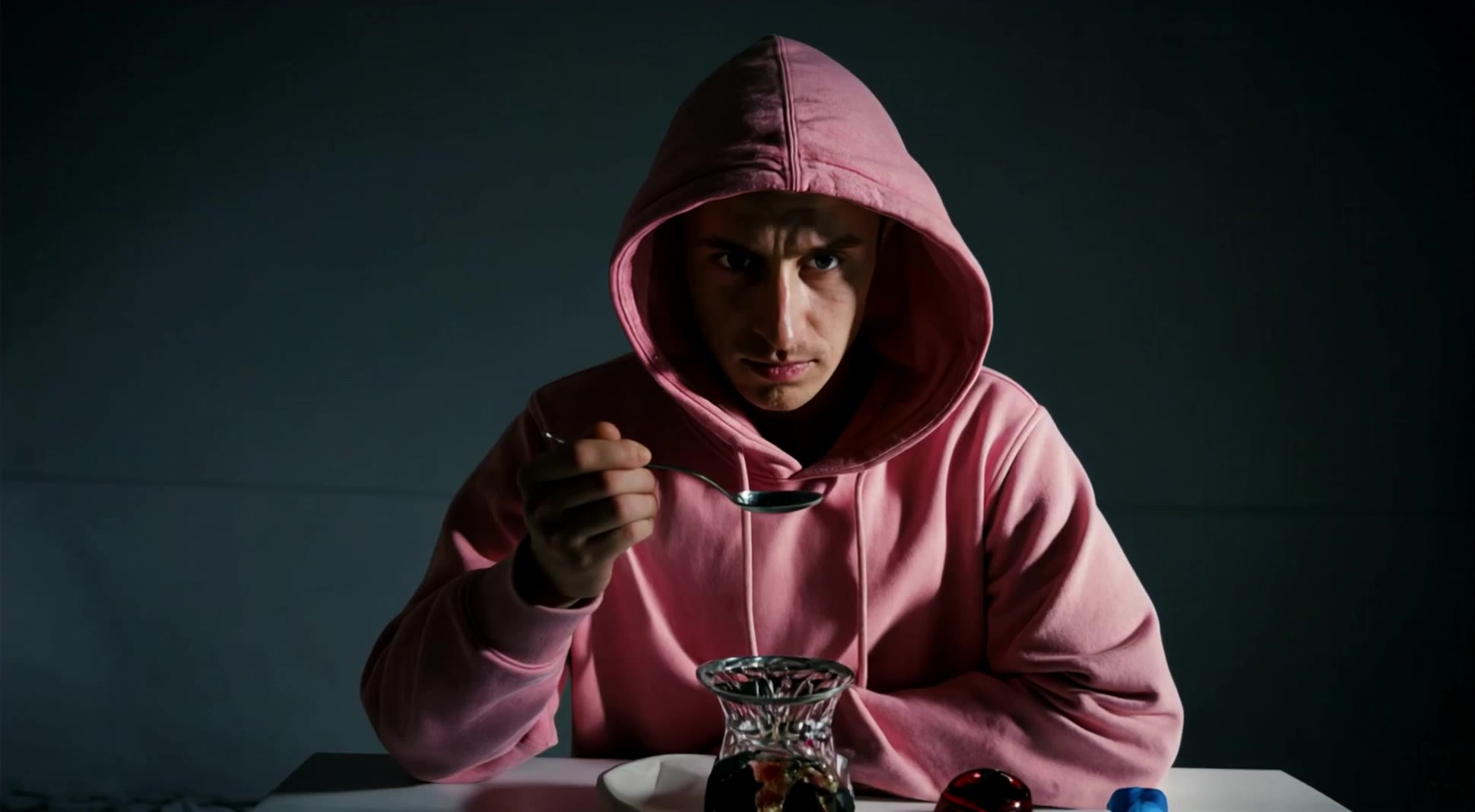

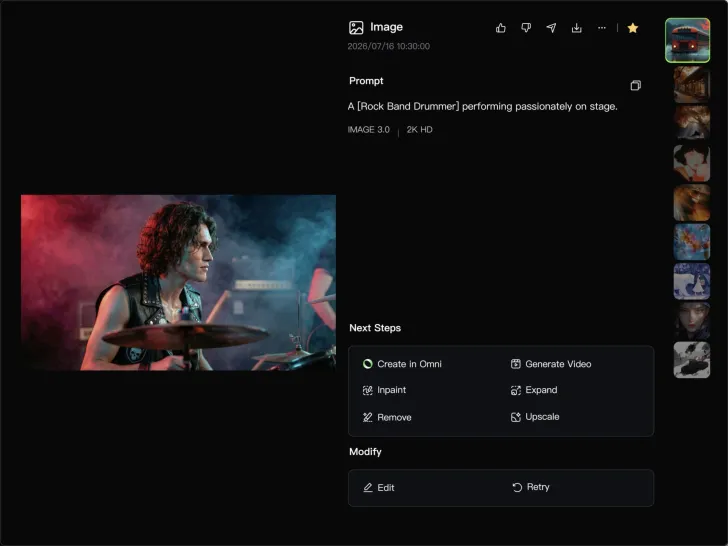
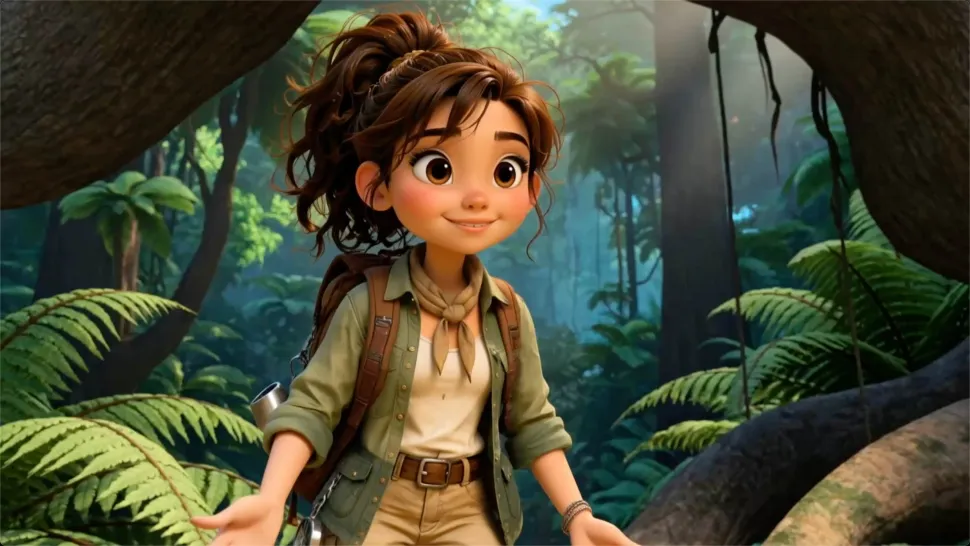
Dubbing does not have to begin after the visuals are done. Kling VIDEO 3.0 can generate character dialogue, lip movements, ambience, and sound effects alongside the video, so more of the scene comes together in one pass. Spend less time recording separate voiceovers, layering audio, and lining up tracks later, and more time shaping the story and visuals.
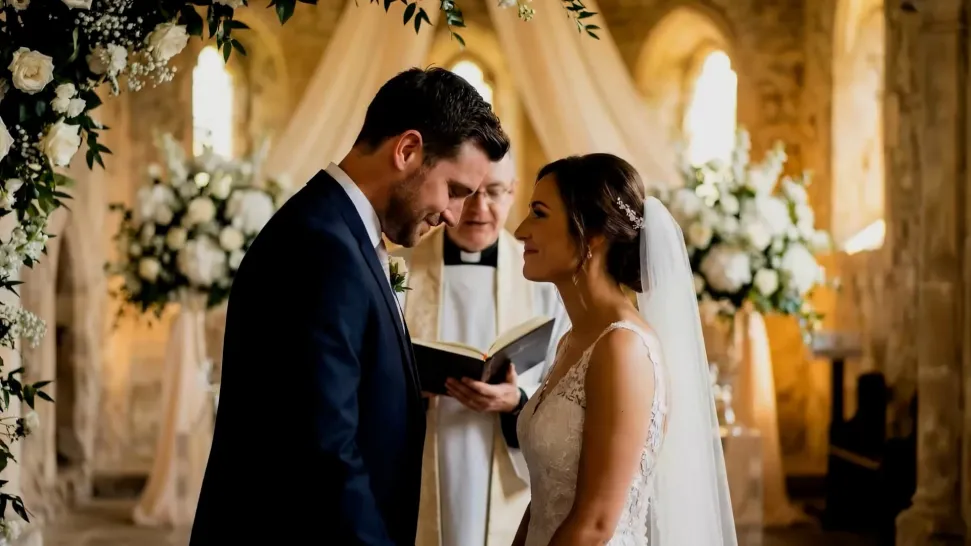
Create dialogue in Chinese, English, Japanese, Korean, and Spanish, or let characters switch between supported languages within the same scene. You can also specify supported dialects and accents in your prompt, giving you more flexibility for cross-cultural stories, travel content, global campaigns, and multilingual character interactions.
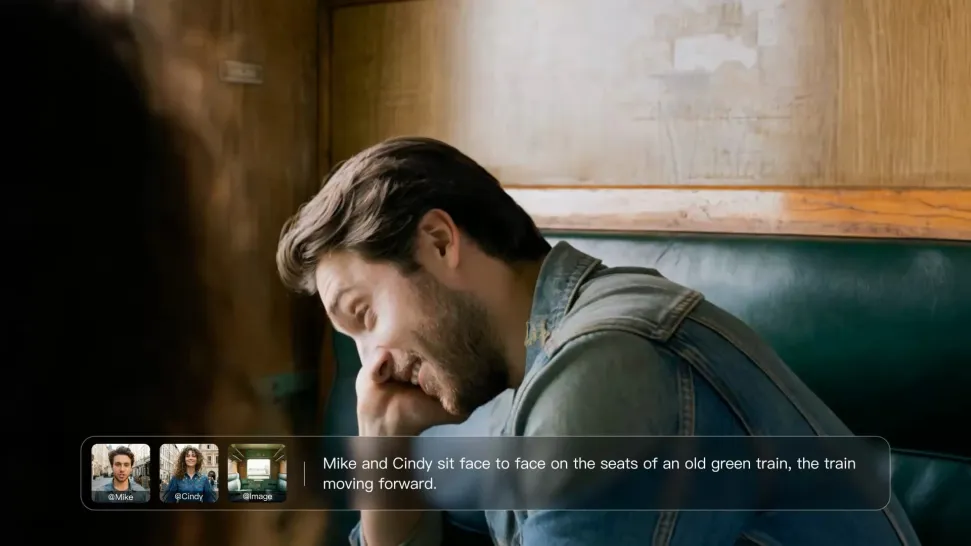
When several characters share a scene, keep each line connected to the intended speaker. Kling VIDEO 3.0 supports multi-character dialogue and speaker matching, making it easier to create interviews, group conversations, family scenes, and story-driven videos where several characters speak.

















Kling AI allows me to rapidly prototype ideas, refine storytelling elements, and produce visually compelling content efficiently. It has not only accelerated my creative processes, but also deepened my understanding of how AI can enrich visual storytelling.

Kling AI has made it easy for us to generate world class visuals for Fortune 500 companies, TV shows and music for big artists. We love the easy of use of the platform and the quality of the generations. My first time using Kling AI, I got 22 million views on just one video. It's that good.

I use Kling AI daily to push the limits of AI filmmaking. It allows me to create highly cinematic content, blending AI and VFX to develop innovative projects. It has significantly impacted my creative process, enabling me to achieve complex animations that would otherwise require high production budgets.
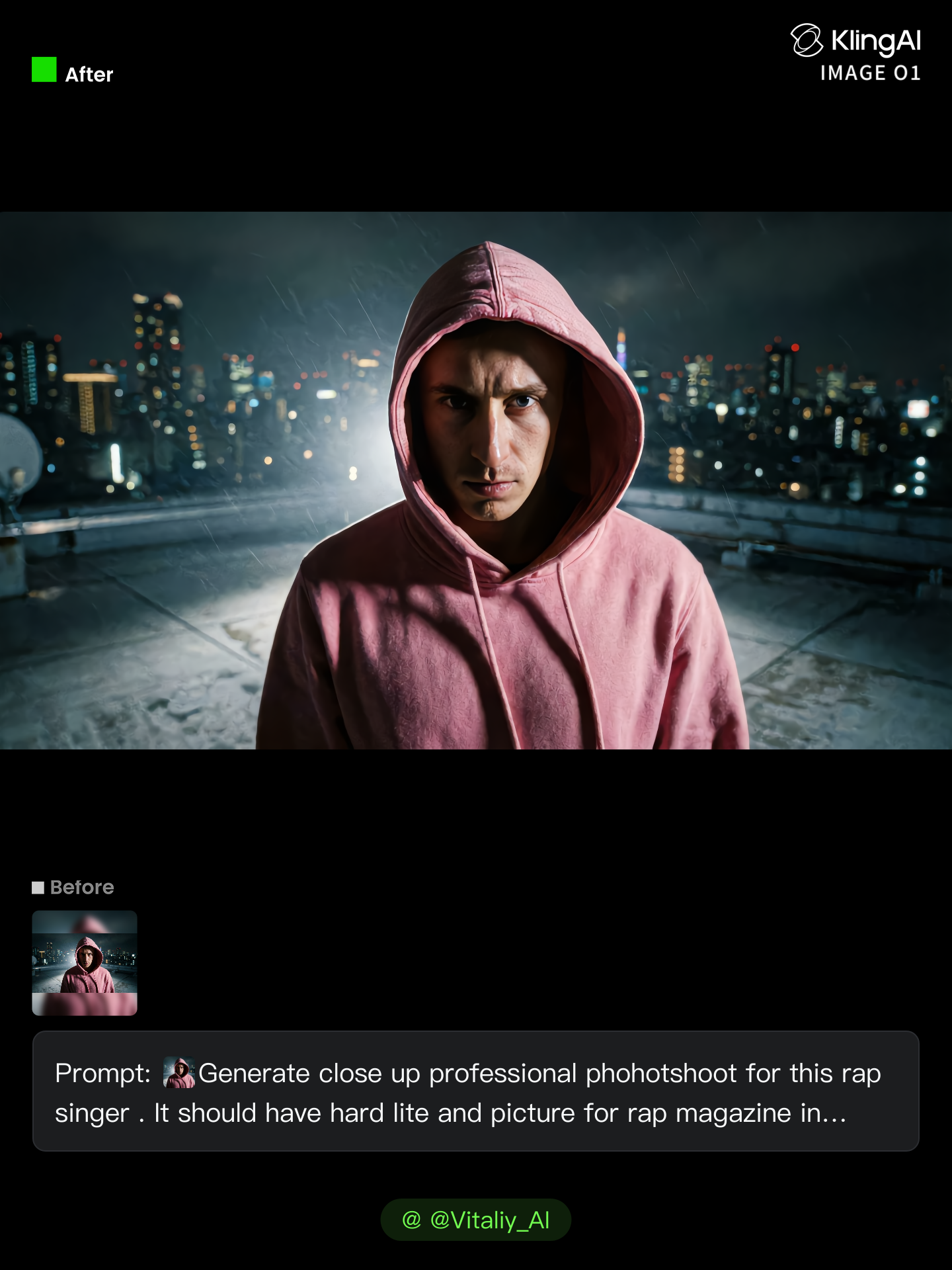
Turn every background change into a new creative direction with Kling AI. Explore new scenes, reshape your visuals, and create images that keep the details and style that make them unique.
AI Background Removal | Scene Transformation | 2K/4K Image Creation