Creative Studio
API
Resources
Features
About Us
Download

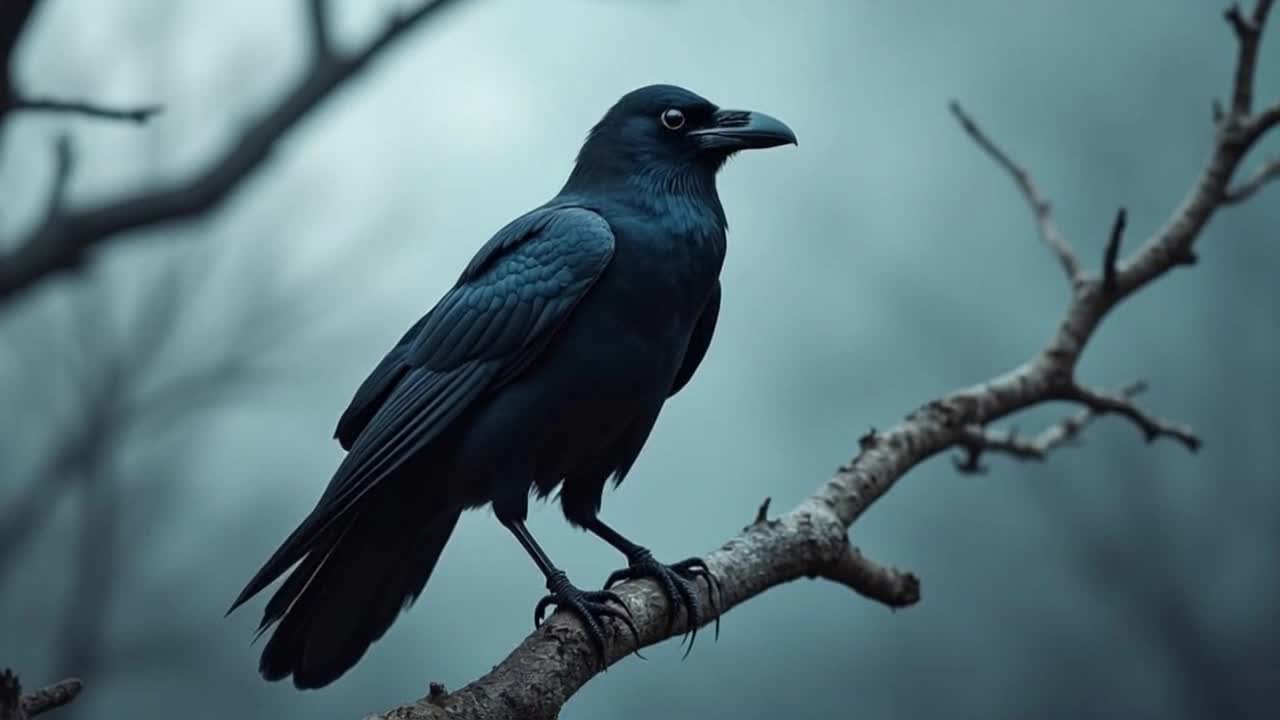
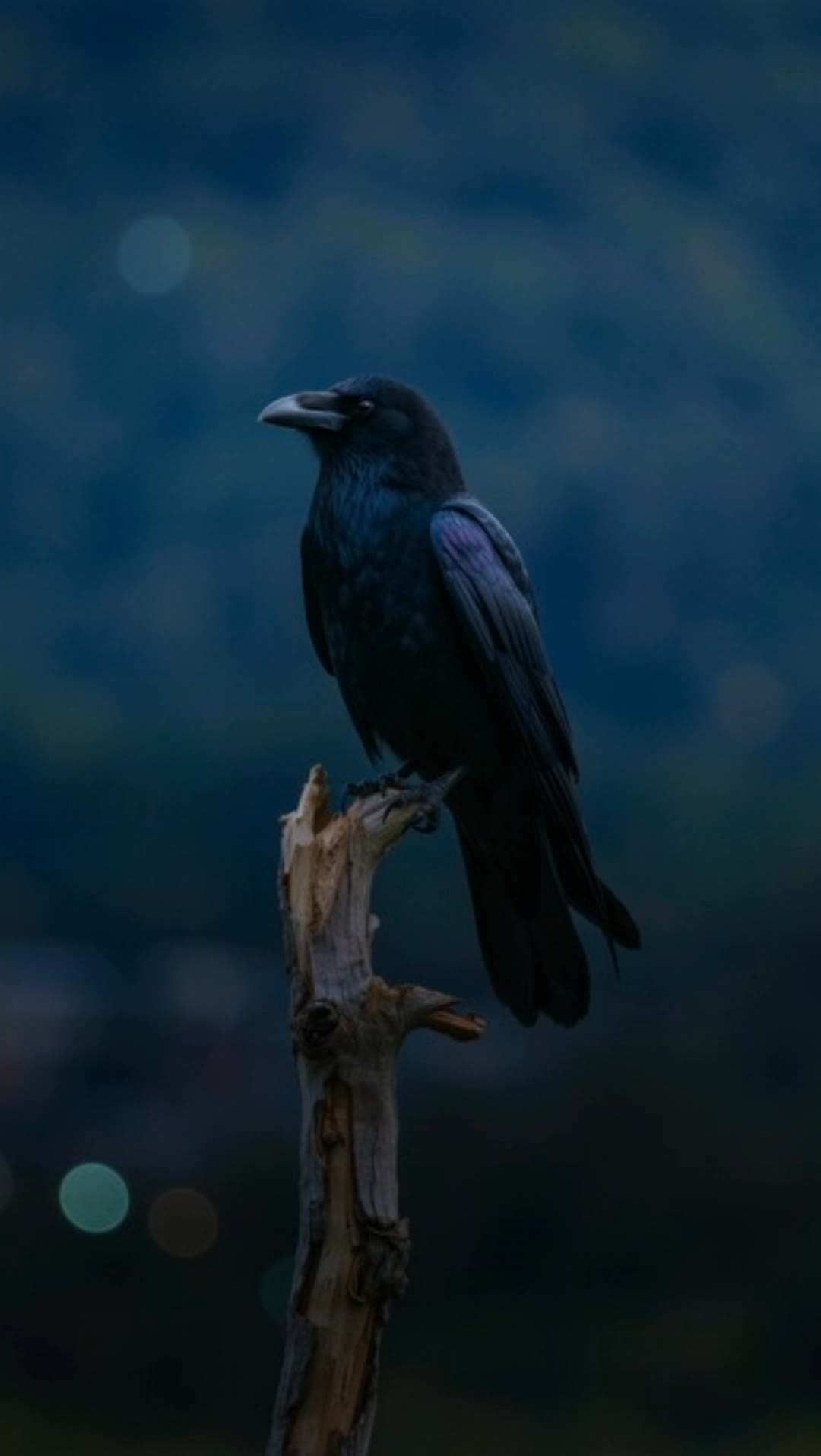
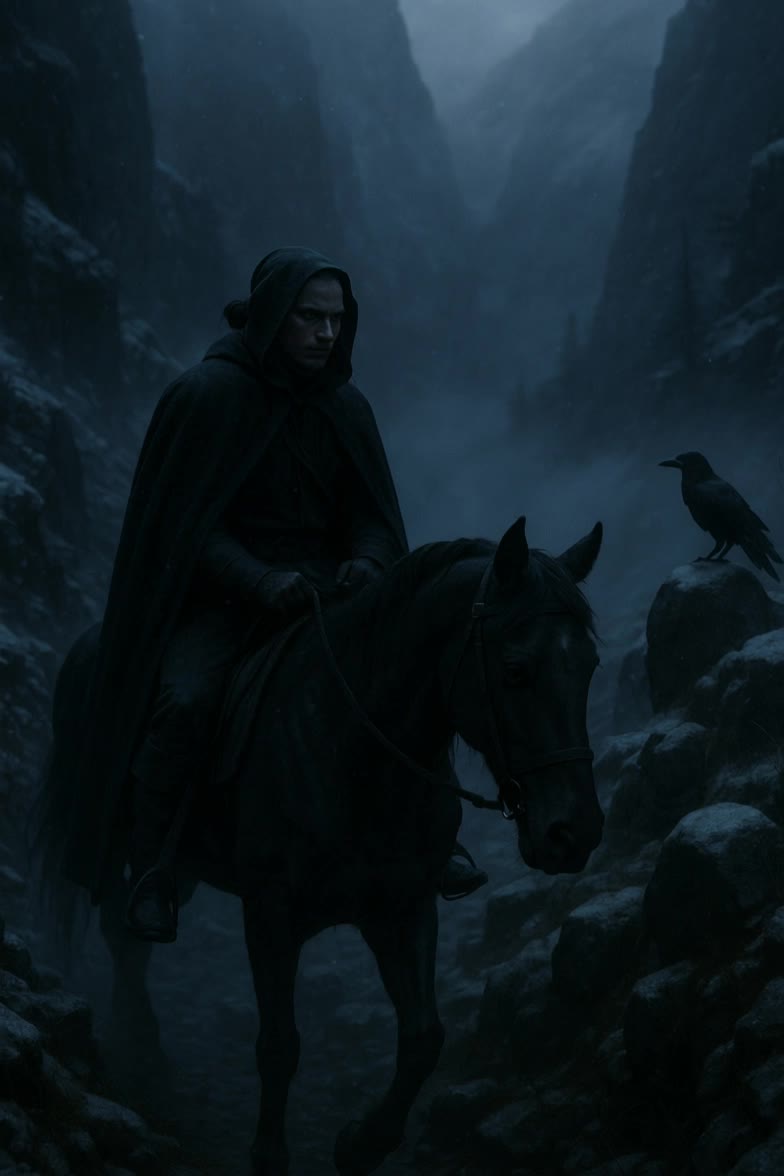
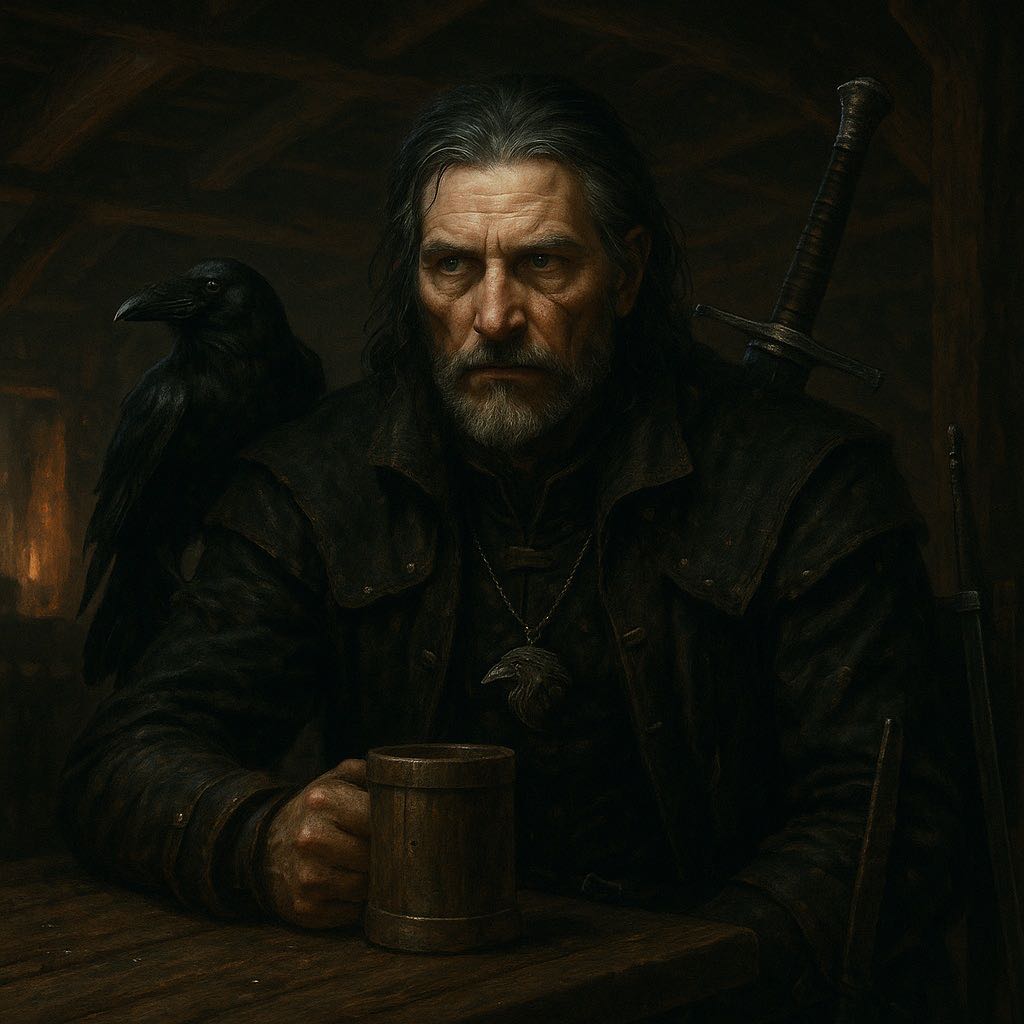
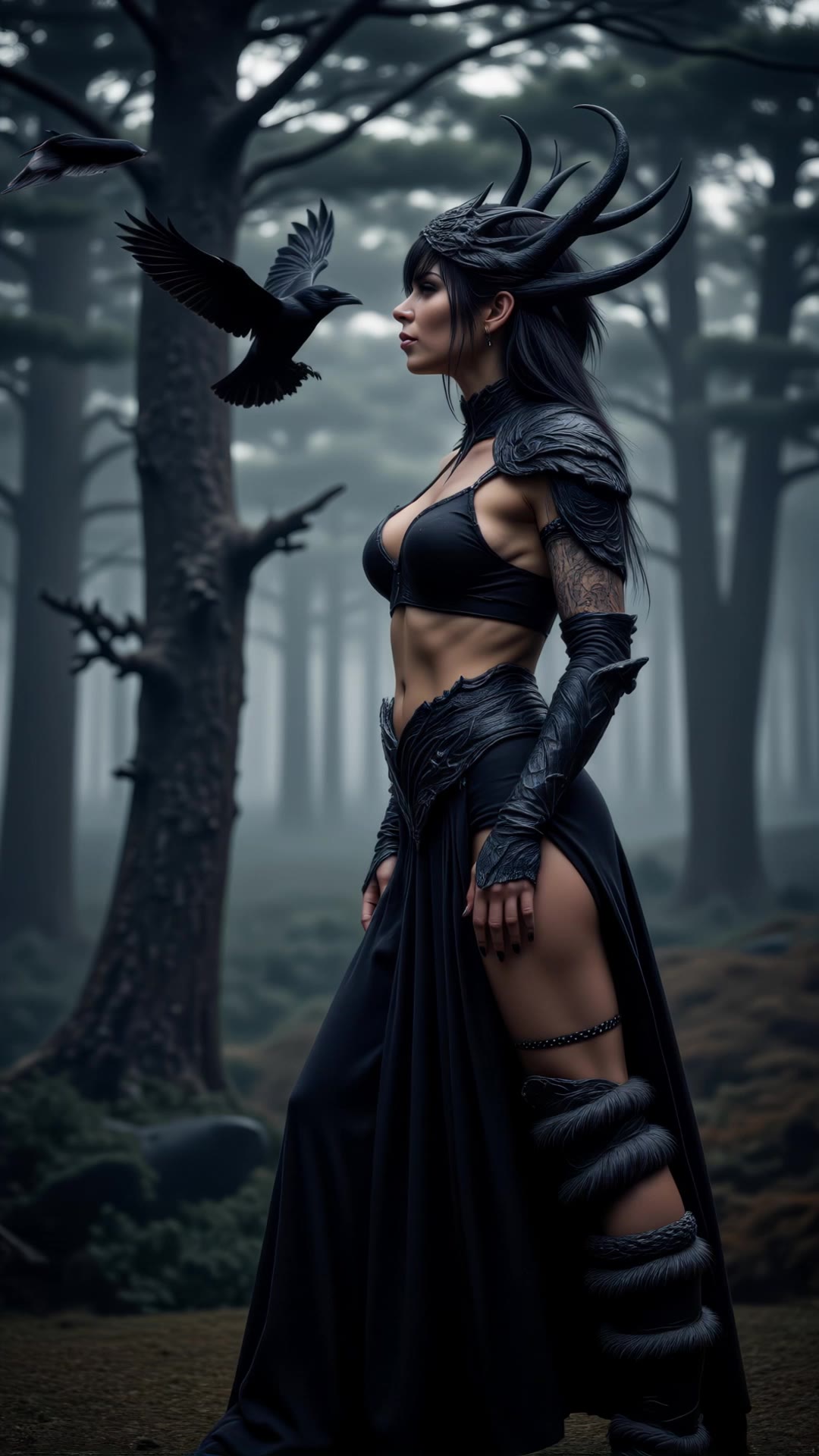
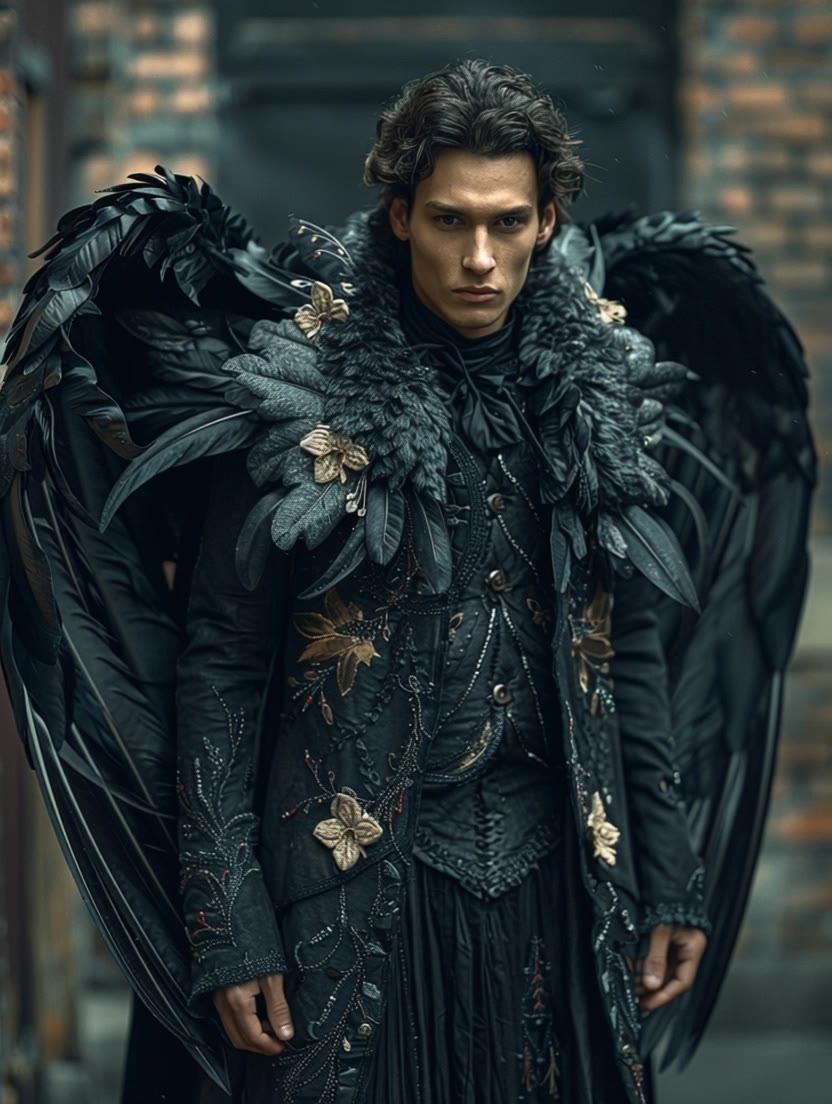
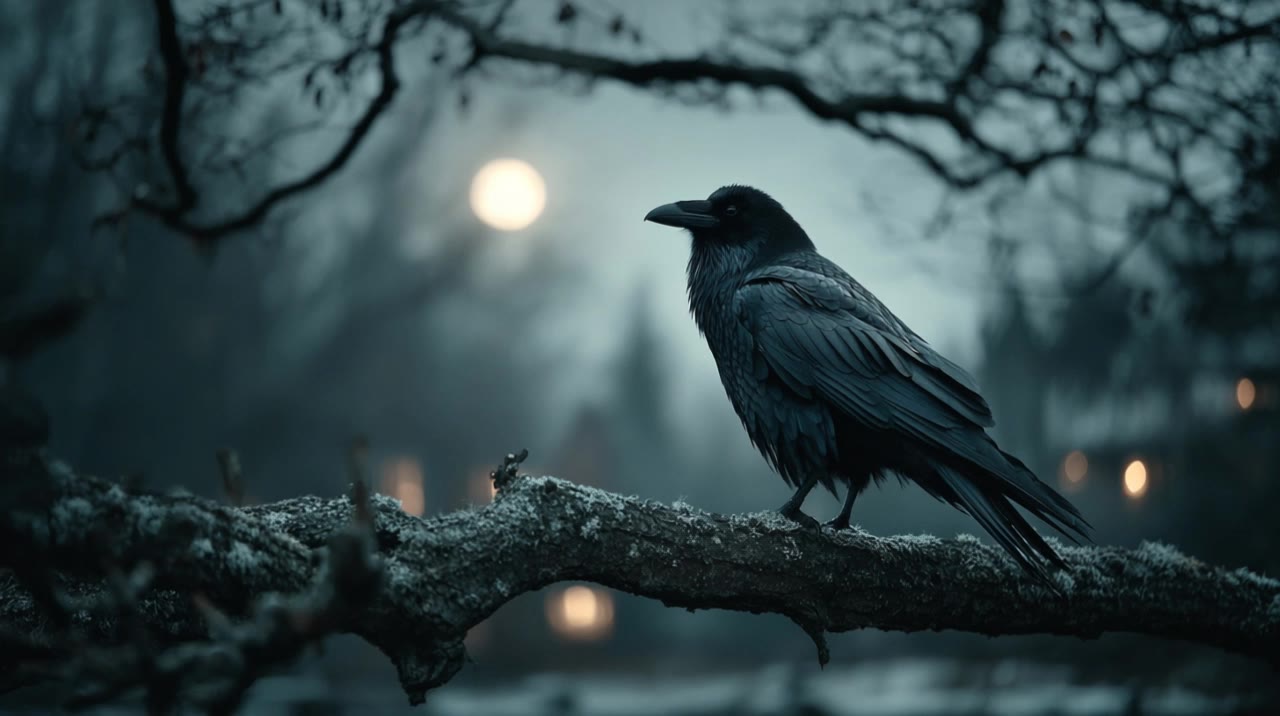
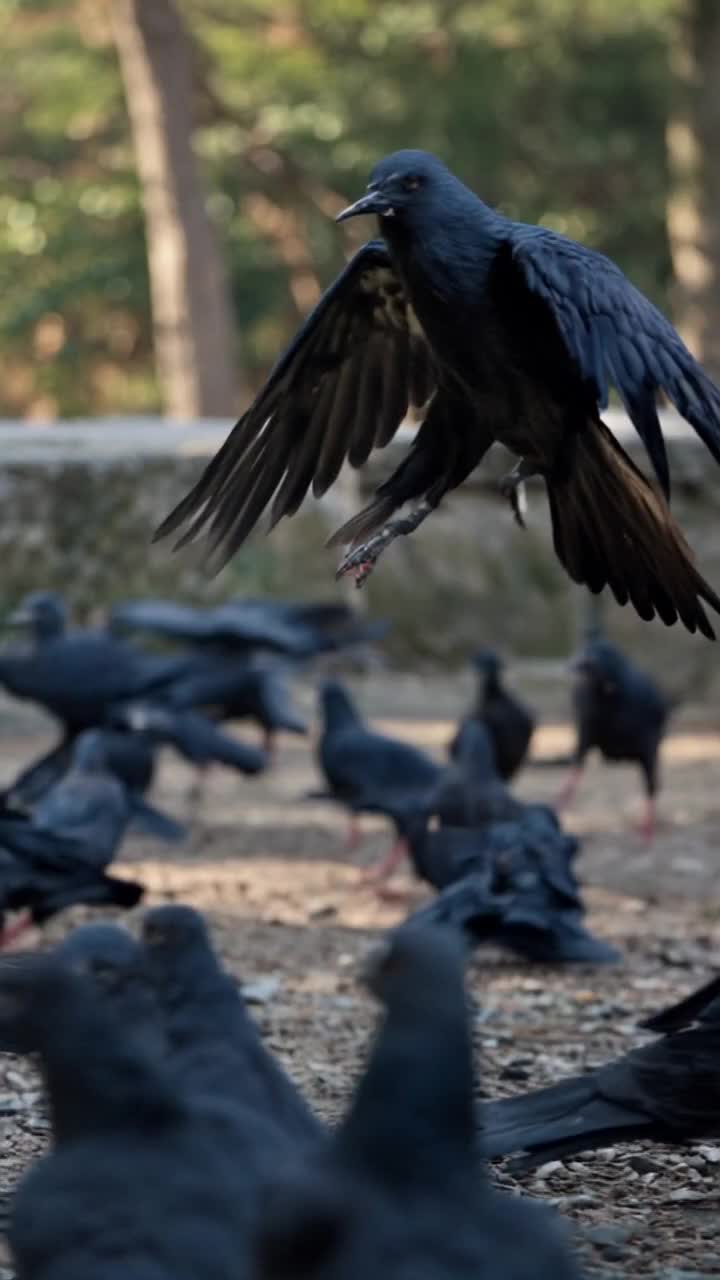
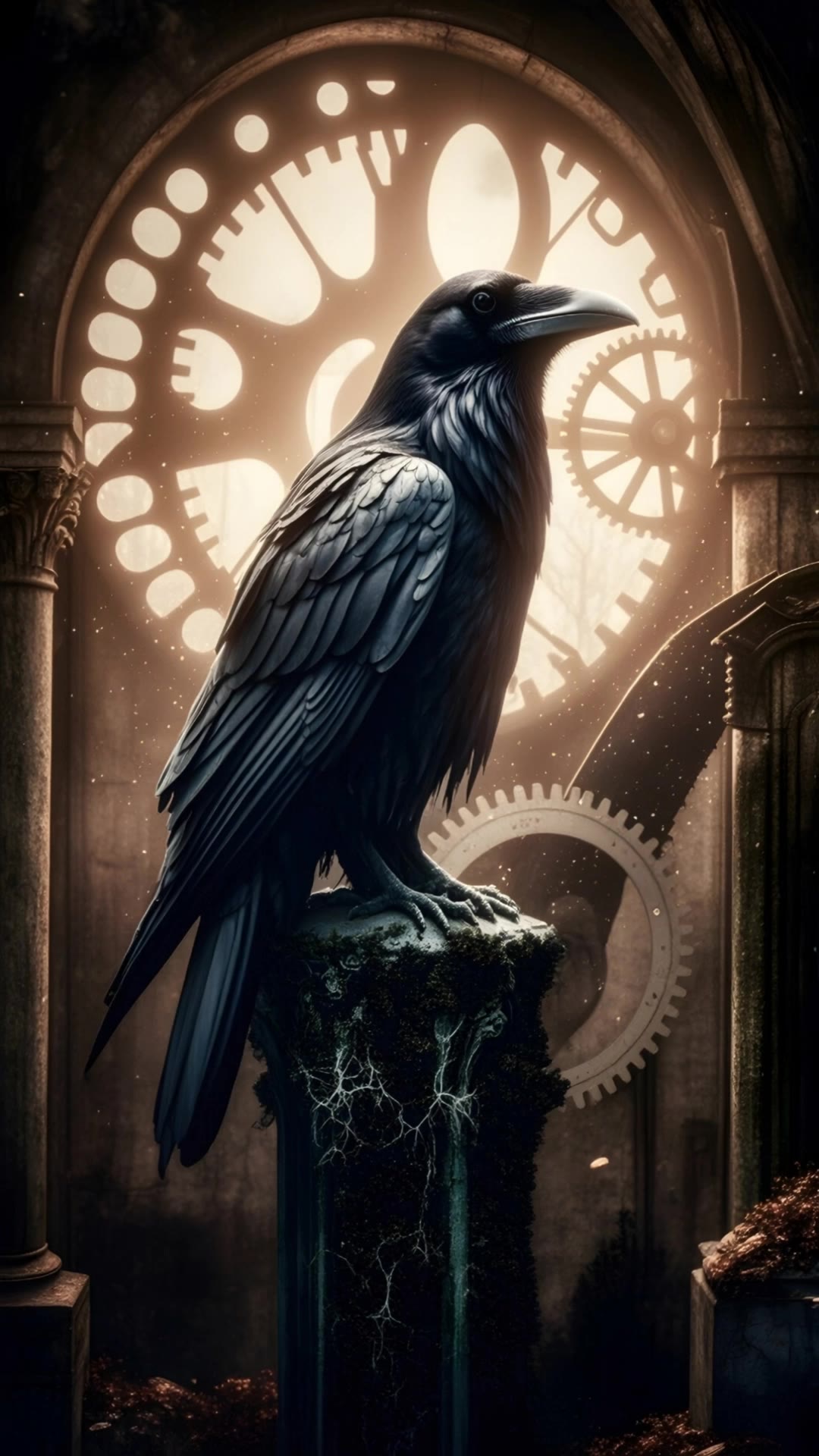
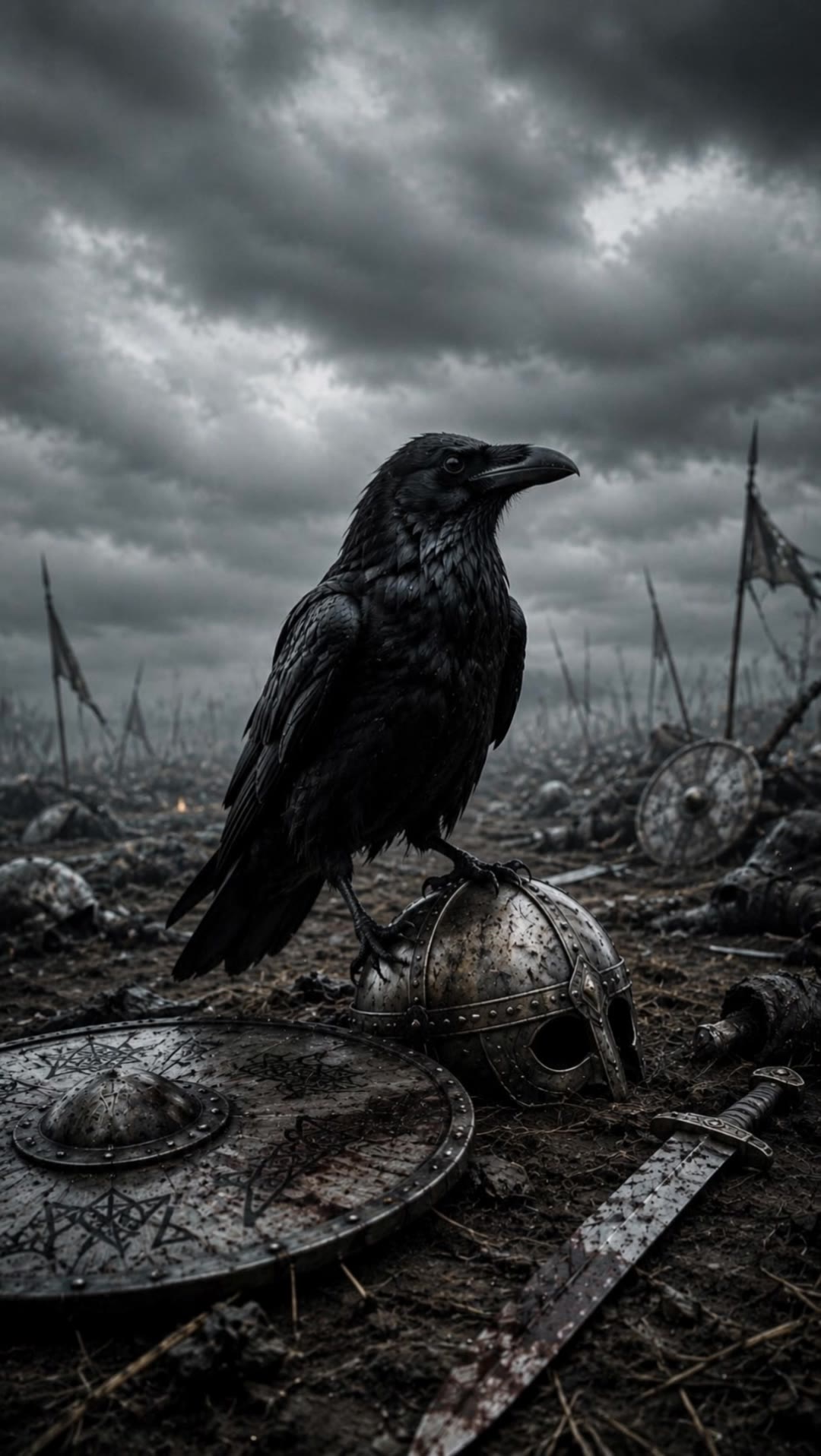
Raven Try On – AI Image Inspirations

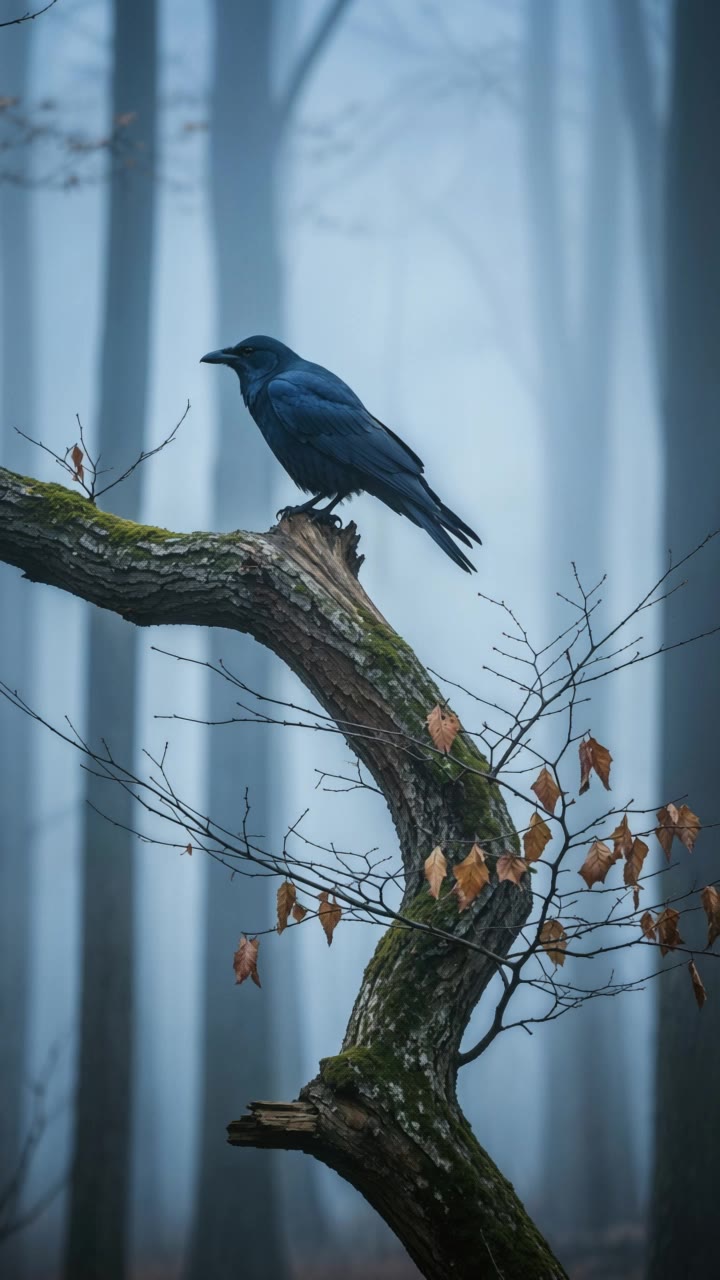
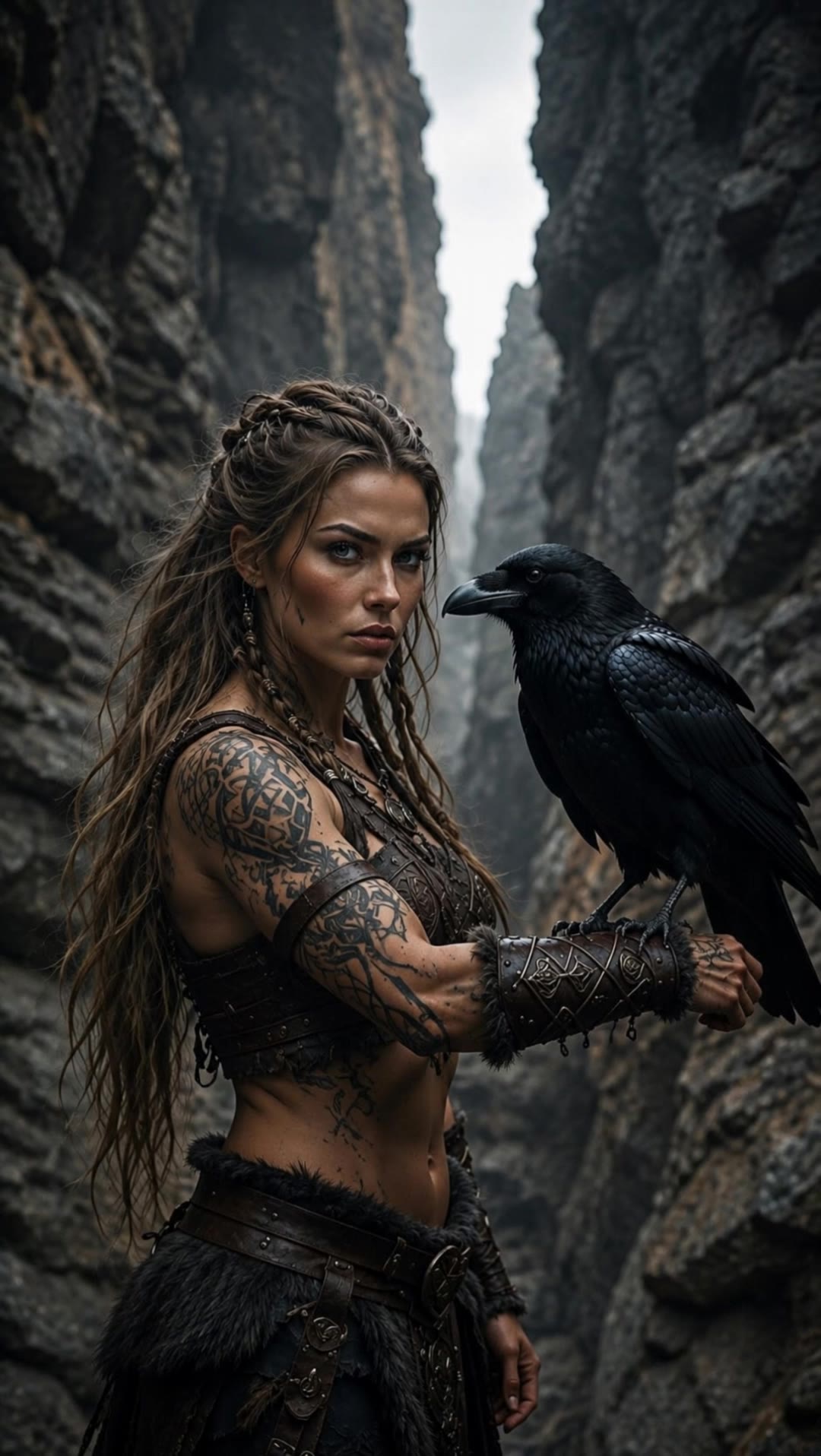
Find AI-generated raven try-on ideas. Quickly explore and customize these AI results to fit your style.

Raven Try On – AI Image Inspirations

Recommended

Kling AI work 312714755668271 - raven try on AI video
IFduoAhM avatar
IFduoAhM
Raven - raven try on AI video
Kate Wave avatar
Kate Wave
Elite Creator
Kling AI work 317635538614636 - raven try on AI video
nZLAnIGX avatar
nZLAnIGX
Kling AI work 313320068666829 - raven try on AI video
EnchantedTalesStudio avatar
EnchantedTalesStudio
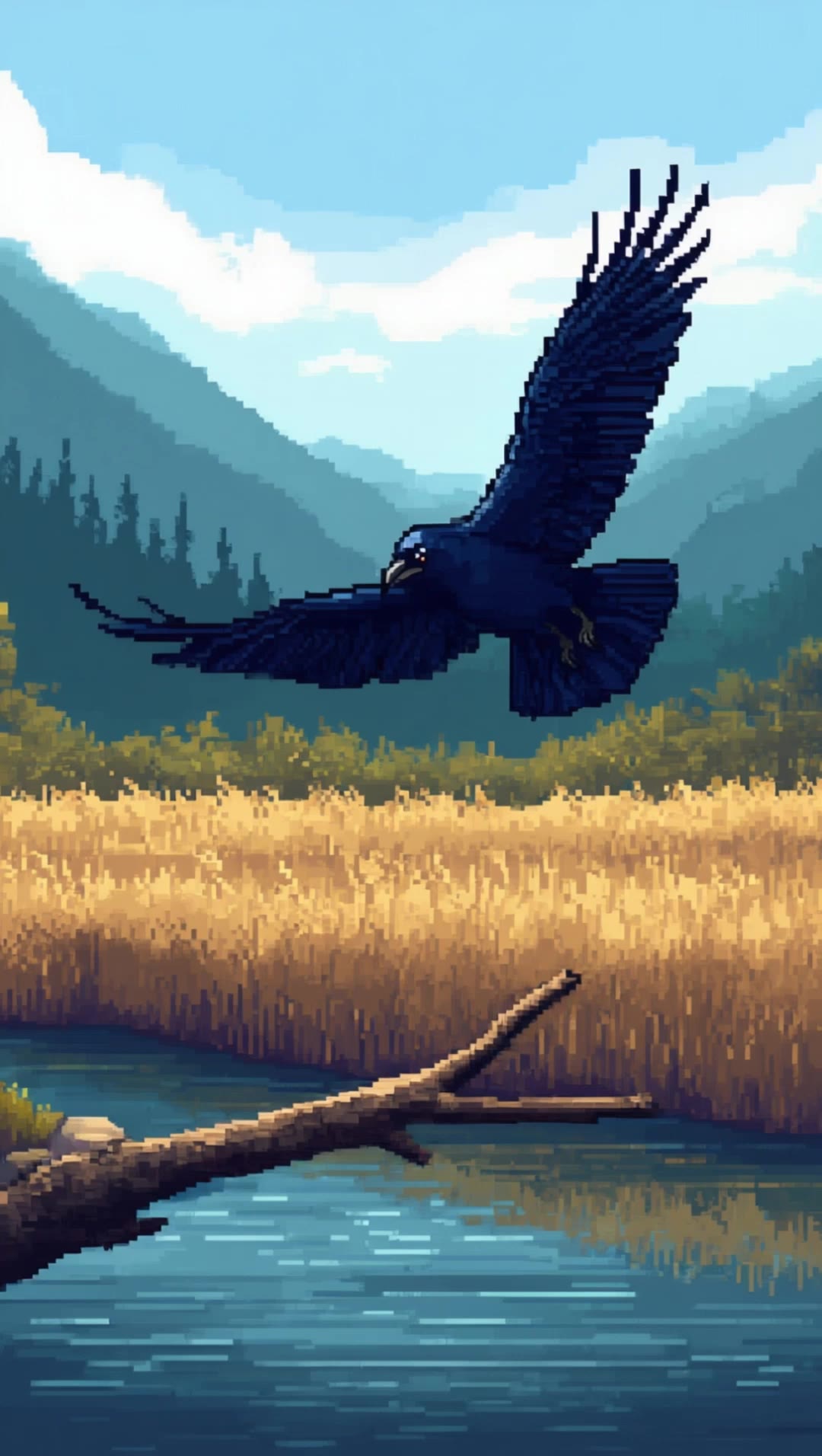
pixel Raven - raven try on AI video
Kale Bird avatar
Kale Bird
Kling AI work 314264854613448 - raven try on AI video
Senat avatar
Senat
Kling AI work 314604567525452 - raven try on AI video
sPQaDiMf avatar
sPQaDiMf
Kling AI work 314265072664235 - raven try on AI video
Senat avatar
Senat
moody raven  - raven try on AI video
KaRo avatar
KaRo
Kling AI work 318693132501375 - raven try on AI video
YuraKavka avatar
YuraKavka
A realistic black raven perched - raven try on AI video
YhMWznVh avatar
YhMWznVh
Kling AI work 293744101536997 - raven try on AI video
Kevlar avatar
Kevlar
Kling AI work 318835545616047 - raven try on AI video
YuraKavka avatar
YuraKavka
Kling AI work 314912205666055 - raven try on AI video
KLING2970 avatar
KLING2970
Kling AI work 312947034526139 - raven try on AI video
TSmwLfQH avatar
TSmwLfQH
Kling AI work 296818058527614 - raven try on AI video
gQaRQkrd avatar
gQaRQkrd
Halloween Look - raven try on AI video
Halloween Look
SweetCravings avatar
SweetCravings
Kling AI work 293791117523441 - raven try on AI image
Just_Jas avatar
Just_Jas
Elite Creator
Kling AI work 317154853617833 - raven try on AI video
YuraKavka avatar
YuraKavka

How to Enhance Image Quality with Kling

Step 1: Upload Your Image

Step 1: Upload Your Image

Upload the image you want to improve to Kling 3.0 Omni. Start with a portrait, product photo, artwork, social visual, or any other existing image you want to recreate at a higher resolution.

Step 2: Generate Up to 4K

Step 2: Generate Up to 4K

Describe what you want to improve, such as facial details, textures, or other important parts of the image. Choose your preferred resolution, including 2K or 4K, then generate the enhanced result.

Step 3: Upscale Existing AI Images

Step 3: Upscale Existing AI Images

Already generated an image with Kling AI? Hover over the result and select Upscale to increase its resolution without uploading the image again. Choose the available output quality that fits your needs.

Create AI Art with More Creative Control

Bring More Than a Prompt to Your Art

Bring More Than a Prompt to Your Art

Start with words, a sketch, a photo, or the references that already capture part of your idea. IMAGE 3.0 can use up to 10 reference images, so you can bring a character from one image, an outfit from another, and a different setting or art style into the same creation. Use references for the details you want to keep, then use your prompt to decide what changes.

Find the Look That Fits Your Idea

Find the Look That Fits Your Idea

Create pencil drawings, watercolor paintings, anime art, comics, concept art, 3D-inspired images, and more. Try a completely different style, or fine-tune the one you already have. Kling AI also gives you control beyond the art style. Reframe the scene, shift the viewing angle, change the lighting or color palette, and keep refining the image until the whole piece comes together

Create a Series, Not Just a Single Image

Create a Series, Not Just a Single Image

Keep a character, setting, or visual style recognizable across multiple pieces of artwork with IMAGE 3.0 Omni. Generate new poses, scenes, and compositions while keeping the details that tie the series together. It works especially well for character concepts, comics, storyboards, and other ideas that need to develop across several images. Generate in native 2K or 4K when you want more detail in the finished artwork.

Apps

Image to Video
Image to Video

Image to Video

Text to Video
Text to Video

Text to Video

Omni
Omni

Omni

Digital Human
Digital Human

Digital Human

Restyle
Restyle

Restyle

Text to Image
Text to Image

Text to Image

60M+
60M+
Users
600M+
600M+
AI Videos Generated
4.7 ★
4.7 ★
App Store
Industry-Leading
Industry-Leading
Cinematic 4K

Reviews

KakuDrop

KakuDrop

★★★★★

I have successfully collaborated with world-renowned artists and well-known companies that are recognized globally

Maria Rubtsova

Maria Rubtsova

★★★★★

I’m Maria Rubtsova, an AIGC digital artist passionate about creating stunning visuals in the worlds of fashion, aesthetics, and fantasy. I use KlingAi to bring imagination to life through video. My work is all about exploring beauty, emotion, and the limitless possibilities of digital art.

Samuele Poggi (@visualsk2)

Samuele Poggi (@visualsk2)

★★★★★

I use Kling AI daily to push the limits of AI filmmaking. It allows me to create highly cinematic content, blending AI and VFX to develop innovative projects. It has significantly impacted my creative process, enabling me to achieve complex animations that would otherwise require high production budgets.

FAQ

Q1Can AI dubbing include ambience and sound effects?
Q2How does AI dubbing work?
Q3What is AI dubbing?

Start Creating AI Videos with Kling

Turn your image into a talking, high-quality video in seconds. No watermarks, no complicated setup.

Free tier available (Memberships are watermark-free) | 1080p export (Memberships unlock 4K) | Instant results