
Creative Studio
API
Resources
Features
About Us
Download

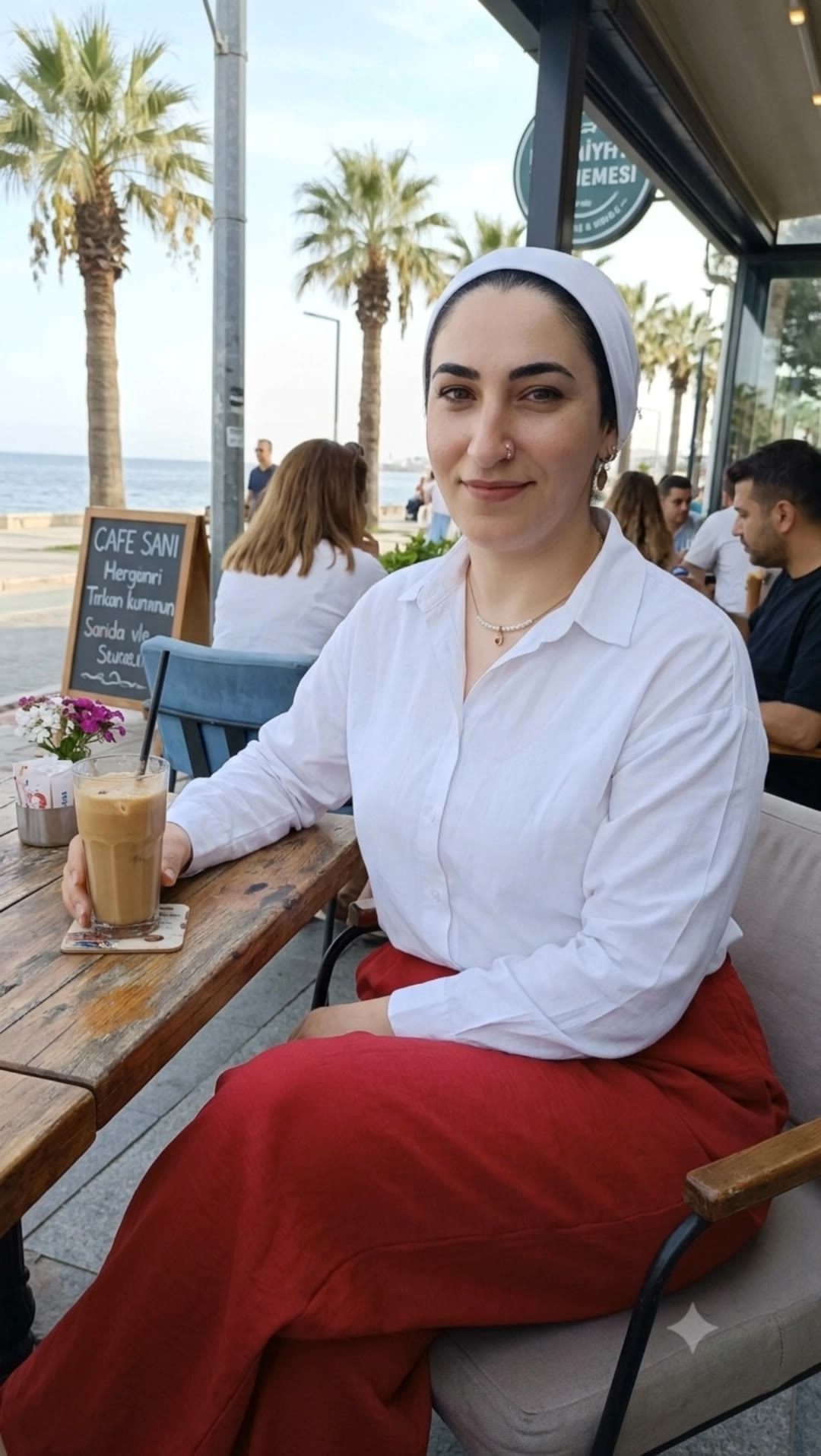
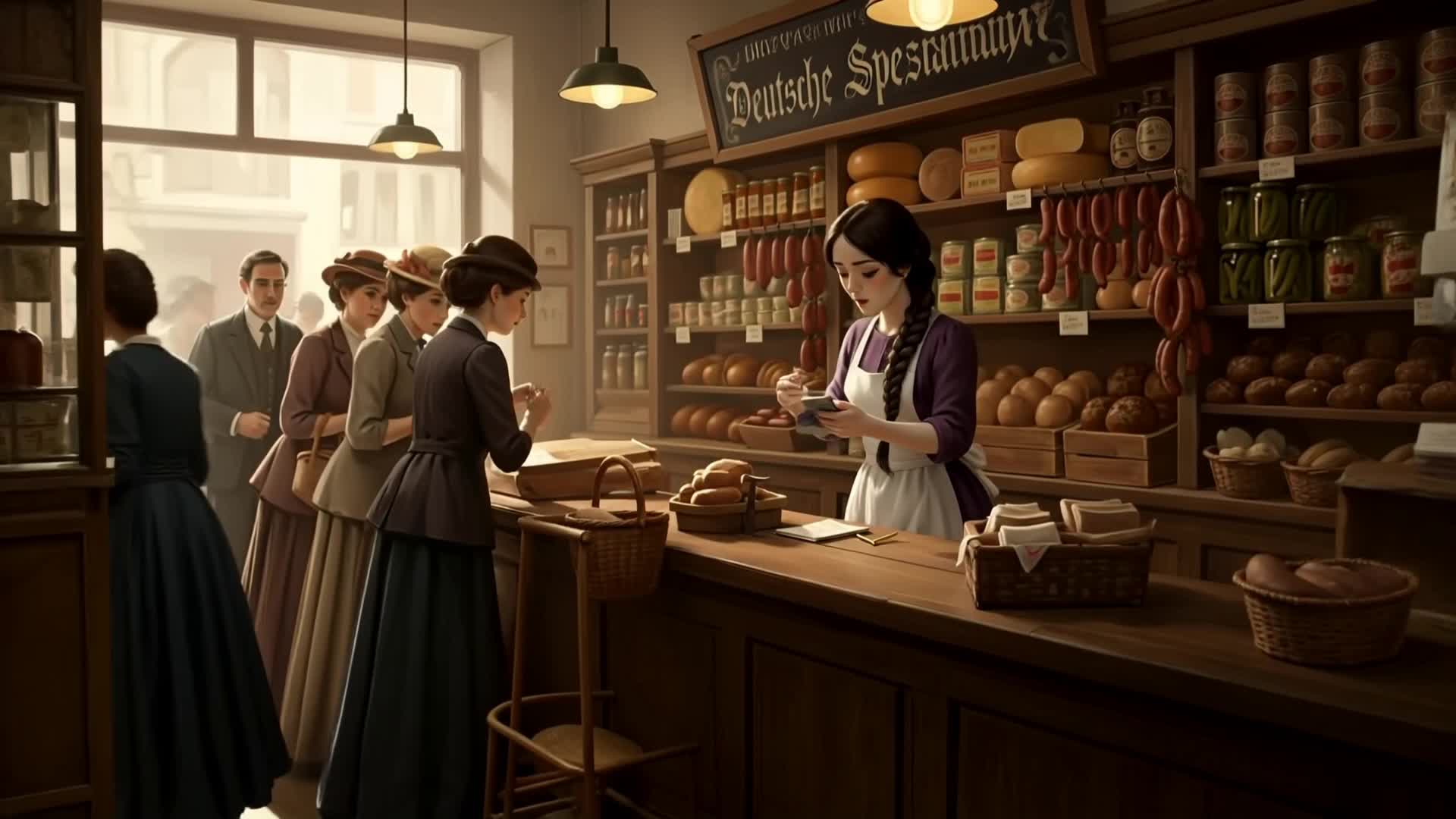
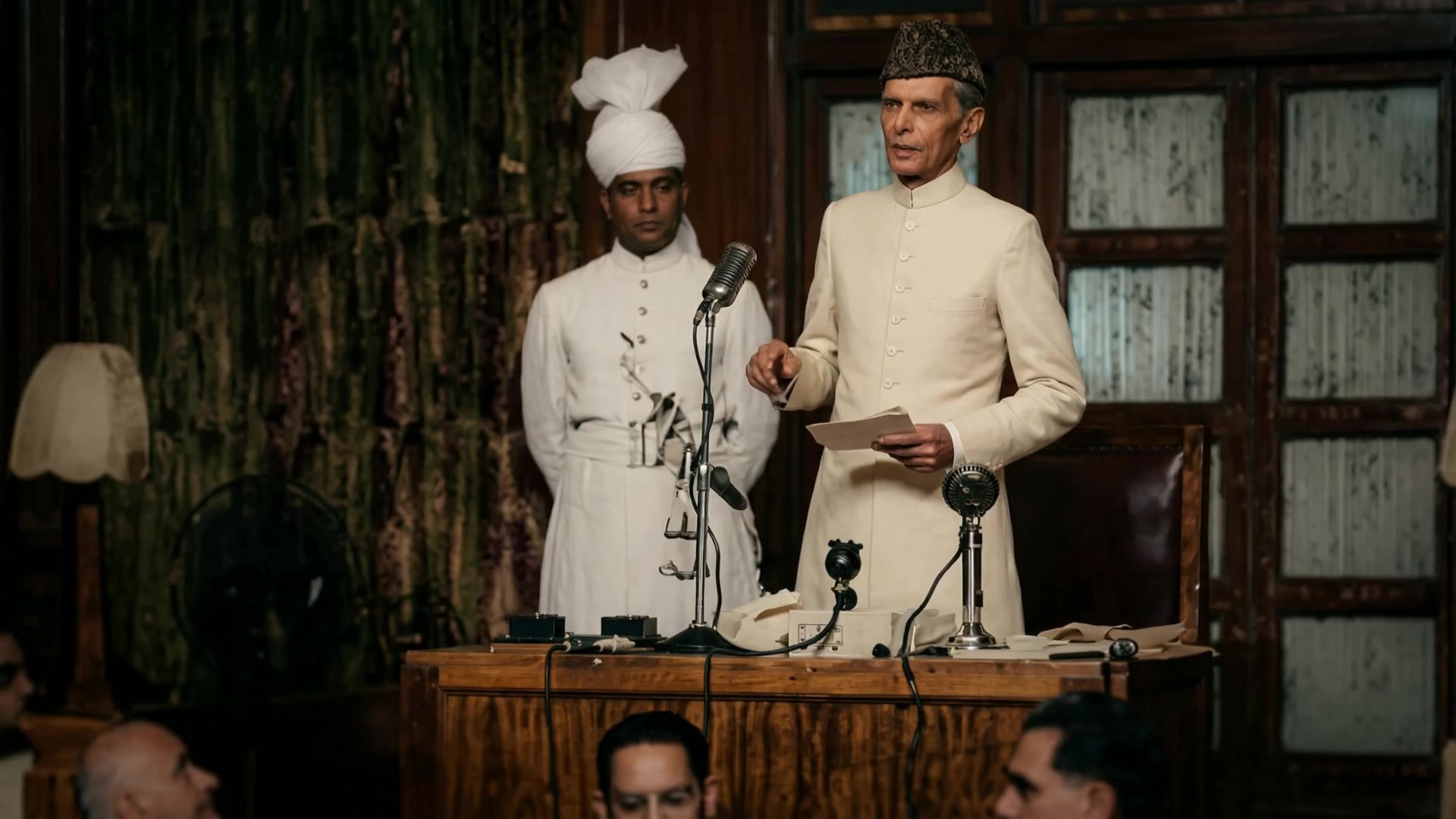
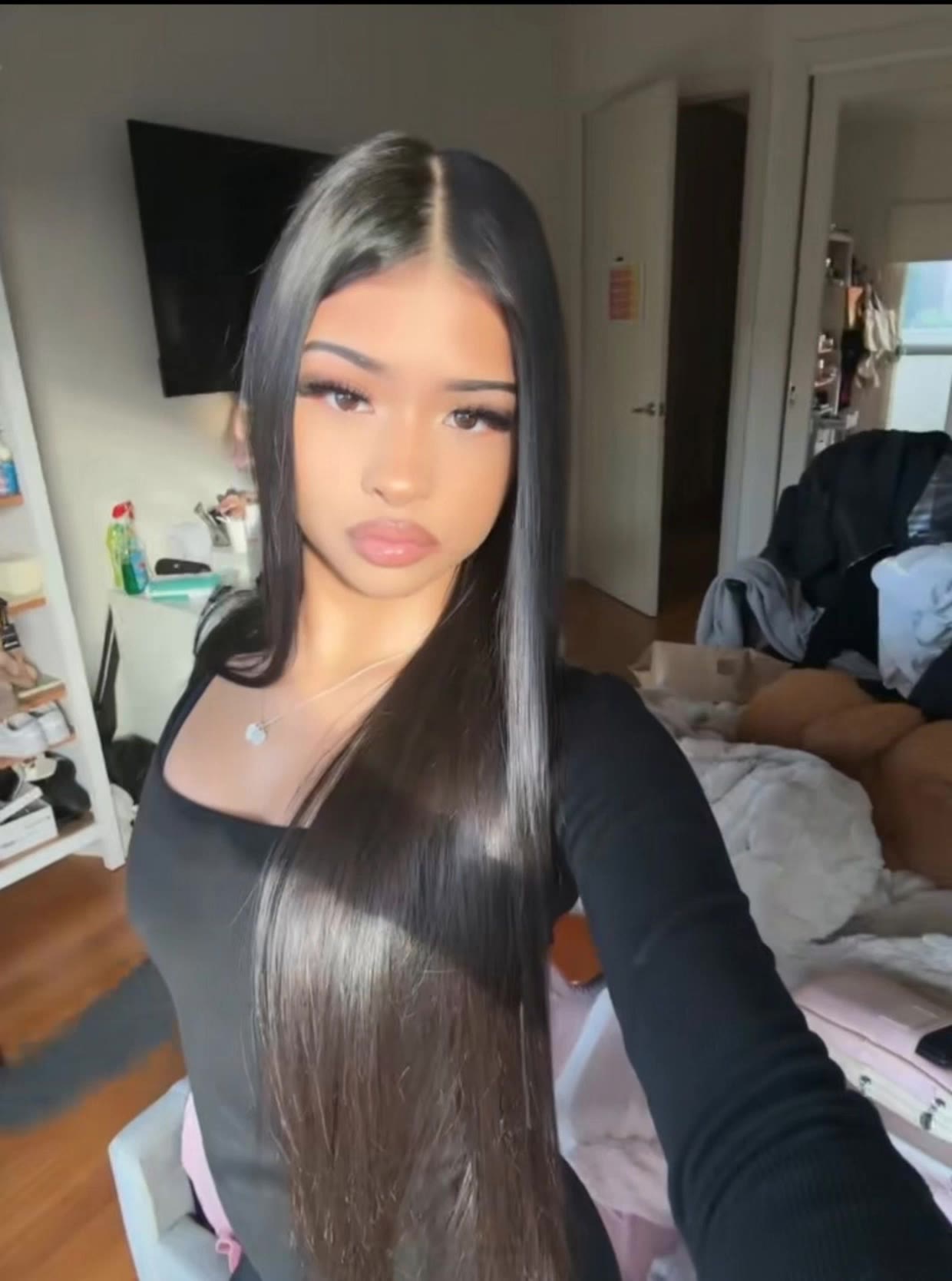
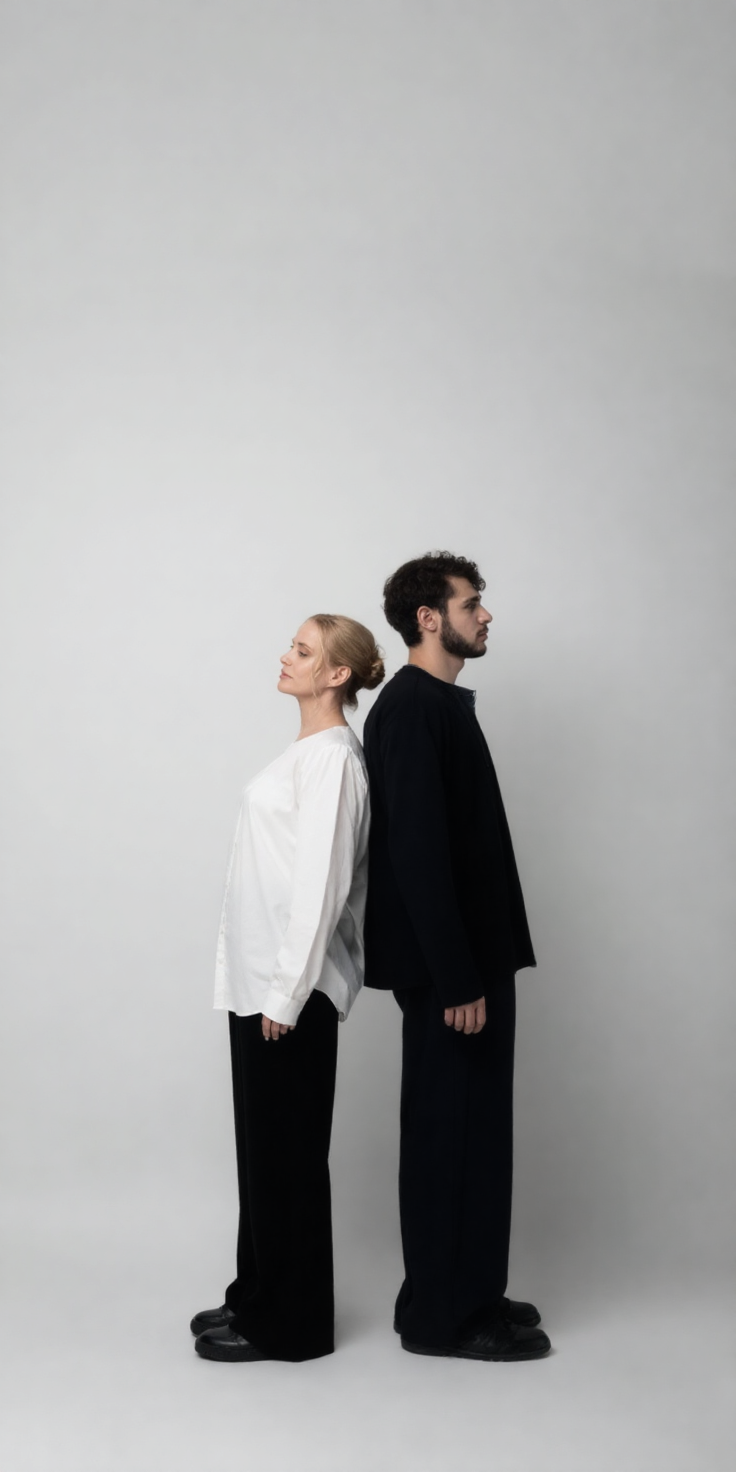
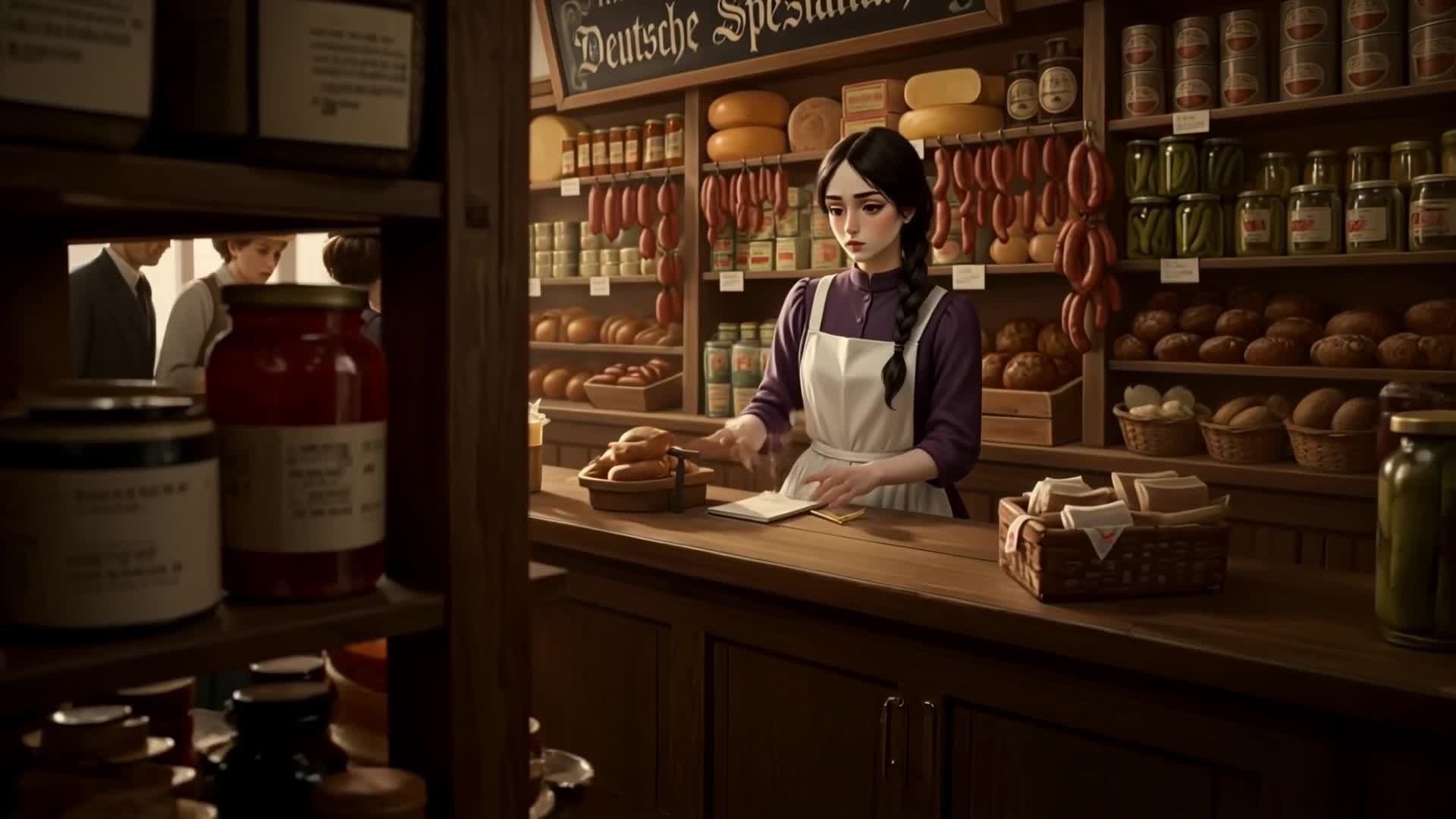
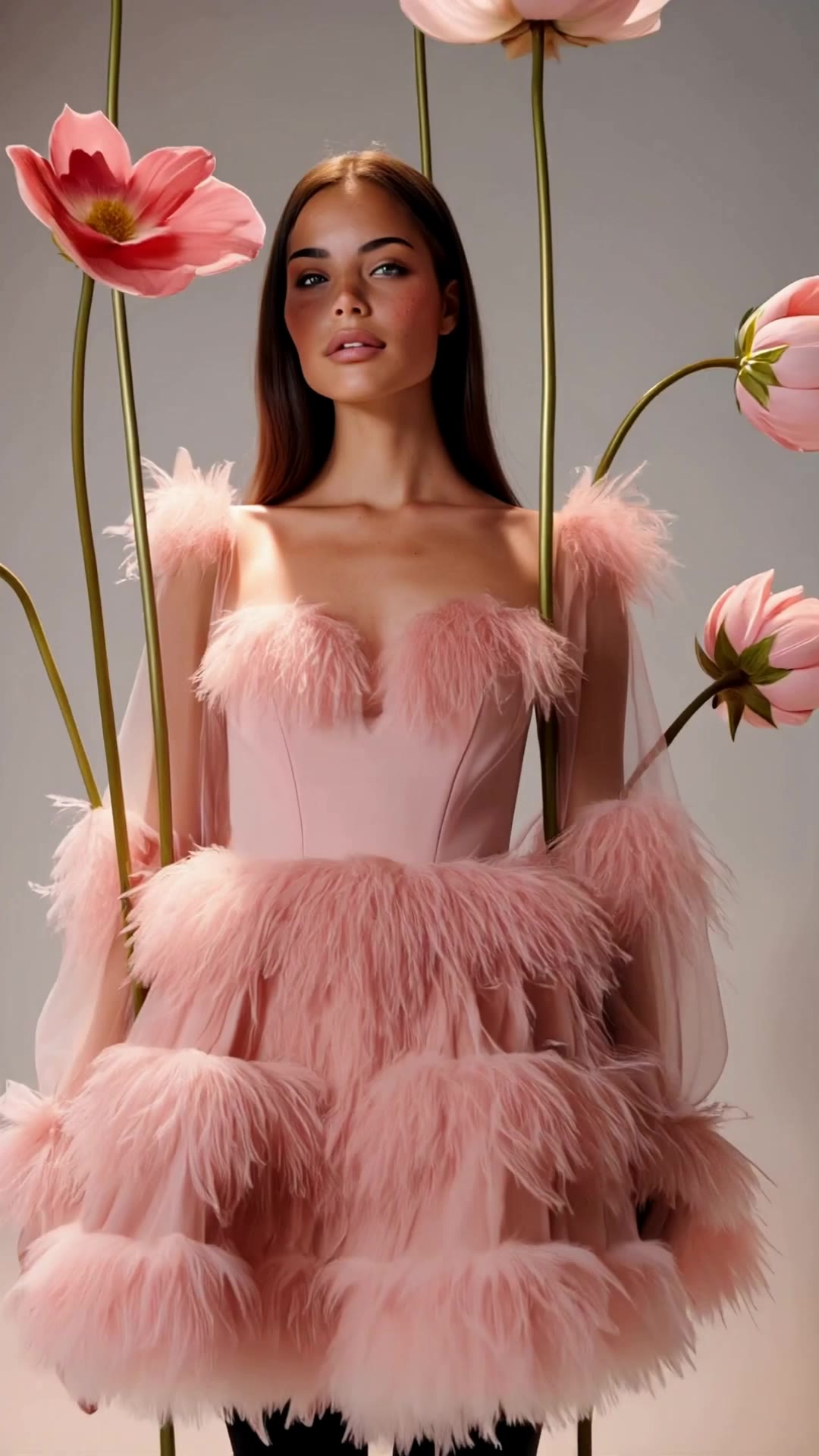
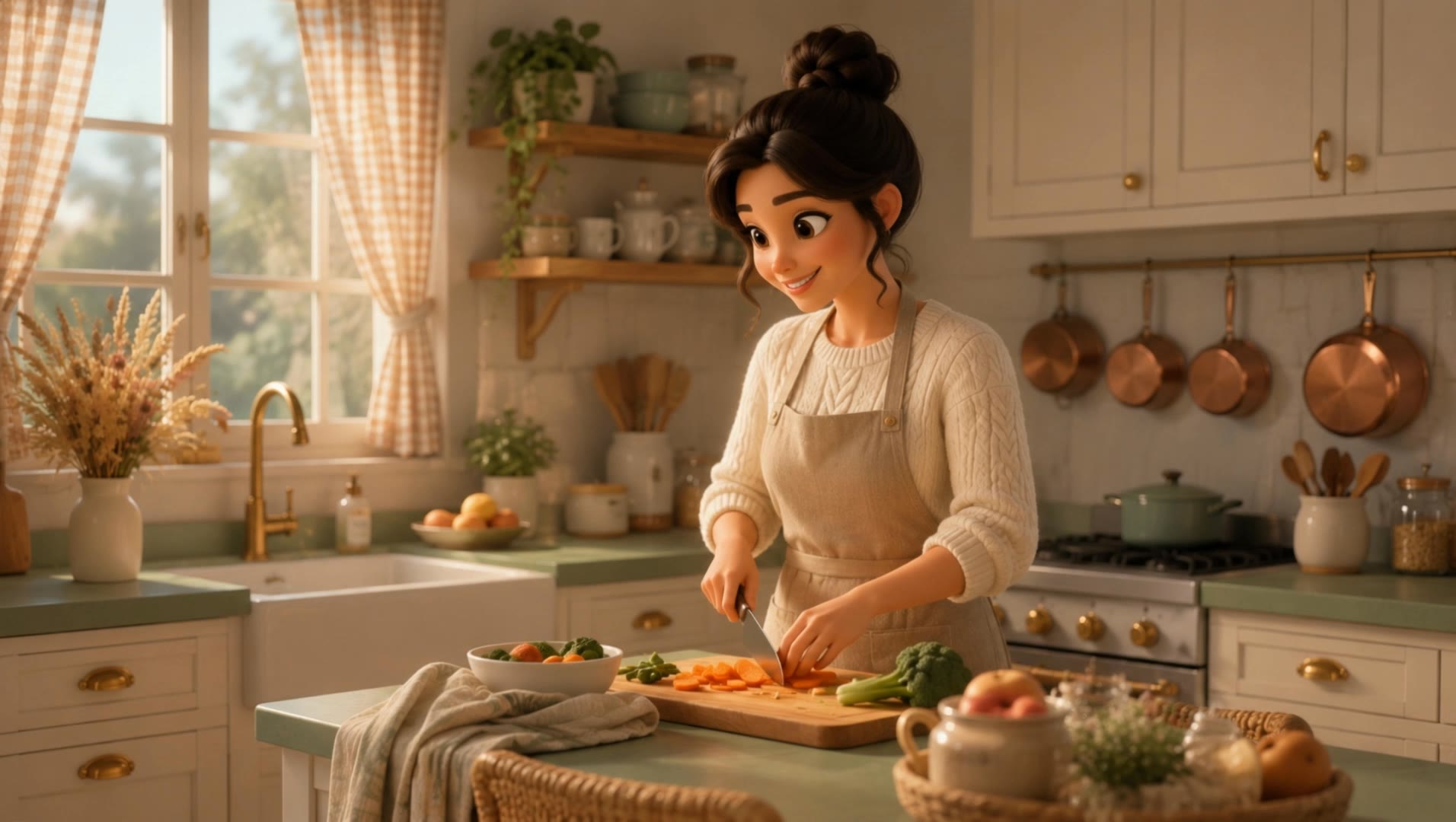
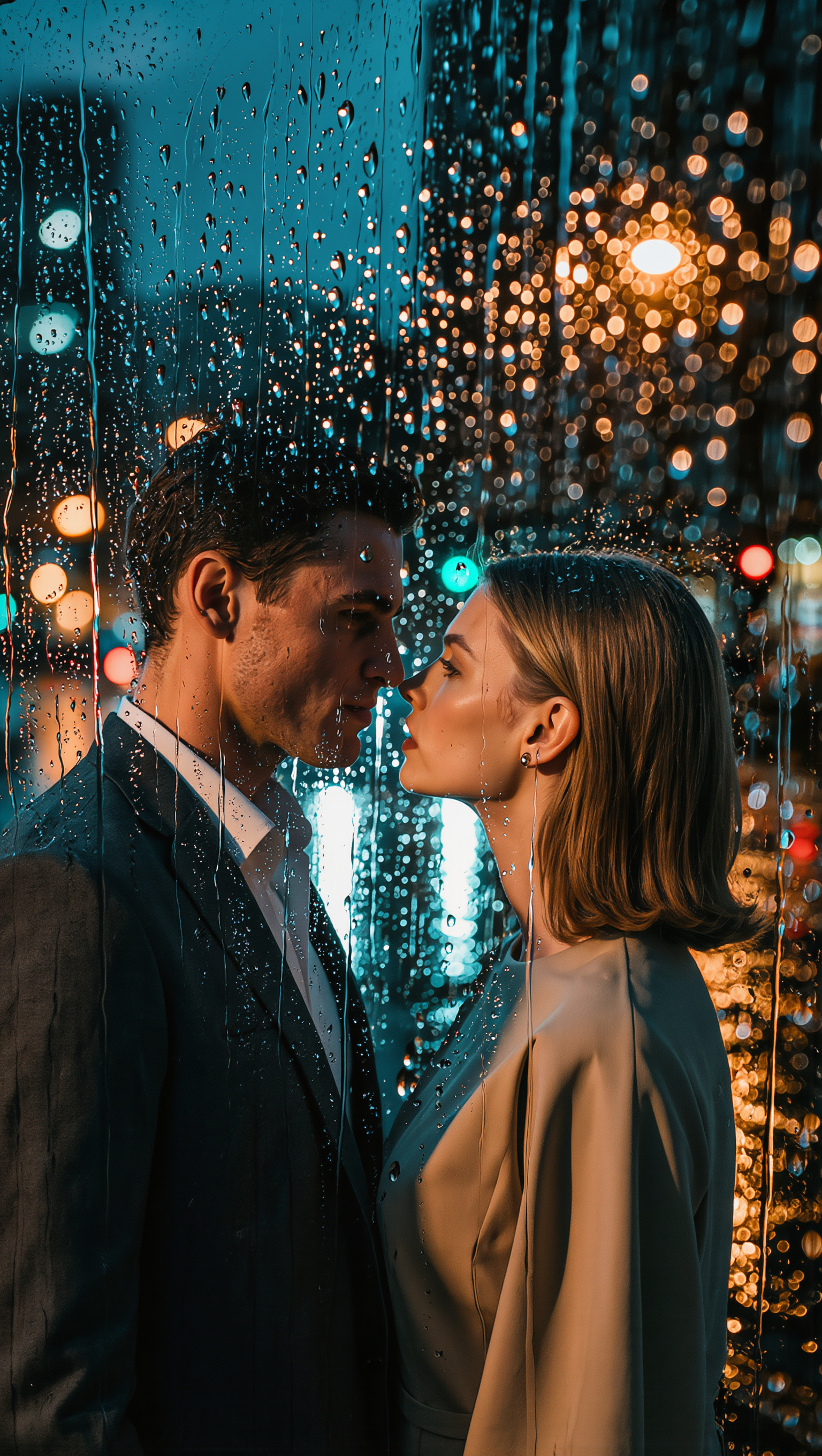
reference lighting - soft realism & dramatic transitions

Soft realistic lighting enhances natural movements and expressions in high-quality renders, creating serene and cinematic atmospheres. Start exploring reference lighting ideas and generate your own content with AI.

reference lighting - soft realism & dramatic transitions

Recommended

Kling AI work 316191829523071 - reference lighting AI video
LVViaNcT avatar
LVViaNcT
Kling AI work 317515243617767 - reference lighting AI image
Dreaming avatar
Dreaming
Elite Creator
Kling AI work 314053135504310 - reference lighting AI image
AaIKWAwb avatar
AaIKWAwb
Kling AI work 317585418523807 - reference lighting AI image
UNocmaVx avatar
UNocmaVx
Kling AI work 295864000521416 - reference lighting AI video
XuBUSndT avatar
XuBUSndT
Kling AI work 315412116507593 - reference lighting AI video
ogCJjXtn avatar
ogCJjXtn
Kling AI work 319729705663013 - reference lighting AI video
HxLDOJFU avatar
HxLDOJFU
Kling AI work 295955913301848 - reference lighting AI video
XuBUSndT avatar
XuBUSndT
Kling AI work 315529107505901 - reference lighting AI image
OnbFdiWO avatar
OnbFdiWO
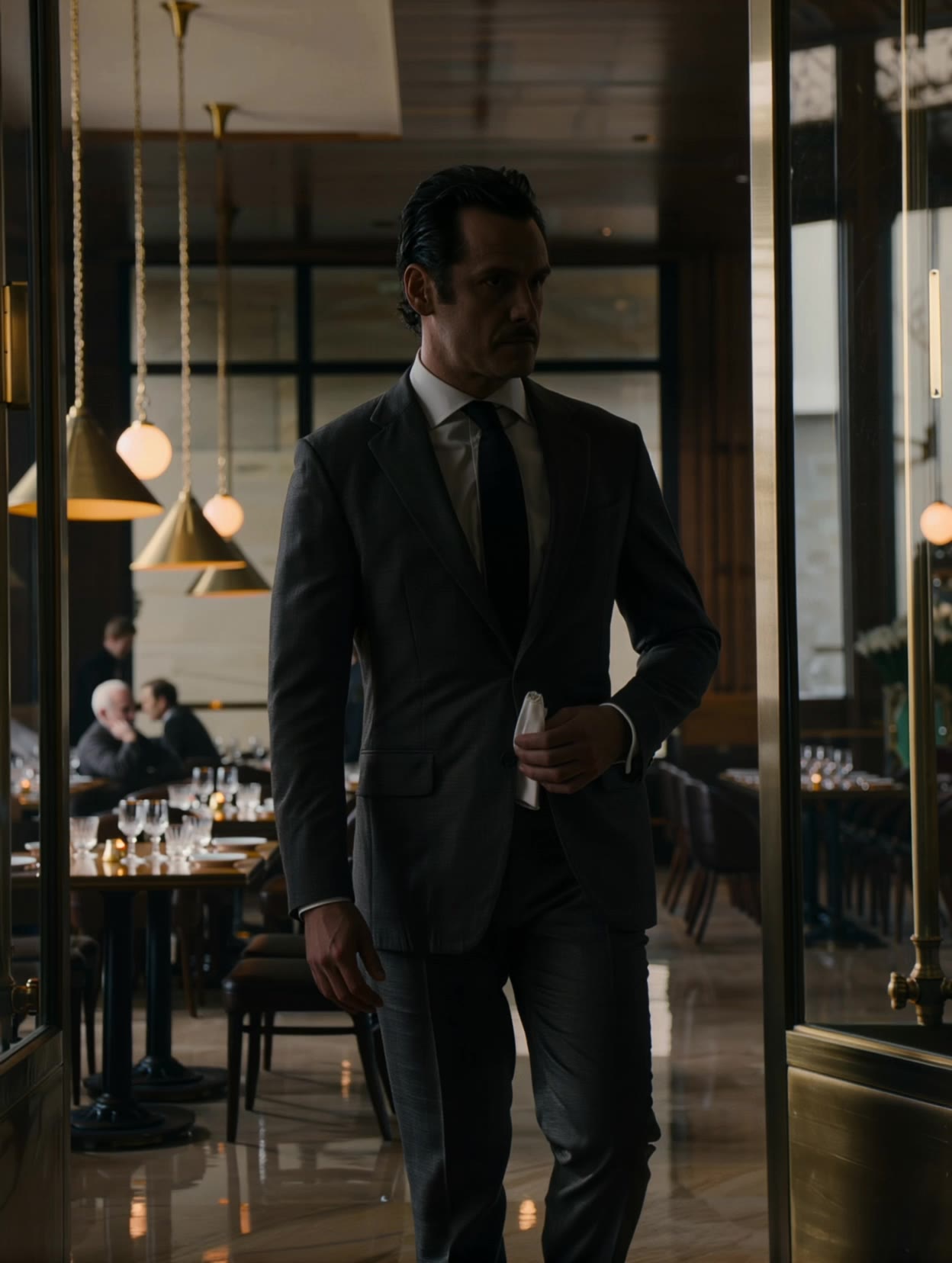
A tall well-dressed man walking - reference lighting AI video
DjrwvOpC avatar
DjrwvOpC
Archival Restoration - reference lighting AI video
PromptMediaLab avatar
PromptMediaLab
Kling AI work 311466162524641 - reference lighting AI video
rxUestjk avatar
rxUestjk
Kling AI work 315413227508539 - reference lighting AI video
ogCJjXtn avatar
ogCJjXtn
Kling AI work 317148872507839 - reference lighting AI image
AhzGUMVN avatar
AhzGUMVN
Kling AI work 295601306527052 - reference lighting AI video
XuBUSndT avatar
XuBUSndT
Cinematic 360° Fashion Bloom - reference lighting AI video
Polinaroxy avatar
Polinaroxy
Elite Creator
Kling AI work 320888060654009 - reference lighting AI video
XohUpInH avatar
XohUpInH
Kling AI work 315413266506582 - reference lighting AI video
ogCJjXtn avatar
ogCJjXtn

How to Change the Color of an Image with AI

Upload Your Image

Upload Your Image

Start with the photo you want to recolor, whether it is a product shot, portrait, fashion image, room interior, or another creative visual.

Describe the Color Details

Describe the Color Details

Describe the object or area you want to recolor and the new color you want to see. Give a direct instruction like: “Change the jacket to dark green.”. You can also add more detail about the shade, tone, or visual direction when you have something specific in mind.

Generate and Review

Generate and Review

Generate your new image and see how the color works with the original scene. Want a warmer shade, a deeper tone, or a different area changed? Update your prompt and try another version.

More Than a Cleaner Background

Keep the Focus on Your Subject

Keep the Focus on Your Subject

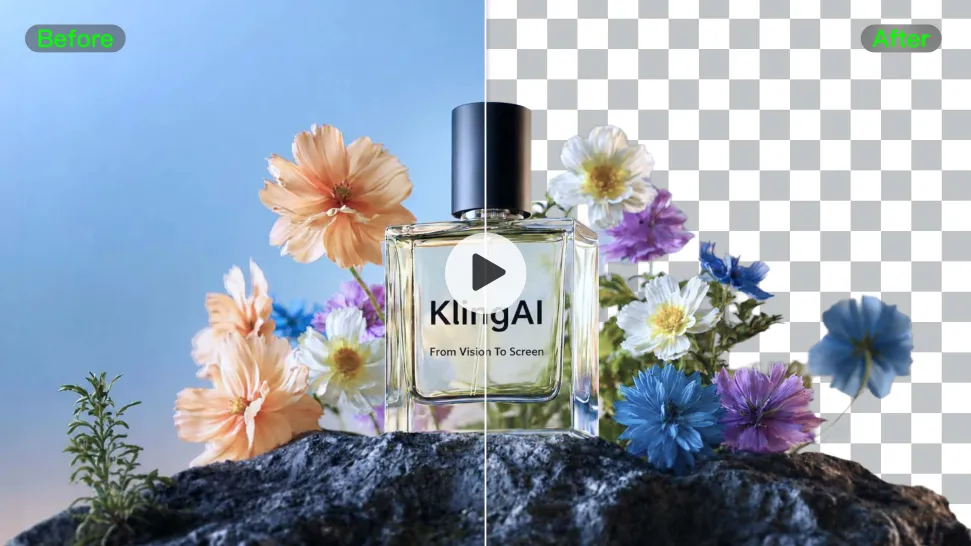
Busy room? Distracting backdrop? Clear away what pulls attention from the person, product, character, or action you actually want people to see. Give product videos, presenter clips, ads, and social content a cleaner look without manually tracing the subject through every frame. No green screen. No tedious masking. Just tell Kling what needs to stay.
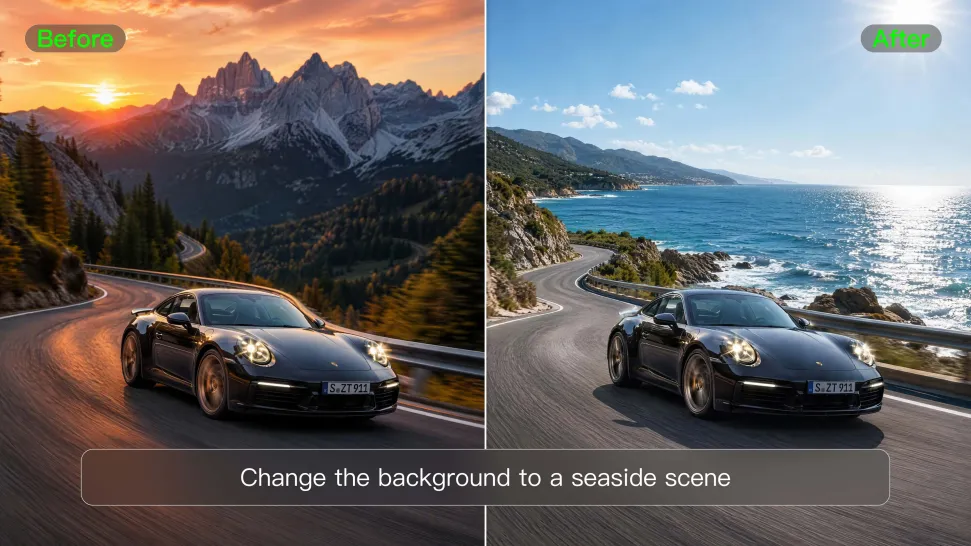
Give the Scene a Better Place to Happen

Give the Scene a Better Place to Happen

Love the footage but not where it was filmed? Change the setting instead of starting over. Describe what you want, or bring in a reference image when you already have the look in mind. Move the same shot into a clean studio, a branded space, a storefront, an outdoor scene, or somewhere completely different.
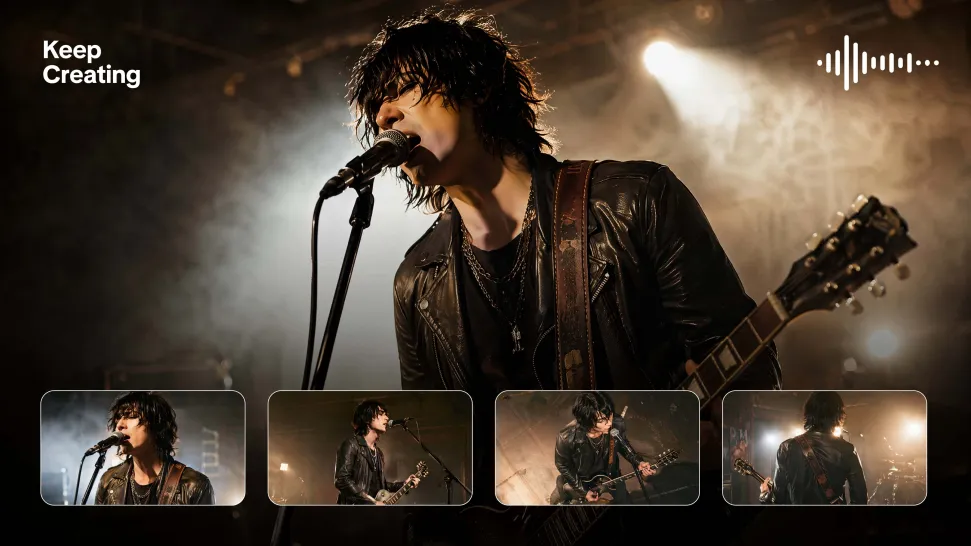
Keep Creating Without Switching Gears

Keep Creating Without Switching Gears

Once the background feels right, there is plenty more you can do in Kling AI. Generate new shots, build multi-shot sequences, work with native audio, explore Motion Control, sound, and effects, or keep shaping the video with Kling’s creative tools. From background fix to fuller video idea, you can keep the project moving with the same creative studio.

Apps

Image to Video
Image to Video

Image to Video

Text to Video
Text to Video

Text to Video

Omni
Omni

Omni

Digital Human
Digital Human

Digital Human

Restyle
Restyle

Restyle

Text to Image
Text to Image

Text to Image

60M+
60M+
Users
600M+
600M+
AI Videos Generated
4.7 ★
4.7 ★
App Store
Industry-Leading
Industry-Leading
Cinematic 4K

Reviews

PJ Ace

PJ Ace

★★★★★

Kling AI has made it easy for us to generate world class visuals for Fortune 500 companies, TV shows and music for big artists. We love the easy of use of the platform and the quality of the generations. My first time using Kling AI, I got 22 million views on just one video. It's that good.

Ozan Sihay

Ozan Sihay

★★★★★

Kling AI allows me to rapidly prototype ideas, refine storytelling elements, and produce visually compelling content efficiently. It has not only accelerated my creative processes, but also deepened my understanding of how AI can enrich visual storytelling.

Samuele Poggi (@visualsk2)

Samuele Poggi (@visualsk2)

★★★★★

I use Kling AI daily to push the limits of AI filmmaking. It allows me to create highly cinematic content, blending AI and VFX to develop innovative projects. It has significantly impacted my creative process, enabling me to achieve complex animations that would otherwise require high production budgets.

FAQ

Q1What kinds of characters can I lip sync?
Q2Is Kling AI Lip Sync free?
Q3Can Kling AI make a character sing?

Put Your Character in Front of the Screen

Start with an image, add the voice, and shape the performance. Kling AI Avatar brings the pieces together for your next campaign, lesson, social post, or story.

Custom AI avatars | Voice or text input | Lip sync | Expression and gesture control