Creative Studio
API
Resources
About Us
Download

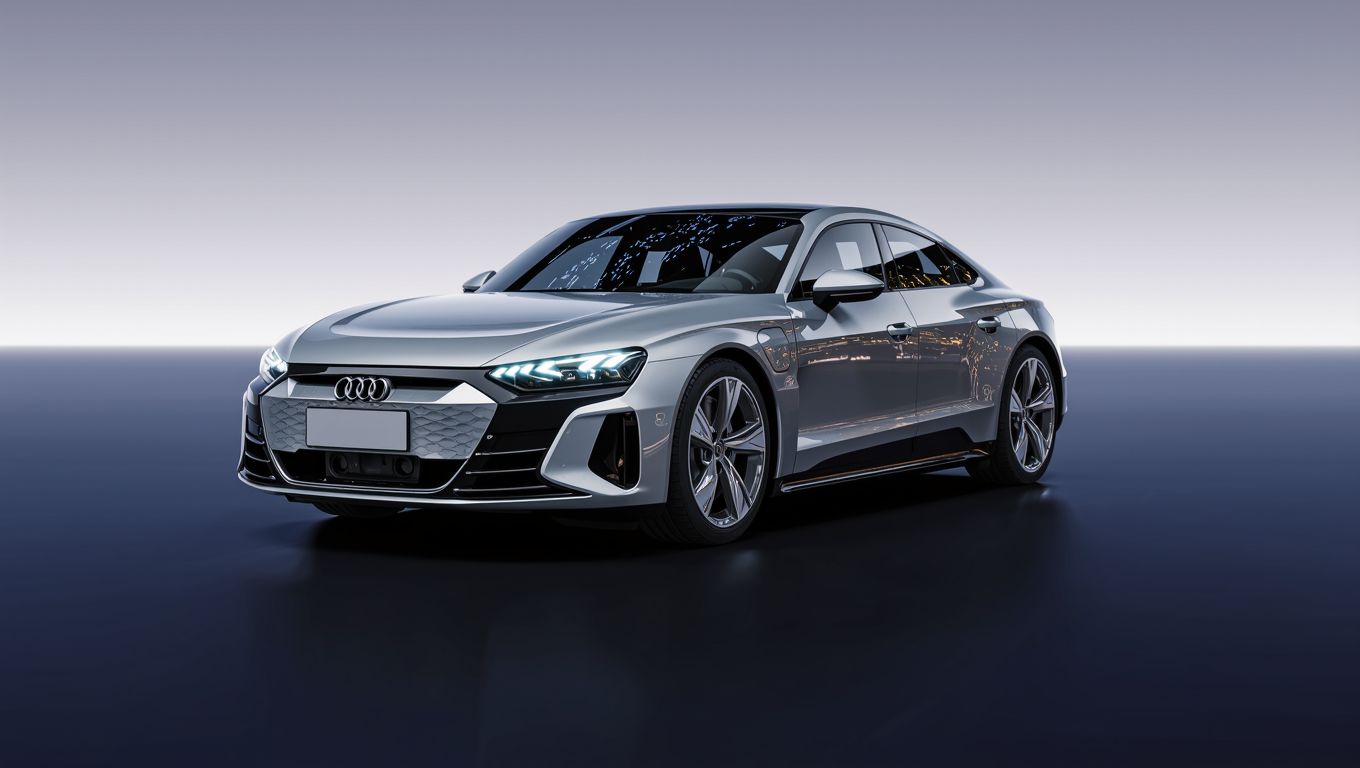
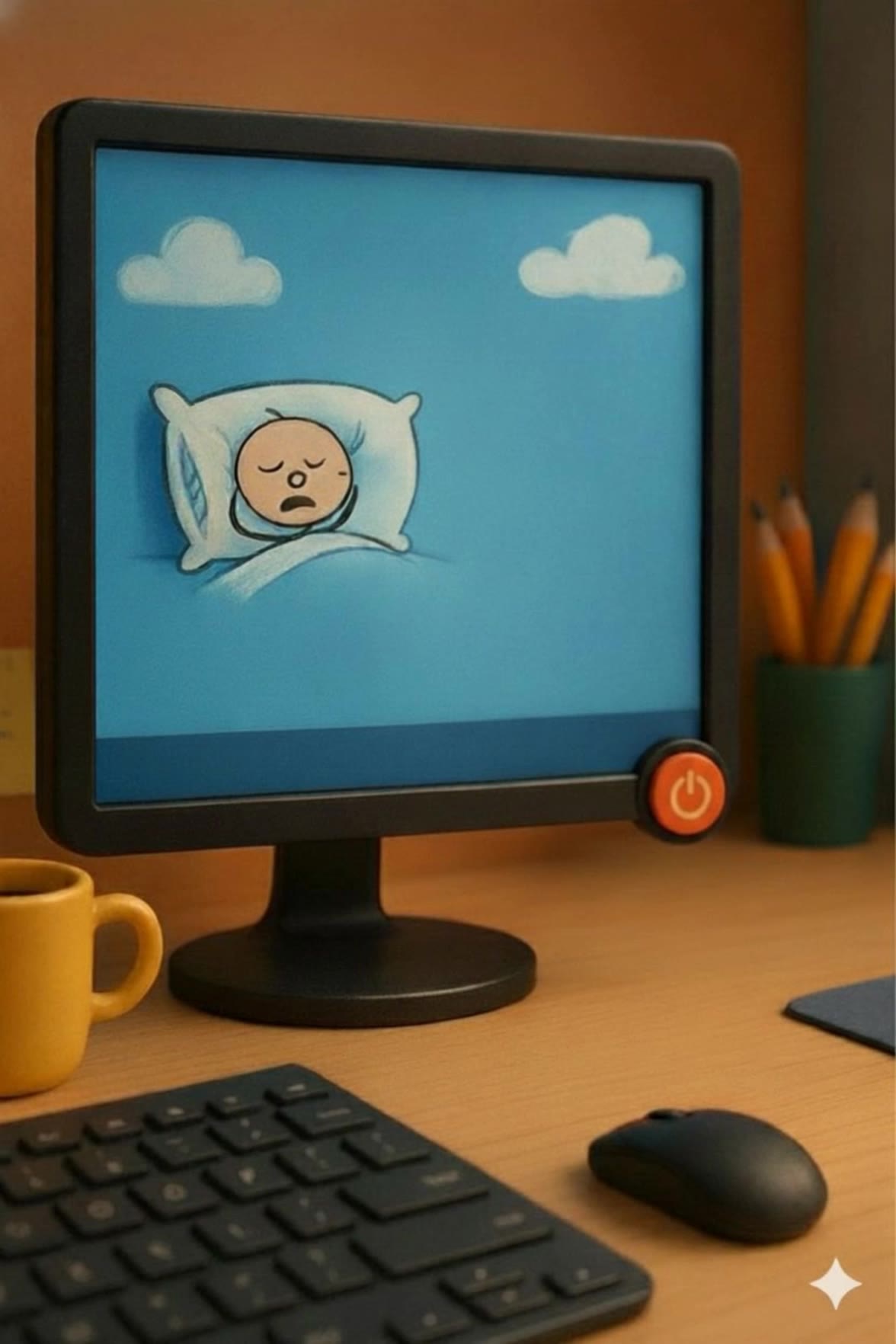
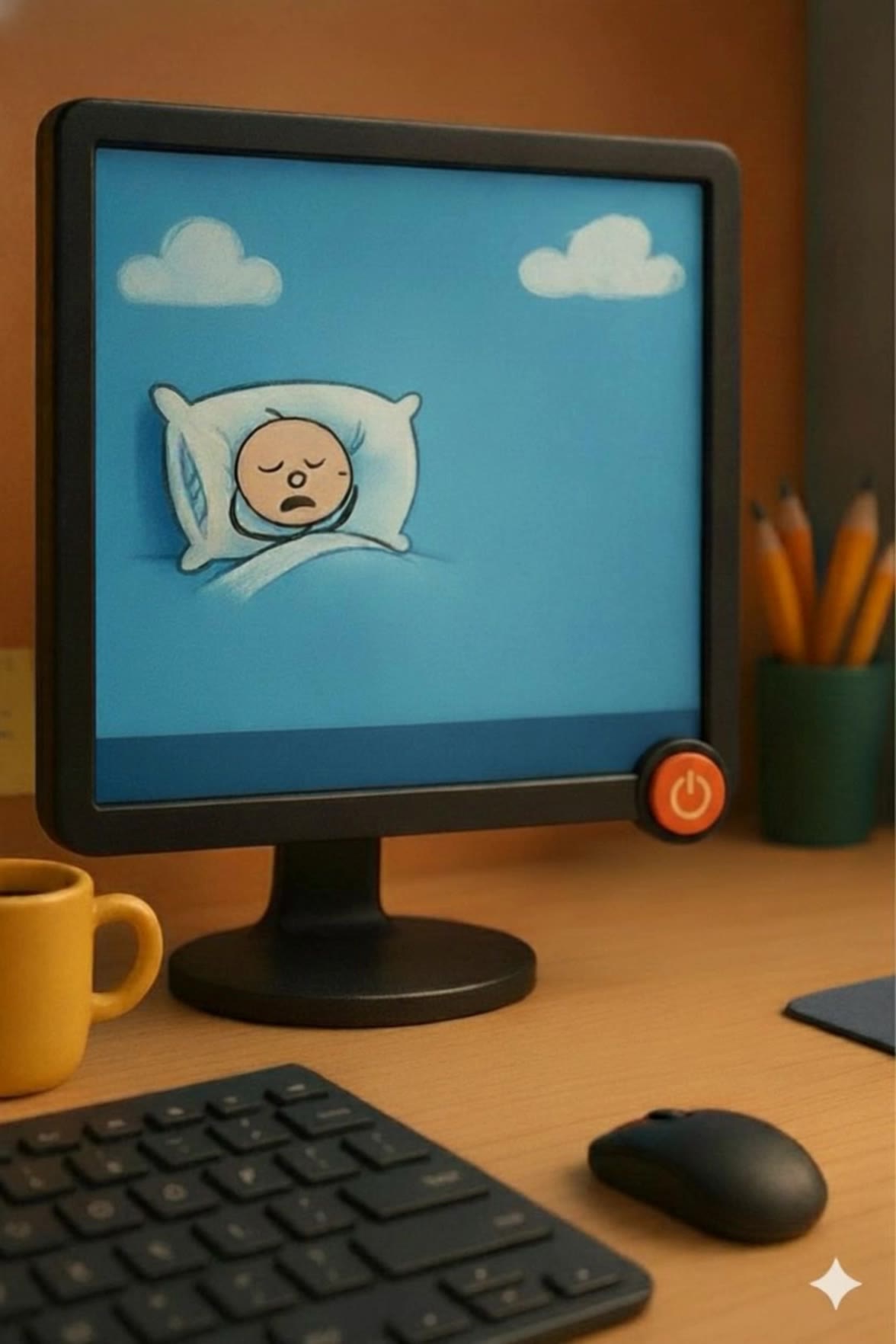
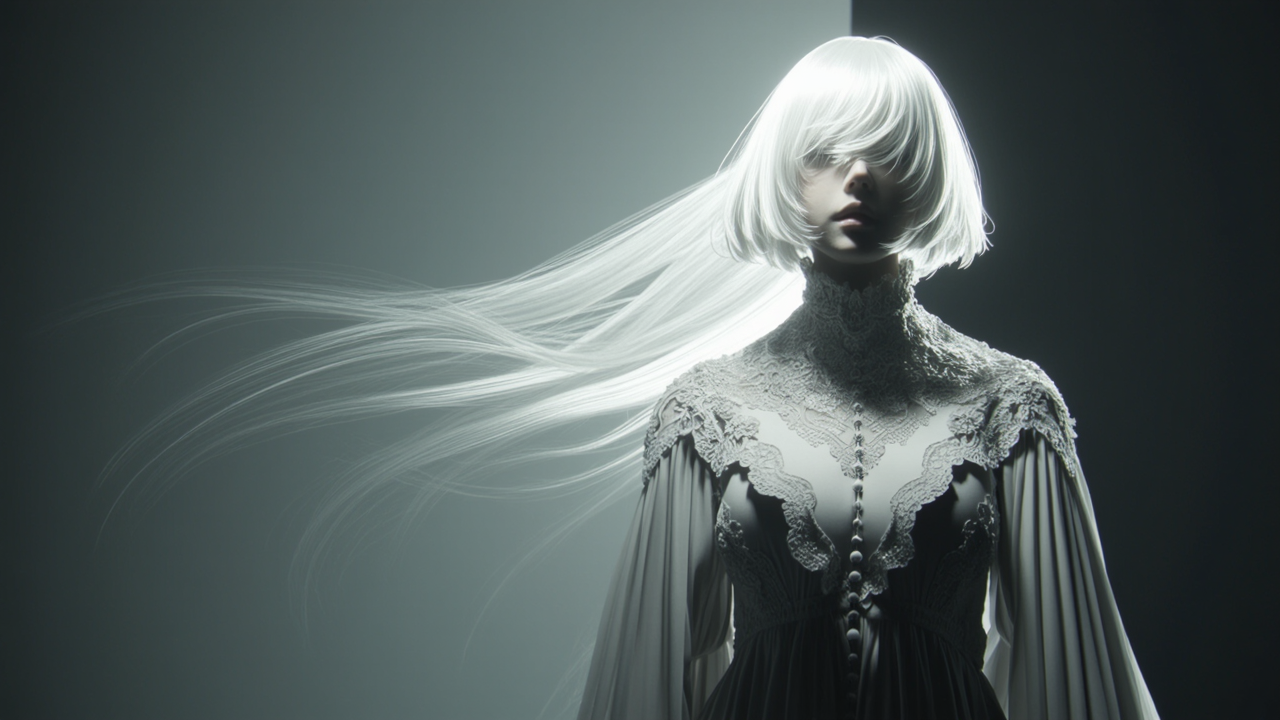
Sad Desktop Wallpaper – AI-Generated Moods

Explore a collection of AI-generated sad desktop wallpapers. Each image is crafted to evoke a melancholic mood, perfect for setting a reflective atmosphere. Customize your wallpaper with different themes and color schemes to match your mood.

Sad Desktop Wallpaper – AI-Generated Moods

Recommended

wallpaper - sad desktop wallpaper AI video
EDCxWRhK avatar
EDCxWRhK
wallpaper - sad desktop wallpaper AI video
EDCxWRhK avatar
EDCxWRhK
wallpaper - sad desktop wallpaper AI video
EDCxWRhK avatar
EDCxWRhK
Free Samurai  Wallpaper - sad desktop wallpaper AI video
NoJQgUjK avatar
NoJQgUjK
wallpaper - sad desktop wallpaper AI video
EDCxWRhK avatar
EDCxWRhK
knight wallpaper - sad desktop wallpaper AI video
cristian prado avatar
cristian prado
wallpaper - sad desktop wallpaper AI video
EDCxWRhK avatar
EDCxWRhK
Kling AI work 293453654524471 - sad desktop wallpaper AI video
xIdzcgnn avatar
xIdzcgnn
wallpaper - sad desktop wallpaper AI video
EDCxWRhK avatar
EDCxWRhK
wallpaper - sad desktop wallpaper AI video
EDCxWRhK avatar
EDCxWRhK
Sad Birthday - sad desktop wallpaper AI video
lcqPkOIv avatar
lcqPkOIv
Kling AI work 287431390328084 - sad desktop wallpaper AI image
LT93 avatar
LT93
Best wallpaper - sad desktop wallpaper AI image
SlBDeJKb avatar
SlBDeJKb
wallpaper - sad desktop wallpaper AI video
EDCxWRhK avatar
EDCxWRhK
Sad - sad desktop wallpaper AI video
Viktor_Fox avatar
Viktor_Fox
Kling AI work 314265054527114 - sad desktop wallpaper AI video
Buyo avatar
Buyo
wallpaper - sad desktop wallpaper AI video
EDCxWRhK avatar
EDCxWRhK
wallpaper - sad desktop wallpaper AI video
EDCxWRhK avatar
EDCxWRhK
Cat Wallpaper - sad desktop wallpaper AI image
aBgQkBke avatar
aBgQkBke

How to Create Cinematic AI Videos with Kling

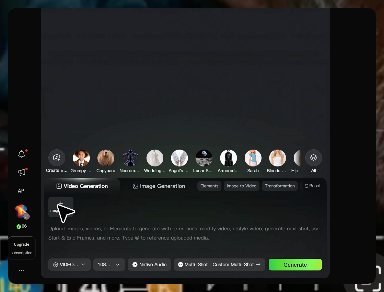
Upload or Describe Your Vision

Upload or Describe Your Vision

Start by uploading a reference photo or entering a text prompt to define your character, style, and scene.

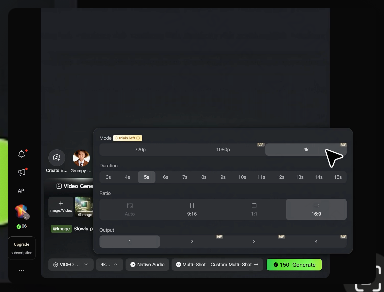
Adjust Settings & Motion

Adjust Settings & Motion

Refine your video by locking character consistency, adjusting motion intensity, or adding native AI audio and lip-sync.

Generate & Export in 4K

Generate & Export in 4K

Click generate to produce your high-fidelity video. Preview the results and export your masterpiece in stunning 4K resolution.

Why Kling Sets the Standard for Video Creation

Flawless Character Consistency for High-Quality Videos

Flawless Character Consistency for High-Quality Videos

Unlike standard tools that distort faces when moving, Kling Video 3.0 lets you strictly lock a character’s appearance. Upload a single photo, or use a short video/multiple angles as a reference to completely eliminate the “AI morphing” effect.

All-in-One Native Audio & Lip-Sync

All-in-One Native Audio & Lip-Sync

Your video isn’t just silent footage; it speaks. Generate perfectly matched voices and realistic lip movements in multiple languages or regional accents. Even in multi-character scenes, you can precisely assign who speaks—no third-party tools required.

Up to 15s Multi-Shot Cinematic Output

Up to 15s Multi-Shot Cinematic Output

Go beyond a basic 3-second clip. Kling 3.0 extends generation to 15 seconds of smooth, uninterrupted narrative. You can even use native storyboard controls to direct multi-shot sequences in a single click—outputting in crystal-clear 4K for professional use.

Apps

Image to Video
Image to Video

Image to Video

Text to Video
Text to Video

Text to Video

Omni
Omni

Omni

Digital Human
Digital Human

Digital Human

Restyle
Restyle

Restyle

Text to Image
Text to Image

Text to Image

60M+
60M+
Users
600M+
600M+
AI Videos Generated
4.7 ★
4.7 ★
App Store
Industry-Leading
Industry-Leading
Cinematic 4K

Reviews

Samuele Poggi (@visualsk2)

Samuele Poggi (@visualsk2)

★★★★★

I use Kling AI daily to push the limits of AI filmmaking. It allows me to create highly cinematic content, blending AI and VFX to develop innovative projects. It has significantly impacted my creative process, enabling me to achieve complex animations that would otherwise require high production budgets.

Huang Lu (Elson)

Huang Lu (Elson)

★★★★★

I’ve been using Kling AI since its initial release, and it’s remained one of the leading AI media generators ever since. With Kling AI, I’ve created hundreds of videos, collectively amassing millions of views.

Ozan Sihay

Ozan Sihay

★★★★★

Kling AI allows me to rapidly prototype ideas, refine storytelling elements, and produce visually compelling content efficiently. It has not only accelerated my creative processes, but also deepened my understanding of how AI can enrich visual storytelling.

FAQ

Q1How do I keep the face from changing or morphing in my video?
Q2Can I use these generated videos for my e-commerce store or social media ads?
Q3Is this image to video AI free to use?

Start Creating AI Videos with Kling

Turn your image into a talking, high-quality video in seconds. No watermarks, no complicated setup.

Free tier available (Memberships are watermark-free) | 1080p export (Memberships unlock 4K) | Instant results