Creative Studio
API
Resources
Features
About Us
Download

Sad Instagram Profile Picture – AI Image Ideas

Find AI-generated sad Instagram profile pictures. These AI-made visuals offer quick and customizable options to create a unique and expressive profile picture for your social media.

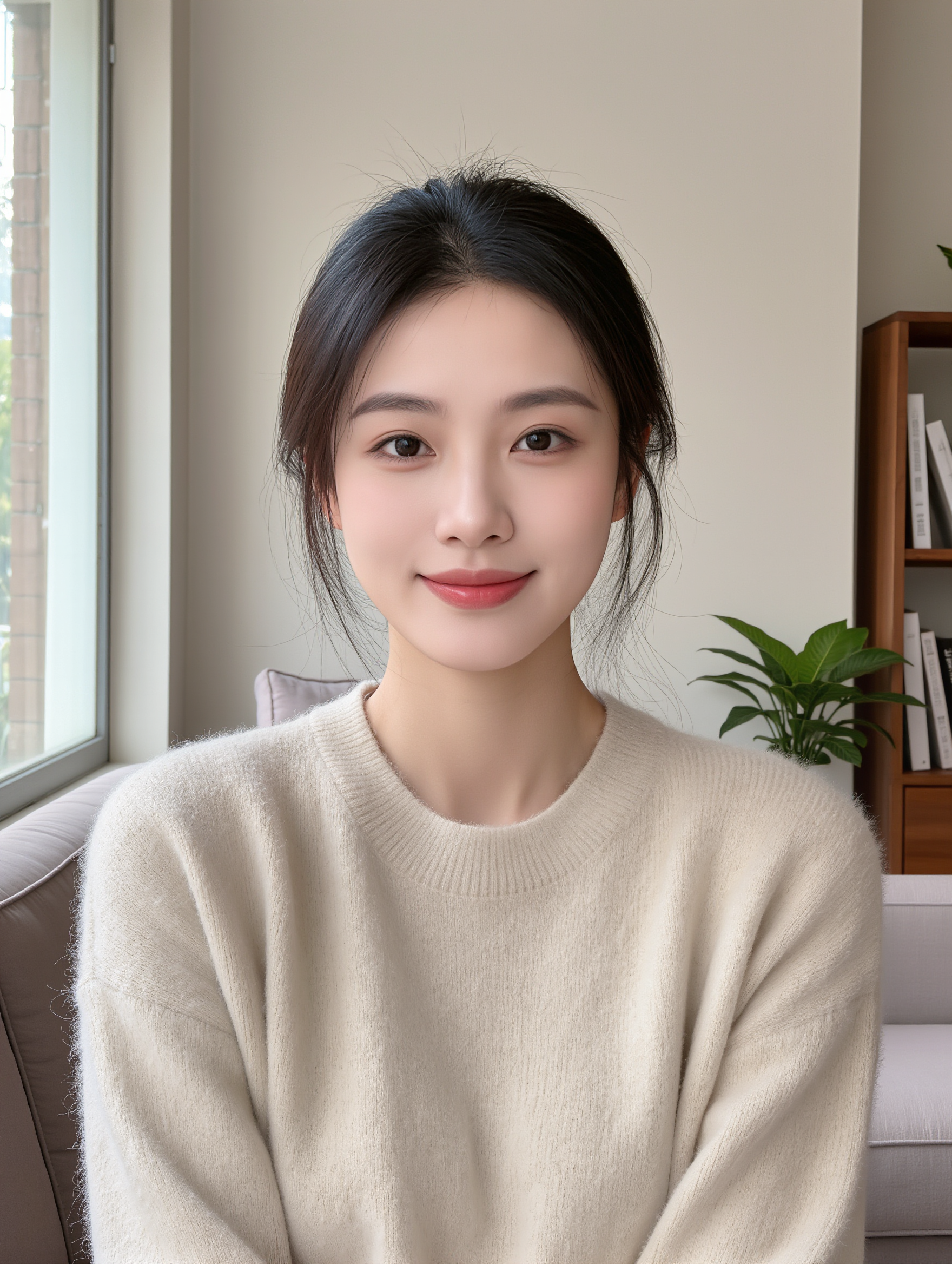
Sad Instagram Profile Picture – AI Image Ideas

Recommended

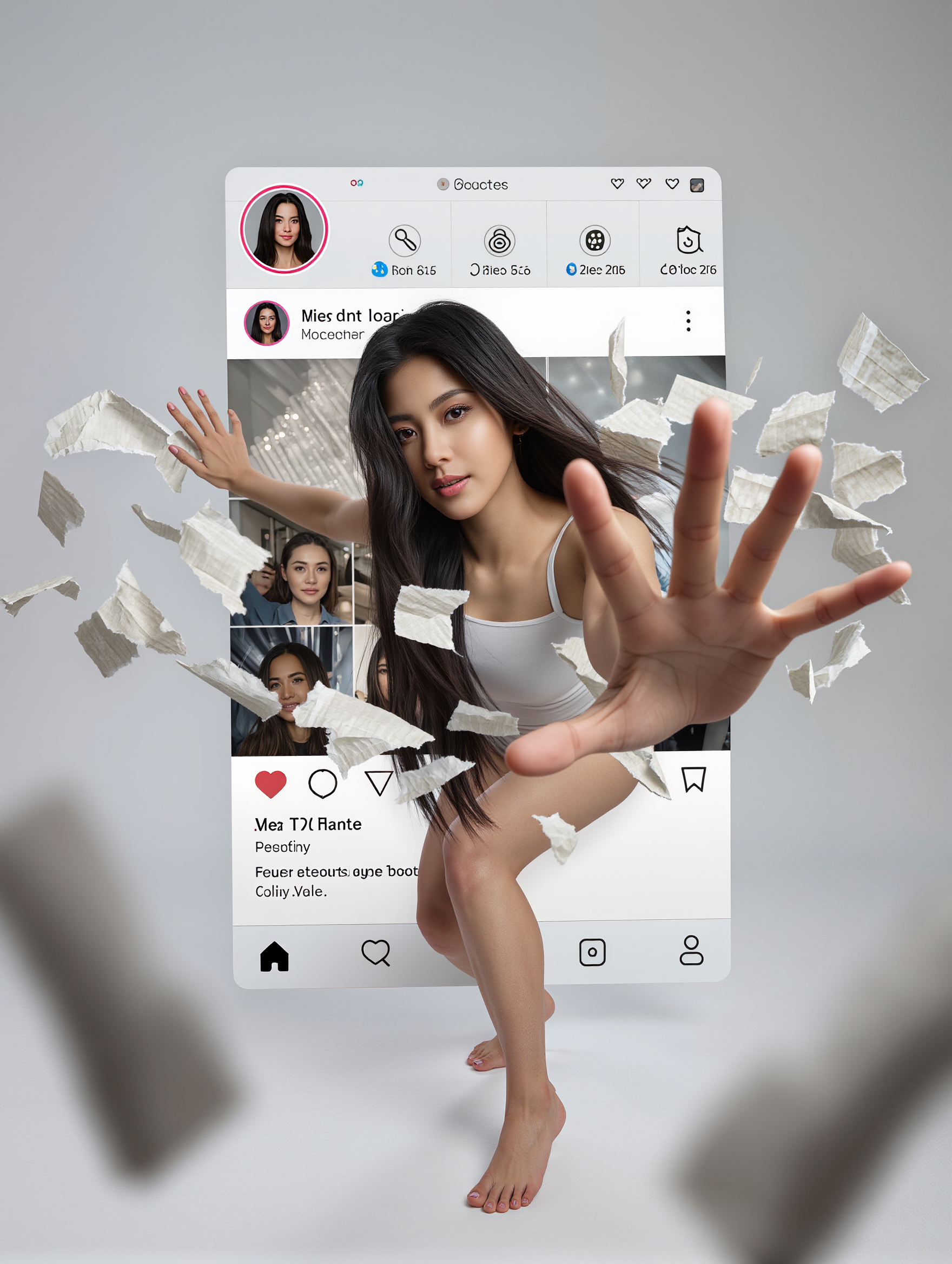
Kling AI work 317860874666284 - sad instagram profile picture AI image
bKgjjCyr avatar
bKgjjCyr
Kling AI work 319108876667290 - sad instagram profile picture AI image
dYkvFyUQ avatar
dYkvFyUQ
Kling AI work 308851246506311 - sad instagram profile picture AI image
HoddDIwk avatar
HoddDIwk
sad and heartbreaking  - sad instagram profile picture AI video
sophea avatar
sophea
Kling AI work 305868745654220 - sad instagram profile picture AI image
bnxJPaij avatar
bnxJPaij
Kling AI work 313402719615852 - sad instagram profile picture AI video
Nancy yassine avatar
Nancy yassine
Kling AI work 316113320520734 - sad instagram profile picture AI video
NCAdgYKl avatar
NCAdgYKl
Kling AI work 316412028617127 - sad instagram profile picture AI video
SvdFkuur avatar
SvdFkuur
Kling AI work 308064421663936 - sad instagram profile picture AI image
UhhQbRZz avatar
UhhQbRZz
Kling AI work 313698359506208 - sad instagram profile picture AI video
DwtfNiuN avatar
DwtfNiuN
Kling AI work 313169518524428 - sad instagram profile picture AI image
YpCPoElB avatar
YpCPoElB
Timelapes motion in real picture - sad instagram profile picture AI video
YYRqIMJD avatar
YYRqIMJD
Kling AI work 312945305505735 - sad instagram profile picture AI image
COmTSFco avatar
COmTSFco
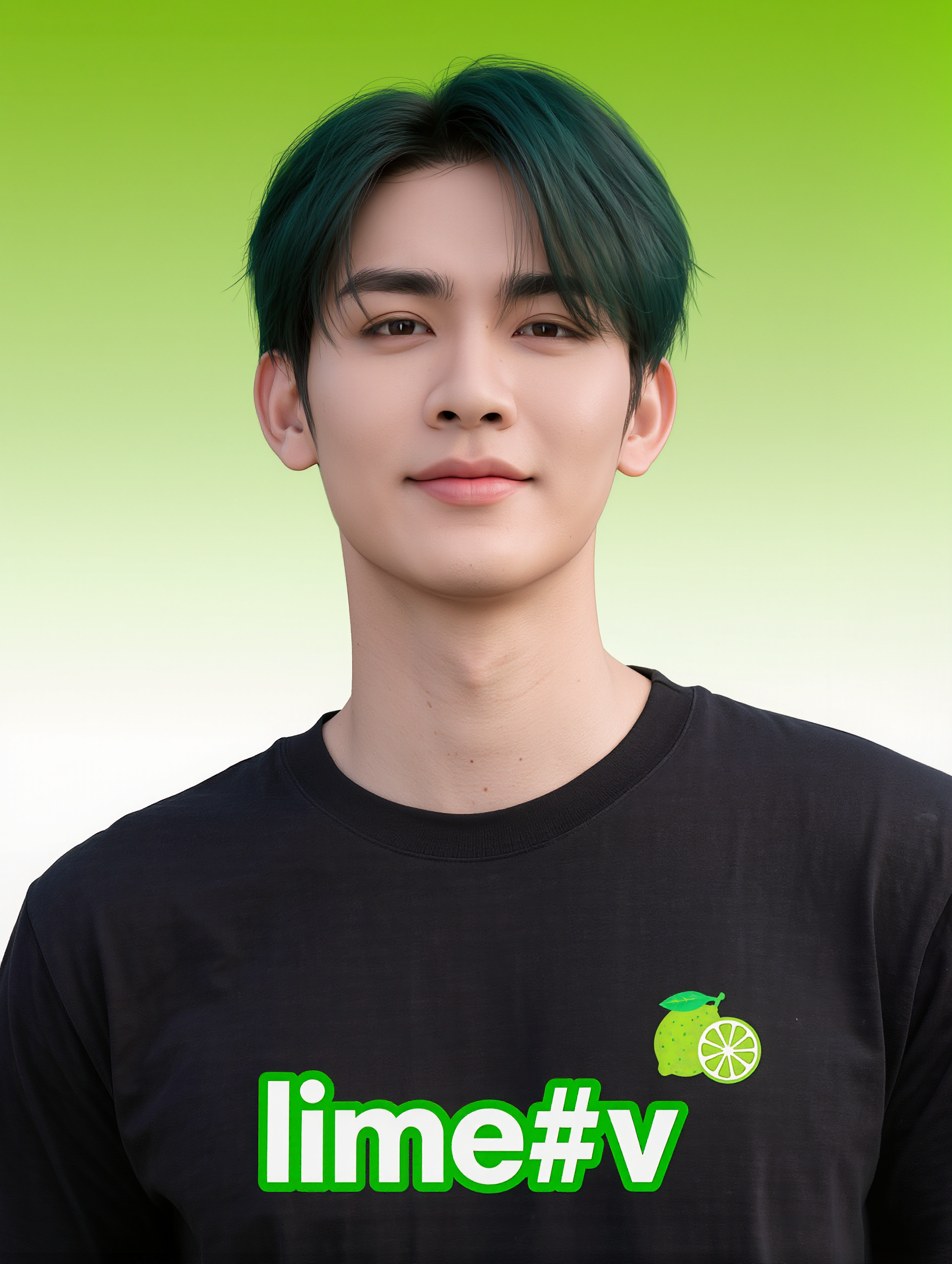
Kling AI work 306821036662361 - sad instagram profile picture AI image
lime#v avatar
lime#v
Kling AI work 316462345506652 - sad instagram profile picture AI image
msgIUbvS avatar
msgIUbvS
Kling AI work 314198119528943 - sad instagram profile picture AI image
UYYGGulz avatar
UYYGGulz
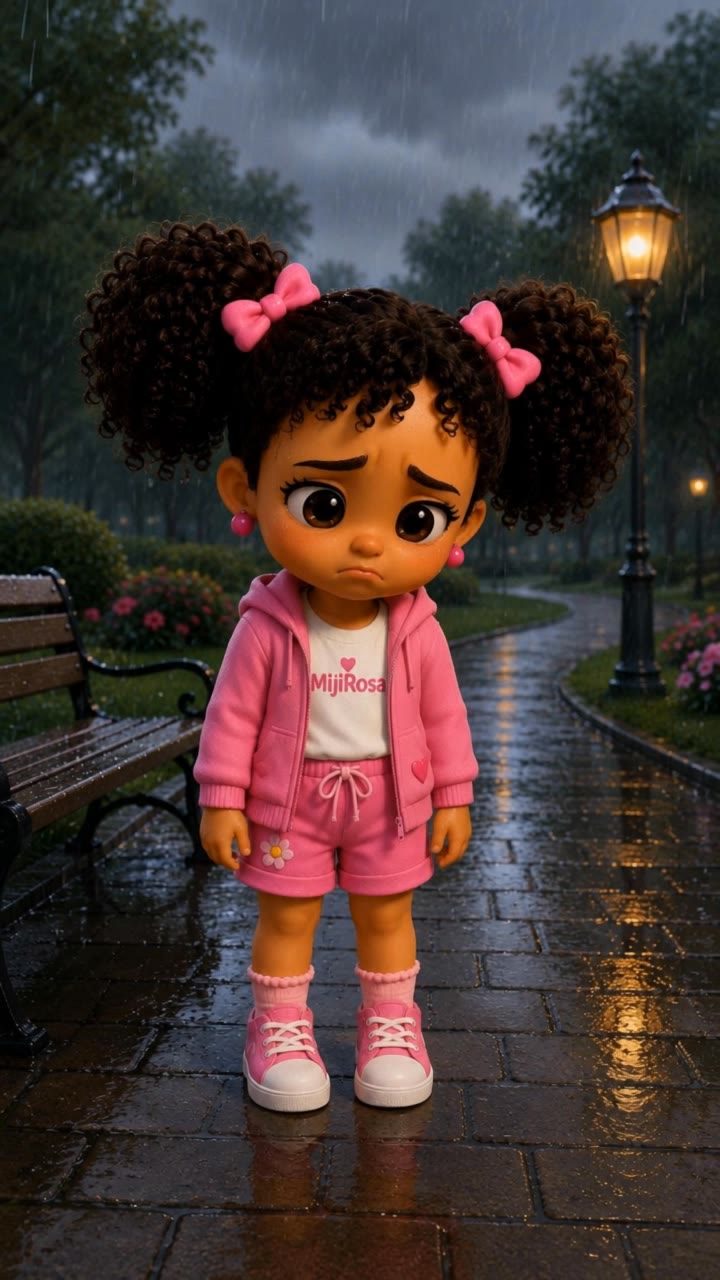
I Feel Sad 😢🌸 - sad instagram profile picture AI video
MiniRosa Creative avatar
MiniRosa Creative
Whitney's Instagram Messages  - sad instagram profile picture AI video
Third Line AI Prod. avatar
Third Line AI Prod.
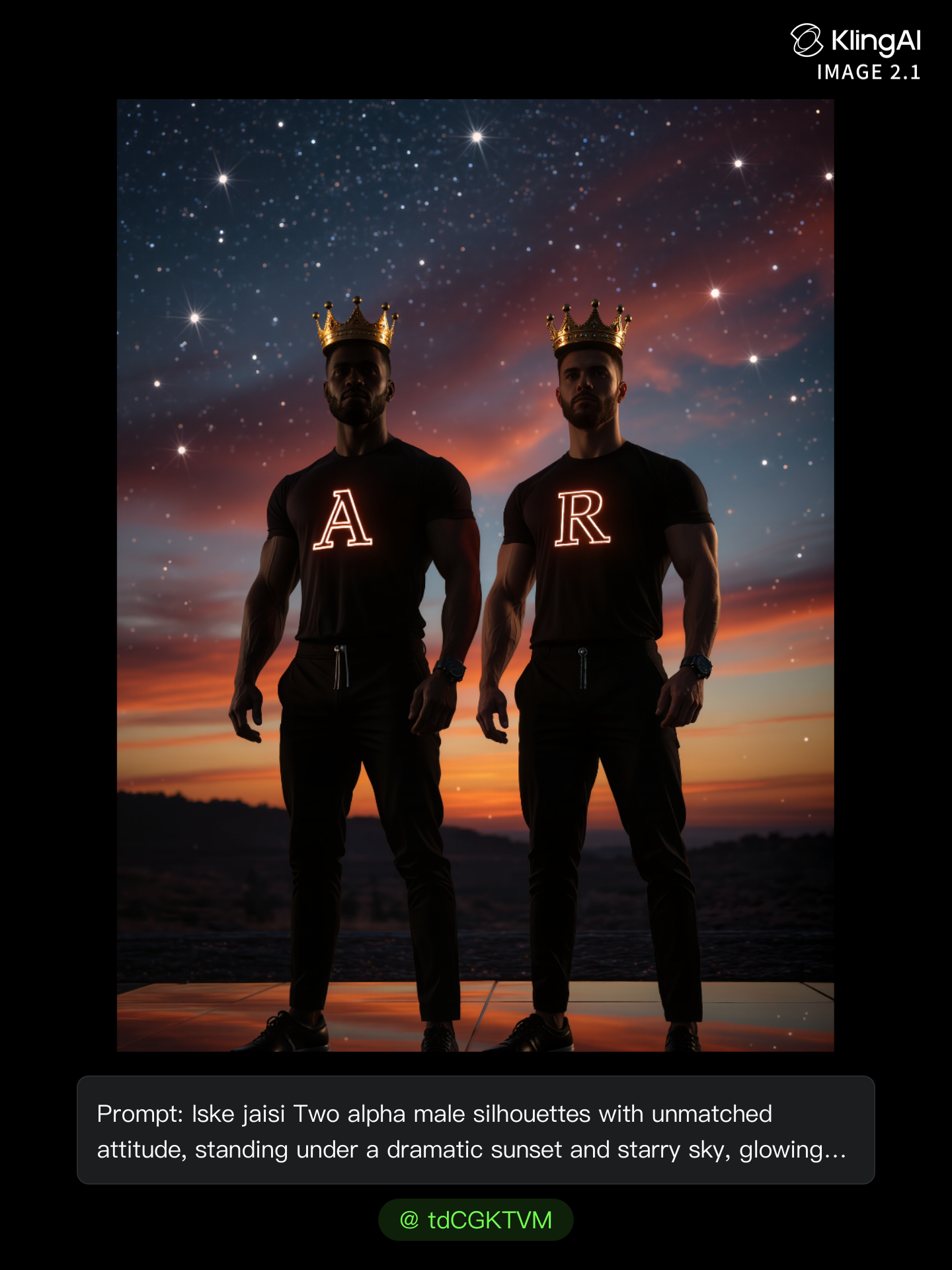
Kling AI work 314897879660231 - sad instagram profile picture AI image
tdCGKTVM avatar
tdCGKTVM

How to Remove an Object from an Image with Kling

Step 1: Upload the Photo You Want to Clean Up

Step 1: Upload the Photo You Want to Clean Up

Upload the photo you want to edit. Start with a clear source image where the unwanted object and surrounding details are easy to distinguish.

Step 2: Describe What You Want to Remove

Step 2: Describe What You Want to Remove

Tell Kling IMAGE 3.0 which object, person, text, or other element you want to remove. Add details such as its position, appearance, or nearby context when the image contains similar elements, and specify what should stay unchanged around the edit.

Step 3: Generate Your Cleaned Image

Step 3: Generate Your Cleaned Image

Choose your preferred image ratio and output quality, then generate your edited image. Select up to 2K resolution for clearer, higher-resolution output.

Edit the Parts That Matter

Change Subjects, Backgrounds, and Style

Change Subjects, Backgrounds, and Style

Keep what works and change what does not. Replace a character or product, update an outfit, remove a distraction, or move the action into a different setting. You can also change the weather, lighting, time of day, or overall look. With Kling VIDEO 3.0 Omni, you can start with a prompt and add a reference image when a face, product, or branded detail needs a closer match.

Reframe the Shot

Reframe the Shot

Keep the original action, then change how the moment is framed. Move in for a close-up, open to a wider view, shift the angle, or rebalance the composition around the subject. The source footage keeps the motion and scene context in place while your prompt sets the new framing.

Extend the Video

Extend the Video

Continue a clip beyond its current ending without building the next scene from scratch. Kling carries the subject, motion, and setting into the new footage; add a prompt when you want to steer what happens next. Use Video Extension when a clip ends too soon, an action needs more time, or the next beat is still missing.

Apps

Image to Video
Image to Video

Image to Video

Text to Video
Text to Video

Text to Video

Omni
Omni

Omni

Digital Human
Digital Human

Digital Human

Restyle
Restyle

Restyle

Text to Image
Text to Image

Text to Image

60M+
60M+
Users
600M+
600M+
AI Videos Generated
4.7 ★
4.7 ★
App Store
Industry-Leading
Industry-Leading
Cinematic 4K

Reviews

Samuele Poggi (@visualsk2)

Samuele Poggi (@visualsk2)

★★★★★

I use Kling AI daily to push the limits of AI filmmaking. It allows me to create highly cinematic content, blending AI and VFX to develop innovative projects. It has significantly impacted my creative process, enabling me to achieve complex animations that would otherwise require high production budgets.

James Phillips

James Phillips

★★★★★

Kling AI has transformed my workflow by collapsing timelines and democratizing production. It’s shifted my mindset from resource-dependent filmmaking to a boundless creative sandbox, where experimentation yields unexpected beauty.

PJ Ace

PJ Ace

★★★★★

Kling AI has made it easy for us to generate world class visuals for Fortune 500 companies, TV shows and music for big artists. We love the easy of use of the platform and the quality of the generations. My first time using Kling AI, I got 22 million views on just one video. It's that good.

FAQ

Q1Can I lip sync a photo?
Q2Which languages does Kling AI support?
Q3Can I use my own voice?

Put Your Character in Front of the Screen

Start with an image, add the voice, and shape the performance. Kling AI Avatar brings the pieces together for your next campaign, lesson, social post, or story.

Custom AI avatars | Voice or text input | Lip sync | Expression and gesture control