
Creative Studio
API
Resources
Features
About Us
Download

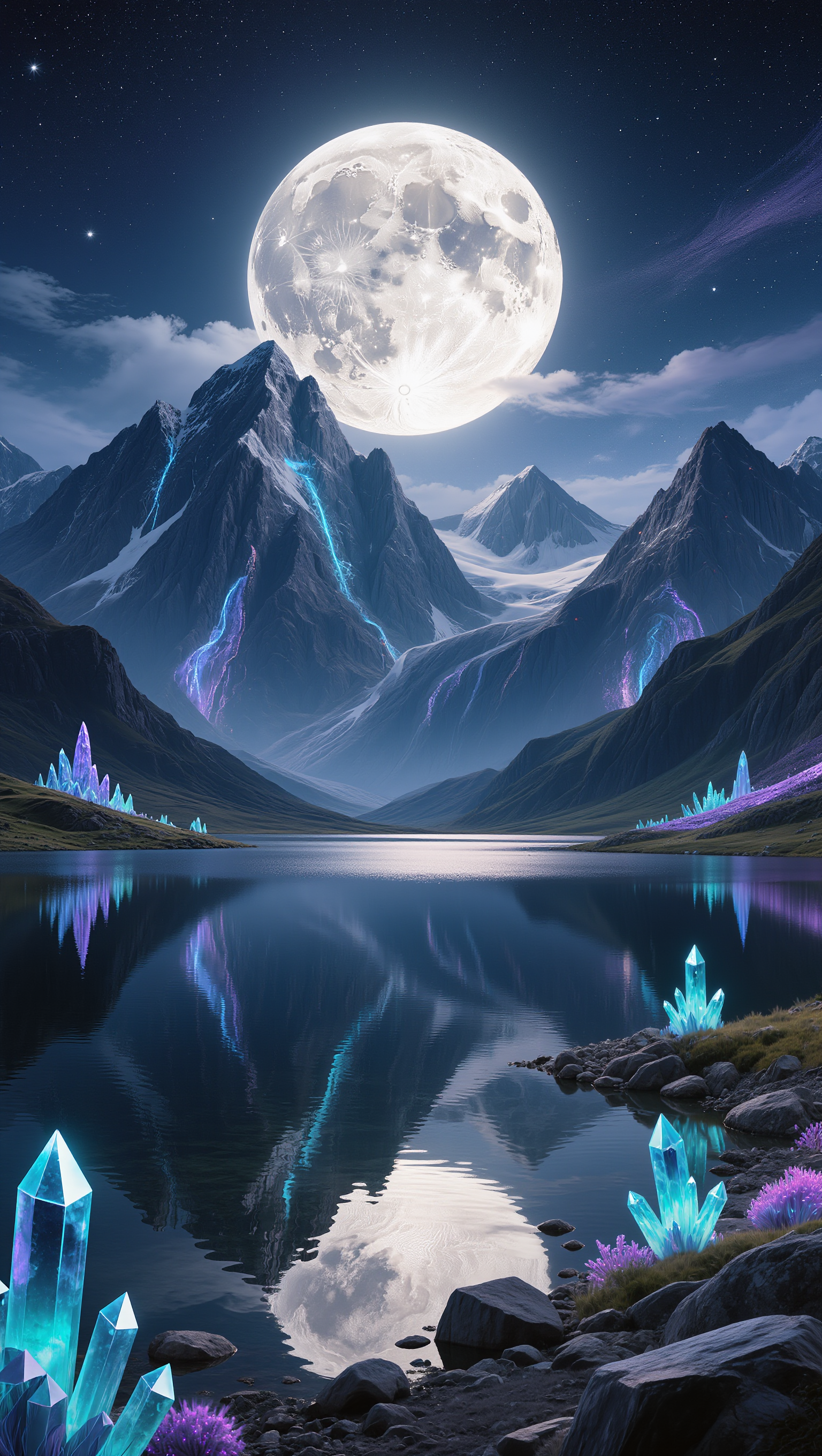
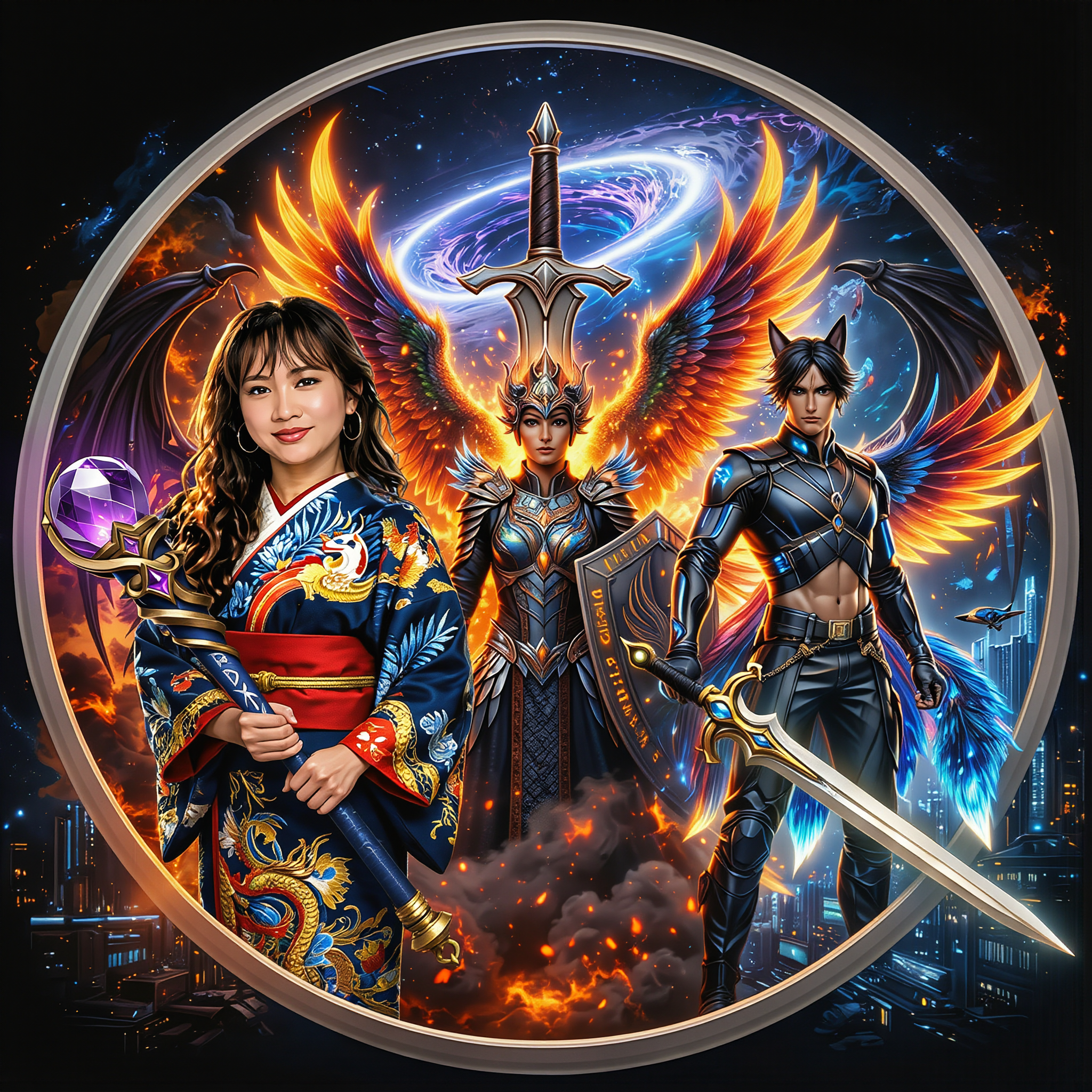
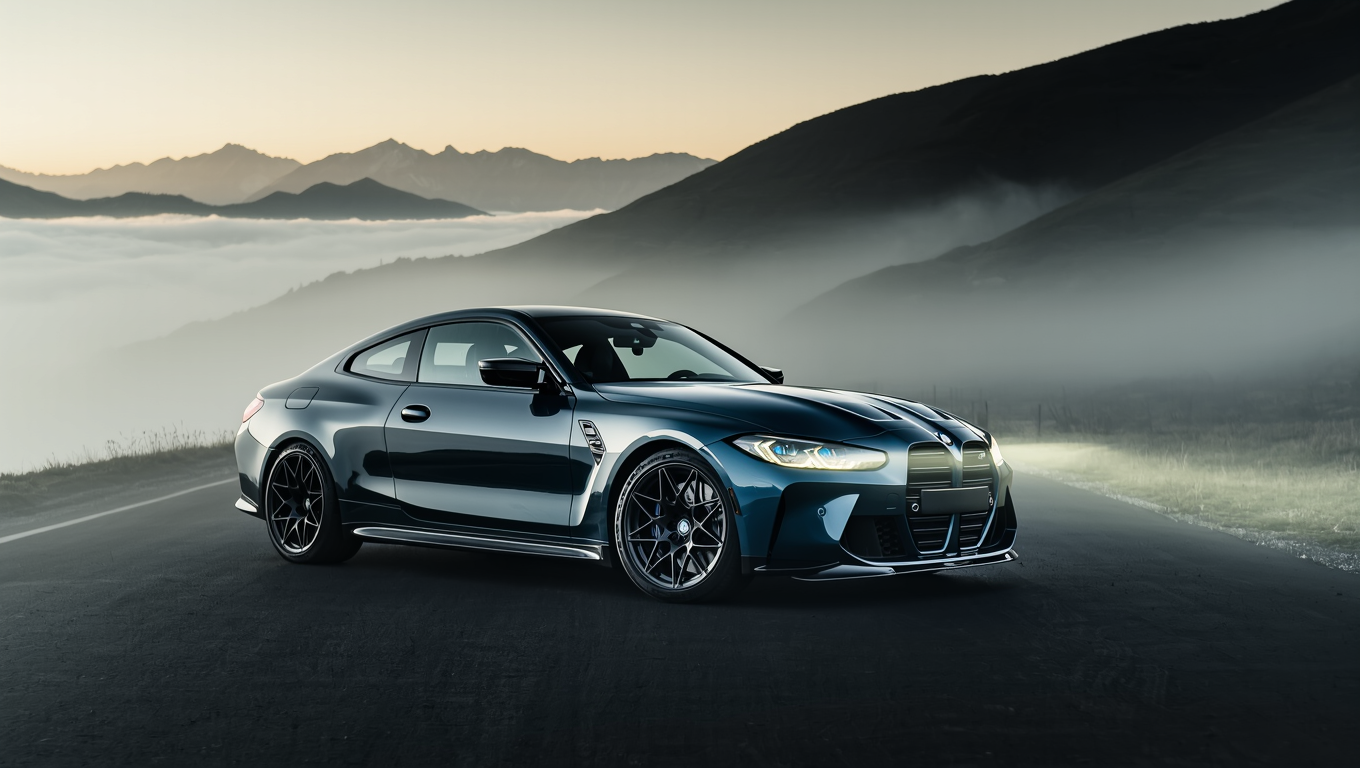
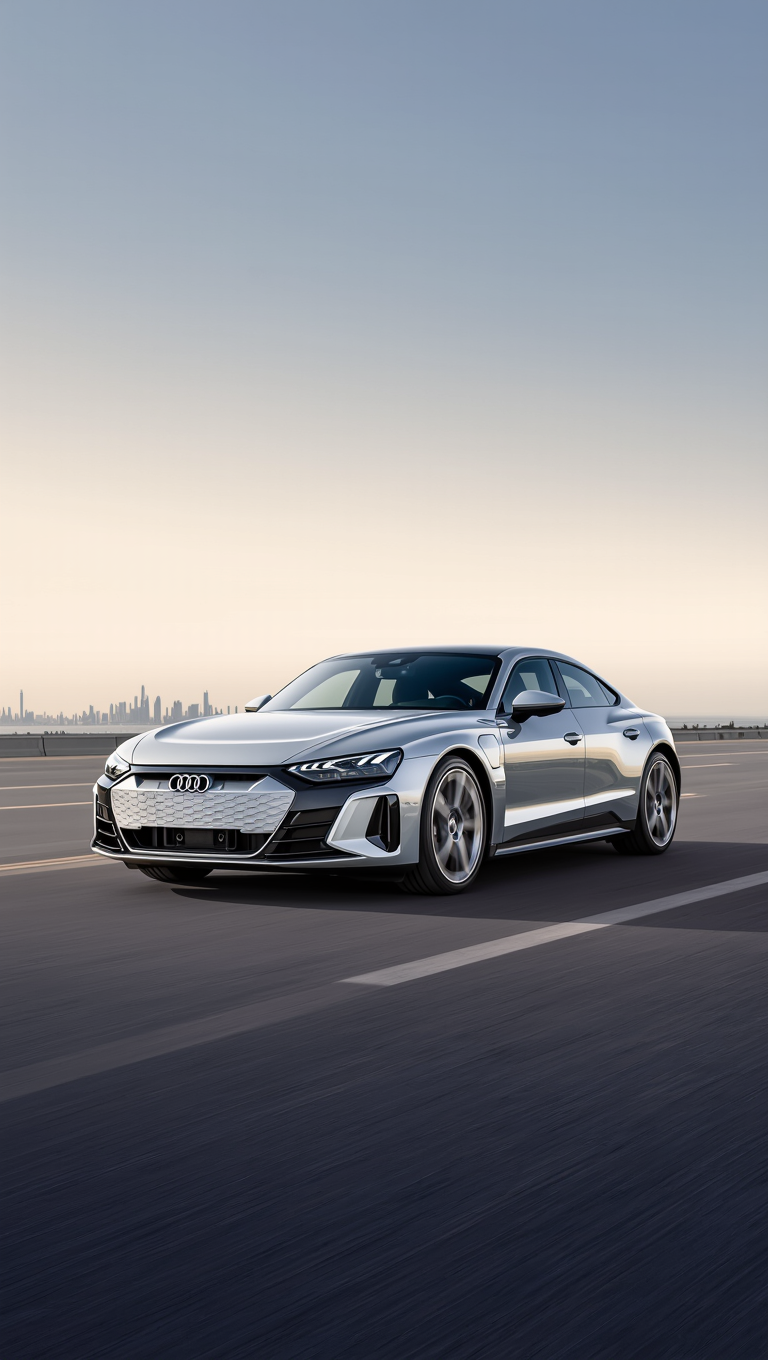
Sale desktop wallpaper ideas – AI image inspirations

Browse AI-generated sale desktop wallpapers. Get unique, customizable designs to enhance your desktop in minutes.

Sale desktop wallpaper ideas – AI image inspirations

Recommended

Kling AI work 309755336502052 - sale desktop wallpaper AI image
Rakesh avatar
Rakesh
Desktop Oled wallpaper - sale desktop wallpaper AI video
00:10
vaDUEQlW avatar
vaDUEQlW
Kling AI work 314265054527114 - sale desktop wallpaper AI video
Buyo avatar
Buyo
Kling AI work 296461119506570 - sale desktop wallpaper AI image
TurbM3L0s3/AlohaKaim avatar
TurbM3L0s3/AlohaKaim
Kling AI work 309755081610044 - sale desktop wallpaper AI image
Rakesh avatar
Rakesh
Kling AI work 314127093522403 - sale desktop wallpaper AI image
Smita avatar
Smita
Kling AI work 296458340663090 - sale desktop wallpaper AI image
TurbM3L0s3/AlohaKaim avatar
TurbM3L0s3/AlohaKaim
Kling AI work 296461119522563 - sale desktop wallpaper AI image
TurbM3L0s3/AlohaKaim avatar
TurbM3L0s3/AlohaKaim
Kling AI work 317581797663735 - sale desktop wallpaper AI video
obVZVXqQ avatar
obVZVXqQ
Kling AI work 314127013508493 - sale desktop wallpaper AI image
Smita avatar
Smita
Kling AI work 298734542656947 - sale desktop wallpaper AI image
VZJipunL avatar
VZJipunL
Kling AI work 296426171610350 - sale desktop wallpaper AI video
adGbBrgx avatar
adGbBrgx
Kling AI work 309755104616928 - sale desktop wallpaper AI image
Rakesh avatar
Rakesh
Kling AI work 310335821661328 - sale desktop wallpaper AI image
Dreaming avatar
Dreaming
Elite Creator
Kling AI work 296421693613868 - sale desktop wallpaper AI video
RXizAqSO avatar
RXizAqSO
Kling AI work 309755263521956 - sale desktop wallpaper AI image
Rakesh avatar
Rakesh
Kling AI work 314127075667433 - sale desktop wallpaper AI image
Smita avatar
Smita
Kling AI work 296461099617933 - sale desktop wallpaper AI image
TurbM3L0s3/AlohaKaim avatar
TurbM3L0s3/AlohaKaim
Kling AI work 314127169664415 - sale desktop wallpaper AI image
Smita avatar
Smita

How to Create AI Backgrounds in High-Quality

Start with Your Photo

Start with Your Photo

Upload the person, product, or image you want to work with. If you already have a location, mood, composition, or visual style in mind, add reference images to give Kling AI a clearer direction.

Describe the New Scene

Describe the New Scene

Describe what you want behind the subject and what should stay familiar. You might ask for a clean studio, a sunlit kitchen, a city rooftop, or something more imaginative. If you are using references, explain which parts of them you want to follow.

Generate a High-Quality Background

Generate a High-Quality Background

Choose your preferred aspect ratio and output resolution, then generate the image. Kling IMAGE 3.0 supports output up to 2K. For higher-resolution native 4K output, use Kling IMAGE 3.0 Omni.

From Clean Cutouts to Completely New Backgrounds

Clean Cutouts, Ready to Use

Clean Cutouts, Ready to Use

Clear away a distracting background without tracing around the subject by hand. Create transparent product shots, portraits, logos, and graphics for listings, profile images, presentations, and design work. When you need a higher-resolution de-priming effect, IMAGE 3.0 Omni also supports 2K and 4K output.

Go Straight to the Background You Want

Go Straight to the Background You Want

Already know what belongs behind the subject? Skip the extra editing and go straight to the final look. Describe a new setting or add a reference image to guide it, whether you're refreshing a product shot, portrait, social graphic, or campaign visual.

Refresh Video Footage Without Reshooting

Refresh Video Footage Without Reshooting

Keep the clip you already have and change the setting around it. With VIDEO 3.0 Omni, use a prompt or reference image to update backgrounds for ads, product videos, presenter clips, and social content—without another shoot or a green screen.

Apps

Image to Video
Image to Video

Image to Video

Text to Video
Text to Video

Text to Video

Omni
Omni

Omni

Digital Human
Digital Human

Digital Human

Restyle
Restyle

Restyle

Text to Image
Text to Image

Text to Image

60M+
60M+
Users
600M+
600M+
AI Videos Generated
4.7 ★
4.7 ★
App Store
Industry-Leading
Industry-Leading
Cinematic 4K

Reviews

Vincent Smadja

Vincent Smadja

★★★★★

Kling AI seamlessly integrates into my creative workflow, playing a key role in transforming my images. After generating and upscaling an image, Kling becomes a crucial element, bringing my creations to life with movement and depth.

Déborah

Déborah

★★★★★

I use Kling AI every day. It's amazing to see the almost daily progress it makes. I used AI for fun at first, and I now find that Kling AI's animations allow me to gain professional visibility, with three times more views on my animated posts than on my static posts.

Maria Rubtsova

Maria Rubtsova

★★★★★

I’m Maria Rubtsova, an AIGC digital artist passionate about creating stunning visuals in the worlds of fashion, aesthetics, and fantasy. I use KlingAi to bring imagination to life through video. My work is all about exploring beauty, emotion, and the limitless possibilities of digital art.

FAQ

Q1How Is an AI Avatar Generator Different From an Avatar Maker?
Q2Which Languages Does Kling AI Avatar Support?
Q3Is Kling AI a Free AI Avatar Generator?

Make Something Worth Keeping

Start with a sentence, a sketch, or a visual reference. Shape the idea until the style, composition, and details feel like yours.

Free tier available | Text to Art | Reference Images | Style Transfer