Creative Studio
API
Resources
Features
About Us
Download

salon montage - influencer highlights & salon services

Experience the charm of ultra-realistic animations and rapid-action sequences showcasing serene salon environments and professional services. Start exploring salon montage ideas and generate your own content with AI.

salon montage - influencer highlights & salon services

Recommended

Kling AI Prompt:
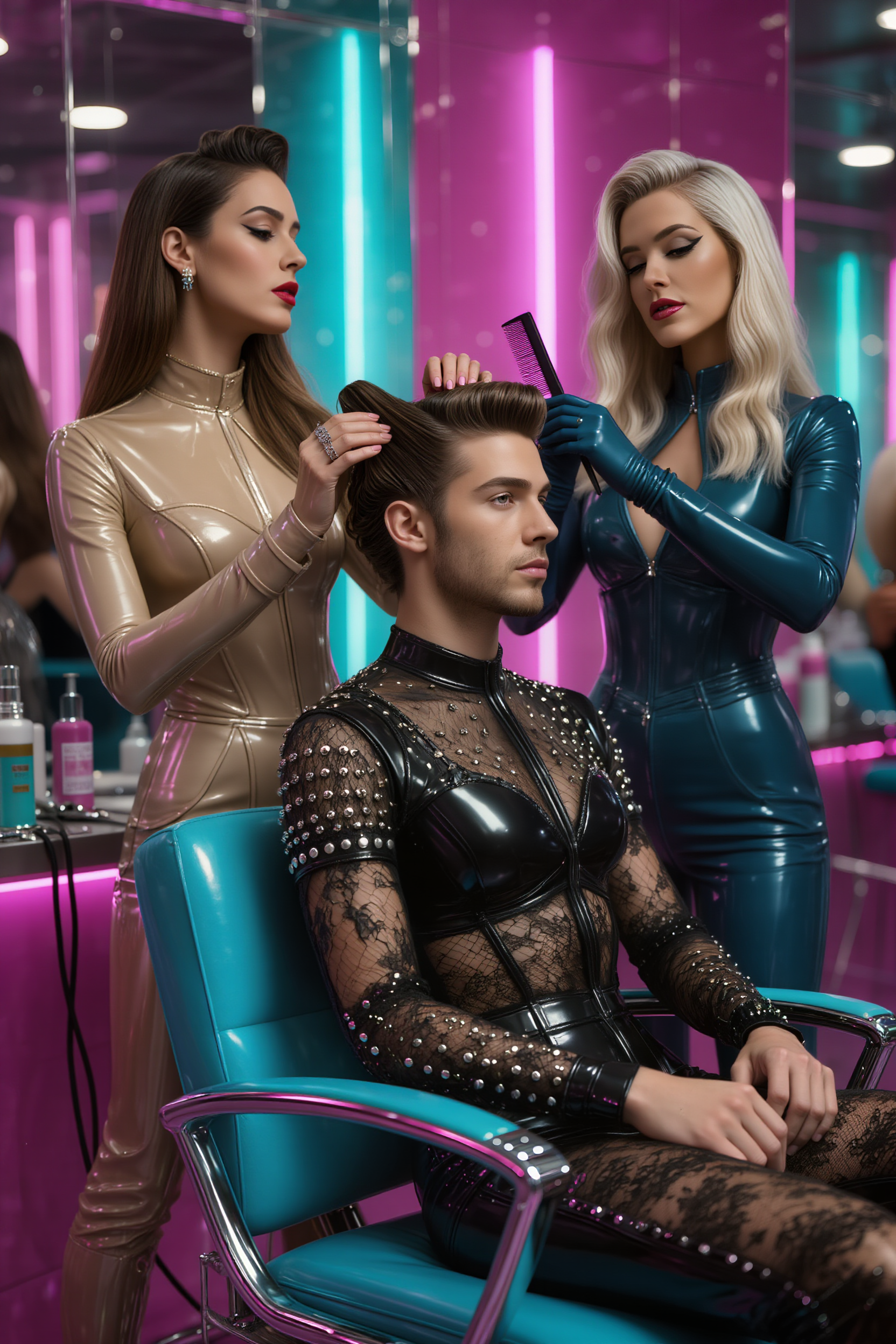
Realistic hair  - salon montage AI image
pssEICto avatar
pssEICto
Kling AI work 311006781618538 - salon montage AI video
LOiTxjpS avatar
LOiTxjpS
Kling AI work 314648233611220 - salon montage AI image
owEXpgBH avatar
owEXpgBH
Kling AI work 315334250610672 - salon montage AI image
pguENTPA avatar
pguENTPA
Kling AI work 315729415664024 - salon montage AI image
itVIaNhh avatar
itVIaNhh
Kling AI work 307446739614027 - salon montage AI image
FLXynHZT avatar
FLXynHZT
Kling AI work 308150144615005 - salon montage AI video
NGdJHVGJ avatar
NGdJHVGJ
Kling AI work 318598060508184 - salon montage AI video
jnItCUMd avatar
jnItCUMd
Kling AI work 313894949504440 - salon montage AI video
vDQkPQIY avatar
vDQkPQIY
Kling AI work 313939907616275 - salon montage AI video
PlhUIKPC avatar
PlhUIKPC
Kling AI work 317761253616980 - salon montage AI video
TheGoldSailor avatar
TheGoldSailor
Kling AI work 307447228663124 - salon montage AI image
FLXynHZT avatar
FLXynHZT
Kling AI work 311164991666520 - salon montage AI video
LOiTxjpS avatar
LOiTxjpS
Kling AI work 315822731610278 - salon montage AI video
OoEmwARr avatar
OoEmwARr
Kling AI work 313915047666412 - salon montage AI video
qLFnVNzh avatar
qLFnVNzh
Kling AI work 315823743666905 - salon montage AI video
OoEmwARr avatar
OoEmwARr
Kling AI work 307446739667044 - salon montage AI image
FLXynHZT avatar
FLXynHZT
a girl in salon - salon montage AI video
00:05
asmr avatar
asmr
Kling AI work 317150503523555 - salon montage AI video
bDrvLDVT avatar
bDrvLDVT

How to Enhance Video Quality in 4K

Upload Your Video

Upload Your Video

Upload a 3–10 second existing video to Kling VIDEO 3.0 Omni. Start with older footage, a family recording, a social clip, or a creative project you want to enhance.

Describe What You Want to Improve

Describe What You Want to Improve

Use a prompt to guide the changes you want to see. Refine lighting and color, adjust the composition or overall look, or ask for clearer visual detail while keeping your original video as the starting point.

Choose 4K and Generate

Choose 4K and Generate

Select 4K as the output resolution, then generate your enhanced video. Once generation is complete, download the result. The output setting determines the resolution, while your prompt guides the visual changes.

Create Richer Text to Speech Experiences with Kling AI

Generate Video with Native Audio

Generate Video with Native Audio

Create the visuals, dialogue, and sound together, with the voice included from the start. Add your script or character lines to the prompt, and Kling VIDEO 3.0 Omni generates spoken dialogue as part of the same video. This brings AI text to speech directly into the video generation process for conversations, narrated scenes, character stories, and more.

Match Every Voice to the Right Character

Match Every Voice to the Right Character

Create conversations with several characters and keep each line connected to the intended speaker. Multi-Character Coreference helps Kling VIDEO 3.0 keep each line with the intended speaker, even when three or more characters appear in the same scene. Use it for interviews, group conversations, and story scenes where several characters need to speak.

Reach More Audiences in More Languages

Reach More Audiences in More Languages

Create dialogue in Chinese, English, Japanese, Korean, and Spanish with Multilingual Content Generation. Kling VIDEO 3.0 can switch between languages within the same video and supports a range of dialects and accents for more natural character speech. This makes it easier to adapt characters and dialogue for different regions and audiences.

Apps

Image to Video
Image to Video

Image to Video

Text to Video
Text to Video

Text to Video

Omni
Omni

Omni

Digital Human
Digital Human

Digital Human

Restyle
Restyle

Restyle

Text to Image
Text to Image

Text to Image

60M+
60M+
Users
600M+
600M+
AI Videos Generated
4.7 ★
4.7 ★
App Store
Industry-Leading
Industry-Leading
Cinematic 4K

Reviews

James Phillips

James Phillips

★★★★★

Kling AI has transformed my workflow by collapsing timelines and democratizing production. It’s shifted my mindset from resource-dependent filmmaking to a boundless creative sandbox, where experimentation yields unexpected beauty.

Vincent Smadja

Vincent Smadja

★★★★★

Kling AI seamlessly integrates into my creative workflow, playing a key role in transforming my images. After generating and upscaling an image, Kling becomes a crucial element, bringing my creations to life with movement and depth.

Maria Rubtsova

Maria Rubtsova

★★★★★

I’m Maria Rubtsova, an AIGC digital artist passionate about creating stunning visuals in the worlds of fashion, aesthetics, and fantasy. I use KlingAi to bring imagination to life through video. My work is all about exploring beauty, emotion, and the limitless possibilities of digital art.

FAQ

Q1Can I edit a video with AI using text?
Q2Does Kling support AI lip sync?
Q3Do I need professional video editing experience when using AI video editor?

Take Your Photo in a New Direction

Start with the image you have and rework it for the look, message, or moment you have in mind.

Object removal | Background changes | Portrait retouching | Photo restyling