Creative Studio
API
Resources
Features
About Us
Download

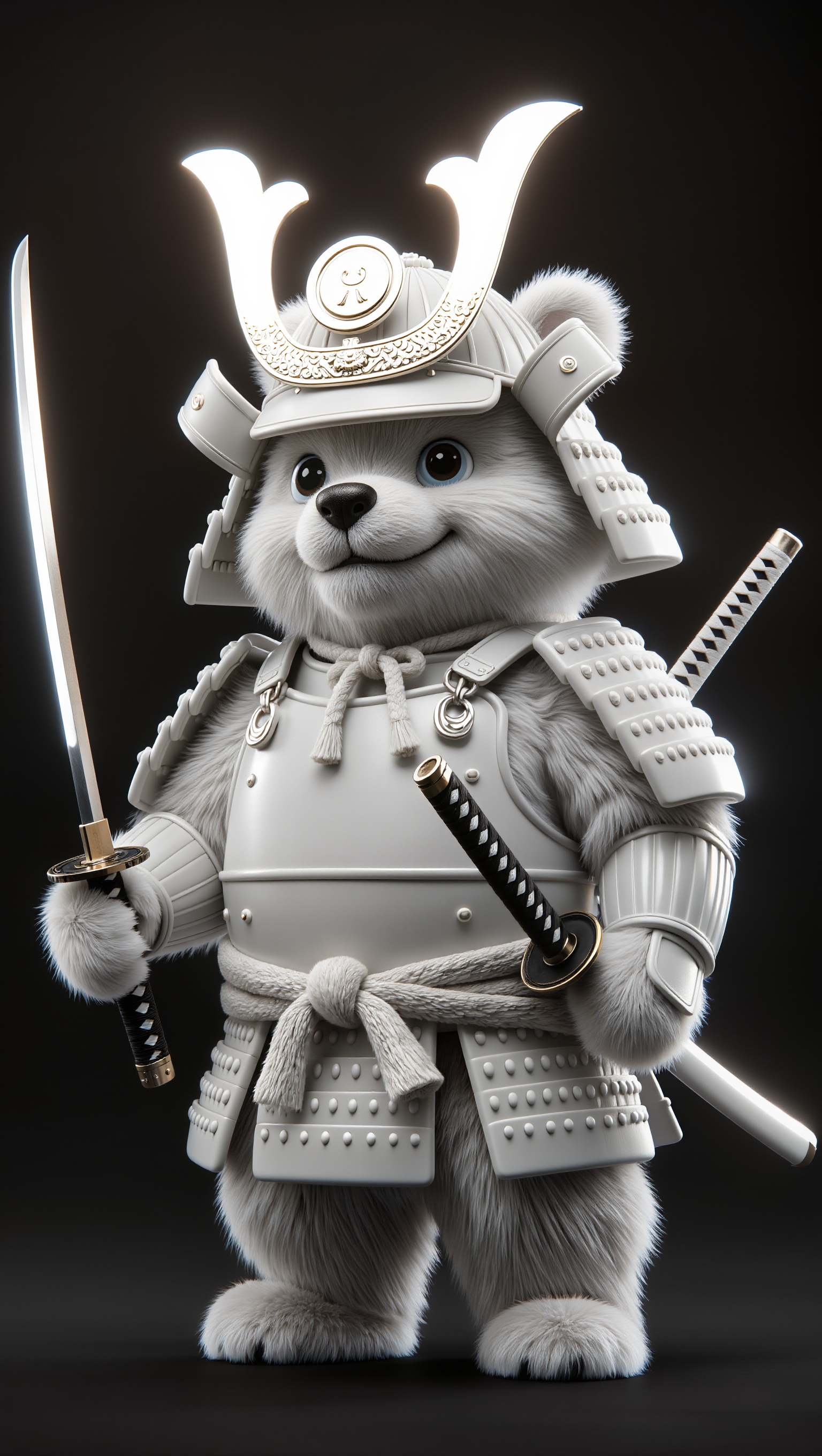
Samurai Animation Ideas – AI-Generated Concepts

Discover samurai animation ideas made with AI. Quickly find and customize designs to fit your creative needs.

Samurai Animation Ideas – AI-Generated Concepts

Recommended

Kling AI work 311942021661826 - samurai animation AI video
AIPriplad avatar
AIPriplad
Kling AI work 307757790617699 - samurai animation AI image
pokNweBV avatar
pokNweBV
Samurai Underwater Chase - samurai animation AI video
Sakar avatar
Sakar
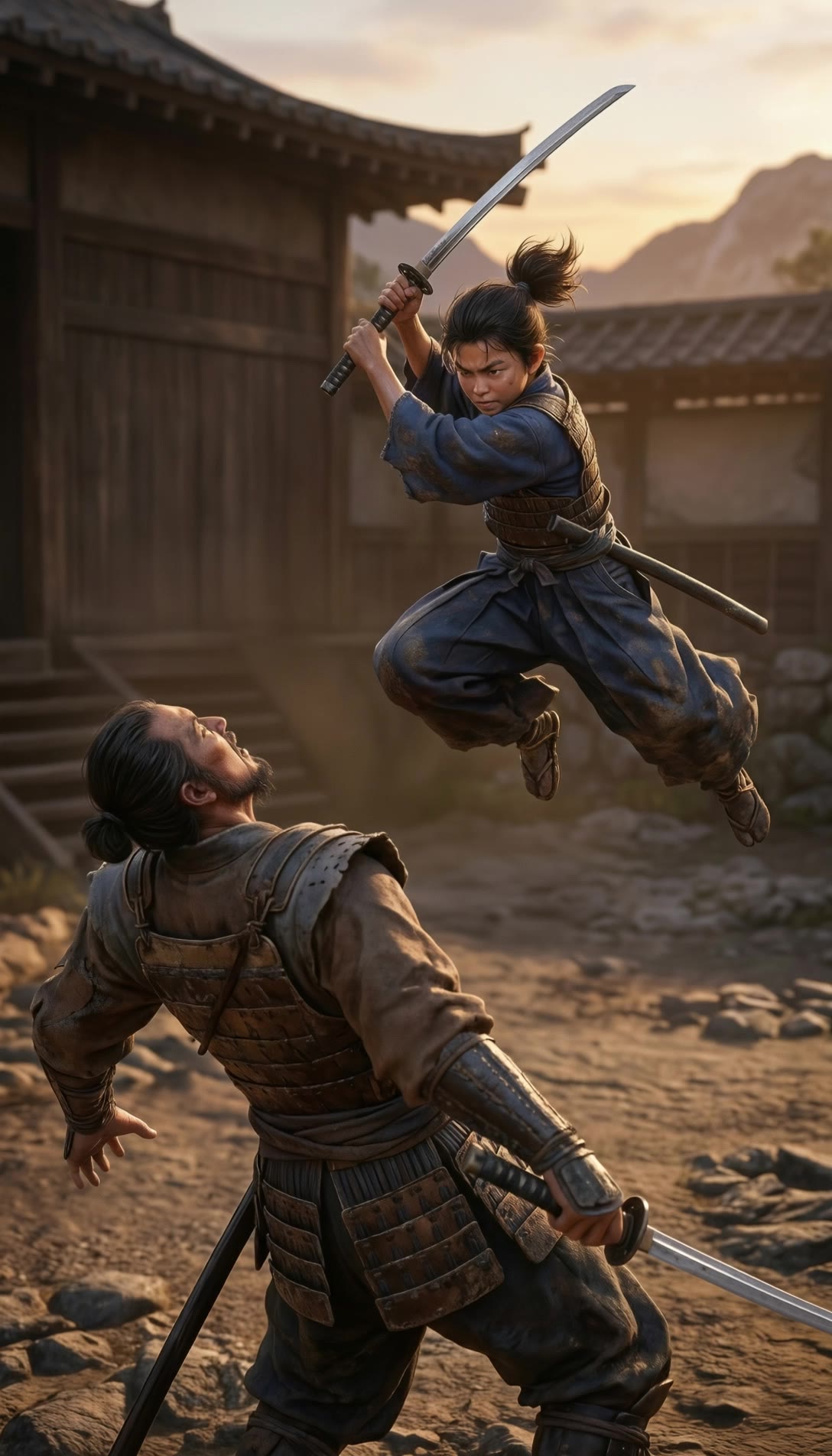
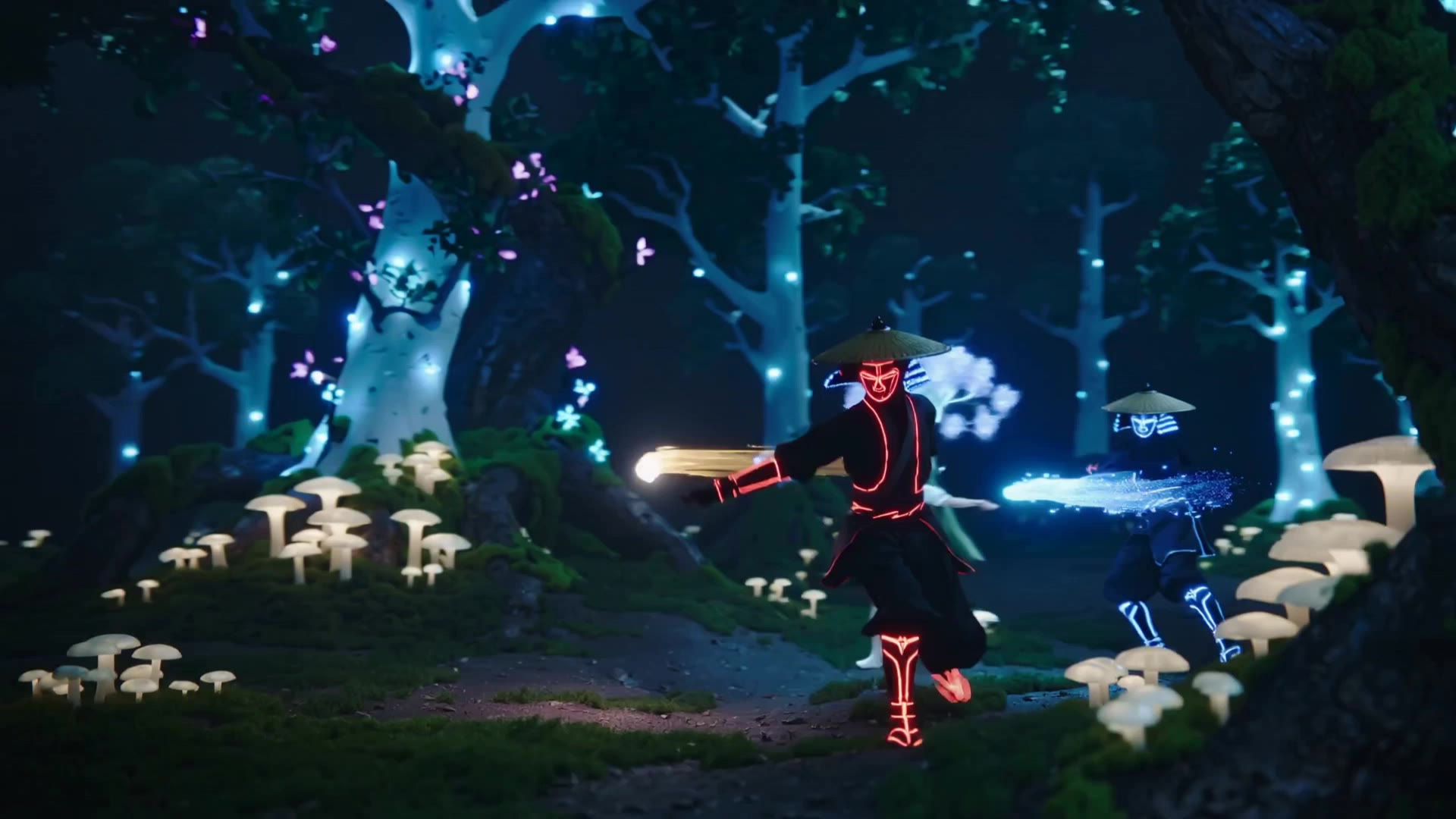
Samurai fighting - samurai animation AI video
Designbkk avatar
Designbkk
samurai fight - samurai animation AI video
vankai studio avatar
vankai studio
samurai lords - samurai animation AI video
vankai studio avatar
vankai studio
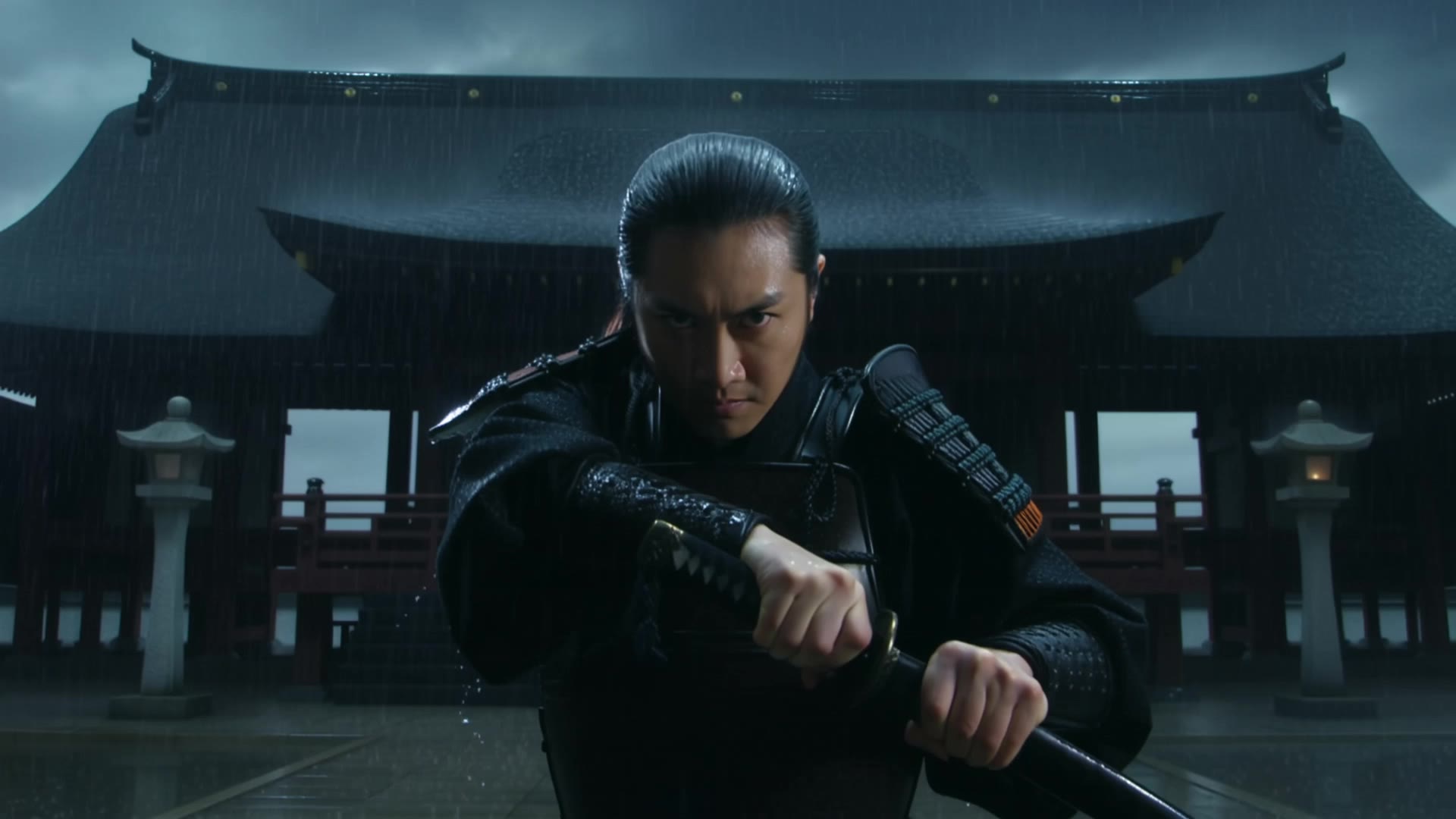
Samurai Duel - samurai animation AI video
Ben_Ayberk avatar
Ben_Ayberk
Elite Creator
The Samurai Duel - samurai animation AI video
GfxFan avatar
GfxFan
Samurai VS Banana - samurai animation AI video
Alejandro avatar
Alejandro
samurai - samurai animation AI video
Tsumugi avatar
Tsumugi
Samurai - samurai animation AI image
AI-GMQ avatar
AI-GMQ
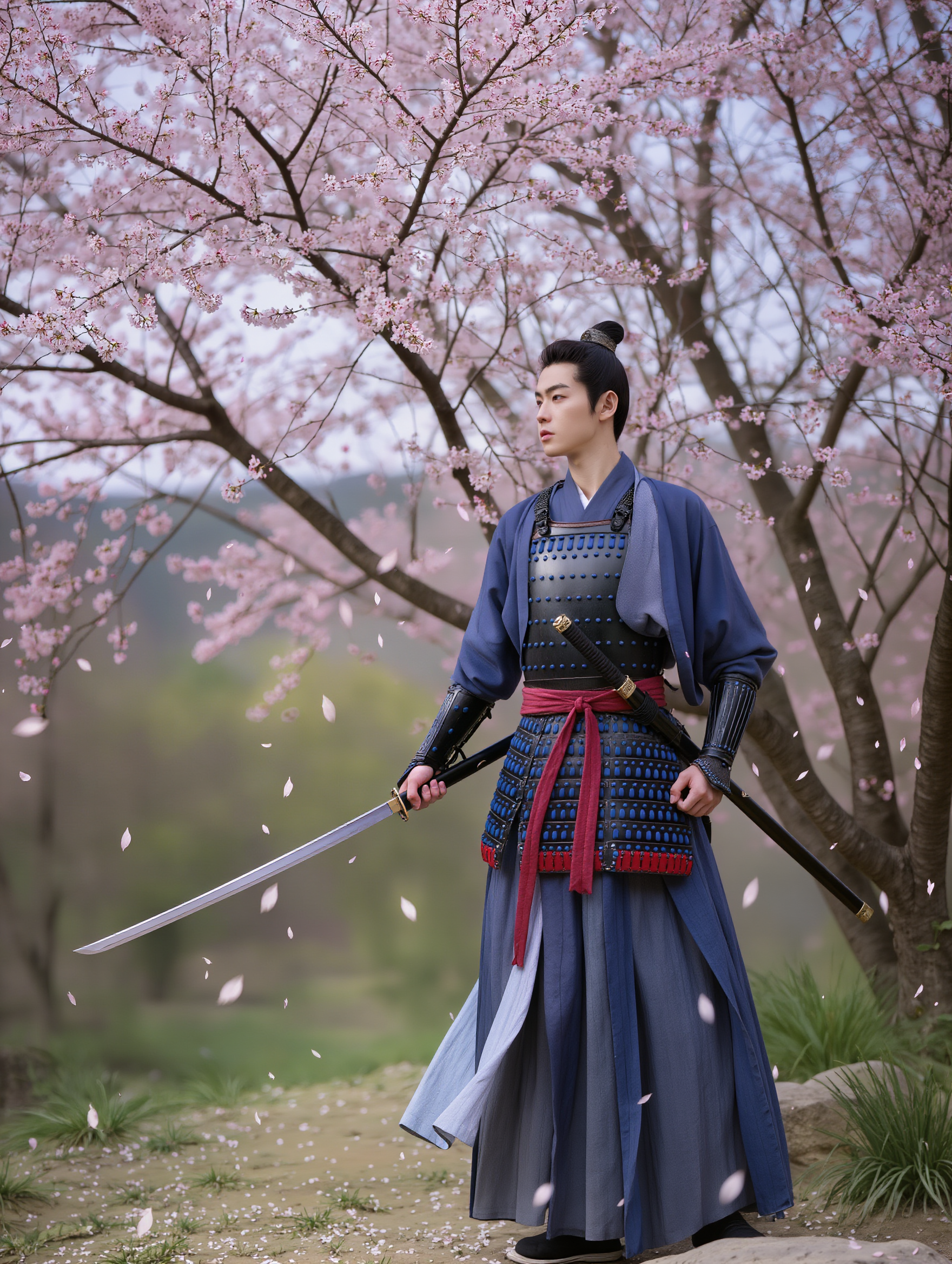
The lone Sakura Samurai - samurai animation AI video
Philosophical Calm avatar
Philosophical Calm
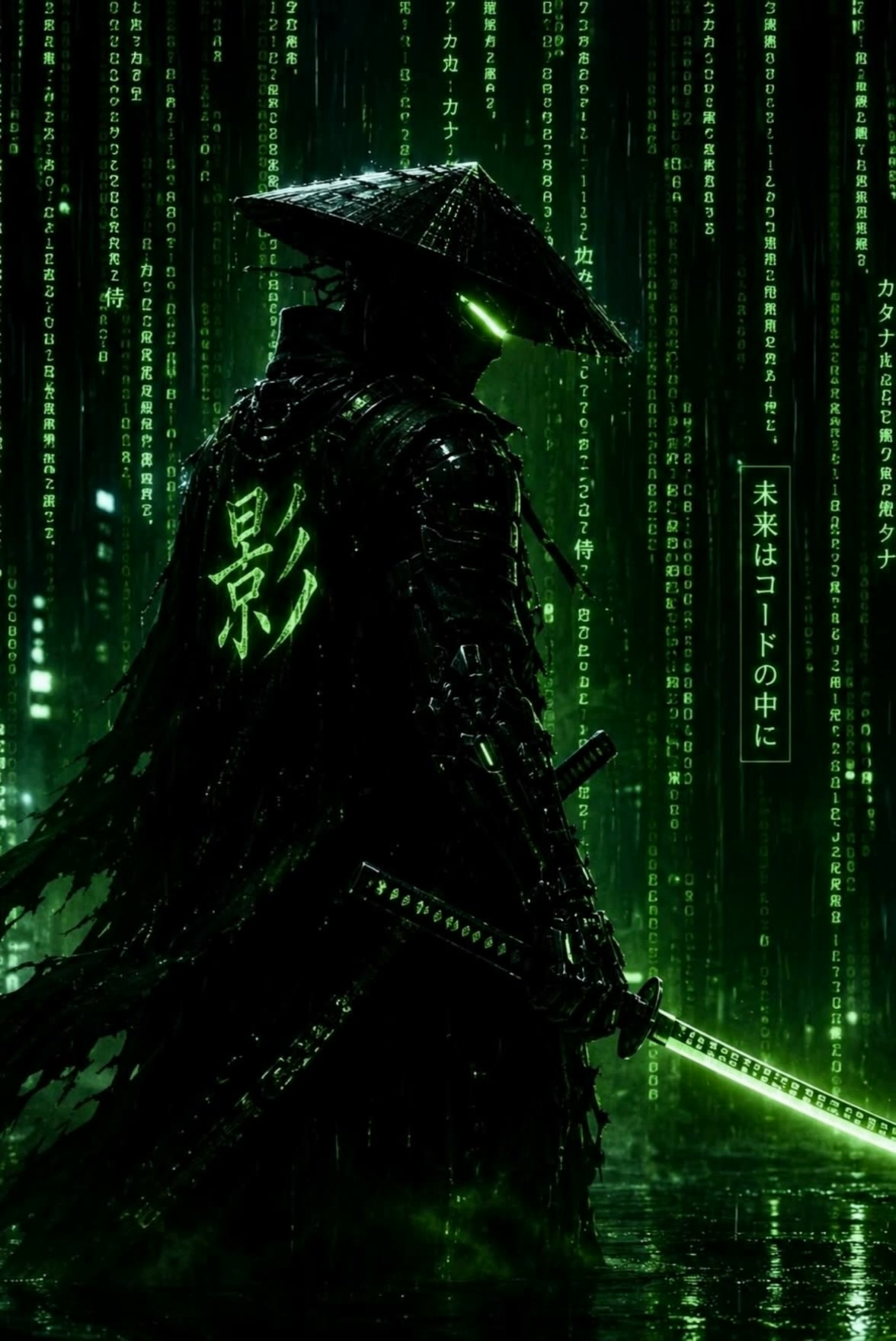
Cyber samurai - samurai animation AI video
Cashovina avatar
Cashovina
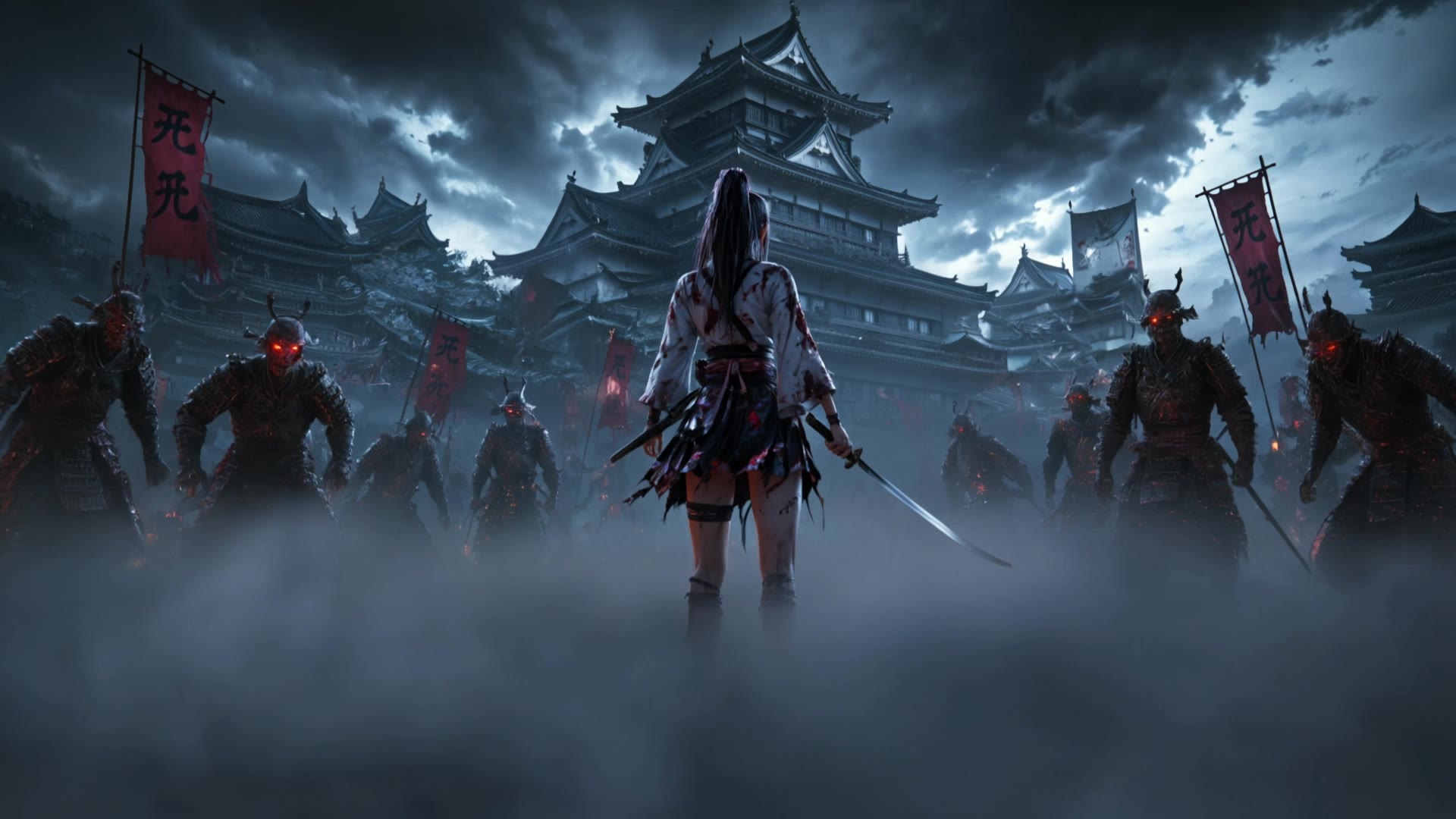
Anime Samurai vs Zombie - samurai animation AI video
ZAQEuaeL avatar
ZAQEuaeL
Samurai and City - samurai animation AI video
YIohwrOC avatar
YIohwrOC
Cyber samurai - samurai animation AI video
Cashovina avatar
Cashovina
Samurai - samurai animation AI video
HTA Studio avatar
HTA Studio
SAMURAI ARMY - samurai animation AI video
aastekk studio avatar
aastekk studio
sunset samurai - samurai animation AI video
Philosophical Calm avatar
Philosophical Calm

How to Use Kling AI Text to Speech

Step 1: Enter the Video Generation Workspace

Step 1: Enter the Video Generation Workspace

Edit your prompt to set the scene, characters, and style, or upload a reference image to shape the look of your video.

Step 2: Add Dialogue and Speech Instructions

Step 2: Add Dialogue and Speech Instructions

Add dialogue to your prompt and clearly specify which character speaks each line. You can also describe the language or dialect, speaking pace, tone, and delivery style in the prompt to guide how each character sounds.

Step 3: Choose Your Settings and Generate

Step 3: Choose Your Settings and Generate

Choose your resolution (720p, 1080p, or 4K), video length (3–15 seconds), and aspect ratio (16:9, 9:16, or 1:1). Then click Generate to create your video.

Natural Face Swaps Without the Editing Hassle

Image Face Swap Without the Busywork

Image Face Swap Without the Busywork

From portrait-style shots to playful creative images, Kling IMAGE 3.0 helps you create more natural and consistent face swaps. Add the photo you want to edit, provide a face reference, and tell Kling AI what you want to change. The edit can stay close to the original photo, helping the new face feel like part of the image rather than something added on top.

Keep the Same Face Across Angles and Shots

Keep the Same Face Across Angles and Shots

A single reference does not always show everything. Add multiple views or use a character element to give Kling AI more information about the person you want to preserve. Kling VIDEO 3.0 Omni uses those references to help maintain key identity features as the subject changes pose, the camera moves, or the scene shifts—especially useful for moving footage and multi-shot videos where consistency matters.

Change the Face, Keep the Scene

Change the Face, Keep the Scene

Swap the face, not the whole scene. Kling AI keeps the original lighting, mood, and overall look in place, helping the new face blend naturally into the shot while the setting and visual feel stay true to the original.

Apps

Image to Video
Image to Video

Image to Video

Text to Video
Text to Video

Text to Video

Omni
Omni

Omni

Digital Human
Digital Human

Digital Human

Restyle
Restyle

Restyle

Text to Image
Text to Image

Text to Image

60M+
60M+
Users
600M+
600M+
AI Videos Generated
4.7 ★
4.7 ★
App Store
Industry-Leading
Industry-Leading
Cinematic 4K

Reviews

James Phillips

James Phillips

★★★★★

Kling AI has transformed my workflow by collapsing timelines and democratizing production. It’s shifted my mindset from resource-dependent filmmaking to a boundless creative sandbox, where experimentation yields unexpected beauty.

Huang Lu (Elson)

Huang Lu (Elson)

★★★★★

I’ve been using Kling AI since its initial release, and it’s remained one of the leading AI media generators ever since. With Kling AI, I’ve created hundreds of videos, collectively amassing millions of views.

Déborah

Déborah

★★★★★

I use Kling AI every day. It's amazing to see the almost daily progress it makes. I used AI for fun at first, and I now find that Kling AI's animations allow me to gain professional visibility, with three times more views on my animated posts than on my static posts.

FAQ

Q1Can I remove or replace part of a photo?
Q2Can I change the lighting, colors, or camera angle?
Q3Can I enhance or upscale a photo with Kling AI?

Remove the Background. Create What Comes Next.

Remove the background, replace the scene, and take your visual somewhere new with Kling AI.

Free tier available | Image and video workflows | High-resolution options