Creative Studio
API
Resources
Features
About Us
Download

AI-generated samurai desktop wallpaper ideas

Discover AI-made samurai desktop wallpaper designs. Quickly find and customize inspirations with AI assistance.

AI-generated samurai desktop wallpaper ideas

Recommended

Kling AI work 318569250667877 - samurai desktop wallpaper AI video
OMtitwcY avatar
OMtitwcY
Kling AI work 314960777614507 - samurai desktop wallpaper AI video
xTeEDhXz avatar
xTeEDhXz
Kling AI work 313122073660441 - samurai desktop wallpaper AI video
TErvpGUq avatar
TErvpGUq
samurai fight - samurai desktop wallpaper AI video
vankai studio avatar
vankai studio
Kling AI work 319627300508877 - samurai desktop wallpaper AI video
NRyBNJbY avatar
NRyBNJbY
Kling AI work 314021928501638 - samurai desktop wallpaper AI video
mtGPCzkl avatar
mtGPCzkl
Kling AI work 314837883507366 - samurai desktop wallpaper AI video
UGuULXKG avatar
UGuULXKG
Kling AI work 312208504505029 - samurai desktop wallpaper AI video
KmaVbivv avatar
KmaVbivv
Kling AI work 313858041523783 - samurai desktop wallpaper AI video
loWYHPIC avatar
loWYHPIC
Kling AI work 316210949665920 - samurai desktop wallpaper AI video
rXqkBChw avatar
rXqkBChw
Kling AI work 313256348614015 - samurai desktop wallpaper AI video
wGulYtjP avatar
wGulYtjP
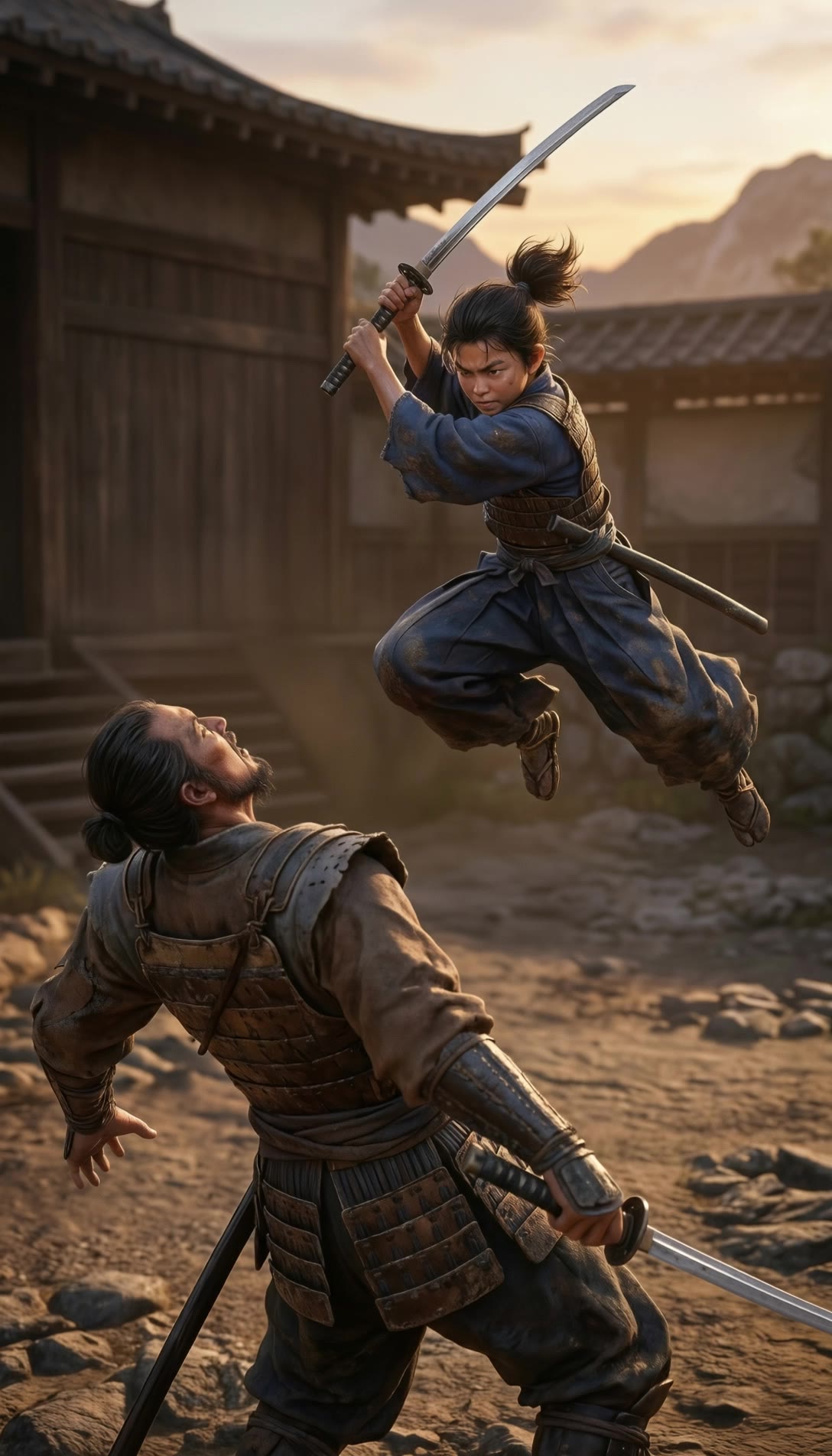
A hyper-realistic samurai - samurai desktop wallpaper AI image
MOMO -KLING avatar
MOMO -KLING
Kling AI work 318179799502194 - samurai desktop wallpaper AI video
dagBoTnM avatar
dagBoTnM
Neon Samurai - samurai desktop wallpaper AI video
Yang Demoniak avatar
Yang Demoniak
Kling AI work 319392765610400 - samurai desktop wallpaper AI video
udvcxeNB avatar
udvcxeNB
Kling AI work 311043407614188 - samurai desktop wallpaper AI video
fXdXrOyO avatar
fXdXrOyO
Kling AI work 315955674617105 - samurai desktop wallpaper AI video
zgtrgqza avatar
zgtrgqza
Kling AI work 312167869612067 - samurai desktop wallpaper AI video
PNzDLrdG avatar
PNzDLrdG

How to Restore Old Photos with Kling AI

Upload Your Old Photo

Upload Your Old Photo

Upload a scanned photo, faded print, damaged portrait, or black-and-white image. Your original photo gives Kling the visual reference for the people, objects, composition, and details you want to keep.

Describe the Restoration You Want

Describe the Restoration You Want

Use a prompt to describe the improvements you want, such as removing scratches, reducing stains, restoring faded colors, enhancing facial details, or repairing damaged areas. You can also mention what should stay consistent, like expressions, clothing, or the overall look of the original photo.

Generate Your Restored Photo

Generate Your Restored Photo

Generate your restored version and compare it with the original. If an important detail changes, update your prompt or add another reference and try again.

Make Images Clearer, Sharper, and More Detailed

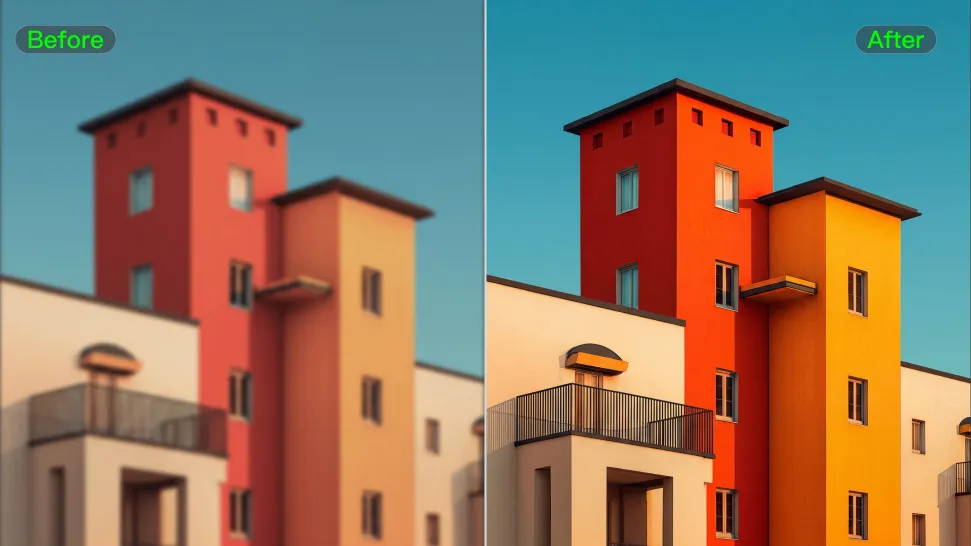
Make Soft or Blurry-Looking Images Clearer

Make Soft or Blurry-Looking Images Clearer

Improve images that look soft, blurry, or short on detail so important subjects appear clearer and easier to recognize. Kling IMAGE 3.0 Omni can refine facial features, object edges, textures, and other key areas while preserving the overall look and character of the original image.
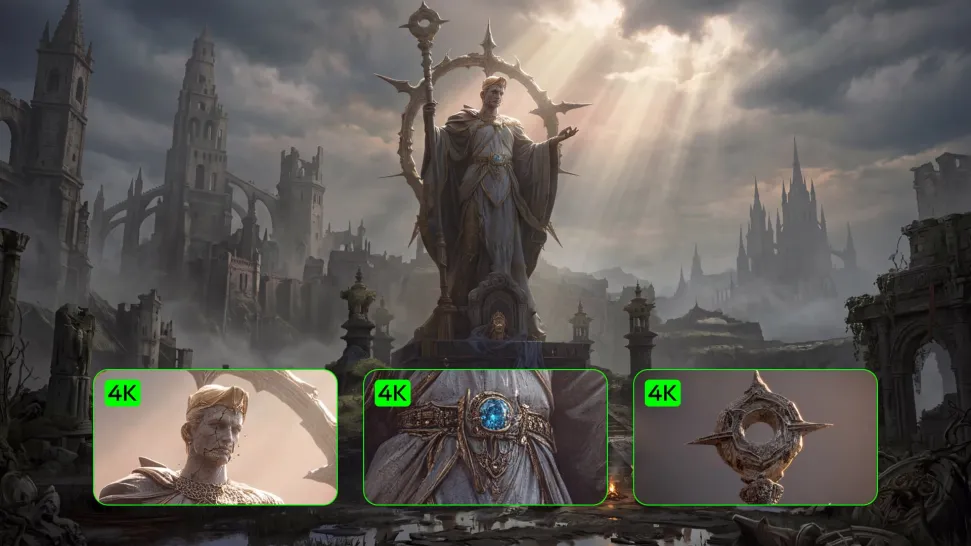
Enhance Low-Resolution Images in 2K/4K

Enhance Low-Resolution Images in 2K/4K

Need more resolution for a larger screen, campaign visual, product image, or creative project? Use your existing image as the starting point and generate a higher-resolution version in native 2K or 4K. You get more room for fine textures and visual detail to come through, making your result better suited to larger displays, print, presentations, and other high-resolution uses.

Improve Color and Lighting Your Way

Improve Color and Lighting Your Way

If your image feels too dark, flat, or visually uneven, describe the look you want and guide changes to lighting, shadows, contrast, color tone, or saturation. You can create softer light, richer color, or a more balanced finish while keeping control over the overall visual direction.

Apps

Image to Video
Image to Video

Image to Video

Text to Video
Text to Video

Text to Video

Omni
Omni

Omni

Digital Human
Digital Human

Digital Human

Restyle
Restyle

Restyle

Text to Image
Text to Image

Text to Image

60M+
60M+
Users
600M+
600M+
AI Videos Generated
4.7 ★
4.7 ★
App Store
Industry-Leading
Industry-Leading
Cinematic 4K

Reviews

Ozan Sihay

Ozan Sihay

★★★★★

Kling AI allows me to rapidly prototype ideas, refine storytelling elements, and produce visually compelling content efficiently. It has not only accelerated my creative processes, but also deepened my understanding of how AI can enrich visual storytelling.

Samuele Poggi (@visualsk2)

Samuele Poggi (@visualsk2)

★★★★★

I use Kling AI daily to push the limits of AI filmmaking. It allows me to create highly cinematic content, blending AI and VFX to develop innovative projects. It has significantly impacted my creative process, enabling me to achieve complex animations that would otherwise require high production budgets.

Vincent Smadja

Vincent Smadja

★★★★★

Kling AI seamlessly integrates into my creative workflow, playing a key role in transforming my images. After generating and upscaling an image, Kling becomes a crucial element, bringing my creations to life with movement and depth.

FAQ

Q1Can I replace a video background instead of just removing it?
Q2Can I remove a video background without a green screen?
Q3Do I need to mask the subject frame by frame?

Give Photos and Videos a Whole New Face

Upload your photo or video, add the face you want to swap in, and let Kling AI recreate the scene while keeping the look, motion, and surroundings feeling natural.

Effortless Face Swaps | Facial Detail Control | Natural Blending