Creative Studio
API
Resources
Features
About Us
Download

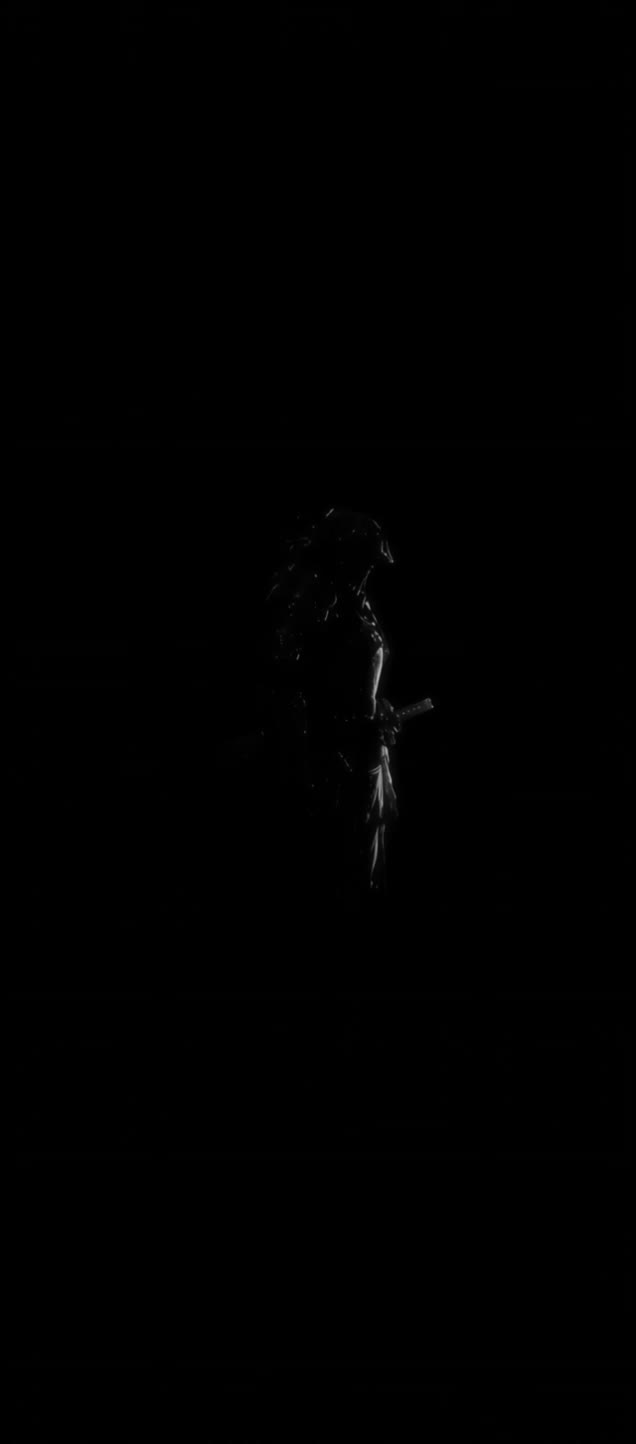
Samurai Kling AI Wallpaper – Warrior AI Art

Embrace the warrior spirit with samurai Kling AI wallpapers. AI helps you quickly find and adapt these powerful designs.

Samurai Kling AI Wallpaper – Warrior AI Art

Recommended

Kling AI work 318569250667877 - samurai kling ai wallpaper AI video
OMtitwcY avatar
OMtitwcY
Kling AI work 313858041523783 - samurai kling ai wallpaper AI video
loWYHPIC avatar
loWYHPIC
Kling AI work 314021928501638 - samurai kling ai wallpaper AI video
mtGPCzkl avatar
mtGPCzkl
Kling AI work 315955674617105 - samurai kling ai wallpaper AI video
zgtrgqza avatar
zgtrgqza
Kling AI work 319627300508877 - samurai kling ai wallpaper AI video
NRyBNJbY avatar
NRyBNJbY
kling saves humanity - samurai kling ai wallpaper AI video
medtkr avatar
medtkr
Kling AI work 314960777614507 - samurai kling ai wallpaper AI video
xTeEDhXz avatar
xTeEDhXz
Neon Samurai - samurai kling ai wallpaper AI video
Yang Demoniak avatar
Yang Demoniak
Kling AI work 314005710613060 - samurai kling ai wallpaper AI video
uWUbgWAw avatar
uWUbgWAw
Kling AI work 316348674662779 - samurai kling ai wallpaper AI image
G avatar
G
Kling AI work 316210949665920 - samurai kling ai wallpaper AI video
rXqkBChw avatar
rXqkBChw
Kling AI work 299284283610388 - samurai kling ai wallpaper AI image
AI_Nashor avatar
AI_Nashor
Kling AI work 311043407614188 - samurai kling ai wallpaper AI video
fXdXrOyO avatar
fXdXrOyO
samurai fight - samurai kling ai wallpaper AI video
vankai studio avatar
vankai studio
super hero kling ai - samurai kling ai wallpaper AI video
medtkr avatar
medtkr
A hyper-realistic samurai - samurai kling ai wallpaper AI image
MOMO -KLING avatar
MOMO -KLING
Kling AI work 318179799502194 - samurai kling ai wallpaper AI video
dagBoTnM avatar
dagBoTnM
Six Paths of the Neon Samurai - samurai kling ai wallpaper AI video
AiBite Studio avatar
AiBite Studio
Elite Creator

How to Use Kling AI Face Swap

Step 1: Upload Your Target and References

Step 1: Upload Your Target and References

Add the photo or video you want to edit, then add the face reference you want Kling AI to follow. For video, you can also use multiple views or a character element when you need stronger identity consistency across different angles.

Step 2: Describe the Face Swap You Want

Step 2: Describe the Face Swap You Want

Tell Kling AI which face to replace and what reference to use. For example: "Replace the face in [Image 1] with the face from [Image 2] while keeping all other content unchanged."

Step 3: Generate Your Face Swap

Step 3: Generate Your Face Swap

Choose your preferred output settings, such as the generation mode and aspect ratio, then click Generate. Kling AI will apply your instructions and chosen settings to create your face-swapped image or video.

Shape AI Characters, Build Creative Worlds

Create Characters from Prompts or References

Create Characters from Prompts or References

Start with a text prompt to shape an original character, from facial features and hairstyle to clothing, expression, pose, and visual style. If you already have a specific look in mind, add reference images to guide the result more closely. Kling IMAGE 3.0 Omni supports creative directions ranging from realistic and cinematic characters to anime-inspired, fantasy, and CG-style designs.

Turn One Character into a Visual Series

Turn One Character into a Visual Series

Once you have a character you like, use Kling IMAGE 3.0 Omni Series Mode to build a connected set of images around it. Explore new expressions, viewpoints, scenes, and story moments while keeping the character and overall visual direction consistent across the series. It's well suited for storyboards, comics, campaign concepts, social content, and ongoing character development.

Build a Reusable Character Element

Build a Reusable Character Element

Create a reusable Character Element from a reference image, multiple views, or a supported character video. You can start with one main image and let Kling AI generate additional views, add your own reference angles for more visual information, or use a video to capture richer character details. Once saved, the Element can be called up again in supported image and video workflows without redefining the character from scratch.

Apps

Image to Video
Image to Video

Image to Video

Text to Video
Text to Video

Text to Video

Omni
Omni

Omni

Digital Human
Digital Human

Digital Human

Restyle
Restyle

Restyle

Text to Image
Text to Image

Text to Image

60M+
60M+
Users
600M+
600M+
AI Videos Generated
4.7 ★
4.7 ★
App Store
Industry-Leading
Industry-Leading
Cinematic 4K

Reviews

KakuDrop

KakuDrop

★★★★★

I have successfully collaborated with world-renowned artists and well-known companies that are recognized globally

Halim Alrasihi

Halim Alrasihi

★★★★★

I use AI daily and Kling AI is a crucial part of my workflow, whether for client work or personal projects. What I love most about using Kling AI is that it provides all the tools I need in one place, from keyframes to character references, elements and special effects.

Ozan Sihay

Ozan Sihay

★★★★★

Kling AI allows me to rapidly prototype ideas, refine storytelling elements, and produce visually compelling content efficiently. It has not only accelerated my creative processes, but also deepened my understanding of how AI can enrich visual storytelling.

FAQ

Q1Can I improve image quality without changing the original style?
Q2What types of images can I enhance with Kling AI?
Q3How does AI image enhancement work?

Remove Watermarks, Create Clean Visuals

Remove unwanted watermarks, logos, and distractions with Kling AI. Create cleaner visuals while keeping the important elements, style, and character that make your images unique.

Watermark Removal | Logo & Text Removal | 2K/4K output