Creative Studio
API
Resources
Features
About Us
Download

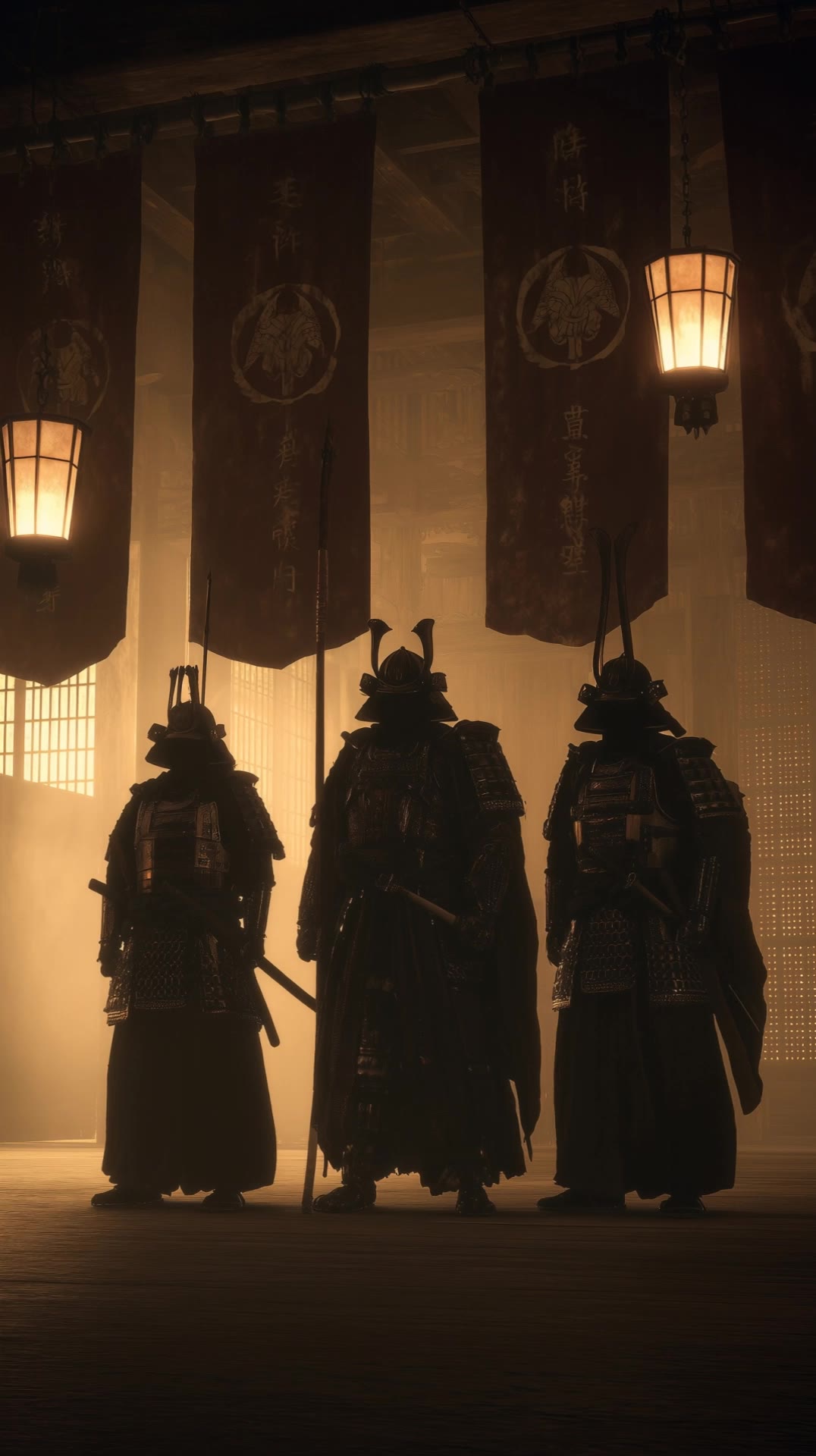
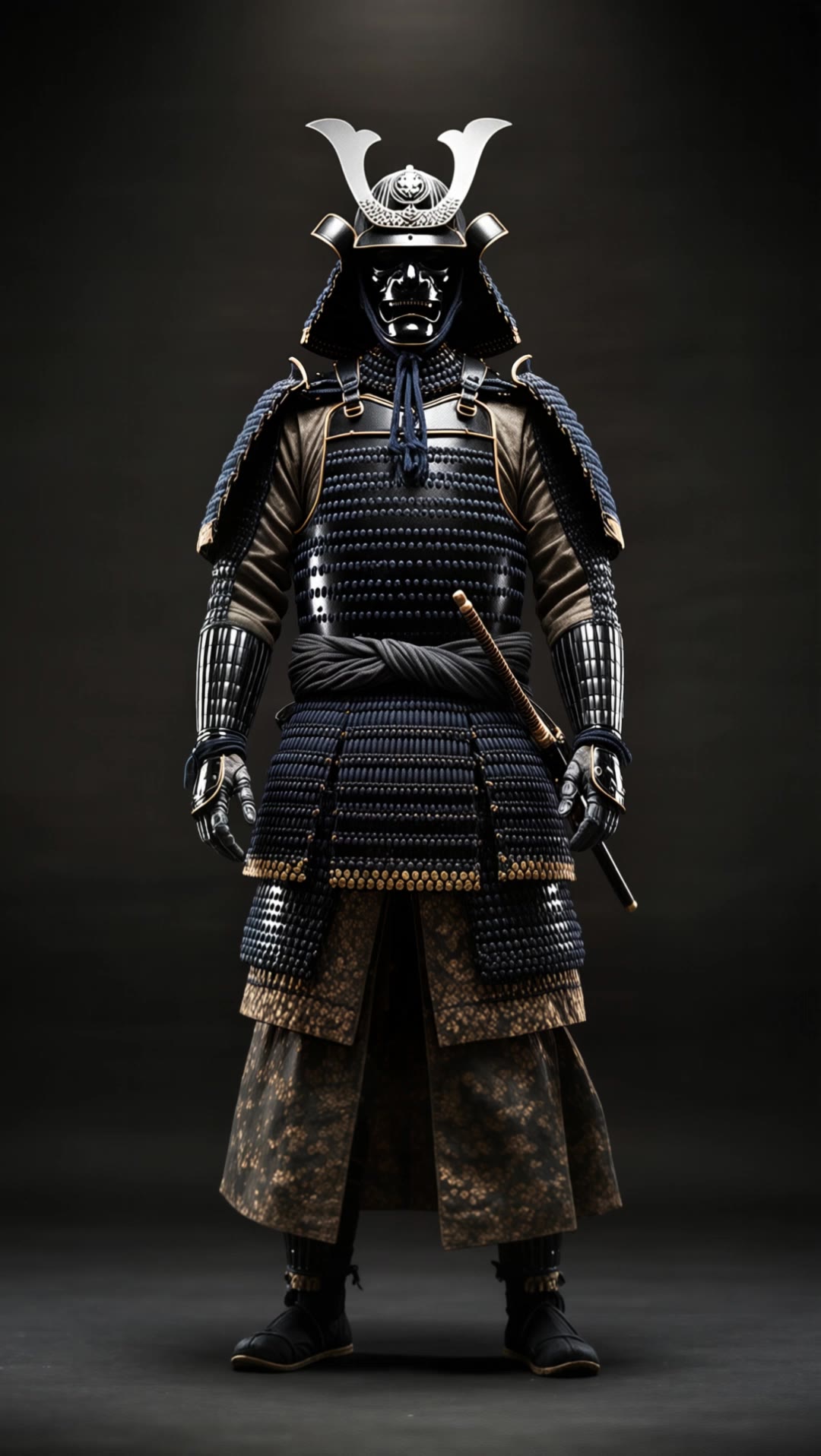
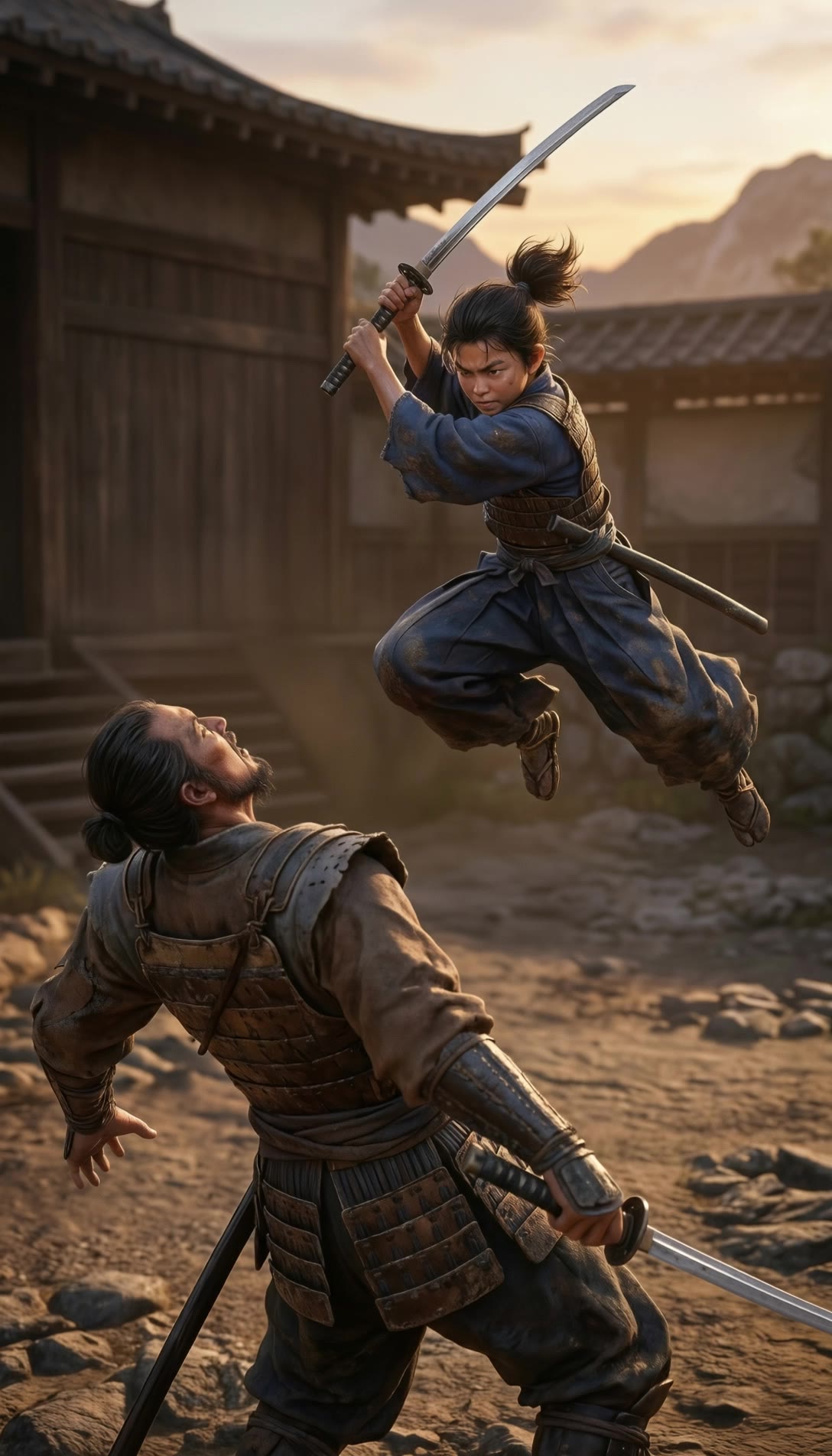
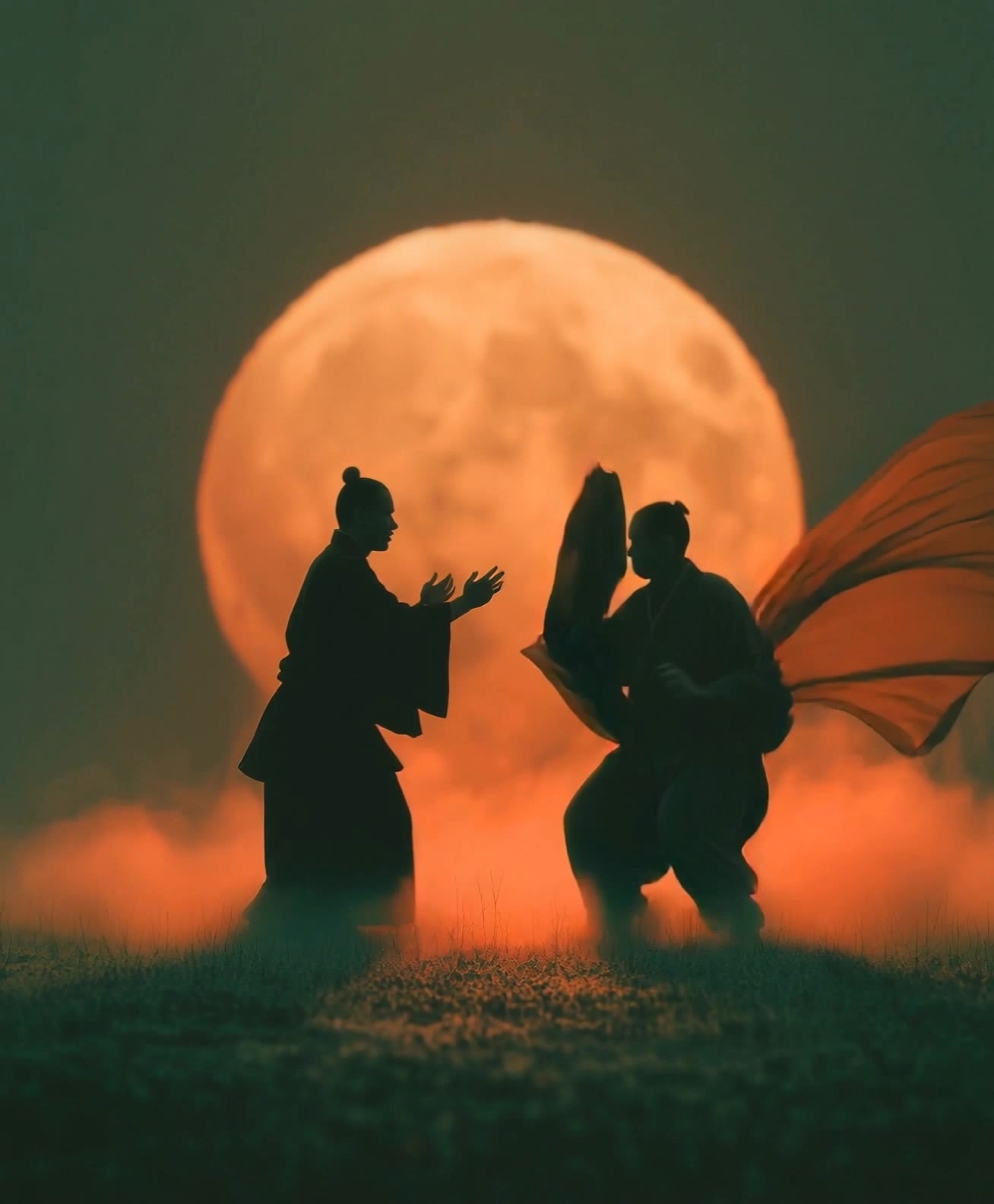
samurai silhouette - battle scenes & Edo period kenjutsu

Immerse in the captivating world of samurai silhouettes, blending traditional kenjutsu with cinematic artistry and legendary battles. Witness the dramatic contrast of serious, high-speed combat and serene, stylized moments. Start exploring samurai silhouette ideas and generate your own content with AI.

samurai silhouette - battle scenes & Edo period kenjutsu

Recommended

Kling AI work 318569250667877 - samurai silhouette AI video
OMtitwcY avatar
OMtitwcY
Kling AI work 313858041523783 - samurai silhouette AI video
loWYHPIC avatar
loWYHPIC
samurai lords - samurai silhouette AI video
vankai studio avatar
vankai studio
Samurai - samurai silhouette AI image
Designbkk avatar
Designbkk
Kling AI work 319627300508877 - samurai silhouette AI video
NRyBNJbY avatar
NRyBNJbY
Samurai fighting - samurai silhouette AI video
Designbkk avatar
Designbkk
Kling AI work 297428897662206 - samurai silhouette AI image
CMhqmTyM avatar
CMhqmTyM
Kling AI work 296172454505047 - samurai silhouette AI video
Sliekas avatar
Sliekas
Kling AI work 309413778524896 - samurai silhouette AI image
TR Asfin avatar
TR Asfin
Samurai at camp fire - samurai silhouette AI image
waytFjxs avatar
waytFjxs
Kling AI work 318179799502194 - samurai silhouette AI video
dagBoTnM avatar
dagBoTnM
Kling AI work 314005710613060 - samurai silhouette AI video
uWUbgWAw avatar
uWUbgWAw
samurai fight - samurai silhouette AI video
vankai studio avatar
vankai studio
Kling AI work 311043407614188 - samurai silhouette AI video
fXdXrOyO avatar
fXdXrOyO
Kling AI work 307957253618057 - samurai silhouette AI image
lvlexe avatar
lvlexe
A hyper-realistic samurai - samurai silhouette AI image
MOMO -KLING avatar
MOMO -KLING
Samurai Fight - samurai silhouette AI video
uOyZpFeg avatar
uOyZpFeg
Kling AI work 314960777614507 - samurai silhouette AI video
xTeEDhXz avatar
xTeEDhXz

How to Create an AI Video from a Script

Start with a Scene or Story Beat

Start with a Scene or Story Beat

Paste in the part of your script you want to see on screen. Include the setting, characters, action, and dialogue that matter to the scene. Camera direction and visual style can stay simple at first, you can get more specific when you start shaping the shots.

Turn the Scene into a Shot Sequence

Turn the Scene into a Shot Sequence

Switch on Multi-Shot and let Kling work out the scene transitions and camera coverage from your prompt. Already have the sequence in your head? Open Custom Multi-Shot and lay out the individual shots yourself, including how long they last and what happens in each one.

Generate with Native Audio

Generate with Native Audio

Set the duration and available output options, then generate your sequence. Native Audio can bring dialogue, ambience, and sound effects into the same generation, so the result does not have to begin as a silent set of shots. Kling VIDEO 3.0 supports scenes up to 15 seconds in a single generation.

Create AI Art with More Creative Control

Bring More Than a Prompt to Your Art

Bring More Than a Prompt to Your Art

Start with words, a sketch, a photo, or the references that already capture part of your idea. IMAGE 3.0 can use up to 10 reference images, so you can bring a character from one image, an outfit from another, and a different setting or art style into the same creation. Use references for the details you want to keep, then use your prompt to decide what changes.

Find the Look That Fits Your Idea

Find the Look That Fits Your Idea

Create pencil drawings, watercolor paintings, anime art, comics, concept art, 3D-inspired images, and more. Try a completely different style, or fine-tune the one you already have. Kling AI also gives you control beyond the art style. Reframe the scene, shift the viewing angle, change the lighting or color palette, and keep refining the image until the whole piece comes together

Create a Series, Not Just a Single Image

Create a Series, Not Just a Single Image

Keep a character, setting, or visual style recognizable across multiple pieces of artwork with IMAGE 3.0 Omni. Generate new poses, scenes, and compositions while keeping the details that tie the series together. It works especially well for character concepts, comics, storyboards, and other ideas that need to develop across several images. Generate in native 2K or 4K when you want more detail in the finished artwork.

Apps

Image to Video
Image to Video

Image to Video

Text to Video
Text to Video

Text to Video

Omni
Omni

Omni

Digital Human
Digital Human

Digital Human

Restyle
Restyle

Restyle

Text to Image
Text to Image

Text to Image

60M+
60M+
Users
600M+
600M+
AI Videos Generated
4.7 ★
4.7 ★
App Store
Industry-Leading
Industry-Leading
Cinematic 4K

Reviews

Huang Lu (Elson)

Huang Lu (Elson)

★★★★★

I’ve been using Kling AI since its initial release, and it’s remained one of the leading AI media generators ever since. With Kling AI, I’ve created hundreds of videos, collectively amassing millions of views.

Déborah

Déborah

★★★★★

I use Kling AI every day. It's amazing to see the almost daily progress it makes. I used AI for fun at first, and I now find that Kling AI's animations allow me to gain professional visibility, with three times more views on my animated posts than on my static posts.

KakuDrop

KakuDrop

★★★★★

I have successfully collaborated with world-renowned artists and well-known companies that are recognized globally

FAQ

Q1Can I change the lighting, colors, or camera angle?
Q2How do I edit a photo with Kling AI?
Q3Can Kling AI edit text inside an image?

Remove the Background. Create What Comes Next.

Remove the background, replace the scene, and take your visual somewhere new with Kling AI.

Free tier available | Image and video workflows | High-resolution options