
Creative Studio
API
Resources
Features
About Us
Download

Satisfying Banner Design – AI Image Inspirations

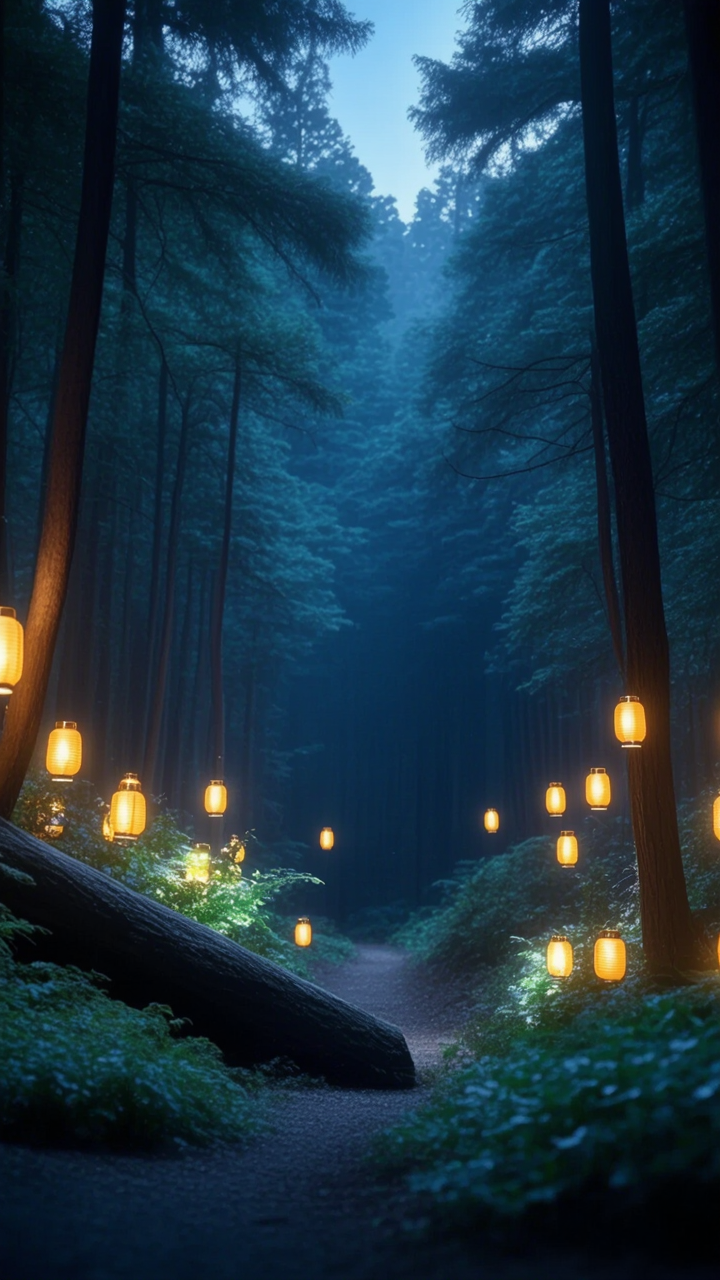
Create satisfying banner designs with AI-generated ideas. These AI visuals offer a quick and customizable way to produce engaging banners for any occasion.

Satisfying Banner Design – AI Image Inspirations

Recommended

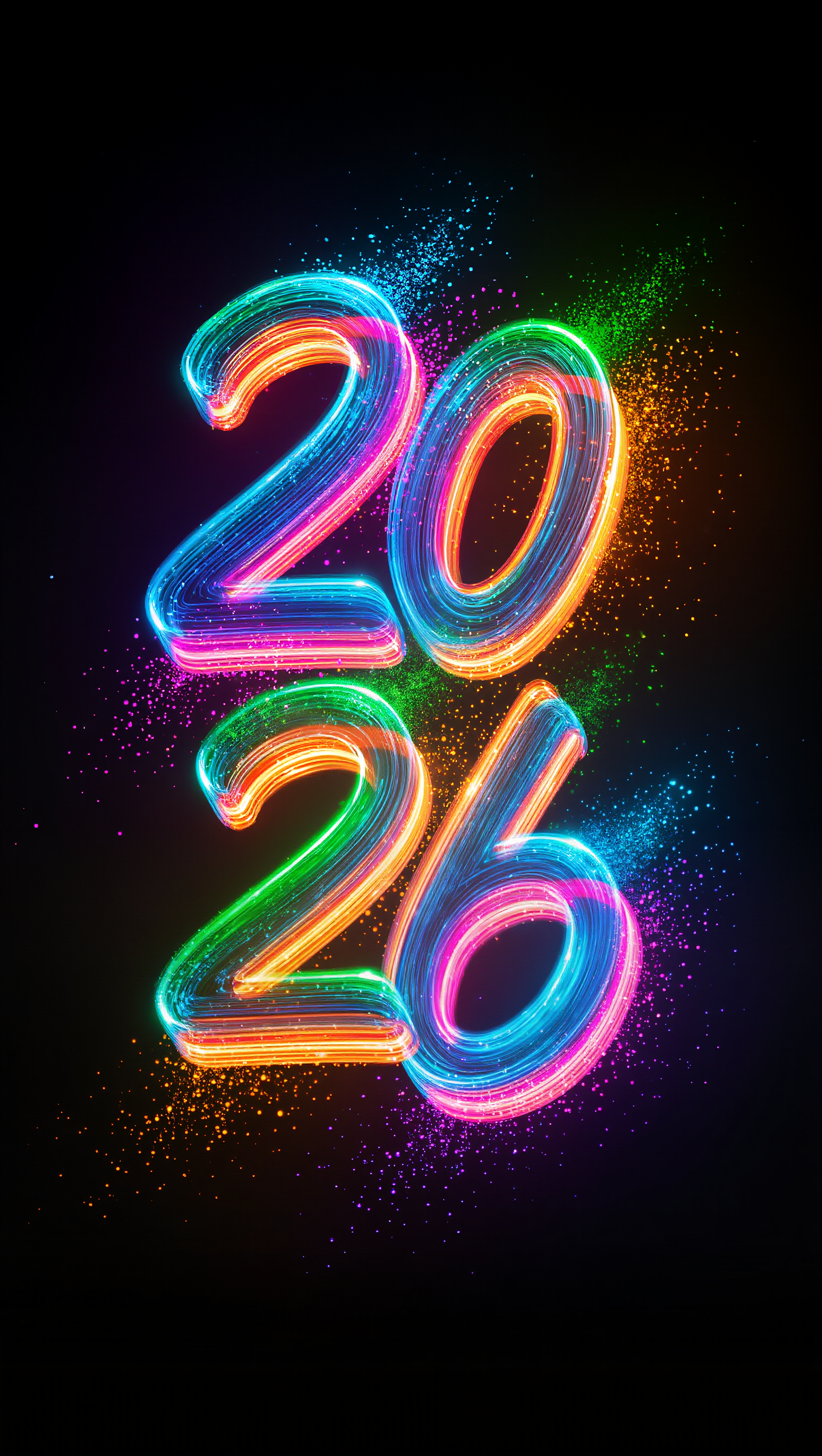
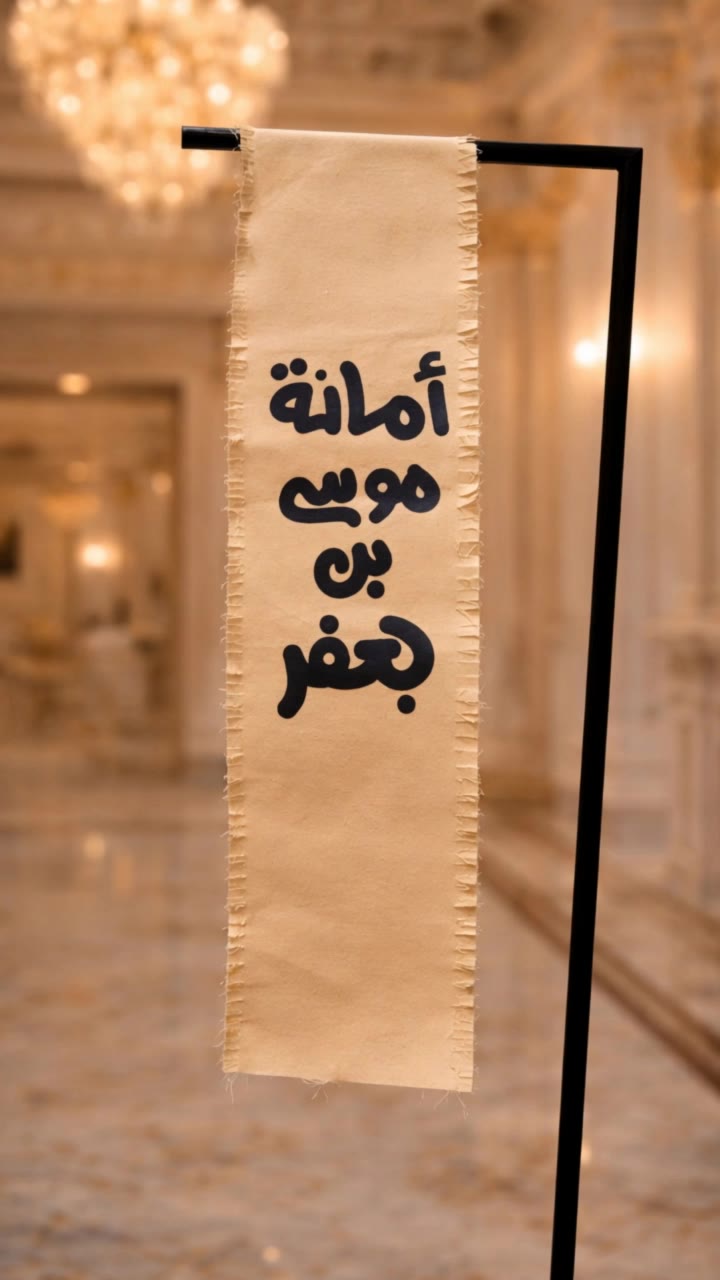
Kling AI work 297155072505413 - satisfying banner design AI image
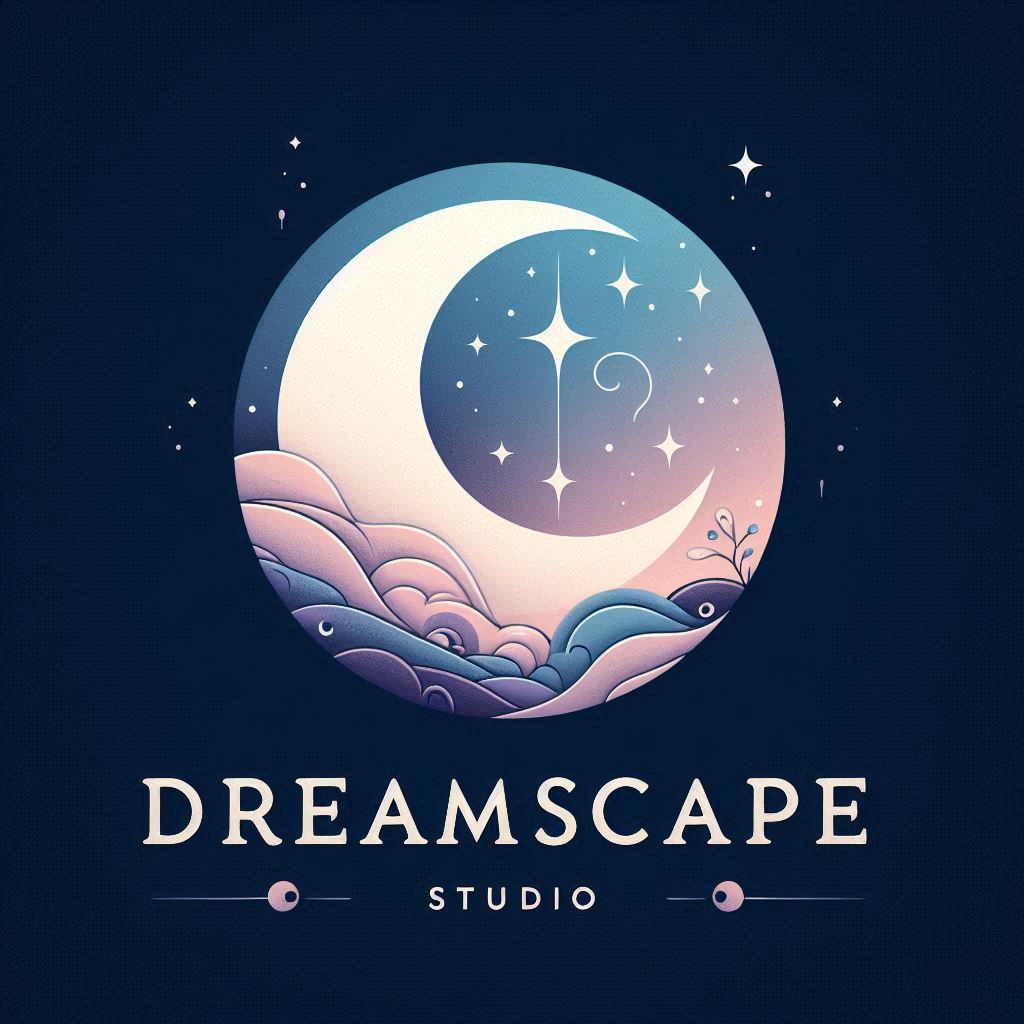
Dreamscape AI avatar
Dreamscape AI
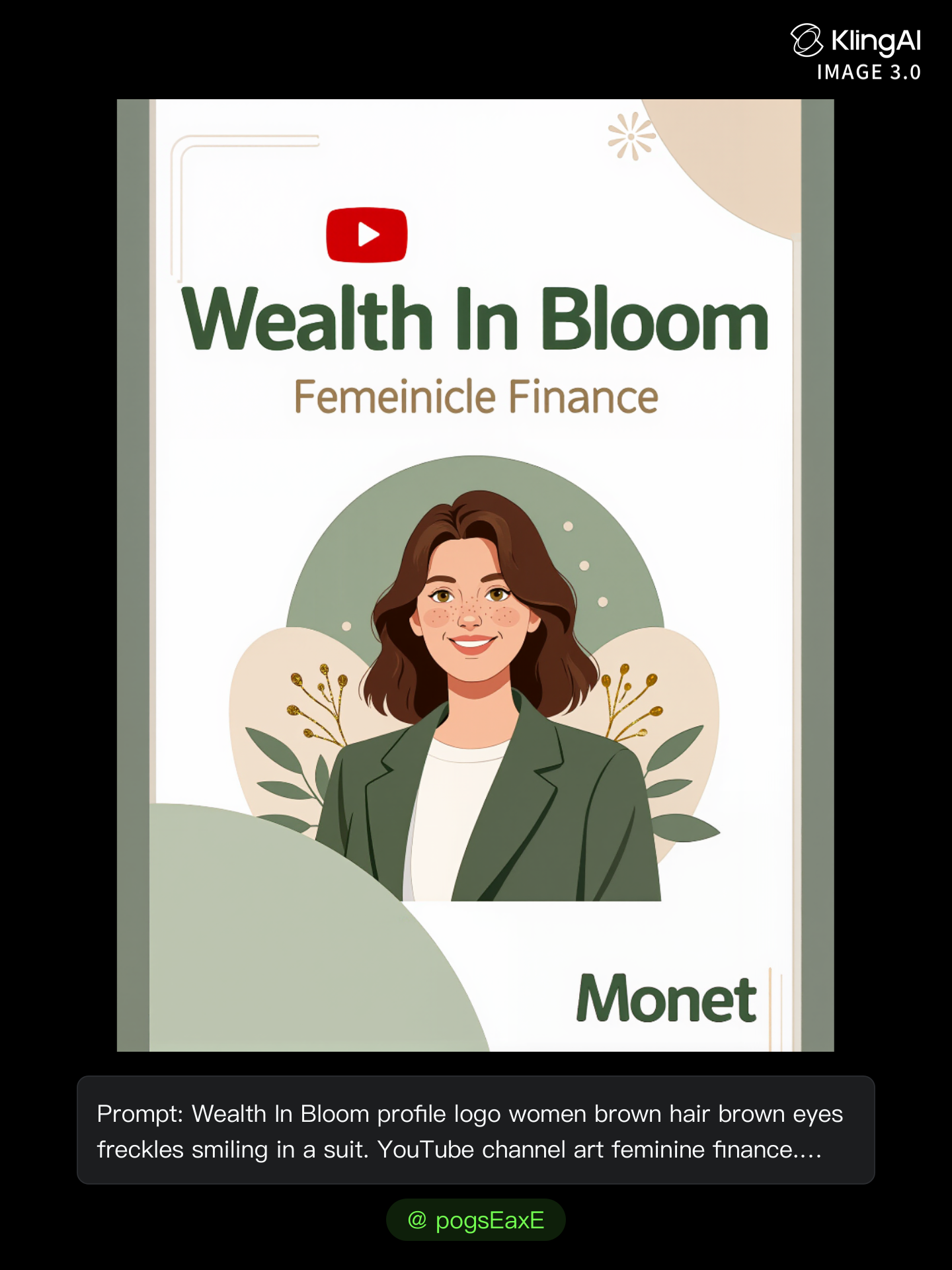
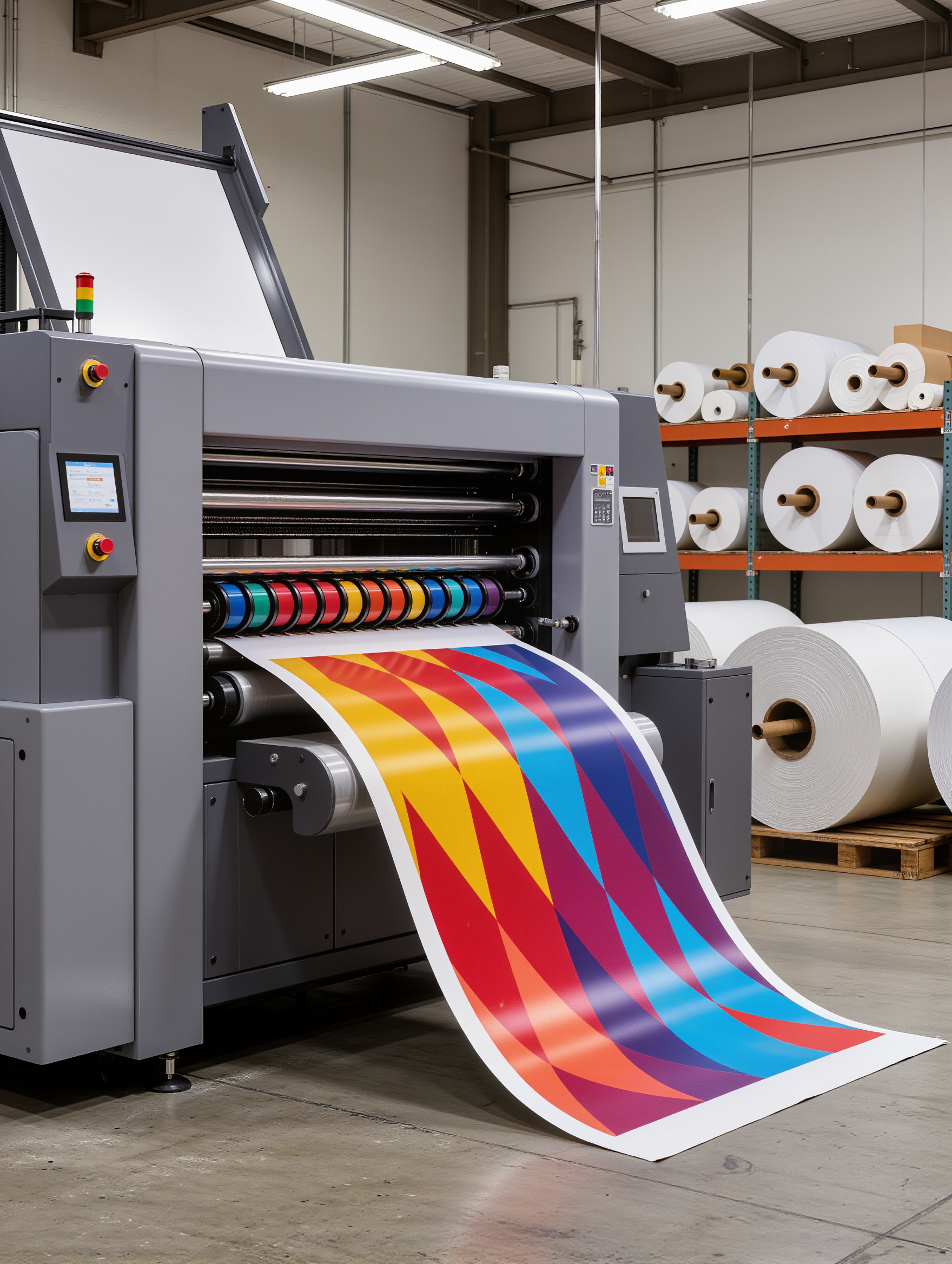
Kling AI work 308453272507735 - satisfying banner design AI image
pogsEaxE avatar
pogsEaxE
Satisfying crunches.... - satisfying banner design AI video
00:40
KLING1838 avatar
KLING1838
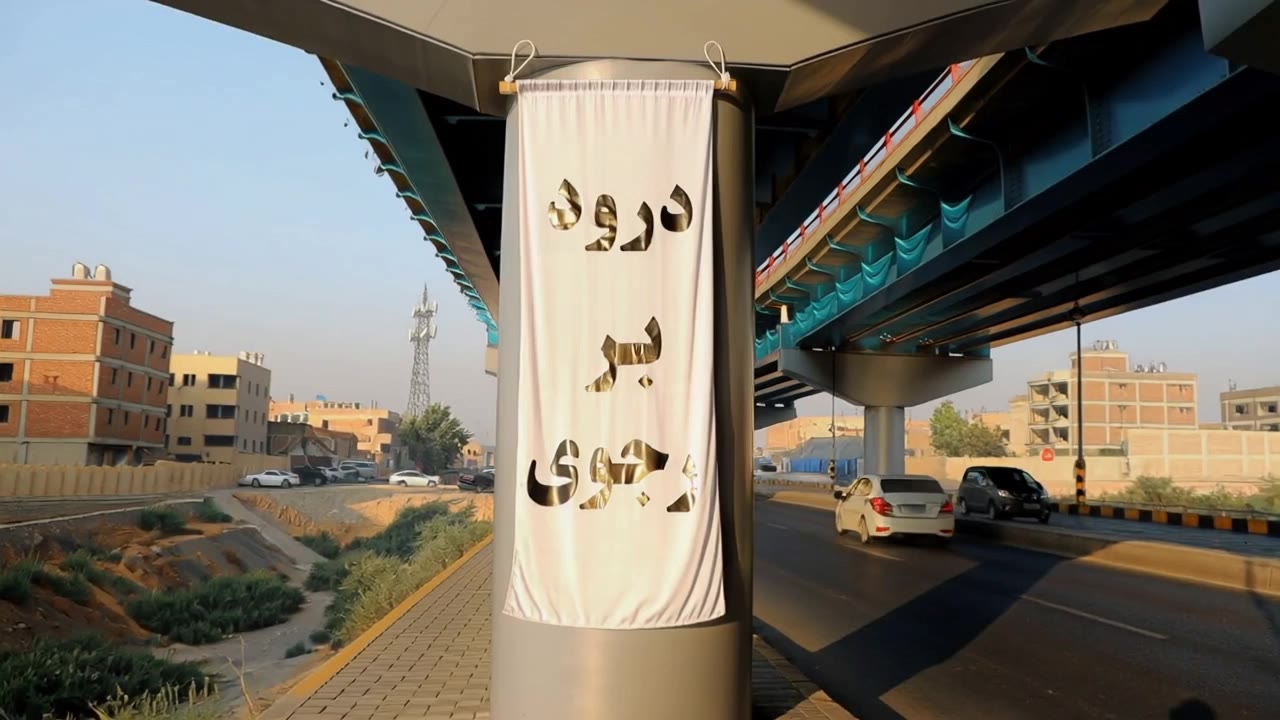
Outdoor advertising - satisfying banner design AI video
Nataly Stark avatar
Nataly Stark
Elite Creator
Заморозка банера - satisfying banner design AI video
HRmkqTpP avatar
HRmkqTpP
Kling AI work 319572379664347 - satisfying banner design AI video
vGUfTEMi avatar
vGUfTEMi
Kling AI work 296475976527694 - satisfying banner design AI video
fcaYWMOu avatar
fcaYWMOu
Kling AI work 297432221305256 - satisfying banner design AI video
Anla-shok avatar
Anla-shok
Kling AI work 319750988506708 - satisfying banner design AI video
vGUfTEMi avatar
vGUfTEMi
MyStore Design Tshirt - satisfying banner design AI video
Rumy.dg avatar
Rumy.dg
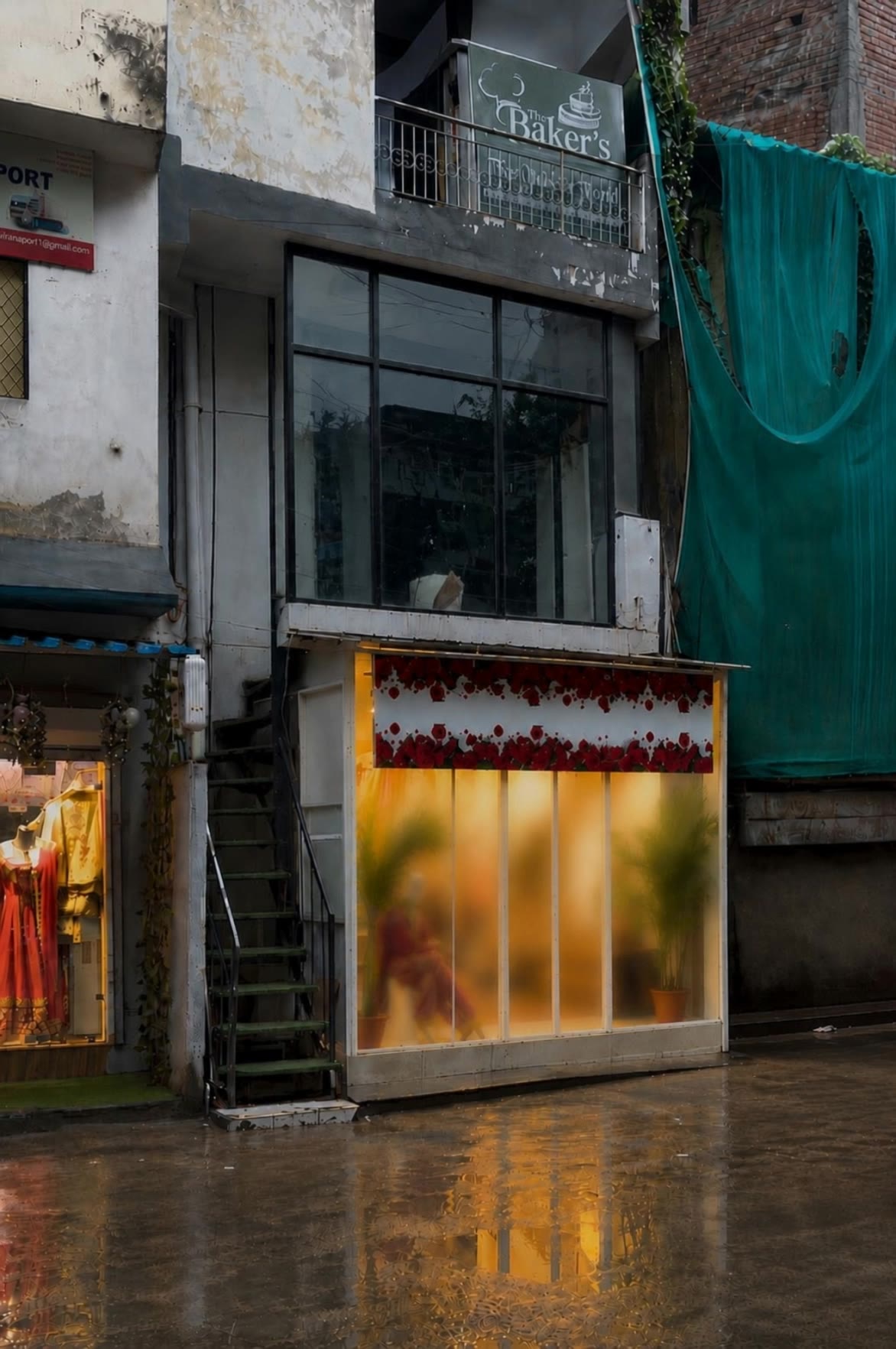
Kling AI work 317464257664016 - satisfying banner design AI image
KMyjExIN avatar
KMyjExIN
Kling AI work 308522562500218 - satisfying banner design AI image
pogsEaxE avatar
pogsEaxE
Kling AI work 308889908311658 - satisfying banner design AI image
RqLcpEmG avatar
RqLcpEmG
Kling AI work 317445045505505 - satisfying banner design AI video
VJIXEyHx avatar
VJIXEyHx
Kling AI work 315518045618908 - satisfying banner design AI video
xRUlZpWq avatar
xRUlZpWq
Kling AI work 307506270535763 - satisfying banner design AI image
Bassinger avatar
Bassinger
Kling AI work 313394886525022 - satisfying banner design AI image
whBnHdvQ avatar
whBnHdvQ
THIS IS TOO SATISFYING 😳 - satisfying banner design AI video
PcVqHyRd avatar
PcVqHyRd
Kling AI work 315151496664581 - satisfying banner design AI video
djpoEeHv avatar
djpoEeHv

How to Create Cinematic AI Videos with Kling

Upload or Describe Your Vision

Upload or Describe Your Vision

Start by uploading a reference photo or entering a text prompt to define your character, style, and scene.

Adjust Settings & Motion

Adjust Settings & Motion

Refine your video by locking character consistency, adjusting motion intensity, or adding native AI audio and lip-sync.

Generate & Export in 4K

Generate & Export in 4K

Click generate to produce your high-fidelity video. Preview the results and export your masterpiece in stunning 4K resolution.

Edit Any Part with Kling AI

Add, Remove, or Replace Image Content

Add, Remove, or Replace Image Content

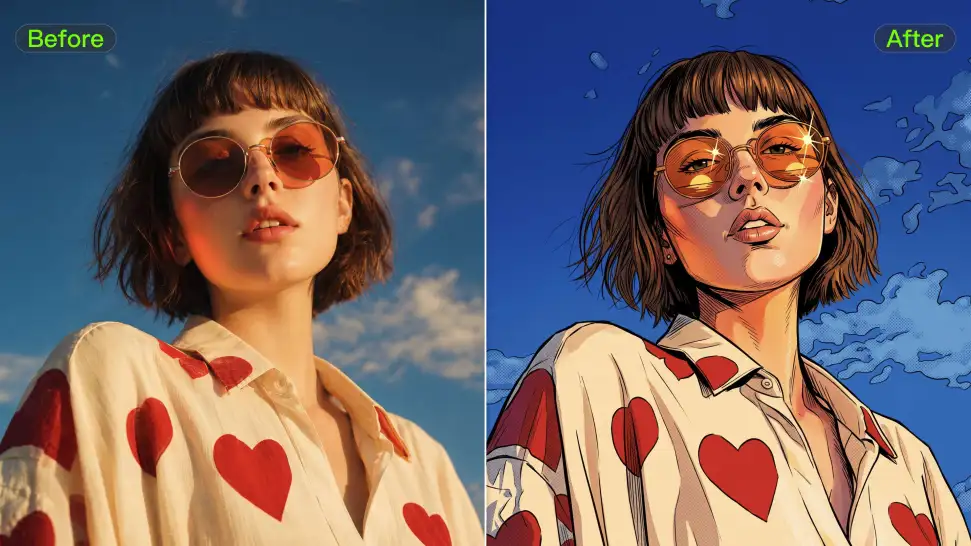
Tell Kling what you want to change in text prompts. Replace a person, remove an object, or fine-tune details such as color, material, pose, and expression. Even detailed edits take fewer and easier steps because you can change the photo with AI instead of with traditional photo editing tools. IMAGE 3.0 follows your instruction while keeping the photo’s original style, lighting, and texture in place, so the edited area still belongs in the same shot.

Change the Color, Lighting, or Style

Change the Color, Lighting, or Style

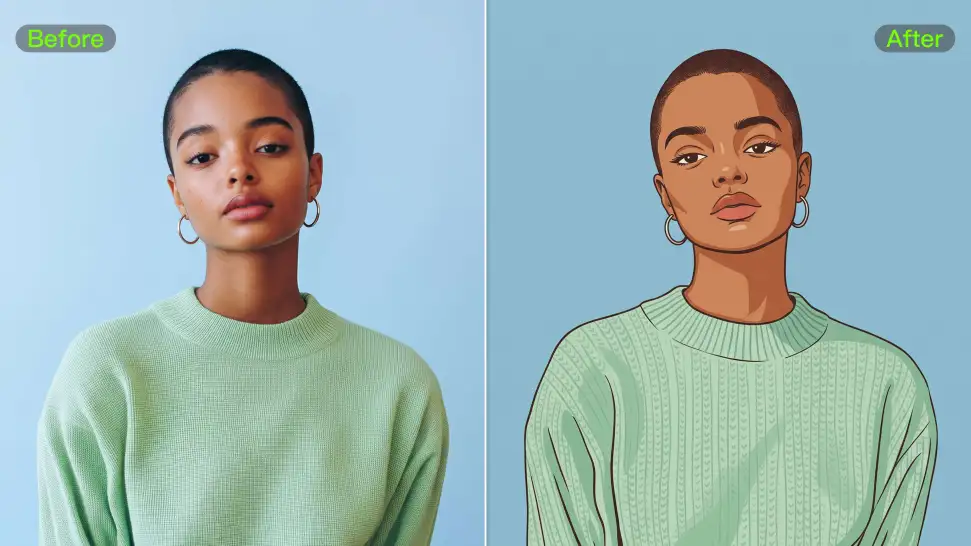
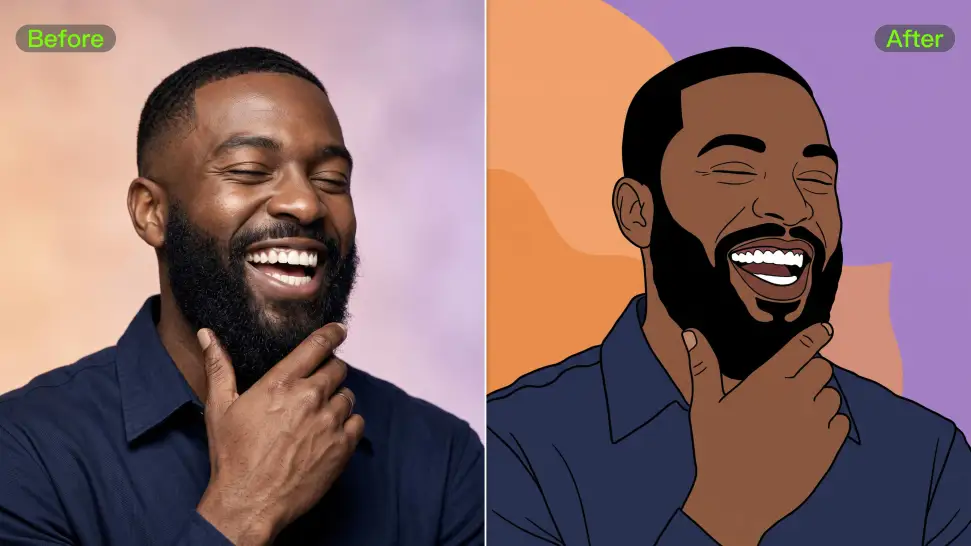
Give an existing photo a different mood effortlessly. Lift a dim scene, soften harsh light, warm or cool the colors, or bring color to a black-and-white photo or line drawing. A short prompt replaces the usual round of manual adjustments. Looking for a bigger shift? Add a style reference or spell out the visual direction. IMAGE 3.0 carries the palette, texture, and atmosphere across the whole image, so the new look feels cohesive rather than pasted on. Use it for studio-style professional headshots, distinctive portrait treatments, cinematic scene design, or a visual style that feels entirely your own.

Rework the Shot or Camera Angle

Rework the Shot or Camera Angle

Tell Kling how you want the shot to look in a text prompt. Turn a front-facing photo into a side view, move the camera higher or lower, or change a wide shot into a close-up. You can explore a new composition around the same subject without setting up another shoot. IMAGE 3.0 rebuilds the scene from the angle you request, adjusting the perspective, camera height, shot size, focal length, and depth of field along with it. The result is a newly generated view based on the source photo, rather than hidden details recovered from outside the original frame.

Apps

Image to Video
Image to Video

Image to Video

Text to Video
Text to Video

Text to Video

Omni
Omni

Omni

Digital Human
Digital Human

Digital Human

Restyle
Restyle

Restyle

Text to Image
Text to Image

Text to Image

60M+
60M+
Users
600M+
600M+
AI Videos Generated
4.7 ★
4.7 ★
App Store
Industry-Leading
Industry-Leading
Cinematic 4K

Reviews

Jyo John Mulloor

Jyo John Mulloor

★★★★★

Kling AI has been instrumental in transforming my creative workflow, unlocking new dimensions of artistic expression that were once unimaginable. I use Kling AI extensively to develop high-concept visuals, animate surreal dreamscapes, and create AI-assisted films that blur the line between reality and fantasy. Kling AI’s deep learning capabilities have not only enhanced my creative efficiency but also inspired me to explore storytelling in ways I never thought possible.

Huang Lu (Elson)

Huang Lu (Elson)

★★★★★

I’ve been using Kling AI since its initial release, and it’s remained one of the leading AI media generators ever since. With Kling AI, I’ve created hundreds of videos, collectively amassing millions of views.

Samuele Poggi (@visualsk2)

Samuele Poggi (@visualsk2)

★★★★★

I use Kling AI daily to push the limits of AI filmmaking. It allows me to create highly cinematic content, blending AI and VFX to develop innovative projects. It has significantly impacted my creative process, enabling me to achieve complex animations that would otherwise require high production budgets.

FAQ

Q1What is the difference between a background remover and a background changer?
Q2Can I remove the background from a logo?
Q3Can I remove backgrounds in HD quality?

Remove the Background. Create What Comes Next.

Remove the background, replace the scene, and take your visual somewhere new with Kling AI.

Free tier available | Image and video workflows | High-resolution options