Creative Studio
API
Resources
Features
About Us
Download

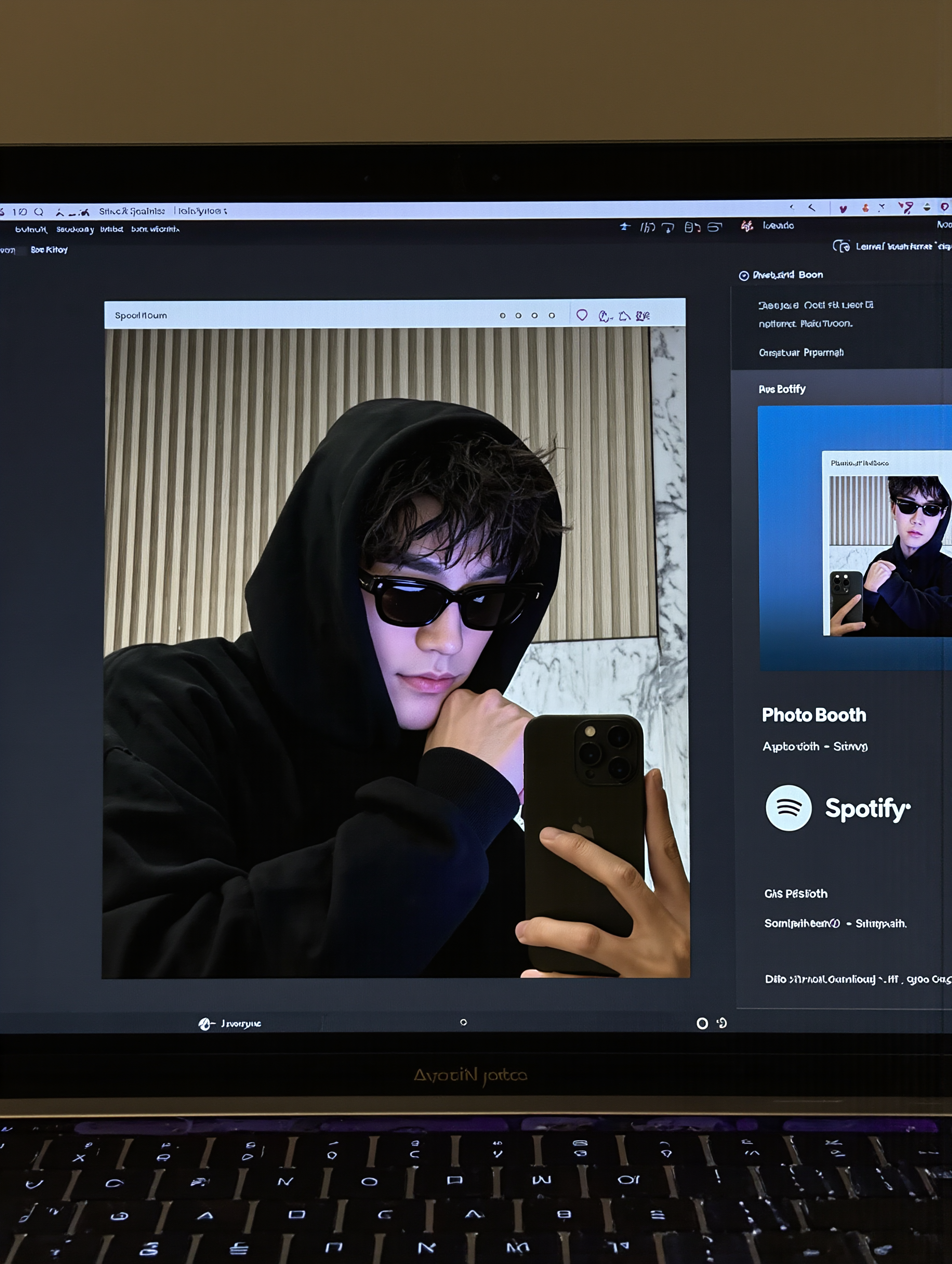
AI-generated selfie desktop wallpaper ideas

Discover AI-created selfie desktop wallpapers. Customize each design to reflect your personality. Quick and simple, no design skills needed.

AI-generated selfie desktop wallpaper ideas

Recommended

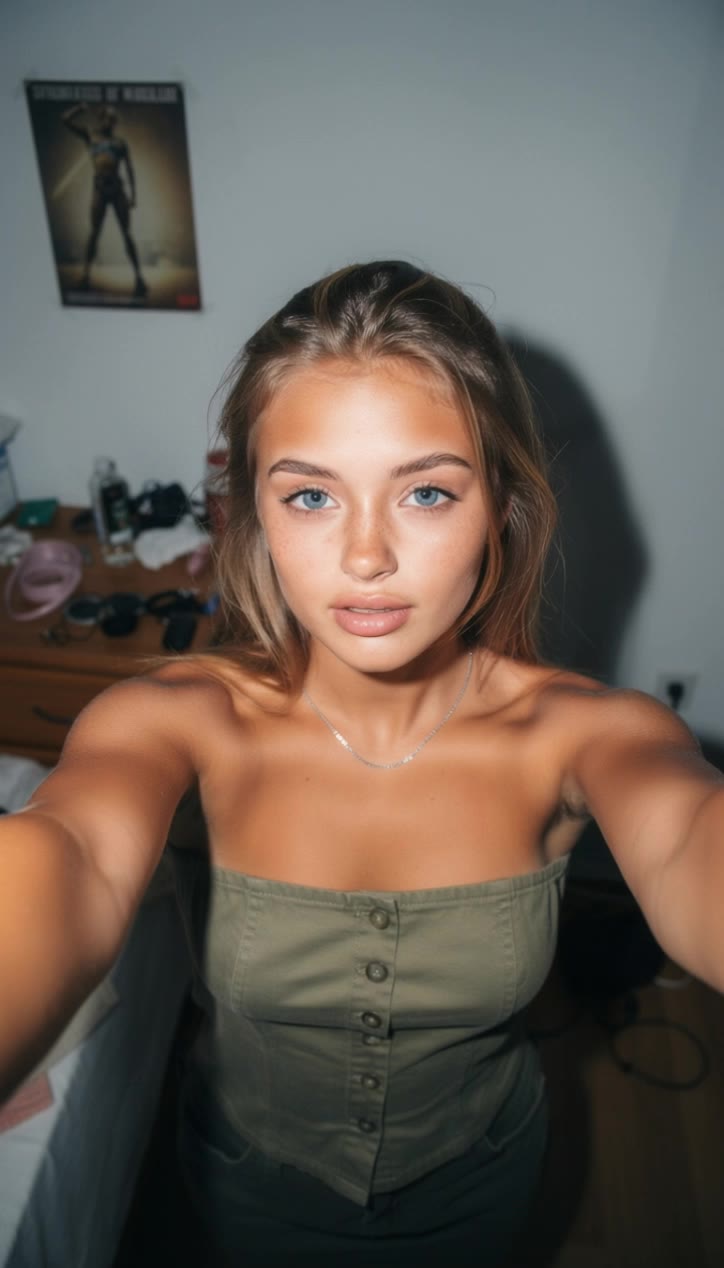
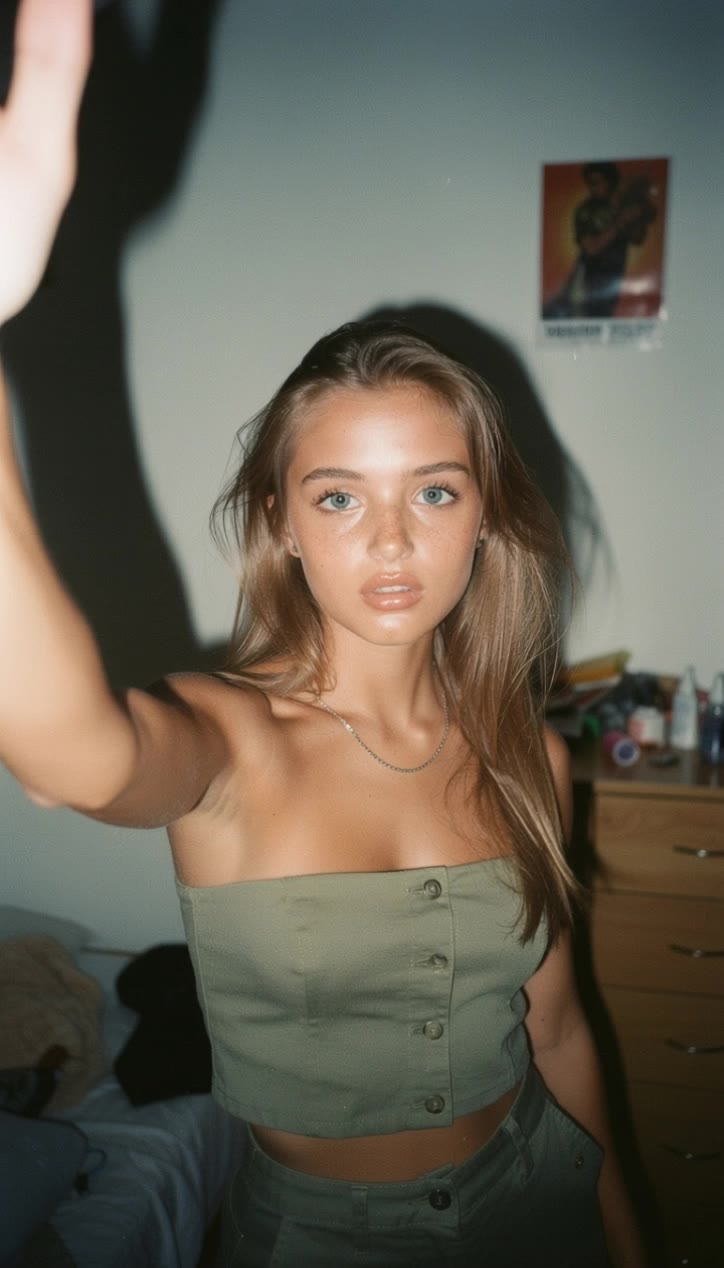
Selfie🤳 - selfie desktop wallpaper AI image
souvenir avatar
souvenir
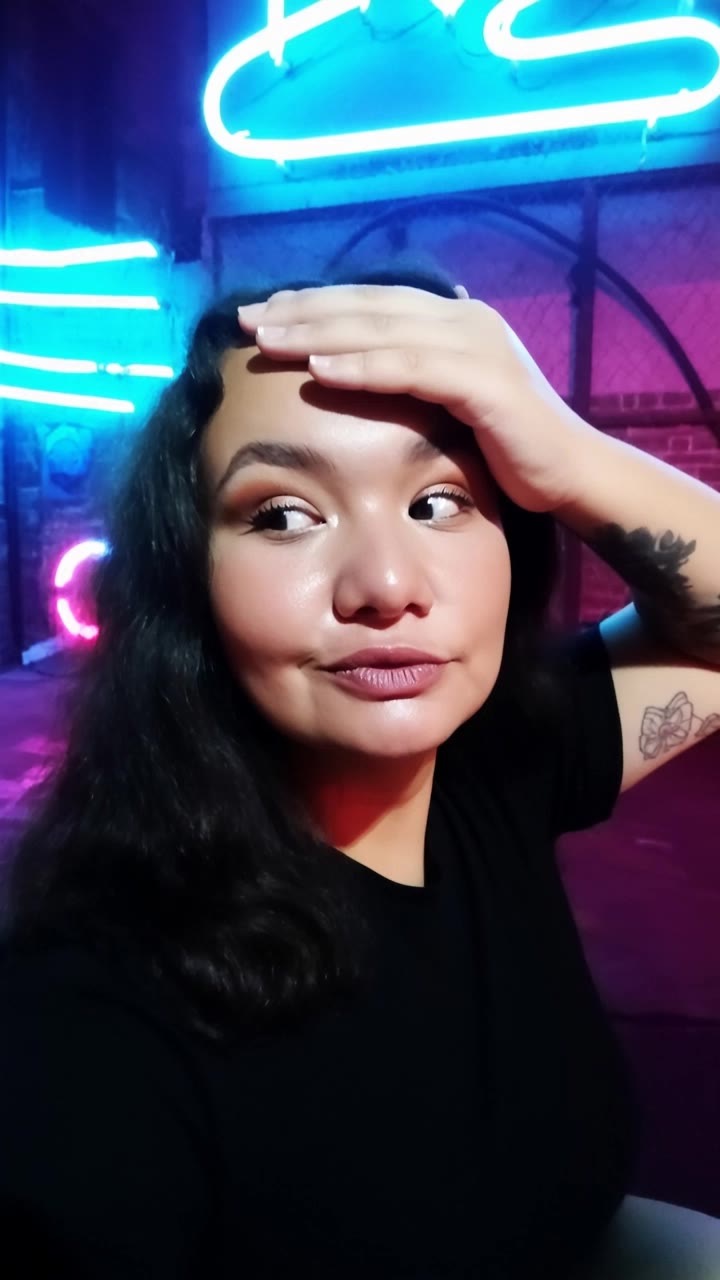
Mediocre iPhone Selfie - selfie desktop wallpaper AI video
videosAI𝙥𝙧𝙤 avatar
videosAI𝙥𝙧𝙤
Elite Creator
selfie - selfie desktop wallpaper AI video
sinon | AI_video avatar
sinon | AI_video
selfie lady - selfie desktop wallpaper AI video
sinon | AI_video avatar
sinon | AI_video
Kling AI work 314265054527114 - selfie desktop wallpaper AI video
Buyo avatar
Buyo
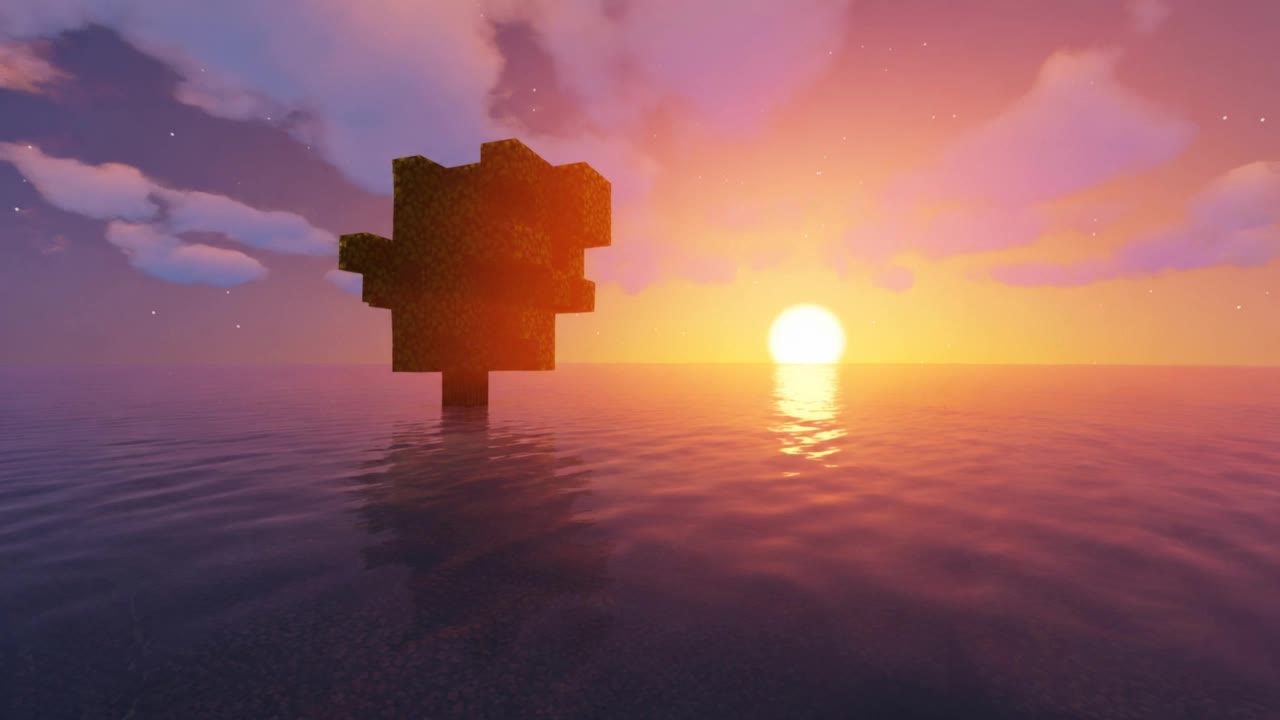
wallpaper minecraft shaders - selfie desktop wallpaper AI video
VQarmEaf avatar
VQarmEaf
Selfie: hero/view - selfie desktop wallpaper AI video
Narrix.studio avatar
Narrix.studio
selfie - selfie desktop wallpaper AI video
sinon | AI_video avatar
sinon | AI_video
Mirror selfie - selfie desktop wallpaper AI video
MUApllqZ avatar
MUApllqZ
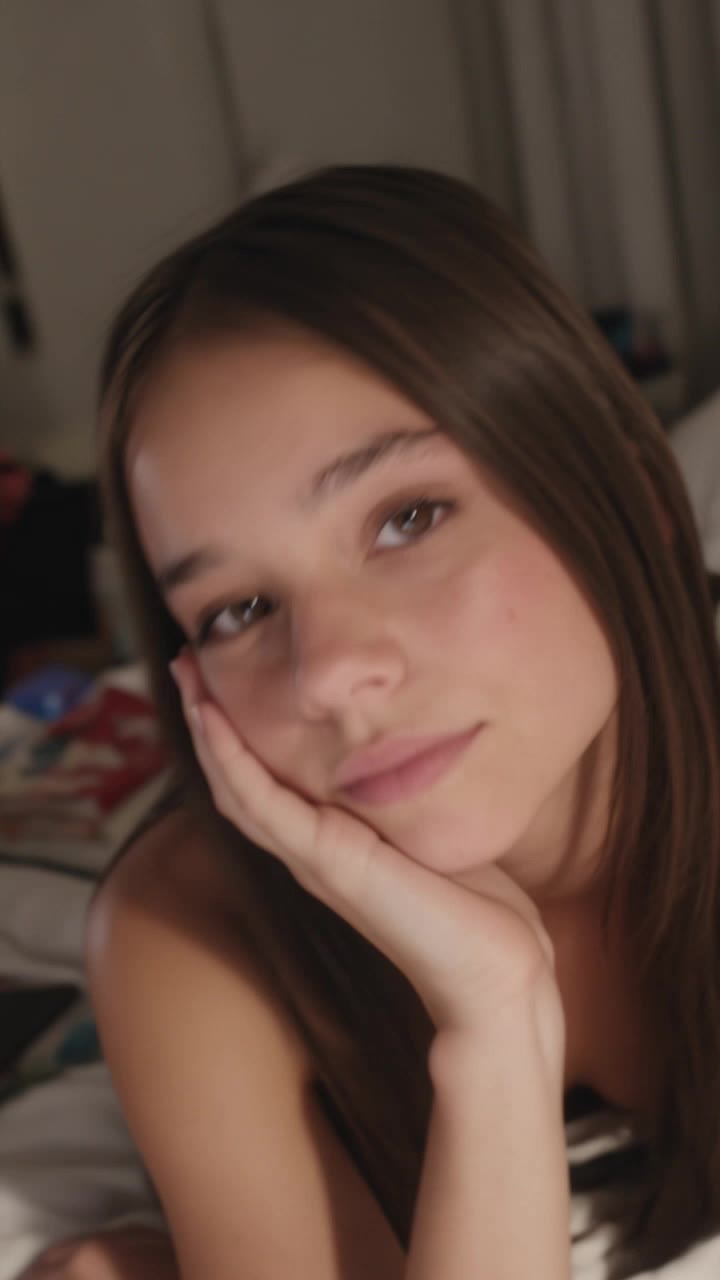
Teenage girl selfie - selfie desktop wallpaper AI video
videosAI𝙥𝙧𝙤 avatar
videosAI𝙥𝙧𝙤
Elite Creator
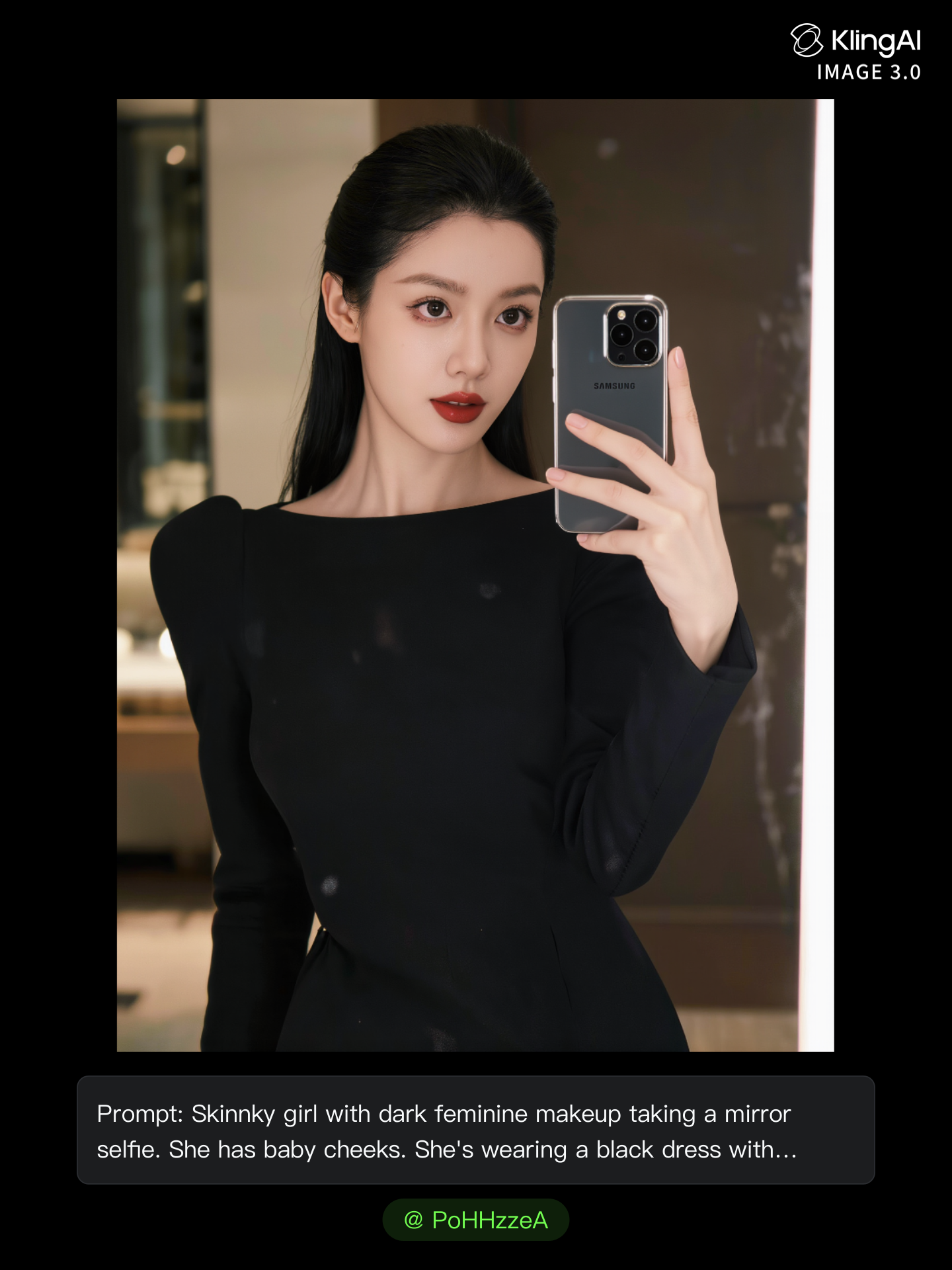
Hot girl atking a mirror selfie  - selfie desktop wallpaper AI image
PoHHzzeA avatar
PoHHzzeA
casual, selfie - selfie desktop wallpaper AI video
SailorLucy85 avatar
SailorLucy85
Kling AI work 318382586502403 - selfie desktop wallpaper AI video
YeHBOAfm avatar
YeHBOAfm
Selfie Animation - selfie desktop wallpaper AI video
EUoShjrR avatar
EUoShjrR
selfie girl - selfie desktop wallpaper AI video
sinon | AI_video avatar
sinon | AI_video
Teenage girl selfie, - selfie desktop wallpaper AI video
videosAI𝙥𝙧𝙤 avatar
videosAI𝙥𝙧𝙤
Elite Creator
Kling AI work 317581797663735 - selfie desktop wallpaper AI video
obVZVXqQ avatar
obVZVXqQ
Kling AI work 298734542656947 - selfie desktop wallpaper AI image
VZJipunL avatar
VZJipunL
selfie through mirror - selfie desktop wallpaper AI video
sinon | AI_video avatar
sinon | AI_video

How to Use Kling AI Text to Speech

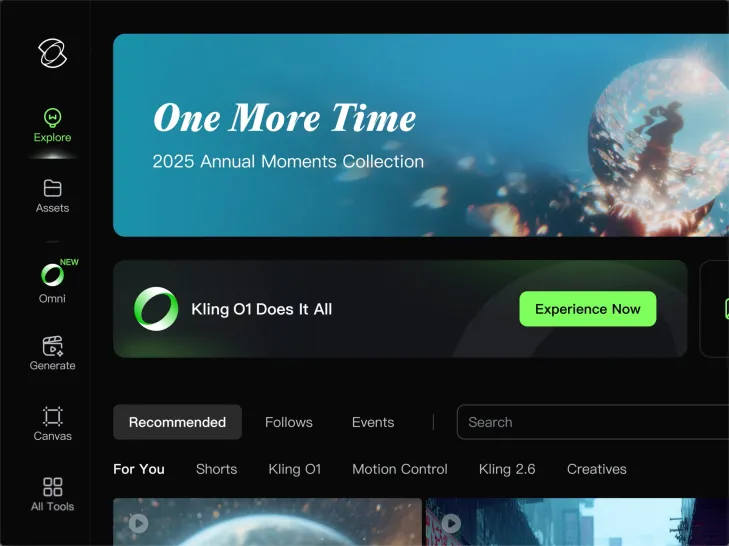
Step 1: Enter the Video Generation Workspace

Step 1: Enter the Video Generation Workspace

Edit your prompt to set the scene, characters, and style, or upload a reference image to shape the look of your video.

Step 2: Add Dialogue and Speech Instructions

Step 2: Add Dialogue and Speech Instructions

Add dialogue to your prompt and clearly specify which character speaks each line. You can also describe the language or dialect, speaking pace, tone, and delivery style in the prompt to guide how each character sounds.

Step 3: Choose Your Settings and Generate

Step 3: Choose Your Settings and Generate

Choose your resolution (720p, 1080p, or 4K), video length (3–15 seconds), and aspect ratio (16:9, 9:16, or 1:1). Then click Generate to create your video.

Make Avatars Perform, Not Just Speak

More Choice, Without Losing Consistency

More Choice, Without Losing Consistency

Start with a preset avatar, select a character from your Kling AI Assets, upload an image of your own, or create someone new with AI Image. Use a polished presenter for a product demo, a creator-style host for an ad, or a more stylized character when the idea calls for it. For recurring content, save the character with the voice and performance settings you use most. The same on-screen identity is ready for the next script, without putting the setup together again.

Give Each Script the Right Delivery

Give Each Script the Right Delivery

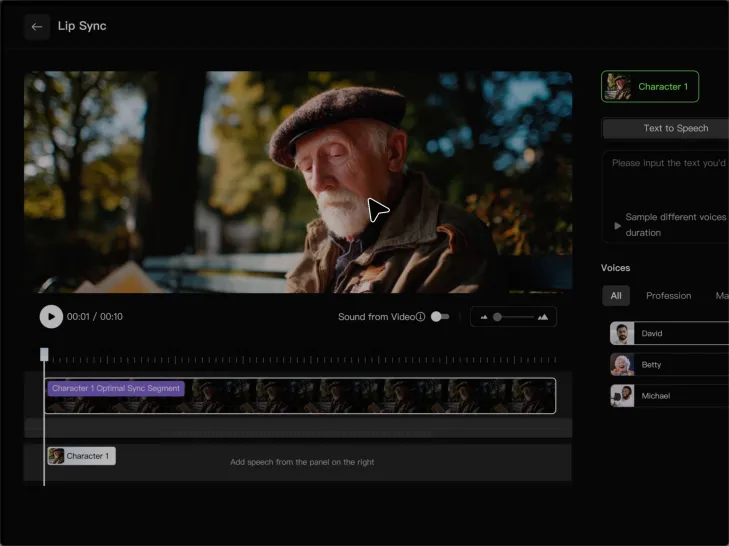
Use a finished voiceover when the delivery is already in place, or start with written copy and choose a text-to-speech voice. Adjust the pace and emotional tone so a product pitch feels confident, a lesson stays clear, and social content can take on more energy. You can write your own performance direction or use one of Kling AI’s suggestions for the selected character. The same avatar can also deliver content in English, Chinese, Japanese, or Korean while keeping a familiar appearance on screen.

Let Movement Carry the Message

Let Movement Carry the Message

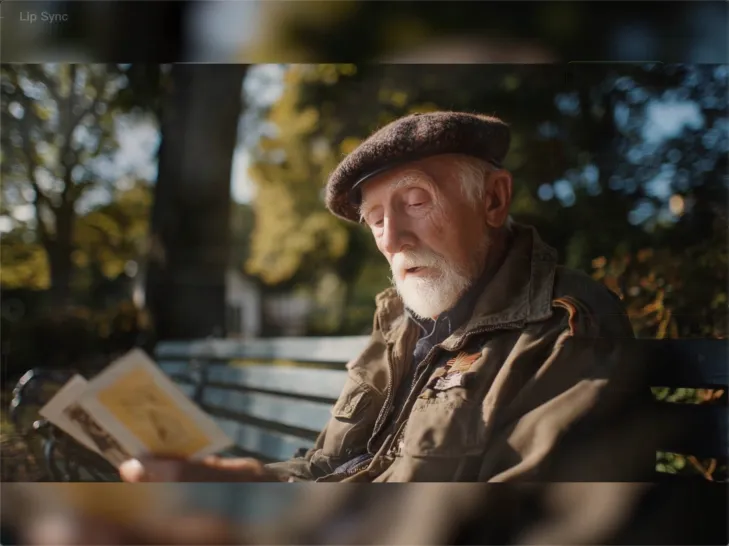
Natural lip sync is only part of the performance. An avatar can point to a product, handle an object, gesture through an explanation, react to the words, or move with the rhythm of a song. Avatar 2.0 improves hand stability and overall action quality, so the movement supports the scene instead of drawing attention away from it. Voice, expression, and body language come together as one performance—not a still image with audio layered over it.

Apps

Image to Video
Image to Video

Image to Video

Text to Video
Text to Video

Text to Video

Omni
Omni

Omni

Digital Human
Digital Human

Digital Human

Restyle
Restyle

Restyle

Text to Image
Text to Image

Text to Image

60M+
60M+
Users
600M+
600M+
AI Videos Generated
4.7 ★
4.7 ★
App Store
Industry-Leading
Industry-Leading
Cinematic 4K

Reviews

KakuDrop

KakuDrop

★★★★★

I have successfully collaborated with world-renowned artists and well-known companies that are recognized globally

Maria Rubtsova

Maria Rubtsova

★★★★★

I’m Maria Rubtsova, an AIGC digital artist passionate about creating stunning visuals in the worlds of fashion, aesthetics, and fantasy. I use KlingAi to bring imagination to life through video. My work is all about exploring beauty, emotion, and the limitless possibilities of digital art.

Huang Lu (Elson)

Huang Lu (Elson)

★★★★★

I’ve been using Kling AI since its initial release, and it’s remained one of the leading AI media generators ever since. With Kling AI, I’ve created hundreds of videos, collectively amassing millions of views.

FAQ

Q1Can I use multiple reference images for a face swap?
Q2How does AI Video Face Swap work?
Q3Can I edit my face swap after it is generated?

Bring Your Characters to Life with AI Voices

Create natural voices from text with Kling AI. Turn character dialogue into expressive speech to create realistic character videos.

Native Audio | Multilingual Dialogue | Character Voice Control