
Creative Studio
API
Resources
Features
About Us
Download

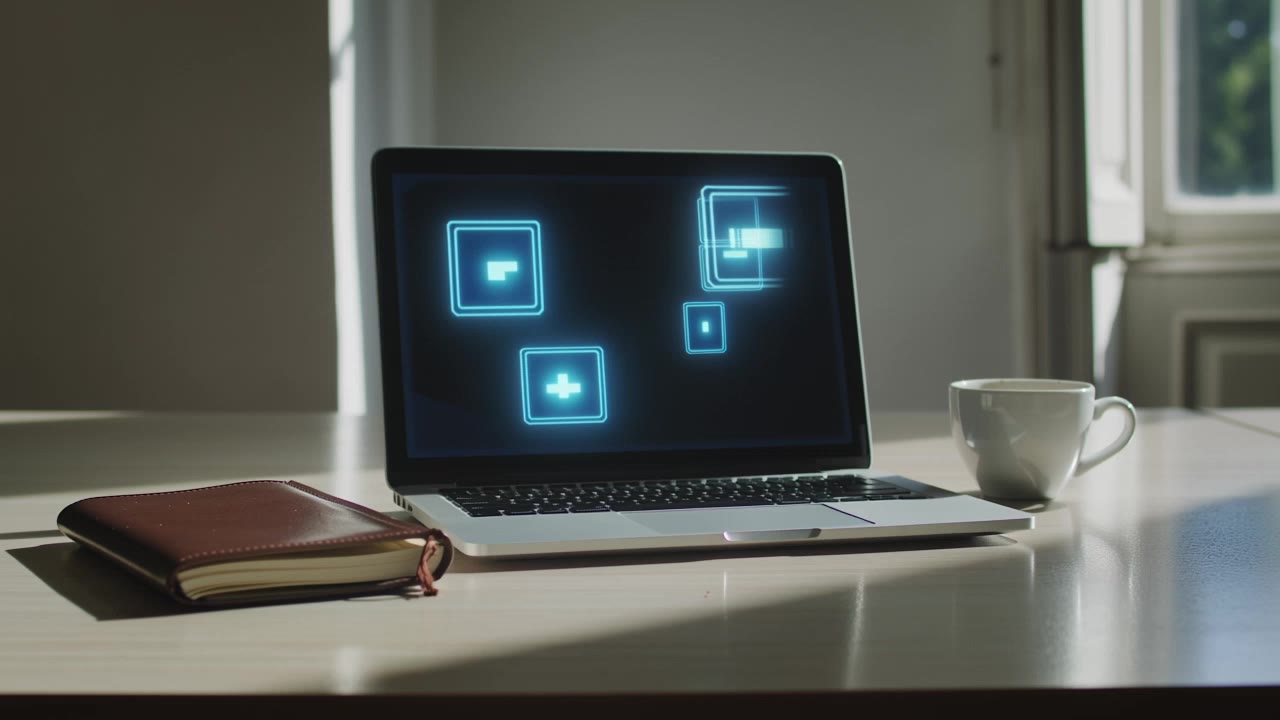
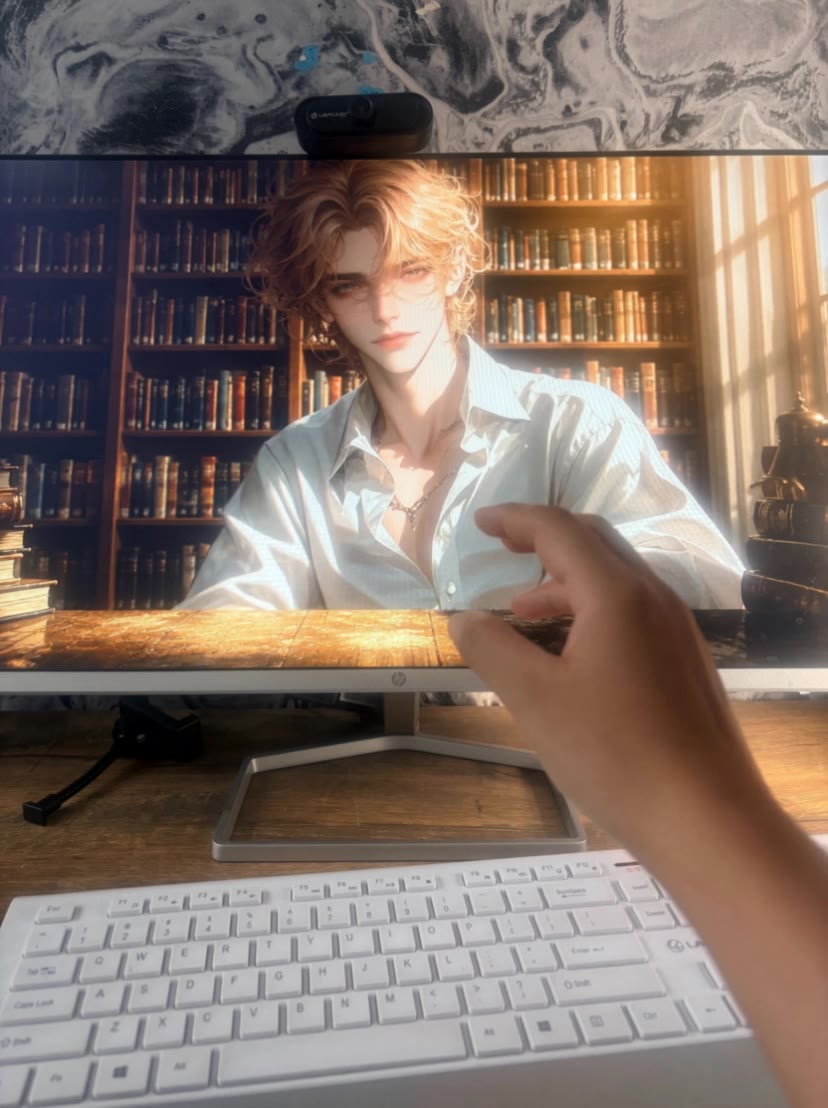
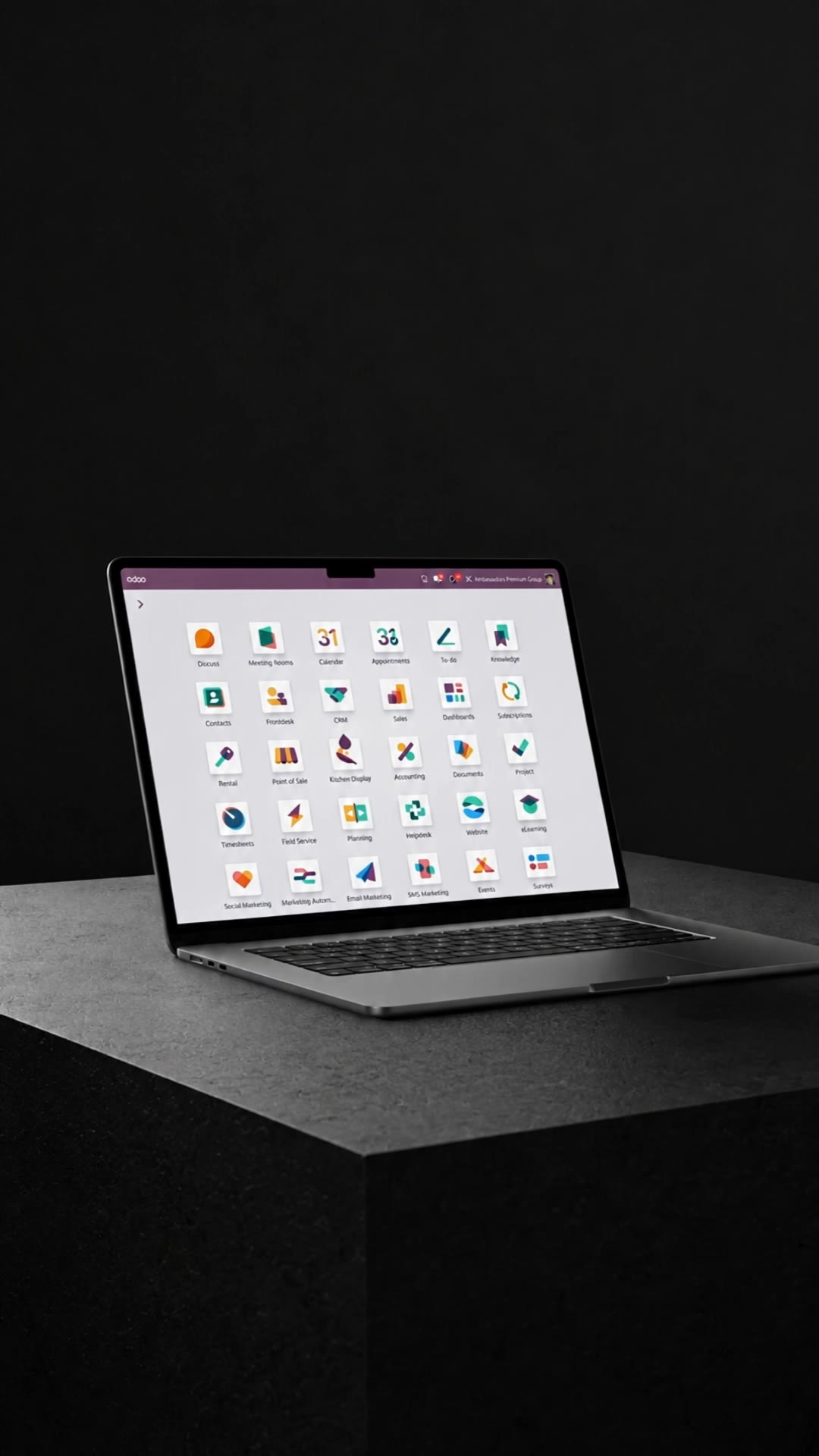
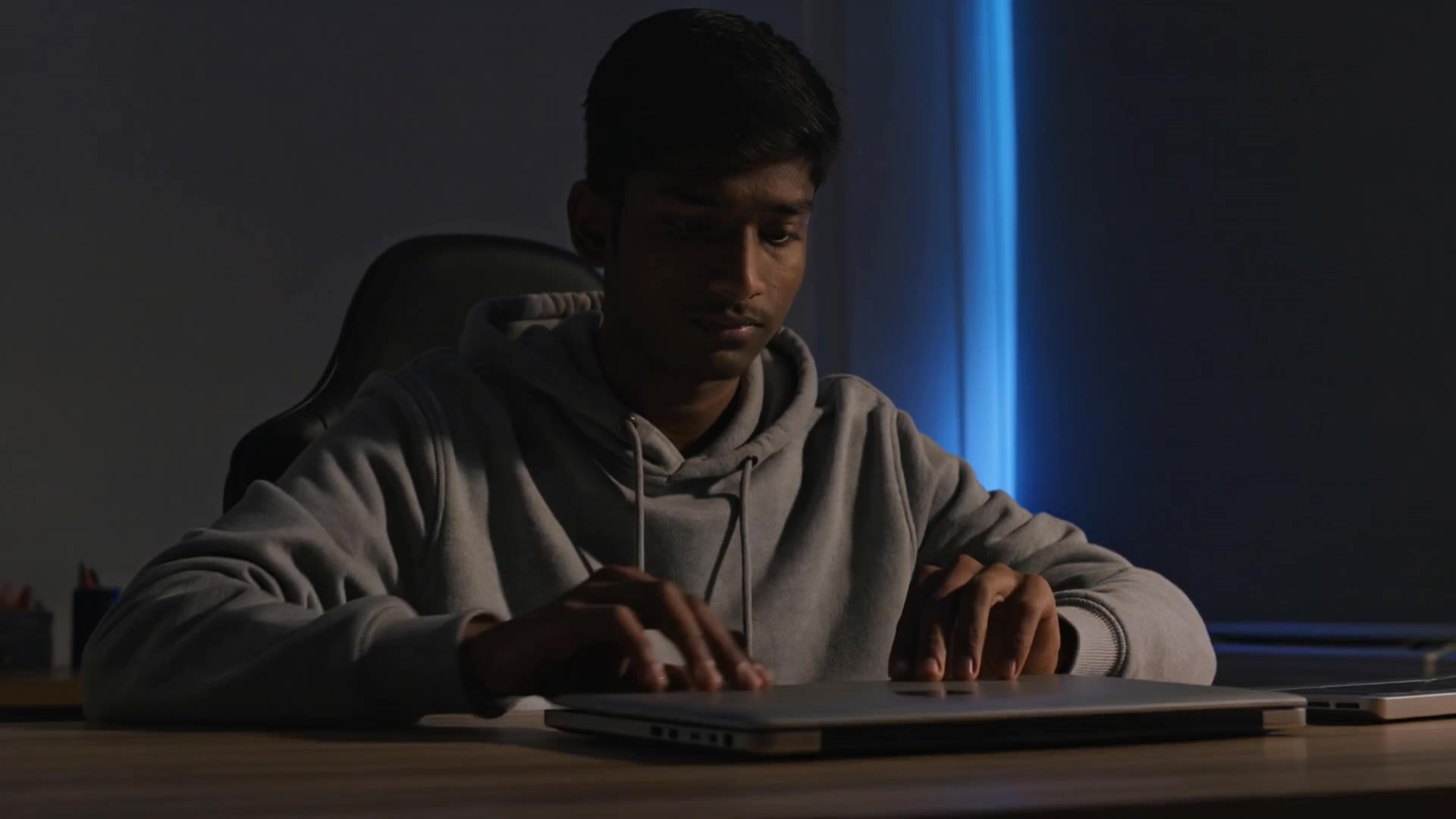
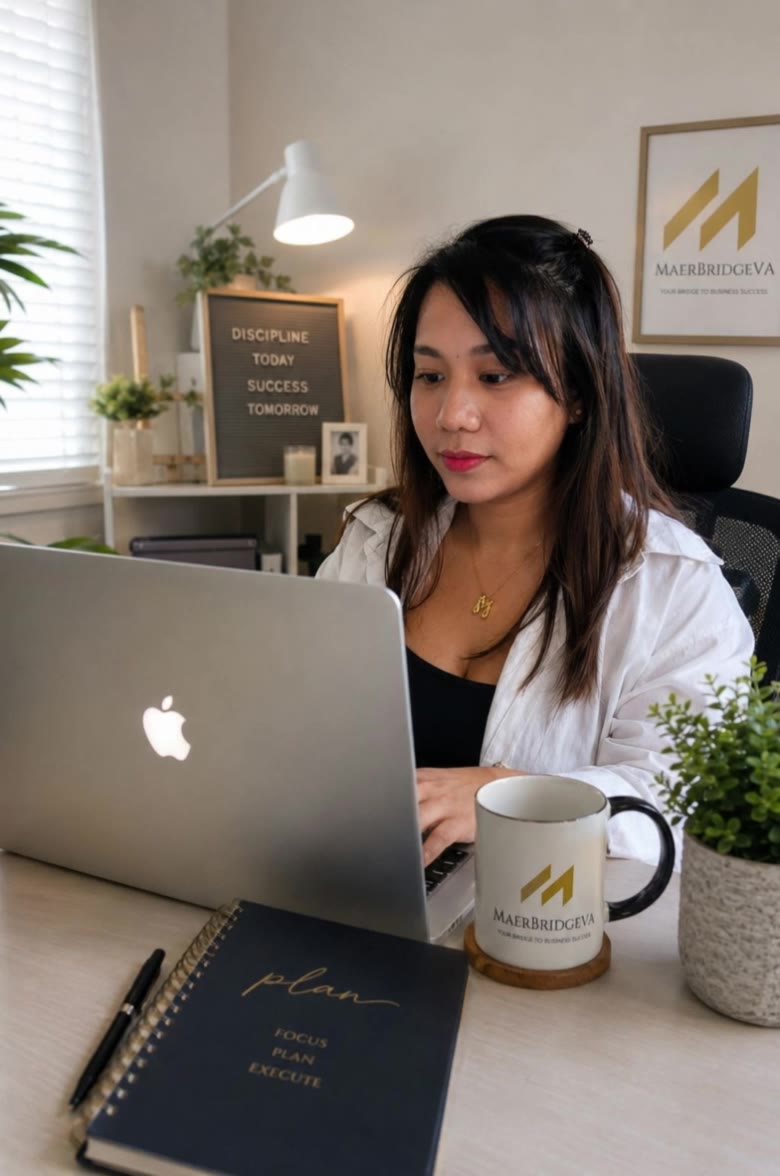
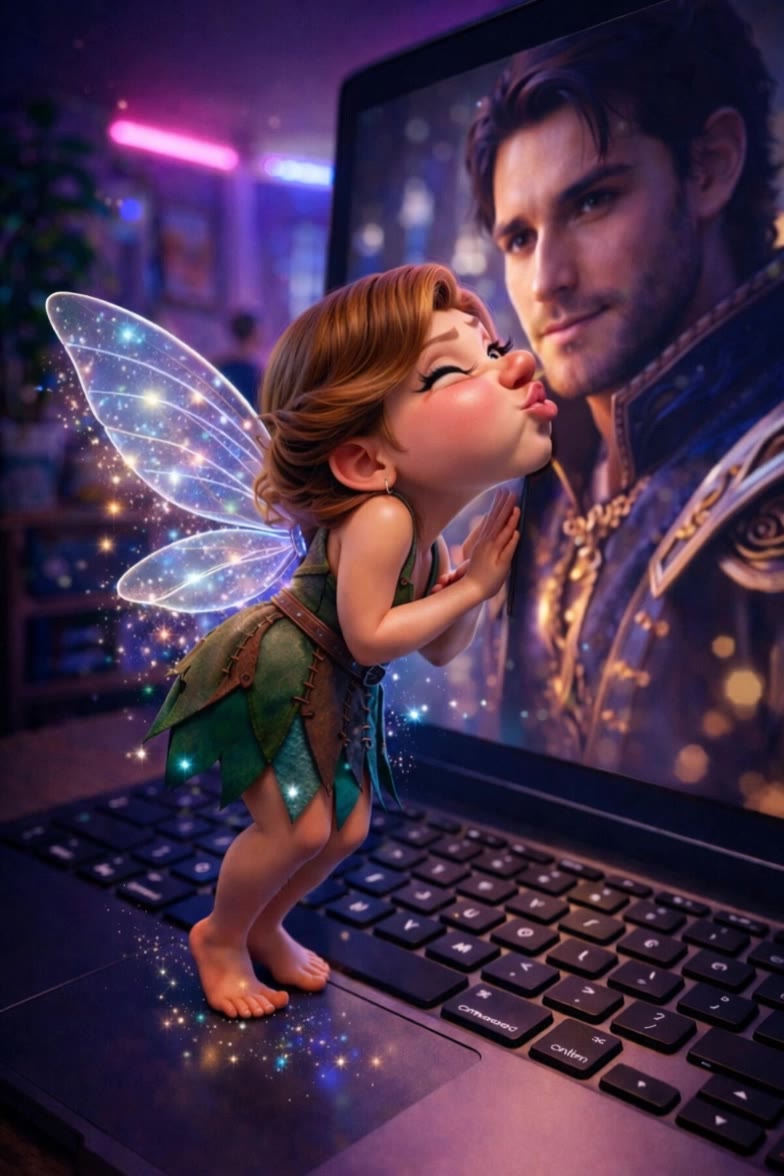
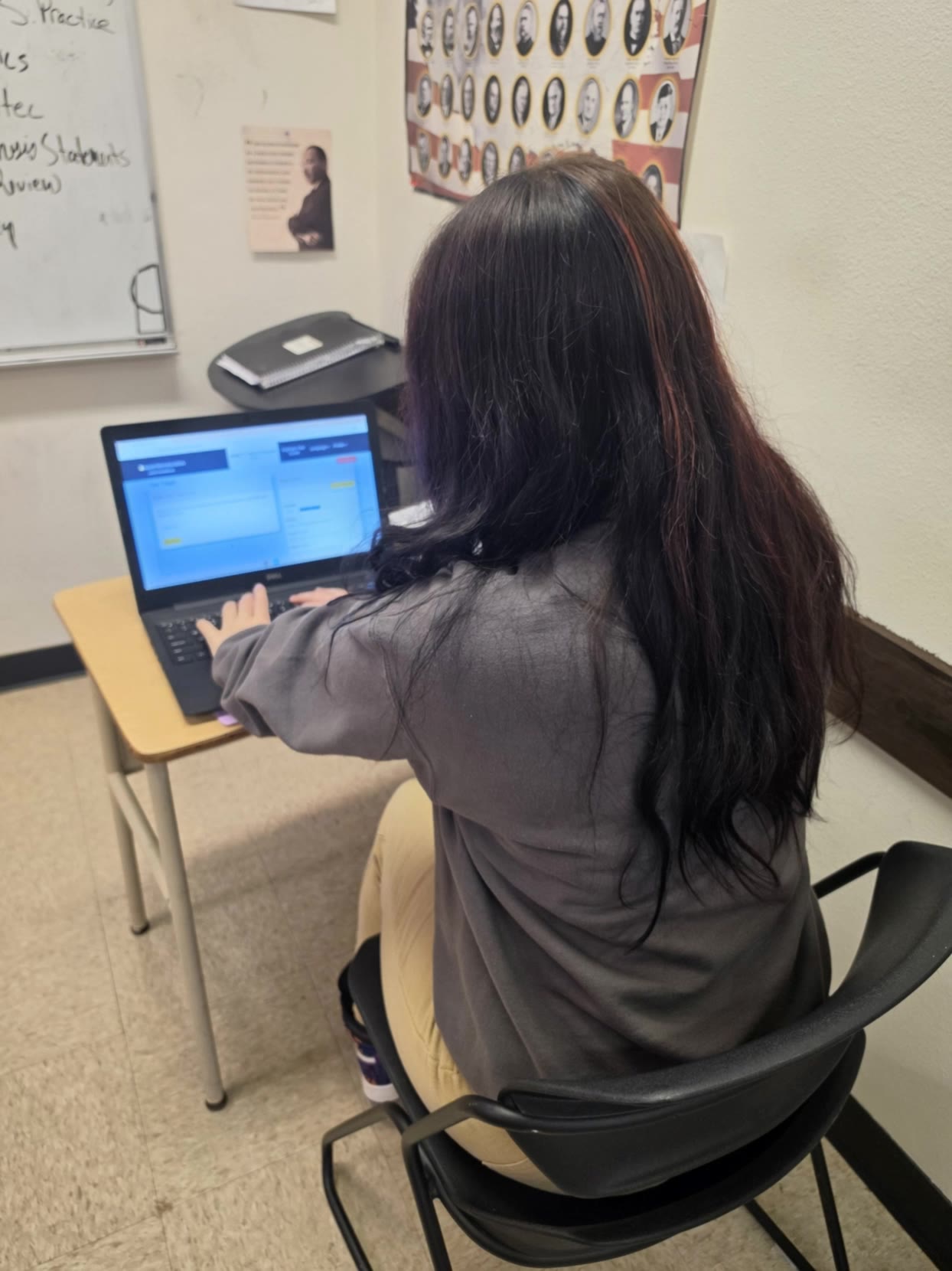
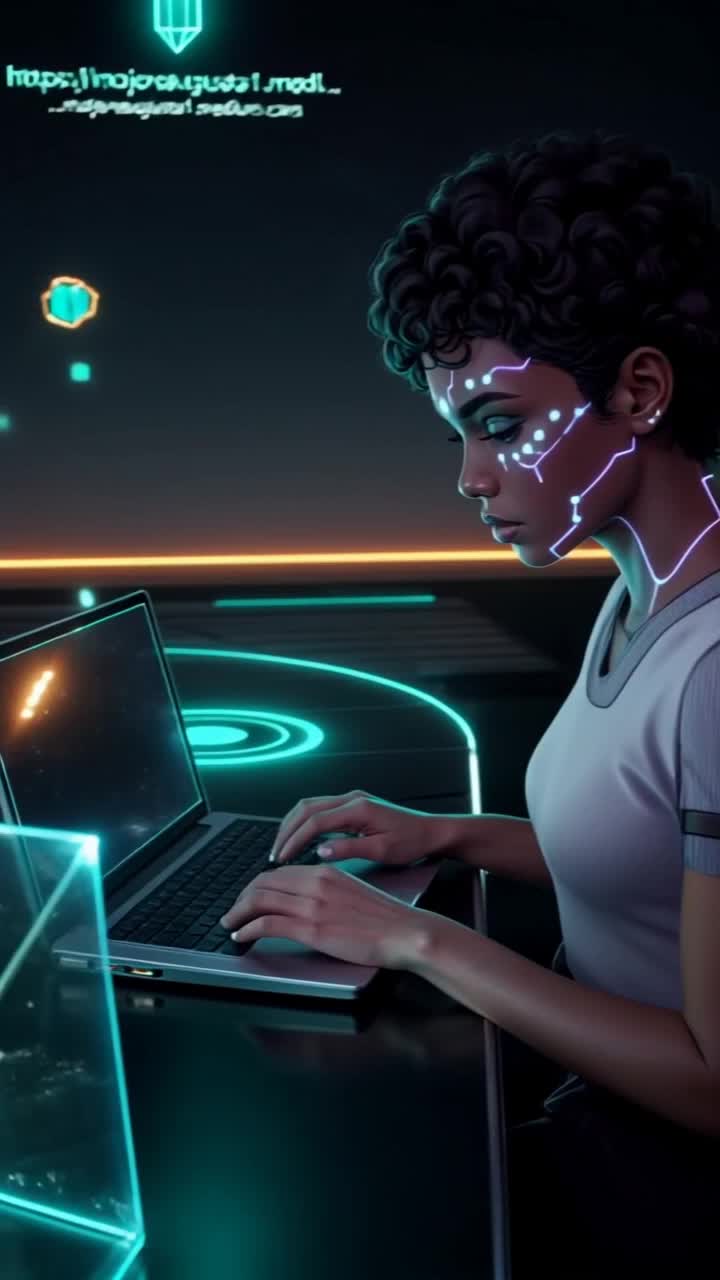
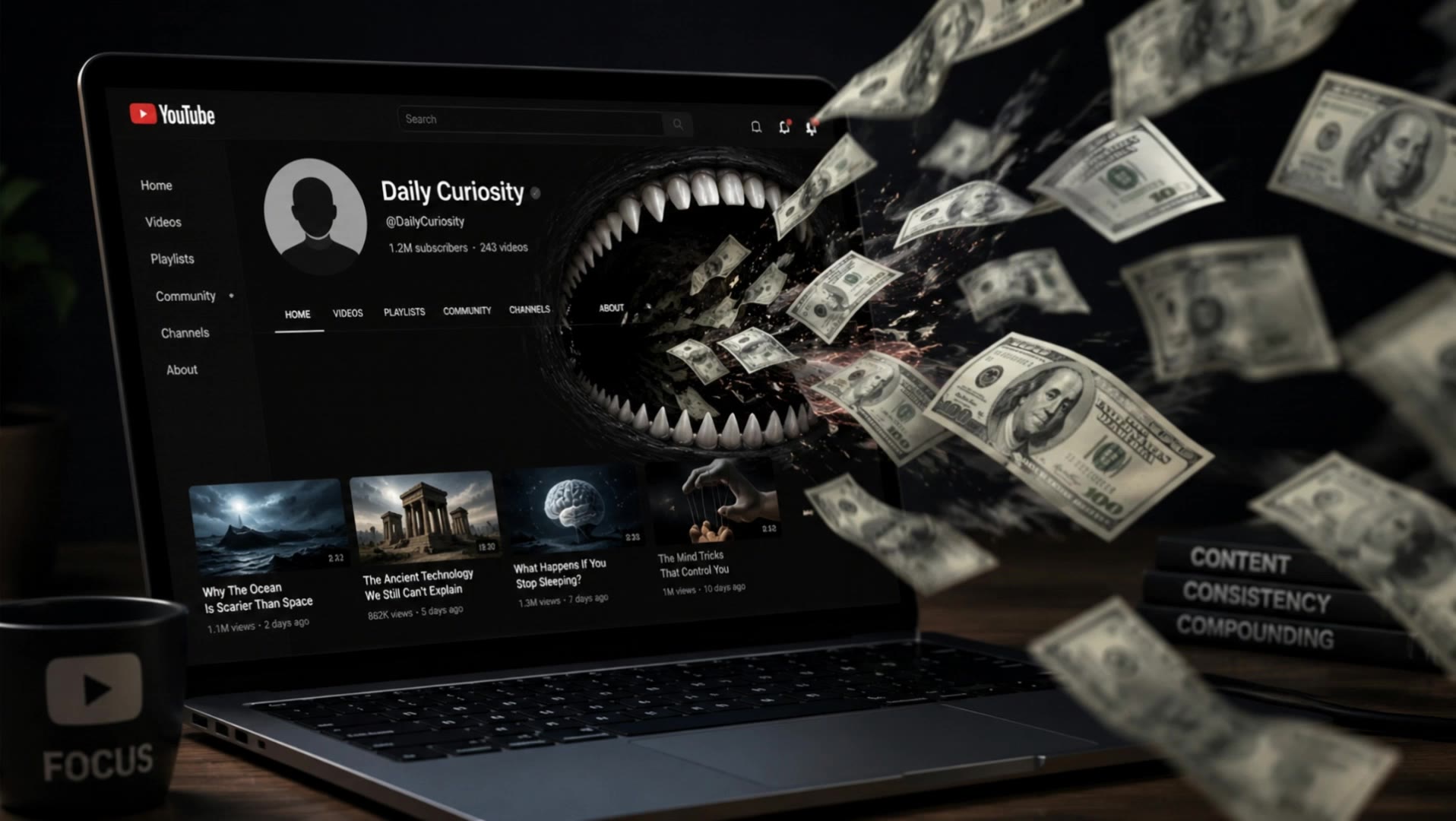
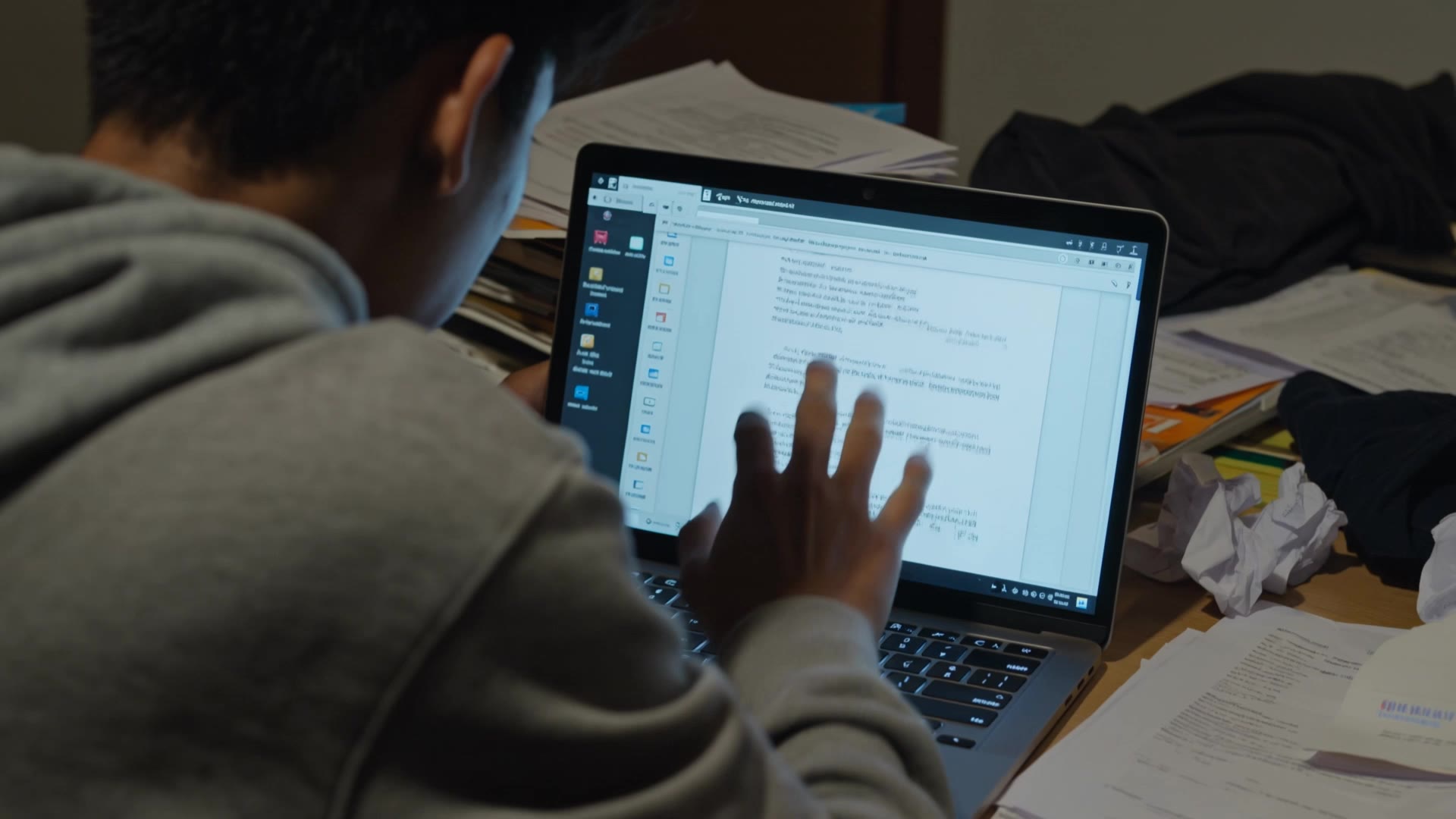
shaky laptop screen - cat interaction & miniature engineers repair

Witness the whimsical chaos as berries rain on a laptop and a cat's joyful dance induces screen shakes. Miniature engineers animate repairs with dynamic realism. Start exploring shaky laptop screen ideas and generate your own content with AI.


shaky laptop screen - cat interaction & miniature engineers repair

Recommended

Laptop Scene - shaky laptop screen AI video
FarahK avatar
FarahK
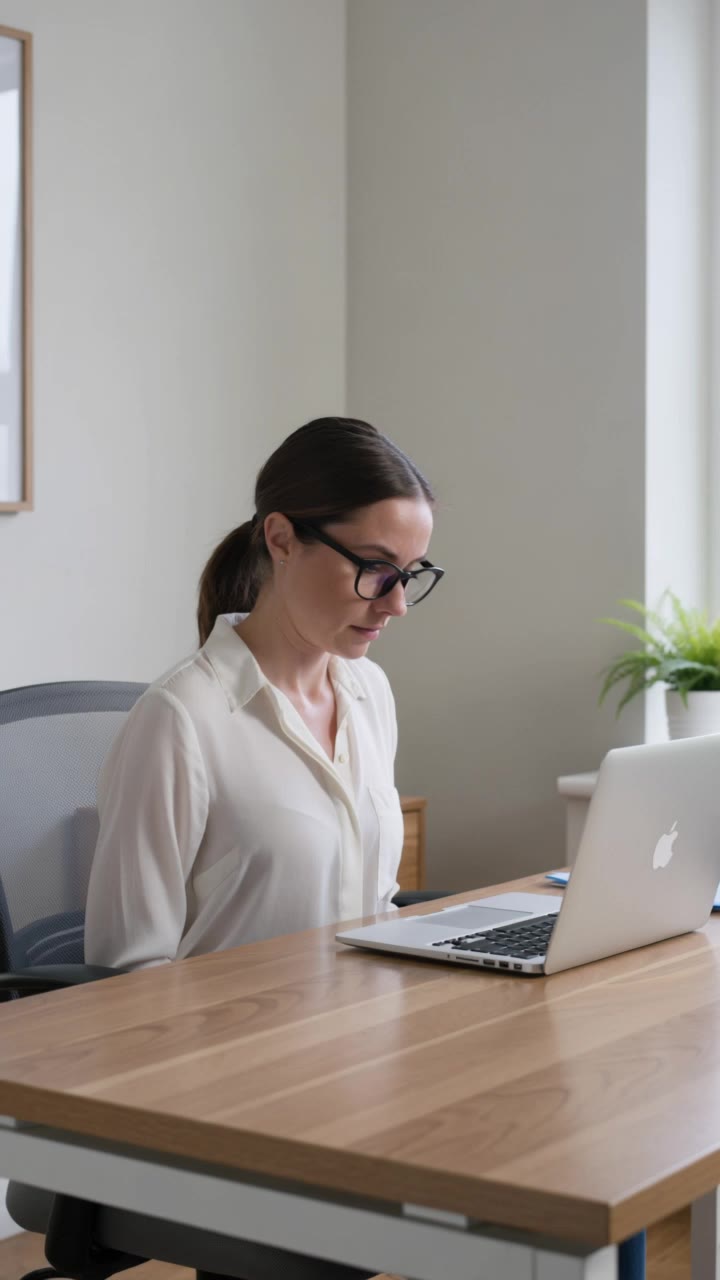
Kling AI work 315699389522318 - shaky laptop screen AI image
unLedPjK avatar
unLedPjK
software engineer  - shaky laptop screen AI image
OQvJkNIT avatar
OQvJkNIT
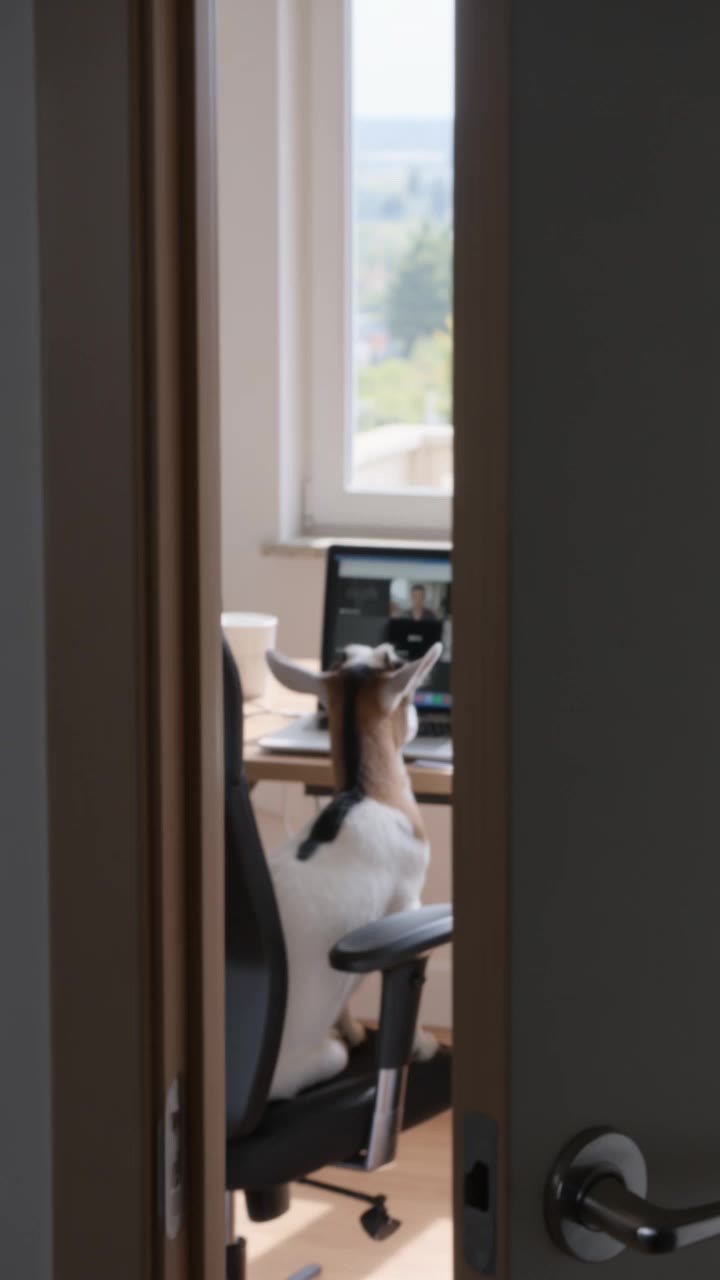
A goat is having a Zoom meeting - shaky laptop screen AI video
zchHPfaI avatar
zchHPfaI
Kling AI work 295838324668785 - shaky laptop screen AI video
pZyqNOIN avatar
pZyqNOIN
Oh NOP! - shaky laptop screen AI video
Viktor_Fox avatar
Viktor_Fox
Kling AI work 312625354504701 - shaky laptop screen AI video
fPijCHRE avatar
fPijCHRE
Burn the screen - shaky laptop screen AI video
Hathorock avatar
Hathorock
Wilson having zoom meeting - shaky laptop screen AI video
WhLsLlXB avatar
WhLsLlXB
Kling AI work 318155036503062 - shaky laptop screen AI video
Ms M avatar
Ms M
Kling AI work 288964870654214 - shaky laptop screen AI video
XENA avatar
XENA
Kling AI work 311179180500905 - shaky laptop screen AI video
EoVNKMDI avatar
EoVNKMDI
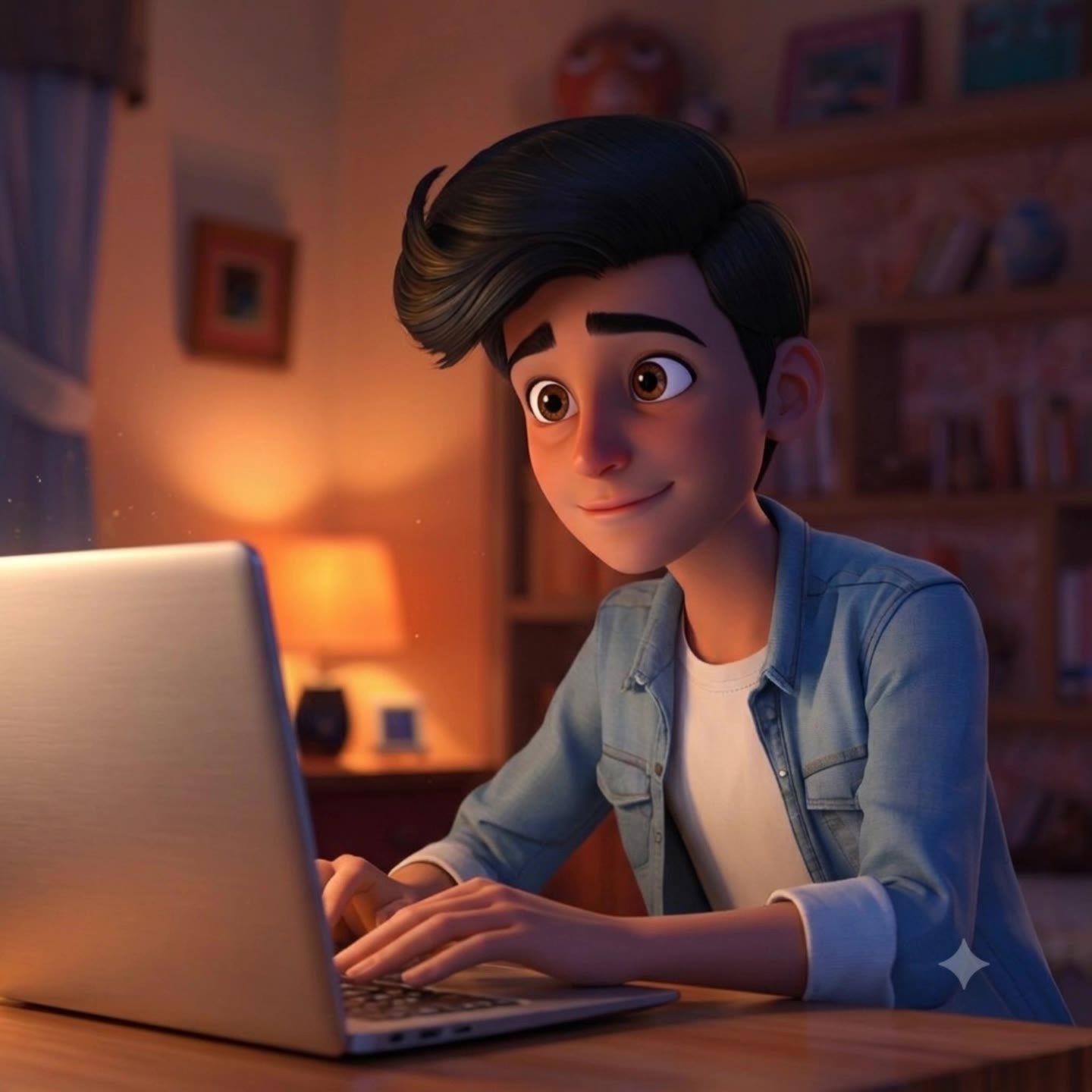
Midnight Video Call - shaky laptop screen AI video
QKOsygIA avatar
QKOsygIA
Late on my work - shaky laptop screen AI video
EoxBoLPk avatar
EoxBoLPk
Kling AI work 318596787613587 - shaky laptop screen AI video
xwbxnnvQ avatar
xwbxnnvQ
Money - shaky laptop screen AI video
Viktor_Fox avatar
Viktor_Fox
Storefront laptop - slow zoom - shaky laptop screen AI video
HIUCJLJW avatar
HIUCJLJW
Kling AI work 306428931614497 - shaky laptop screen AI video
QcchIDgh avatar
QcchIDgh
Zoom in on a Laptop - shaky laptop screen AI video
gvSqBFuY avatar
gvSqBFuY

How to Enhance Image Quality with Kling

Step 1: Upload Your Image

Step 1: Upload Your Image

Upload the image you want to improve to Kling 3.0 Omni. Start with a portrait, product photo, artwork, social visual, or any other existing image you want to recreate at a higher resolution.

Step 2: Generate Up to 4K

Step 2: Generate Up to 4K

Describe what you want to improve, such as facial details, textures, or other important parts of the image. Choose your preferred resolution, including 2K or 4K, then generate the enhanced result.

Step 3: Upscale Existing AI Images

Step 3: Upscale Existing AI Images

Already generated an image with Kling AI? Hover over the result and select Upscale to increase its resolution without uploading the image again. Choose the available output quality that fits your needs.

Why Kling Sets the Standard for Video Creation

Flawless Character Consistency for High-Quality Videos

Flawless Character Consistency for High-Quality Videos

Unlike standard tools that distort faces when moving, Kling Video 3.0 lets you strictly lock a character’s appearance. Upload a single photo, or use a short video/multiple angles as a reference to completely eliminate the “AI morphing” effect.

All-in-One Native Audio & Lip-Sync

All-in-One Native Audio & Lip-Sync

Your video isn’t just silent footage; it speaks. Generate perfectly matched voices and realistic lip movements in multiple languages or regional accents. Even in multi-character scenes, you can precisely assign who speaks—no third-party tools required.

Up to 15s Multi-Shot Cinematic Output

Up to 15s Multi-Shot Cinematic Output

Go beyond a basic 3-second clip. Kling 3.0 extends generation to 15 seconds of smooth, uninterrupted narrative. You can even use native storyboard controls to direct multi-shot sequences in a single click—outputting in crystal-clear 4K for professional use.

Apps

Image to Video
Image to Video

Image to Video

Text to Video
Text to Video

Text to Video

Omni
Omni

Omni

Digital Human
Digital Human

Digital Human

Restyle
Restyle

Restyle

Text to Image
Text to Image

Text to Image

60M+
60M+
Users
600M+
600M+
AI Videos Generated
4.7 ★
4.7 ★
App Store
Industry-Leading
Industry-Leading
Cinematic 4K

Reviews

Halim Alrasihi

Halim Alrasihi

★★★★★

I use AI daily and Kling AI is a crucial part of my workflow, whether for client work or personal projects. What I love most about using Kling AI is that it provides all the tools I need in one place, from keyframes to character references, elements and special effects.

Maria Rubtsova

Maria Rubtsova

★★★★★

I’m Maria Rubtsova, an AIGC digital artist passionate about creating stunning visuals in the worlds of fashion, aesthetics, and fantasy. I use KlingAi to bring imagination to life through video. My work is all about exploring beauty, emotion, and the limitless possibilities of digital art.

James Phillips

James Phillips

★★★★★

Kling AI has transformed my workflow by collapsing timelines and democratizing production. It’s shifted my mindset from resource-dependent filmmaking to a boundless creative sandbox, where experimentation yields unexpected beauty.

FAQ

Q1Can I use multiple people in one Motion Control video?
Q2How do I keep the face from changing or distorting?
Q3What is the difference between Kling 2.6 and 3.0 Motion Control?

Start Controlling Character Motion

Stop accepting distorted AI movements. Upload your reference and let Kling replicate it precisely.

Works on humans, anime & 3D | High-precision motion | Zero distortion