Creative Studio
API
Resources
Features
About Us
Download

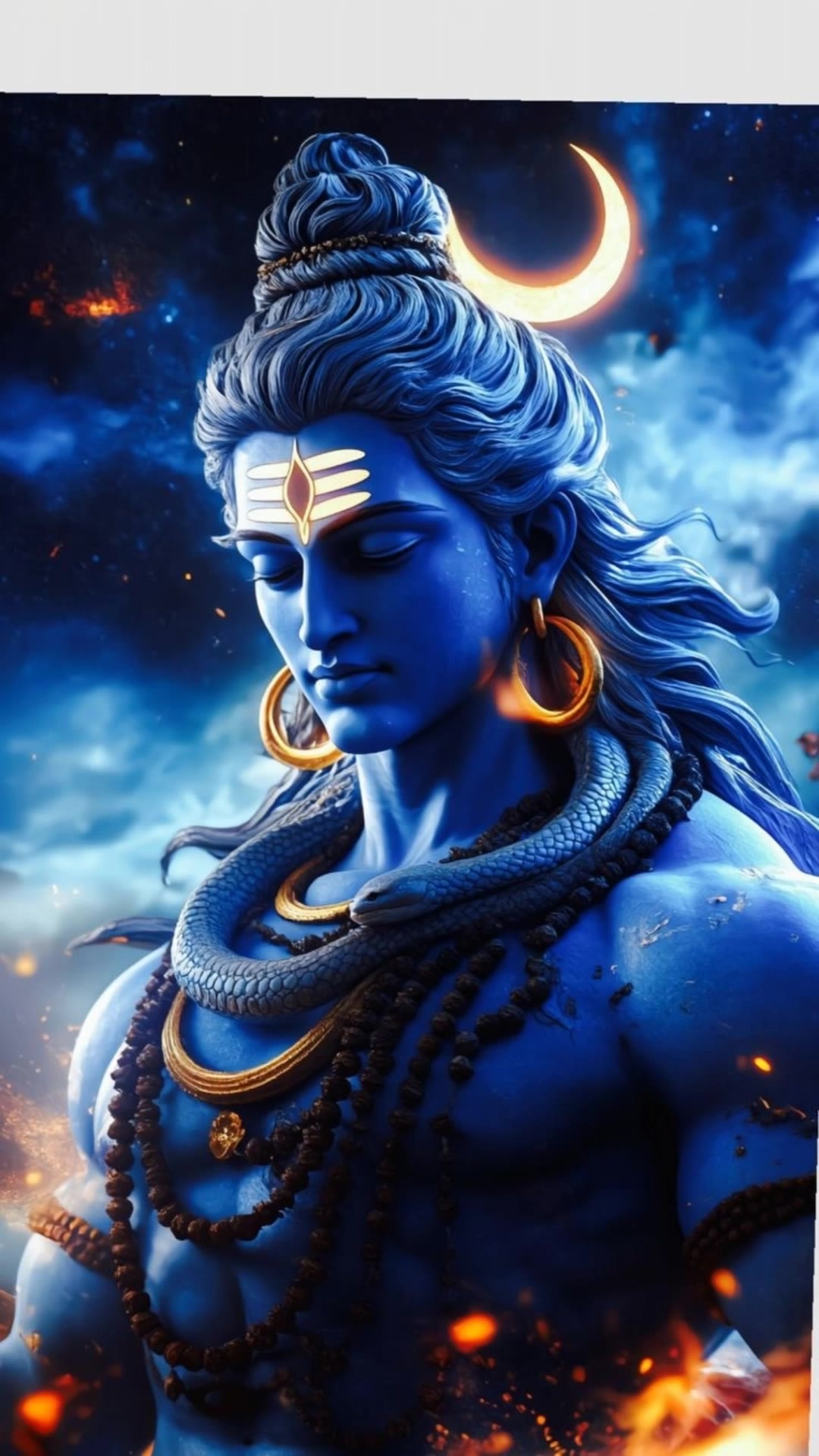
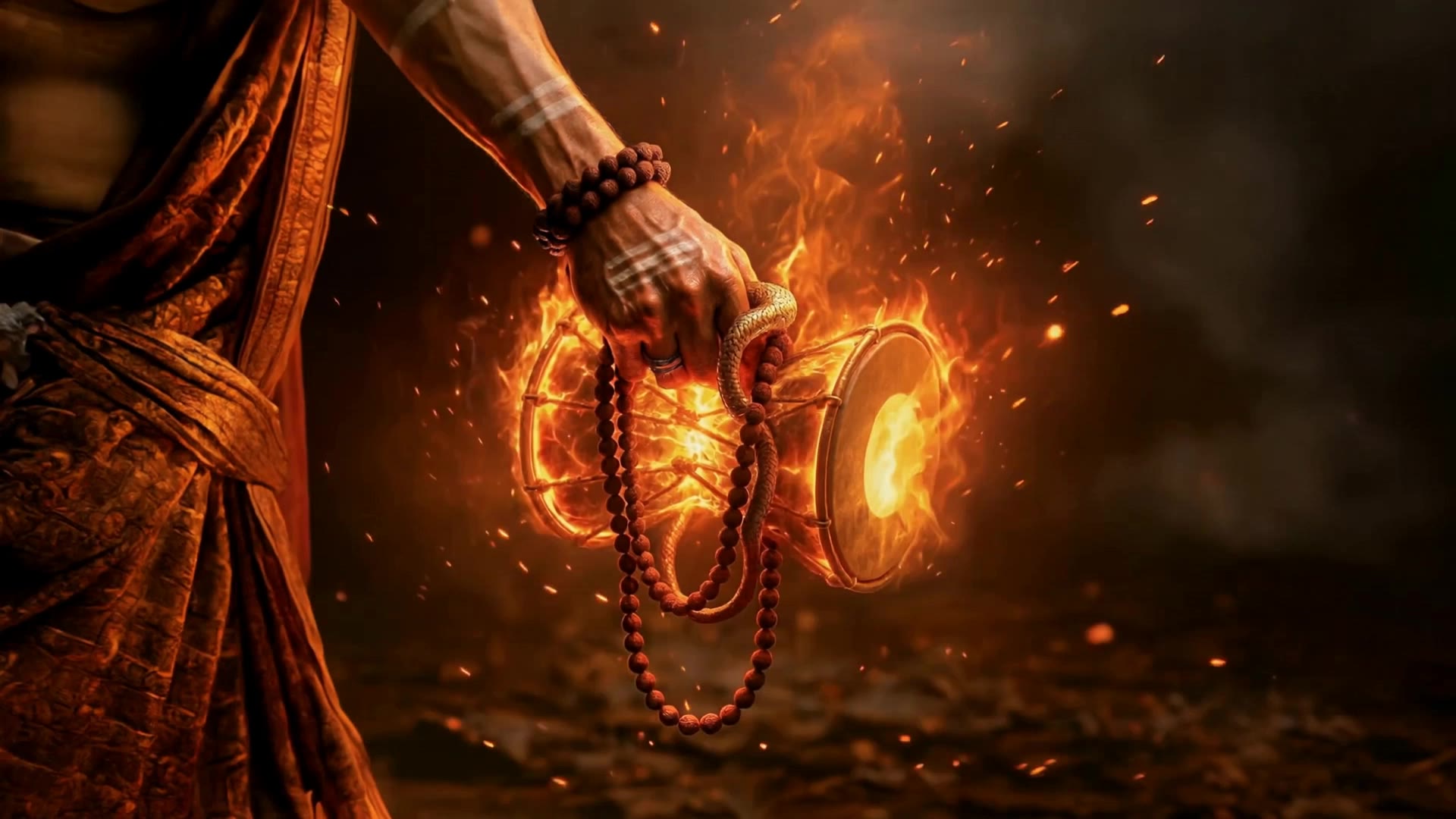
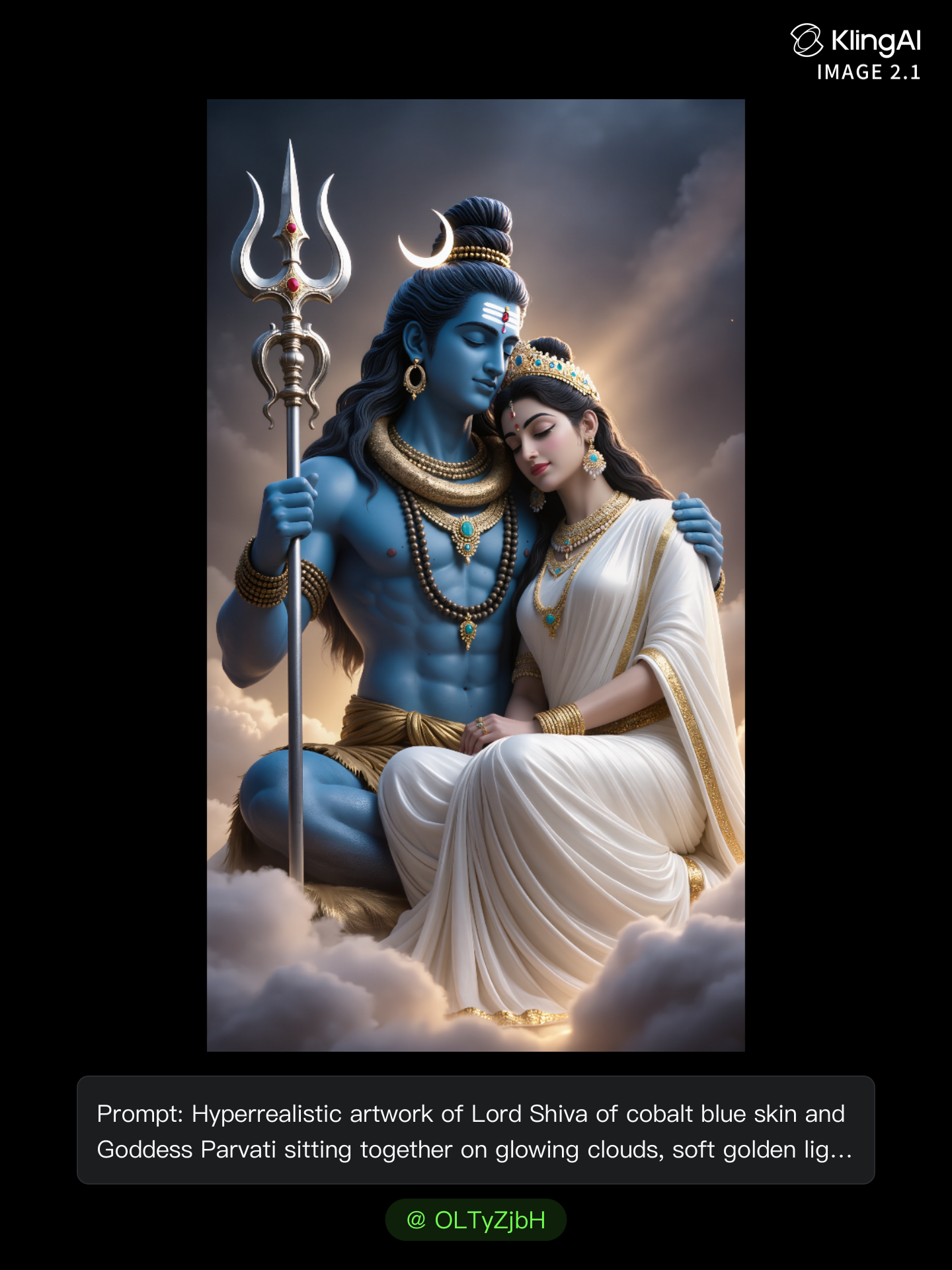
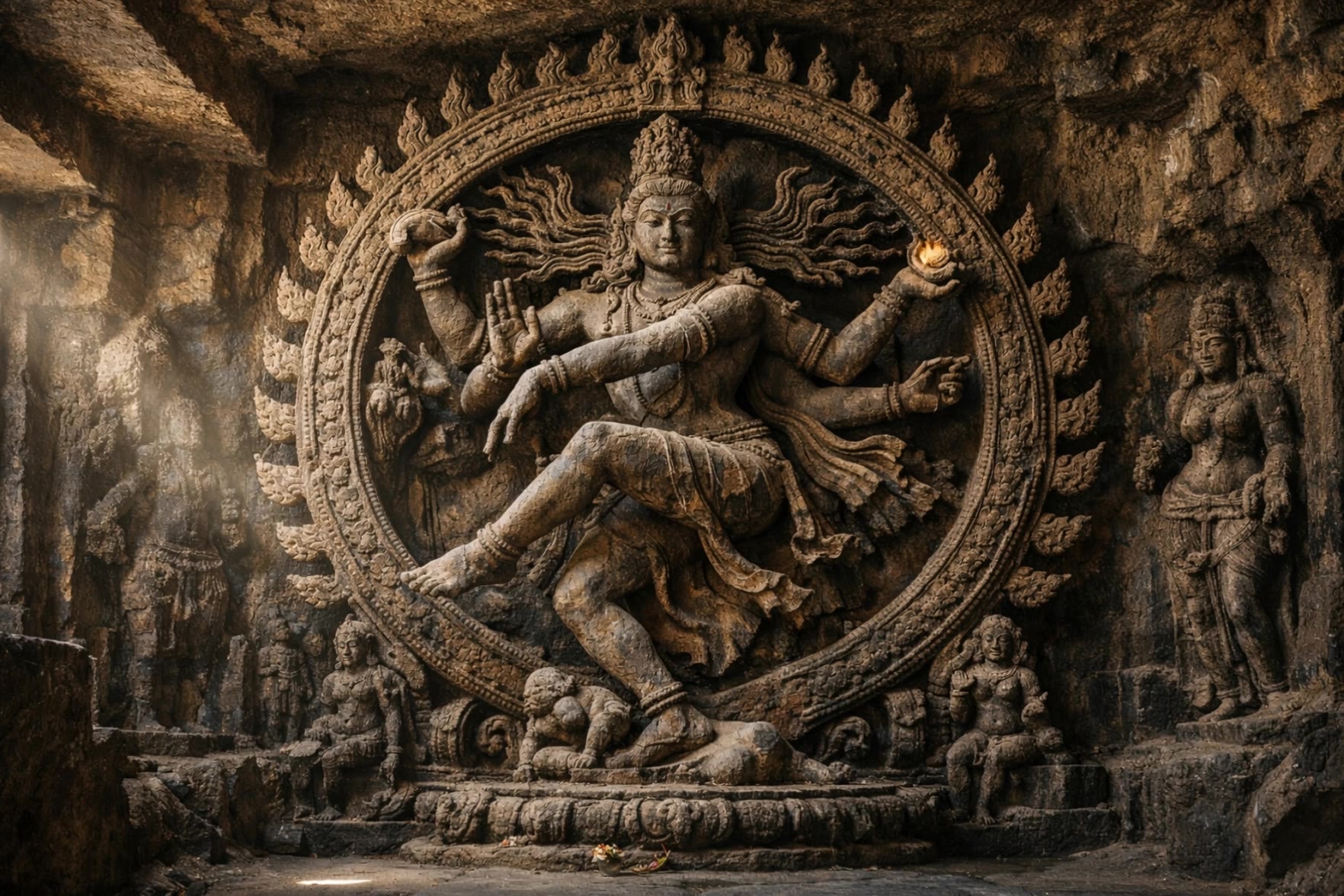
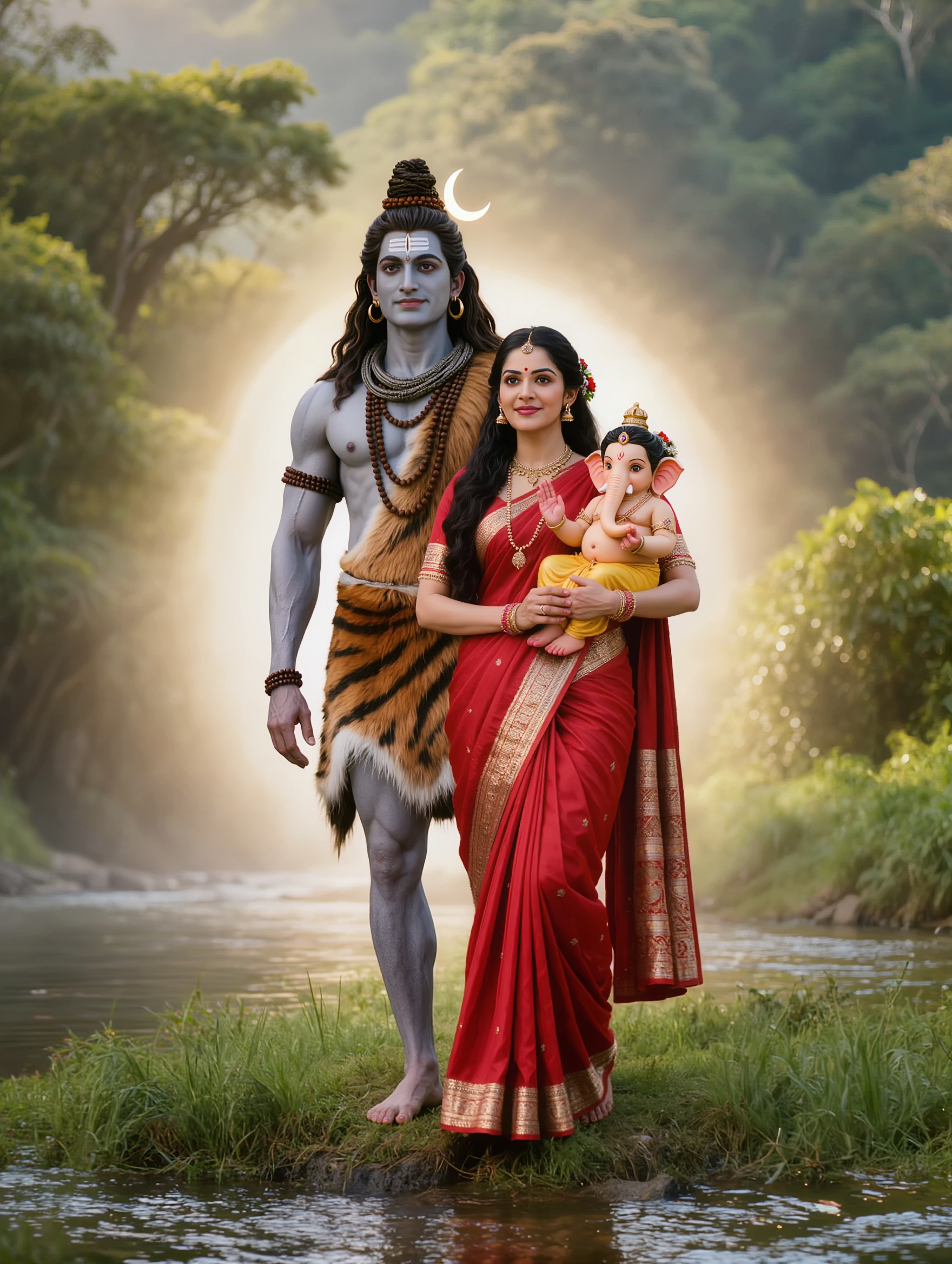
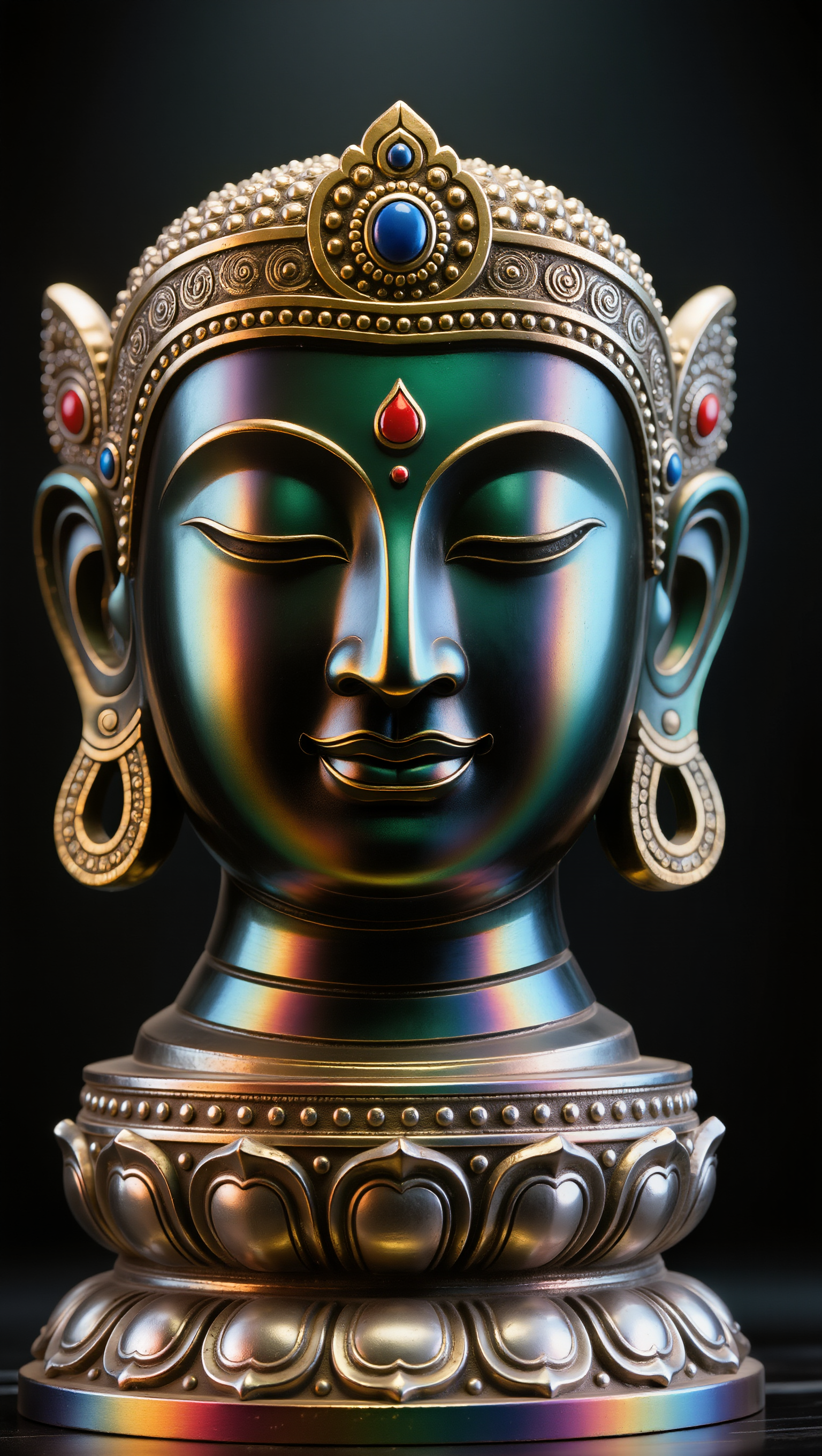
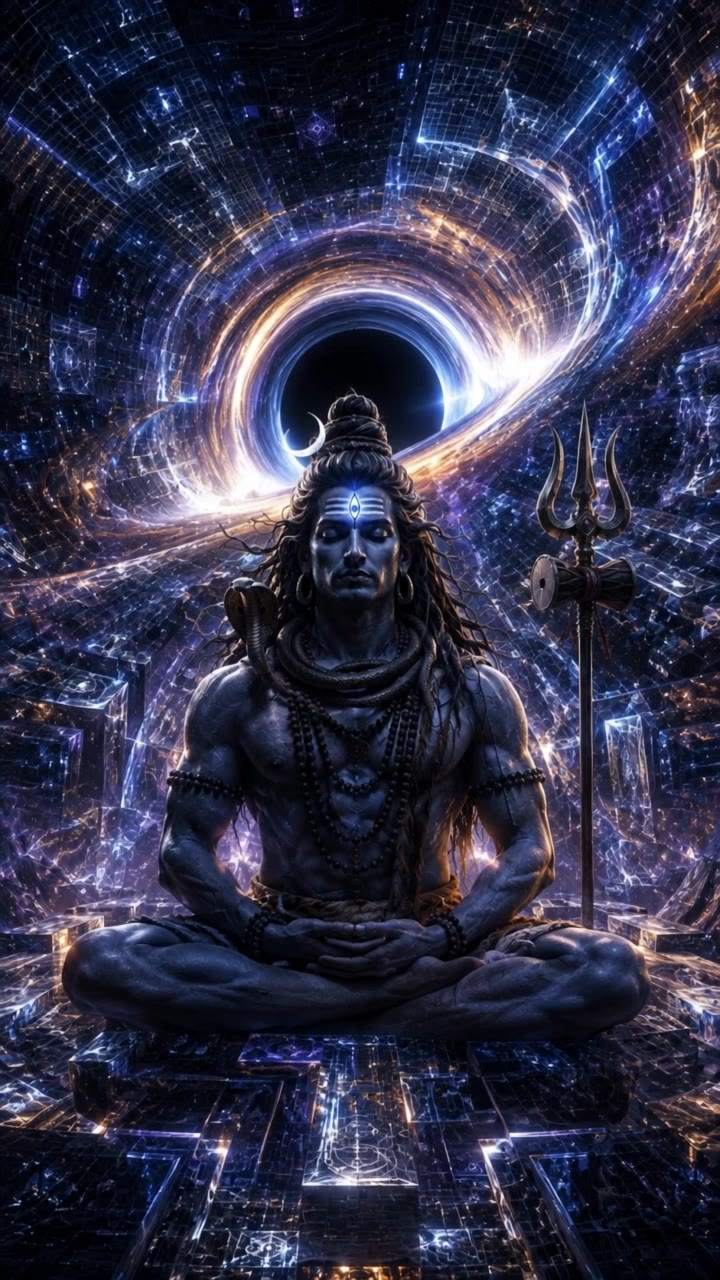
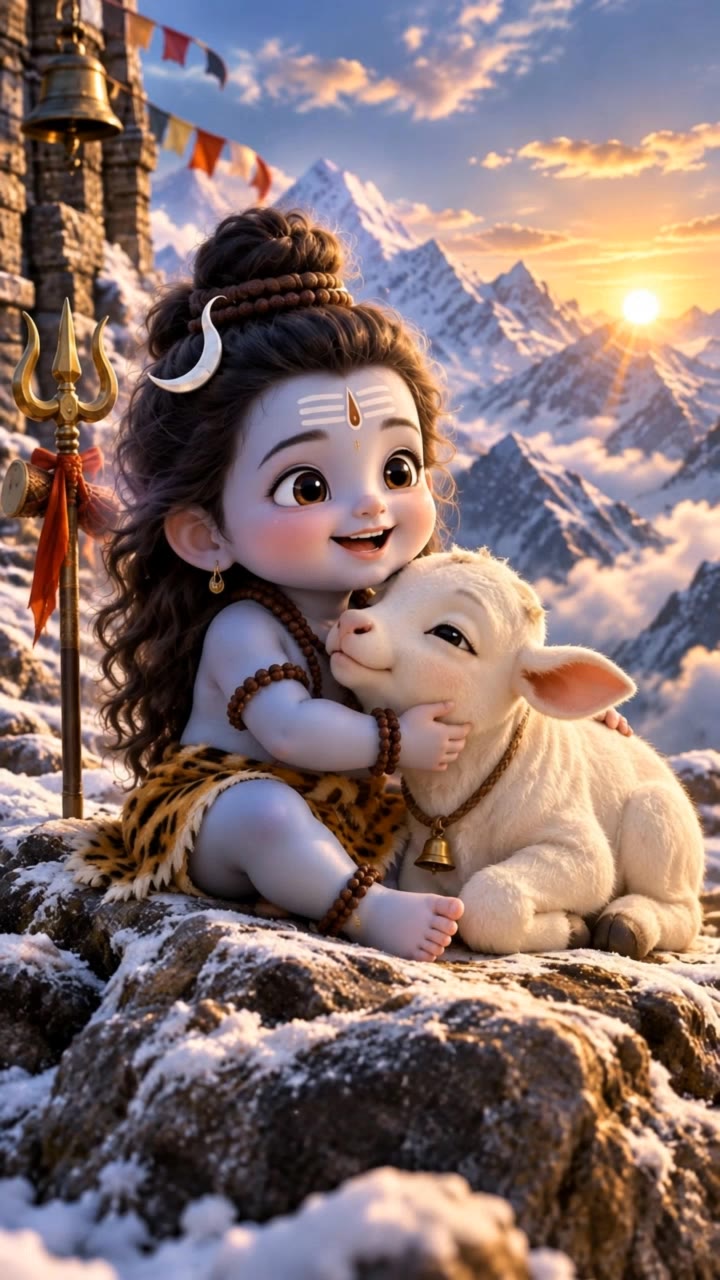
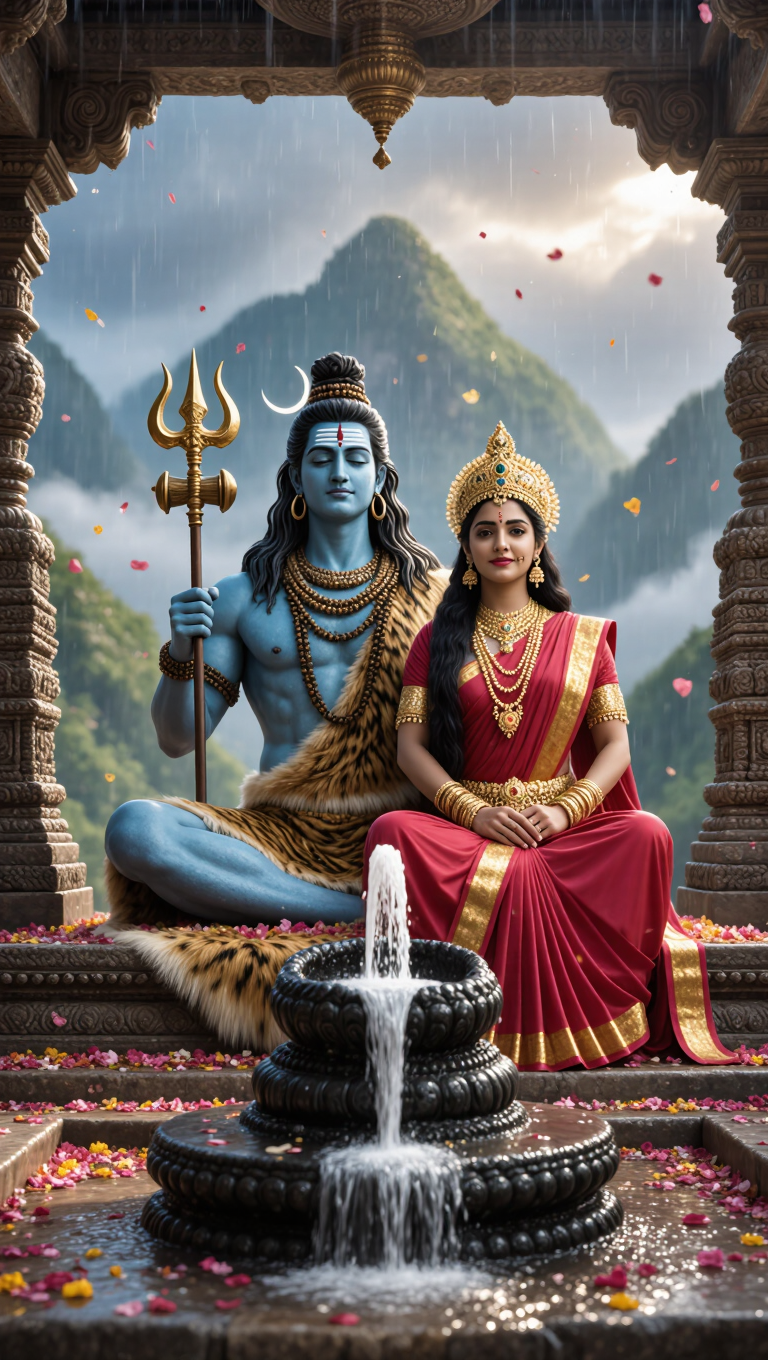
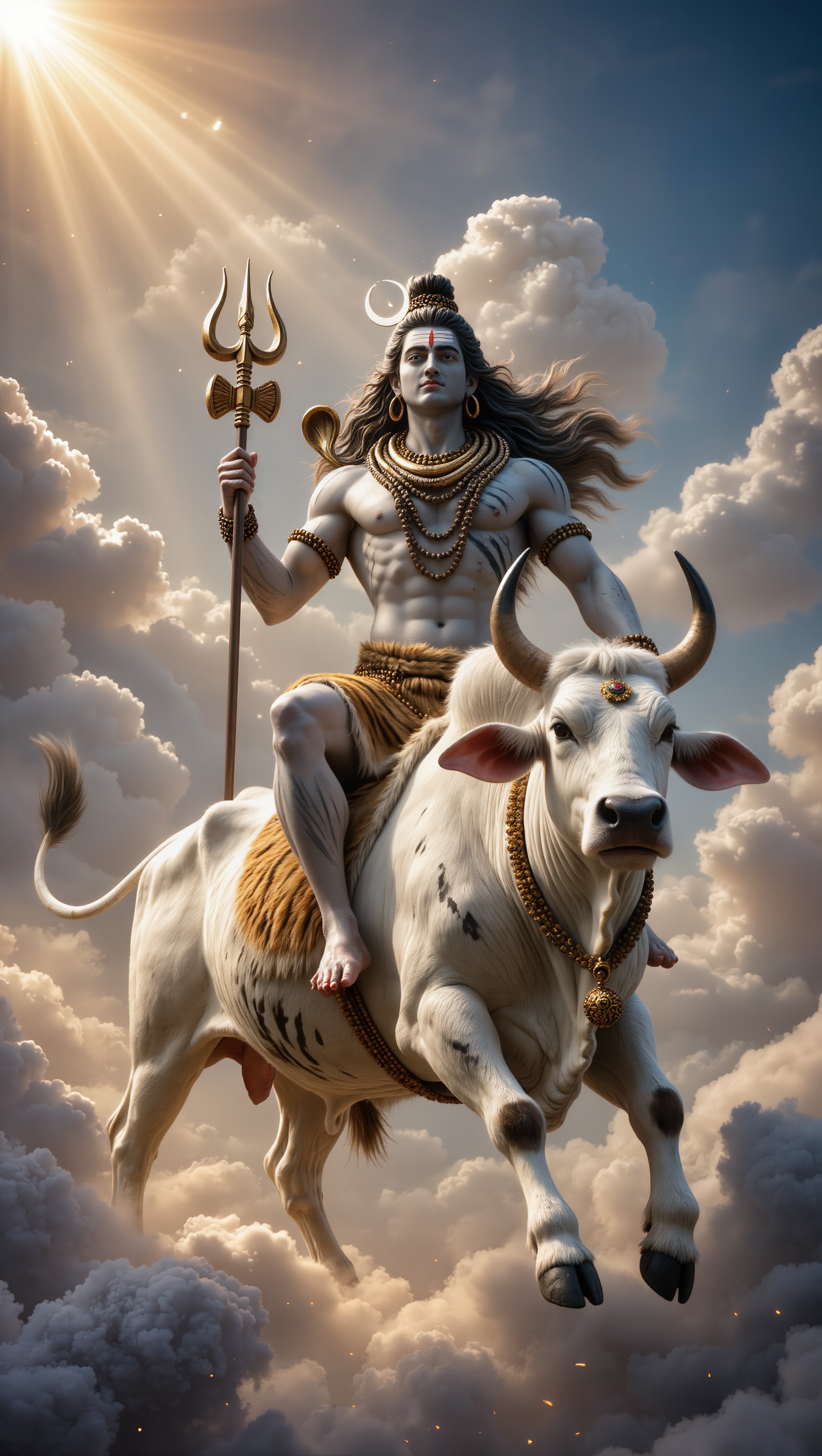
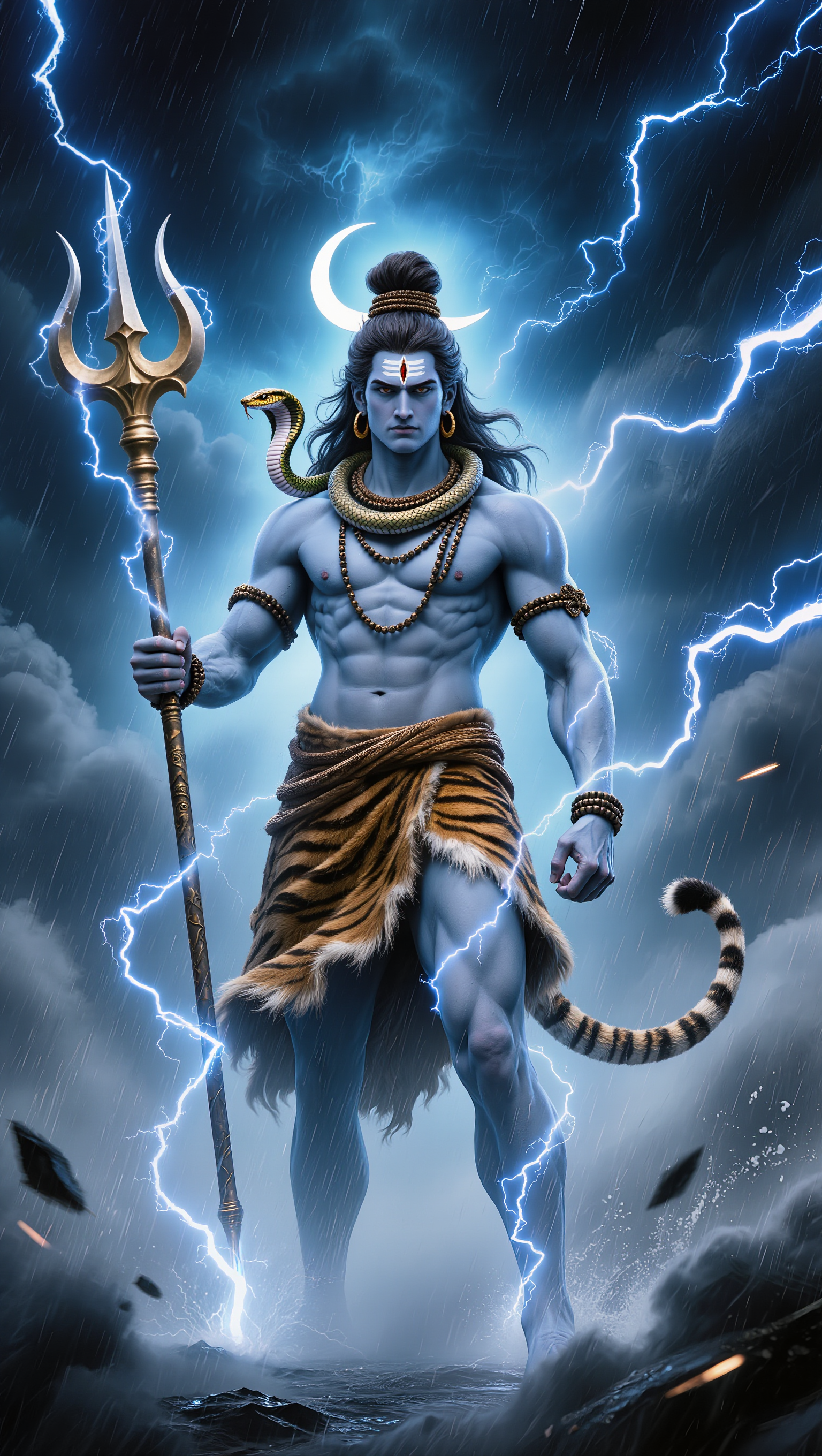
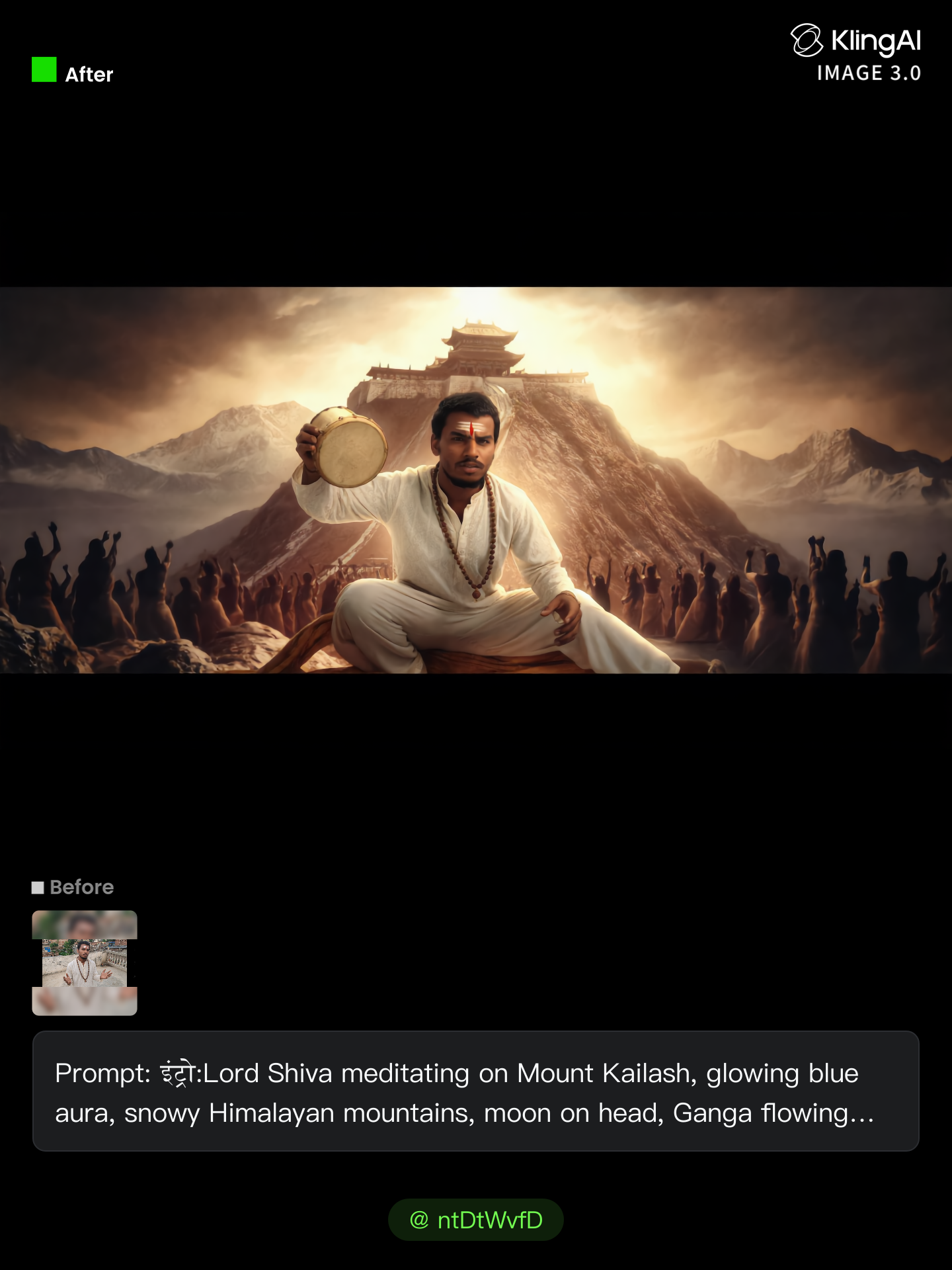
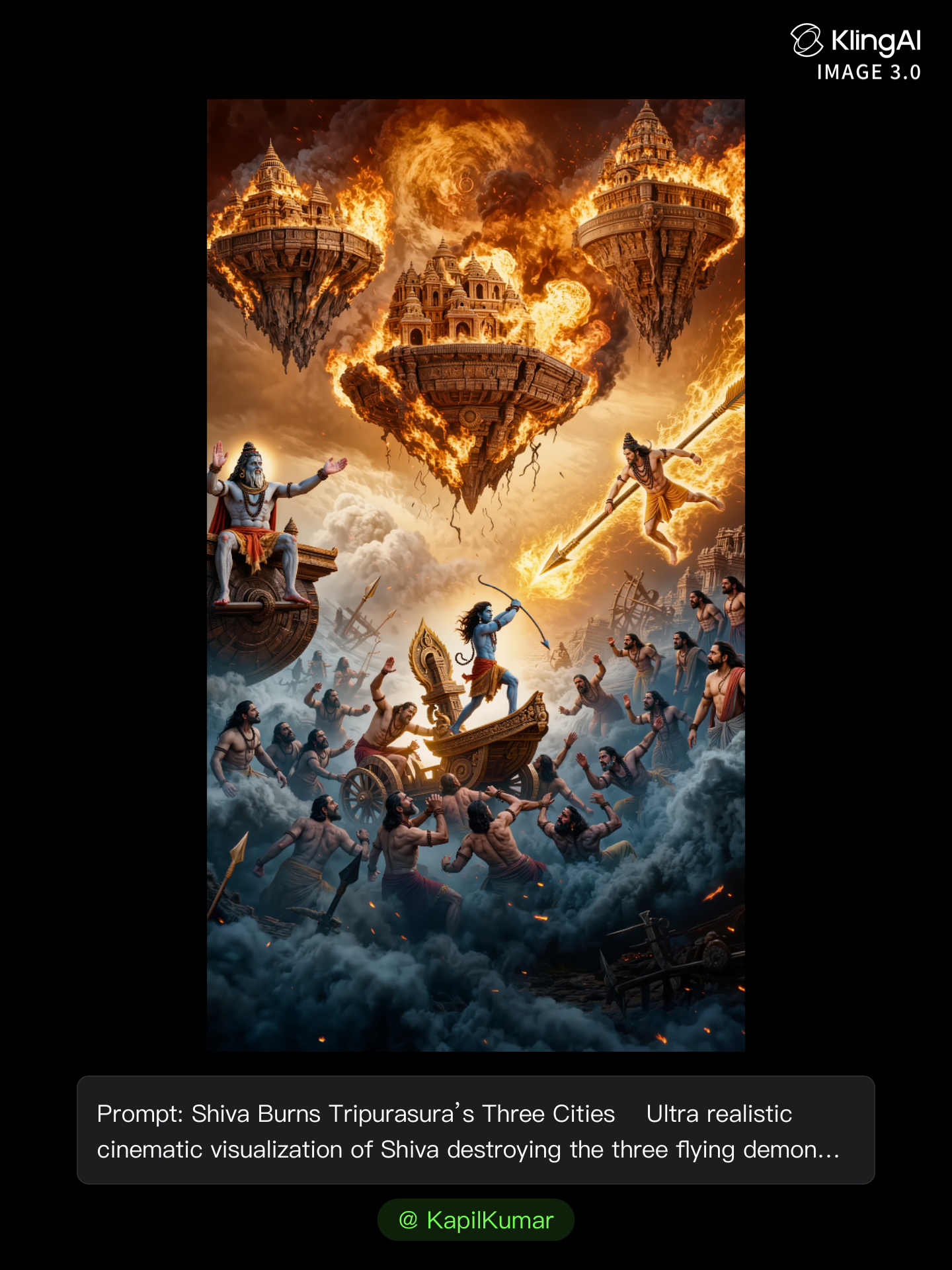
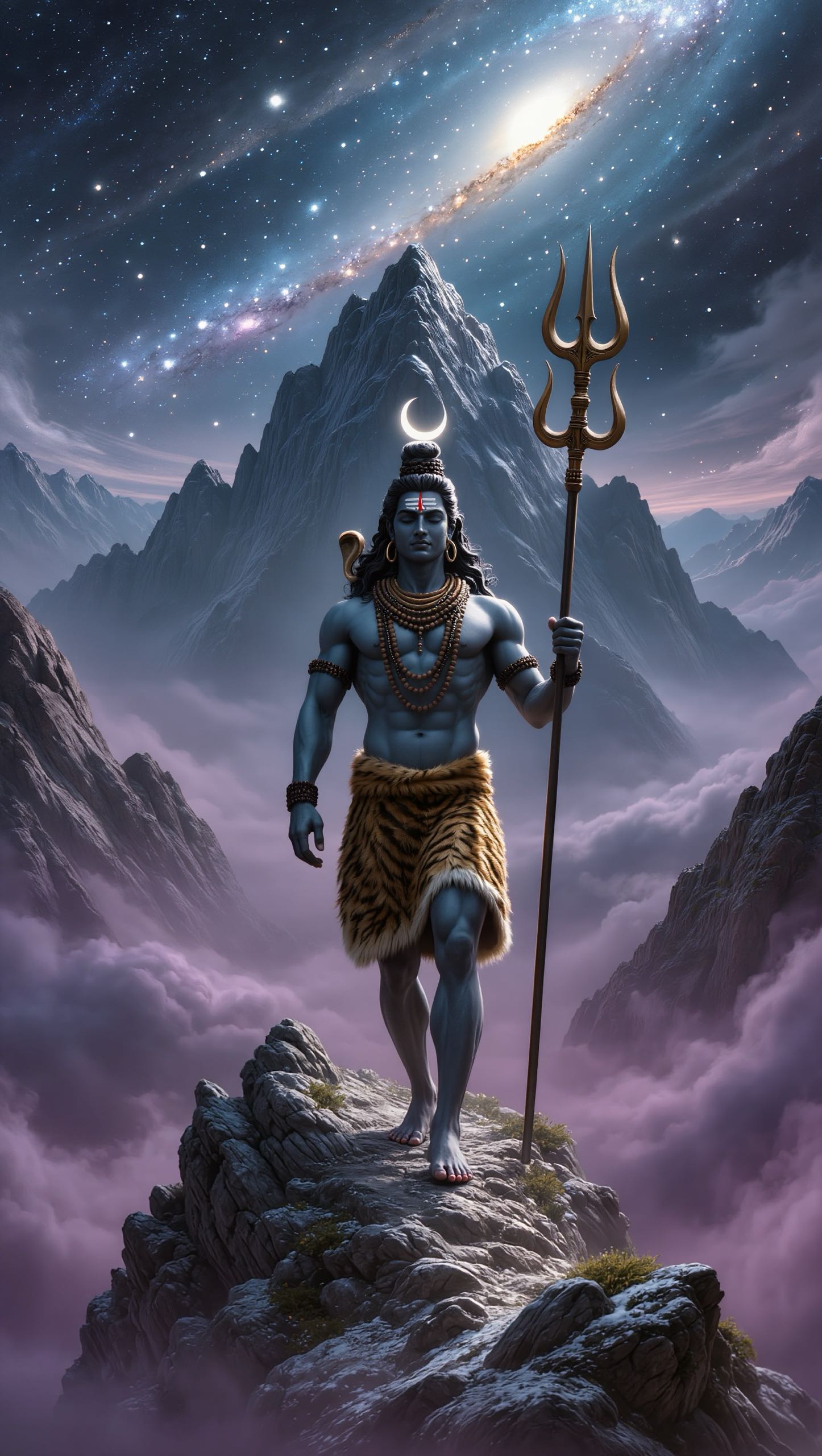
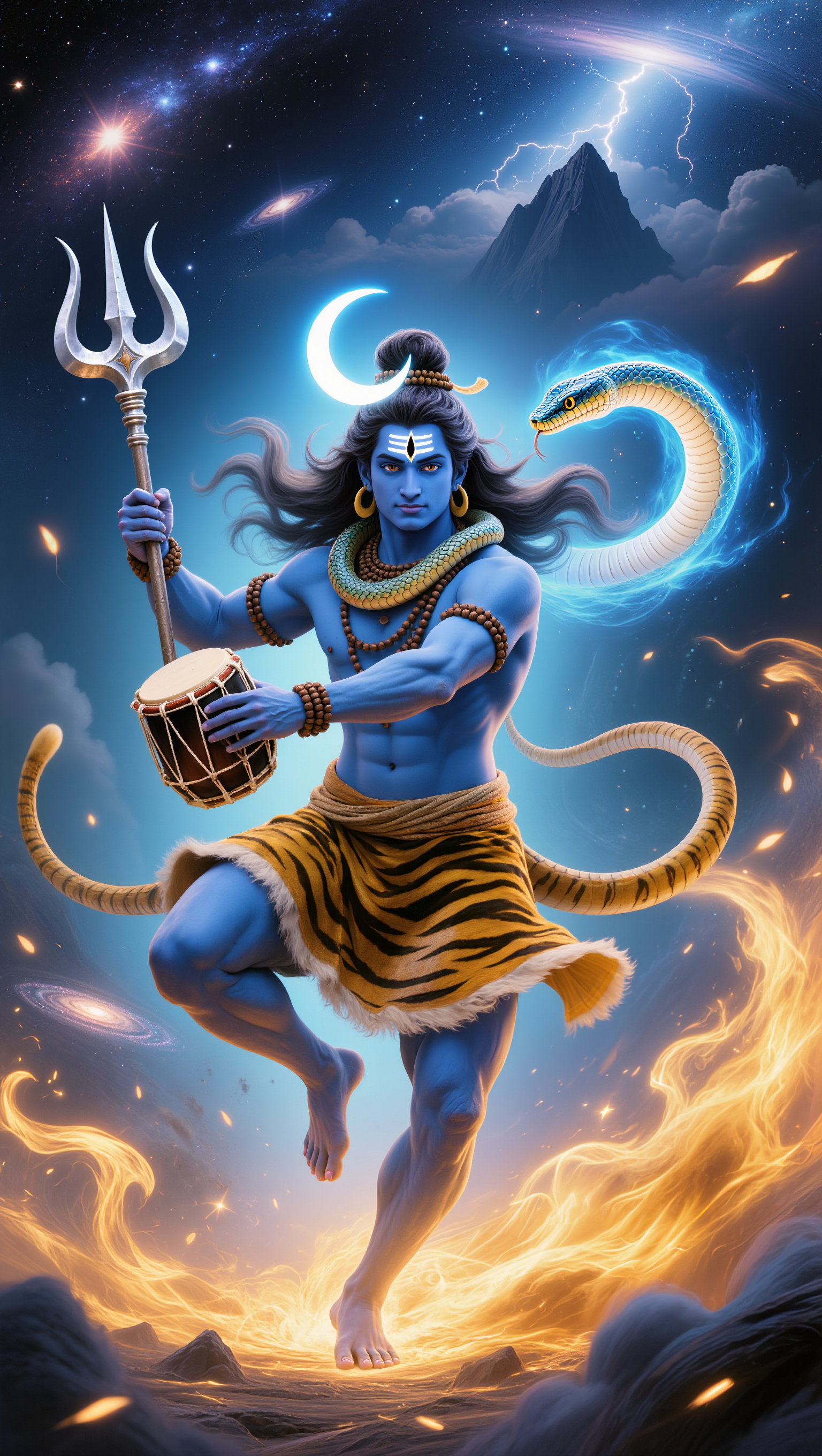
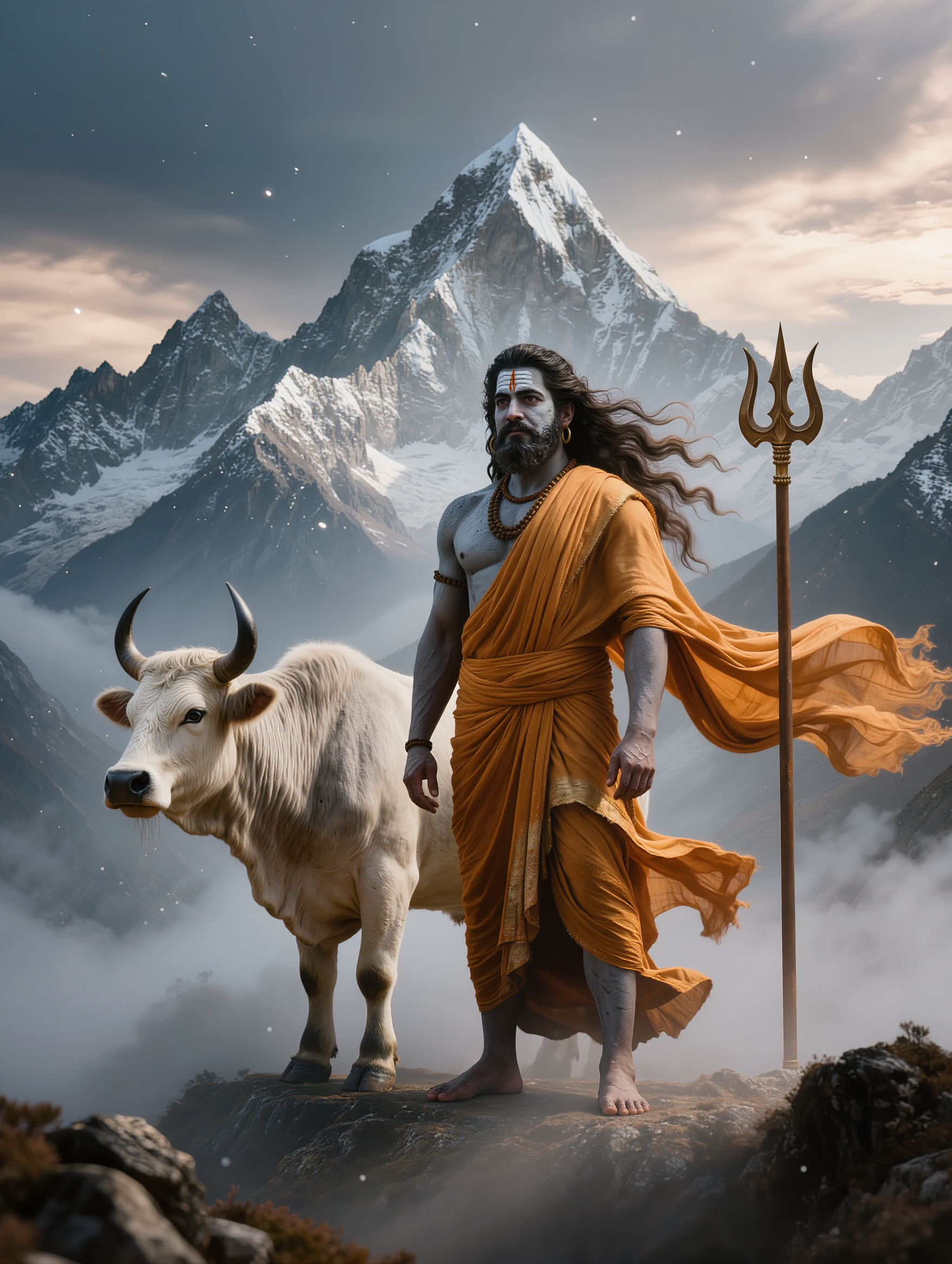
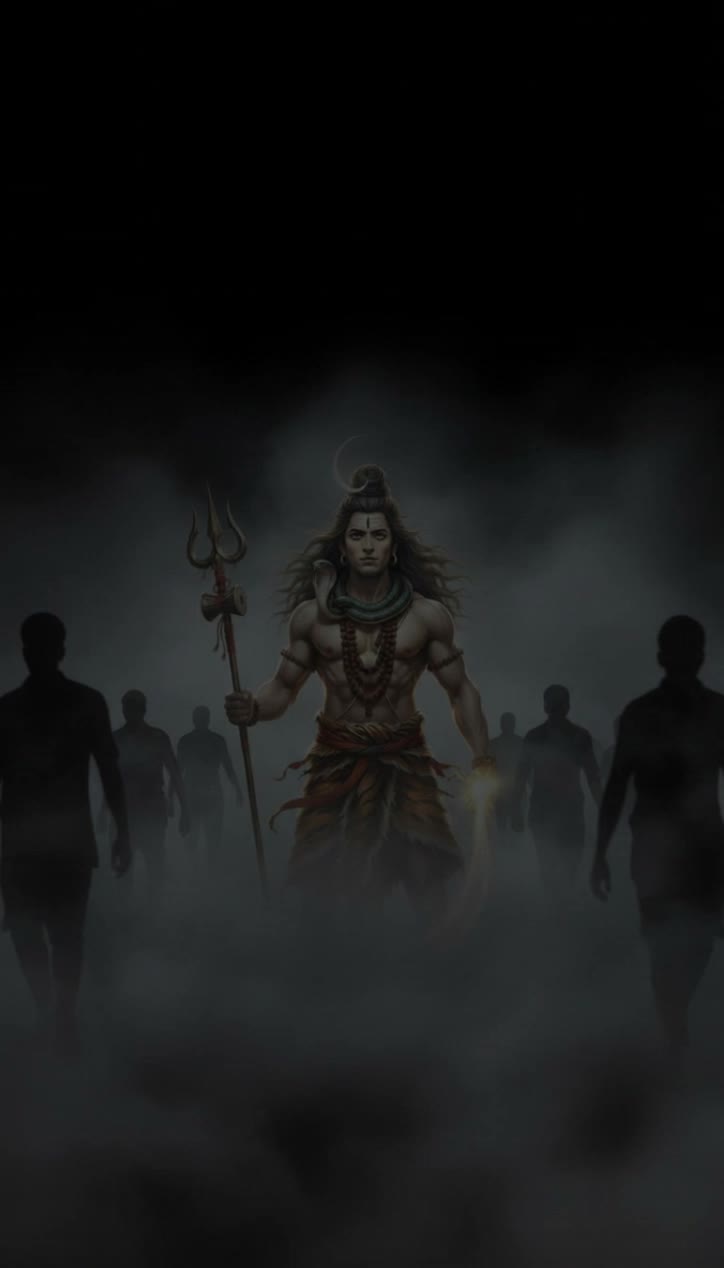
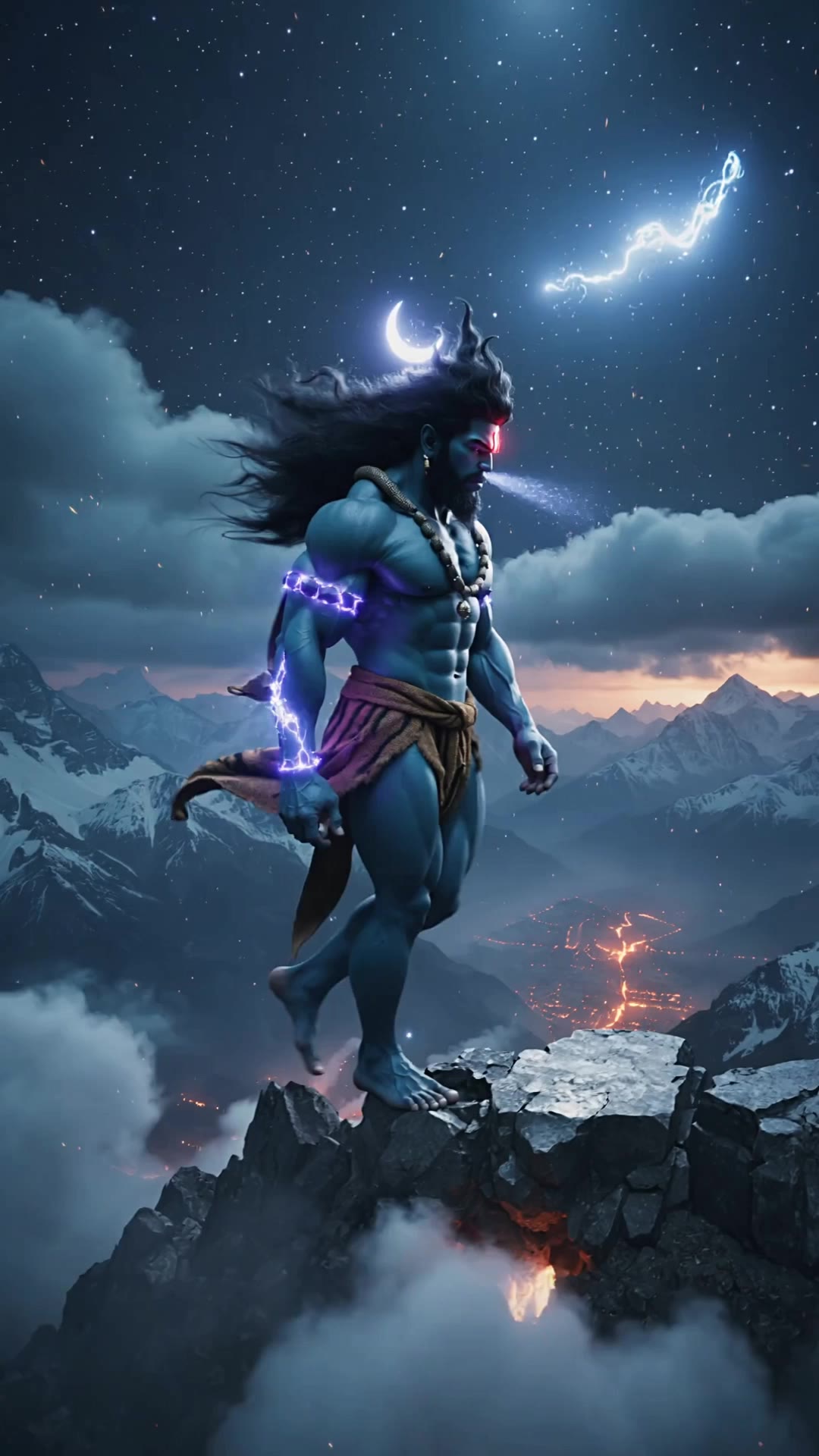
AI-generated Shiva wallpapers – Divine and mystical designs

Experience the divine with our AI-generated Shiva wallpapers. Each design is mystical and can be customized to honor the deity in a unique way.

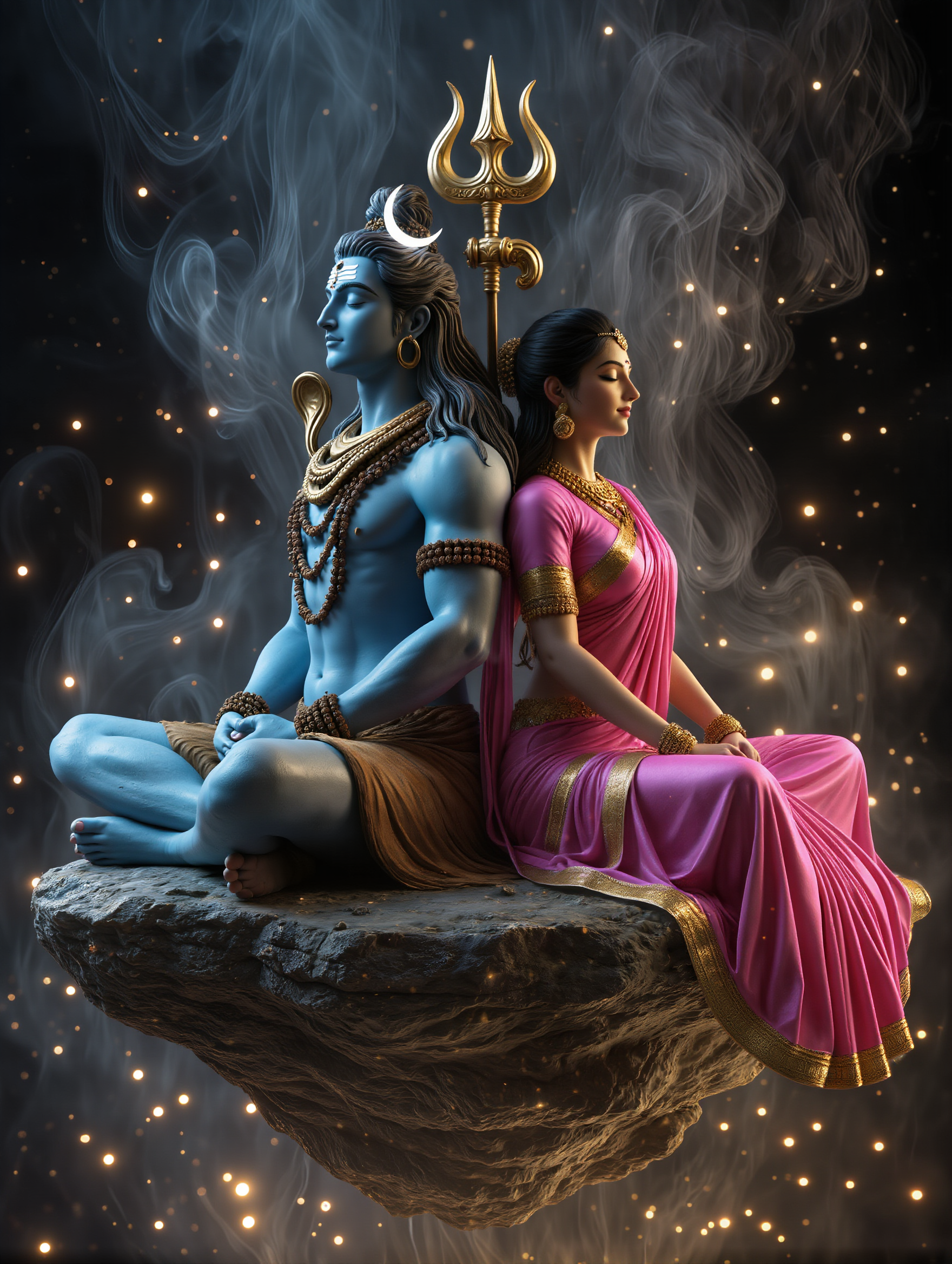
AI-generated Shiva wallpapers – Divine and mystical designs

Recommended

Kling AI work 316967896667621 - shiva ai wallpaper AI video
I Am Frequency avatar
I Am Frequency
Kling AI work 315458759500721 - shiva ai wallpaper AI image
kSQrPVdu avatar
kSQrPVdu
Kling AI work 313815948526988 - shiva ai wallpaper AI video
dkQwbQxZ avatar
dkQwbQxZ
Kling AI work 297121997663428 - shiva ai wallpaper AI video
kBSTlymt avatar
kBSTlymt
Shiva - shiva ai wallpaper AI image
OLTyZjbH avatar
OLTyZjbH
DANCES OF SHIVA - shiva ai wallpaper AI video
Nahualica.Art avatar
Nahualica.Art
Cinematic 1080p. Lord Shiva and  - shiva ai wallpaper AI image
LSCgddQQ avatar
LSCgddQQ
Lord Shiva - shiva ai wallpaper AI image
HxQdhOfW avatar
HxQdhOfW
Shiva in Interstellar - shiva ai wallpaper AI video
DjgakCfx avatar
DjgakCfx
Har Har Mahadev - shiva ai wallpaper AI video
Bunny avatar
Bunny
Kling AI work 317357204326283 - shiva ai wallpaper AI image
IUVwkUWR avatar
IUVwkUWR
Kling AI work 312214633611698 - shiva ai wallpaper AI image
zgeZpgJv avatar
zgeZpgJv
Kling AI work 298172311611984 - shiva ai wallpaper AI image
OLIyludu avatar
OLIyludu
Kling AI work 317407377660857 - shiva ai wallpaper AI image
ntDtWvfD avatar
ntDtWvfD
Kling AI work 311101939501441 - shiva ai wallpaper AI image
KapilKumar avatar
KapilKumar
Kling AI work 317357417502657 - shiva ai wallpaper AI image
IUVwkUWR avatar
IUVwkUWR
Kling AI work 317531791611327 - shiva ai wallpaper AI image
NPXSpVXV avatar
NPXSpVXV
Kling AI work 314984319507879 - shiva ai wallpaper AI image
EPURJCEz avatar
EPURJCEz
Kling AI work 315593501526157 - shiva ai wallpaper AI video
KaKPWuMm avatar
KaKPWuMm

How to Use Kling AI Face Swap

Step 1: Upload Your Target and References

Step 1: Upload Your Target and References

Add the photo or video you want to edit, then add the face reference you want Kling AI to follow. For video, you can also use multiple views or a character element when you need stronger identity consistency across different angles.

Step 2: Describe the Face Swap You Want

Step 2: Describe the Face Swap You Want

Tell Kling AI which face to replace and what reference to use. For example: "Replace the face in [Image 1] with the face from [Image 2] while keeping all other content unchanged."

Step 3: Generate Your Face Swap

Step 3: Generate Your Face Swap

Choose your preferred output settings, such as the generation mode and aspect ratio, then click Generate. Kling AI will apply your instructions and chosen settings to create your face-swapped image or video.

Why Kling Sets the Standard for Video Creation

Flawless Character Consistency

Flawless Character Consistency

Unlike standard tools that distort faces when moving, Kling Video 3.0 lets you strictly lock a character’s appearance. Upload a single photo, or use a short video/multiple angles as a reference to completely eliminate the “AI morphing” effect.

Native Audio & Perfect Lip-Sync

Native Audio & Perfect Lip-Sync

Your image doesn’t just move; it speaks. Generate perfectly matched voices and realistic lip movements in multiple languages or regional accents. Even in multi-character scenes, you can precisely assign who speaks—no third-party tools required.

15s Duration & Motion Control

15s Duration & Motion Control

Go beyond simple loops with up to 15 seconds of smooth narrative. Use advanced Motion Control to direct camera pans, tilts, and zooms, or define exact transitions with start and end frame references.

Apps

Image to Video
Image to Video

Image to Video

Text to Video
Text to Video

Text to Video

Omni
Omni

Omni

Digital Human
Digital Human

Digital Human

Restyle
Restyle

Restyle

Text to Image
Text to Image

Text to Image

60M+
60M+
Users
600M+
600M+
AI Videos Generated
4.7 ★
4.7 ★
App Store
Industry-Leading
Industry-Leading
Cinematic 4K

Reviews

Jyo John Mulloor

Jyo John Mulloor

★★★★★

Kling AI has been instrumental in transforming my creative workflow, unlocking new dimensions of artistic expression that were once unimaginable. I use Kling AI extensively to develop high-concept visuals, animate surreal dreamscapes, and create AI-assisted films that blur the line between reality and fantasy. Kling AI’s deep learning capabilities have not only enhanced my creative efficiency but also inspired me to explore storytelling in ways I never thought possible.

Maria Rubtsova

Maria Rubtsova

★★★★★

I’m Maria Rubtsova, an AIGC digital artist passionate about creating stunning visuals in the worlds of fashion, aesthetics, and fantasy. I use KlingAi to bring imagination to life through video. My work is all about exploring beauty, emotion, and the limitless possibilities of digital art.

Halim Alrasihi

Halim Alrasihi

★★★★★

I use AI daily and Kling AI is a crucial part of my workflow, whether for client work or personal projects. What I love most about using Kling AI is that it provides all the tools I need in one place, from keyframes to character references, elements and special effects.

FAQ

Q1Can I keep faces and products recognizable while changing a video?
Q2What is an AI video enhancer?
Q3How can I enhance video quality online?

Bring Your Old Photos Back to Life

Use the photo you already have as the starting point. Repair visible damage, improve faded areas, guide familiar faces with references, and create a higher-resolution version when you need it.