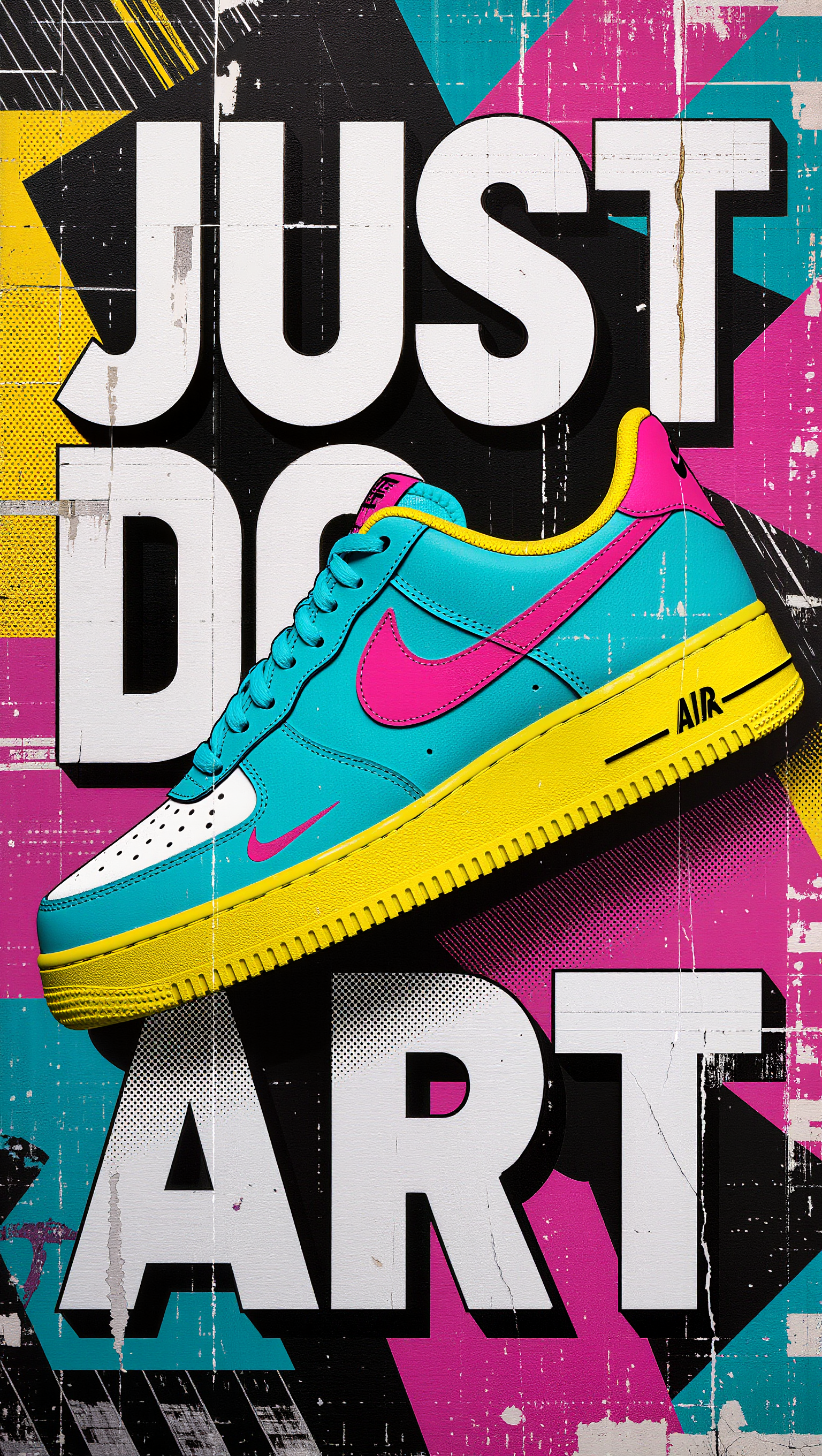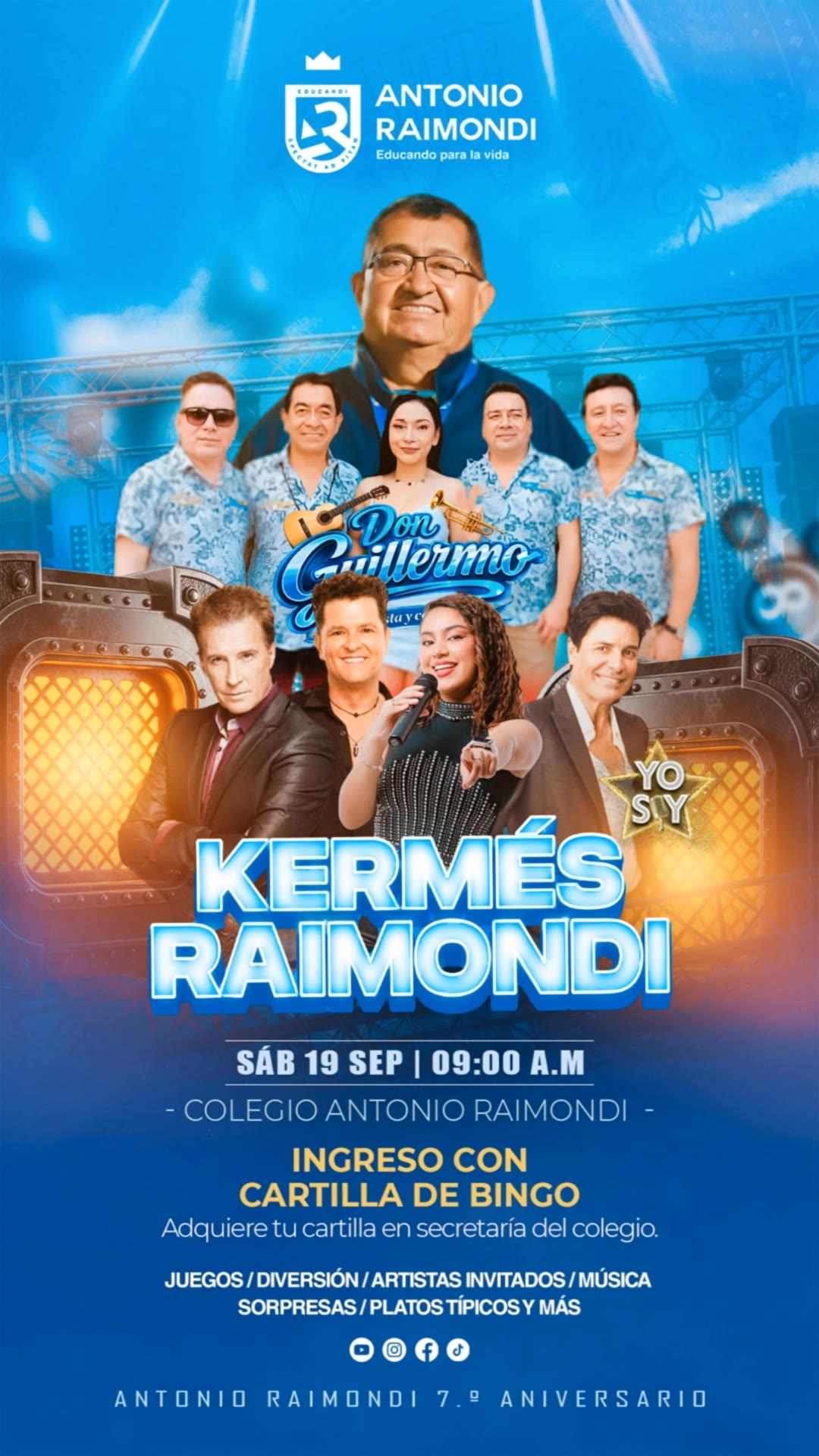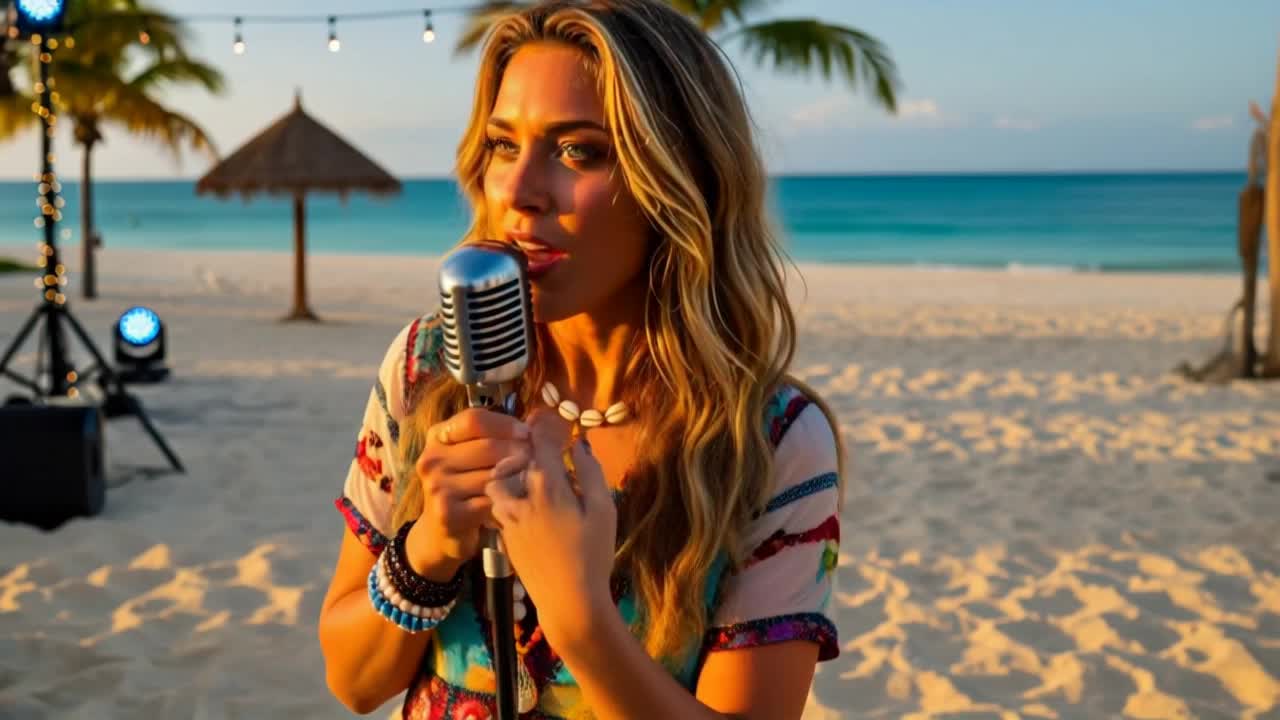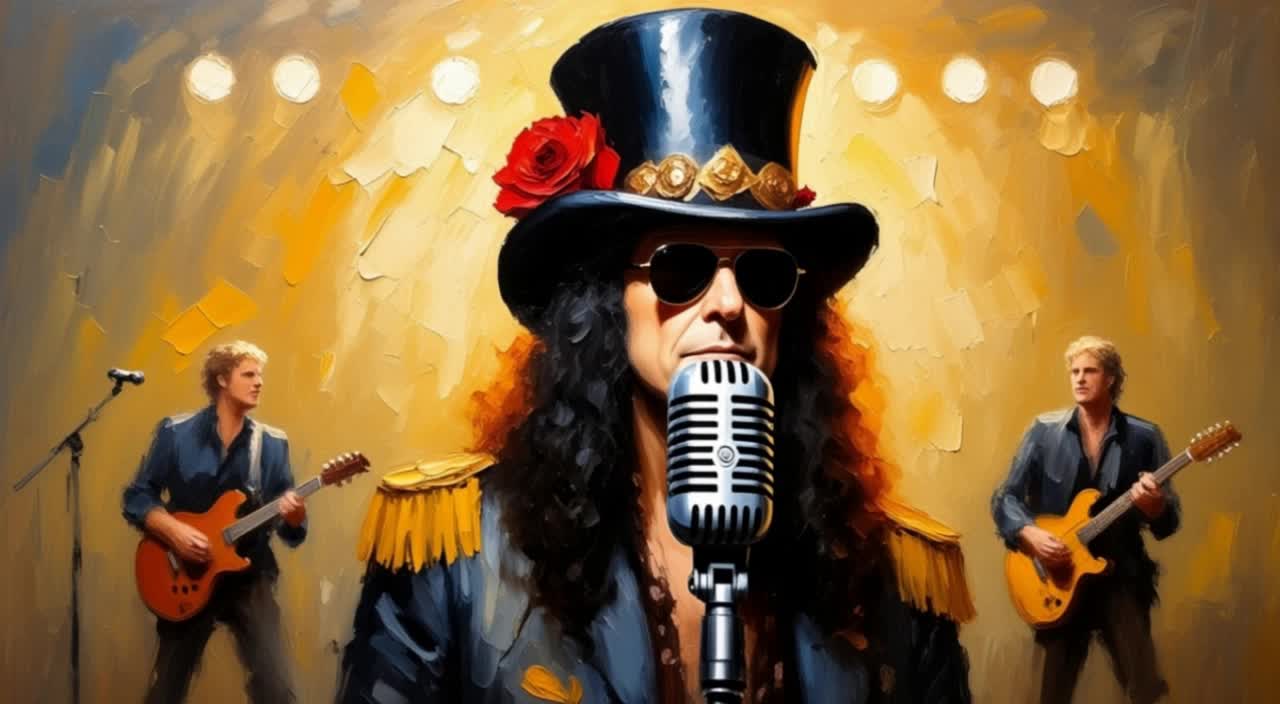

Creative Studio
API
Resources
Features
About Us
Download

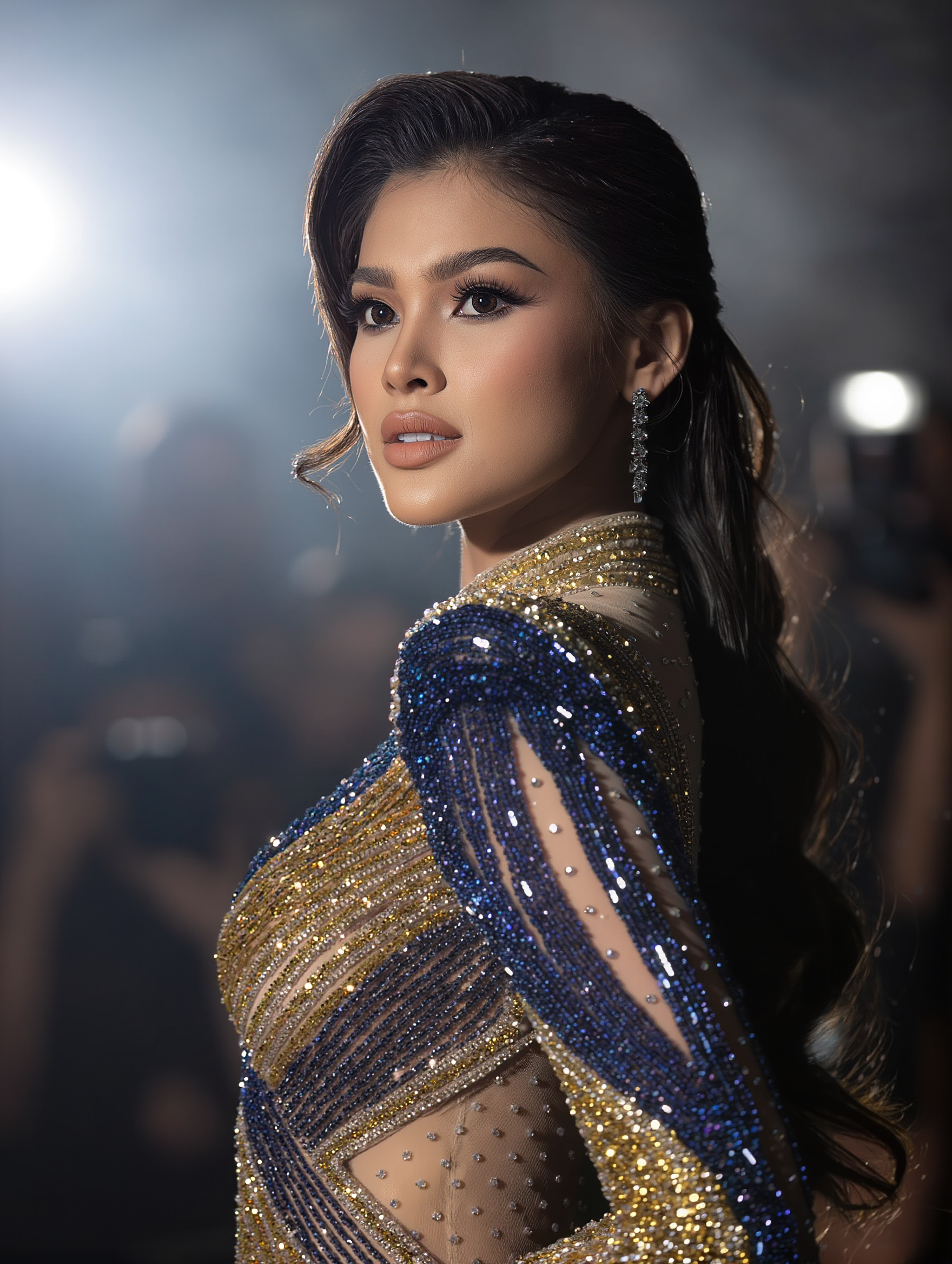
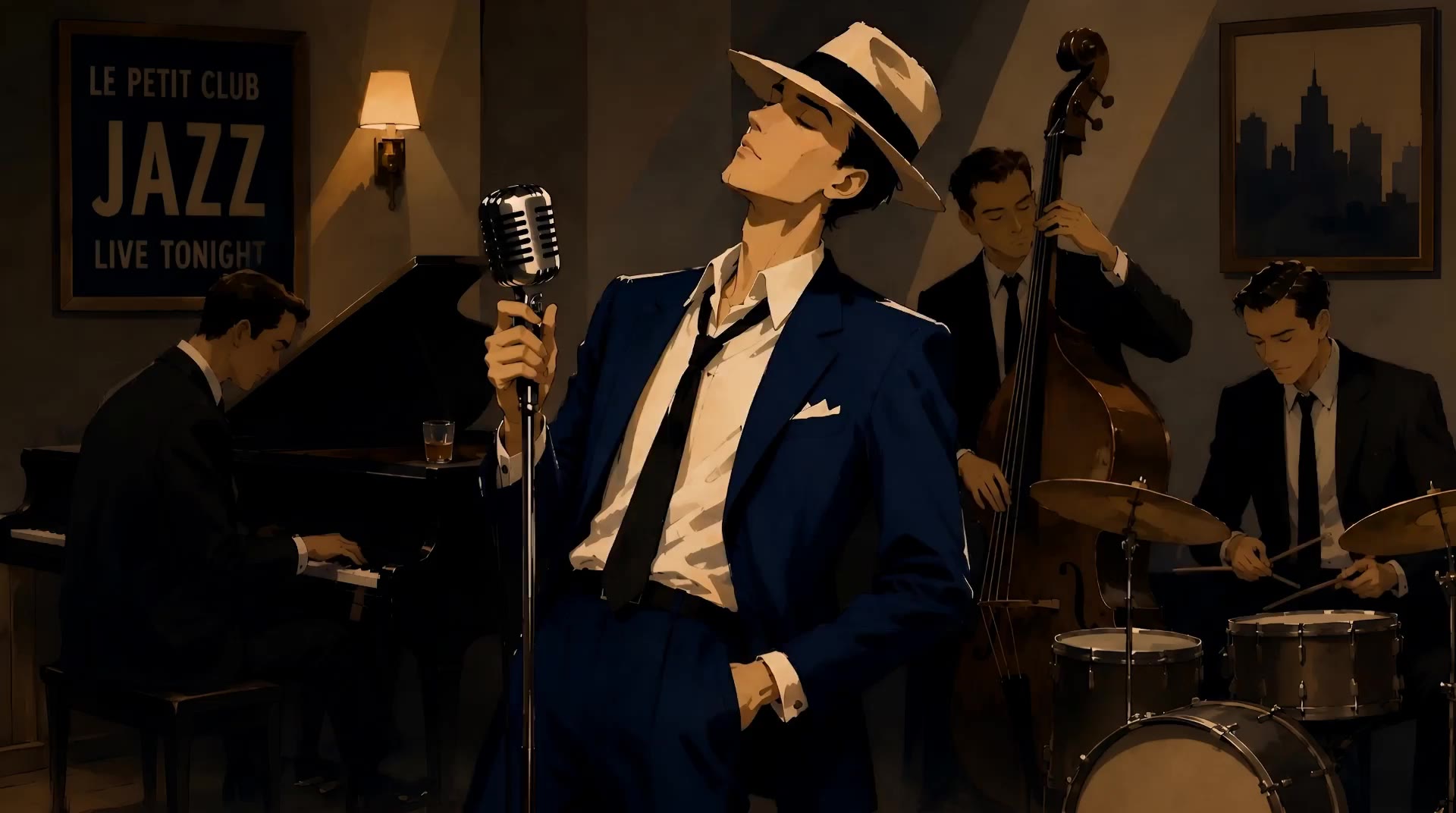
Singer Poster Design – AI Image Inspiration

Get inspired with AI-generated singer poster designs. Quickly explore different styles and customize to match your vision. Perfect for non-designers.

Singer Poster Design – AI Image Inspiration

Recommended

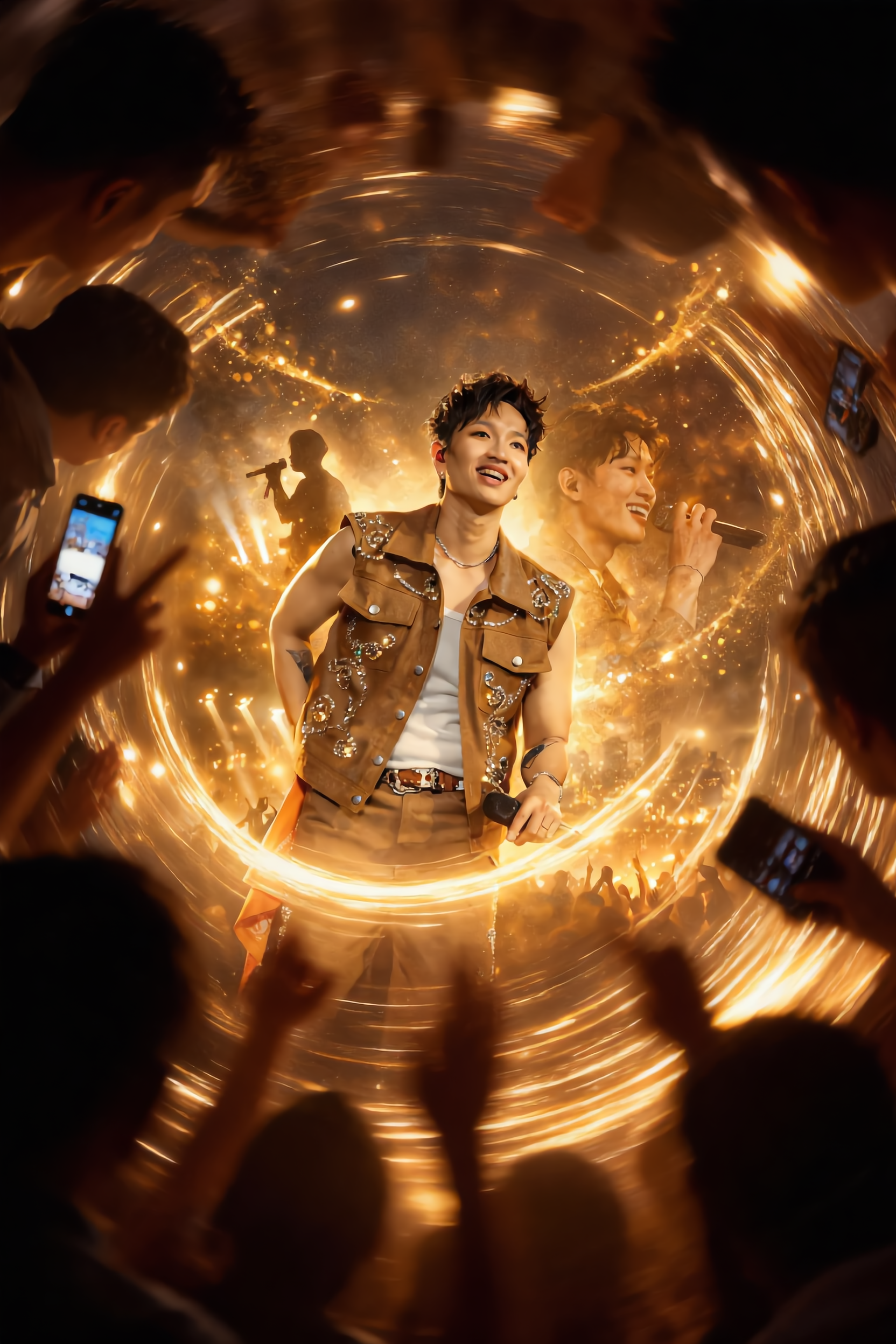
Kling AI work 296593458661332 - singer poster design AI image
coluMoly avatar
coluMoly
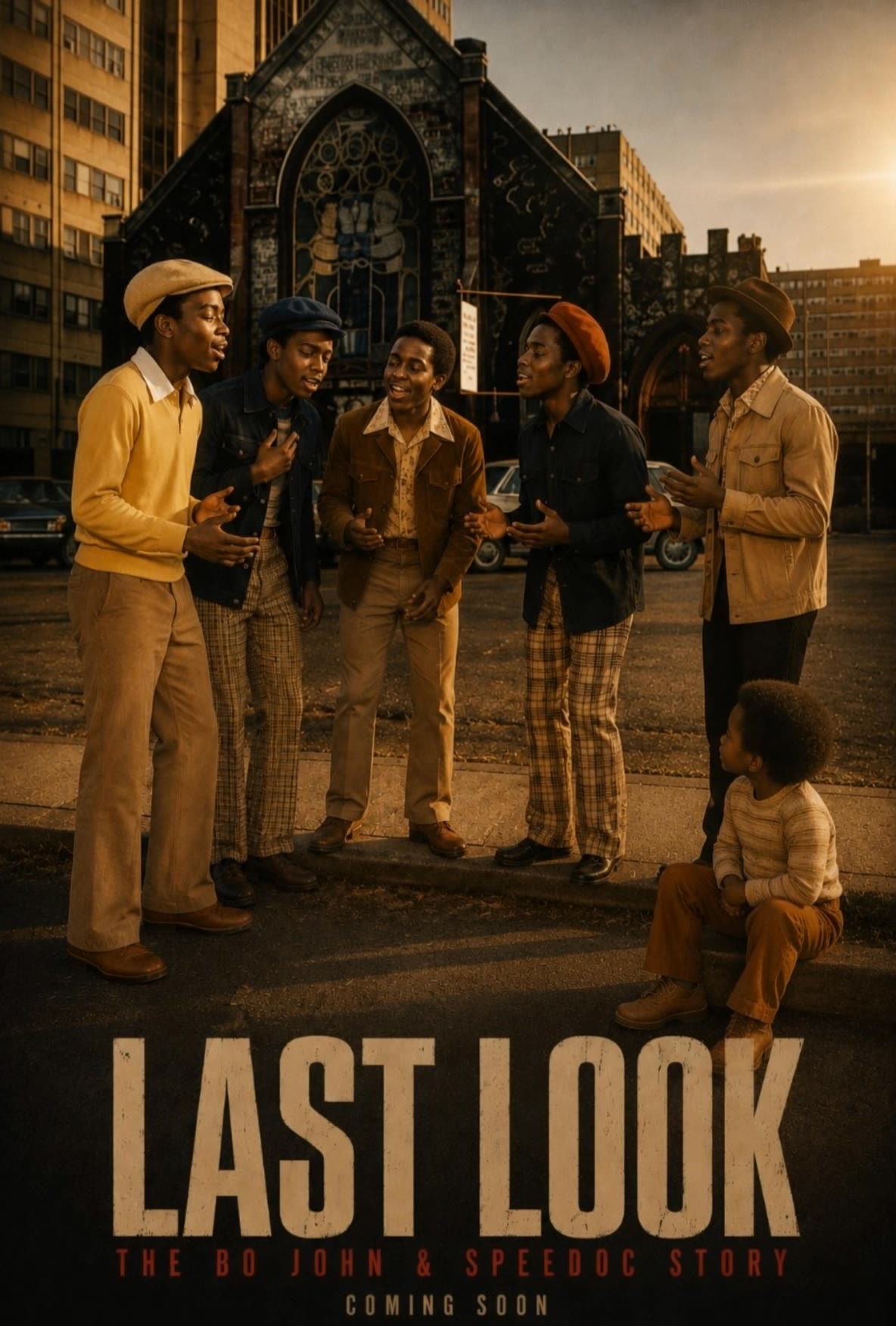
Kling AI work 312858852505163 - singer poster design AI image
GDaIqblm avatar
GDaIqblm
mirrors - singer poster design AI video
sbQcUVQZ avatar
sbQcUVQZ
AI singer - singer poster design AI video
00:59
KLING6167 avatar
KLING6167
Kling AI work 313034154617135 - singer poster design AI image
Visual Imagery avatar
Visual Imagery
Kling AI work 307249737534036 - singer poster design AI image
tsjtVLko avatar
tsjtVLko
Kling AI work 315153329618996 - singer poster design AI video
RIifRlvE avatar
RIifRlvE
Unique Poster Thrasher - singer poster design AI video
Marchenko Vladislav avatar
Marchenko Vladislav
Kling AI work 316397062503032 - singer poster design AI image
cqrCpNDe avatar
cqrCpNDe
The singer - singer poster design AI video
JPfwuJQS avatar
JPfwuJQS
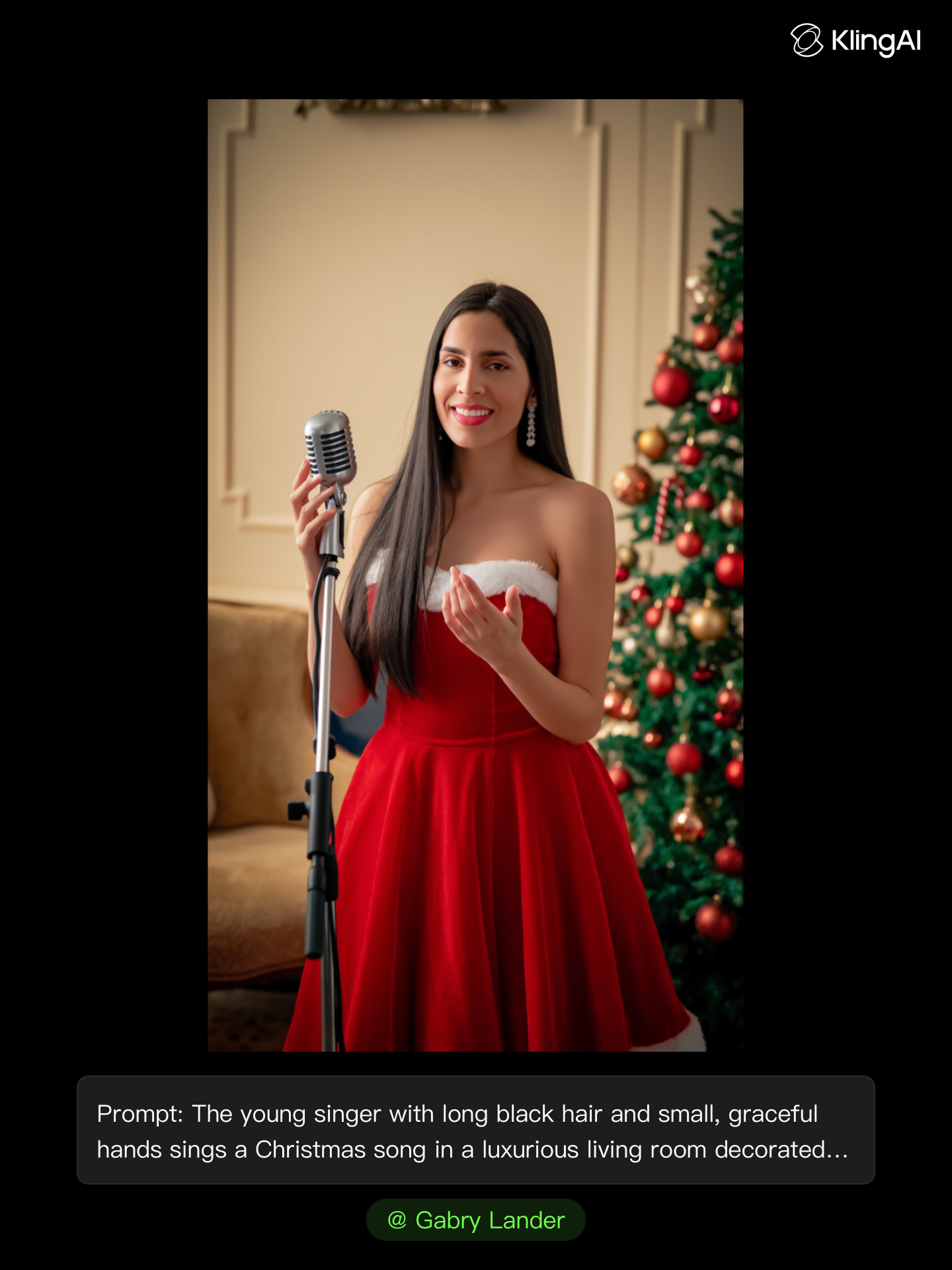
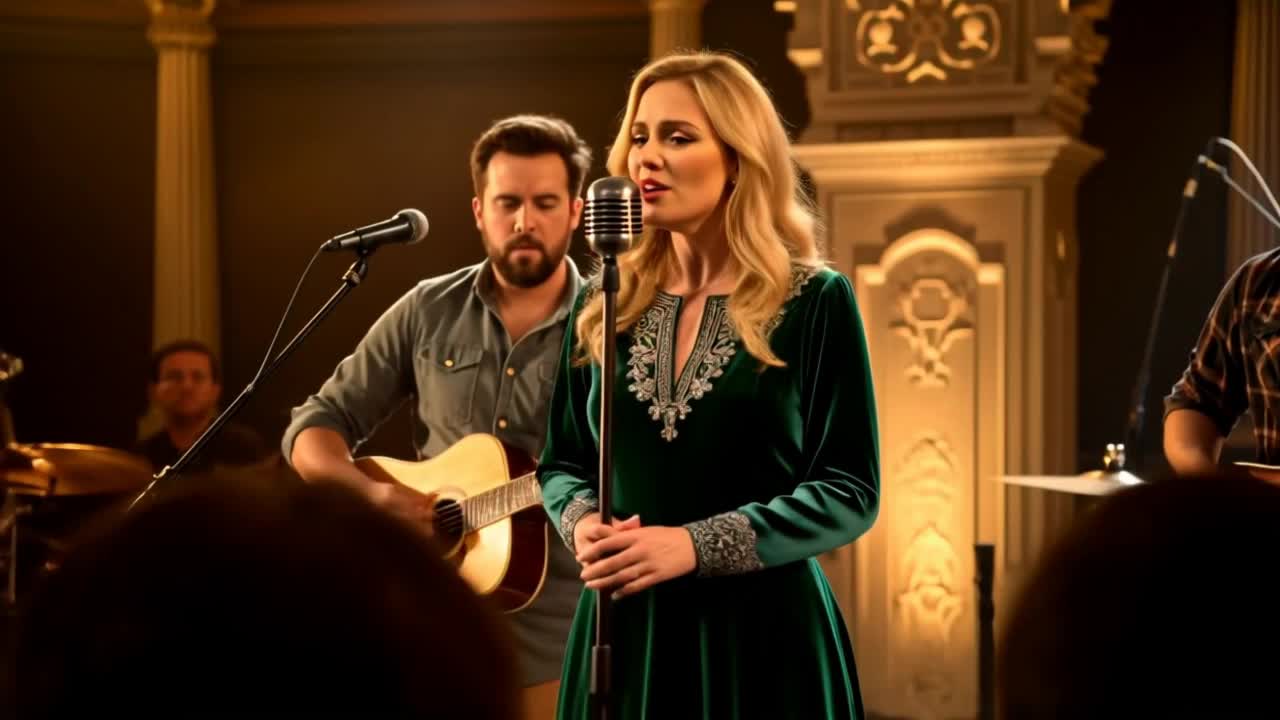
Laura singer White Christmas - singer poster design AI image
Gabry Lander avatar
Gabry Lander
Kling AI work 307866596535071 - singer poster design AI image
Abdo Hussini avatar
Abdo Hussini
Kling AI work 310038974521207 - singer poster design AI video
Sora mama avatar
Sora mama
Kling AI work 316687206524136 - singer poster design AI image
AFRWqaTS avatar
AFRWqaTS
Kling AI work 318176846667108 - singer poster design AI video
EHHlNAir avatar
EHHlNAir
Spot the Dragon Country Singer - singer poster design AI video
Dartharn avatar
Dartharn
the singer - singer poster design AI video
radon mg avatar
radon mg
Spot the Dragon Country Singer - singer poster design AI video
Dartharn avatar
Dartharn
Kling AI work 311681744522902 - singer poster design AI video
Erinne avatar
Erinne

How to Generate AI Voices from Text with Kling AI

Step 1: Set Up Your Characters

Step 1: Set Up Your Characters

Start with a character in your prompt, or add a supported image, Character Element, or video reference when you already have a specific character in mind.

Step 2: Add Dialogue and Voice Direction

Step 2: Add Dialogue and Voice Direction

Write each character's dialogue and make the speaker clear in your prompt. Add directions for the language, accent, tone, emotion, or delivery when they matter to the scene. For scenes with multiple speakers, keep each character's name, line, and voice direction clearly connected.

Step 3: Generate Videos with Native Audio

Step 3: Generate Videos with Native Audio

Generate with Native Audio to create the dialogue as part of the video itself. Kling VIDEO 3.0 Omni produces voice, facial performance, lip movement, visuals, ambience, and supporting sound within the same generation.

Natural Face Swaps Without the Editing Hassle

Image Face Swap Without the Busywork

Image Face Swap Without the Busywork

From portrait-style shots to playful creative images, Kling IMAGE 3.0 helps you create more natural and consistent face swaps. Add the photo you want to edit, provide a face reference, and tell Kling AI what you want to change. The edit can stay close to the original photo, helping the new face feel like part of the image rather than something added on top.

Keep the Same Face Across Angles and Shots

Keep the Same Face Across Angles and Shots

A single reference does not always show everything. Add multiple views or use a character element to give Kling AI more information about the person you want to preserve. Kling VIDEO 3.0 Omni uses those references to help maintain key identity features as the subject changes pose, the camera moves, or the scene shifts—especially useful for moving footage and multi-shot videos where consistency matters.

Change the Face, Keep the Scene

Change the Face, Keep the Scene

Swap the face, not the whole scene. Kling AI keeps the original lighting, mood, and overall look in place, helping the new face blend naturally into the shot while the setting and visual feel stay true to the original.

Apps

Image to Video
Image to Video

Image to Video

Text to Video
Text to Video

Text to Video

Omni
Omni

Omni

Digital Human
Digital Human

Digital Human

Restyle
Restyle

Restyle

Text to Image
Text to Image

Text to Image

60M+
60M+
Users
600M+
600M+
AI Videos Generated
4.7 ★
4.7 ★
App Store
Industry-Leading
Industry-Leading
Cinematic 4K

Reviews

Maria Rubtsova

Maria Rubtsova

★★★★★

I’m Maria Rubtsova, an AIGC digital artist passionate about creating stunning visuals in the worlds of fashion, aesthetics, and fantasy. I use KlingAi to bring imagination to life through video. My work is all about exploring beauty, emotion, and the limitless possibilities of digital art.

Vincent Smadja

Vincent Smadja

★★★★★

Kling AI seamlessly integrates into my creative workflow, playing a key role in transforming my images. After generating and upscaling an image, Kling becomes a crucial element, bringing my creations to life with movement and depth.

Huang Lu (Elson)

Huang Lu (Elson)

★★★★★

I’ve been using Kling AI since its initial release, and it’s remained one of the leading AI media generators ever since. With Kling AI, I’ve created hundreds of videos, collectively amassing millions of views.

FAQ

Q1Can AI remove watermarks without losing image quality?
Q2Can I select a watermark manually instead of using a prompt?
Q3Can I continue editing an image after removing a watermark?

Create a Whole New Look from One Photo

Swap outfits, mix references, and explore new styles with IMAGE 3.0 Omni. Keep the person recognizable and let new clothing blend naturally into the original photo.