
Creative Studio
API
Resources
Features
About Us
Download

AI-Generated Sleep Animation with Sounds

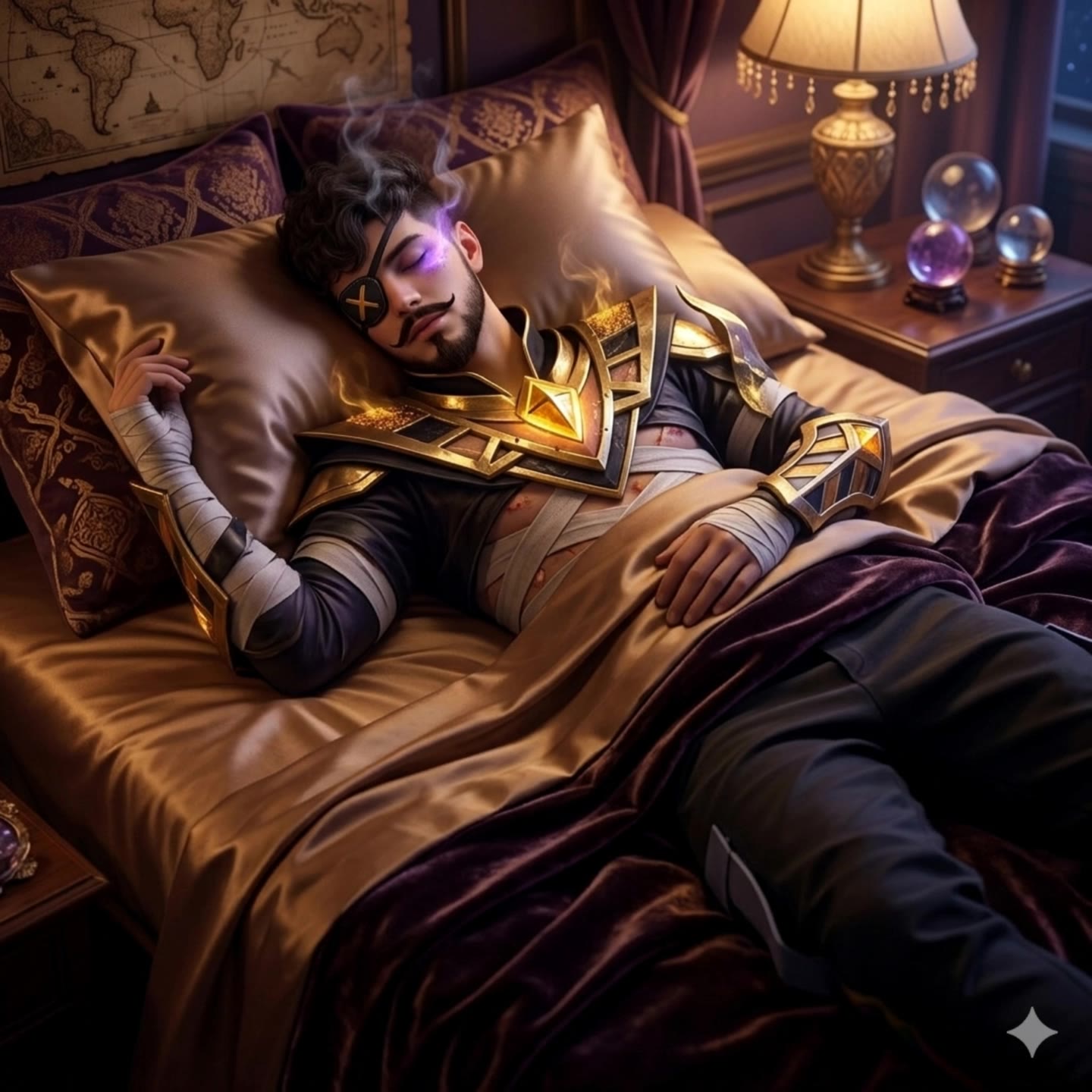
Generate AI-generated sleep animations with accompanying sounds. Create relaxing animations quickly with customizable options. Ideal for sleep-themed content – just provide your concept and AI will generate the animation.

AI-Generated Sleep Animation with Sounds

Recommended

Kling AI work 308861960611084 - sleep animation AI image
SPUAvqch avatar
SPUAvqch
About to sleep - sleep animation AI video
MUApllqZ avatar
MUApllqZ
Kling AI work 315035410326742 - sleep animation AI video
布萊恩 avatar
布萊恩
Kling AI work 315300446528515 - sleep animation AI video
tluGvmYn avatar
tluGvmYn
Kling AI work 311719620665429 - sleep animation AI image
OPfDtngr avatar
OPfDtngr
she won't sleep… again - sleep animation AI video
ePwfqgRg avatar
ePwfqgRg
Sleep - sleep animation AI video
Viktor_Fox avatar
Viktor_Fox
Kling AI work 315296688660607 - sleep animation AI video
tluGvmYn avatar
tluGvmYn
Kling AI work 319538626520752 - sleep animation AI image
xsBLmXig avatar
xsBLmXig
Kling AI work 315019408508885 - sleep animation AI video
布萊恩 avatar
布萊恩
Kling AI work 315636922614620 - sleep animation AI video
EygoaziB avatar
EygoaziB
Kling AI work 286787175534295 - sleep animation AI video
SbjKwJoV avatar
SbjKwJoV
she won't sleep… again - sleep animation AI video
ePwfqgRg avatar
ePwfqgRg
Kling AI work 317391918616872 - sleep animation AI image
mpbRhIJA avatar
mpbRhIJA
Kling AI work 315014199324998 - sleep animation AI video
布萊恩 avatar
布萊恩
Kling AI work 315017088664228 - sleep animation AI video
tluGvmYn avatar
tluGvmYn
sleep - sleep animation AI image
klingai.video.ai avatar
klingai.video.ai
Kling AI work 315012952613754 - sleep animation AI video
tluGvmYn avatar
tluGvmYn
Adorno de cristal Panda rojo - sleep animation AI video
Circulo Vicioso avatar
Circulo Vicioso

How to Lip Sync a Video in Kling AI

Choose a Clear Character Video

Choose a Clear Character Video

Choose a supported Kling AI clip with a full, clearly visible face. Lip Sync works with realistic, 3D, and 2D human characters.

Add Audio or Enter a Script

Add Audio or Enter a Script

Upload a voiceover or singing track, or use Text to Speech to generate a voice. Trim the audio if it runs longer than the video.

Generate and Review

Generate and Review

Generate the lip sync and preview the result. If the timing feels off, trim the audio or adjust the Text to Speech speed.

More Than a Cleaner Background

Keep the Focus on Your Subject

Keep the Focus on Your Subject

Busy room? Distracting backdrop? Clear away what pulls attention from the person, product, character, or action you actually want people to see. Give product videos, presenter clips, ads, and social content a cleaner look without manually tracing the subject through every frame. No green screen. No tedious masking. Just tell Kling what needs to stay.

Give the Scene a Better Place to Happen

Give the Scene a Better Place to Happen

Love the footage but not where it was filmed? Change the setting instead of starting over. Describe what you want, or bring in a reference image when you already have the look in mind. Move the same shot into a clean studio, a branded space, a storefront, an outdoor scene, or somewhere completely different.

Keep Creating Without Switching Gears

Keep Creating Without Switching Gears

Once the background feels right, there is plenty more you can do in Kling AI. Generate new shots, build multi-shot sequences, work with native audio, explore Motion Control, sound, and effects, or keep shaping the video with Kling’s creative tools. From background fix to fuller video idea, you can keep the project moving with the same creative studio.

Apps

Image to Video
Image to Video

Image to Video

Text to Video
Text to Video

Text to Video

Omni
Omni

Omni

Digital Human
Digital Human

Digital Human

Restyle
Restyle

Restyle

Text to Image
Text to Image

Text to Image

60M+
60M+
Users
600M+
600M+
AI Videos Generated
4.7 ★
4.7 ★
App Store
Industry-Leading
Industry-Leading
Cinematic 4K

Reviews

Maria Rubtsova

Maria Rubtsova

★★★★★

I’m Maria Rubtsova, an AIGC digital artist passionate about creating stunning visuals in the worlds of fashion, aesthetics, and fantasy. I use KlingAi to bring imagination to life through video. My work is all about exploring beauty, emotion, and the limitless possibilities of digital art.

Halim Alrasihi

Halim Alrasihi

★★★★★

I use AI daily and Kling AI is a crucial part of my workflow, whether for client work or personal projects. What I love most about using Kling AI is that it provides all the tools I need in one place, from keyframes to character references, elements and special effects.

Huang Lu (Elson)

Huang Lu (Elson)

★★★★★

I’ve been using Kling AI since its initial release, and it’s remained one of the leading AI media generators ever since. With Kling AI, I’ve created hundreds of videos, collectively amassing millions of views.

FAQ

Q1Can I adjust my image after enhancement?
Q2What is an AI Image Enhancer?
Q3What types of images can I enhance with Kling AI?

Bring Out the Best in Every Image

Transform ordinary images into refined visuals with Kling AI. Enhance details, improve the overall look, and create images that better match your creative direction.

AI image quality enhancement | Prompt-guided refinement | 2K/4K output