Creative Studio
API
Resources
Features
About Us
Download

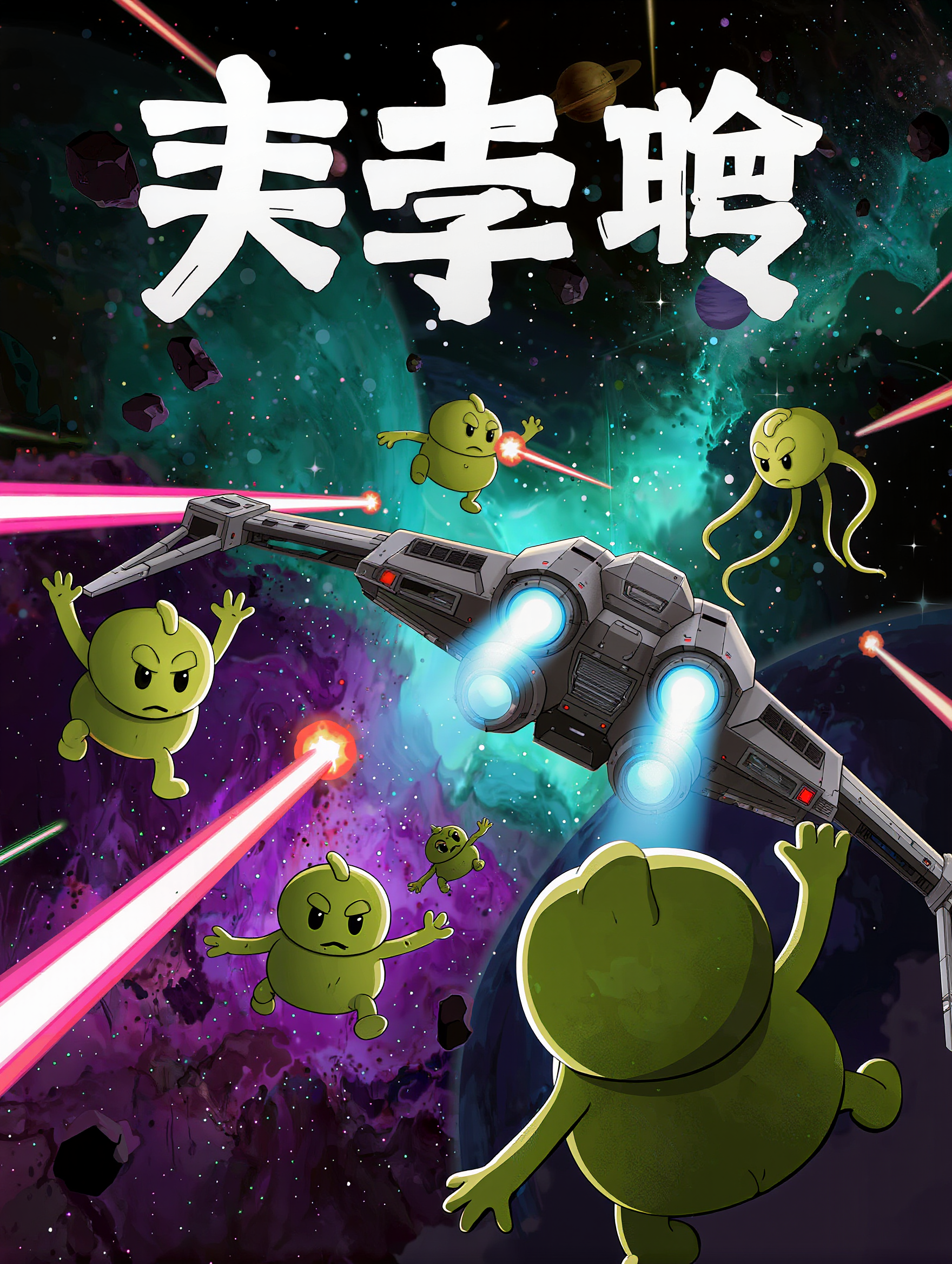
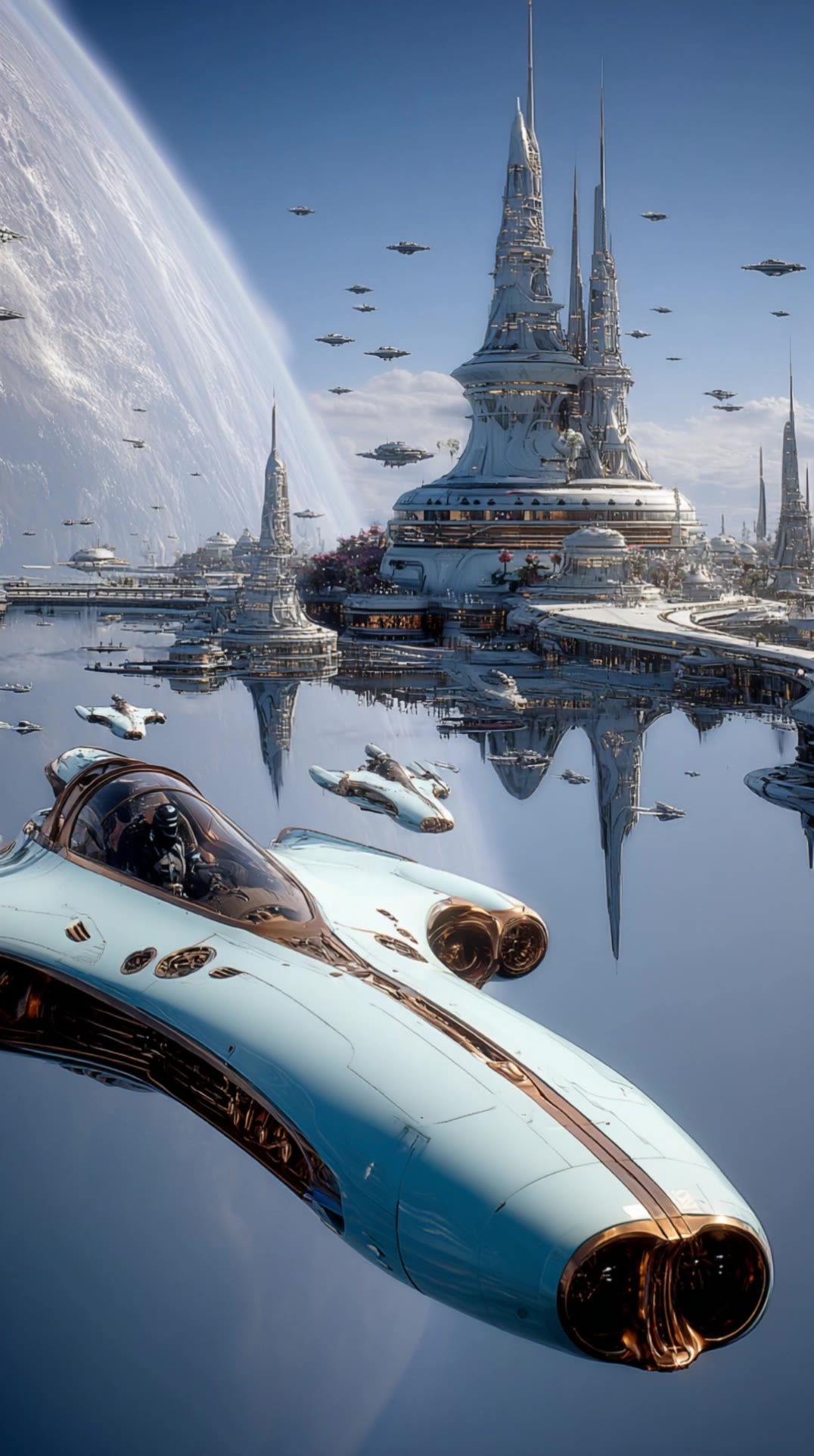
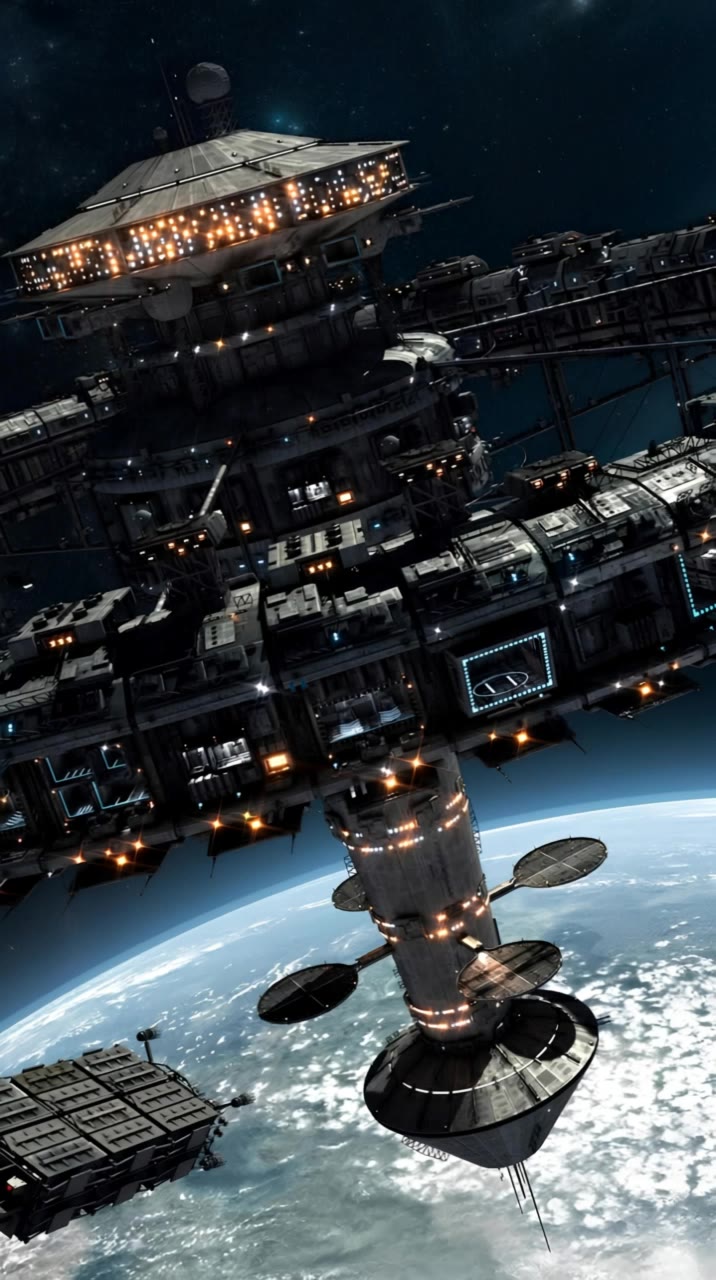
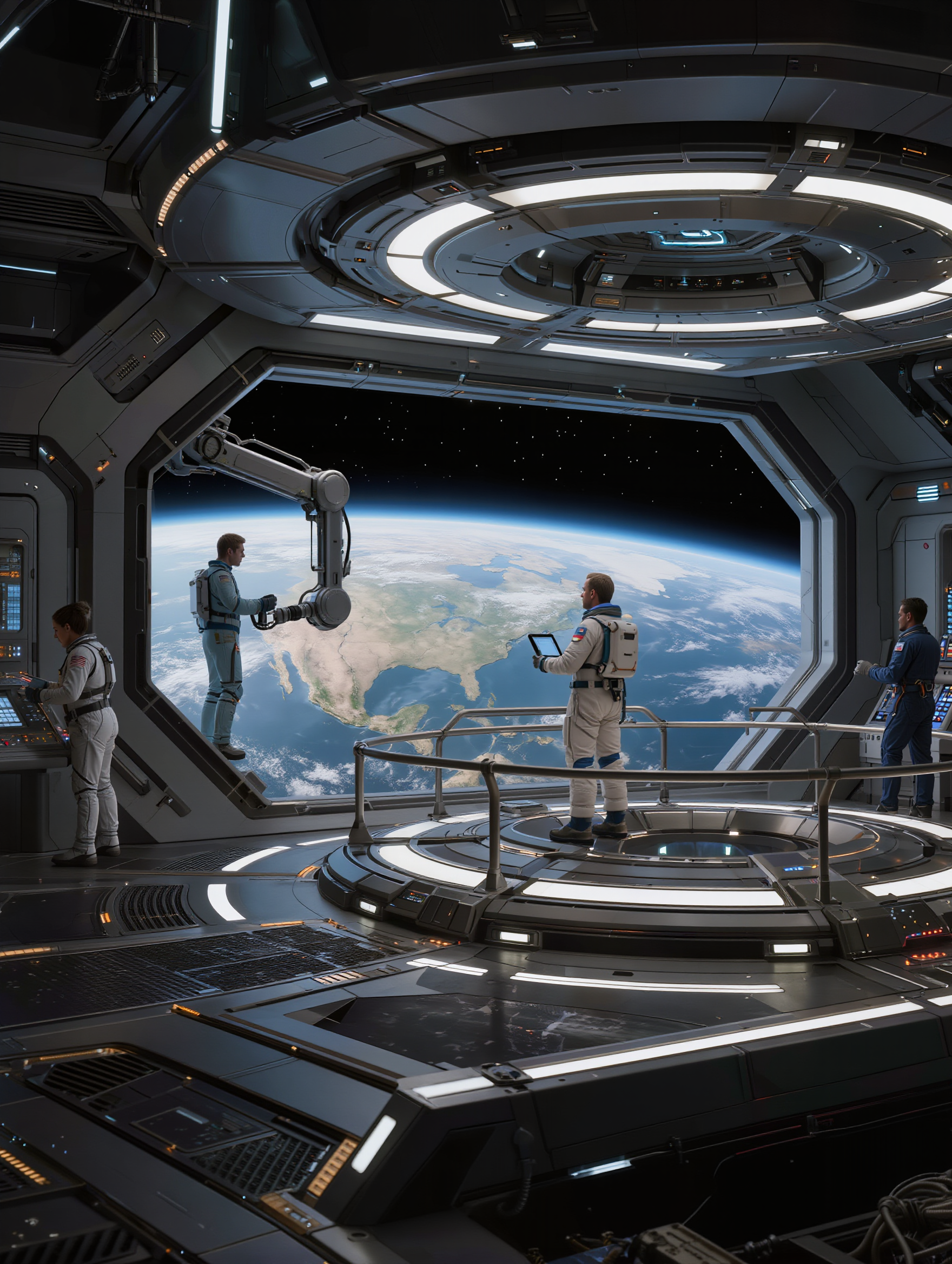
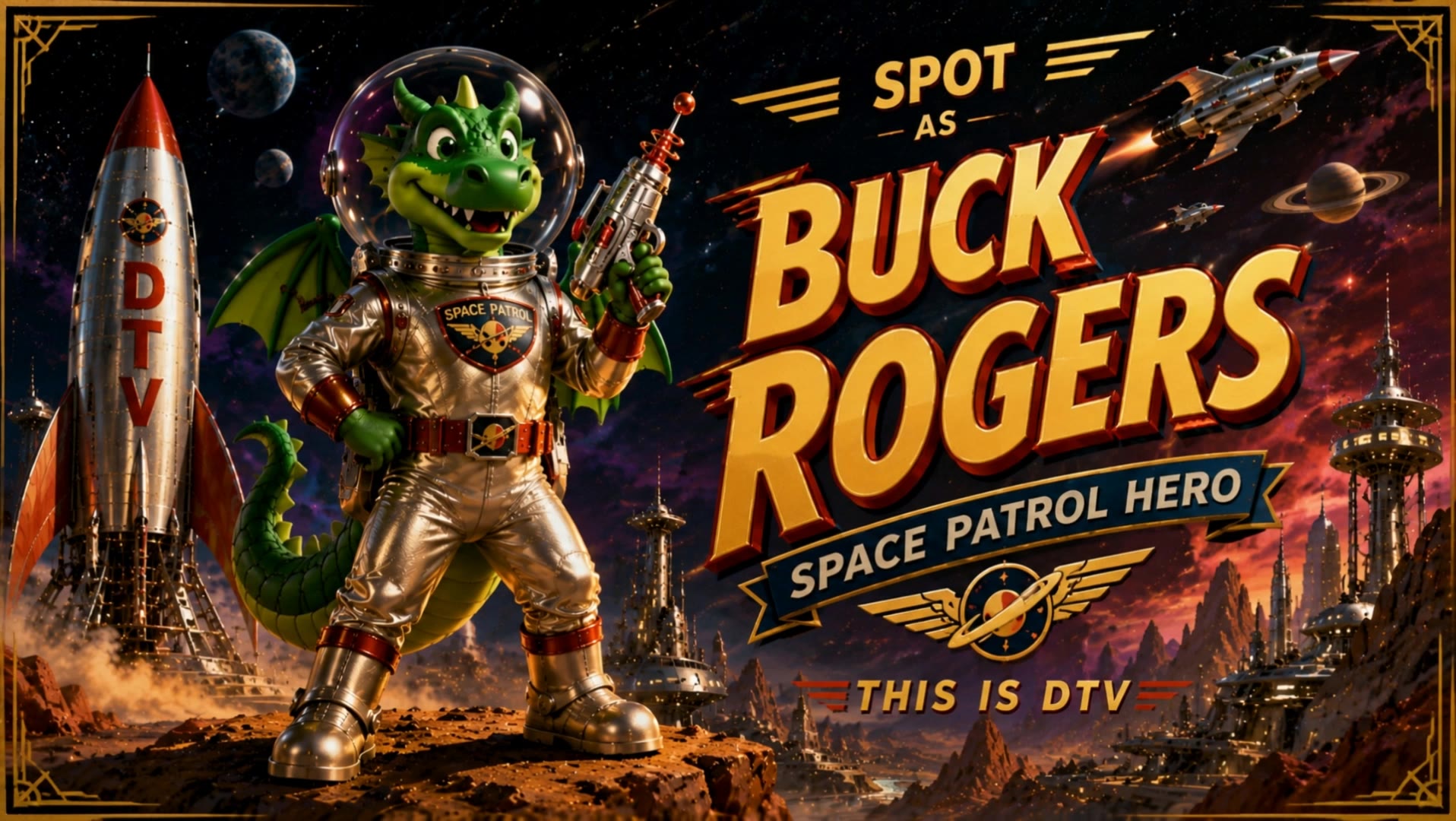
Space poster designs – AI-generated ideas

Space poster designs created with AI. Explore cosmic and futuristic concepts for your projects. Easily customize and adapt to fit your vision.

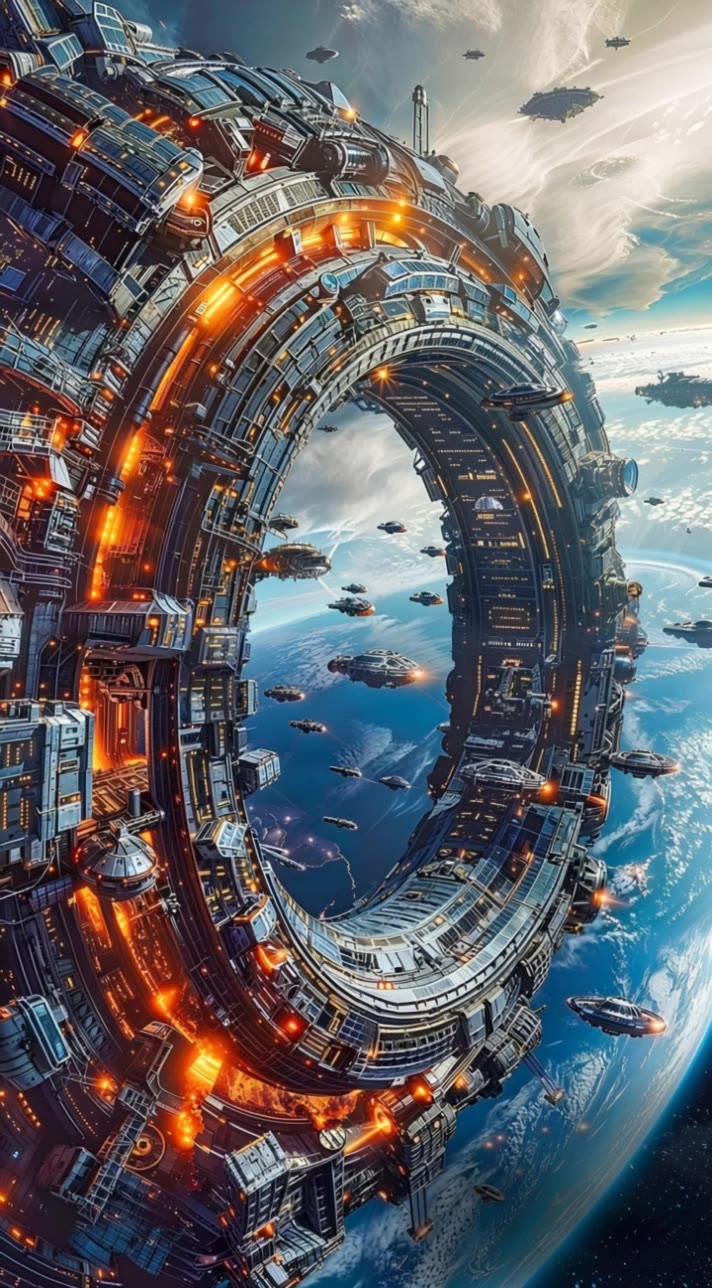
Space poster designs – AI-generated ideas

Recommended

Kling AI work 310082643520544 - space poster design AI video
Dartharn avatar
Dartharn
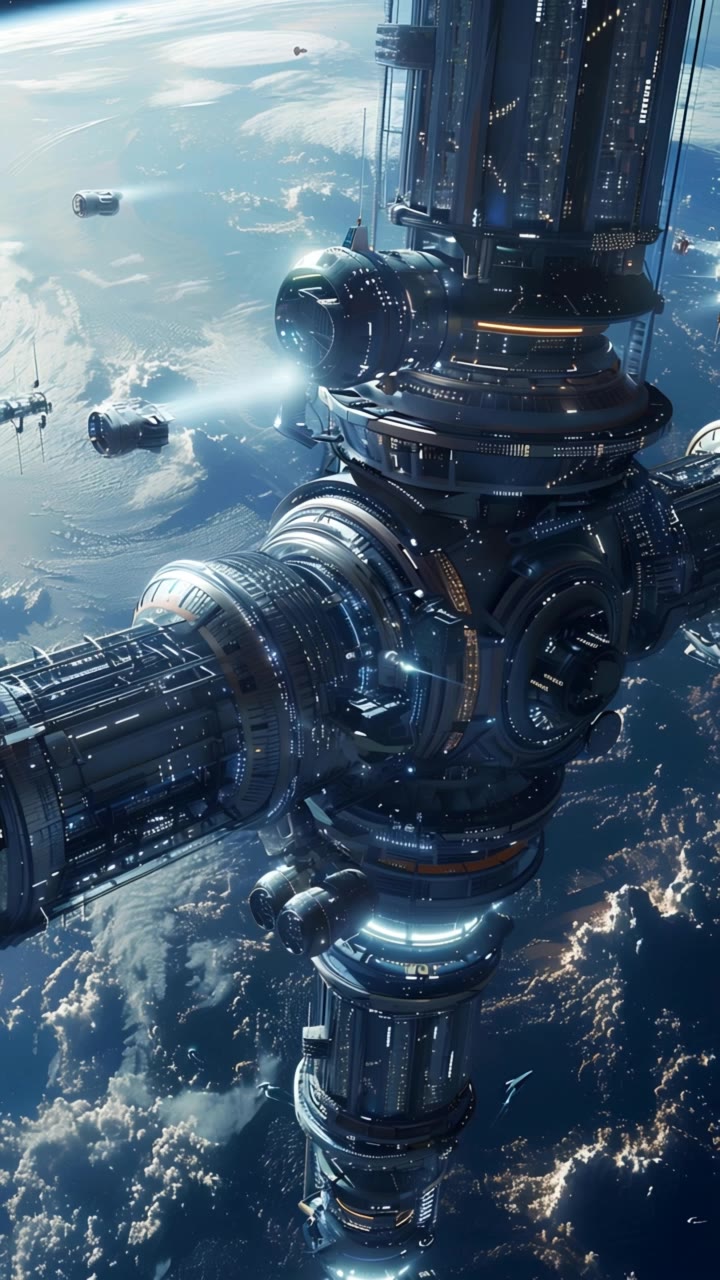
Orbital space station - space poster design AI video
Hugues avatar
Hugues
Kling AI work 317941504663127 - space poster design AI image
gXtECgEX avatar
gXtECgEX
futuristic video. Space station - space poster design AI video
Maks_AI_Creator avatar
Maks_AI_Creator
Elite Creator
Kling AI work 315281636617191 - space poster design AI video
RickeyD avatar
RickeyD
Kling AI work 307866596535071 - space poster design AI image
Abdo Hussini avatar
Abdo Hussini
A futuristic space station orbit - space poster design AI video
Hugues avatar
Hugues
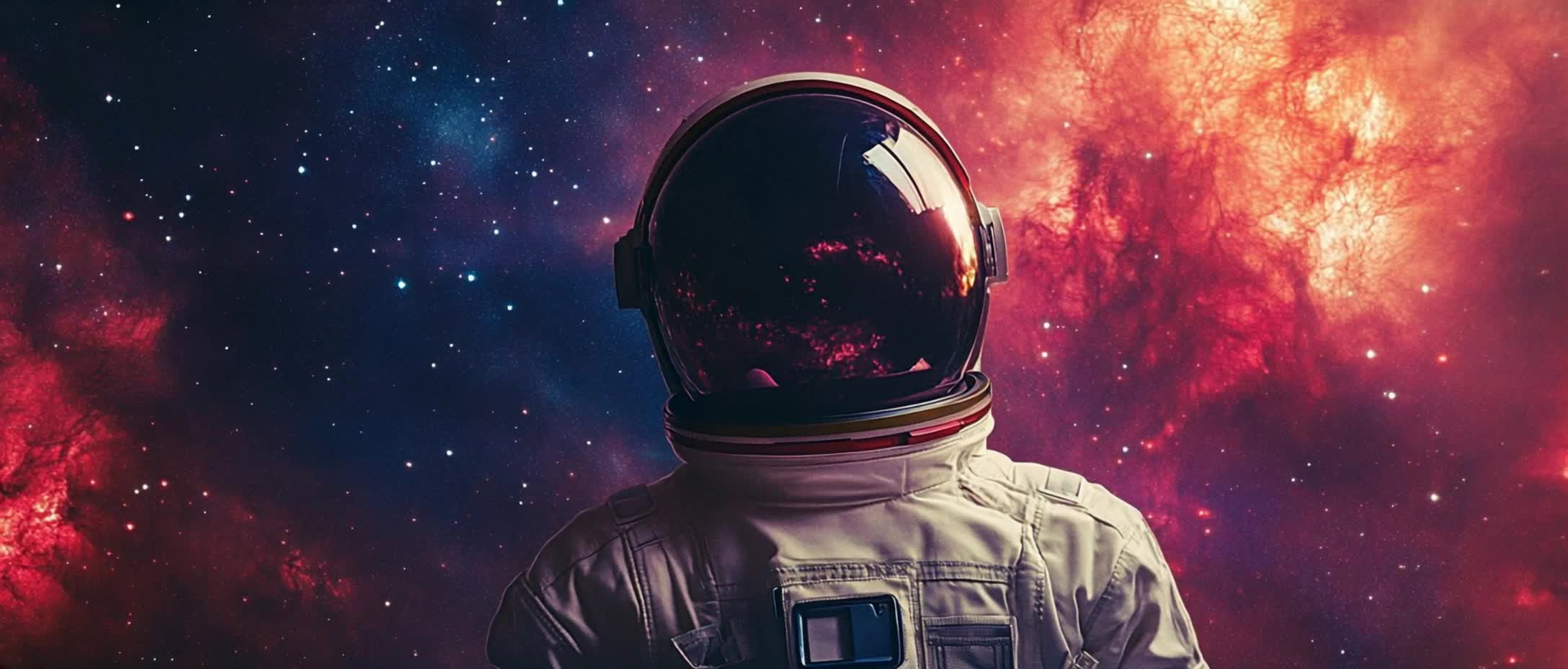
Astronaut floating in space. - space poster design AI video
TPCQ avatar
TPCQ
Elite Creator
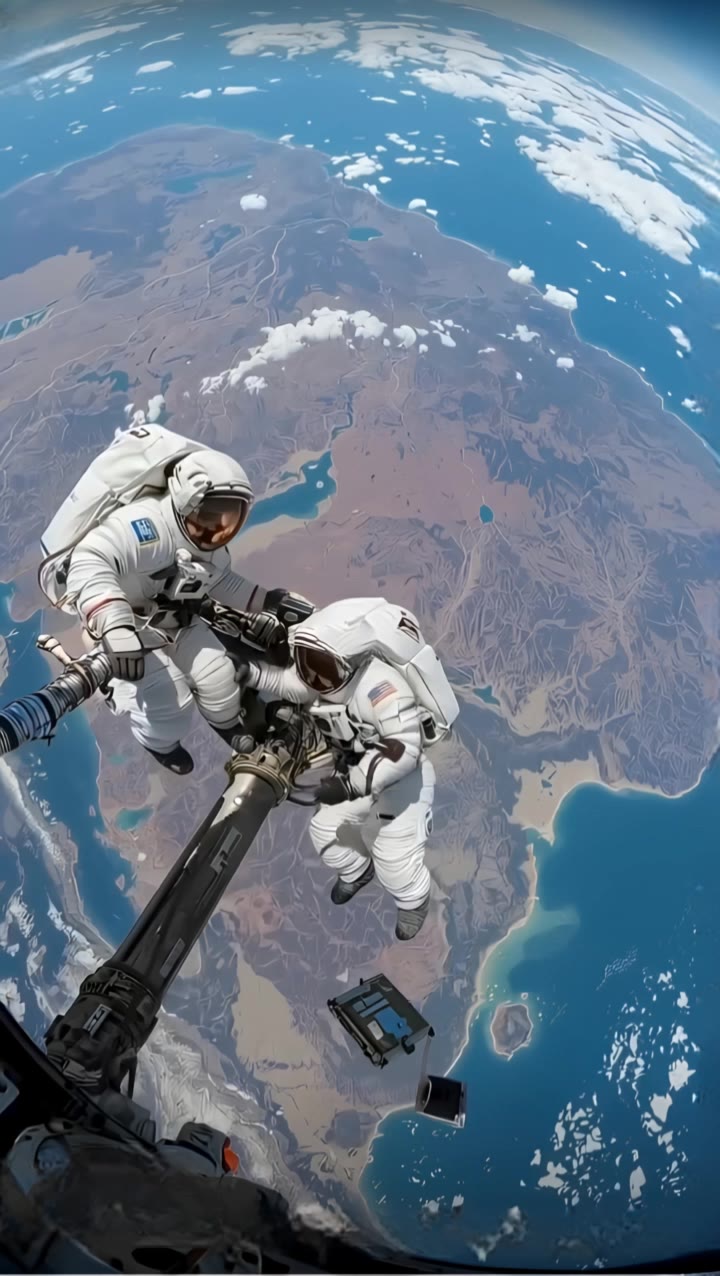
Space maintenance - space poster design AI video
Hugues avatar
Hugues
An astronaut floats in space - space poster design AI video
Hugues avatar
Hugues
Futuristic Space Station - space poster design AI video
Maks_AI_Creator avatar
Maks_AI_Creator
Elite Creator
A futuristic space station - space poster design AI video
Hugues avatar
Hugues
Knock, knock - space poster design AI video
hbjUOgtV avatar
hbjUOgtV
futuristic space station orbits - space poster design AI video
Hugues avatar
Hugues
Space Station - space poster design AI image
fPJymUIk avatar
fPJymUIk

How to Create AI Video Dubbing with Kling

Step 1: Set Up Your Characters and Scene

Step 1: Set Up Your Characters and Scene

Describe the characters and scene you want to create, or add supported image or Character Element references when you already have a specific look in mind. Make each speaker easy to identify before adding dialogue.

Step 2: Add Dialogue and Set Each Voice

Step 2: Add Dialogue and Set Each Voice

Write each character’s lines and keep them clearly paired with the right speaker. Add the language, accent, tone, or delivery to your prompt when you want to shape how each line sounds, and mix supported languages within the same scene when needed.

Step 3: Generate with Native Audio

Step 3: Generate with Native Audio

Generate the video with Native Audio to create dialogue, lip movements, visuals, ambience, and supporting sound together. Enable Multi-Shot when you want the conversation to unfold across different shots, camera angles, or scene beats.

Shape AI Characters, Build Creative Worlds

Create Characters from Prompts or References

Create Characters from Prompts or References

Start with a text prompt to shape an original character, from facial features and hairstyle to clothing, expression, pose, and visual style. If you already have a specific look in mind, add reference images to guide the result more closely. Kling IMAGE 3.0 Omni supports creative directions ranging from realistic and cinematic characters to anime-inspired, fantasy, and CG-style designs.

Turn One Character into a Visual Series

Turn One Character into a Visual Series

Once you have a character you like, use Kling IMAGE 3.0 Omni Series Mode to build a connected set of images around it. Explore new expressions, viewpoints, scenes, and story moments while keeping the character and overall visual direction consistent across the series. It's well suited for storyboards, comics, campaign concepts, social content, and ongoing character development.

Build a Reusable Character Element

Build a Reusable Character Element

Create a reusable Character Element from a reference image, multiple views, or a supported character video. You can start with one main image and let Kling AI generate additional views, add your own reference angles for more visual information, or use a video to capture richer character details. Once saved, the Element can be called up again in supported image and video workflows without redefining the character from scratch.

Apps

Image to Video
Image to Video

Image to Video

Text to Video
Text to Video

Text to Video

Omni
Omni

Omni

Digital Human
Digital Human

Digital Human

Restyle
Restyle

Restyle

Text to Image
Text to Image

Text to Image

60M+
60M+
Users
600M+
600M+
AI Videos Generated
4.7 ★
4.7 ★
App Store
Industry-Leading
Industry-Leading
Cinematic 4K

Reviews

Ozan Sihay

Ozan Sihay

★★★★★

Kling AI allows me to rapidly prototype ideas, refine storytelling elements, and produce visually compelling content efficiently. It has not only accelerated my creative processes, but also deepened my understanding of how AI can enrich visual storytelling.

PJ Ace

PJ Ace

★★★★★

Kling AI has made it easy for us to generate world class visuals for Fortune 500 companies, TV shows and music for big artists. We love the easy of use of the platform and the quality of the generations. My first time using Kling AI, I got 22 million views on just one video. It's that good.

Samuele Poggi (@visualsk2)

Samuele Poggi (@visualsk2)

★★★★★

I use Kling AI daily to push the limits of AI filmmaking. It allows me to create highly cinematic content, blending AI and VFX to develop innovative projects. It has significantly impacted my creative process, enabling me to achieve complex animations that would otherwise require high production budgets.

FAQ

Q1What languages does Kling AI native audio support?
Q2Is Kling AI free to use online?
Q3What makes Kling 3.0 different from earlier versions?

Bring Your Character to Life

Add a voice or script to turn your character video into a polished lip-sync performance.

Voiceover | Text to Speech | Audio trimming | Realistic, 3D & 2D character