
Creative Studio
API
Resources
Features
About Us
Download

AI-generated sport lip sync ideas – Explore athletic concepts

Sport lip sync ideas created with AI. Quickly find athletic concepts tailored to your theme. Customize prompts for personalized results. No design skills needed – use pre-made templates.

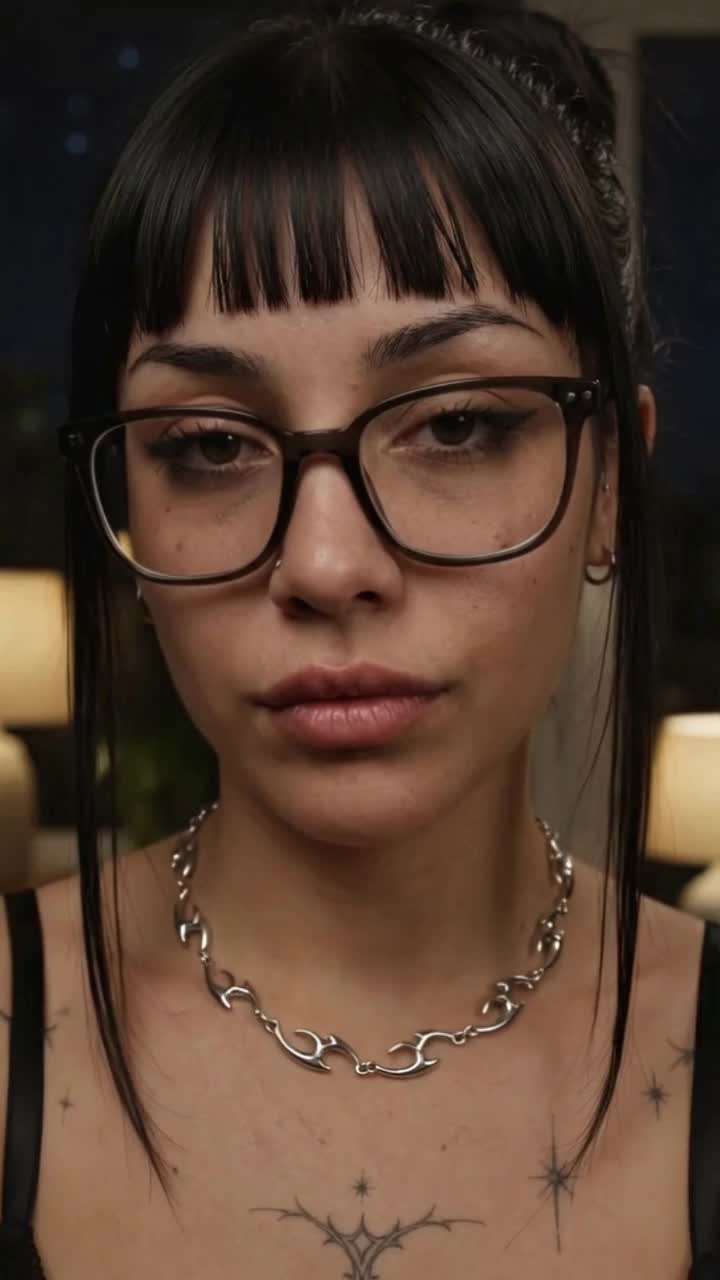
AI-generated sport lip sync ideas – Explore athletic concepts

Recommended

Kling AI work 316513779505763 - sport lip sync AI image
qeLqetPK avatar
qeLqetPK
lip sync attempt - sport lip sync AI video
fseaPIOM avatar
fseaPIOM
Kling AI work 307733305531188 - sport lip sync AI video
CTVBkYmK avatar
CTVBkYmK
Pls follow  - sport lip sync AI video
MAX_TT avatar
MAX_TT
Lip sync - sport lip sync AI video
00:25
CKNazrIw avatar
CKNazrIw
I Go Pay Lip Sync - sport lip sync AI video
Dj Mohzaic avatar
Dj Mohzaic
Kling AI work 314082182526254 - sport lip sync AI video
JjjeUWzf avatar
JjjeUWzf
Kling AI work 307733273535954 - sport lip sync AI video
CTVBkYmK avatar
CTVBkYmK
Kling AI work 307883553305222 - sport lip sync AI video
NPBrPwHa avatar
NPBrPwHa
Me Lip Sync Tool - sport lip sync AI video
EpbmNHYv avatar
EpbmNHYv
lip sync - sport lip sync AI video
POPONE avatar
POPONE
Elite Creator
Kling AI work 299741178657181 - sport lip sync AI video
MRwmmvQy avatar
MRwmmvQy
lip sync - sport lip sync AI video
POPONE avatar
POPONE
Elite Creator
Kling AI work 316267879662025 - sport lip sync AI video
wZquotcj avatar
wZquotcj
Lip sync test - sport lip sync AI video
oXNHFyaz avatar
oXNHFyaz
Lip sync - sport lip sync AI video
POPONE avatar
POPONE
Elite Creator
lip sync - sport lip sync AI video
POPONE avatar
POPONE
Elite Creator
lip sync - sport lip sync AI video
POPONE avatar
POPONE
Elite Creator
Kling AI work 314630916522578 - sport lip sync AI video
mItObkKS avatar
mItObkKS

How to Make a Profile Picture with Kling AI

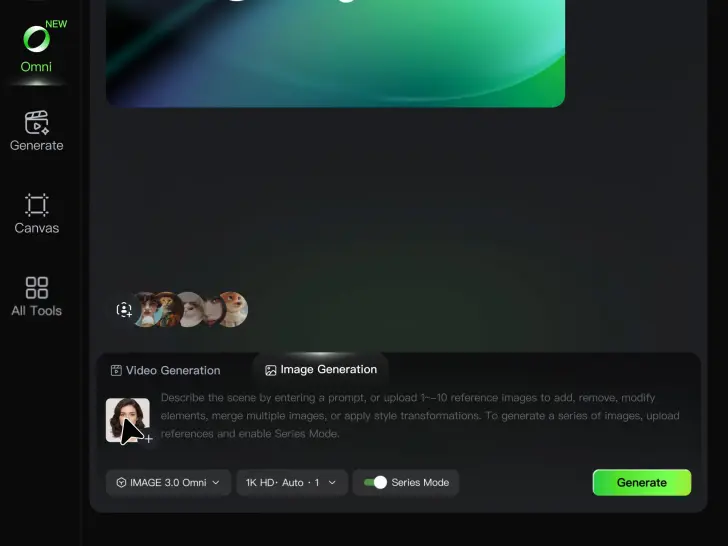
Start with a Photo You Like

Start with a Photo You Like

Upload a selfie or portrait where your face and the details you care about are easy to see. It does not need to look like a studio headshot—the photo is simply your starting point.

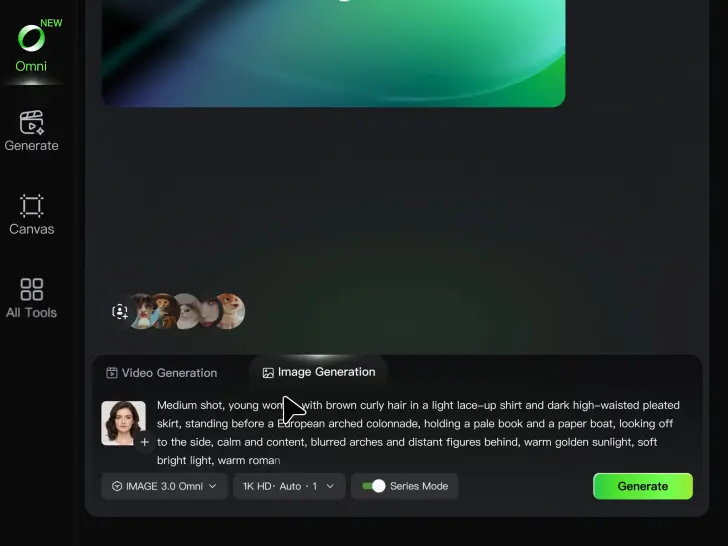
Describe Your Ideas

Describe Your Ideas

Going for a cleaner work profile? A brighter social photo? Something more creative for YouTube or gaming? Describe the background, expression, lighting, framing, or overall style you want, and mention anything you would rather leave unchanged.

Pick Your Favorite PFPs

Pick Your Favorite PFPs

Choose your preferred aspect ratio and output settings, then generate your profile picture. Review the results and select the version that best fits your professional profile, social account, YouTube channel, or gaming community.

Make Avatars Perform, Not Just Speak

More Choice, Without Losing Consistency

More Choice, Without Losing Consistency

Start with a preset avatar, select a character from your Kling AI Assets, upload an image of your own, or create someone new with AI Image. Use a polished presenter for a product demo, a creator-style host for an ad, or a more stylized character when the idea calls for it. For recurring content, save the character with the voice and performance settings you use most. The same on-screen identity is ready for the next script, without putting the setup together again.

Give Each Script the Right Delivery

Give Each Script the Right Delivery

Use a finished voiceover when the delivery is already in place, or start with written copy and choose a text-to-speech voice. Adjust the pace and emotional tone so a product pitch feels confident, a lesson stays clear, and social content can take on more energy. You can write your own performance direction or use one of Kling AI’s suggestions for the selected character. The same avatar can also deliver content in English, Chinese, Japanese, or Korean while keeping a familiar appearance on screen.
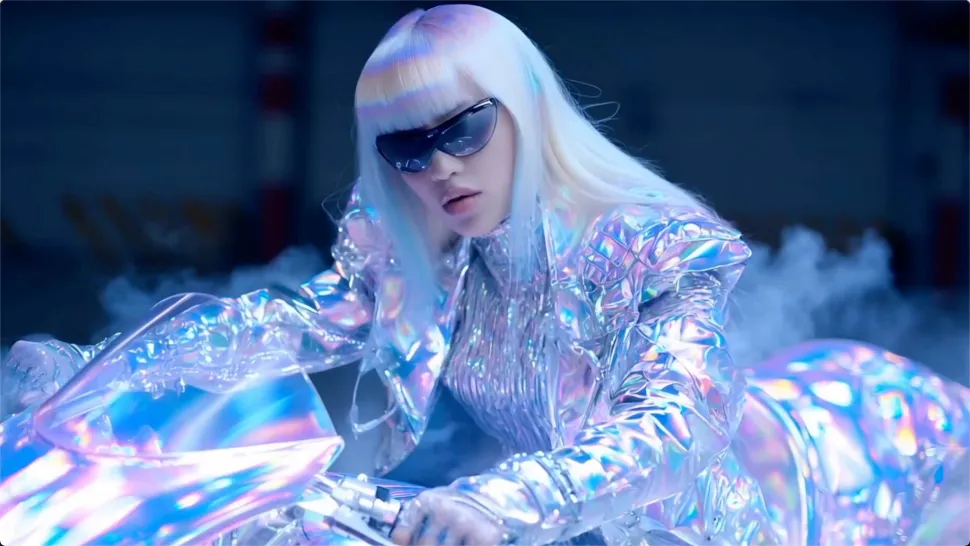
Let Movement Carry the Message

Let Movement Carry the Message

Natural lip sync is only part of the performance. An avatar can point to a product, handle an object, gesture through an explanation, react to the words, or move with the rhythm of a song. Avatar 2.0 improves hand stability and overall action quality, so the movement supports the scene instead of drawing attention away from it. Voice, expression, and body language come together as one performance—not a still image with audio layered over it.

Apps

Image to Video
Image to Video

Image to Video

Text to Video
Text to Video

Text to Video

Omni
Omni

Omni

Digital Human
Digital Human

Digital Human

Restyle
Restyle

Restyle

Text to Image
Text to Image

Text to Image

60M+
60M+
Users
600M+
600M+
AI Videos Generated
4.7 ★
4.7 ★
App Store
Industry-Leading
Industry-Leading
Cinematic 4K

Reviews

Déborah

Déborah

★★★★★

I use Kling AI every day. It's amazing to see the almost daily progress it makes. I used AI for fun at first, and I now find that Kling AI's animations allow me to gain professional visibility, with three times more views on my animated posts than on my static posts.

Maria Rubtsova

Maria Rubtsova

★★★★★

I’m Maria Rubtsova, an AIGC digital artist passionate about creating stunning visuals in the worlds of fashion, aesthetics, and fantasy. I use KlingAi to bring imagination to life through video. My work is all about exploring beauty, emotion, and the limitless possibilities of digital art.

PJ Ace

PJ Ace

★★★★★

Kling AI has made it easy for us to generate world class visuals for Fortune 500 companies, TV shows and music for big artists. We love the easy of use of the platform and the quality of the generations. My first time using Kling AI, I got 22 million views on just one video. It's that good.

FAQ

Q1Is Kling AI Background Remover free?
Q2What is a background remover?
Q3What is the difference between a background remover and a background changer?

Keep the Shot. Change the Background.

Remove the background you do not want or move existing footage into a new scene - without rebuilding the shot frame by frame.