Creative Studio
API
Resources
Features
About Us
Download

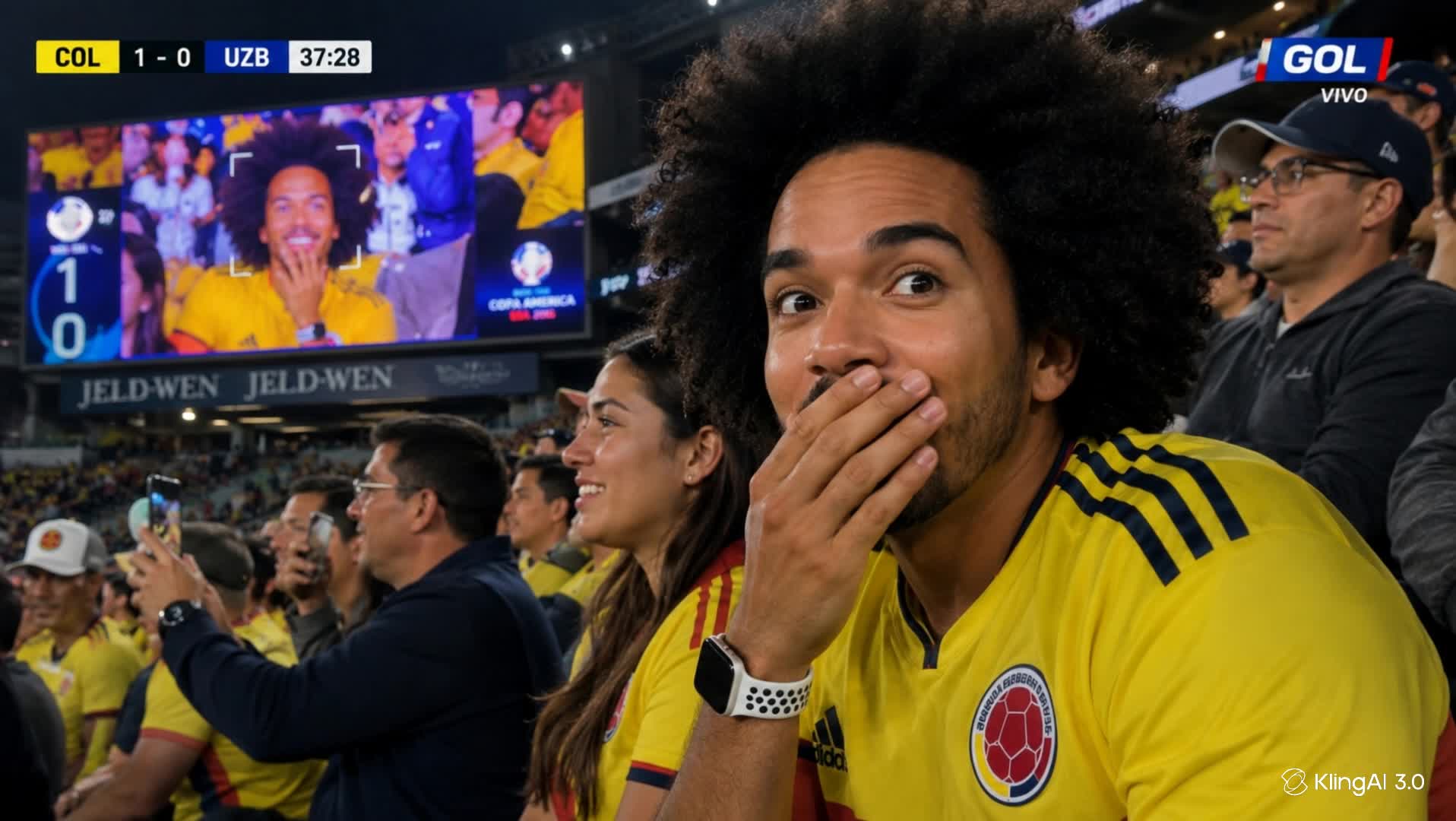
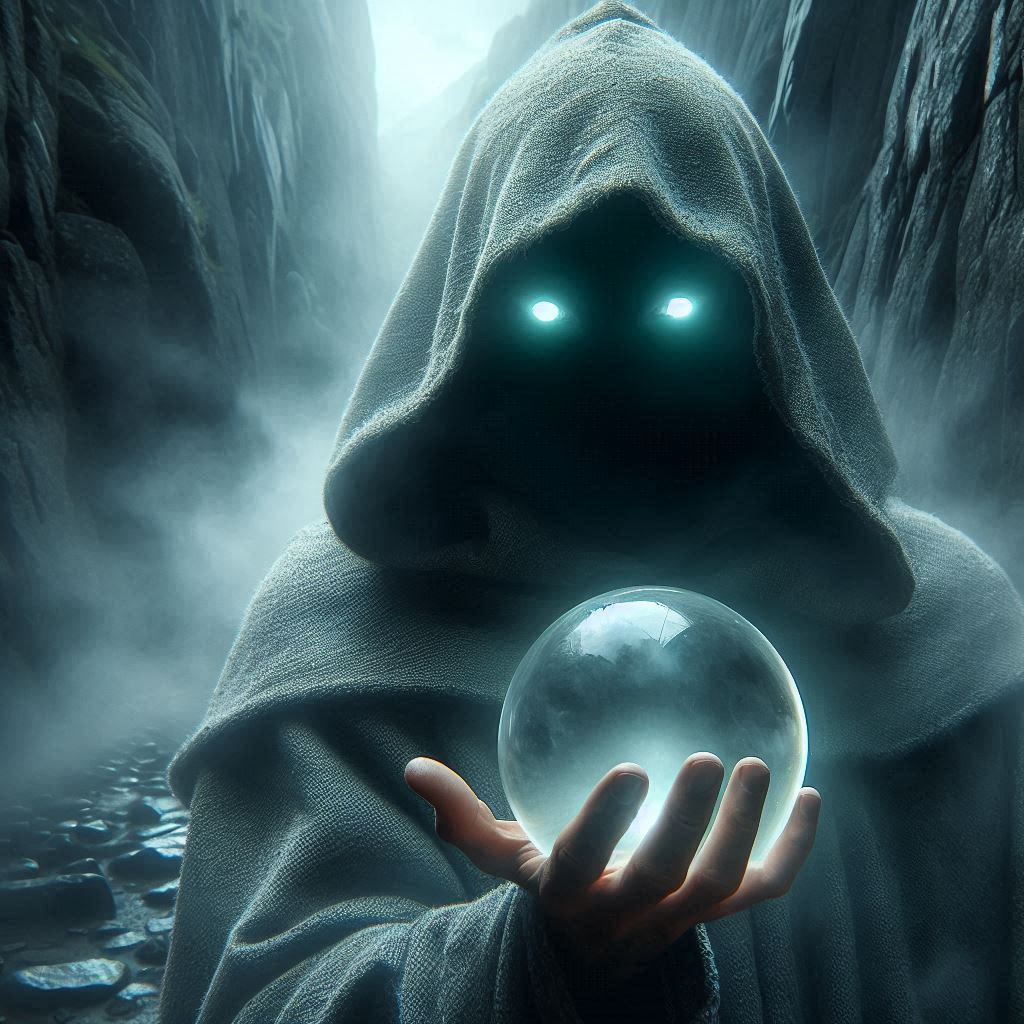
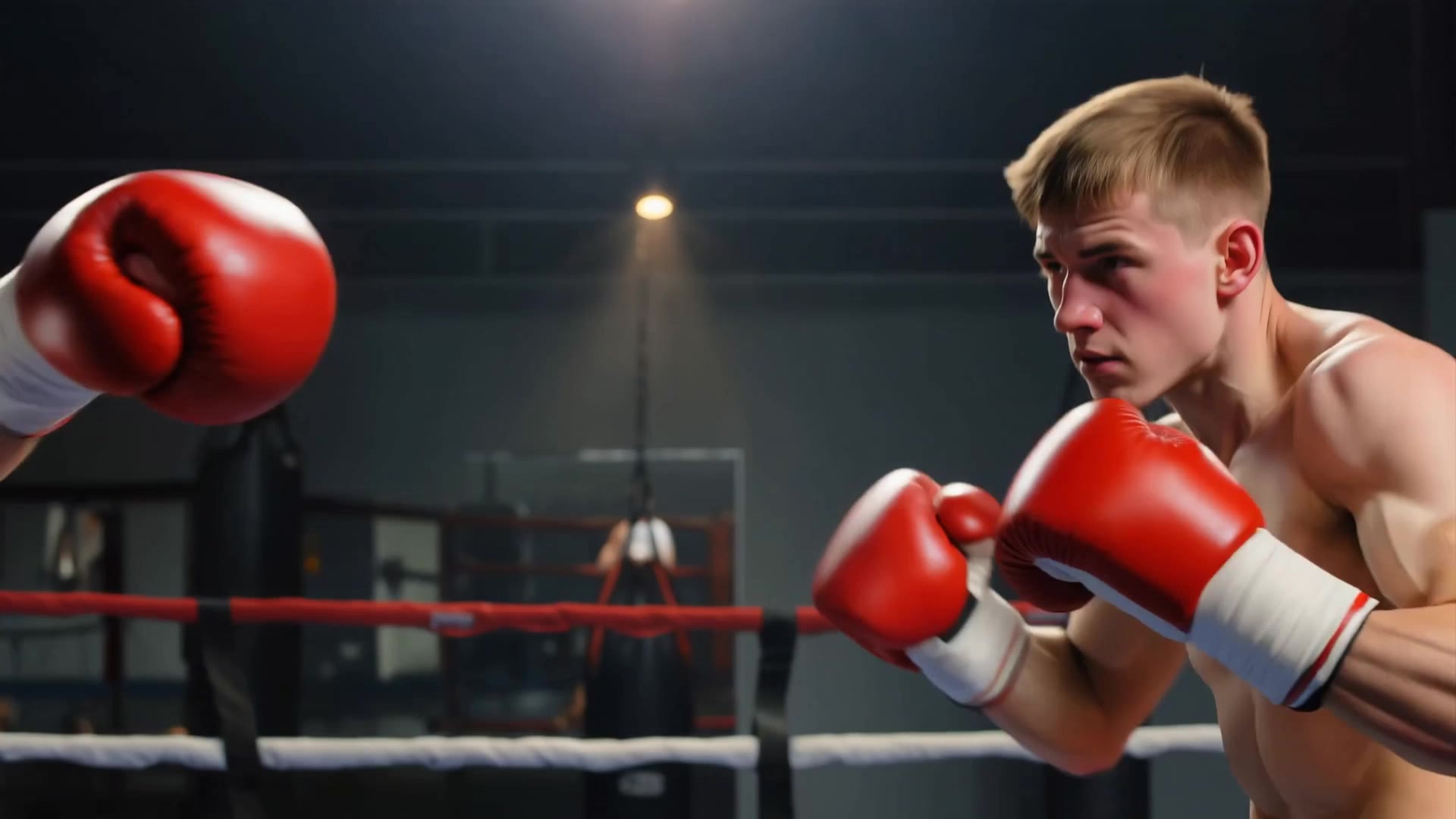
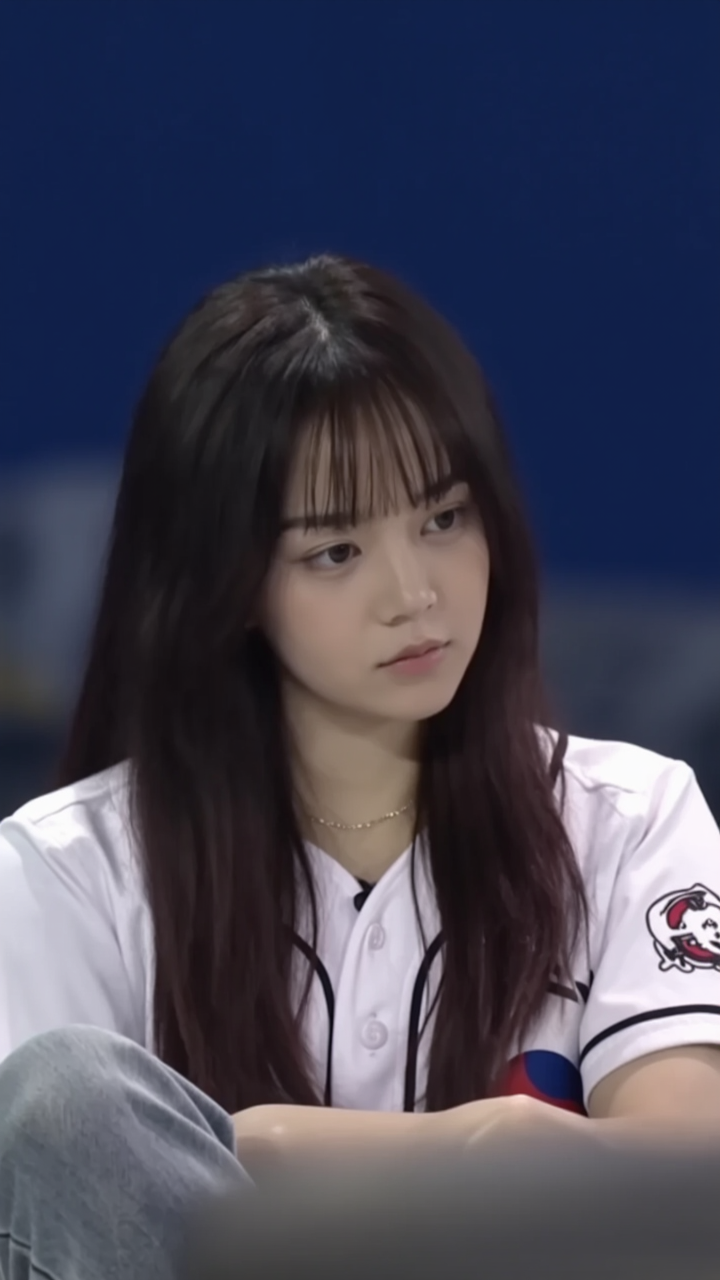
Sport Scene Ideas – AI-Generated Concepts

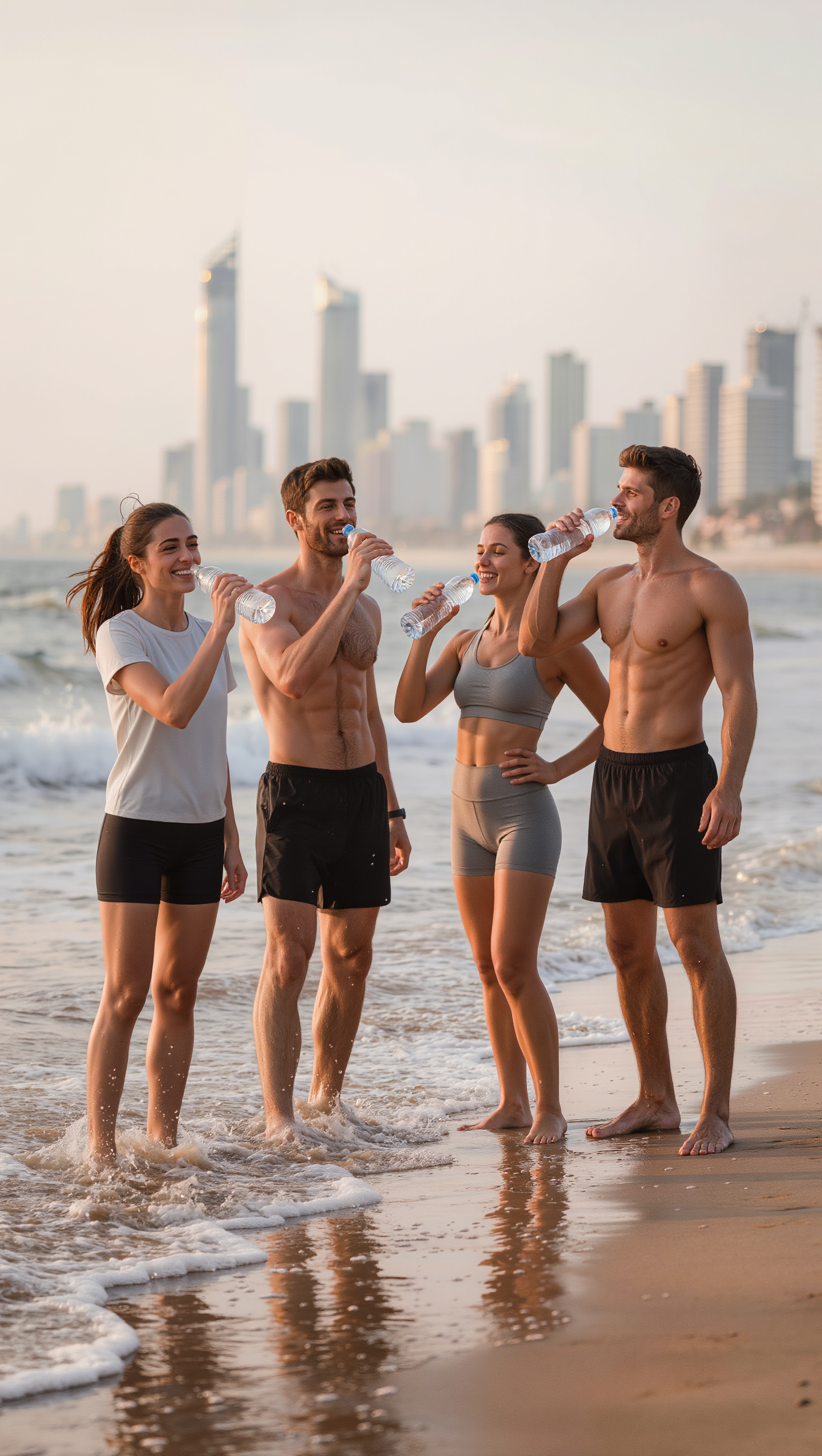
Find dynamic sport scene ideas generated by AI. Easily adapt these AI-made visuals to fit your specific sport and style preferences.

Sport Scene Ideas – AI-Generated Concepts

Recommended

Sport - sport scene AI video
00:31
KLING9286 avatar
KLING9286
Elite Creator
Kling AI work 310299606661312 - sport scene AI video
wQZCmVsK avatar
wQZCmVsK
Kling AI work 310312334664919 - sport scene AI image
eXHwxRTi avatar
eXHwxRTi
ADNDizayn sport car design - sport scene AI video
KLING3332 avatar
KLING3332
Futuristic Scene - sport scene AI video
Maks_AI_Creator avatar
Maks_AI_Creator
Elite Creator
Kling AI work 306373616614611 - sport scene AI video
CallmehNooooob avatar
CallmehNooooob
Kling AI work 310312744610290 - sport scene AI image
sbsoHSIH avatar
sbsoHSIH
Kling AI work 310390069507965 - sport scene AI video
xnQyfYOi avatar
xnQyfYOi
Kling AI work 310305480500827 - sport scene AI video
QVdTpGpk avatar
QVdTpGpk
Wuxia Scene - sport scene AI video
urwdmSuG avatar
urwdmSuG
Elite Creator
a realistic boxing scene - sport scene AI video
SecondPlan avatar
SecondPlan
Elite Creator
Kling AI work 310262410520116 - sport scene AI video
htddMsgQ avatar
htddMsgQ
Kling AI work 310297062610882 - sport scene AI image
YeuWgBue avatar
YeuWgBue
Kling AI work 310308252613257 - sport scene AI video
rgsPSMiB avatar
rgsPSMiB
Kling AI work 310306221664151 - sport scene AI image
yiPciLix avatar
yiPciLix
Sport News - sport scene AI video
Konstantin_S avatar
Konstantin_S
Kling AI work 310291478615678 - sport scene AI video
KocjvRhr avatar
KocjvRhr
Kling AI work 310331270520756 - sport scene AI video
UOHtqYlN avatar
UOHtqYlN
Kling AI work 310315841616344 - sport scene AI video
XyBqkhcG avatar
XyBqkhcG

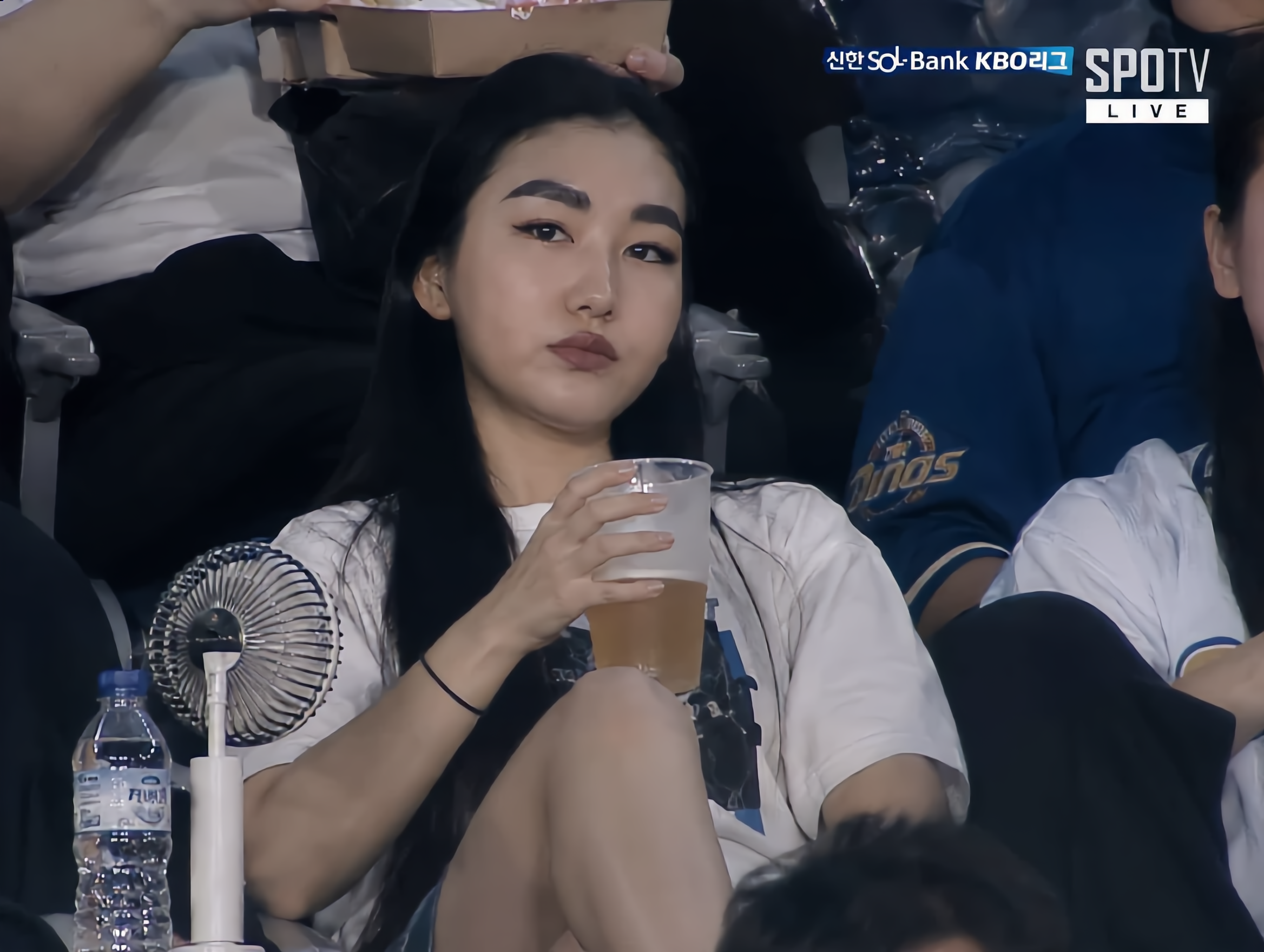
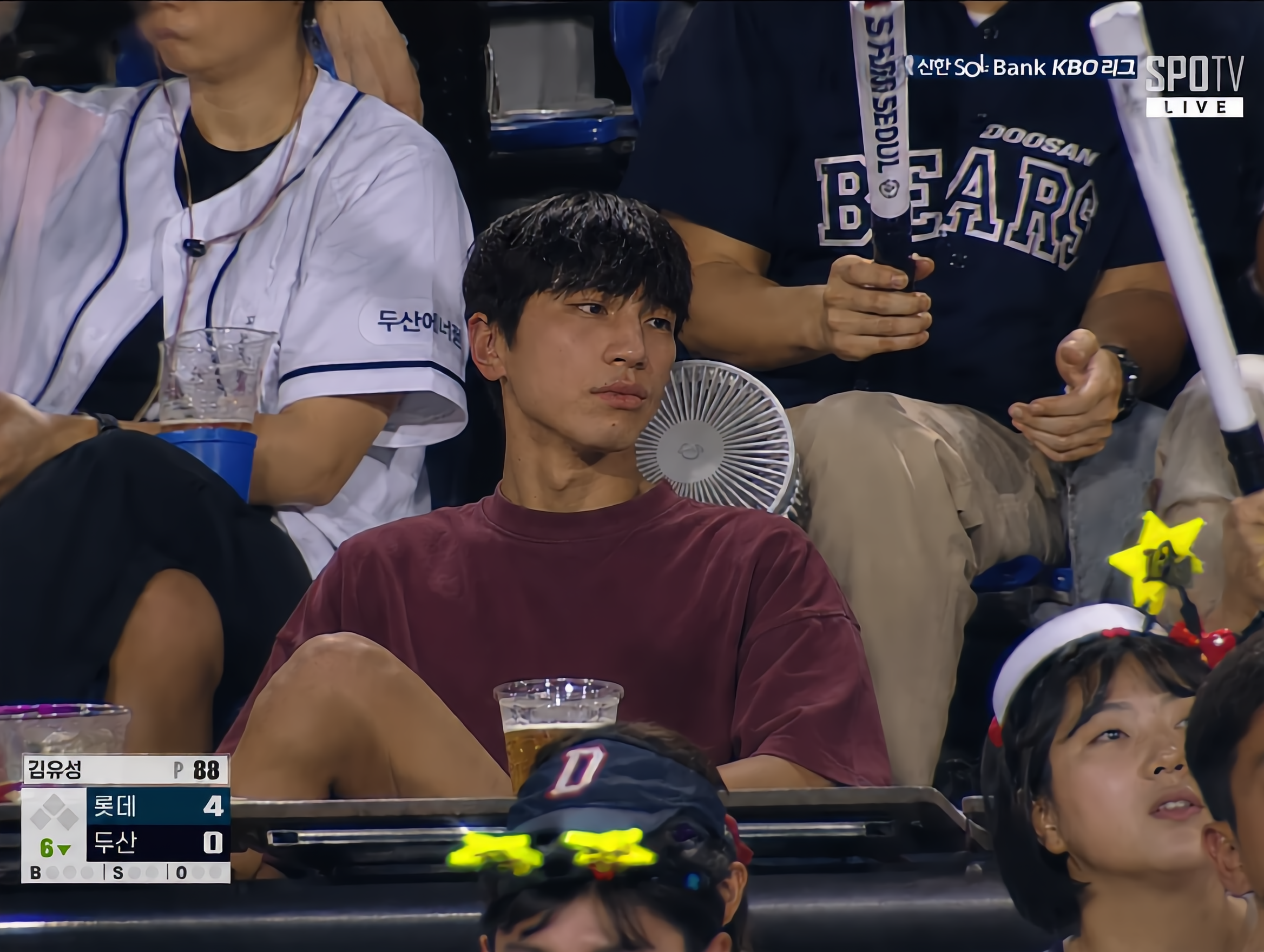
How to Use Kling AI Face Swap

Step 1: Upload Your Target and References

Step 1: Upload Your Target and References

Add the photo or video you want to edit, then add the face reference you want Kling AI to follow. For video, you can also use multiple views or a character element when you need stronger identity consistency across different angles.

Step 2: Describe the Face Swap You Want

Step 2: Describe the Face Swap You Want

Tell Kling AI which face to replace and what reference to use. For example: "Replace the face in [Image 1] with the face from [Image 2] while keeping all other content unchanged."

Step 3: Generate Your Face Swap

Step 3: Generate Your Face Swap

Choose your preferred output settings, such as the generation mode and aspect ratio, then click Generate. Kling AI will apply your instructions and chosen settings to create your face-swapped image or video.

Why Kling Sets the Standard for Video Creation

Flawless Character Consistency for High-Quality Videos

Flawless Character Consistency for High-Quality Videos

Unlike standard tools that distort faces when moving, Kling Video 3.0 lets you strictly lock a character’s appearance. Upload a single photo, or use a short video/multiple angles as a reference to completely eliminate the “AI morphing” effect.

All-in-One Native Audio & Lip-Sync

All-in-One Native Audio & Lip-Sync

Your video isn’t just silent footage; it speaks. Generate perfectly matched voices and realistic lip movements in multiple languages or regional accents. Even in multi-character scenes, you can precisely assign who speaks—no third-party tools required.

Up to 15s Multi-Shot Cinematic Output

Up to 15s Multi-Shot Cinematic Output

Go beyond a basic 3-second clip. Kling 3.0 extends generation to 15 seconds of smooth, uninterrupted narrative. You can even use native storyboard controls to direct multi-shot sequences in a single click—outputting in crystal-clear 4K for professional use.

Apps

Image to Video
Image to Video

Image to Video

Text to Video
Text to Video

Text to Video

Omni
Omni

Omni

Digital Human
Digital Human

Digital Human

Restyle
Restyle

Restyle

Text to Image
Text to Image

Text to Image

60M+
60M+
Users
600M+
600M+
AI Videos Generated
4.7 ★
4.7 ★
App Store
Industry-Leading
Industry-Leading
Cinematic 4K

Reviews

Jyo John Mulloor

Jyo John Mulloor

★★★★★

Kling AI has been instrumental in transforming my creative workflow, unlocking new dimensions of artistic expression that were once unimaginable. I use Kling AI extensively to develop high-concept visuals, animate surreal dreamscapes, and create AI-assisted films that blur the line between reality and fantasy. Kling AI’s deep learning capabilities have not only enhanced my creative efficiency but also inspired me to explore storytelling in ways I never thought possible.

Vincent Smadja

Vincent Smadja

★★★★★

Kling AI seamlessly integrates into my creative workflow, playing a key role in transforming my images. After generating and upscaling an image, Kling becomes a crucial element, bringing my creations to life with movement and depth.

Huang Lu (Elson)

Huang Lu (Elson)

★★★★★

I’ve been using Kling AI since its initial release, and it’s remained one of the leading AI media generators ever since. With Kling AI, I’ve created hundreds of videos, collectively amassing millions of views.

FAQ

Q1How realistic are AI face swap results?
Q2Can I edit my face swap after it is generated?
Q3Can I use multiple reference images for a face swap?

Start Creating AI Videos with Kling

Turn your text or images into a stunning, high-quality video in seconds. No watermarks, No complicated setup.

Free tier includes watermark (Memberships are watermark-free) | 1080p export (Pro unlocks 4K) | Instant results