Creative Studio
API
Resources
Features
About Us
Download

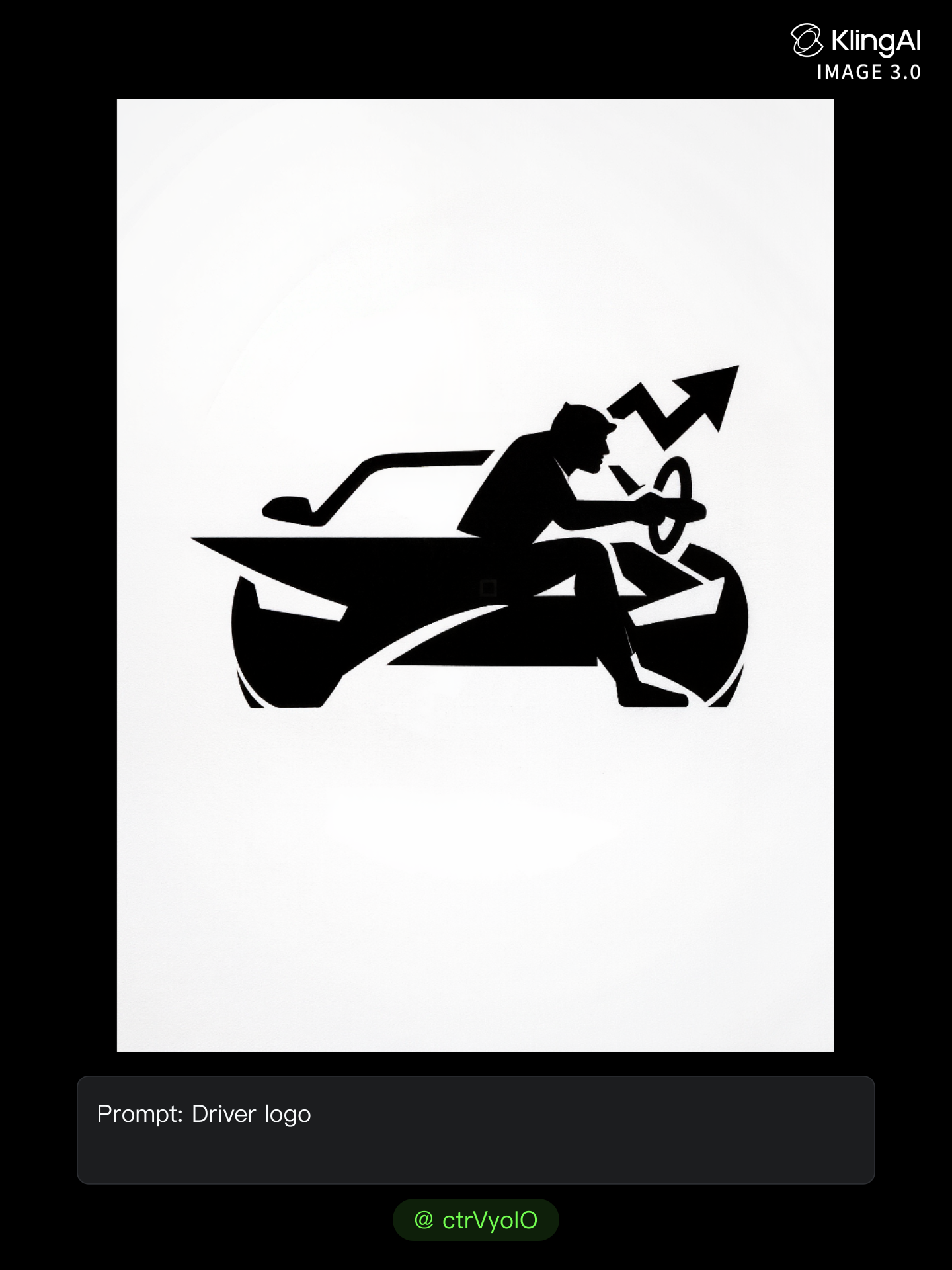
sports team logo maker - sports car & black and white artistic line

Unleash your creativity with elegant logo reveals and dynamic motion designs inspired by artistic black and white techniques combined with vibrant sports elements. Start exploring sports team logo maker ideas and generate your own content with AI.

sports team logo maker - sports car & black and white artistic line

Recommended

logo design of a Chimpanzee head - sports team logo maker AI image
AI-GMQ avatar
AI-GMQ
Kling AI work 310921364523914 - sports team logo maker AI video
oQgkvcrb avatar
oQgkvcrb
Kling AI work 310587075618142 - sports team logo maker AI video
GnYSaJhP avatar
GnYSaJhP
LOGO ANIMADO - sports team logo maker AI video
CPALAEZV avatar
CPALAEZV
Monogram logo - sports team logo maker AI image
hjk avatar
hjk
Kling AI work 310705580662320 - sports team logo maker AI image
BaFdHZgO avatar
BaFdHZgO
sports - sports team logo maker AI video
liellea97 avatar
liellea97
Kling AI work 311703784525642 - sports team logo maker AI video
WFycuETE avatar
WFycuETE
Kling AI work 307999803533419 - sports team logo maker AI video
IwVoJHxY avatar
IwVoJHxY
Kling AI work 310810396664888 - sports team logo maker AI video
TJssCGrv avatar
TJssCGrv
AI character sports fan - sports team logo maker AI image
designbyarif avatar
designbyarif
Elite Creator
Kling AI work 313193051666364 - sports team logo maker AI video
MSqiRLeG avatar
MSqiRLeG
Kling AI work 310760252503551 - sports team logo maker AI video
ddDTFezI avatar
ddDTFezI
Arsenal logo  - sports team logo maker AI video
bHJVRXhA avatar
bHJVRXhA
Logo - sports team logo maker AI video
Visio avatar
Visio
LOGO FOR NEW BRAND - sports team logo maker AI image
CTFoVfdG avatar
CTFoVfdG
logo appearing - sports team logo maker AI video
SALVADOR FOTI avatar
SALVADOR FOTI
Kling AI work 310967943508608 - sports team logo maker AI video
jtjzXqER avatar
jtjzXqER
Sports Camera - sports team logo maker AI video
fCjCZSZb avatar
fCjCZSZb

How to Use Kling AI Image to Image

Upload Your Images

Upload Your Images

Open Image Generation, select IMAGE 3.0 Omni, and upload the image you want to transform and add reference images to carry into the result.

Set the Creative Direction

Set the Creative Direction

You can combine elements from several references, change the style, adjust the camera angle, or enable Image Series mode to create multiple connected visuals in one generation.

Generate and Create More

Generate and Create More

Select the aspect ratio, number of images, and 2K or 4K resolution, then generate and review your results. Download or share the finished image, or use it for your new AI video.

From Clean Cutouts to Completely New Backgrounds

Clean Cutouts, Ready to Use

Clean Cutouts, Ready to Use

Clear away a distracting background without tracing around the subject by hand. Create transparent product shots, portraits, logos, and graphics for listings, profile images, presentations, and design work. When you need a higher-resolution de-priming effect, IMAGE 3.0 Omni also supports 2K and 4K output.

Go Straight to the Background You Want

Go Straight to the Background You Want

Already know what belongs behind the subject? Skip the extra editing and go straight to the final look. Describe a new setting or add a reference image to guide it, whether you're refreshing a product shot, portrait, social graphic, or campaign visual.

Refresh Video Footage Without Reshooting

Refresh Video Footage Without Reshooting

Keep the clip you already have and change the setting around it. With VIDEO 3.0 Omni, use a prompt or reference image to update backgrounds for ads, product videos, presenter clips, and social content—without another shoot or a green screen.

Apps

Image to Video
Image to Video

Image to Video

Text to Video
Text to Video

Text to Video

Omni
Omni

Omni

Digital Human
Digital Human

Digital Human

Restyle
Restyle

Restyle

Text to Image
Text to Image

Text to Image

60M+
60M+
Users
600M+
600M+
AI Videos Generated
4.7 ★
4.7 ★
App Store
Industry-Leading
Industry-Leading
Cinematic 4K

Reviews

Ozan Sihay

Ozan Sihay

★★★★★

Kling AI allows me to rapidly prototype ideas, refine storytelling elements, and produce visually compelling content efficiently. It has not only accelerated my creative processes, but also deepened my understanding of how AI can enrich visual storytelling.

Maria Rubtsova

Maria Rubtsova

★★★★★

I’m Maria Rubtsova, an AIGC digital artist passionate about creating stunning visuals in the worlds of fashion, aesthetics, and fantasy. I use KlingAi to bring imagination to life through video. My work is all about exploring beauty, emotion, and the limitless possibilities of digital art.

Halim Alrasihi

Halim Alrasihi

★★★★★

I use AI daily and Kling AI is a crucial part of my workflow, whether for client work or personal projects. What I love most about using Kling AI is that it provides all the tools I need in one place, from keyframes to character references, elements and special effects.

FAQ

Q1Can I generate multiple variations or a connected image series?
Q2Can Kling AI keep faces, characters, or products consistent?
Q3How is image to image different from text to image?

Ready to See What Your Image Can Become?

Create a finished visual designed to stand out, tell your story, and take your idea further with Kling AI.

Free tier available | Image stylization | 2K/4K output